AI Out of Screen Video
Create Viral Pop Out of Screen Effects with AI
Short-form videos where characters jump out of the screen toward viewers are quickly becoming viral trends across TikTok, Instagram Reels, and YouTube Shorts. With the AI out of screen video effect, creators can simulate objects or characters breaking the screen boundary, making videos feel immersive and dynamic.
Instead of complicated VFX editing in professional software, modern tools now allow anyone to generate the pop out of screen AI effect automatically.
In this guide, you'll learn how to create a jump out of screen effect using AI in just 3 steps, explore real use cases, and discover why this effect is becoming a popular content format.
How to Create an AI Out of Screen Video
Creating a pop out of screen AI video only takes a few steps using AI-powered video tools. With Media.io, you can turn a single image into a dynamic come out of screen AI VFX effect in minutes without advanced editing experience.
Upload Your Video or Image
Upload the footage or image where the subject will jump out of the screen. For the best AI out of screen video results, use content with a clear subject focus, a simple background, and forward movement action. AI will automatically detect the subject and prepare it for the out of screen animation effect.
Apply the AI Pop Out of Screen Effect
Choose the AI out of screen video effect template. The AI automatically isolates the subject, simulates depth and motion, and creates the jump out of screen effect. You can further refine the result by adjusting motion direction, animation speed, and screen break intensity.
Export and Share Your Viral Video
Preview your result and export it instantly. Your come out of screen AI VFX video is ready for TikTok, Instagram Reels, YouTube Shorts, and social media marketing campaigns that need an eye-catching, high-retention visual hook.
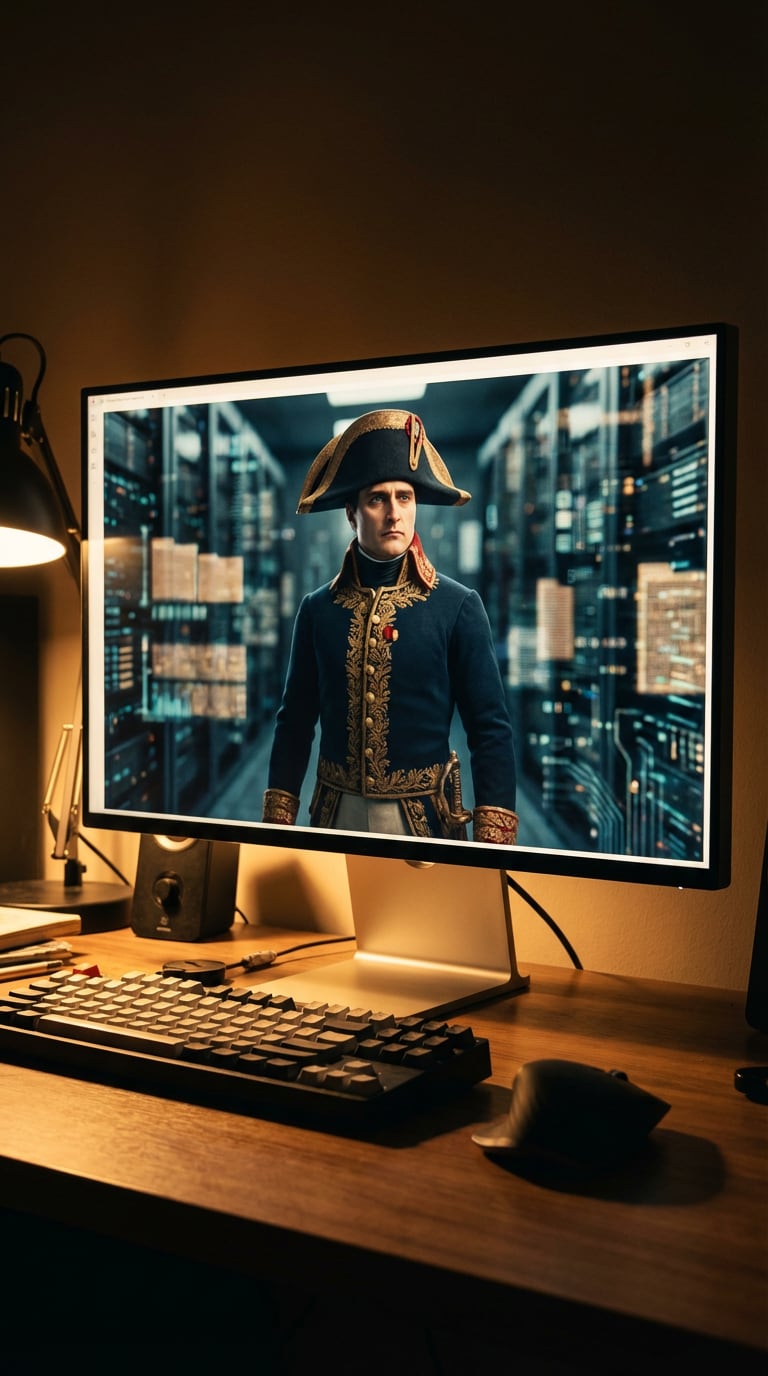
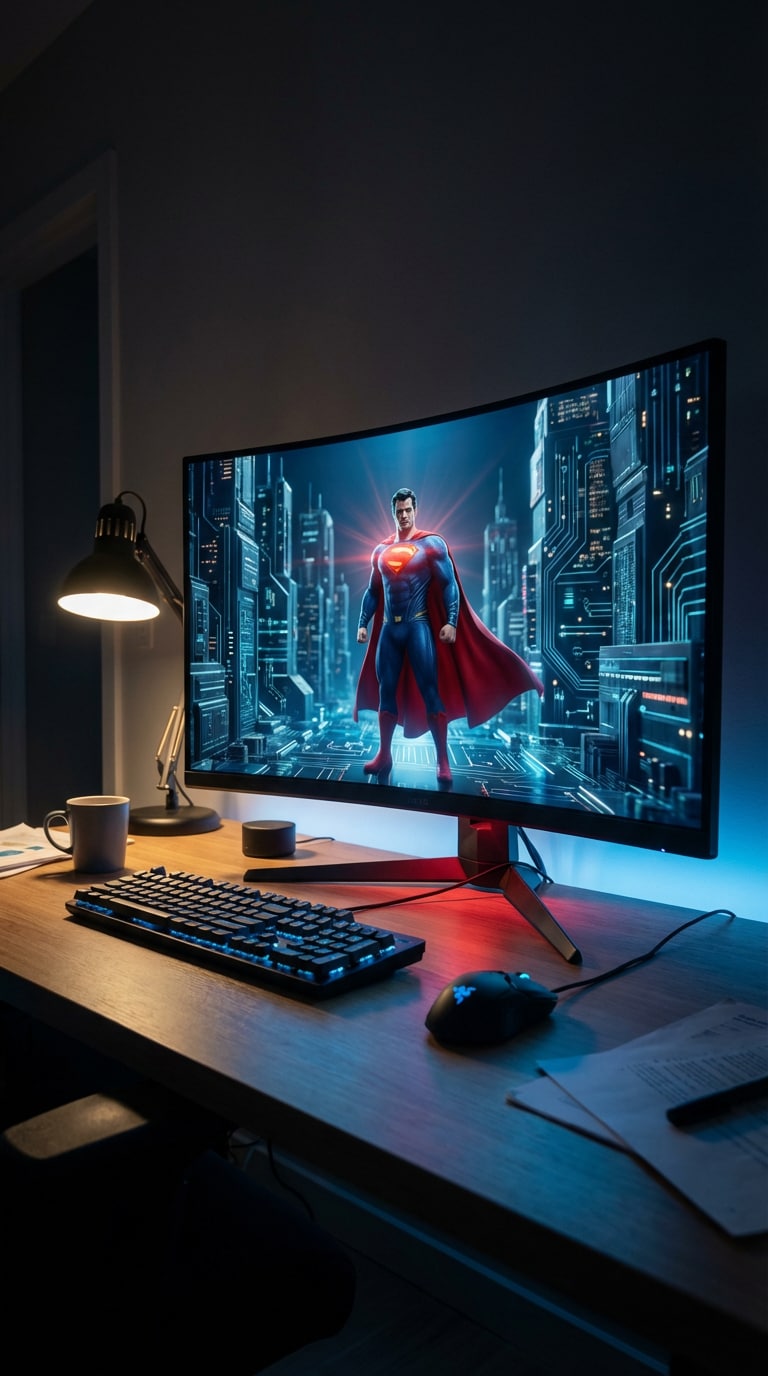
AI Out of Screen Video Sample
Explore two sample workflows below. Each tab shows the Source Image and the corresponding Output Video for the AI out of screen video effect.








What Is an AI Out of Screen Video?
An AI out of screen video is a visual effect where the subject appears to move beyond the frame of the screen, creating the illusion that the object or character is coming into the viewer's space.
This technique combines AI subject segmentation, motion simulation, and depth and perspective effects. The result is a come out of screen AI VFX effect that feels cinematic but requires almost no editing skills.
Creators often use this effect for viral short videos, product showcases, gaming edits, and creative storytelling.

Create Viral Short Videos Instantly
Short-form platforms reward eye-catching visuals in the first seconds. The jump out of screen effect immediately grabs attention, helping boost watch time, engagement, and shares. It's ideal for creators who want fast, scroll-stopping content.

Perfect for AI Character and Animation Videos
The AI out of screen video effect works especially well with AI-generated characters, animated avatars, and stylized motion clips. It adds a strong sense of movement and immersion to otherwise flat visuals.

Great for Product and Marketing Videos
Brands use the come out of screen AI VFX effect to make products appear as if they are emerging from the screen. It works beautifully for ads, promos, launches, and digital campaigns that need stronger visual impact.

No Professional Editing Required
Traditional VFX often requires After Effects, Blender, or Premiere Pro. Media.io simplifies the workflow so beginners can create a pop out of screen AI video in minutes with an intuitive, web-based experience.
Core Use Cases for AI Out of Screen Videos
The AI jump out of screen effect can be applied across multiple creative scenarios, from entertainment content to brand storytelling.
1. Viral TikTok / Reels Content
Creators use the AI out of screen video effect to make characters jump out of screens, pets leap toward the camera, and dramatic cinematic transitions feel more immersive. These formats are highly shareable and often improve audience retention.
2. Gaming and Anime Edits
Gaming creators frequently use the jump out of screen effect for character attack animations, cinematic gameplay edits, and anime action sequences. It creates a strong 3D illusion that makes scenes feel more explosive and dynamic.
3. Creative Storytelling Videos
The come out of screen AI VFX effect is also ideal for narrative videos where a character escapes the screen, objects break the digital barrier, or imaginary worlds enter reality. It's a strong fit for emotional, fantasy, and concept-driven content.
Real User Reviews
Here's how creators and marketers describe their experience using the AI out of screen video effect.
Alex Chen
Identity: TikTok Creator
Viral effect generator
“The AI out of screen video effect helped my clip reach 500K views. The pop-out animation makes the video instantly eye-catching.”
Maria Rodriguez
Identity: Social Media Marketer
Easy marketing visuals
“We used the jump out of screen effect for product videos and it made our ads much more engaging. It feels polished without taking hours to edit.”
Daniel Park
Identity: Video Editor
Fast VFX shortcut
“Normally this effect takes hours in After Effects. With AI, it takes minutes. It's a huge shortcut for quick-turn social content.”
FAQs About
AI Out of Screen Video
1. What is the AI out of screen video effect?


The AI out of screen video effect is a visual technique where the subject appears to move beyond the boundaries of the screen, creating a realistic pop-out illusion. AI automatically handles subject segmentation, motion animation, depth simulation, and perspective styling to make the result look cinematic and immersive.
2. How do you create a pop out of screen AI video?
You can create a pop out of screen AI video in three simple steps: upload your image or video, apply the AI pop out of screen effect, and export the final result. Media.io automates the workflow so you don't need manual masking, tracking, or advanced VFX knowledge.
3. Is the jump out of screen effect difficult to create?
No. AI tools remove the need for complicated VFX workflows. Most users can generate a jump out of screen effect or come out of screen AI VFX effect within minutes, even if they have never used editing software before.
4. What type of videos work best for this AI out of screen video effect?
Videos with clear subjects and forward movement usually work best for an AI out of screen video. Popular examples include people jumping, pets running, animated characters, product reveals, gameplay action scenes, and stylized motion clips where the subject appears to break the digital frame.
5. Can beginners use AI to create out of screen videos?
Yes. Media.io is designed for beginners and casual creators. You simply upload your content, select the AI out of screen video effect, preview the generated animation, and export the final clip. It's a fast way to create professional-looking results for TikTok, Reels, Shorts, and marketing use.