AI Goodbye 2025
Say Goodbye to 2025, Welcome 2026 with AI
As the New Year approaches, a new viral trend is taking over social media: the
AI Goodbye 2025 video. This emotional and creative video effect allows you
to generate a short clip where you meet, hug, and say goodbye to your 2025 self,
then seamlessly transition into a hopeful AI Welcome 2026 video.
With
Media.io's AI Goodbye 2025 video generator
,
anyone can create a cinematic New Year farewell video in just minutes-no video
editing experience needed. Whether you're sharing memories, expressing emotions,
or celebrating a fresh start,
Media.io helps you say goodbye to 2025 and welcome 2026 in a truly meaningful way.
How to Create AI Goodbye 2025 Photo?
Creating an emotional AI Goodbye 2025 photo is one of the most popular New Year trends. With the Goodbye 2025 effect, you can visually say goodbye to your 2025 self and set up a meaningful transition into an AI Welcome 2026 video using AI.
Upload Your Photo for AI Goodbye 2025
Upload a clear, front-facing portrait photo to Media.io. For the best AI Goodbye 2025 result, choose a well-lit image with a simple background. This photo will be used to generate your Goodbye 2025 scene and support a smoother welcome 2026 video effect.
Apply the Goodbye 2025 Effect with AI
Select the AI Goodbye 2025 effect and let the AI Goodbye 2025 effect work automatically. The AI will create a realistic scene symbolizing you hugging or saying goodbye to your 2025 self, laying the emotional foundation for an AI Goodbye 2025 effect.
Download and Share Your Goodbye 2025 Creation
Download your AI-generated Goodbye 2025 photo. Pro Tip: Click on the Generate Video button to create your AI Goodbye 2025 video.
AI Goodbye 2025 Photo Templates
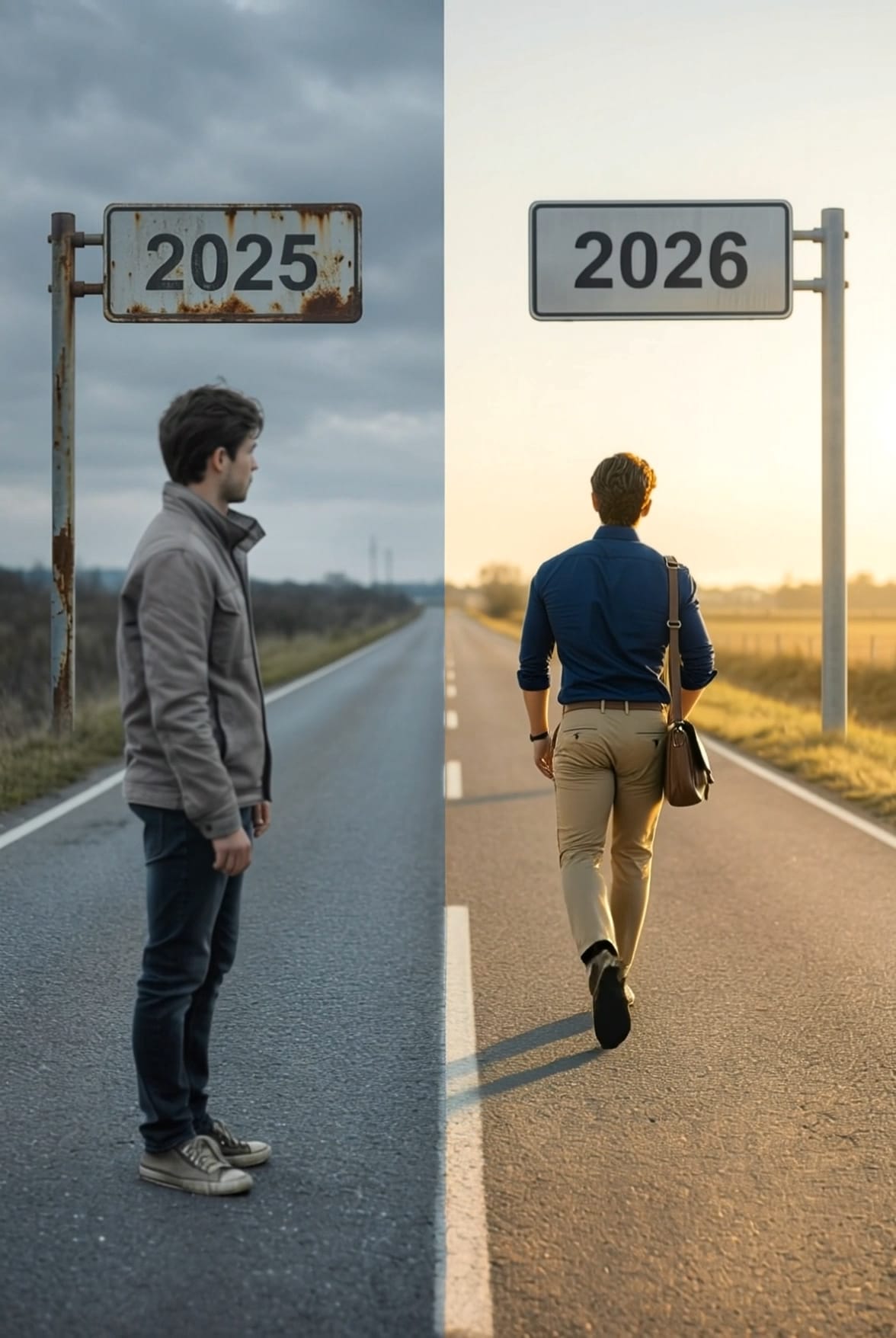
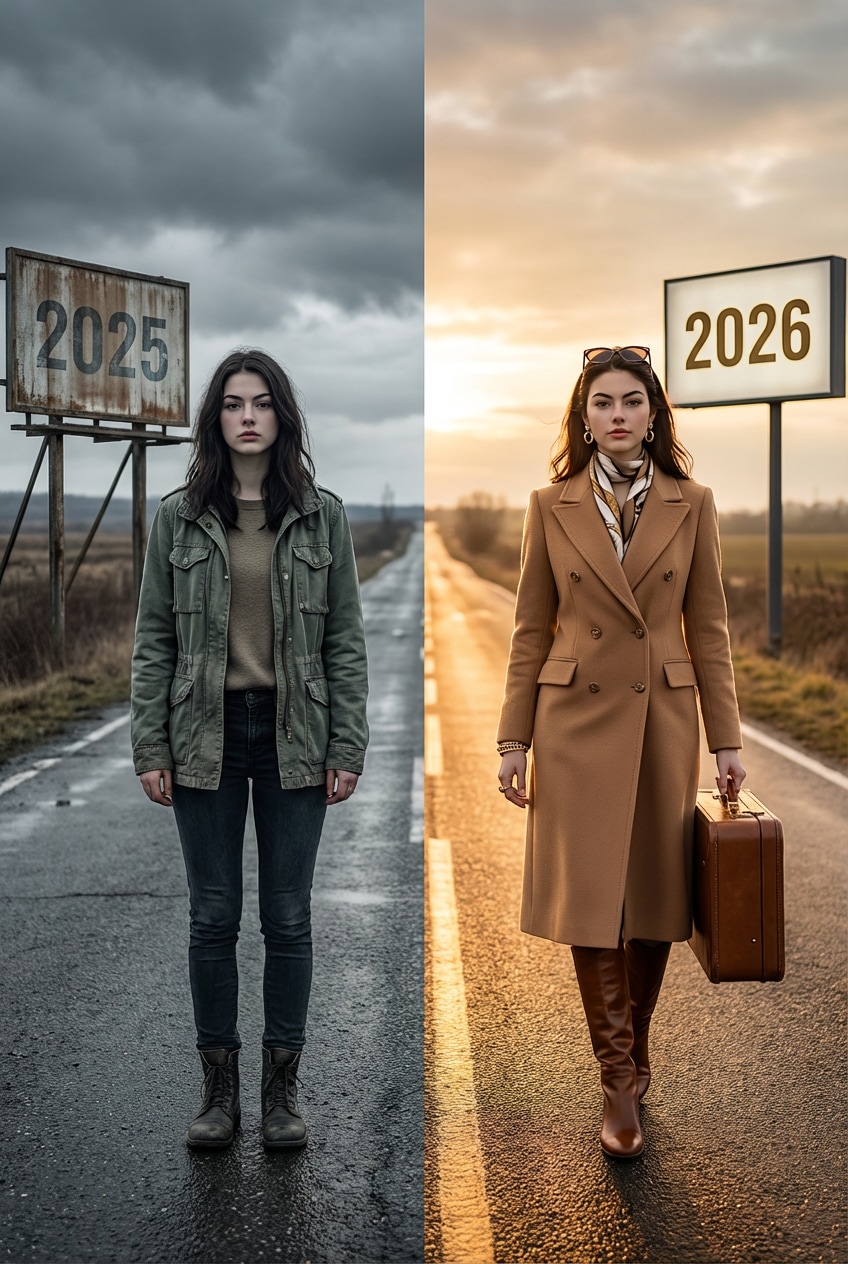
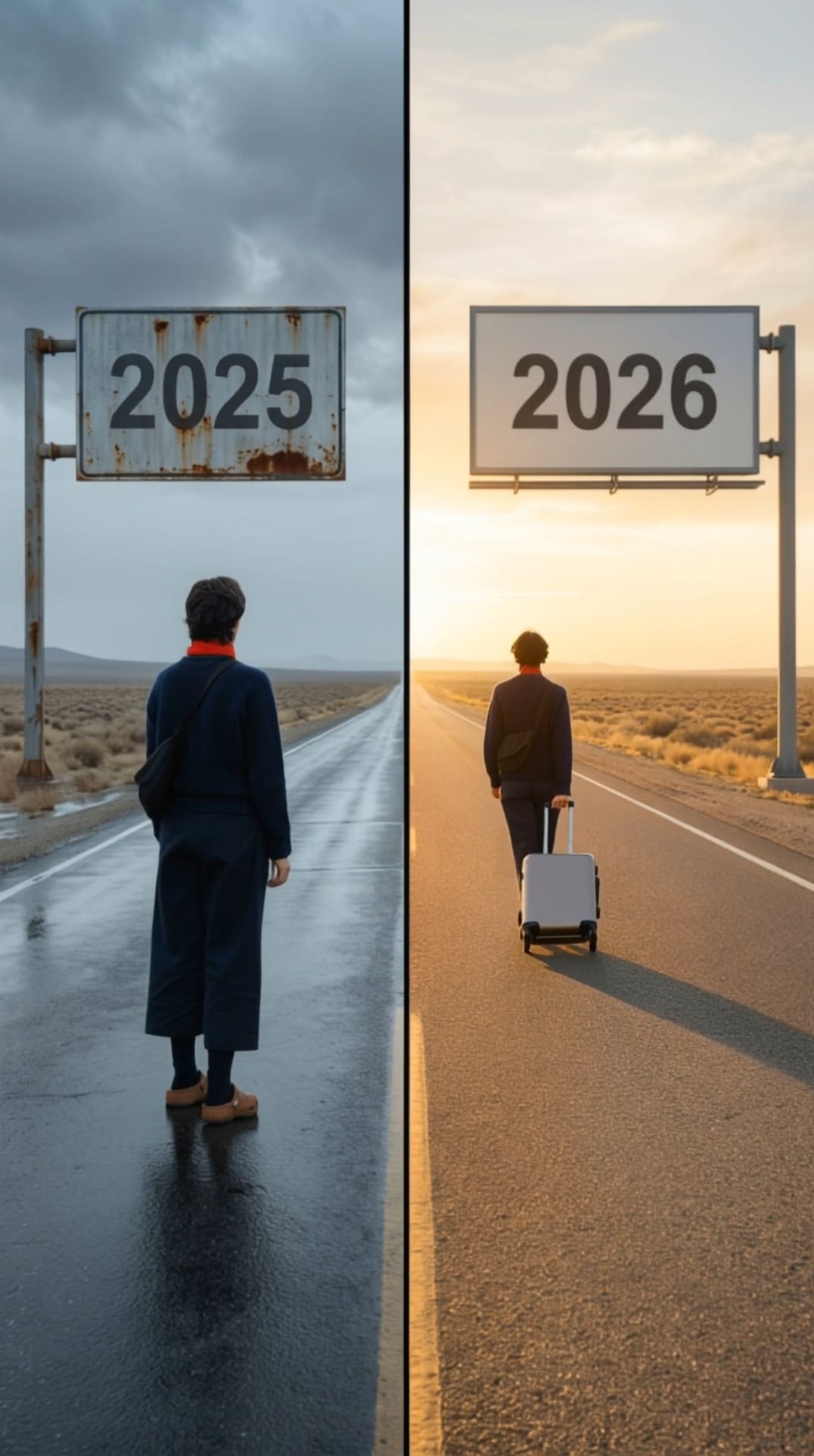
How to Create an AI Goodbye 2025 Video
Creating an emotional AI Goodbye 2025 video is a popular New Year trend. With the Goodbye 2025 effect, you can turn a single photo into a meaningful farewell video and smoothly transition into an AI Welcome 2026 video.
Create or Upload Your AI Goodbye 2025 Photo
Upload a clear, front-facing portrait photo to Media.io. If you have already created an AI Goodbye 2025 photo, you can reuse it directly. This image will be used by the AI Goodbye 2025 video generator to produce realistic motion.
Apply the Goodbye 2025 Effect
Choose the Goodbye 2025 effect, designed for New Year farewell scenes. The AI automatically adds emotional transitions and movement, turning your photo into a cinematic AI Goodbye 2025 video while preparing a smooth welcome 2026 video effect.
Generate and Download Your Video
Click on the Generate Video button to create your AI Goodbye 2025 video. Within seconds, your AI Welcome 2026 video will be ready to download or share online.
AI Goodbye 2025 Video Examples








Key Features of the AI Goodbye 2025 Video Generator
Explore how the AI Goodbye 2025 video generator helps you create emotional, cinematic New Year videos with ease. From personal reflection to viral short-form content, Media.io makes the goodbye 2025 effect and welcome 2026 video effect accessible to everyone.

Emotional AI Motion
Designed for personal reflection and New Year journaling, the ai goodbye 2025 video uses realistic body movement, facial expressions, and hugs to create an authentic farewell moment. Enhanced visuals refined with AI Image to Image make each goodbye feel deeply heartfelt.

One-Click Creation
No timeline editing or filters required. With one click, anyone can generate a professional ai goodbye 2025 video. Combined with image enhancement via AI Image to Image , the creation process is fast, simple, and beginner-friendly.

Built for Viral Platforms
Every ai goodbye 2025 video is automatically optimized for vertical viewing, making it ideal for TikTok, Instagram Reels, and YouTube Shorts. Visual consistency improved through AI Image to Image helps your welcome 2026 video effect stand out.

2025 → 2026 Transition
Perfect for countdown and storytelling videos, the generator seamlessly blends ai goodbye 2025 with an inspiring ai welcome 2026 video. Key frames enhanced using AI Image to Image ensure a smooth, emotionally impactful transition into the New Year.
FAQs About
AI Goodbye 2025
1. What is an AI Goodbye 2025 video and why is it trending?


An AI Goodbye 2025 video is a short, AI-generated or AI-enhanced video designed to say farewell to the year 2025, often using cinematic transitions, emotional storytelling, and dynamic text or image effects. It is trending because creators, brands, and individuals use it on social media and websites to summarize memories, achievements, or milestones before transitioning into the new year.
2. How does the Goodbye 2025 effect work in AI videos?
The Goodbye 2025 effect typically combines AI video transitions, animated typography, background music, and visual effects such as light trails, time-lapse visuals, or year-changing overlays. AI analyzes images or clips provided by the user and automatically applies smooth transitions and timing, making professional-looking videos without advanced editing skills.
3. What is the best AI Goodbye 2025 video generator?
The best AI Goodbye 2025 video generator usually offers preset templates, automated scene selection, text animation, and music synchronization. Top-ranking tools in Google SERP often emphasize ease of use, fast rendering, and customizable styles, allowing users to quickly generate a polished AI Goodbye 2025 video for social media, marketing campaigns, or personal sharing.
4. Can I create an AI Welcome 2026 video from the same project?
Yes, many AI video tools allow you to seamlessly transition from a Goodbye 2025 video into an AI Welcome 2026 video. By changing text prompts, year overlays, and visual themes, users can create a complete New Year transition video that symbolically closes 2025 and welcomes 2026 with uplifting effects and messaging.
5. Do I need video editing skills to create an AI Goodbye 2025 video?
No, you do not need professional video editing skills to create an AI Goodbye 2025 video. Most AI Goodbye 2025 video generators are designed for beginners and rely on automation. Users simply upload photos or clips, choose a goodbye 2025 effect, and customize text such as year titles or messages. The AI handles scene timing, transitions, and visual effects, making it easy to create high-quality videos in minutes.



