


Home Online Tools Remove People from Photos

Remove People from Photos Online Free with AI

Looking for an easy way to remove people from photos without using Photoshop? Modern AI makes it possible to clean up your images in seconds—even if you’ve never edited a photo before. Media.io’s powerful remove people from photos free AI tool automatically detects unwanted people, objects, and background distractions, giving you clean, natural-looking results with minimal effort. Whether you're trying to improve travel photos, fix family pictures, prepare social media posts, or create distraction-free product images, our tool offers one of the fastest and most accurate ways to clean up visuals online. If you’ve tried options like remove people from photos Google or remove people from photos Gemini, you’ll notice Media.io delivers more precise cutouts, better texture reconstruction, and smoother background restoration. Try the easiest method to remove person from photo online free-no downloads, no watermark, and no editing expertise required.

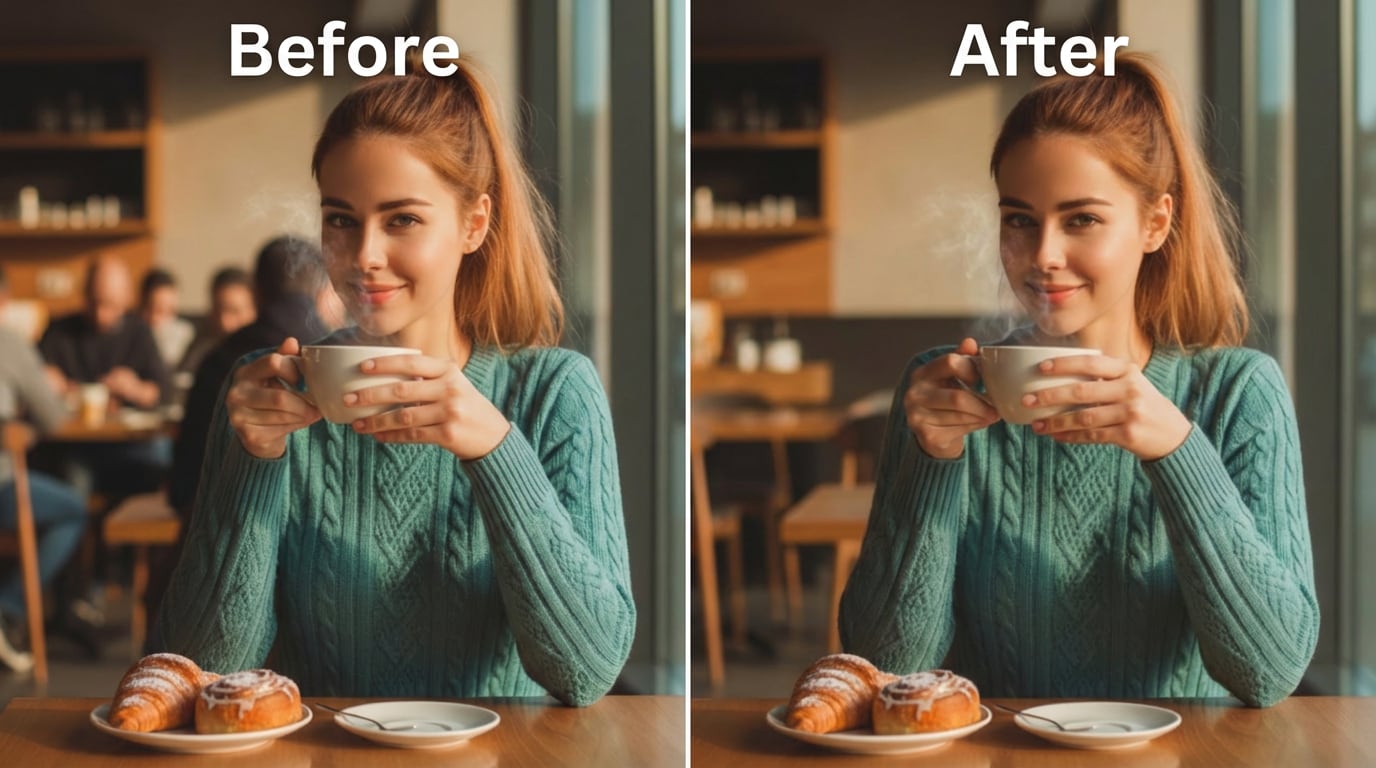
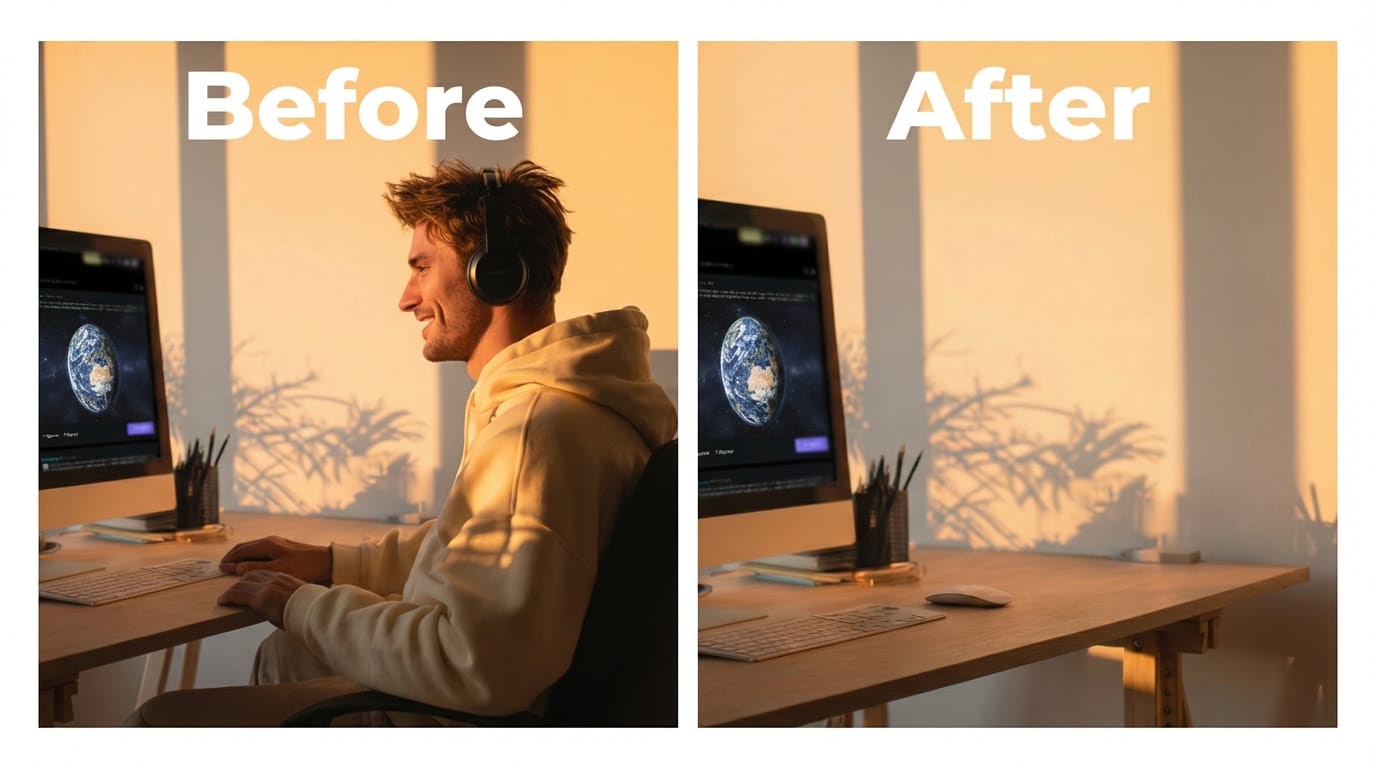
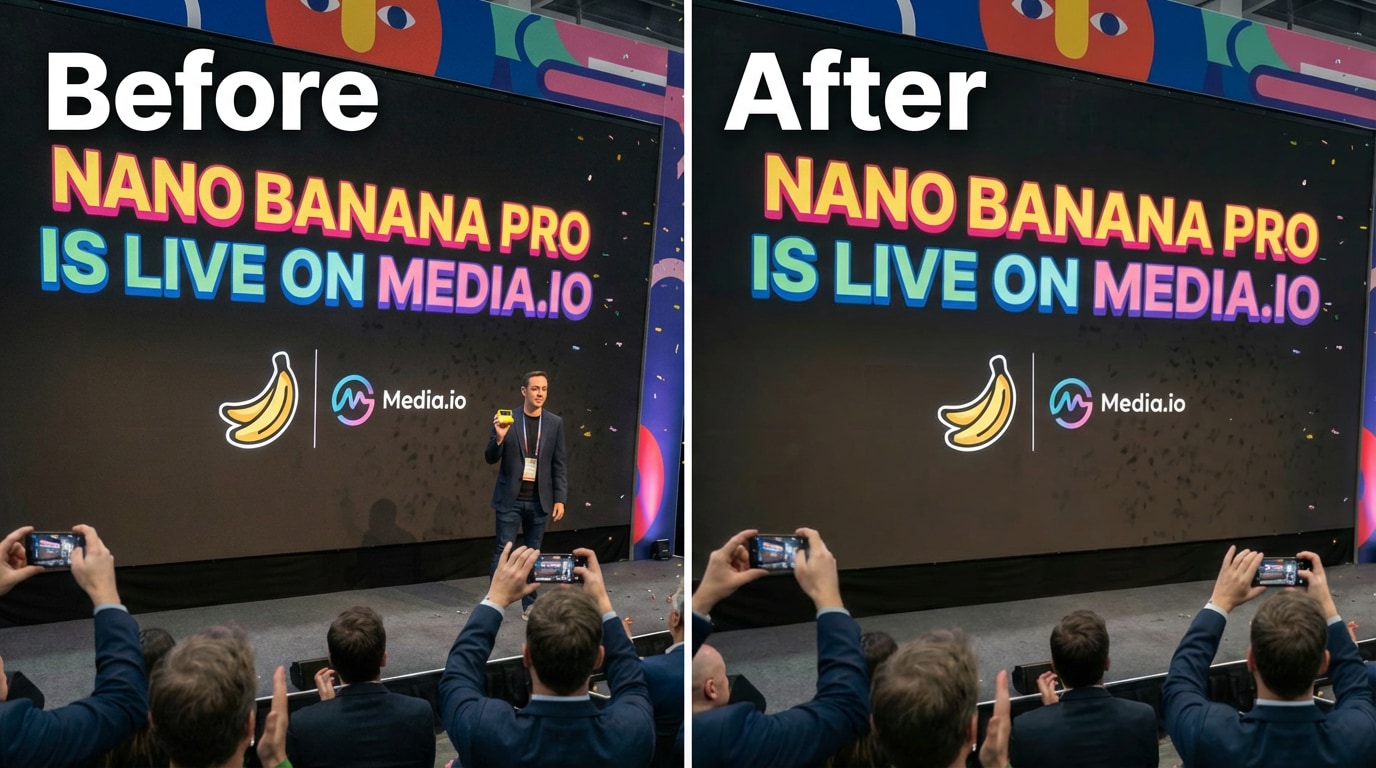
Real users' people-removal results created with Media.io AI .

How to Remove People from Photos Online in 3 Simple Steps

Media.io's AI editor works instantly-no installation, no learning curve, and no subscription required.

Step 1

Upload Your Photo

Visit the Remove People from Photos tool on Media.io and upload any image (JPG, PNG). This works for travel shots, group pictures, product images, and more.

Step 2

Highlight the Person or Object You Want to Remove

Enter a simple prompt to indicate who or what you want cleared from the scene. The AI engine interprets your instructions, analyzes the surroundings, and automatically reconstructs a natural-looking background.

Step 3

Download a Clean, People-Free Photo

Preview the refined result and export it in full resolution when you're satisfied. Media.io's AI ensures seamless edges and realistic background restoration-no Photoshop expertise required.

Prompt Tips for Removing Unwanted People from Photos

Use clear, specific descriptions to help the AI understand who should remain in the scene, who should be removed, and how the restored background should appear.

  • Identify the main subject clearly (e.g., “keep the child in the center”).
  • Describe unwanted people by location or appearance (e.g., “remove the couple standing on the right”).
  • Mention the background style after removal (e.g., “restore a clean park landscape”).
  • Note lighting or atmosphere (e.g., “natural daylight, soft shadows, realistic textures”).
  • Avoid vague instructions — be explicit about what must be removed.
Example prompt to remove unwanted people:
Remove all unwanted people in the background and keep only the main couple in the center. Remove the group of tourists on the left and the person walking on the right. Keep all the others the same.

See the Magic: Remove People from Photos Instantly

Our AI people remover intelligently detects and erases unwanted people from your photos while reconstructing the background for natural, clean results-no Photoshop skills needed.

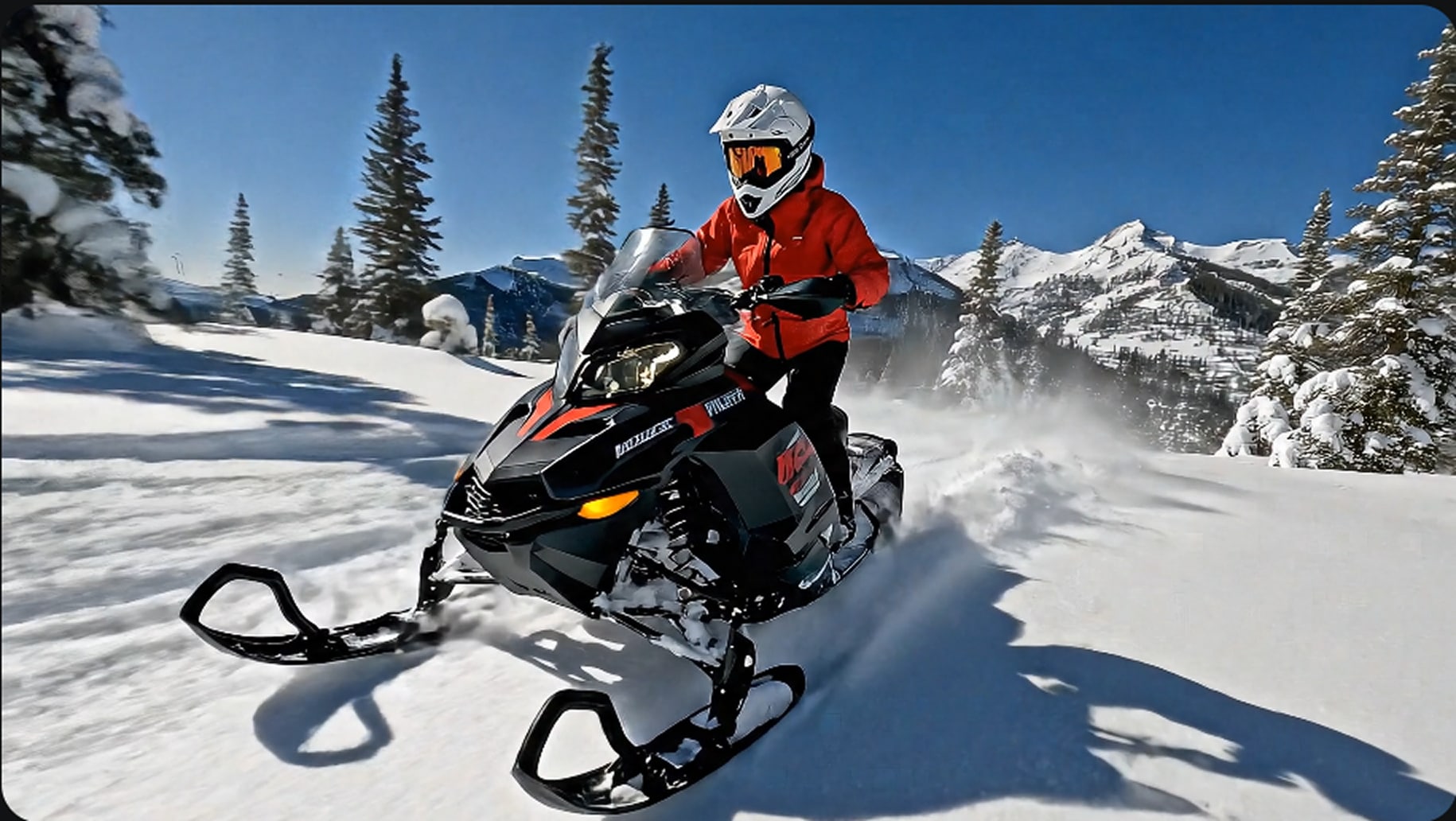
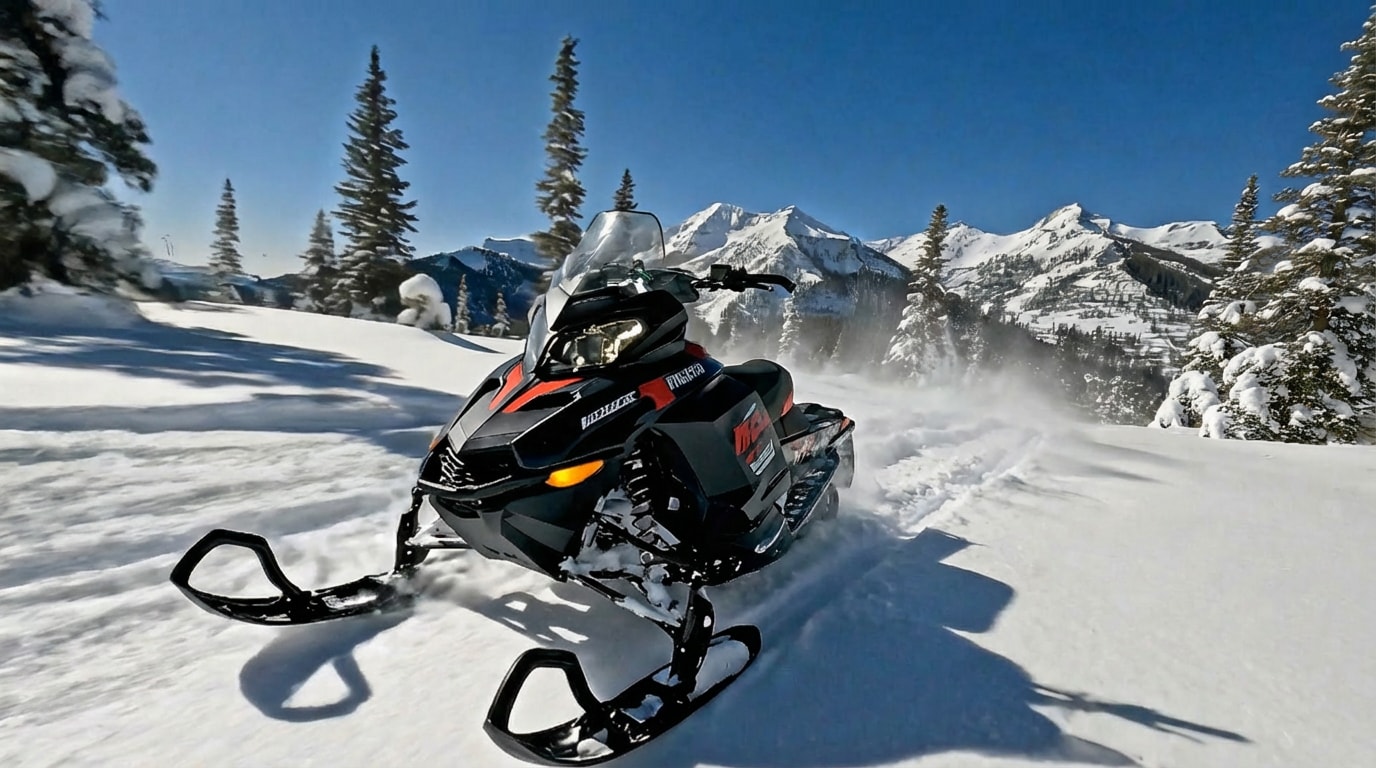
Remove people from photo before example 1
Remove people from photo after example 1
Before
After
< >
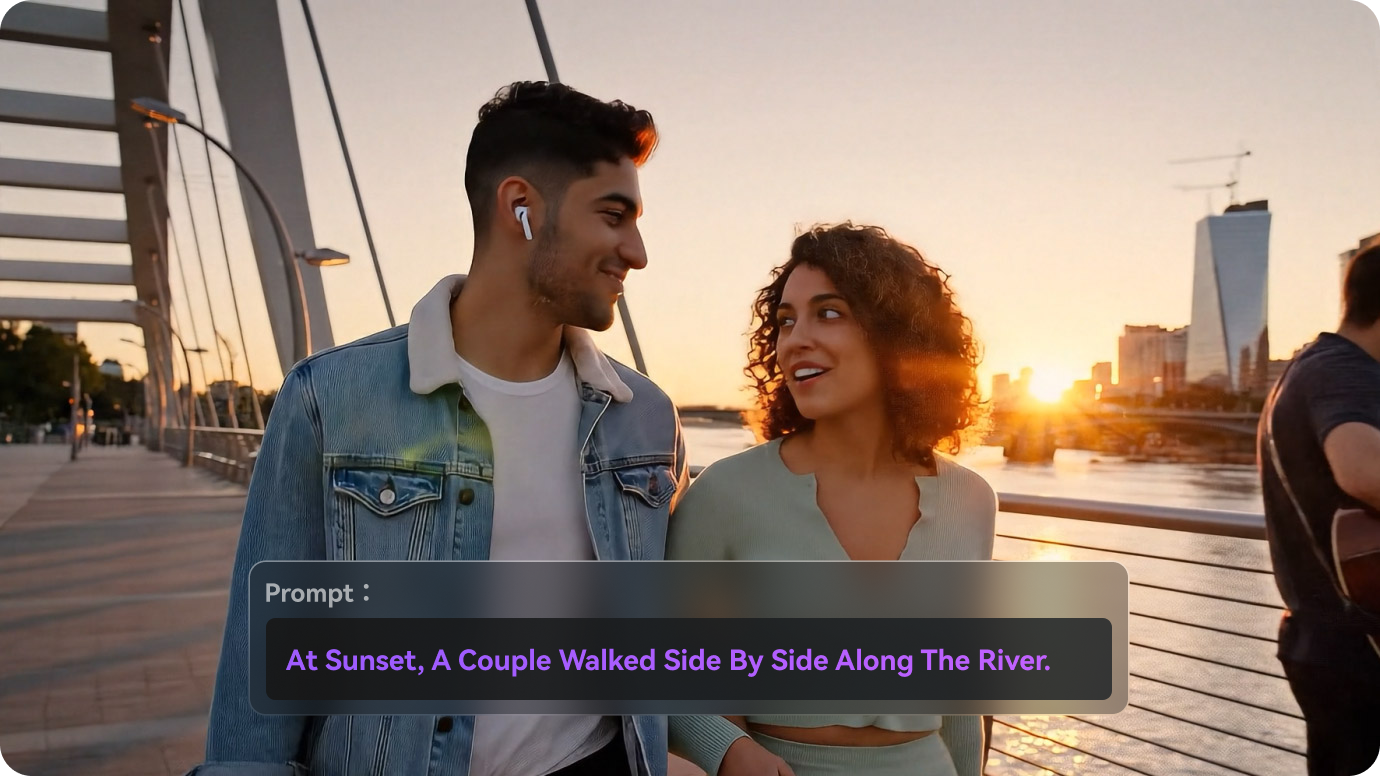
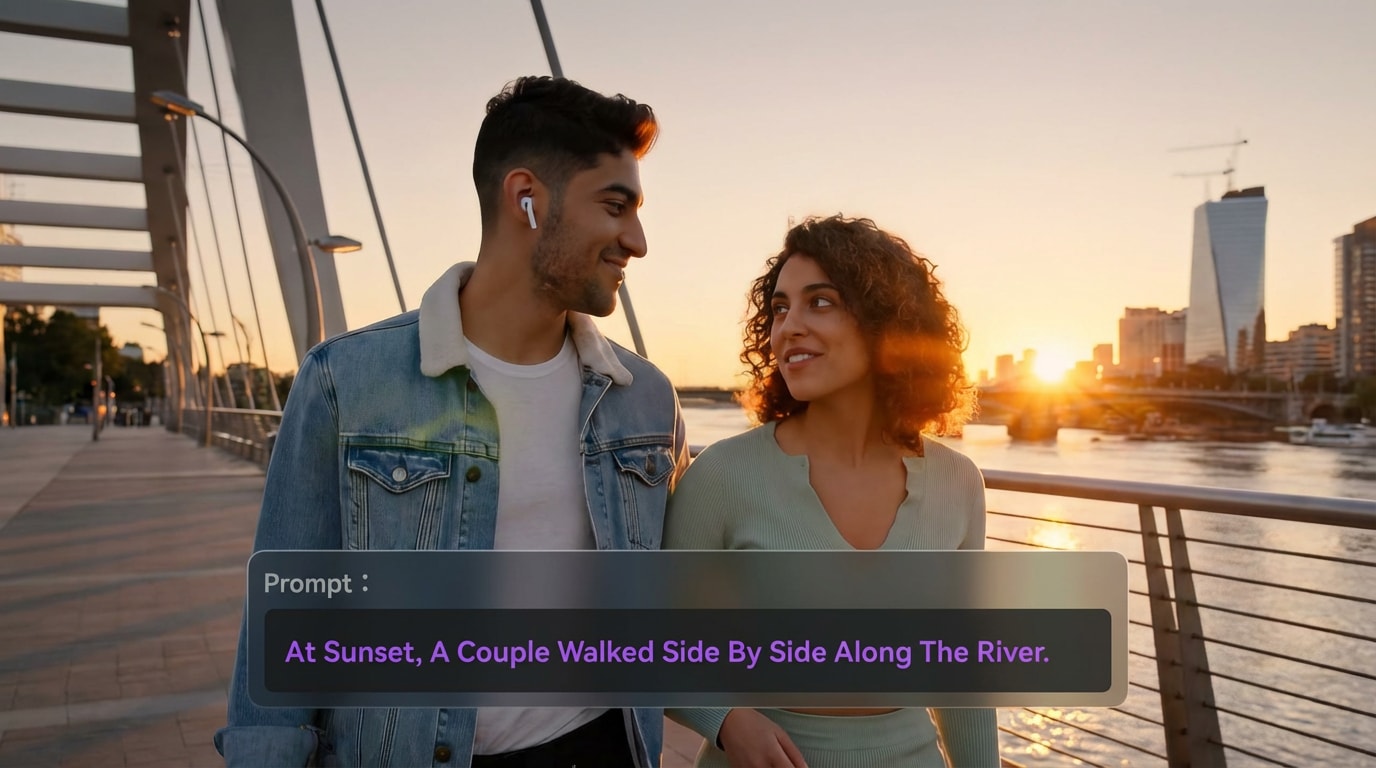
Remove people from photo before example 2
Remove people from photo after example 2
Before
After
< >
Remove people from photo before example 3
Remove people from photo after example 3
Before
After
< >
Remove people from photo before example 4
Remove people from photo after example 4
Before
After
< >

Highlights of Media.io Remove People from Photos AI

AI-powered precision, realistic background reconstruction, and free online editing—no installation required

AI-Powered Precision for Removing People & Objects

Media.io uses advanced object segmentation to identify entire human figures, shadows, and contextual details, delivering superior accuracy compared to basic erase tools found in Google Photos or Apple’s built-in remover.

Free Online Tool — No Watermark, No App Installation

Ideal for users searching for “remove people from photos online free” or “remove person from photo online free.” Everything runs in your browser with no device limitations or sign-ups required.

Background Reconstruction That Looks Natural

Instead of leaving blurry smudges, Media.io’s AI rebuilds missing background textures with high precision. Perfect for cleaning tourist shots, restoring group photos, or preparing polished visuals for professional use.

Compatible with iPhone, Android, Google Photos & Gemini AI

While iPhone’s object removal is suitable for simple edits, complex scenes often require deeper reconstruction. Media.io complements iOS 18 removal, Google Photos Magic Eraser, and Gemini AI erase tools—providing more accurate, high-resolution results.

Bulk Removal for Social Media Creators & Businesses

Need to clean multiple photos at once? Media.io processes images quickly, making it ideal for influencers, e-commerce teams, photographers, and businesses managing high-volume content libraries.

Supports Removing People, Shadows, Reflections & More

Beyond removing people, Media.io’s AI can clean tourists in the background, photobombers, glass reflections, product-scene clutter, and general background distractions with professional-grade accuracy.

Frequently Asked
AI Remove People from Photos

Can AI really remove people from photos cleanly? expand collapse

Yes. Media.io's AI Remove Person engine reconstructs the background intelligently, producing results comparable to professional editors. It works better than many remove people from photos free AI tools because it understands lighting, textures, and depth for cleaner, more natural-looking results.

iPhone's built-in erase tools can handle simple cases, but they often struggle with busy backgrounds. Media.io works smoothly in iPhone browsers and offers higher accuracy-ideal for users searching for remove people from photos iPhone or how to remove people from photos iPhone.

Yes. Media.io offers a fully free remove people from photos online solution with no watermark. Upload, erase, and download without hidden restrictions.

Google Photos and Gemini AI work well for small objects, but Media.io offers more control, larger brush sizes, and cleaner background reconstruction-especially for complex edits, busy scenes, or removing multiple people at once.

AI can remove anything: people, objects, vehicles, text, shadows, logos, and unwanted background clutter. It is ideal for remove unwanted people from photos or remove background people from photos use cases.

Media.io Online Tools Quality Rating:
vote 4.7 (162,357 Votes)
media.io

AI Video Generator star

Easily generate videos from text or images

Generate