Try On Eyebrow Shapes Online
Not sure if arched, straight, or bold brows suit you? With Media.io’s AI Eyebrow Filter, you can instantly try on different eyebrow styles online. Just upload a photo, type a prompt and let AI generate natural-looking edits. Prompt tip: "Apply {keyword} eyebrows, realistic texture, natural lighting, keep face and skin tone consistent"
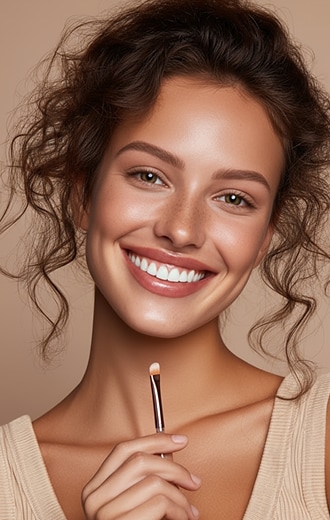
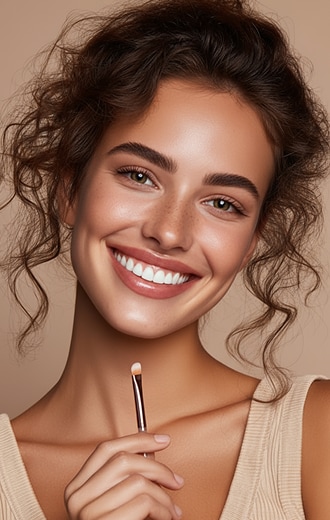
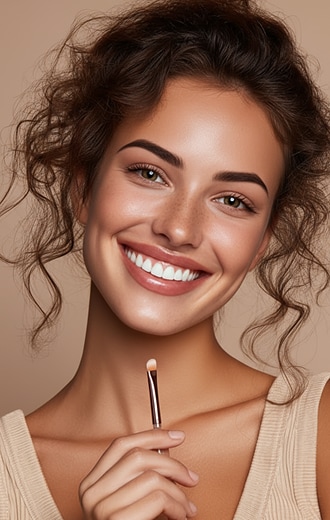
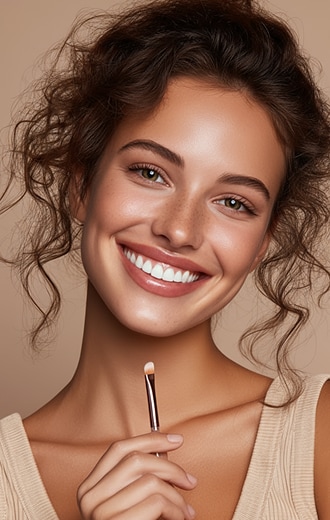
 Try on Eyebrows Online
Test Eyebrow Shapes
AI Eyebrow Editor
Try on Eyebrows Online
Test Eyebrow Shapes
AI Eyebrow Editor








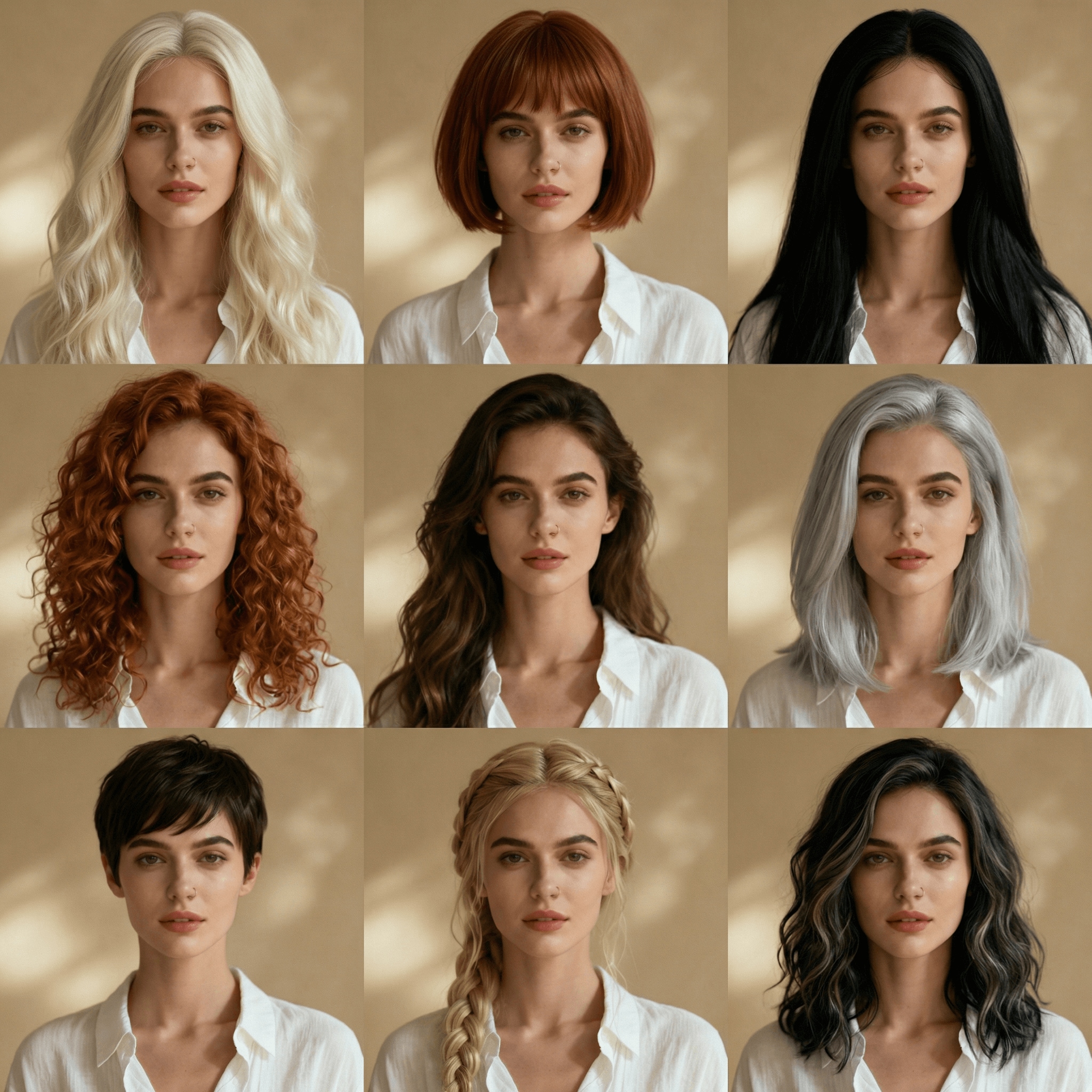
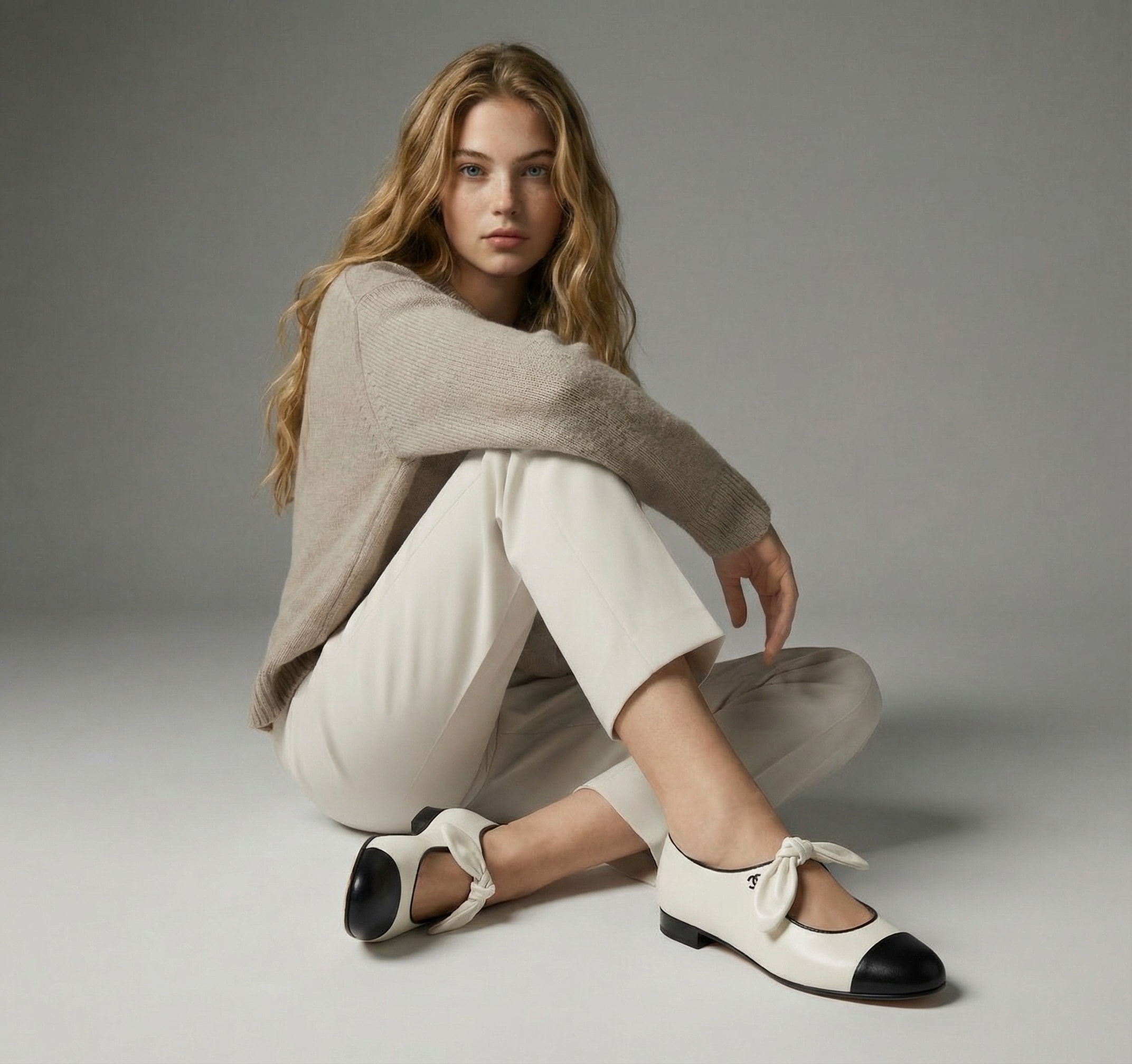
Explore AI Try-On Tools
Try outfits, accessories, and beauty looks instantly — all powered by Media.io.
How to Try On Eyebrow Shapes with AI
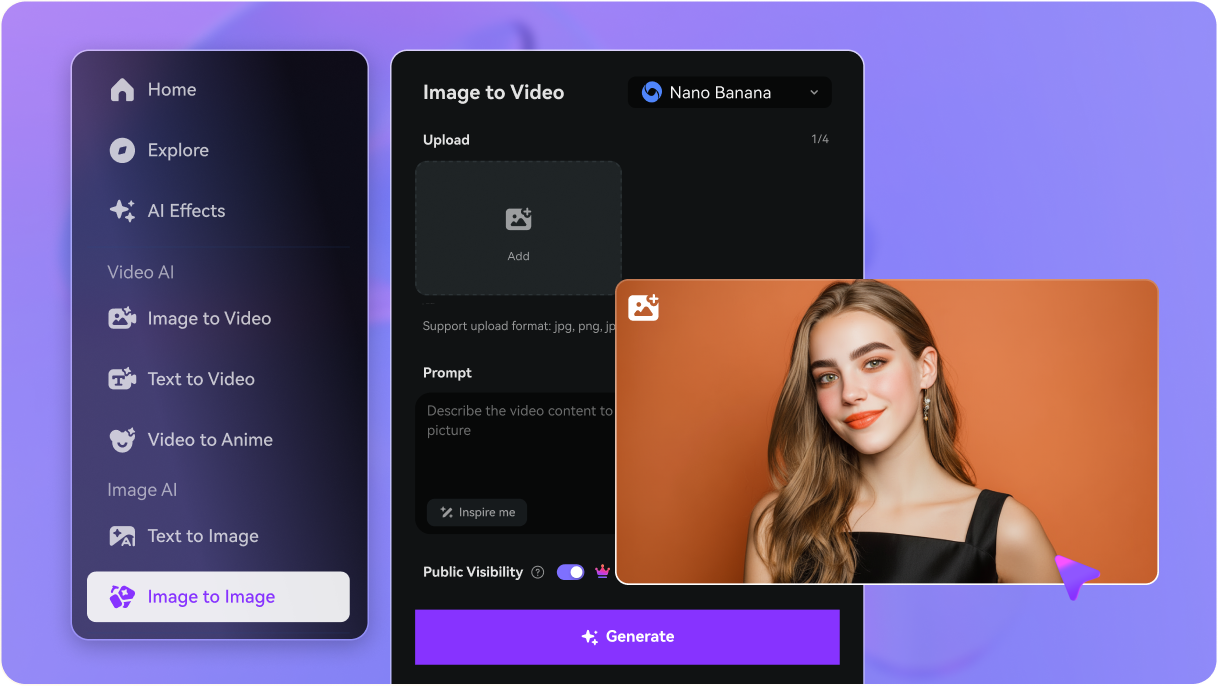
Visit Media.io Image-to-Image and start the eyebrow filter tool.
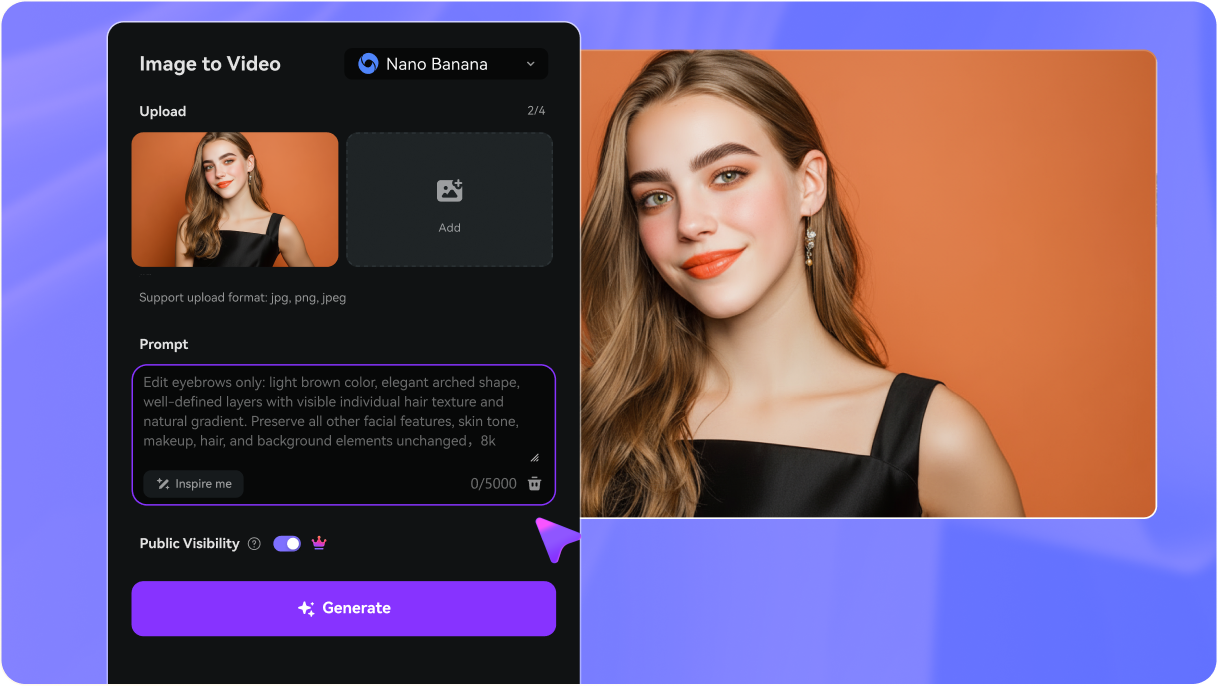
Upload your selfie, then type in the eyebrow style you want to try, such as “soft arch,” “straight natural brows,” or “thick bold brows.”
Click Generate to see how your new brows look instantly. Preview the results, then download your HD image to compare different eyebrow styles.
Why Creators Love Media.io’s AI Eyebrow Photo Editor

TikTok Creator


Brows look natural, not fake! I tried the “soft arch” style and was shocked at how realistic it looked. The AI added texture and shading that blended perfectly into my face — no filter vibes at all.

Instagram Influencer
Perfect for trying styles before threading. I tested straight brows vs bold arched brows. The results looked so natural that my followers thought I actually changed my brows overnight!

YouTube Shorts Creator
Game changer for my headshots. I needed professional photos but didn’t have time for a makeup artist. The AI eyebrow editor gave me symmetrical, natural brows that looked photo-shoot ready.
Explore the Hottest AI Video & Image Effects



FAQs About
AI Eyebrow Filter Editor
1. What is an AI Eyebrow Filter?


An AI eyebrow filter is a digital tool that lets you try on different eyebrow shapes, thicknesses, and styles virtually. Upload a selfie and preview how arched, straight, or bold brows would look — instantly and risk-free.
2. Can I try different eyebrow shapes online for free?
Yes. Many apps and websites allow free trials of eyebrow filters. With Media.io, new users get free credits to test eyebrow try-ons and save results in HD without watermarks. Popular shapes you can experiment with include:
- Straight Brows (natural, youthful)
- Arched Brows (adds definition and sharpness)
- Rounded Brows (soft and classic)
- Soft Angled Brows (flattering for most face shapes)
- Thick / Bushy Brows (modern, bold look)
- Thin / Sculpted Brows (retro, precise aesthetic)
This way, you can compare instantly and find your perfect match.
3. What eyebrow shape suits my face best?
It depends on your face shape:
• Round face: Arched brows add definition.
• Oval face: Soft angles or natural brows work well.
• Square face: Fuller brows with a gentle curve balance strong jawlines.
• Heart face: Rounded brows soften a wider forehead.
With AI try-ons, you can test instantly before committing.
4. Will my photo look natural after AI eyebrow editing?
Yes. Media.io’s AI balances shading, thickness, and texture so brows look like real hair. It edits only the brushed area, so your skin, makeup, and lighting stay untouched.
5. Can AI eyebrow filters simulate microblading results?
Yes. While it’s not a cosmetic procedure, Media.io’s eyebrow editor can simulate microblading with hair-like strokes, refined edges, and natural shading. Perfect for previewing before booking real microblading.



