Realistic Virtual Diamond Try On
Our advanced AI ring try on technology detects your finger position accurately, simulating sparkle and fit so you can see how an engagement ring looks on you with photorealistic detail.
 Nano Banana Pro
 Unlock your creative potential and experience the magic of Media AI right away!
Wondering how an engagement ring will look on your hand? Upload a photo and try our virtual engagement ring try-on to preview realistic diamond rings instantly. Test a specific ring from a product photo, compare multiple styles in a grid, or generate a flattering custom design — then regenerate to find “the one.” No store visit needed, just fast, photorealistic results with Media.io.
| AI Ring Try-On Styles | AI Engagement Ring Try-On Prompts | Preview | Copy |
|---|---|---|---|
|
01 • Single Ring Product Try-On
#airingtryon
#engagementring
#photorealistic
|
Using the uploaded selfie as the base image and the ring product photo as the reference, place the ring naturally on the person’s ring finger. Keep the hand, skin tone, finger shape, nails, and lighting exactly the same as the selfie. Match the ring size, proportions, orientation, and perspective from the product photo. Blend the ring realistically with accurate scale, natural metal reflections, realistic gemstone sparkle, and soft shadows where the ring meets the finger. Photorealistic, high quality, clean edges, no distortion. |

|
Create! |
|
02 • 3×3 Engagement Ring Comparison Grid
#virtualringtryon
#9grid
#ringcomparison
|
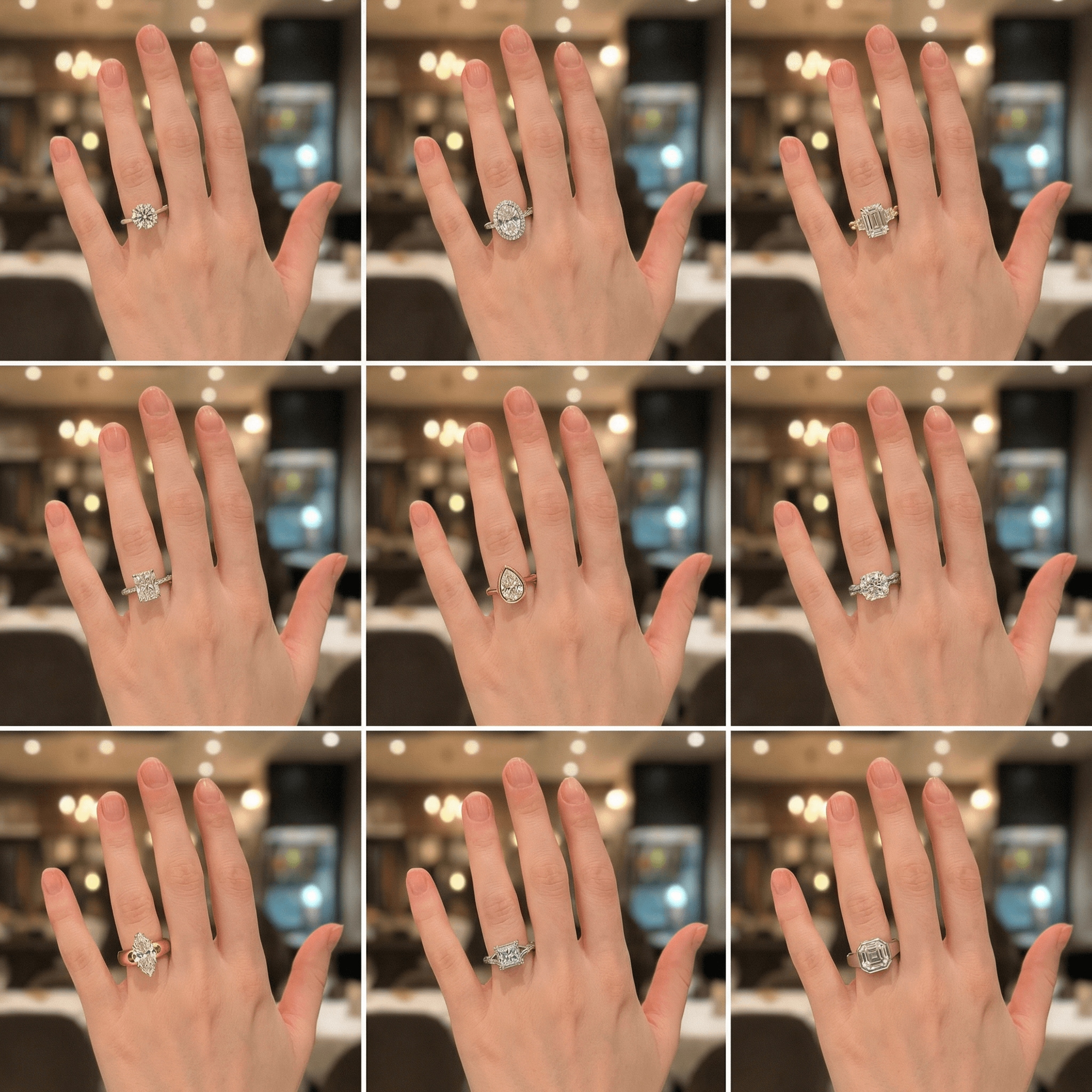
Using the uploaded photo as the source, generate a 1:1 square image in a 3×3 grid layout showing 9 different engagement ring designs on the same person. Keep the hand, skin tone, finger shape, nail length, nail color, and overall hand proportions identical to the original photo in all 9 panels. Only change the engagement ring design (stone shape, setting style, band width, metal type, halo vs solitaire, pavé details). Use consistent lighting, camera angle, hand pose, and background across all panels. Make the results look photorealistic and high-quality, with clean edges, realistic metal reflections, natural gemstone sparkle, and accurate shadows and highlights on the finger and ring. |
|
Create! |
|
03 • Personalized Engagement Ring Design
#customring
#luxuryjewelry
#aidesign
|
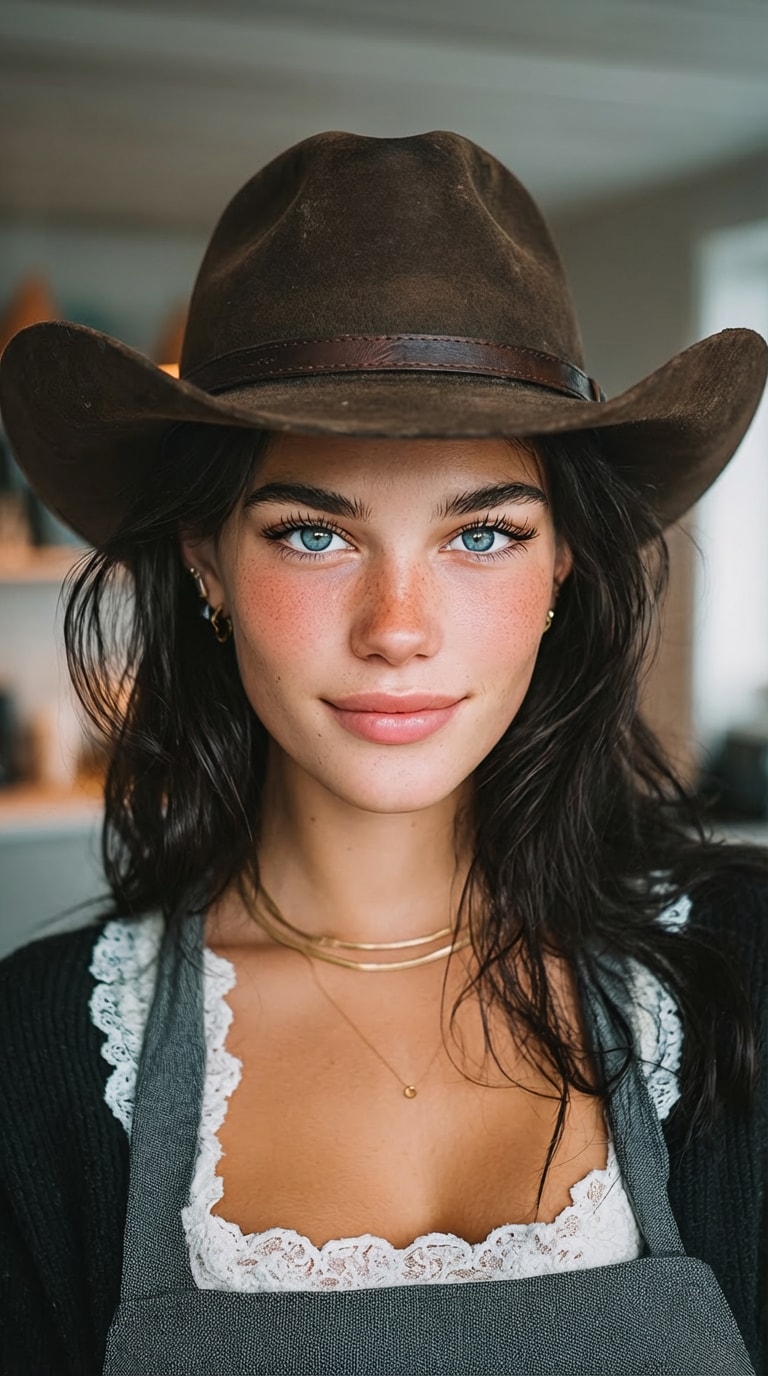
Using the uploaded photo of the person as reference, generate a close-up portrait that includes both the person’s face and hand. Design a custom engagement ring that best fits this person, based on analysis of the finger length, finger width, hand proportions, skin tone, and overall aesthetic. Generate a ring design with the most flattering stone shape, setting style, band width, and metal color for this hand. Ensure the ring is proportionally accurate, naturally aligned to the finger, and visually balanced. Present the result as a photorealistic ring on the hand, with realistic metal reflections, natural gemstone sparkle, and soft shadows. High-quality, luxury jewelry design aesthetic, clean edges, no distortion. |

|
Create! |
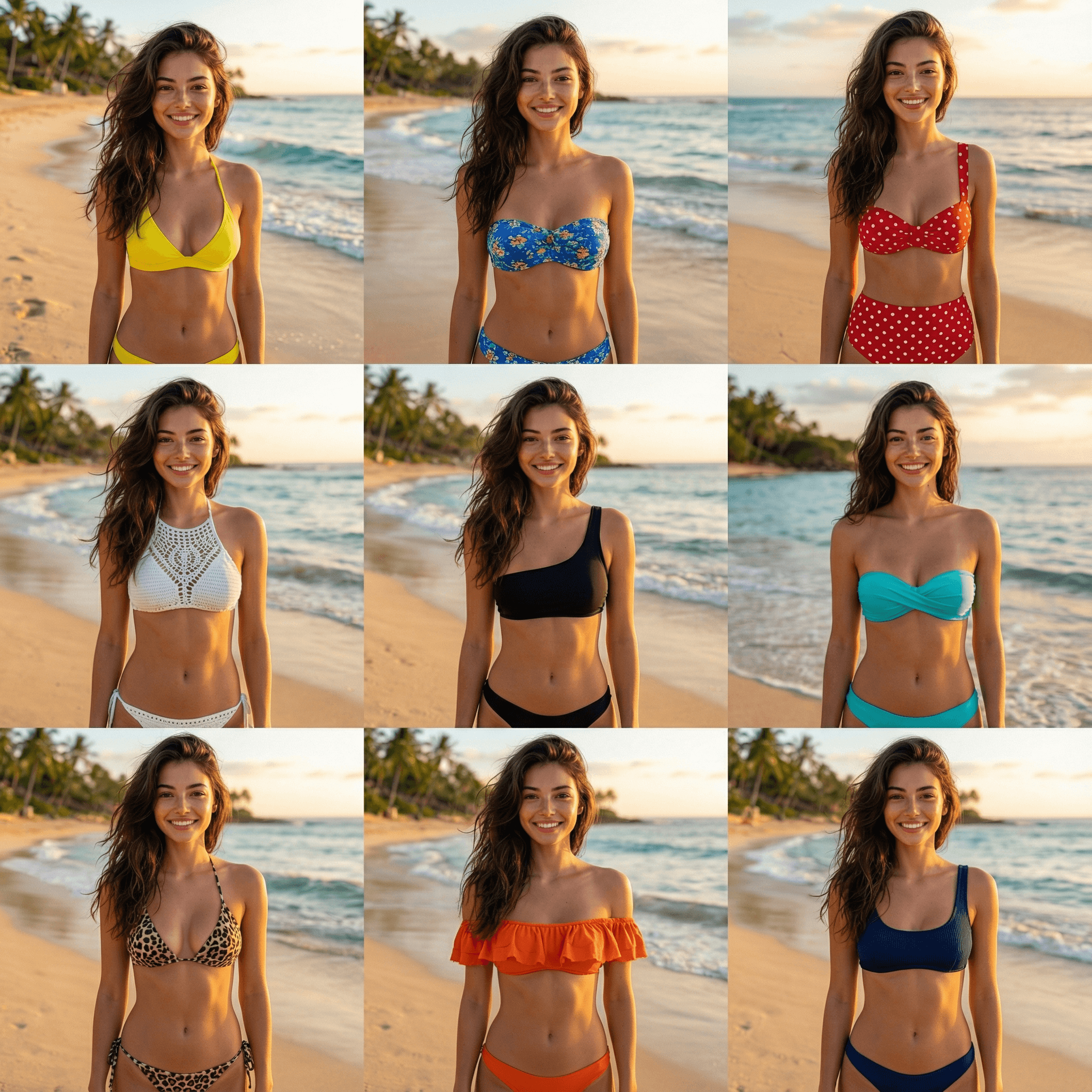
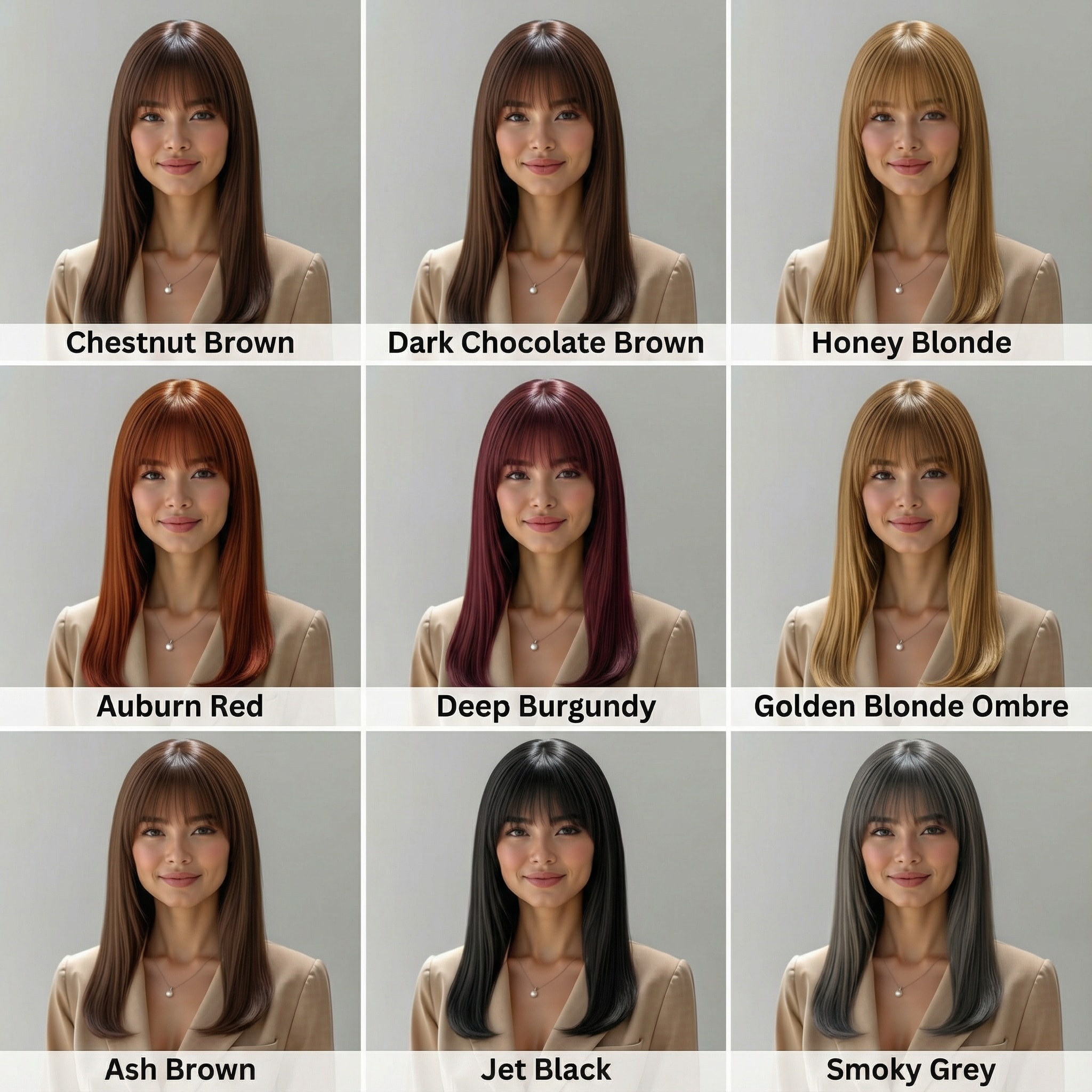
Try outfits, accessories, and beauty looks instantly — all powered by Media.io.
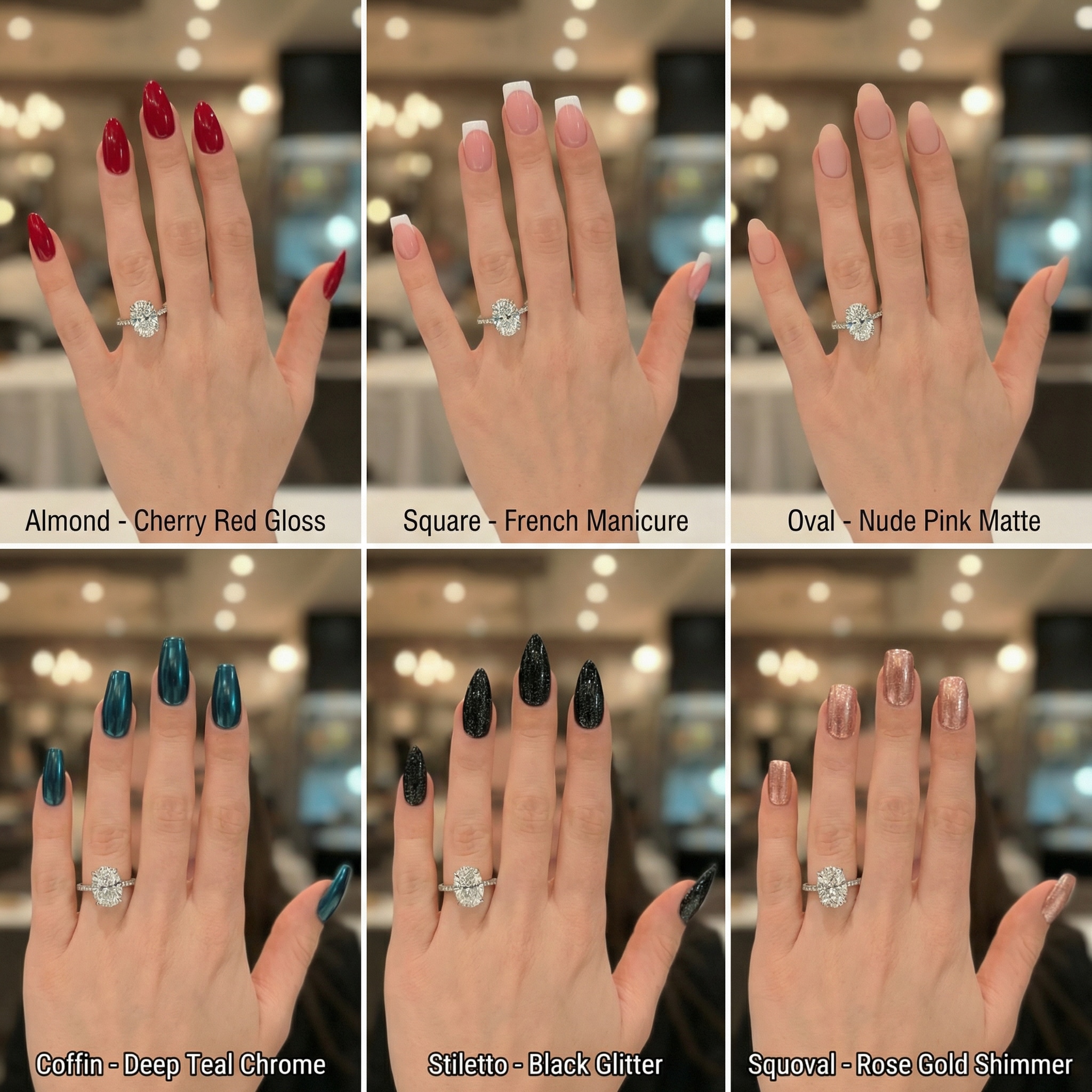
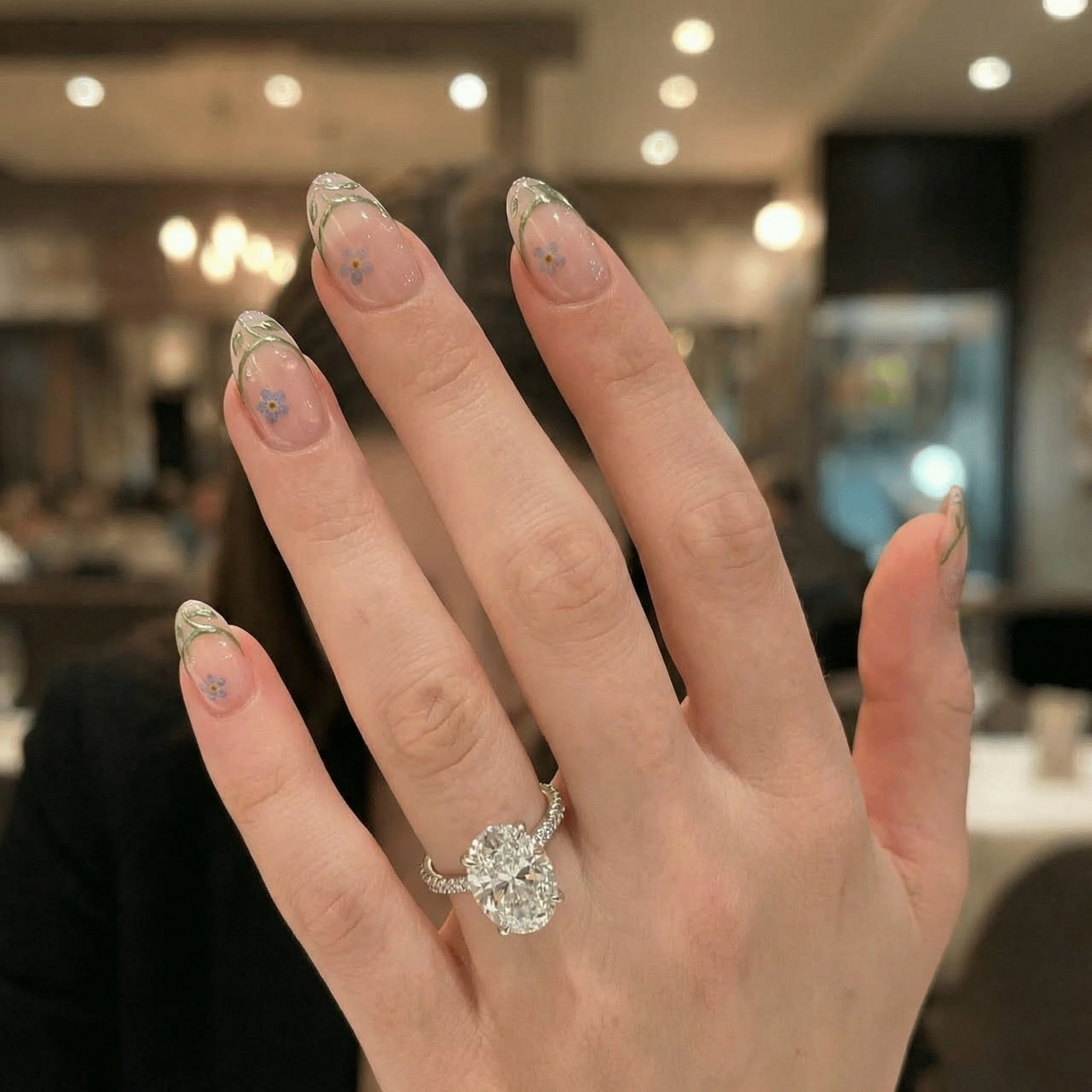

Our advanced AI ring try on technology detects your finger position accurately, simulating sparkle and fit so you can see how an engagement ring looks on you with photorealistic detail.
Unsure about the cut? Use the engagement ring filter to swap between designs. Test oval, round, or princess cuts, and compare settings like solitaire vs. halo instantly.
Perfect for couples planning proposals. Visualize gold vs. platinum bands or mix and match stones. Create mock proposal visuals to help make that big decision confidently.
Generate high-quality engagement announcement photos for social media. Try engagement rings on your hand online and share the excitement with friends and family.
Upload a clear photo where your ring finger is visible. This ensures the virtual diamond ring try on aligns perfectly with your hand.
Describe the ring (e.g., "oval cut gold band") or upload a reference product image. Our AI ring try on creates the specific look you want.
Click generate to see how the engagement ring looks on you. Compare different cuts, regenerate for new options, and download your favorite.

Bride-to-be

“Finally saw what suits my hand!” I struggled to imagine different cuts. This virtual engagement ring try on let me try an oval vs. a princess cut instantly. It helped me feel confident before we went to the store.

Proposal Planner
“Saved me from buying the wrong style.” I wanted to surprise her but didn't know if she'd like a halo or solitaire. The AI ring try on helped me visualize the options on a photo of her hand I already had.

Content Creator
“Perfect for my announcement post!” We got engaged but didn't have the official photos back. I used this engagement ring filter to create a cute 'She said yes' mock-up for my stories. It looks so real!

Jewelry Shopper
“Best free tool to try on rings.” I didn't want to deal with pushy salespeople yet. The virtual diamond ring try on free tool helped me narrow down that I prefer platinum over gold bands.
You can use Media.io's virtual engagement ring try on tool. Simply upload a photo of your hand, and use the AI to generate different ring styles on your finger. It's a free online tool designed to help you visualize different cuts and settings before you buy.
Yes! The AI engagement ring filter allows you to modify the prompt or upload references to test various styles. You can easily switch between oval, round, or princess cut ring try ons to see which shape complements your hand best.
Media.io uses advanced generative AI to ensure high realism. The virtual diamond ring try on analyzes lighting and hand positioning to place the ring naturally, helping you see how an engagement ring looks on you with realistic sparkle and fit.
Absolutely. Many users use our engagement ring filter to create mock proposal visuals or "just engaged" photos for social media. It creates share-ready images instantly without needing a physical ring.
No app is required. This is a browser-based virtual diamond ring try on free tool. You can access it directly from your phone or desktop to try different engagement ring styles on photos instantly.



