Select / @ character, describe the scene you want to generate.
0/2000
9:16
1K
1
Unlimited Banana Pro
Creations
Ideas Hub
How It Works
All
Popular features
View All
AI Fruit Story
View All
AI Story Video
View All
Viral Videos Today
View All
AI Product Videos
View All
AI Character
View All
Dance Trends
View All
GPT Image 2
View All
Seedance 2.0
View All
AI Celebrity Match
View All
Couple Pose Prompts
View All
Aesthetic Girl Pose Prompts
View All
Stylish Boy Pose Prompts
View All
Generate List
Creations are stored for only 7 days. Assets created after upgrading to a Membership plan will be stored permanently.
Unlock your creative potential and experience the magic of Media AI right away!
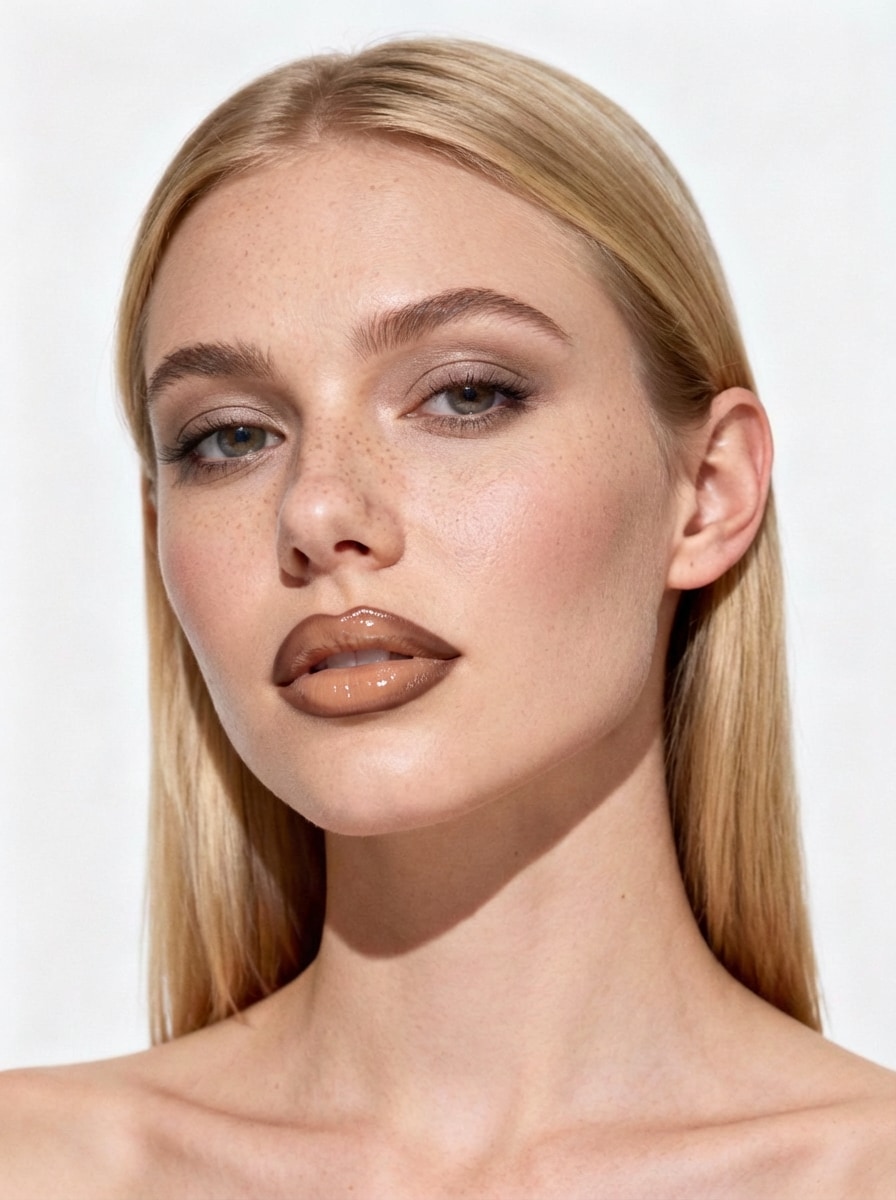
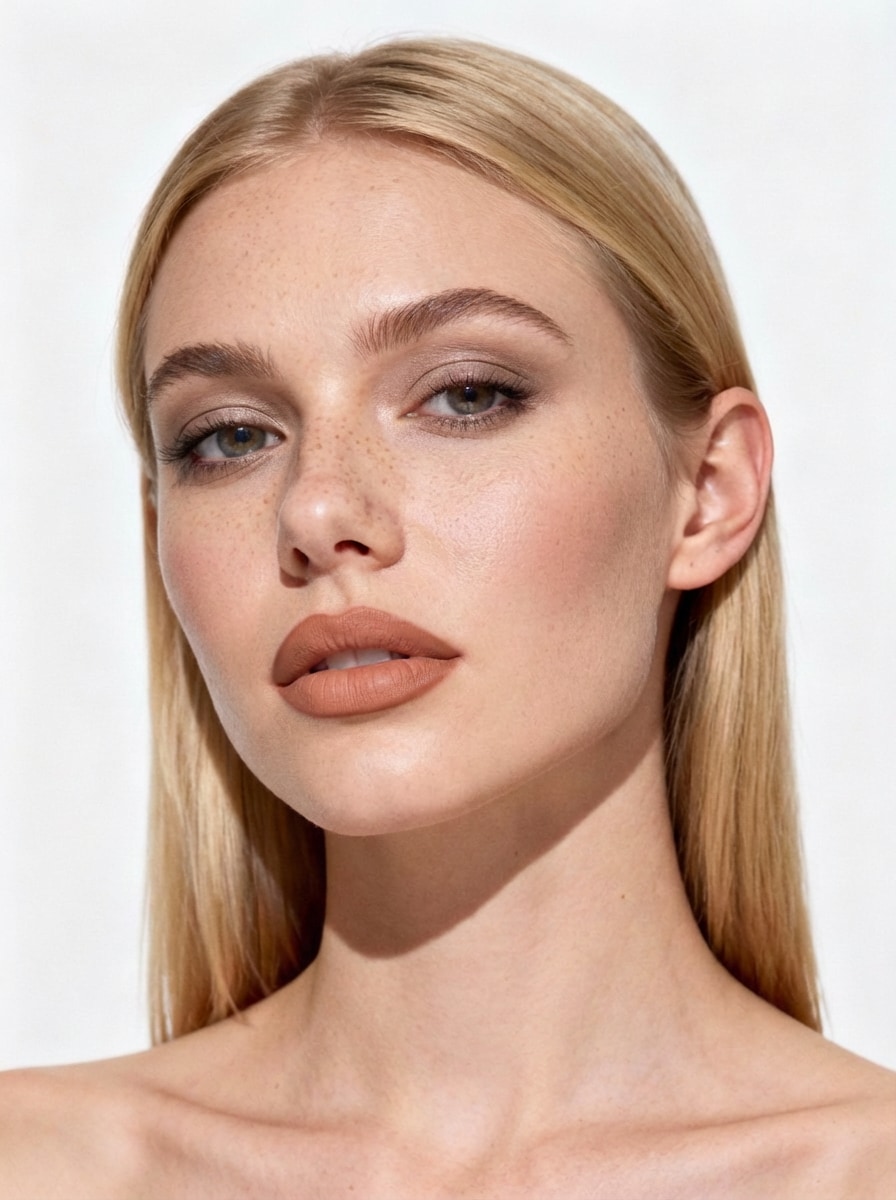
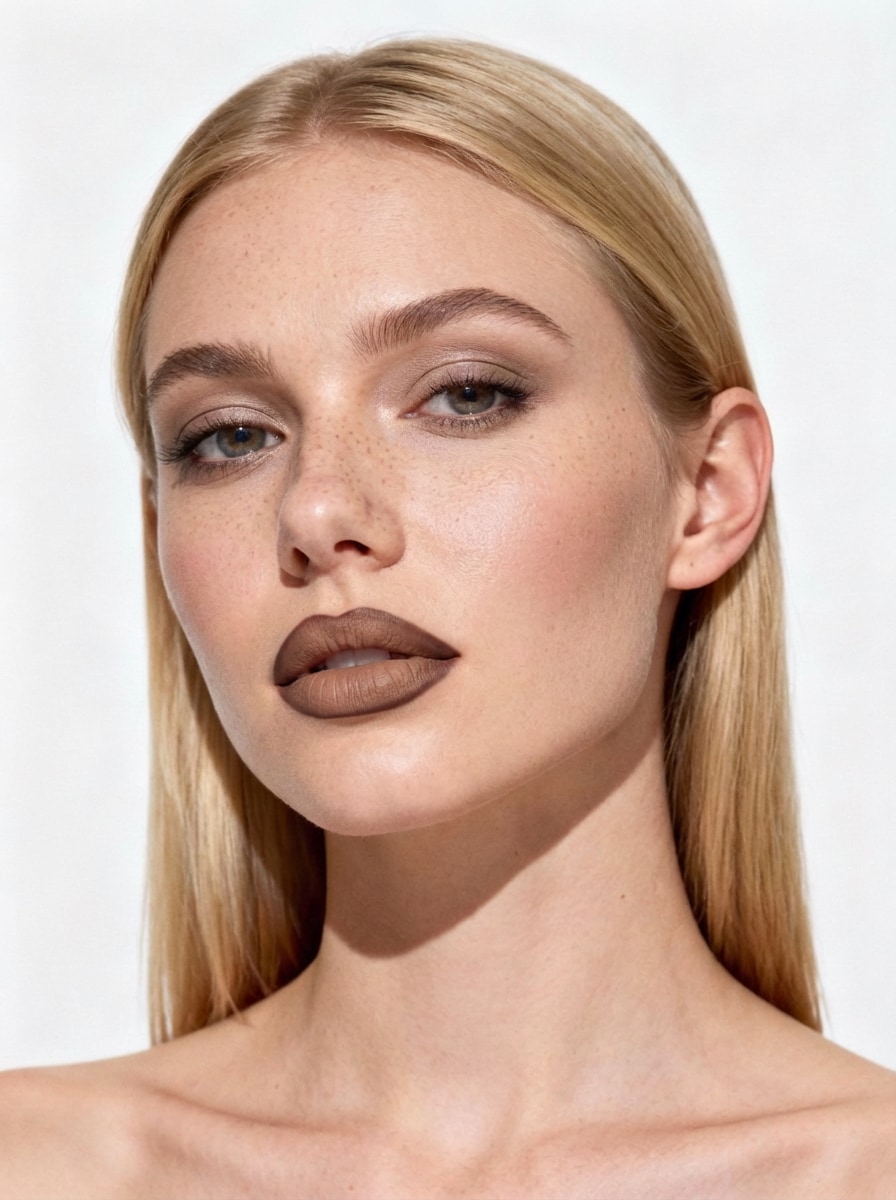
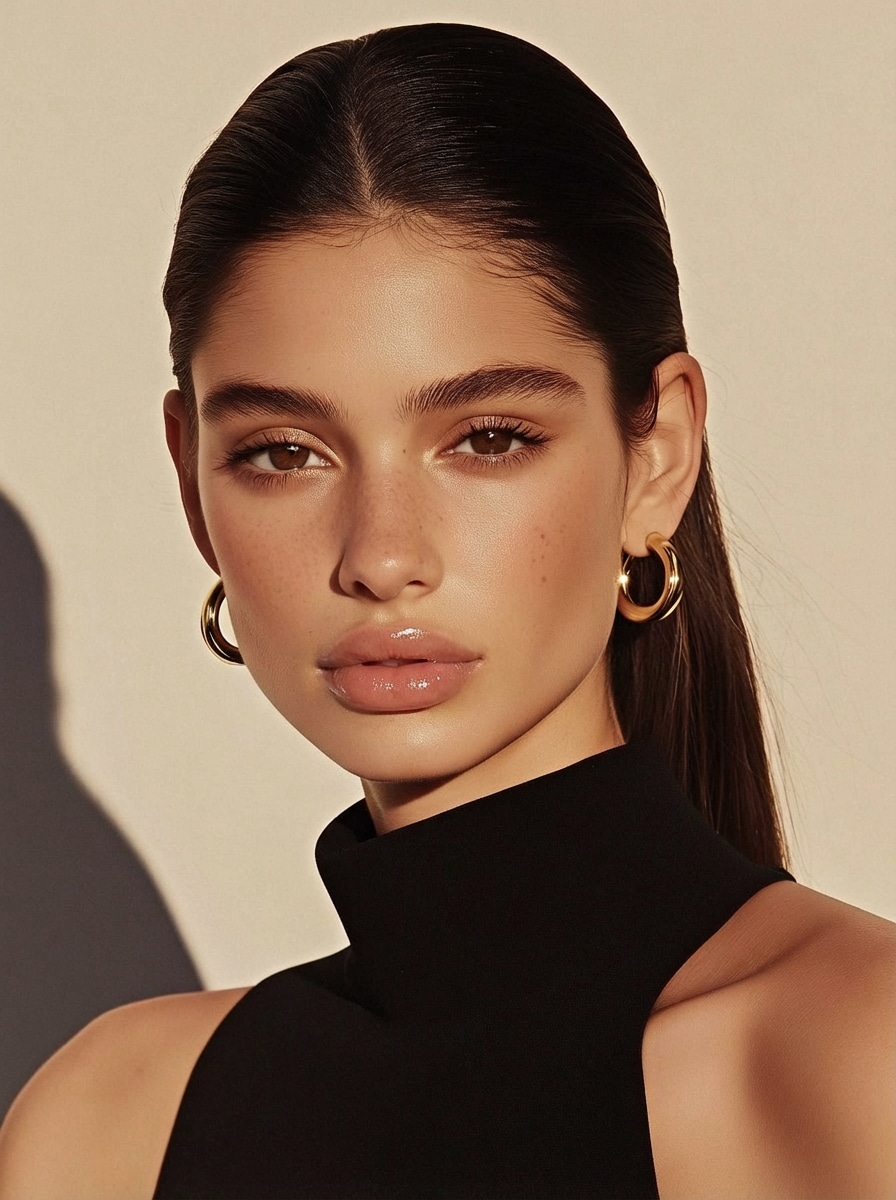
Lip Filler Filter: Try an AI Lip Filler Simulator Online
Wondering how you’d look with lip filler? Upload a selfie and use our
lip filler virtual try-on to preview natural-looking lip volume in seconds.
Test subtle, medium, or plump styles, compare before/after, and download your result — no injections, no editing skills.
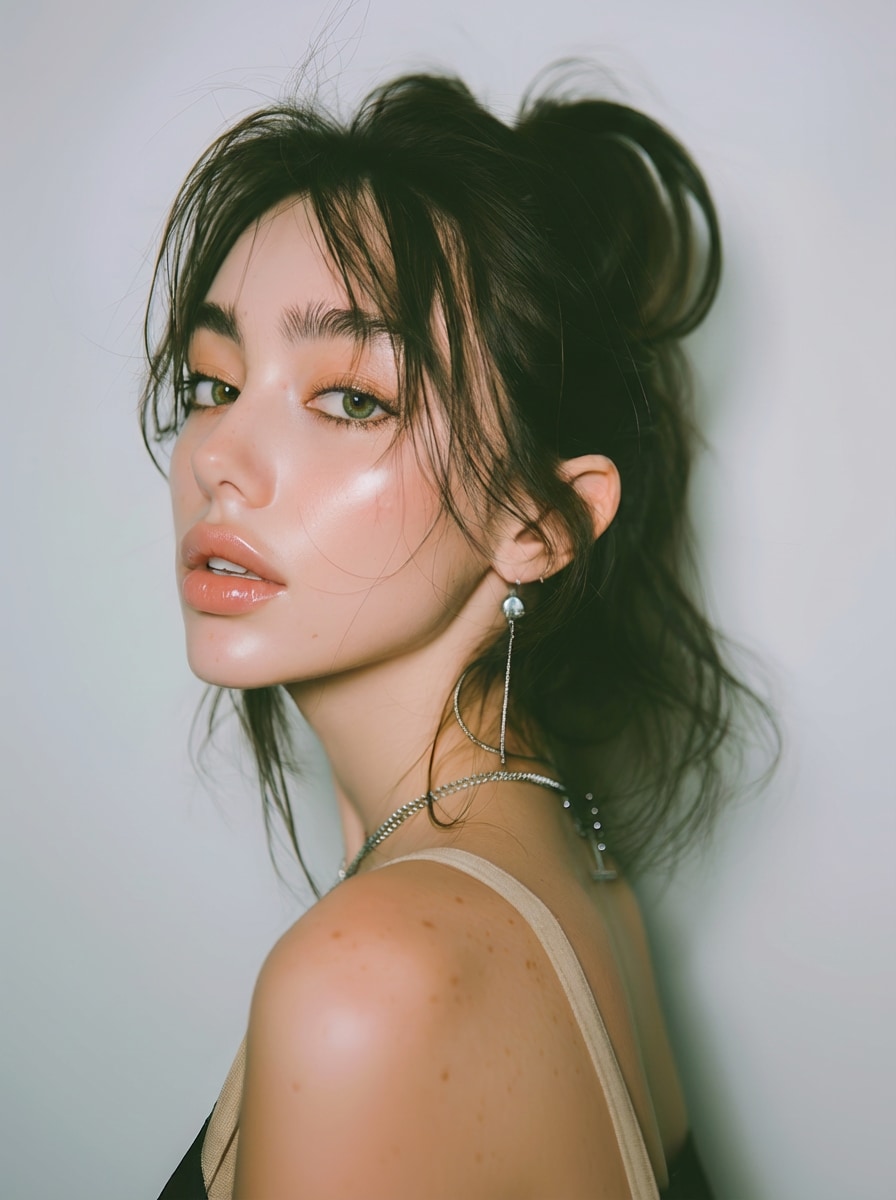
Natural-looking Western plump lips, fuller pout with subtle to moderate volume increase, juicy hydrated European/American style lips, enhanced lip fullness, softly defined borders, pillowy and sensual appearance, balanced upper and lower lip ratio, sexy yet elegant pout, glossy moist finish, keep exact same face and identity, only enhance lips to Hollywood celebrity plumpness, photorealistic, subtle but noticeable lip augmentation, high detail, professional portrait
Western Hollywood style lip enhancement, plump juicy full lips, noticeably fuller and more voluminous pout, enhanced upper and lower lip thickness with balanced proportions, defined Cupid's bow, prominent pillowy lip body, sexy seductive pout, hydrated glossy shine, luscious and sensual lips, more pronounced volume and projection, harmonious with facial features, keep the exact same person, same face identity, same expression teeth skin texture lighting hairstyle, photorealistic, ultra realistic, 8k, soft dramatic lighting, beautiful celebrity-level plump lips like Angelina Jolie or Scarlett Johansson, natural-looking but bold enhancement
Subtle Hollywood lip enhancement, naturally fuller and balanced lips, gentle increase in lip volume with elegant proportions, softly enhanced upper and lower lip thickness, perfectly defined Cupid's bow, smooth pillowy lip body without over-projection, sensual yet refined pout, hydrated glossy natural shine, luscious but realistic lips, harmonious with facial features, keep the exact same person, same face identity, same expression teeth skin texture lighting hairstyle, photorealistic, ultra realistic, 8k, soft dramatic lighting, beautiful celebrity-level natural plump lips inspired by young Angelina Jolie or Scarlett Johansson, undetectable subtle augmentation, no overfilled look
See how lip fillers could look on your own face before making any decisions.
Media.io’s AI simulates natural lip volume and shape with realistic lighting and texture,
helping you preview subtle enhancements without exaggeration.
🔍 Test Any Plump Volume — No Surgery
Try different lip filler levels in seconds, from natural and subtle to a fuller,
plumper look. Preview multiple options instantly on your selfie — no needles, no appointments,
just a safe and easy virtual try-on.
📸 Keep Your Exact Same Face
Your facial features stay 100% unchanged. The AI only adjusts lip volume while
preserving your face shape, skin tone, and expression — so the result still looks like you,
just with fuller lips.
⚡ Online, Safe & Free to Try
Use the lip filler simulator online with no downloads or editing skills required.
Upload once, preview results in seconds, and download your image. Free credits on signup
make it easy to try before upgrading.
How to Try a Lip Filler Filter Online Free
01
Step 1 — Open Media.io Image-to-Image
Go to Media.io Image-to-Image
and access the lip filler filter. This tool uses a preset AI prompt designed for
realistic lip filler virtual try-on.
02
Step 2 — Upload & Customize the Look
Upload your photo, then use the preset lip filler prompt or tweak it by adjusting
lip volume, color, and texture. The AI keeps your real face while applying
realistic lip enhancements.
03
Step 3 — Generate & Download
Click Generate to preview your lip filler result. Regenerate if needed,
then download your image for sharing or comparison. Everything works online,
with free credits available on signup.
A lip filler filter is an AI-powered virtual try-on effect that enhances your lips in a photo,
letting you preview fuller lip volume and shape without getting real injections.
How accurate is an AI lip filler simulator?
AI lip filler simulators are designed to give a realistic preview of lip volume and balance on your face.
Results depend on your photo quality, lighting, and angle, but they’re great for comparing subtle vs plump looks.
Will the lip filler filter change my face?
No. Media.io focuses on keeping your face recognizable. The AI only adjusts your lip area while preserving
your original facial features, skin tone, and expression for a natural-looking result.
What photo works best for lip filler virtual try-on?
Upload a clear selfie with good lighting and a forward-facing angle. For best results, avoid heavy filters,
strong shadows, or photos where your lips are covered.
Is the lip filler simulator online free to try?
Yes. Media.io offers free daily login credits, so you can generate and test the lip filler effect online
before upgrading for more credits or advanced usage.