3×3グリッドヘアカラーお試し
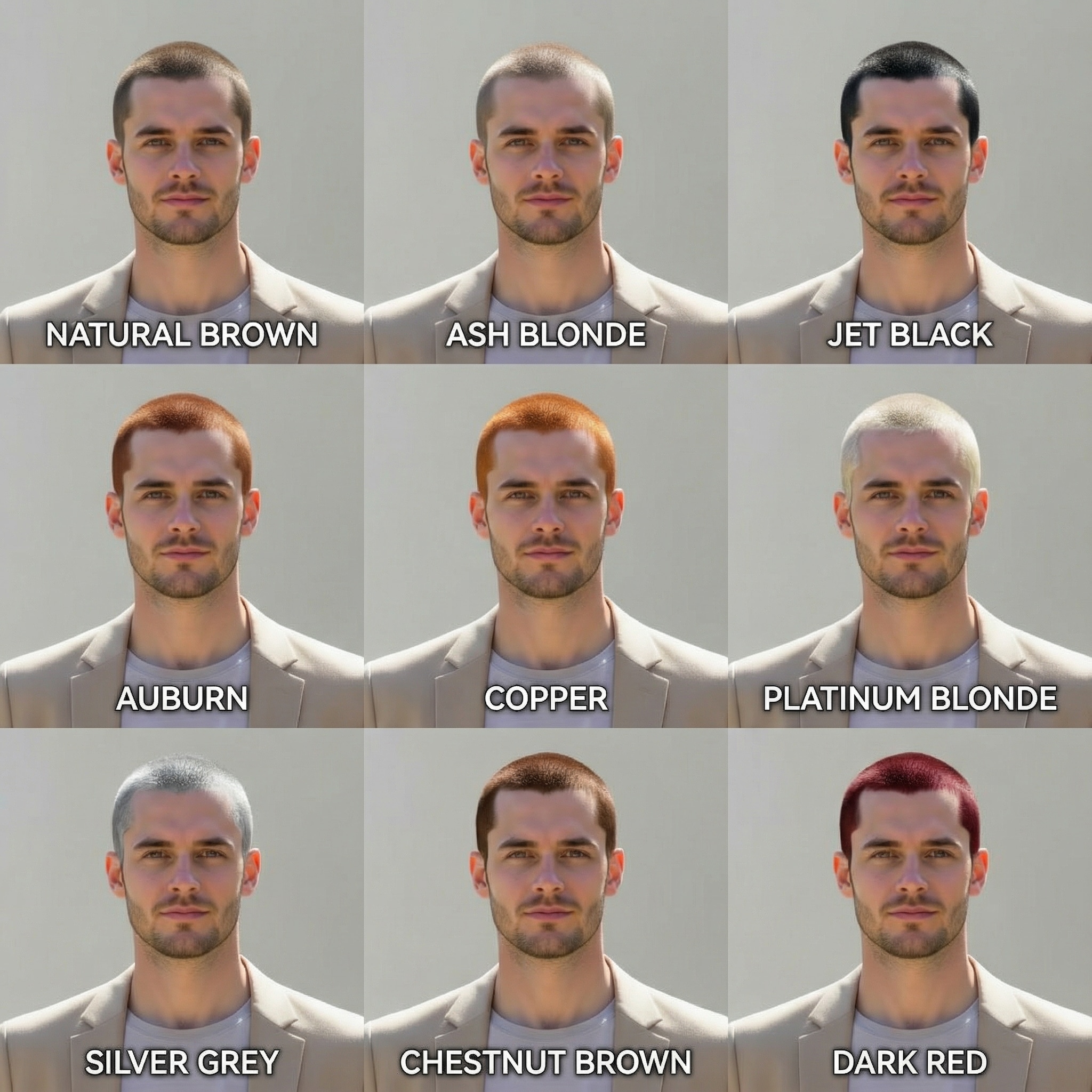
1:1比率の画像で9色一度に生成。染める前の比較に最適。
 Nano Banana Pro
 創造力を解き放ち、Media AIの魔法をすぐに体験しよう!














Media.ioの機能で、自分の写真ですぐに新しいヘアカラーを試せますAIヘアカラーチェンジャー。セルフィーをアップロードして 3×3グリッド of 9種類のリアルなヘアカラーバリエーションを生成。ブロンド、ブルネット、レッド、パステル、華やかなファンタジーカラーなど、 顔、肌色、照明、服装、背景はそのままに。バーチャルヘアカラーお試しをオンラインで体験。サロンもアプリも編集スキルも不要、
ダウンロード不要。登録で無料クレジット進呈。
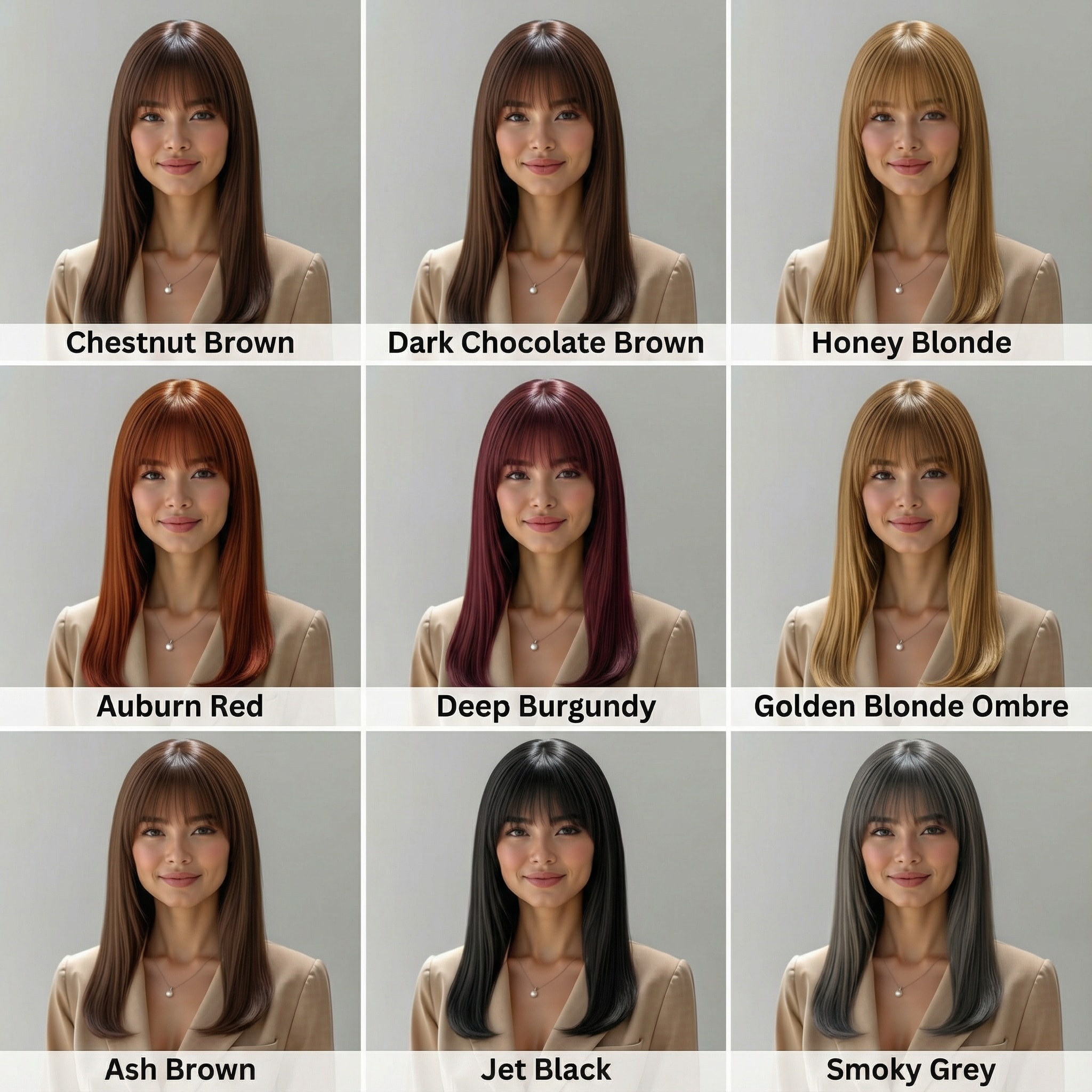
| ヘアカラー | 女性向け Gemini AI ヘアカラープロンプト | プレビュー | コピー |
|---|---|---|---|
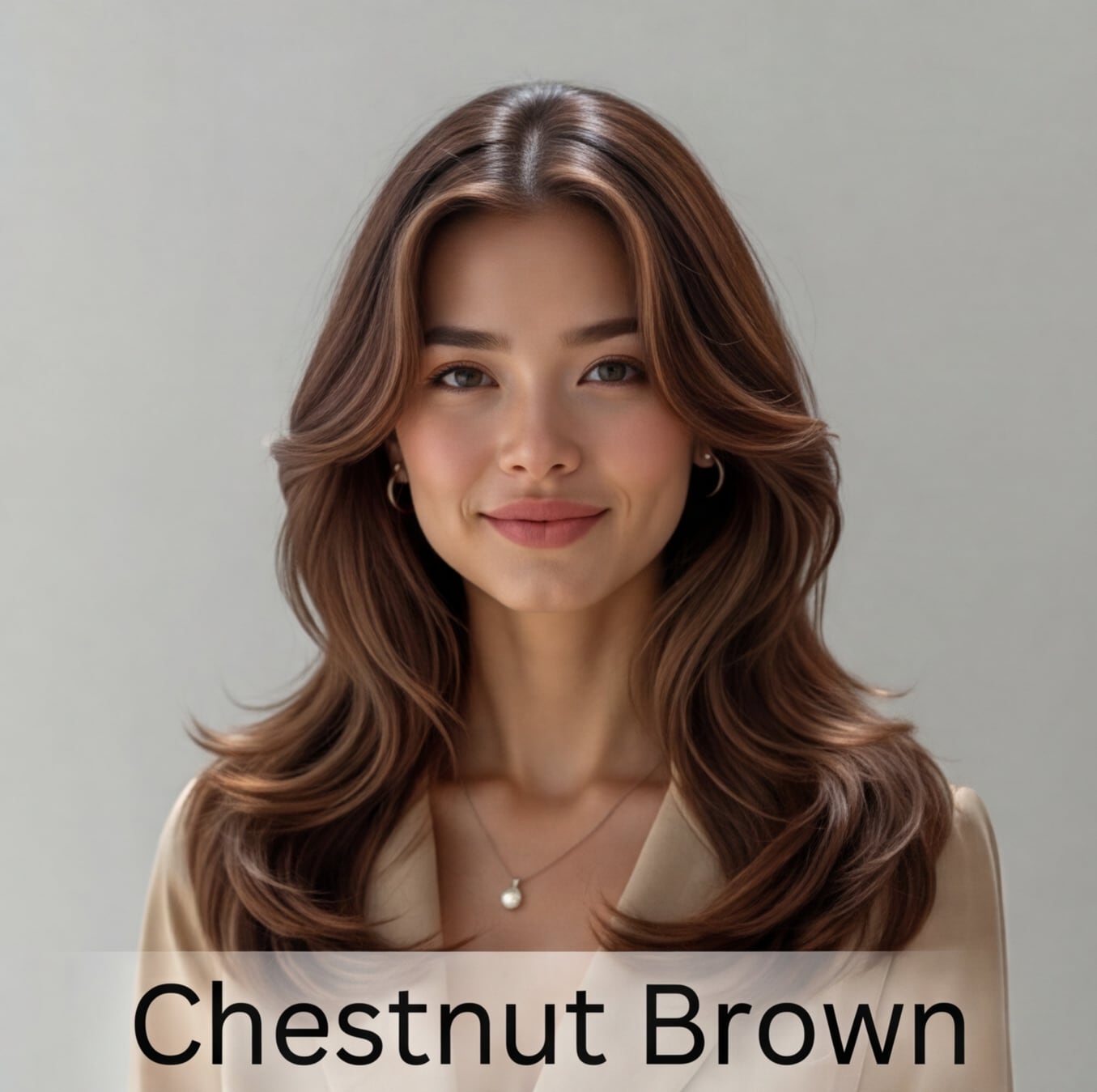
チェスナットブロンド |
アップロードした人物の顔、体、ポーズ、服装、背景はそのままに、髪色のみ【チェスナットブロンド】へ変更してください。新しい髪色は自然でリアルに、照明や頭の形に合わせて調整し、肌の質感や写真の雰囲気も維持してください。 |
|
|
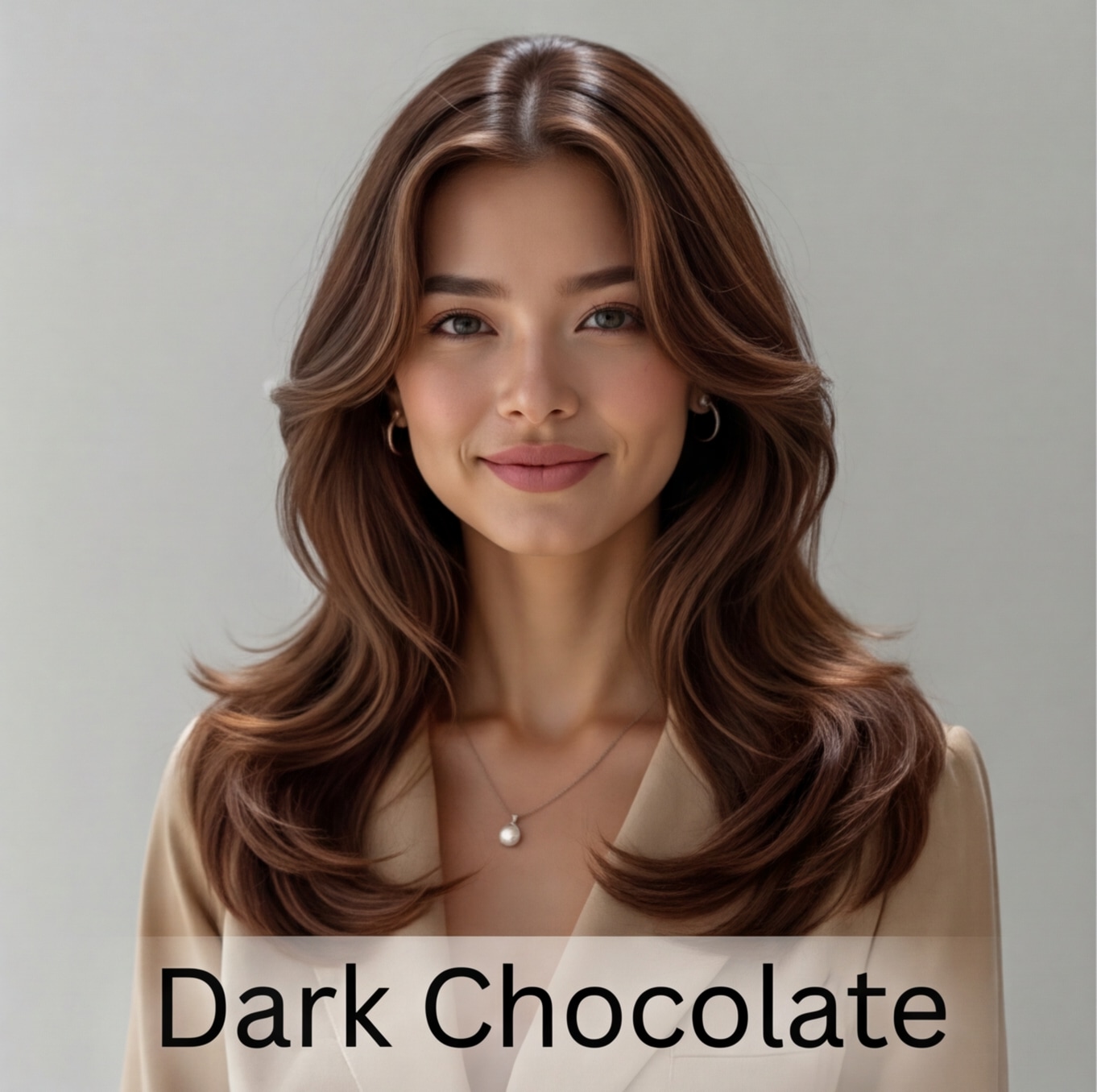
ダークチョコレート |
アップロードした人物の顔、体、ポーズ、服装、背景はそのままに、髪色のみ【ダークチョコレート】へ変更してください。新しい髪色は自然でリアルに、照明や頭の形に合わせて調整し、肌の質感や写真の雰囲気も維持してください。 |
|
|
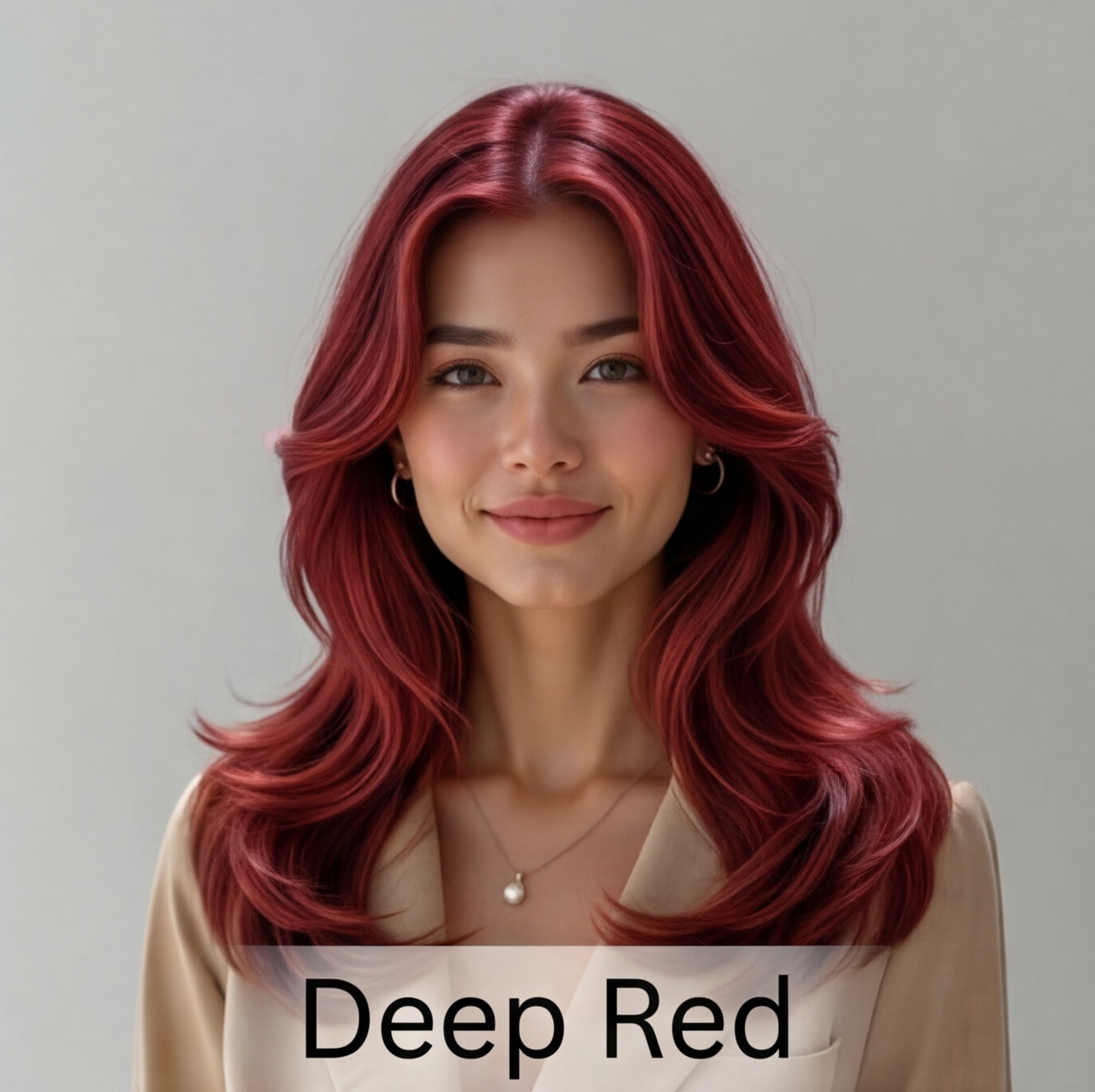
ディープレッド |
アップロードした人物の顔、体、ポーズ、服装、背景はそのままに、髪色のみ【ディープレッド】へ変更してください。新しい髪色は自然でリアルに、照明や頭の形に合わせて調整し、肌の質感や写真の雰囲気も維持してください。 |
|
|
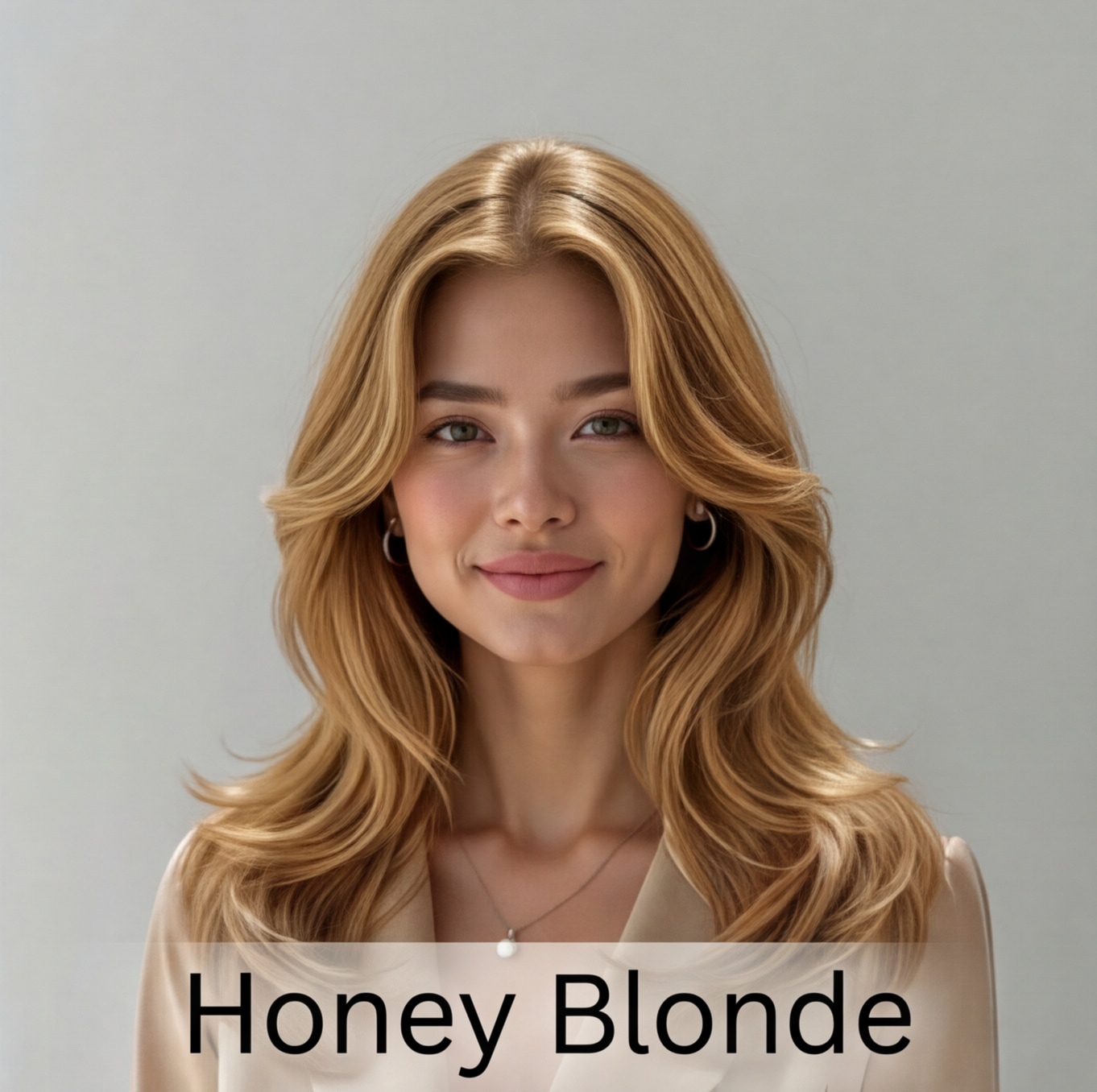
ハニーブロンド |
アップロードした人物の顔、体、ポーズ、服装、背景はそのままに、髪色のみ【ハニーブロンド】へ変更してください。新しい髪色は自然でリアルに、照明や頭の形に合わせて調整し、肌の質感や写真の雰囲気も維持してください。 |
|
|
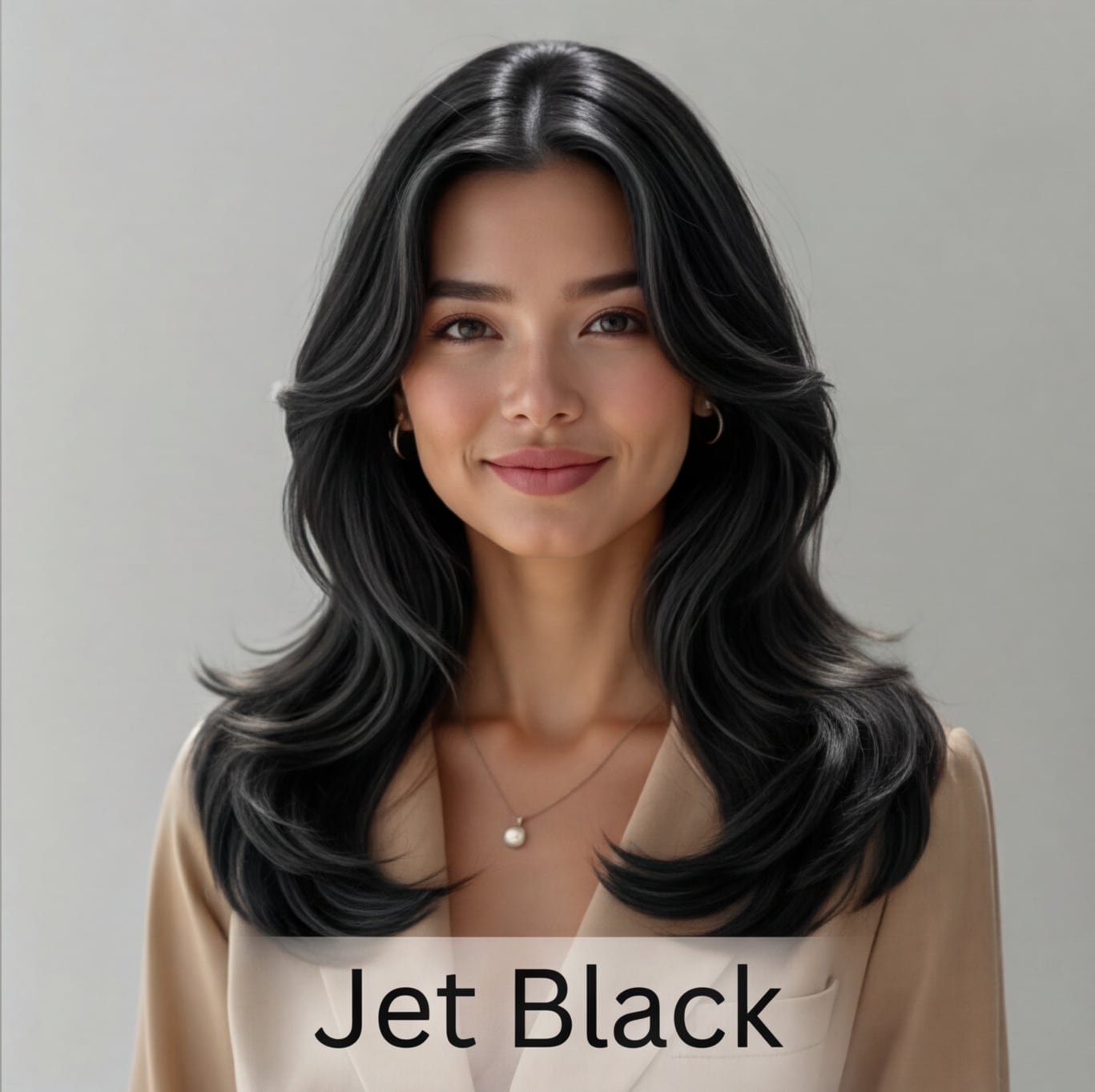
ジェットブラック |
アップロードした人物の顔、体、ポーズ、服装、背景はそのままに、髪色のみ【ジェットブラック】へ変更してください。新しい髪色は自然でリアルに、照明や頭の形に合わせて調整し、肌の質感や写真の雰囲気も維持してください。 |
|
|
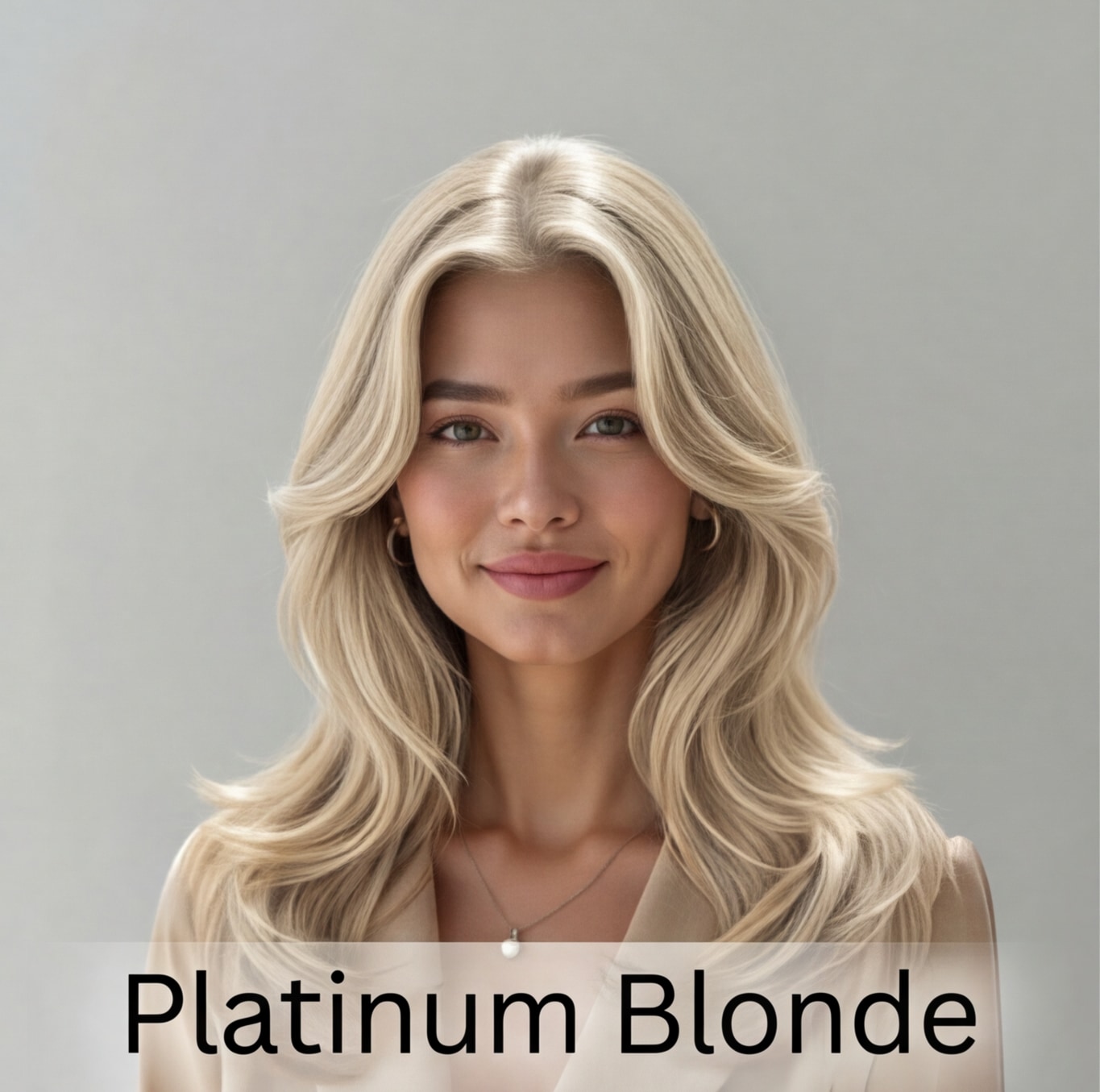
プラチナブロンド |
アップロードした人物の顔、体、ポーズ、服装、背景はそのままに、髪色のみ【プラチナブロンド】へ変更してください。新しい髪色は自然でリアルに、照明や頭の形に合わせて調整し、肌の質感や写真の雰囲気も維持してください。 |
|
|
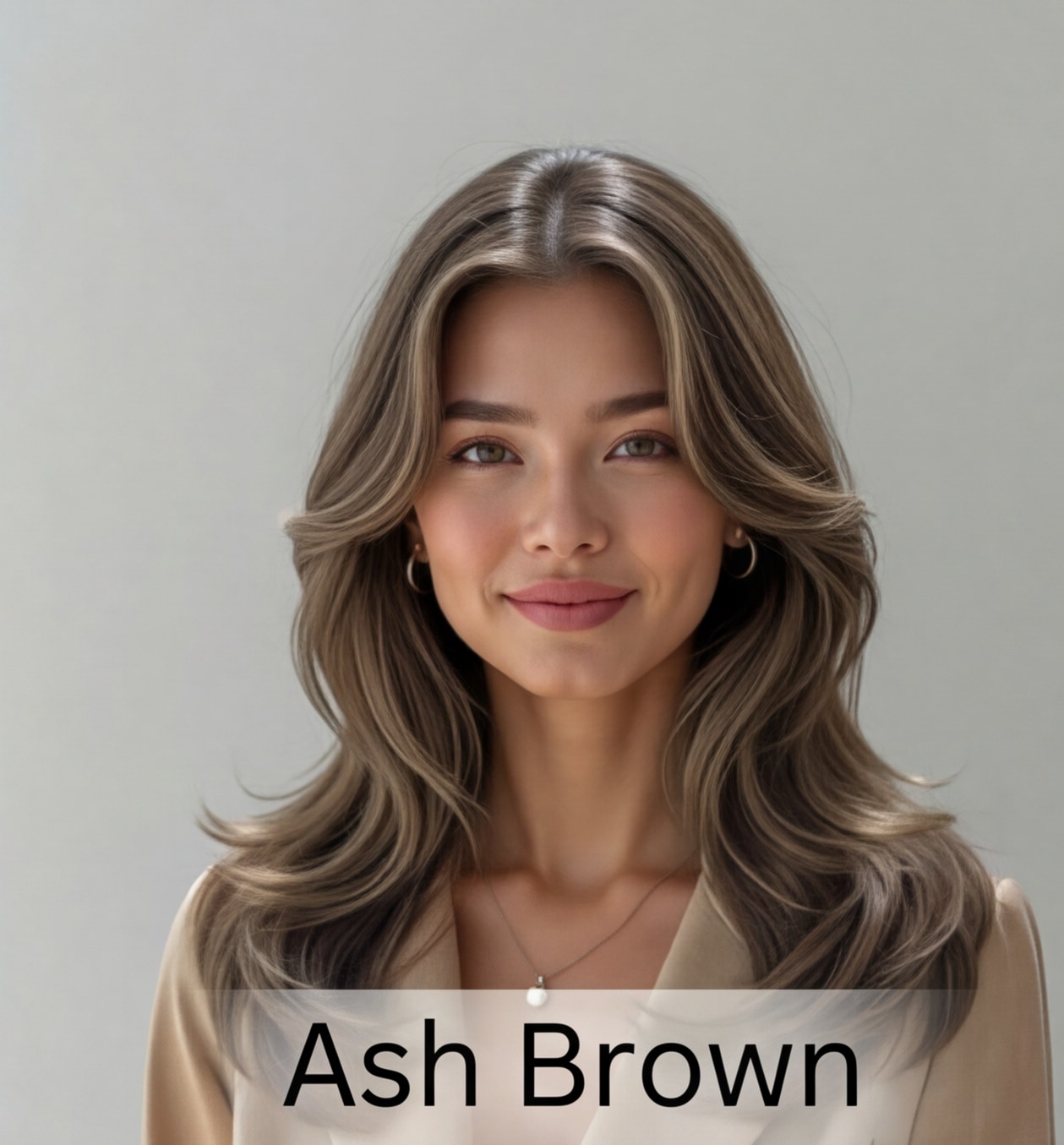
アッシュブロンド |
アップロードした人物の顔、体、ポーズ、服装、背景はそのままに、髪色のみ【アッシュブロンド】へ変更してください。新しい髪色は自然でリアルに、照明や頭の形に合わせて調整し、肌の質感や写真の雰囲気も維持してください。 |
|
|
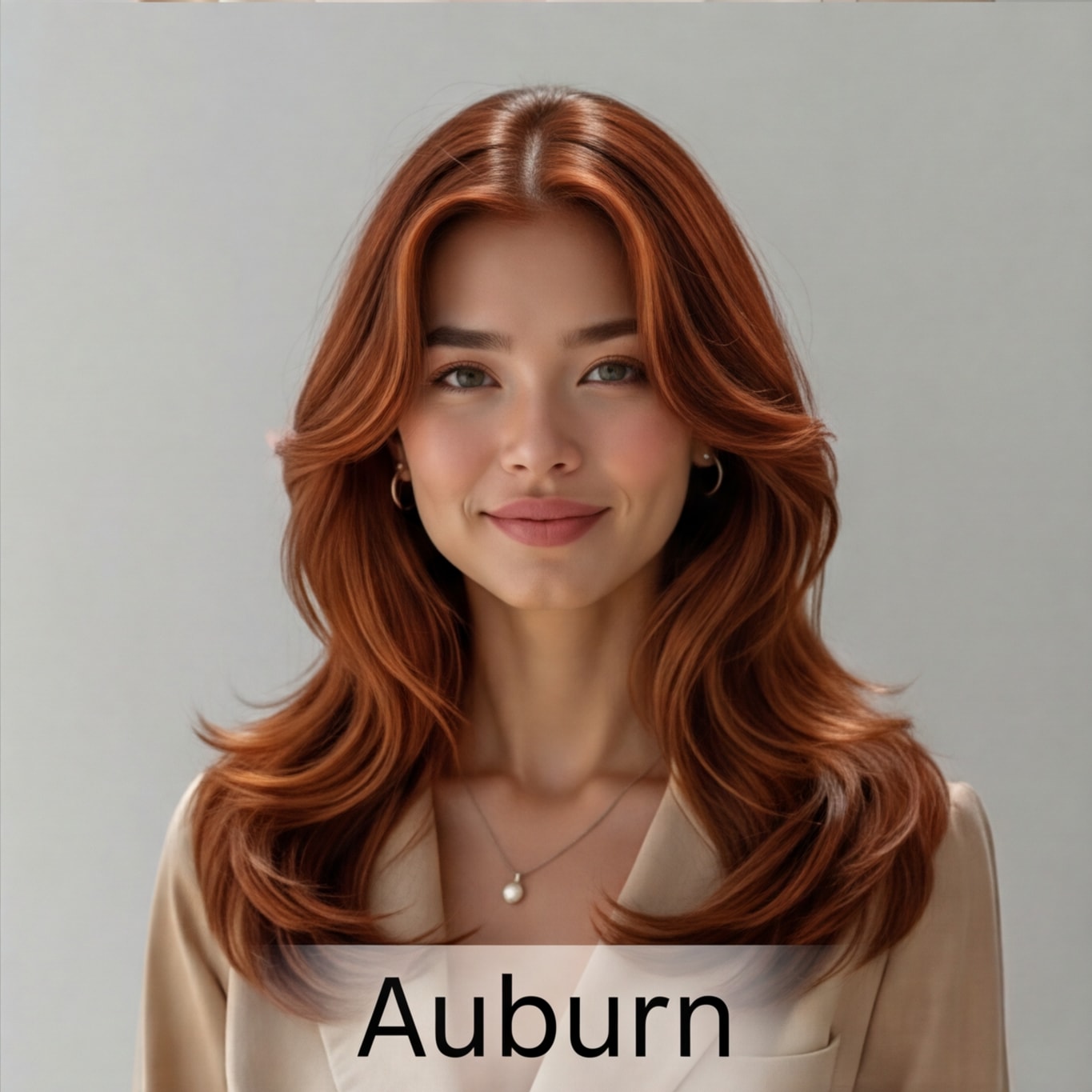
オーバーン |
アップロードした人物の顔、体、ポーズ、服装、背景はそのままに、髪色のみ【オーバーン】へ変更してください。新しい髪色は自然でリアルに、照明や頭の形に合わせて調整し、肌の質感や写真の雰囲気も維持してください。 |
|
|
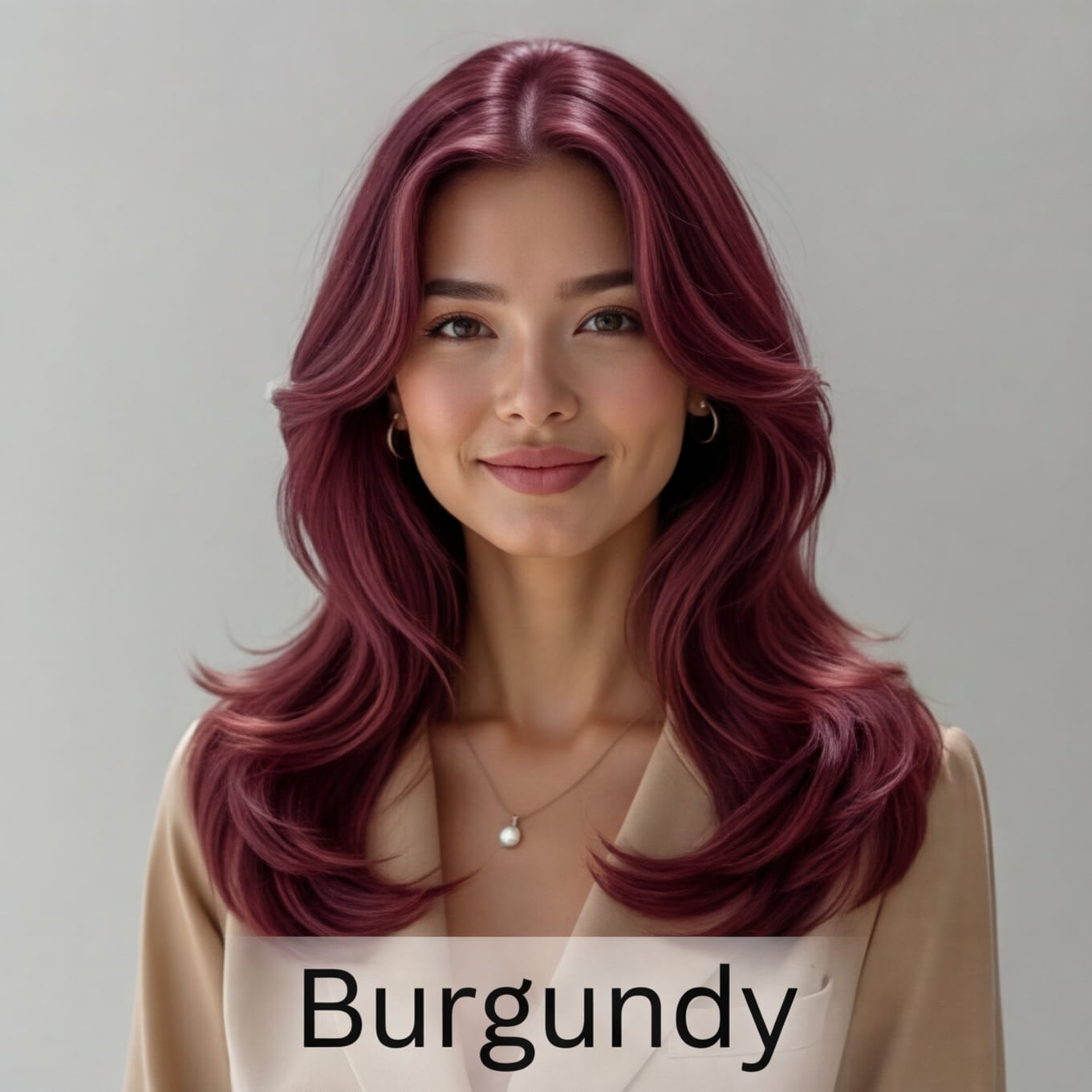
バーガンディ |
アップロードした人物の顔、体、ポーズ、服装、背景はそのままに、髪色のみ【バーガンディ】へ変更してください。新しい髪色は自然でリアルに、照明や頭の形に合わせて調整し、肌の質感や写真の雰囲気も維持してください。 |
|
| ヘアカラー | 男性向け Gemini AI ヘアカラープロンプト | プレビュー | コピー |
|---|---|---|---|
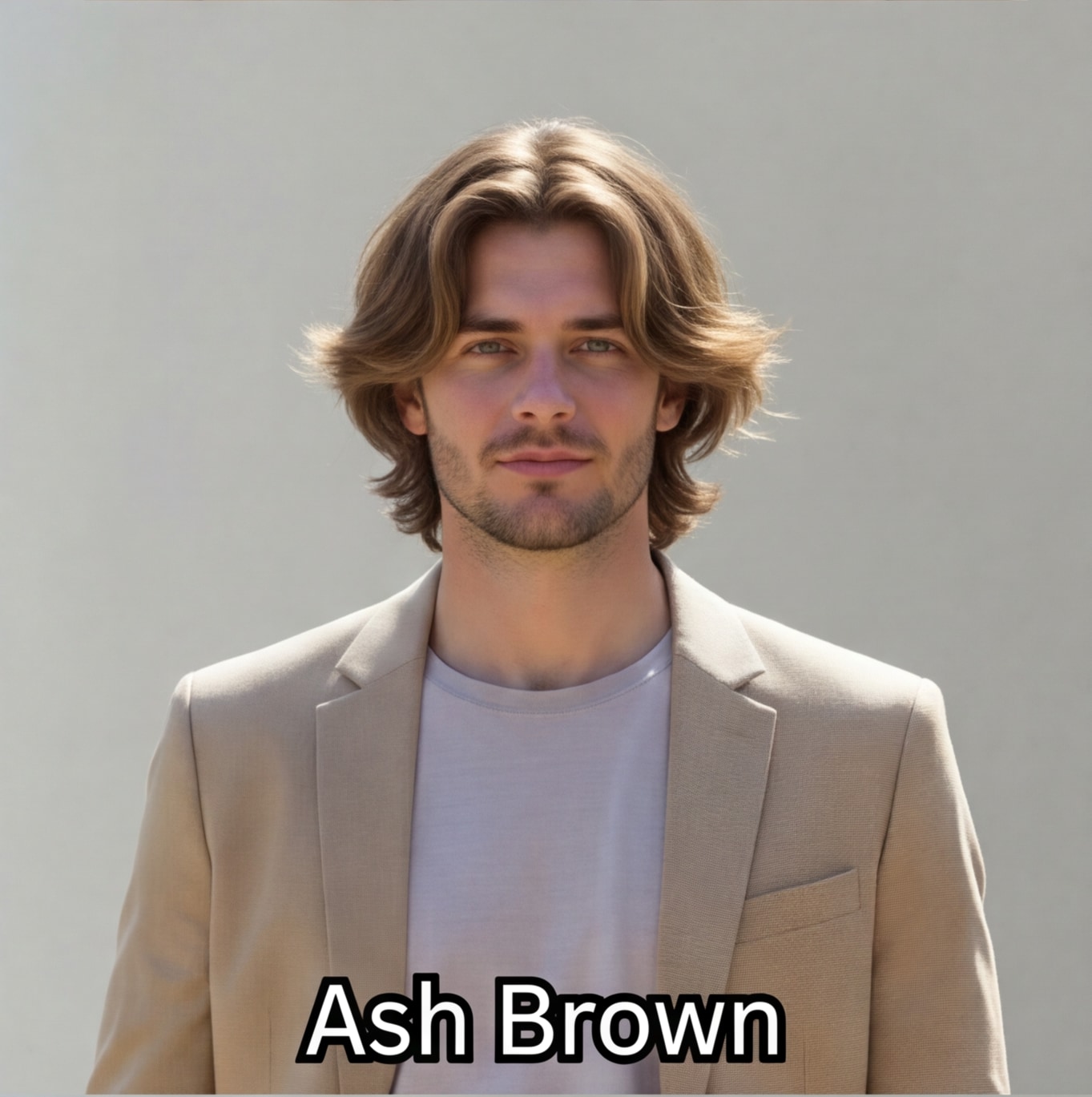
アッシュブラウン |
アップロードした人物の顔、体、ポーズ、服装、背景はそのままに、髪色のみ【アッシュブラウン】へ変更してください。新しい髪色は自然でリアルに、照明や頭の形に合わせて調整し、肌の質感や写真の雰囲気も維持してください。 |
|
|
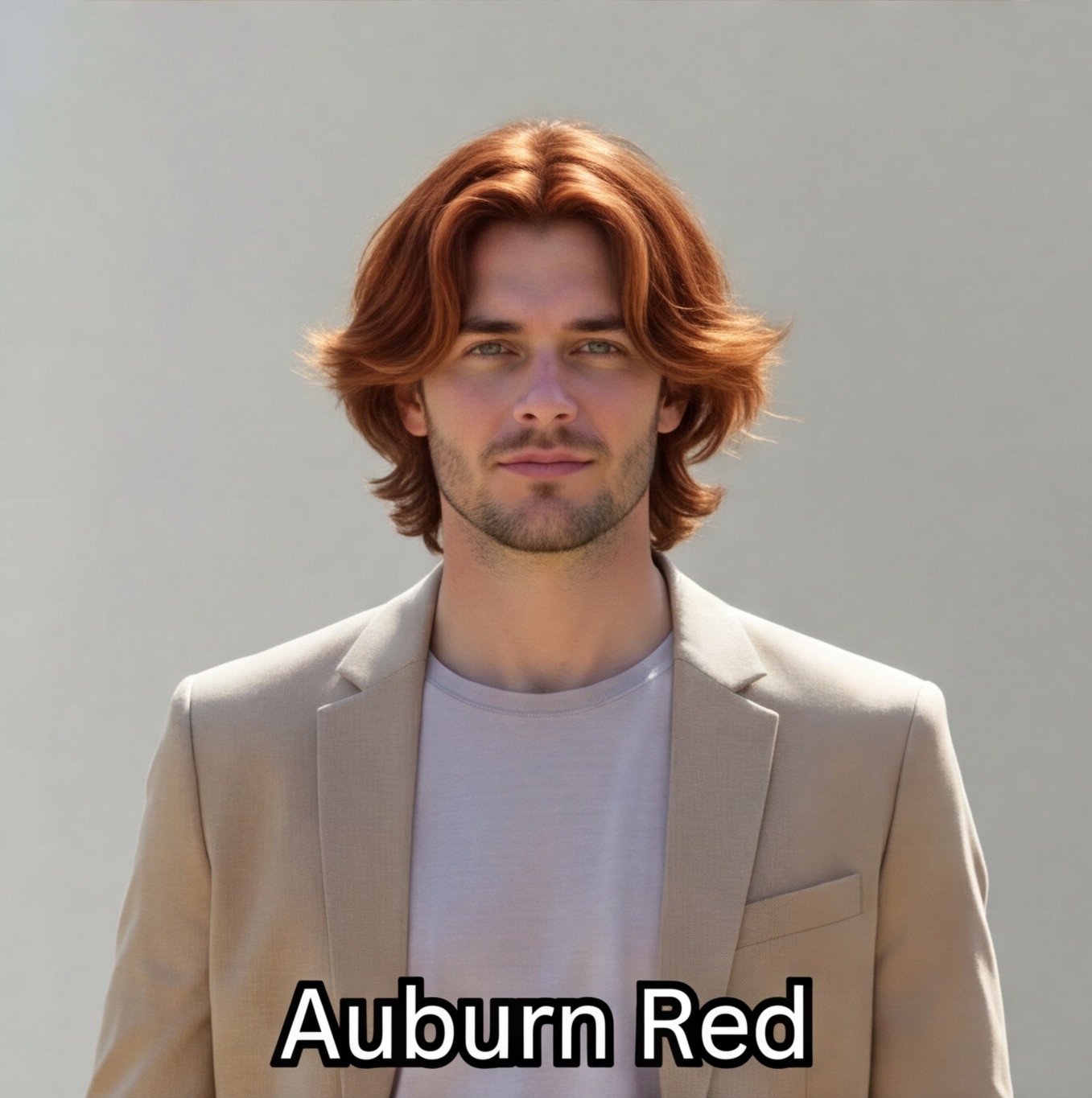
オーバーンレッド |
アップロードした人物の顔、体、ポーズ、服装、背景はそのままに、髪色のみ【オーバーンレッド】へ変更してください。新しい髪色は自然でリアルに、照明や頭の形に合わせて調整し、肌の質感や写真の雰囲気も維持してください。 |
|
|
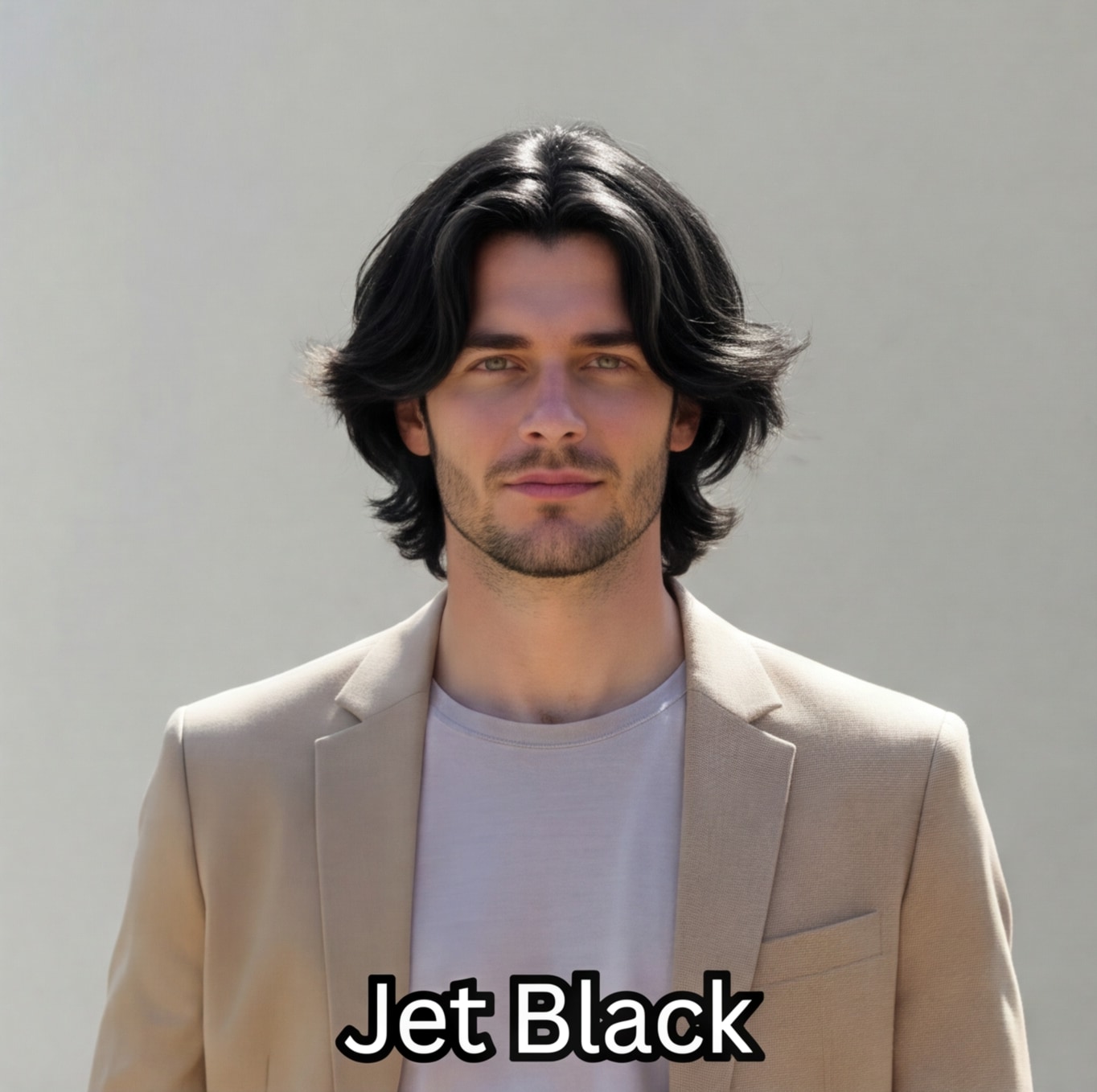
ブラック |
アップロードした人物の顔、体、ポーズ、服装、背景はそのままに、髪色のみ【ブラック】へ変更してください。新しい髪色は自然でリアルに、照明や頭の形に合わせて調整し、肌の質感や写真の雰囲気も維持してください。 |
|
|
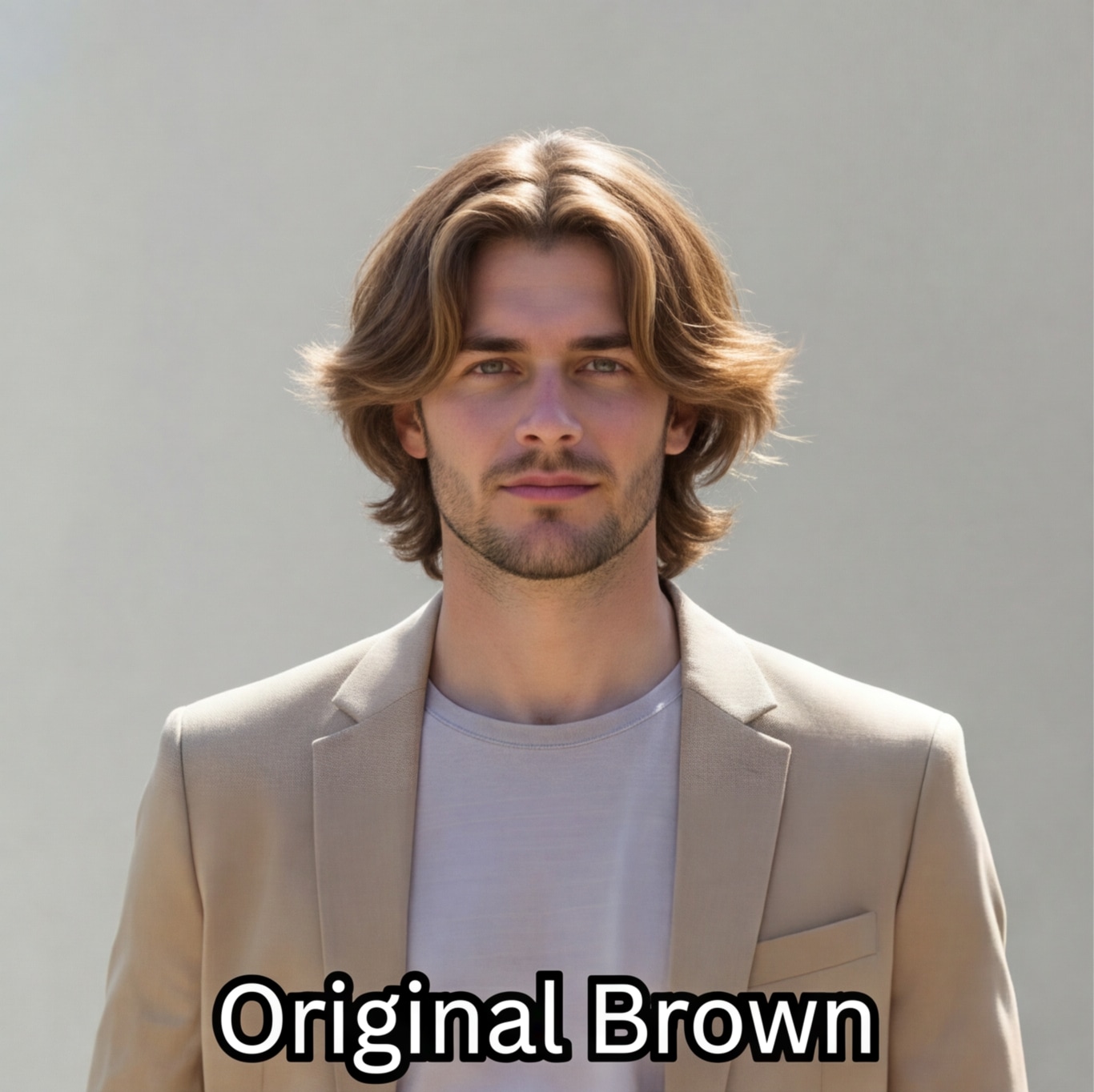
ブラウン |
アップロードした人物の顔、体、ポーズ、服装、背景はそのままに、髪色のみ【ブラウン】へ変更してください。新しい髪色は自然でリアルに、照明や頭の形に合わせて調整し、肌の質感や写真の雰囲気も維持してください。 |
|
|
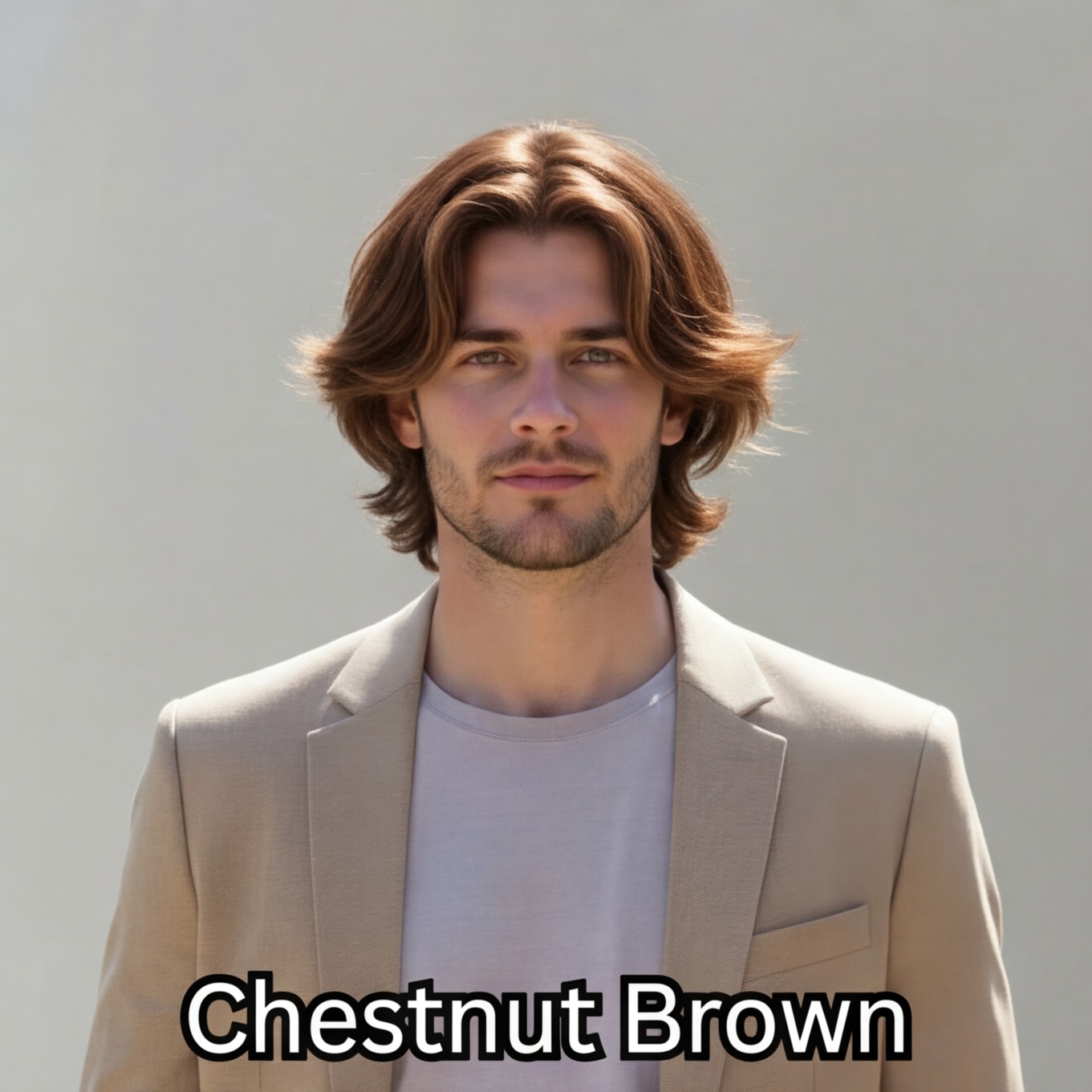
チェスナットブロンド |
アップロードした人物の顔、体、ポーズ、服装、背景はそのままに、髪色のみ【チェスナットブロンド】へ変更してください。新しい髪色は自然でリアルに、照明や頭の形に合わせて調整し、肌の質感や写真の雰囲気も維持してください。 |
|
|
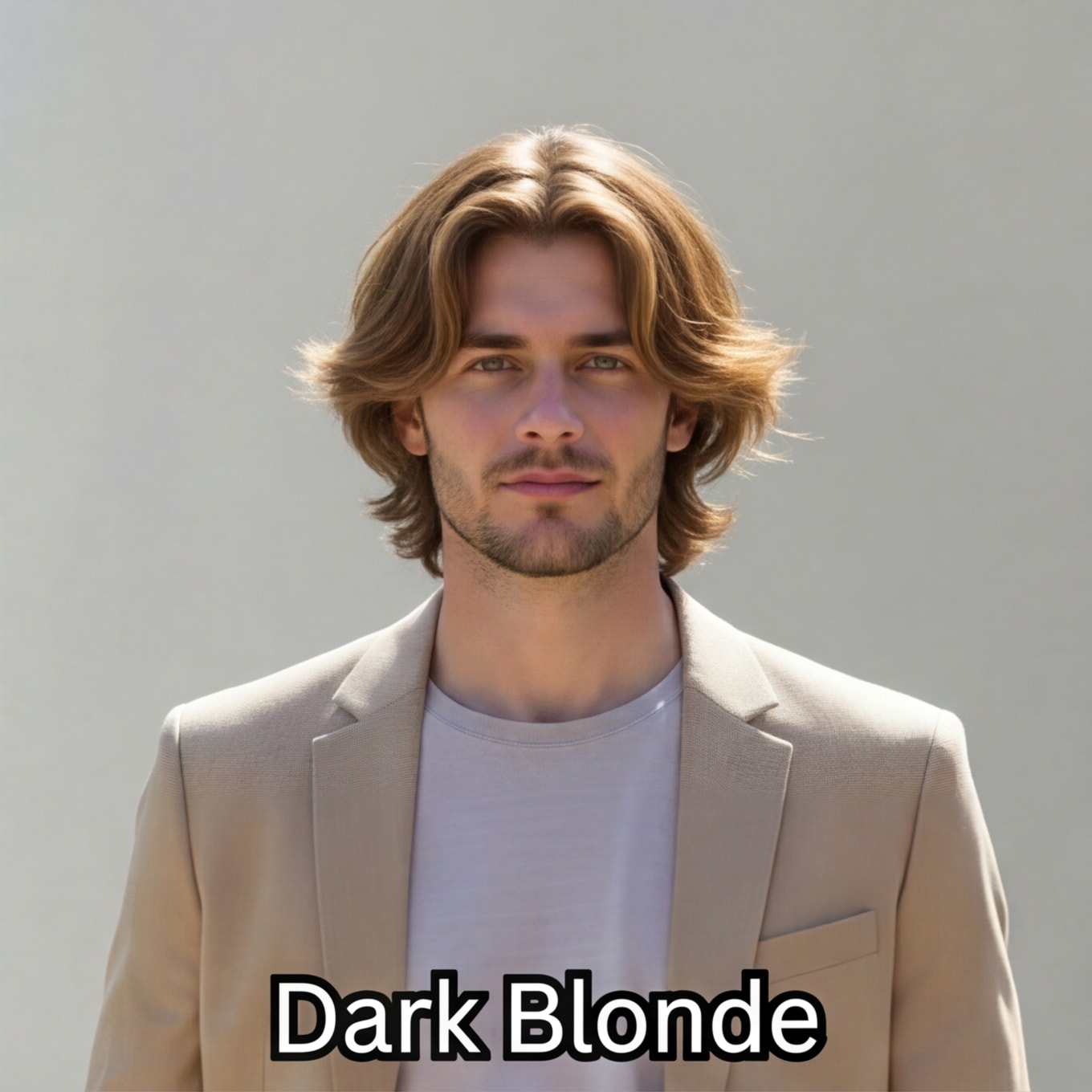
ダークブラウン |
アップロードした人物の顔、体、ポーズ、服装、背景はそのままに、髪色のみ【ダークブラウン】へ変更してください。新しい髪色は自然でリアルに、照明や頭の形に合わせて調整し、肌の質感や写真の雰囲気も維持してください。 |
|
|
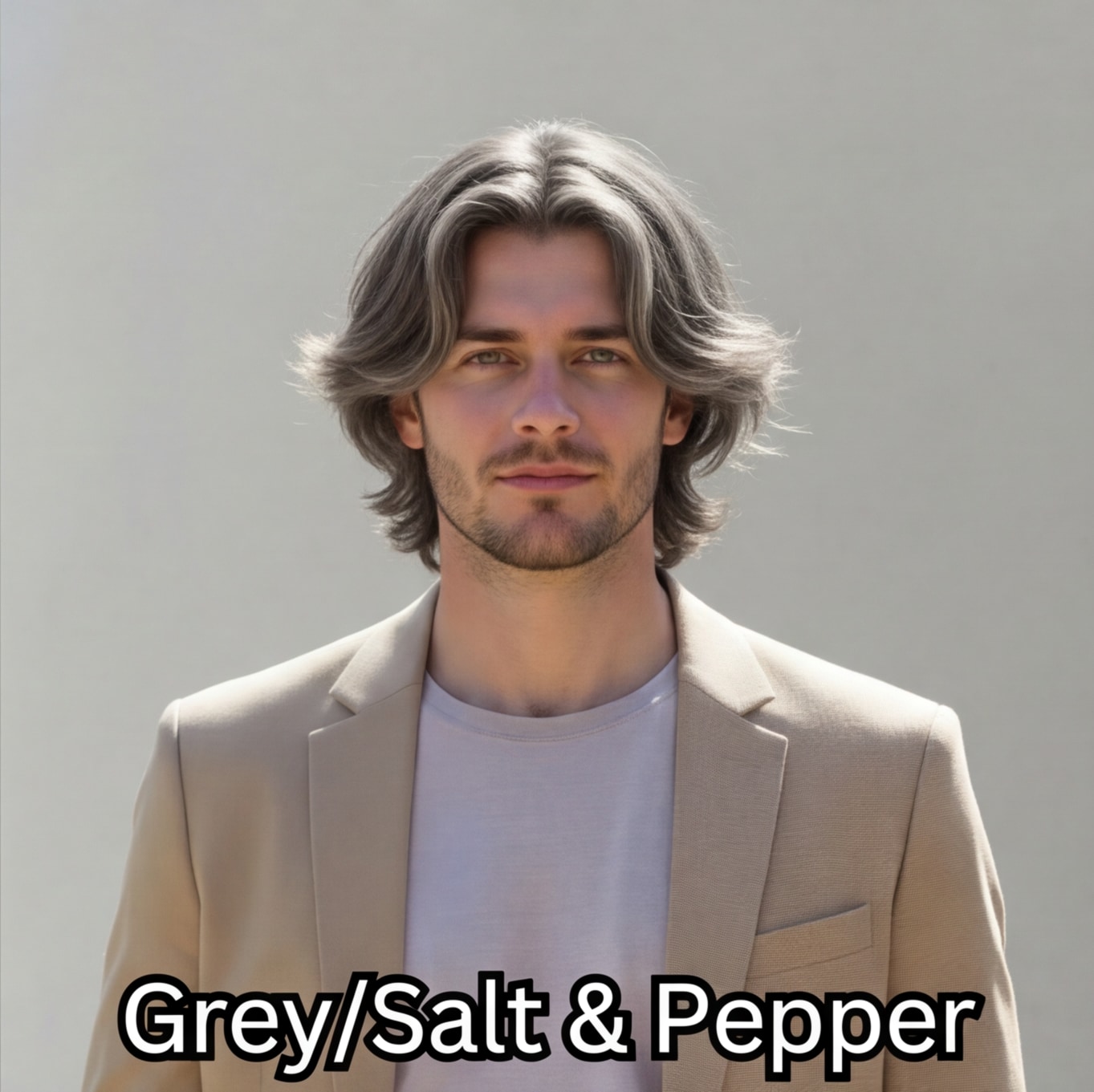
グレーペッパー |
アップロードした人物の顔、体、ポーズ、服装、背景はそのままに、髪色のみ【グレーペッパー】へ変更してください。新しい髪色は自然でリアルに、照明や頭の形に合わせて調整し、肌の質感や写真の雰囲気も維持してください。 |
|
|
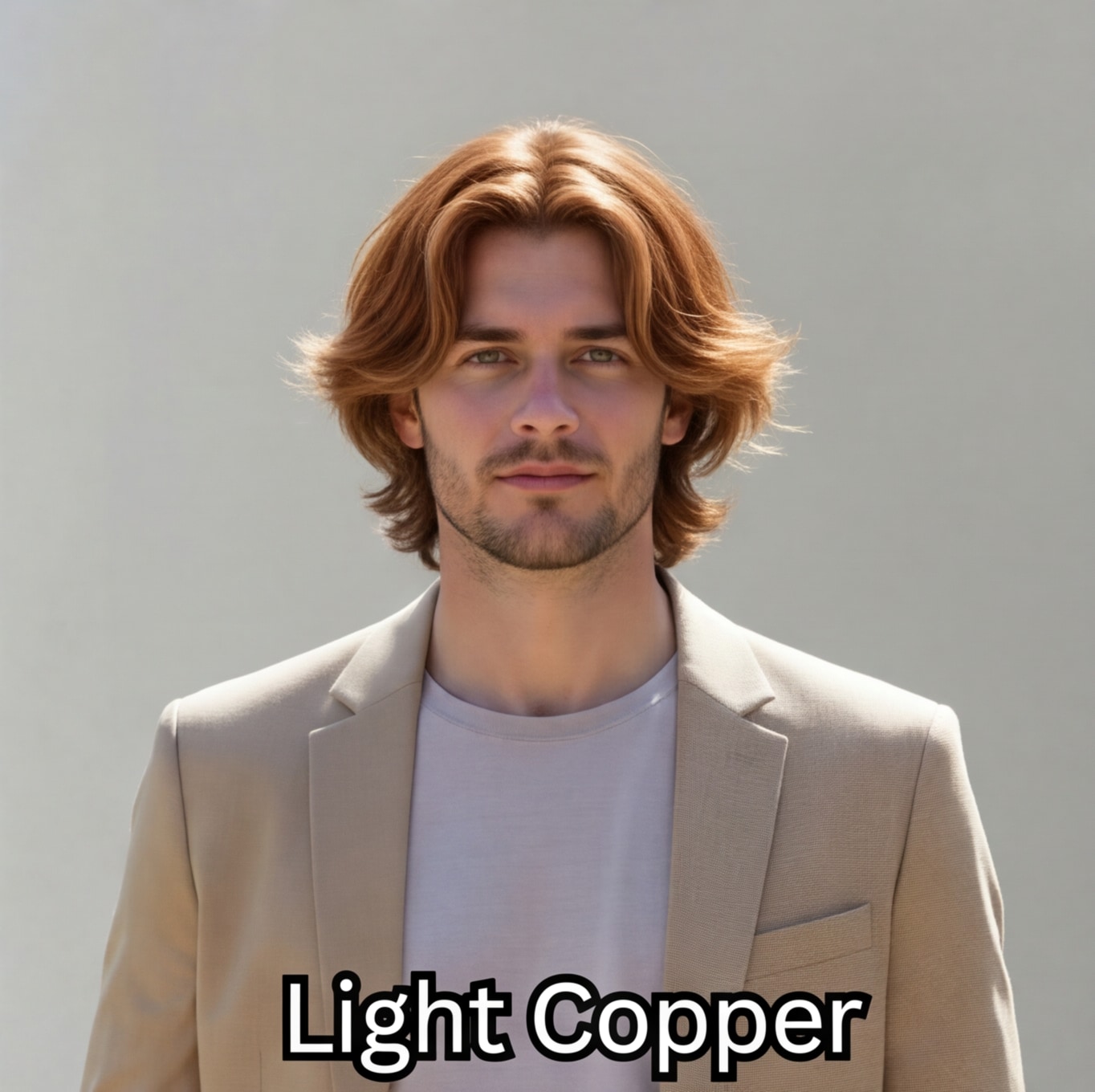
ライトカッパー |
アップロードした人物の顔、体、ポーズ、服装、背景はそのままに、髪色のみ【ライトカッパー】へ変更してください。新しい髪色は自然でリアルに、照明や頭の形に合わせて調整し、肌の質感や写真の雰囲気も維持してください。 |
|
|
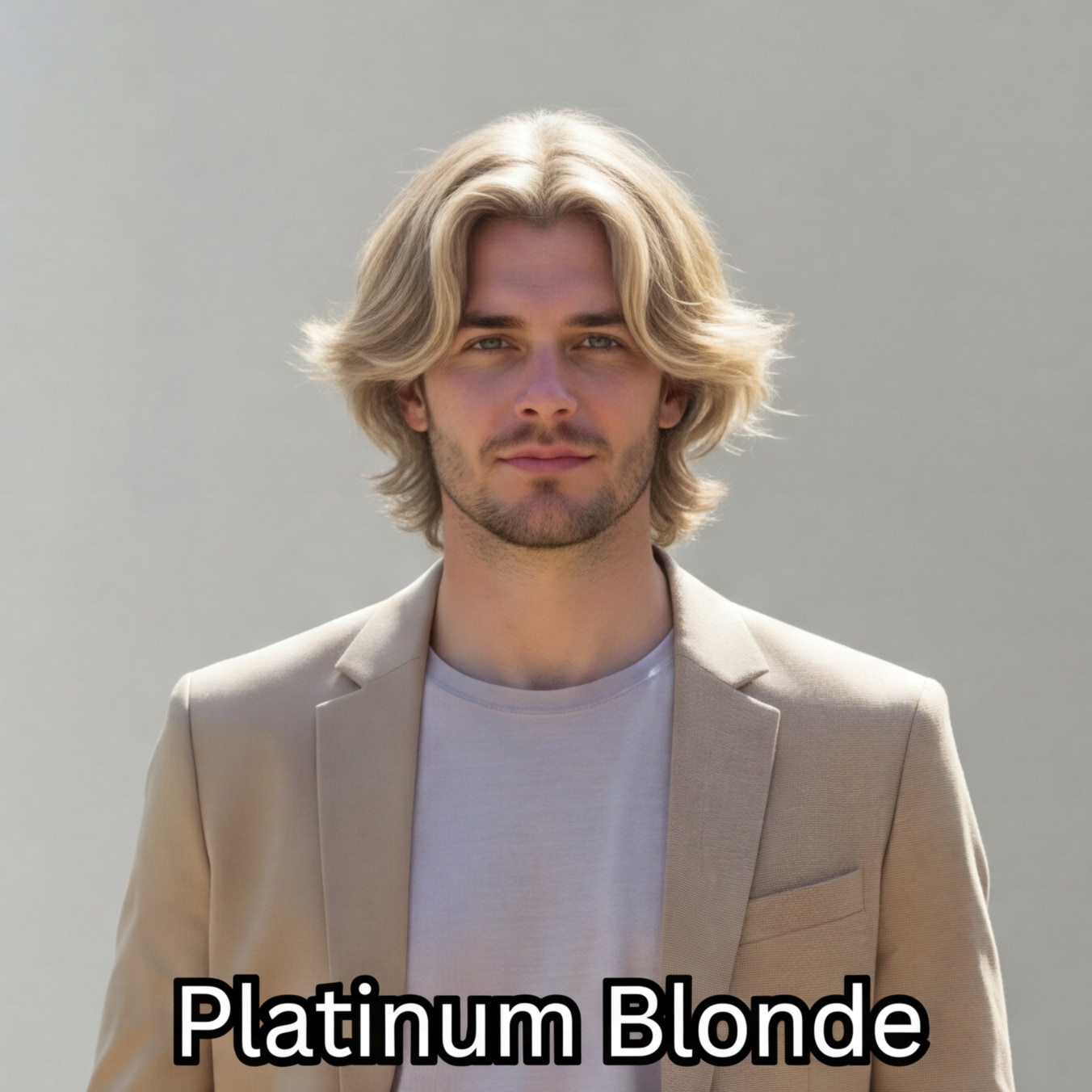
プラチナブロンド |
アップロードした人物の顔、体、ポーズ、服装、背景はそのままに、髪色のみ【プラチナブロンド】へ変更してください。新しい髪色は自然でリアルに、照明や頭の形に合わせて調整し、肌の質感や写真の雰囲気も維持してください。 |
|
服・アクセサリー・ビューティーもMedia.ioのAIで瞬時にお試し。
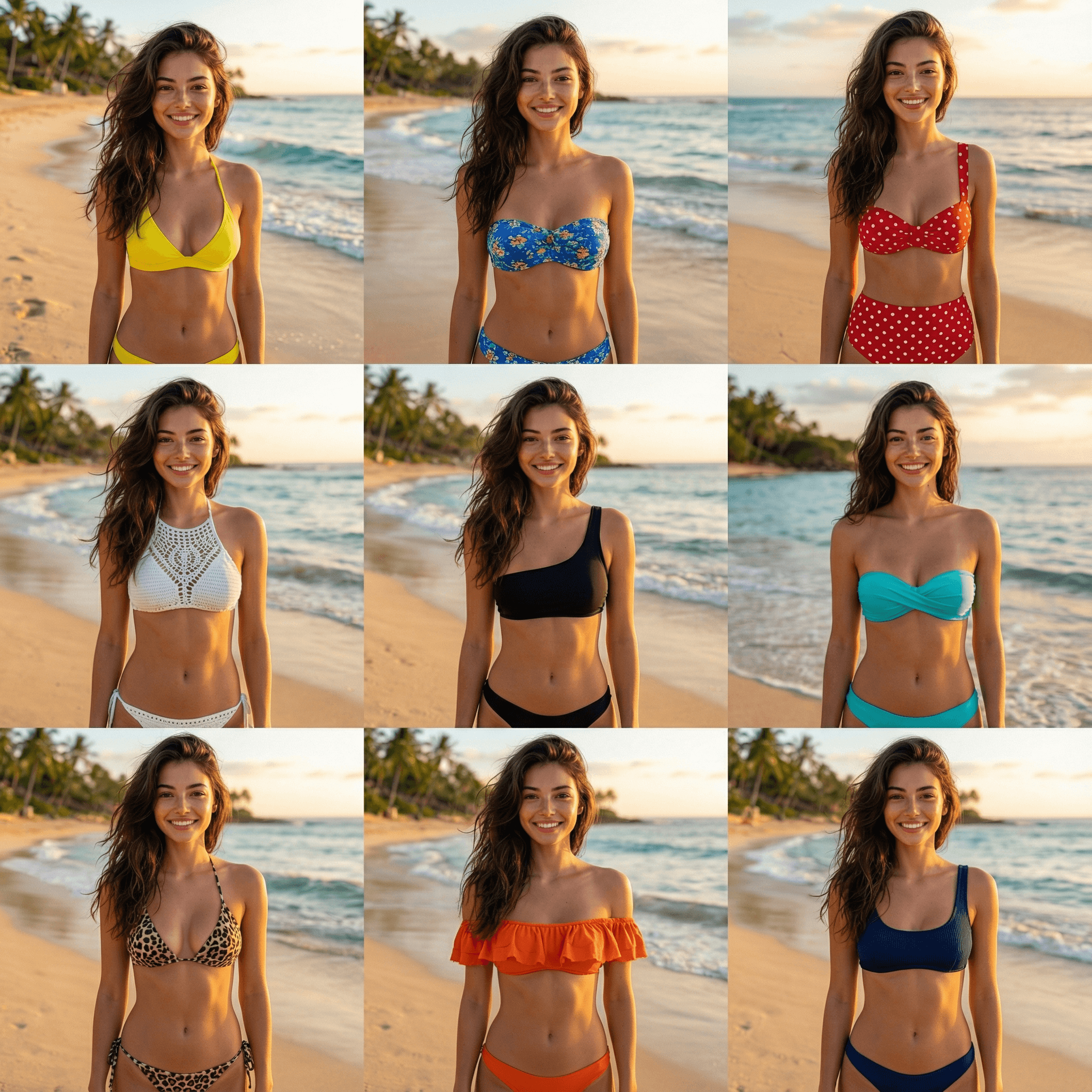
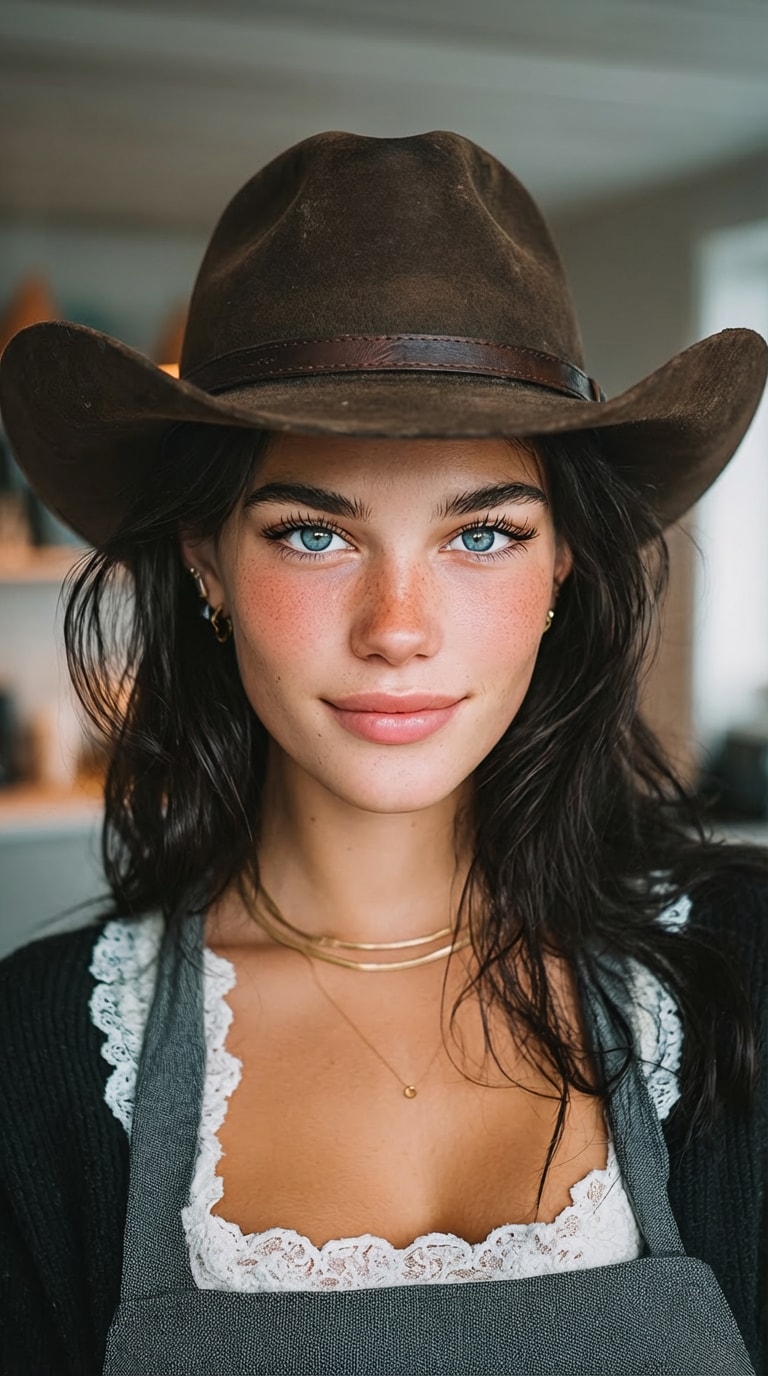
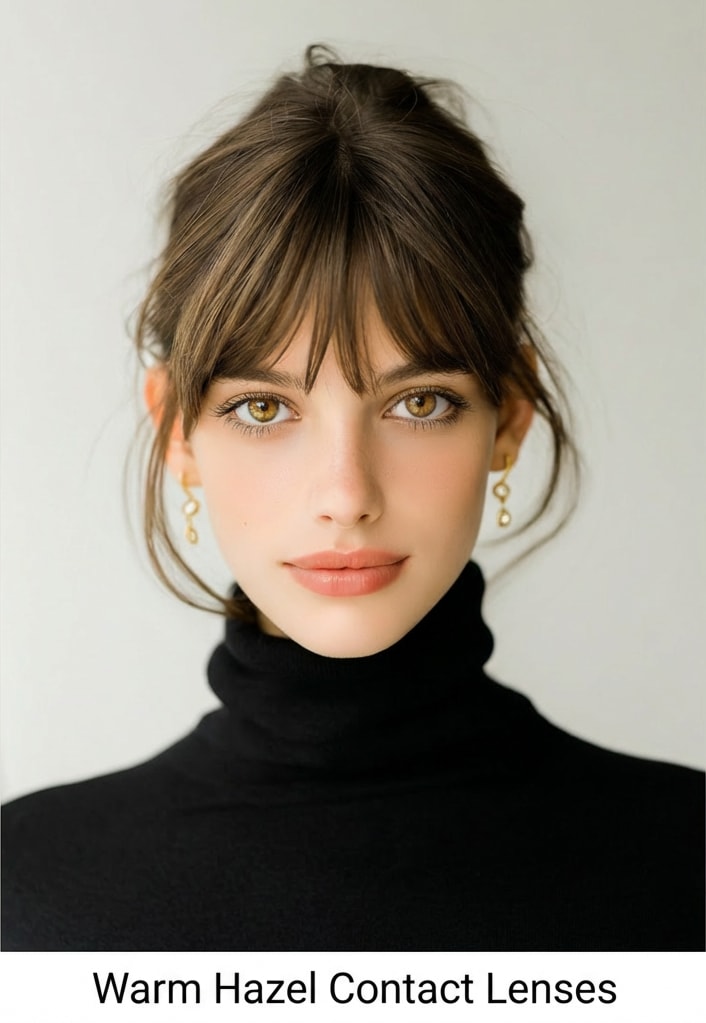
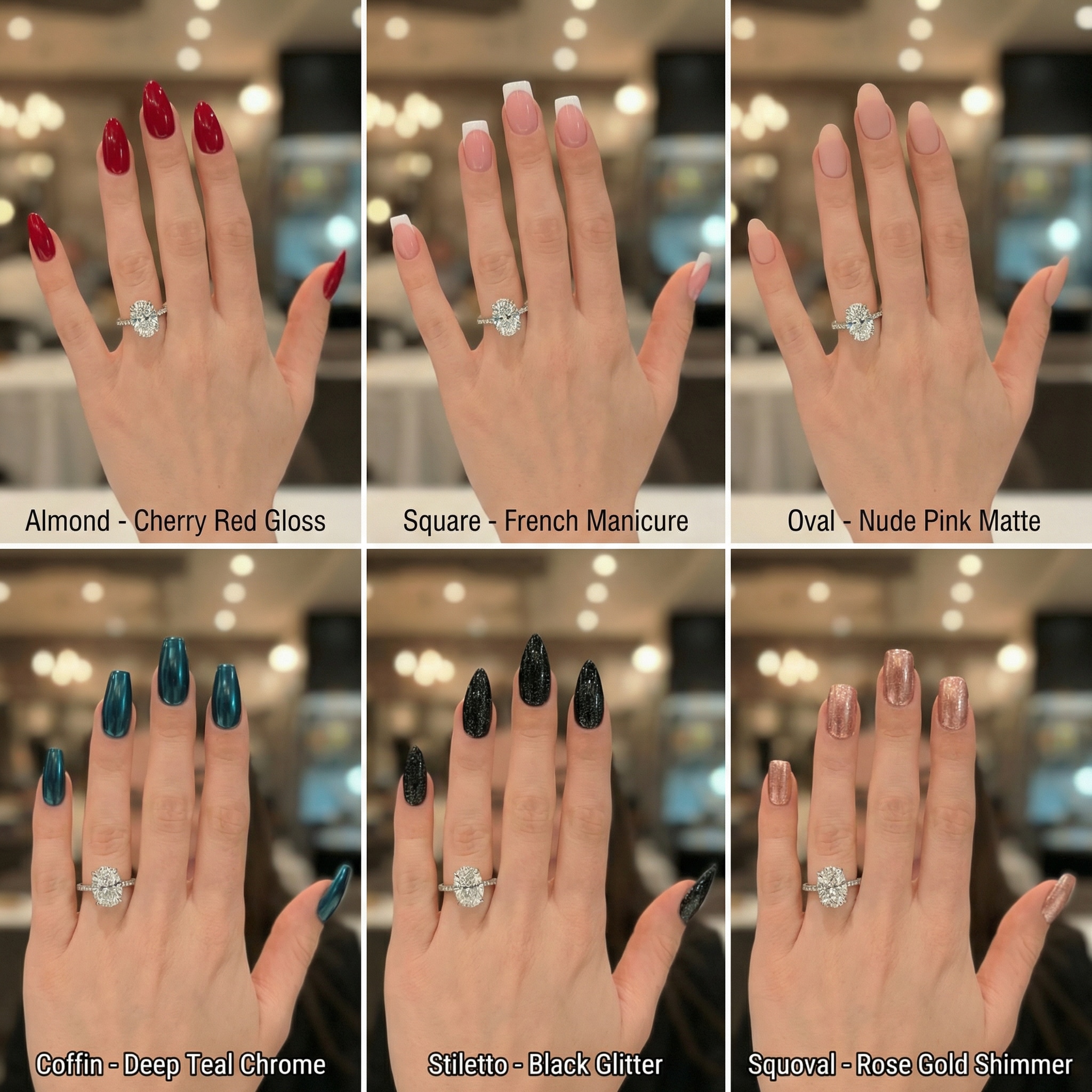
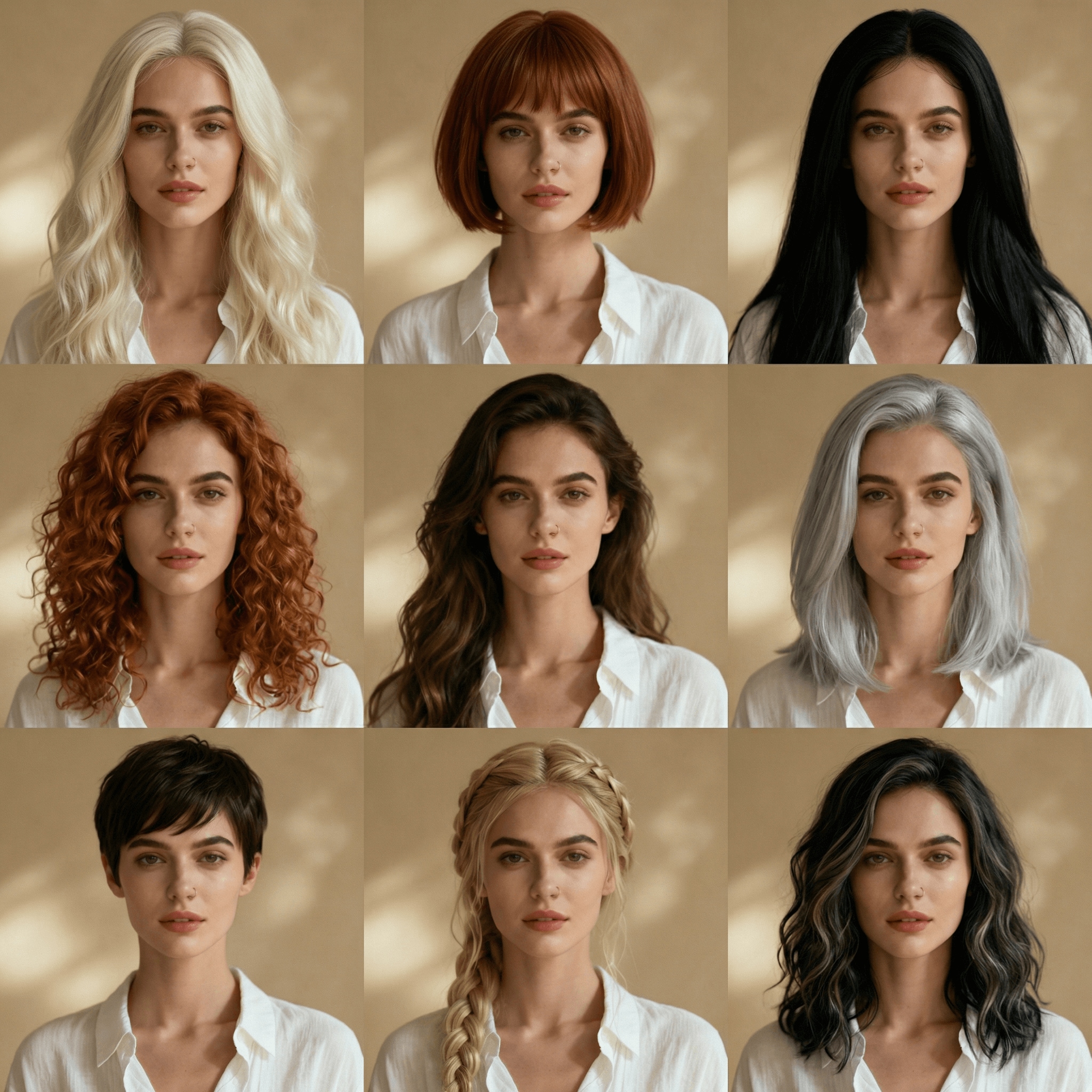
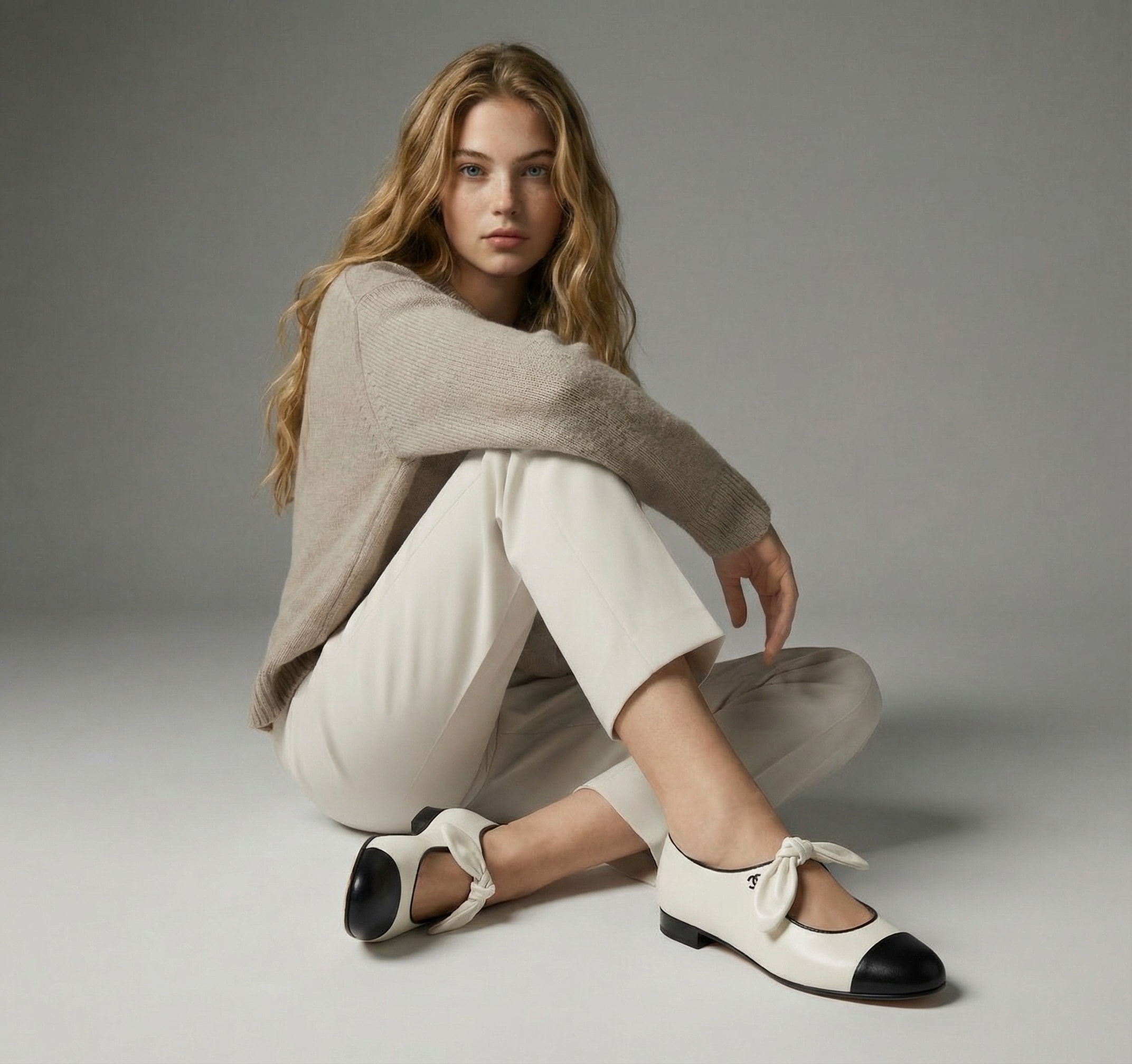
1:1比率の画像で9色一度に生成。染める前の比較に最適。
髪の質感や光を自然に再現し、ペイント感のないリアルな仕上がり。
AIが顔・表情・肌色・服・背景を保ち、髪色だけを比較できます。
アプリ不要でオンライン上ですぐに使えます。生成した画像は高画質でダウンロードして共有やサロン相談にも。
Media.ioで イメージtoイメージAIを開き、明るく鮮明なセルフィーやポートレートをアップロード(明るい照明が最適)
用意された3×3 ヘアカラープロンプト このページから(または “アッシュブロンド”, “チェリーレッド”など特定の色合いでカスタマイズできます “ジェットブラック”).
クリックして 生成 9色グリッドを取得します。あなただけのバーチャルヘアカラー体験画像をダウンロードして HD 、ヘアサロンの予約用やシェア用に保存できます。

サロン常連

「3×3グリッドで失敗カラーを回避できた!」 1つの画像で9色を試せて、肌色に合わないものはすぐ除外できました。顔や背景がそのままだから、本当に髪色だけを比べられます(まさに求めていたもの)。
はじめてのヘアカラー
「本物みたい。まるで誰かが塗ったみたいじゃない」 カラーが髪の質感やライティングとなじんで、とても自然な仕上がりに。HD画像を美容師さんに見せて、ほぼ同じ色味にできました。

コンテンツクリエイター
「インスタ投票に最適:アッシュブロンド vs チェリーレッド」 9色グリッドを生成してストーリー投票でシェア。AIは見た目に一貫性があるから、みんな本当に色合いだけで比較できました。
忙しいビジネスパーソン
「速い、アプリ不要、ダウンロードもキレイ」 自撮りをアップロードして結果を生成、画像を保存するだけ。デザインスキルも複雑な編集も不要。簡単に染める前の色味をプレビューできます。
イメチェンプランナー
「雰囲気に合う色がついに見つかった」 ナチュラルなブラウンや個性的な色も試して、次回のサロン予約用にグリッドを保存。ライティングも一貫してるから比較しやすく、迷わず決められました。

An AIヘアカラーチェンジャー 写真を使って、自分にさまざまな髪色がどう見えるか確認できます。画像をアップロードすると、AIが顔や肌色、ライティングを保ったままリアルなヘアカラーを再現します。

AIが髪の領域を検出し、質感や光・自然な影に合わせて新しい色を適用します。 Media.ioのバーチャルヘアカラートライオンなどを使えば、1枚の写真で複数色(たとえば3×3グリッド)を一度にプレビューできます。
はい。AIは 本物の顔や表情、肌色をそのまま保ち、髪の色だけを変更します。そのため、どの色が自分に似合うか正確に判断できます。
ブロンド、ブラウン、ブラック、レッドなど自然な色や、アッシュブロンド・シルバー・パステルピンク・ブルー・パープルなど流行りの色も選択可能。プロンプトを使えばカスタマイズもできます。
明るくはっきりした写真が最適です。正面または少し斜めから撮った髪が見えるセルフィーで、フィルター少なめのものがおすすめ。よりリアルな結果が得られます。
多くのオンラインツール(Media.ioなど)では 毎日無料クレジットやトライアルが利用でき、アップグレード前でもオンラインで髪色を試せます。生成後は、クレジット数に応じてダウンロードも可能です。
 4.7(162,357票)


