Instant Virtual Nail Try-On: Preview Nail Colors & Shapes on Your Photo with AI

Not sure which nail color or nail shape suits you best? Upload a hand photo and use our virtual nail try-on to preview different nail polish colors and nail shapes in seconds. See realistic results before committing — no salon visit, no guesswork, just a clear visual preview made online.

Try Virtual Nail Try-On Free

No downloads. Free credits on signup.

💅 Nail colors & polish shades 📐 Popular nail shapes 📸 Photo-based preview ⚡ Online & free to try
Virtual Nail Try-On Styles AI Nail Try-On Prompts Preview Copy
01 • Personalized Nail Shape & Color Match
#virtualnails #nailshape #photorealistic

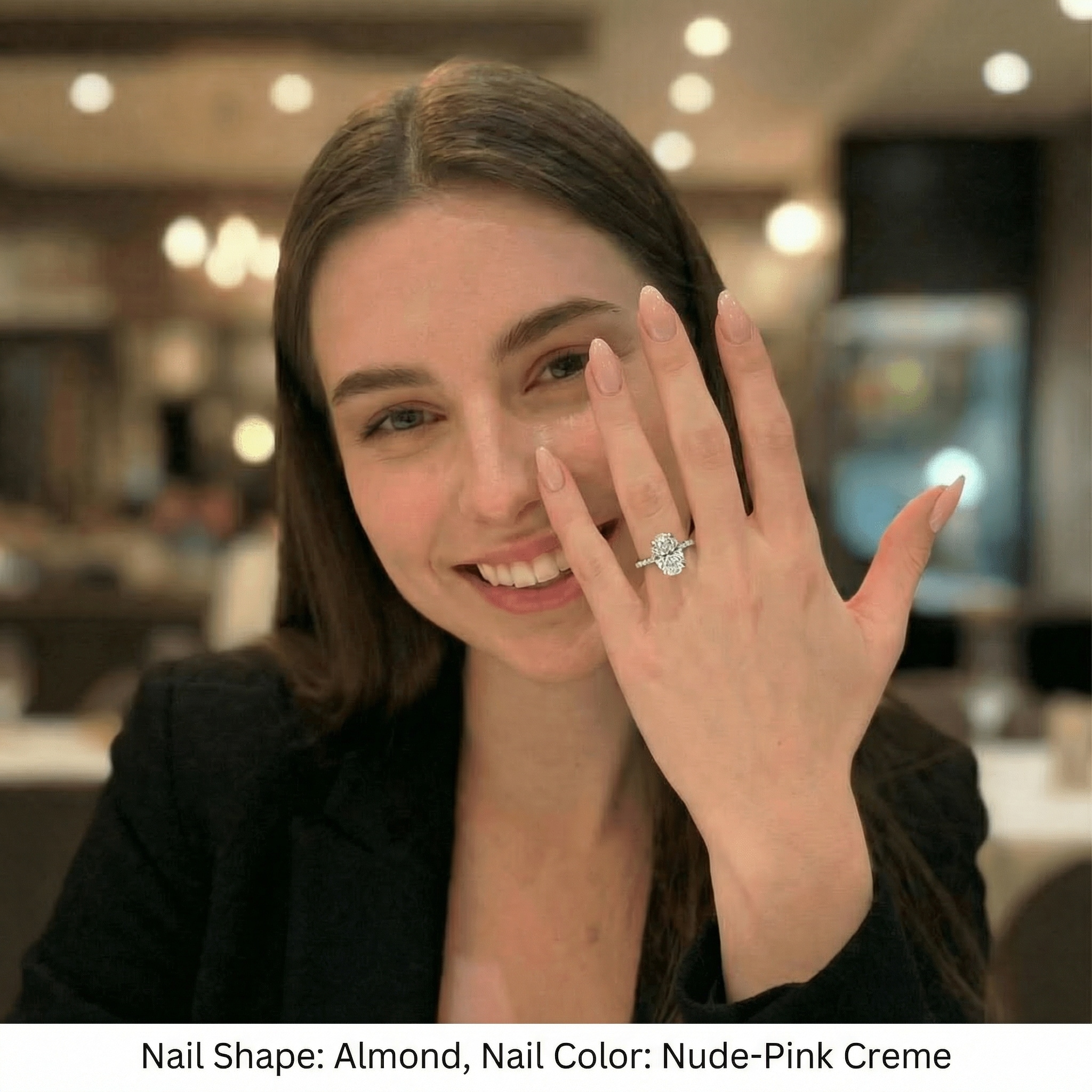
Using the uploaded hand photo as the base image, generate a close-up shot focused on the hand and nails, with the hand clearly filling most of the frame. Design the nail shape and nail color that best suit this person by analyzing the finger length, finger width, nail bed shape, skin tone, and overall hand aesthetic. Apply the selected nail shape and color naturally to the nails. Keep the hand position, finger proportions, skin tone, lighting, and background unchanged. Only modify the nail shape and nail color. Add a clear caption below the image displaying the selected nail shape and nail color name. Ensure realistic nail structure, clean cuticles, natural curvature, subtle shine, and smooth edges. Photorealistic, high quality, clean edges, no distortion.

Virtual nail try on 01
02 • 2×3 Nail Shape & Polish Grid
#nailpolish #6grid #tryon

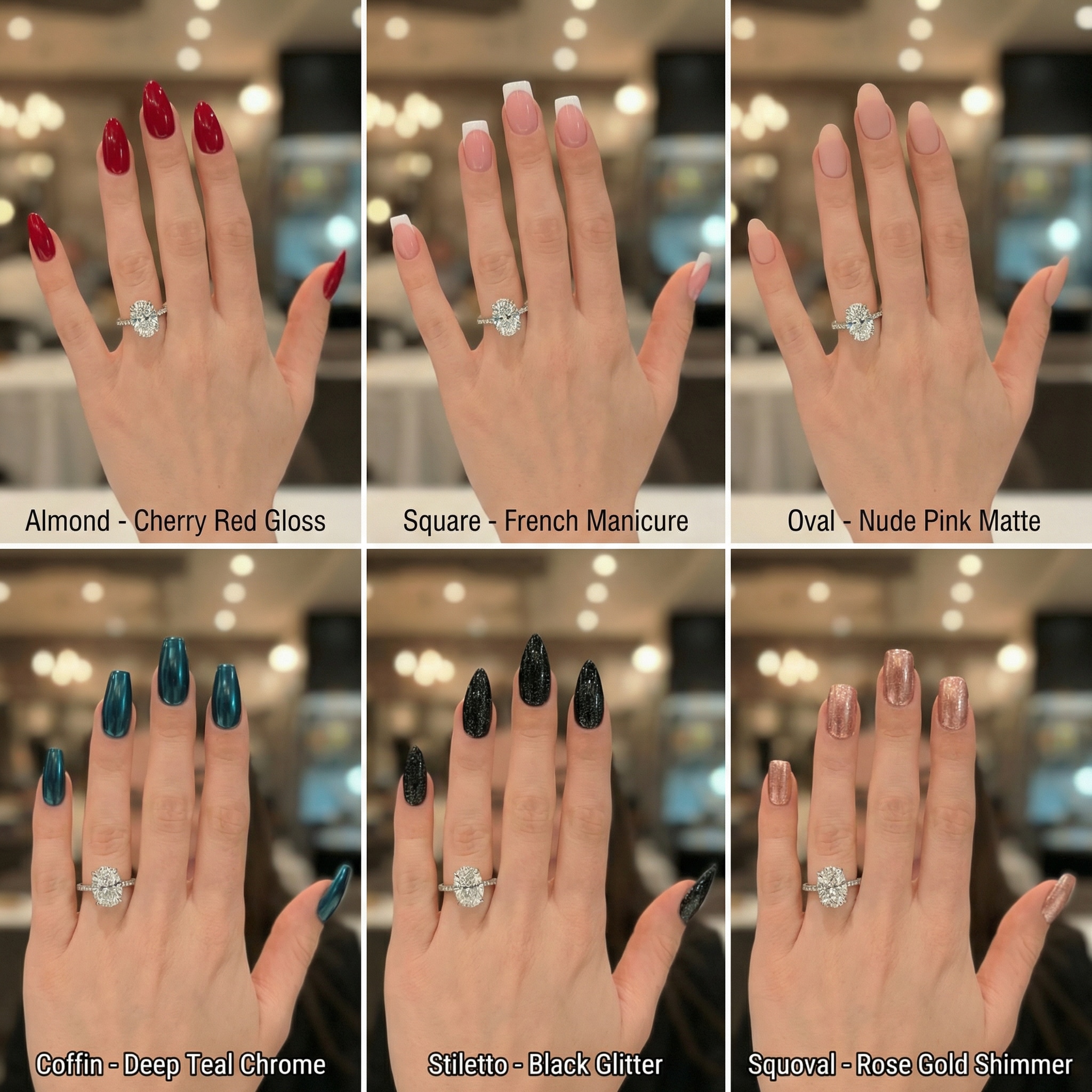
Using the uploaded hand photo as the base image, generate a 1:1 square image featuring a 2×3 grid (6 panels) showing different nail shapes and nail polish styles on the same hand. Keep the hand, finger proportions, skin tone, lighting, pose, and background identical across all panels. Only change the nail shape (for example: almond, square, oval, coffin, stiletto, squoval) and nail polish color/finish. Each panel must include a clear caption below the image showing the nail shape and color name. Ensure realistic nail length, natural curvature, clean cuticles, smooth edges, and realistic polish texture. Photorealistic, high quality, clean edges, no distortion.

Virtual nail try on 02
03 • Floral Vine French Tips (Jelly Finish)
#nailart #jellynails #frenchtips

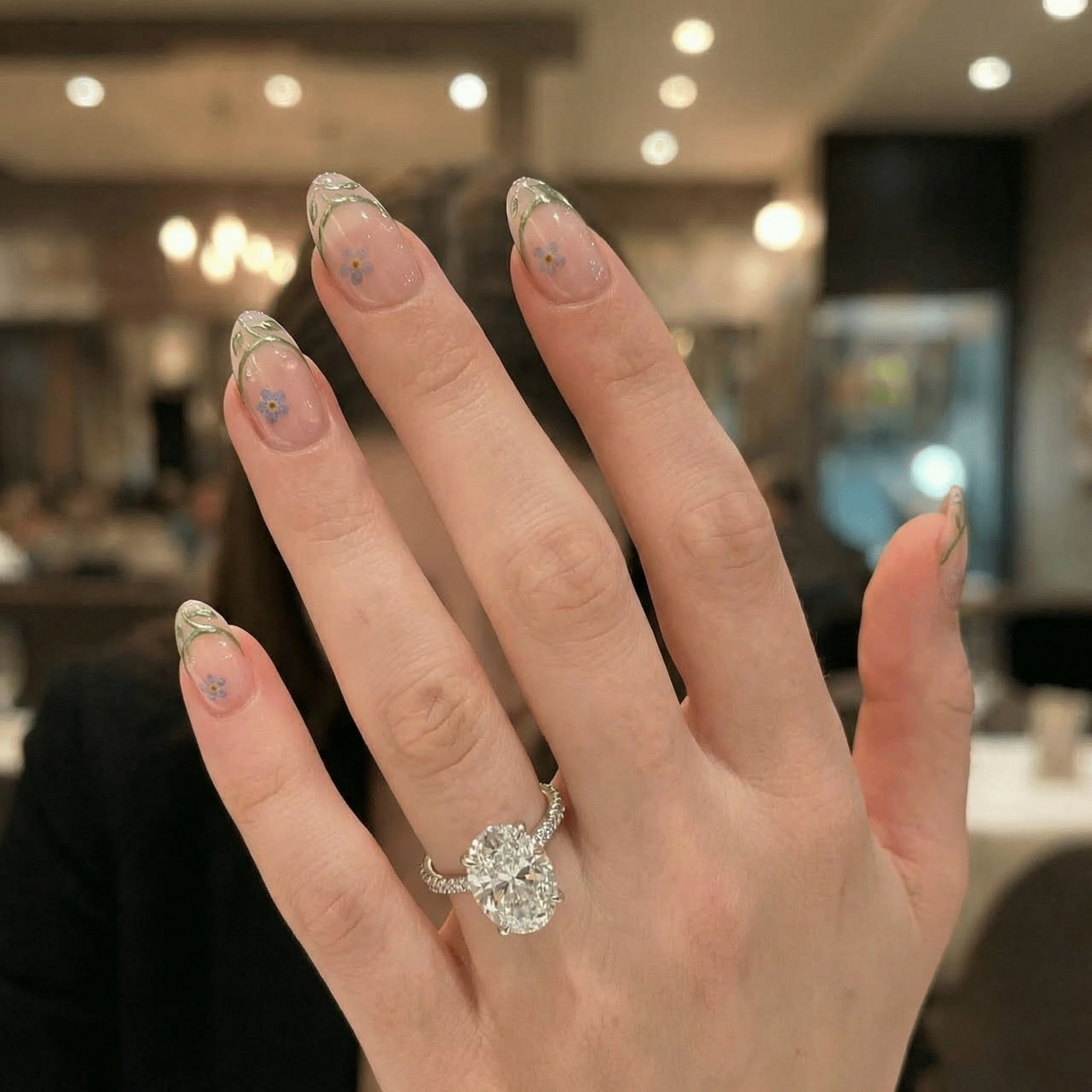
Using the uploaded hand photo as the base image, generate a close-up shot focused on the hand and nails, with the hand filling most of the frame. Apply a virtual nail try-on using [NAIL SHAPE]: soft almond shape with elegant, balanced length [NAIL COLOR]: translucent baby pink jelly base with a soft milky glow [NAIL PATTERN]: redesigned French tips formed by delicate growing vine patterns, outlined in metallic sage green linework, featuring subtle morning dew droplet effects and pressed forget-me-not flowers embedded within the translucent nails Keep the hand position, finger proportions, skin tone, nail length, lighting, and background unchanged. Only modify the nail shape, nail color, and nail pattern. Ensure realistic nail structure, clean cuticles, natural curvature, accurate color, and a believable sheer jelly finish with soft light passing through the floral layers. Photorealistic result, high quality, clean edges, natural look, no distortion.

Virtual nail try on 03

Why Use Our Virtual Nail Polish Try On Tool

Explore Every Color & Shape

Visualize any style instantly. From a virtual nail shape try on testing almond, coffin, or square tips, to previewing thousands of nail polish colors.

Hyper-Realistic AI Preview

Upload your own photo for an accurate test. Our AI adapts lighting and skin tone to show exactly "what suits me" before you commit to a manicure.

Easy Edits & Fast Regeneration

Not sure about the shade? Tweak your prompt and use the virtual nail color try on to switch from matte black to glossy red in seconds.

Social Ready Content

Create engaging "before and after" content for Instagram or TikTok. Download your virtual nail try-on images watermark-free and share your style.

How to Preview Nail Colors & Shapes on Your Hand for Free

01

Step 1: Upload Your Hand Photo

Upload a clear photo of your hand. Works best with natural lighting and clear nails. Select a preset for nail shape or color.

02

Step 2: Customize Your Manicure

Use the text prompt to define specifics like "red almond nails" or "french tip coffin nails." The AI nail simulator applies it instantly.

03

Step 3: Preview & Download

Compare different virtual nail polish styles. Once satisfied with the look, download your high-quality image to save or share.

Join Users Finding Their Perfect Manicure with AI

user
@sarah_nails

Beauty Enthusiast

star star star star star

“Saved me from a bad salon choice!” I wasn't sure if coffin shape would suit my hands. The virtual nail try-on showed me exactly how it would look before my appointment.

user
@jessica_m

Bride-to-be

star star star star star

“Perfect for finding wedding colors.” I needed to test different nude shades against my skin tone. This virtual nail polish try on tool made it so easy to pick the right one.

user
@chloe_style

Content Creator

star star star star star

“So fun for social content!” I love posting before and afters. I used the nail shape try on to fake a manicure extension for a TikTok video, and it looked incredibly real.

user
@alex_design

Graphic Designer

star star star star star

“Super easy to use.” The presets are great for beginners. I uploaded my hand photo and used the prompts to try an almond nail shape. The result was instant and high quality.

FAQs Related to Virtual Nail Try-On

1. How does the virtual nail try-on work with my photo?

Simply upload a clear photo of your hand to Media.io. The AI identifies your fingers and nails, allowing you to apply a virtual nail polish try on or change the nail shape using text prompts (e.g., "red almond nails").

2. Can I test different nail shapes like coffin or almond?

Yes! Our virtual nail shape try on feature supports popular shapes including almond, coffin, square, oval, and stiletto. You can specify the shape in the prompt to see how it suits your hand.

3. Is the virtual nail color try on free to use?

Media.io offers free credits upon signup, allowing you to generate virtual nail try-on images for free. You can preview various colors and shapes before downloading your favorite results.

4. What kind of photo works best for the nail simulator?

For the best virtual nail try-on results, use a photo taken in good lighting against a plain background. Ensure your hand is flat and your fingers/nails are clearly visible without obstruction.

5. Can I use the generated images for social media?

Absolutely! The images are perfect for sharing your new manicure ideas or creating "before and after" nail edits. You can download your virtual nail polish try on creations without watermarks.

Preview