Hyper-Realistic Eye Color Change
Unlike basic filters, our AI contact lens try on replaces only the iris color while keeping your pupil size and eye shape natural for a true-to-life look.
 Nano Banana Pro
 Unlock your creative potential and experience the magic of Media AI right away!
Curious how colored contact lenses will look on you? Upload a selfie and use our AI contact lens try-on to preview natural, realistic lens colors in seconds. Compare multiple shades, get AI-recommended colors, and see true-to-life results — without changing your face or eye shape.
Free credits on signup or login.
| Virtual Contact Lens Try-On Styles | AI Contact Lens Try-On Prompts | Preview | Copy |
|---|---|---|---|
|
01 • Personalized Contact Lens Color Match
#contactlenstry
#eyecolor
#photorealistic
|
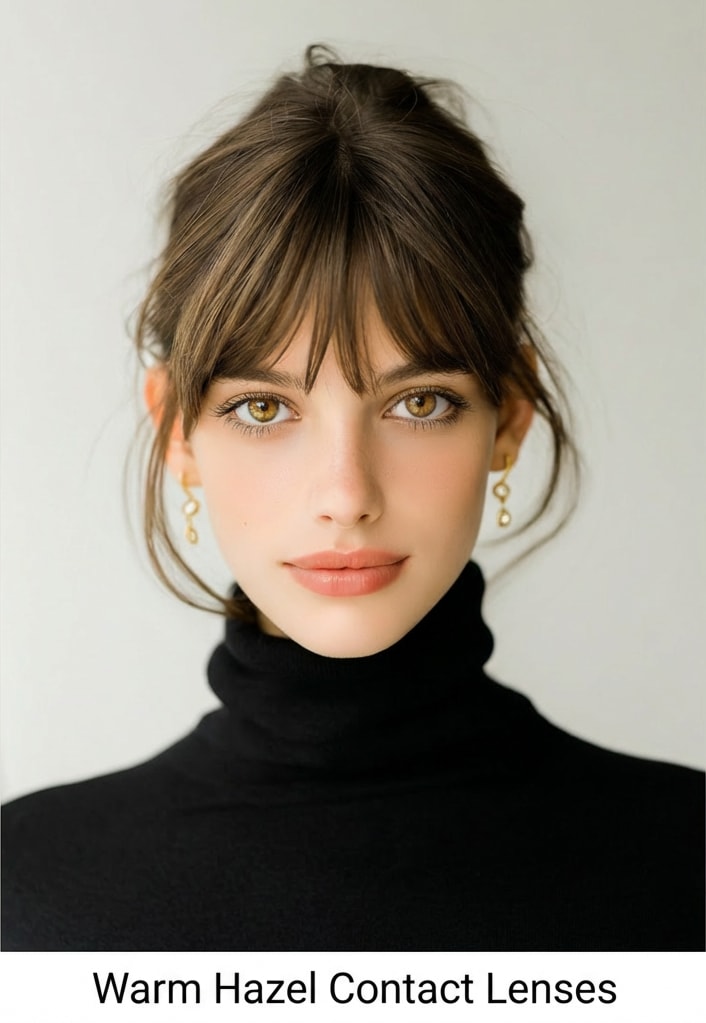
Using the uploaded selfie as the base image, select and apply the contact lens color that best suits this person based on their eye shape, skin tone, and overall facial aesthetic. Keep the person’s face, identity, eye shape, skin tone, expression, and lighting unchanged. Replace only the iris color with a realistic contact lens that blends naturally with the eye. Ensure accurate pupil alignment, natural iris texture, and realistic eye reflections. Add a small caption below the image displaying the selected contact lens color name. Photorealistic eye detail, clean edges, natural highlights, high quality, no artificial glow or distortion. |
|
|
|
02 • 2×3 Contact Lens Color Grid
#virtualcontactlens
#colorcomparison
#6grid
|
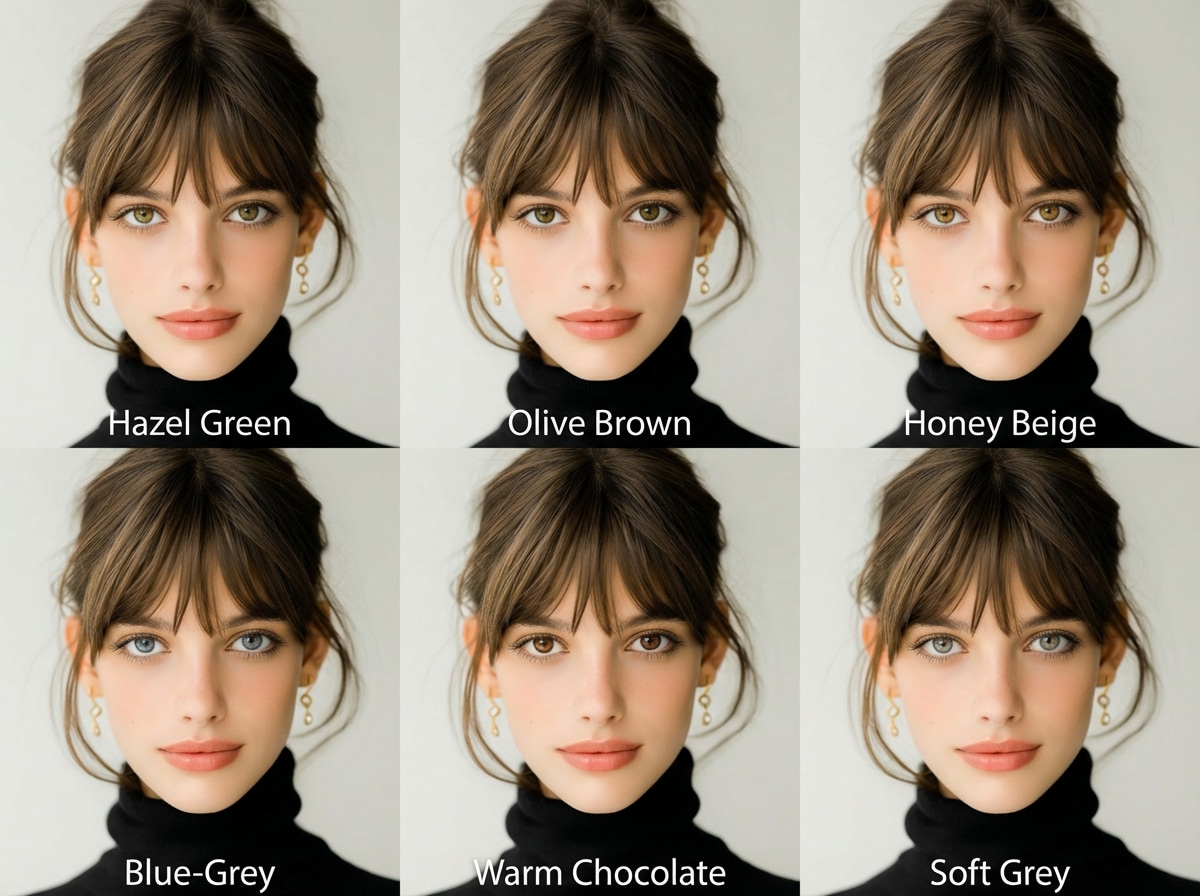
Using the uploaded selfie as the base image, generate a 1:1 square image featuring a 2×3 grid (6 panels) of contact lens colors that best suit this person. Analyze the person’s eye shape, natural eye color, skin tone, and overall facial aesthetic, then select the 6 most flattering contact lens colors. Keep the face, identity, eye shape, eyelashes, makeup, skin tone, expression, lighting, pose, and background identical across all panels. Only change the iris color in each panel — no changes to eye size, pupil size, or eye position. Ensure each contact lens looks natural and wearable, with realistic iris texture, accurate pupil alignment, soft eye reflections, and no artificial glow. Add a clear caption below each panel displaying the contact lens color name so users know what to shop. Photorealistic result, clean edges, subtle blending, high quality, natural finish, no distortion. |
|
Try outfits, accessories, and beauty looks instantly — all powered by Media.io.
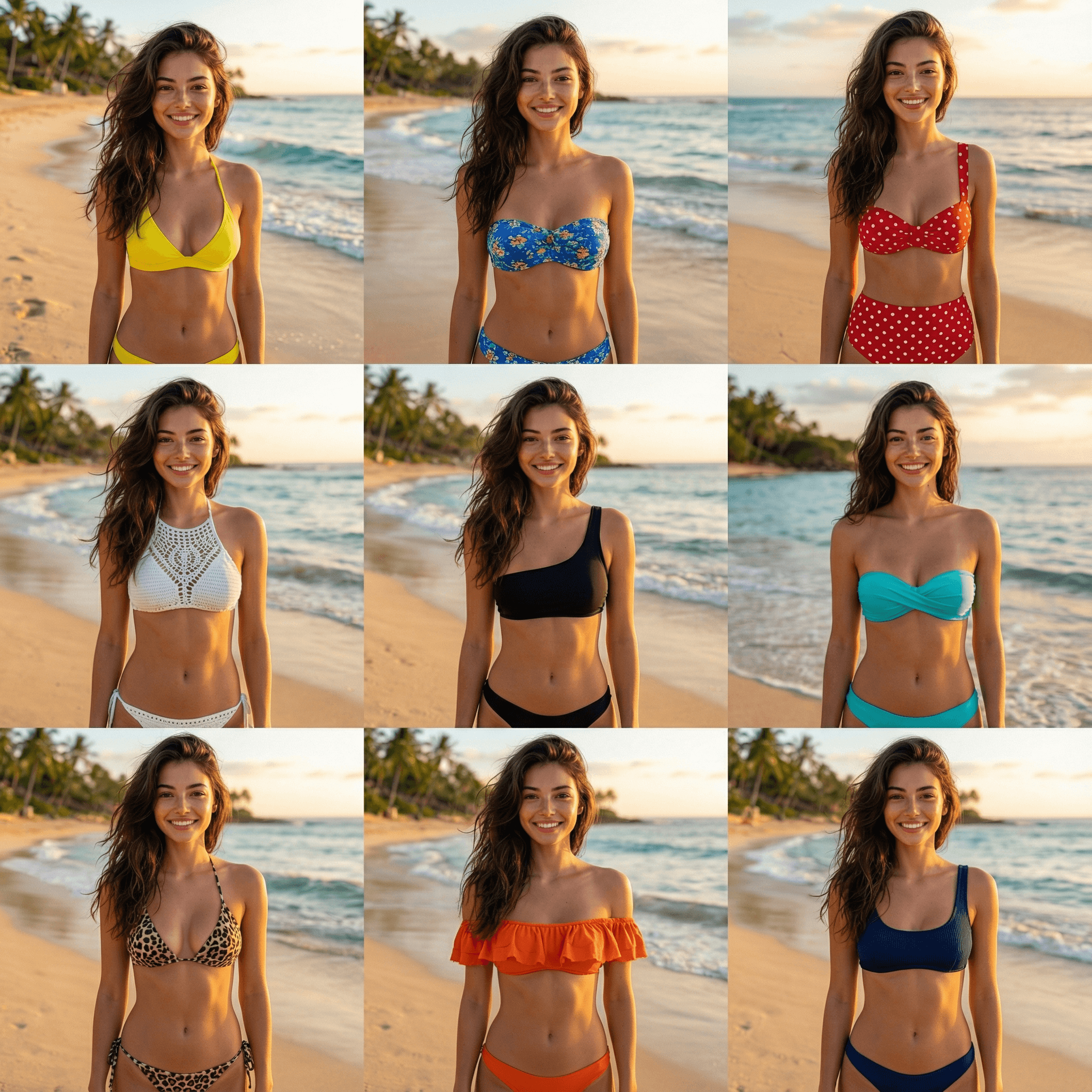
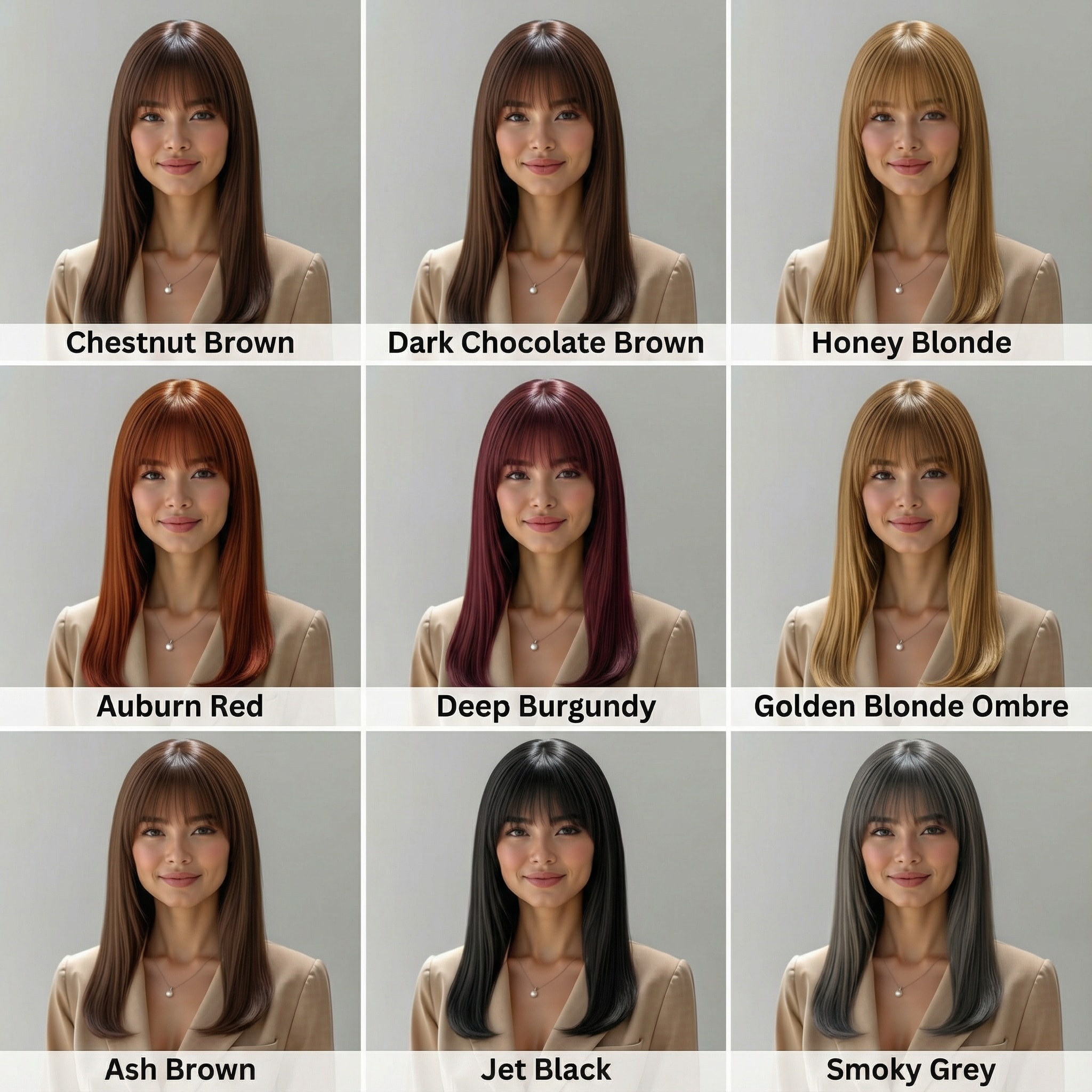
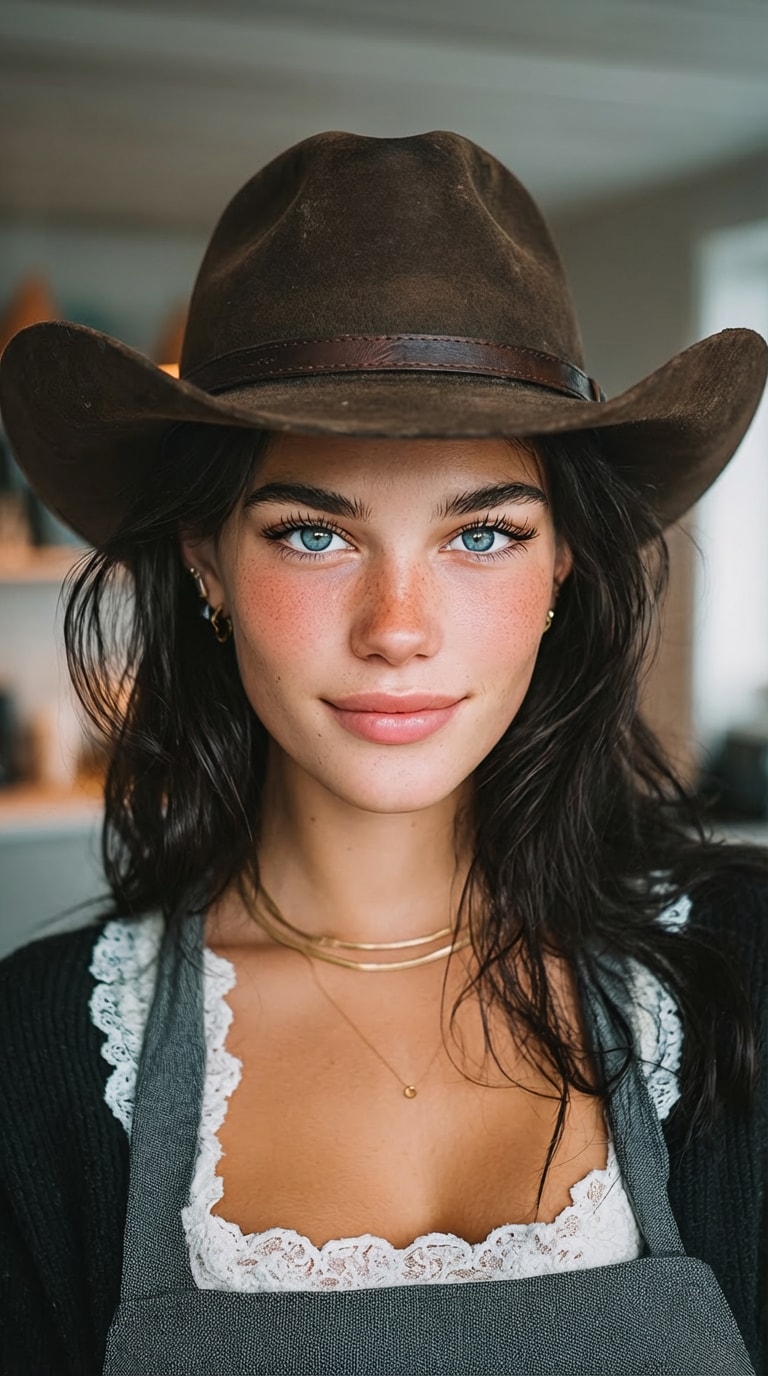
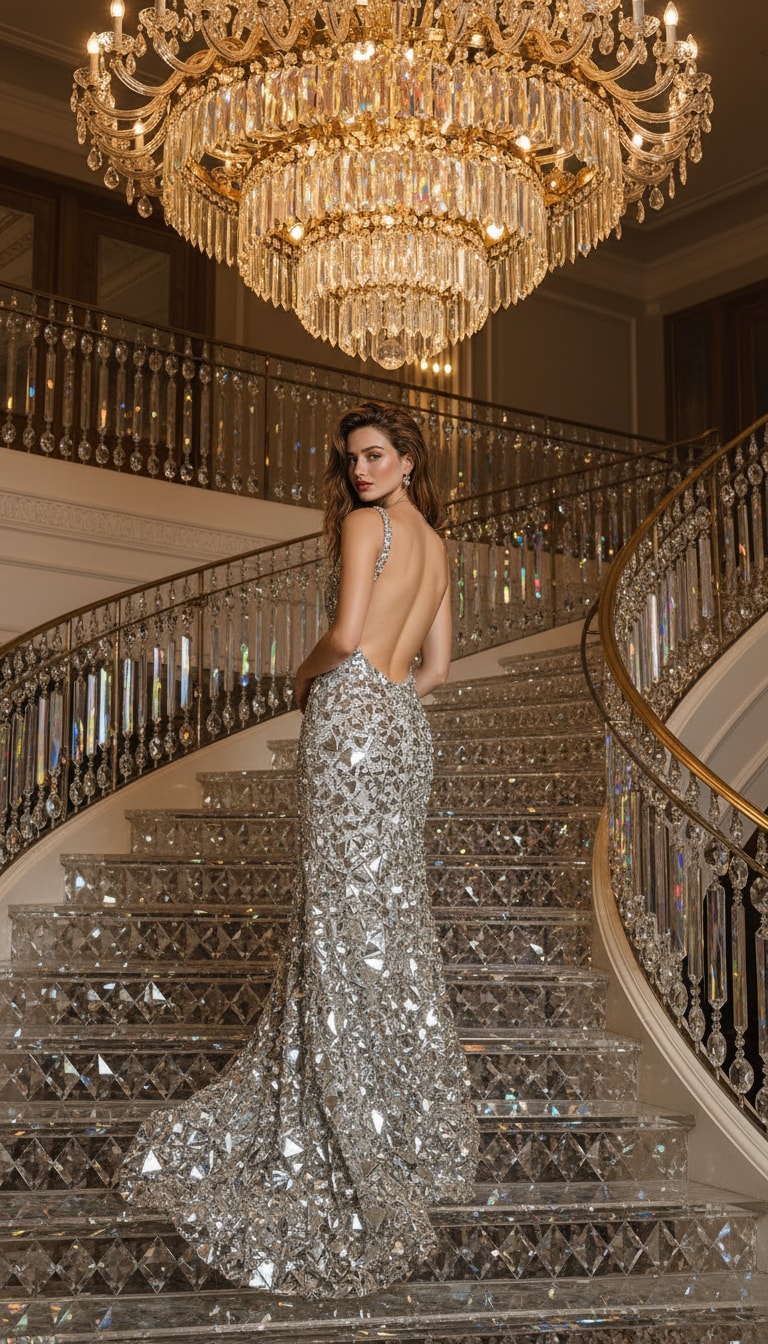
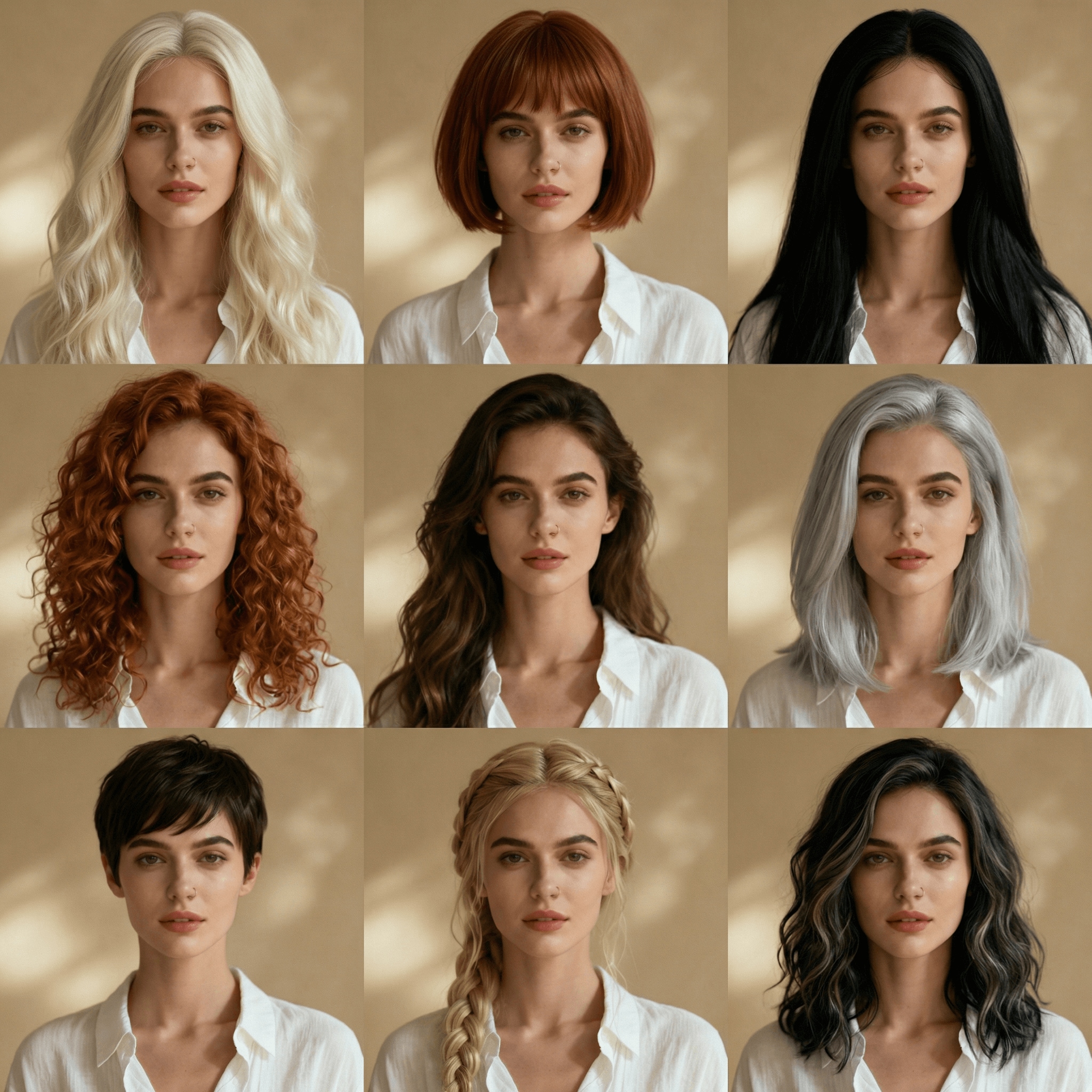
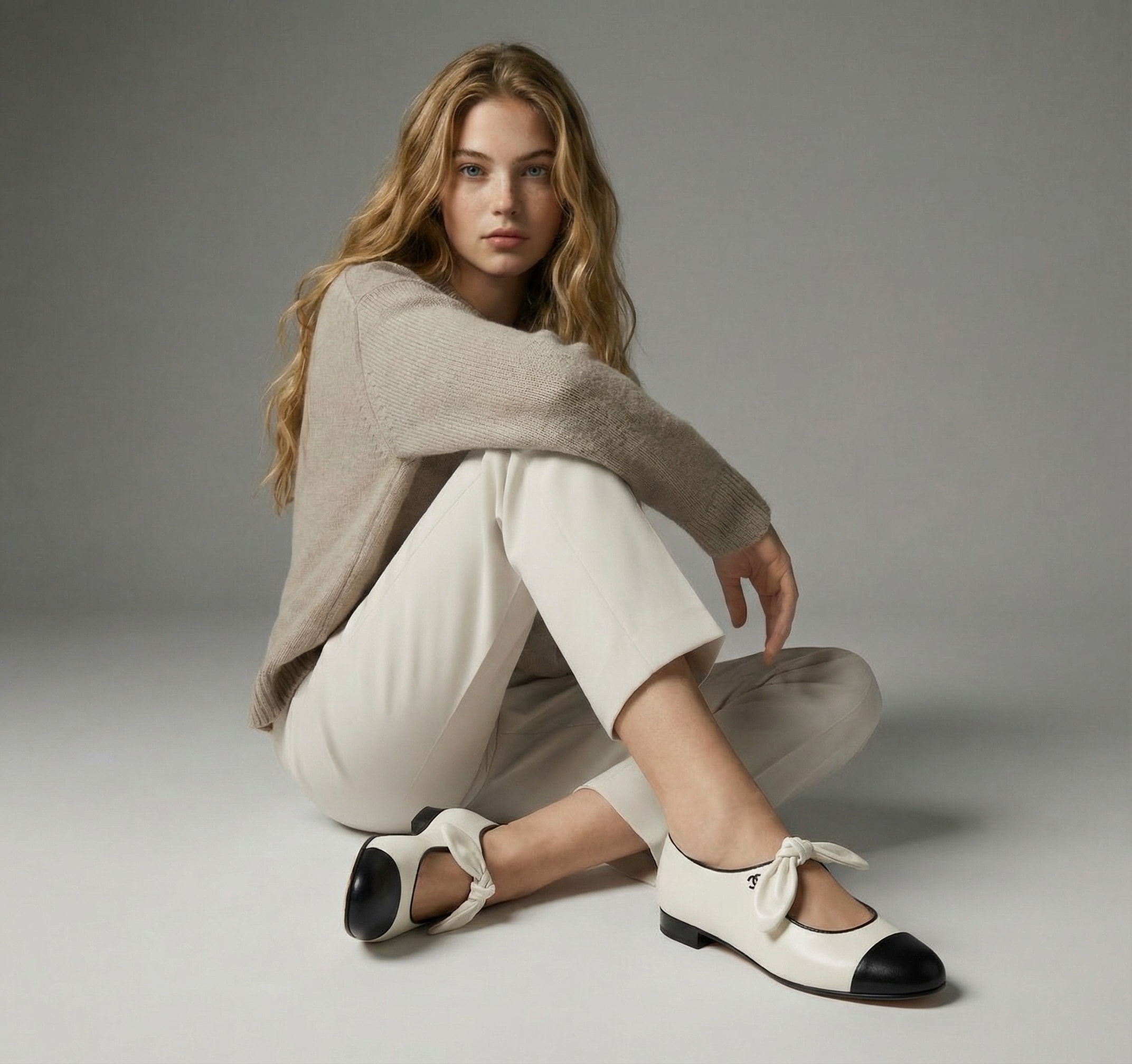
Unlike basic filters, our AI contact lens try on replaces only the iris color while keeping your pupil size and eye shape natural for a true-to-life look.
Wondering which contact lens color suits me? Experiment with unlimited prompts for brown, blue, hazel, or violet lenses to find the perfect shade for your skin tone.
Compare contact lens colors on eyes instantly. See subtle natural tints vs. bold color transformations on the same photo to make confident shopping decisions.
Enjoy a seamless virtual eye color try on experience directly in your browser. Fast, watermark-free downloads without installing suspicious apps or visiting a store.
Access Media.io Image to Image AI and upload a clear, front-facing photo to start your virtual contact lens try on.
Copy and paste a prompt (e.g., "blue contact lenses") into the text box. The AI contact lens filter identifies and recolors only your iris.
Hit generate to see the results instantly. Compare different colors and download your realistic contact lens try on photo watermark-free.

Beauty Blogger

“Saved me from buying the wrong color!” I always wondered which contact lens color suits me. Media.io helped me see that gray looks way better than hazel on me before I spent any money.

Cosplayer
“Super realistic, no fake filter look.” Most apps resize your eyes, but this AI contact lens filter keeps my natural eye shape. Perfect for planning cosplay looks without buying lenses first.

Online Shopper
“Easy, fast, and no app download.” I just wanted to try contact lens colors on my photo quickly. This tool runs in the browser, gives fast results, and lets me compare styles side-by-side.

Photography Student
“Best tool for comparison.” I needed to see subtle vs bold lens options for a shoot. The AI visualization is incredibly accurate to lighting and texture. Highly recommended!
Yes, Media.io uses advanced AI contact lens try on technology that recognizes the iris and blends the new color naturally with your existing eye texture and lighting, ensuring a realistic, non-gimmicky look.
Simply upload a clear, front-facing photo to our tool, copy and paste a prompt like "green contact lenses" into the input box, and hit generate. The AI will apply the colored contact lens try on filter instantly.
No. Unlike beauty filters that warp features, Media.io is designed for realistic contact lens try on online. It strictly replaces the iris color while preserving your natural eye shape, pupil size, and identity.
Absolutely. You can modify your prompt to see how you look with brown, blue, gray, hazel, or violet lenses. This helps answer "which contact lens color suits me" before you make a purchase.
Yes, Media.io offers free credits upon signup to use the virtual eye color try on. It works entirely online without installing apps, and your photos are processed securely.



