Christmas Polaroid Photo Generator
Create Your Own AI Christmas Polaroid Photos in Seconds 🎅
Bring your holiday memories to life with Media.io’s AI Christmas Polaroid Generator — instantly turn your uploaded photos into vintage-style Polaroid Christmas cards filled with warm lights, retro film tones, and festive snow details. No editing skills needed — just upload, click, and watch your photo transform into a cozy, share-ready Christmas Polaroid photo perfect for social posts, gifts, or printable cards.
🎁 Generate My Christmas Polaroid Photo Now →
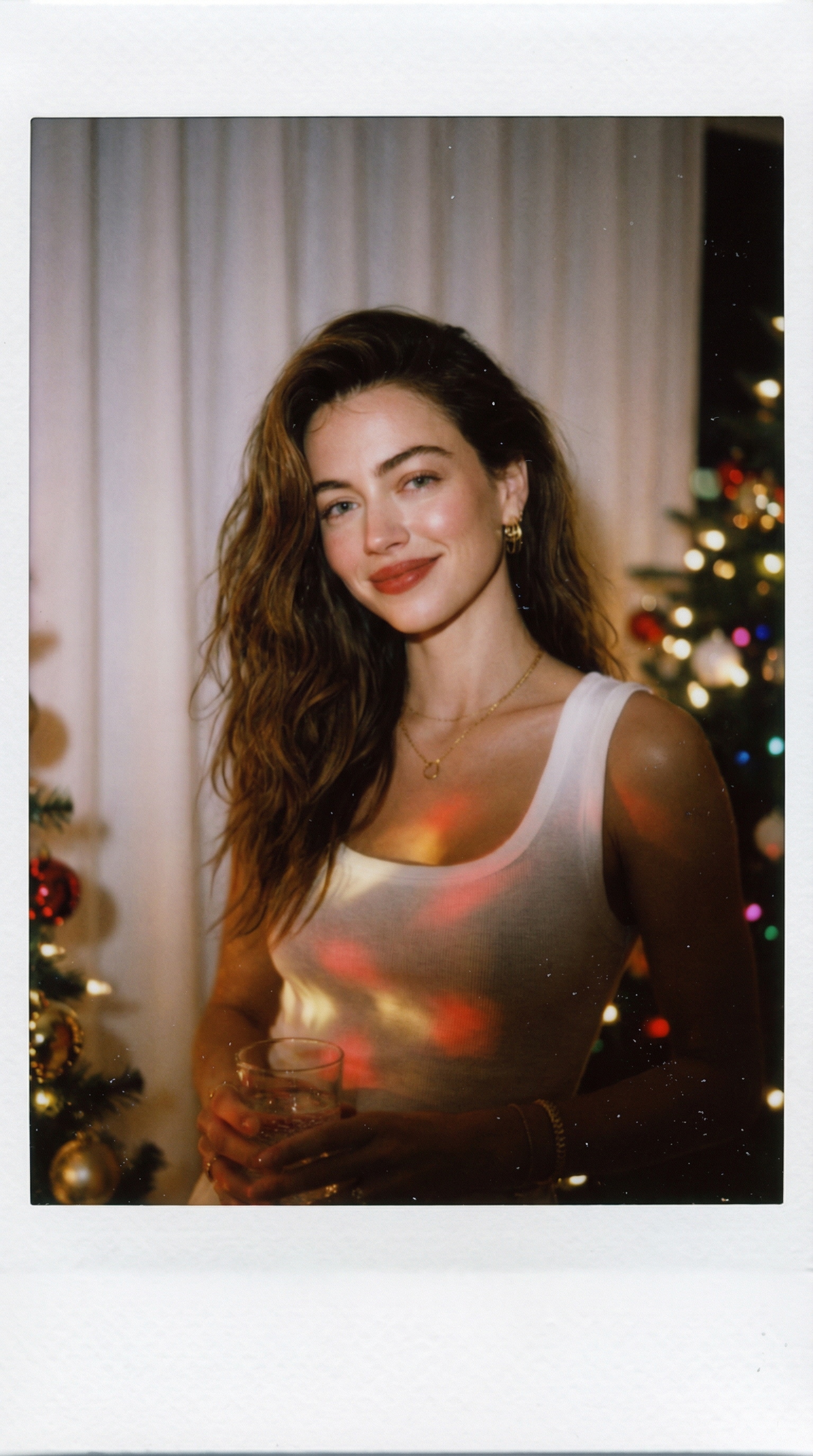
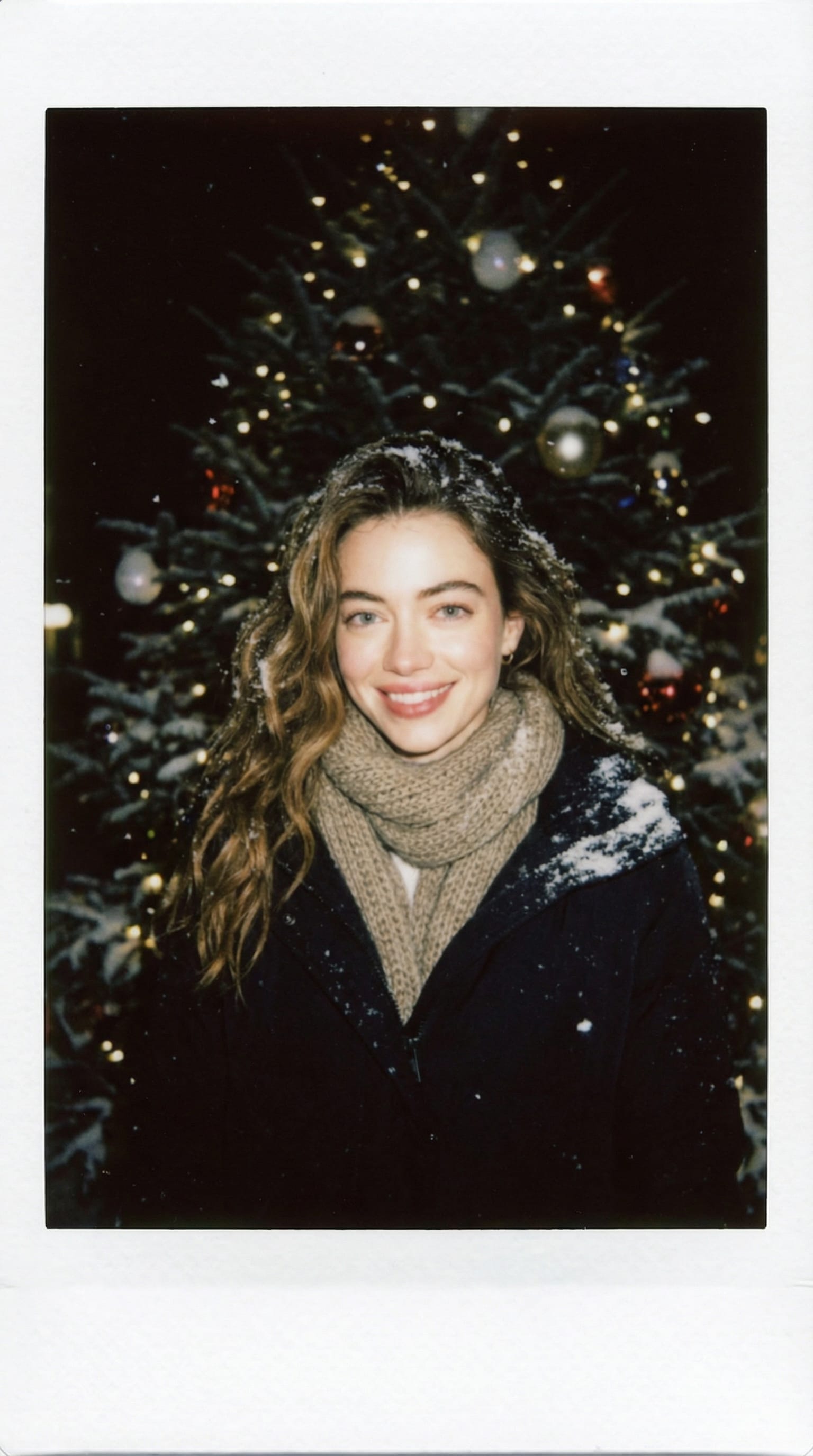
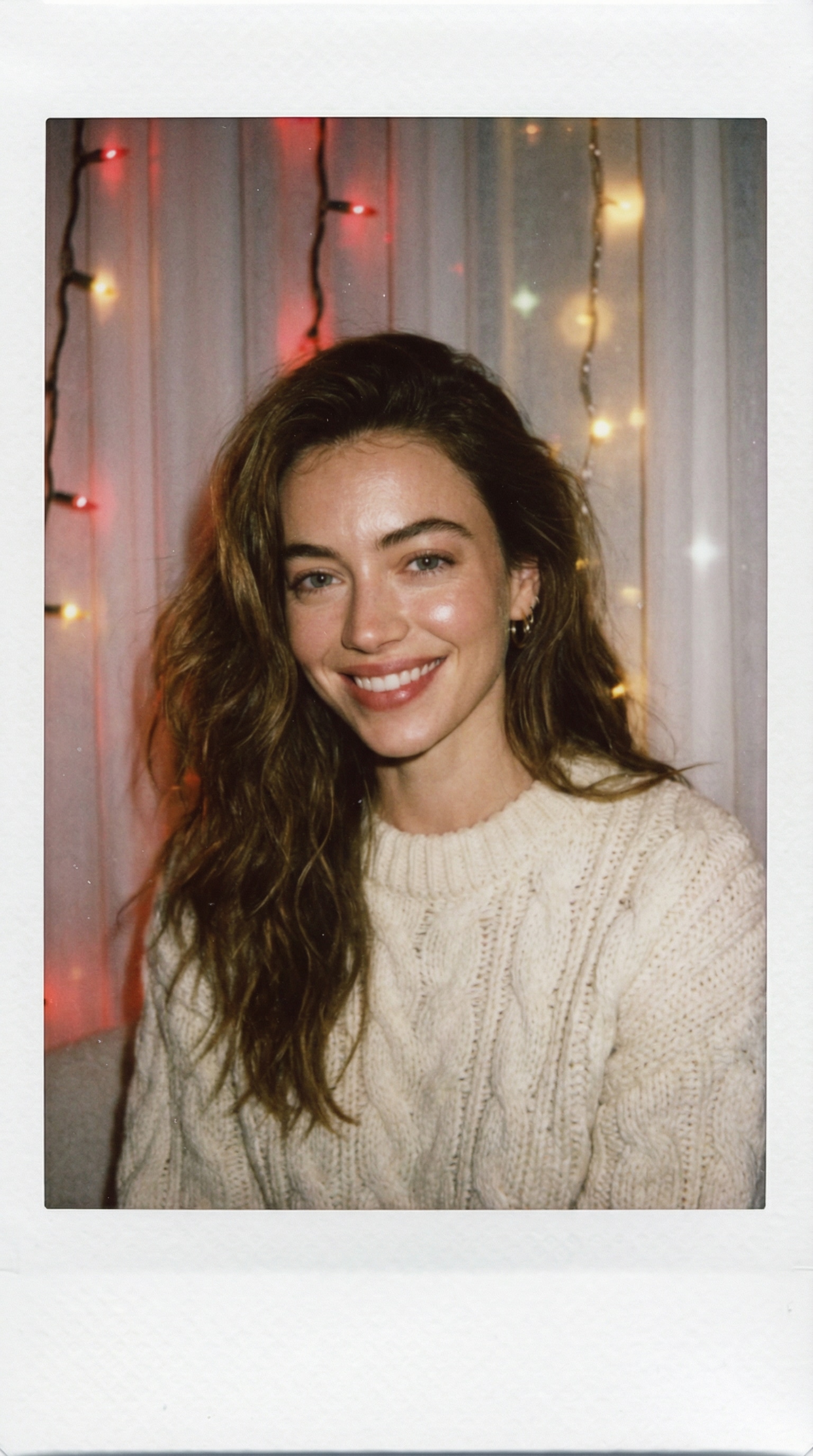
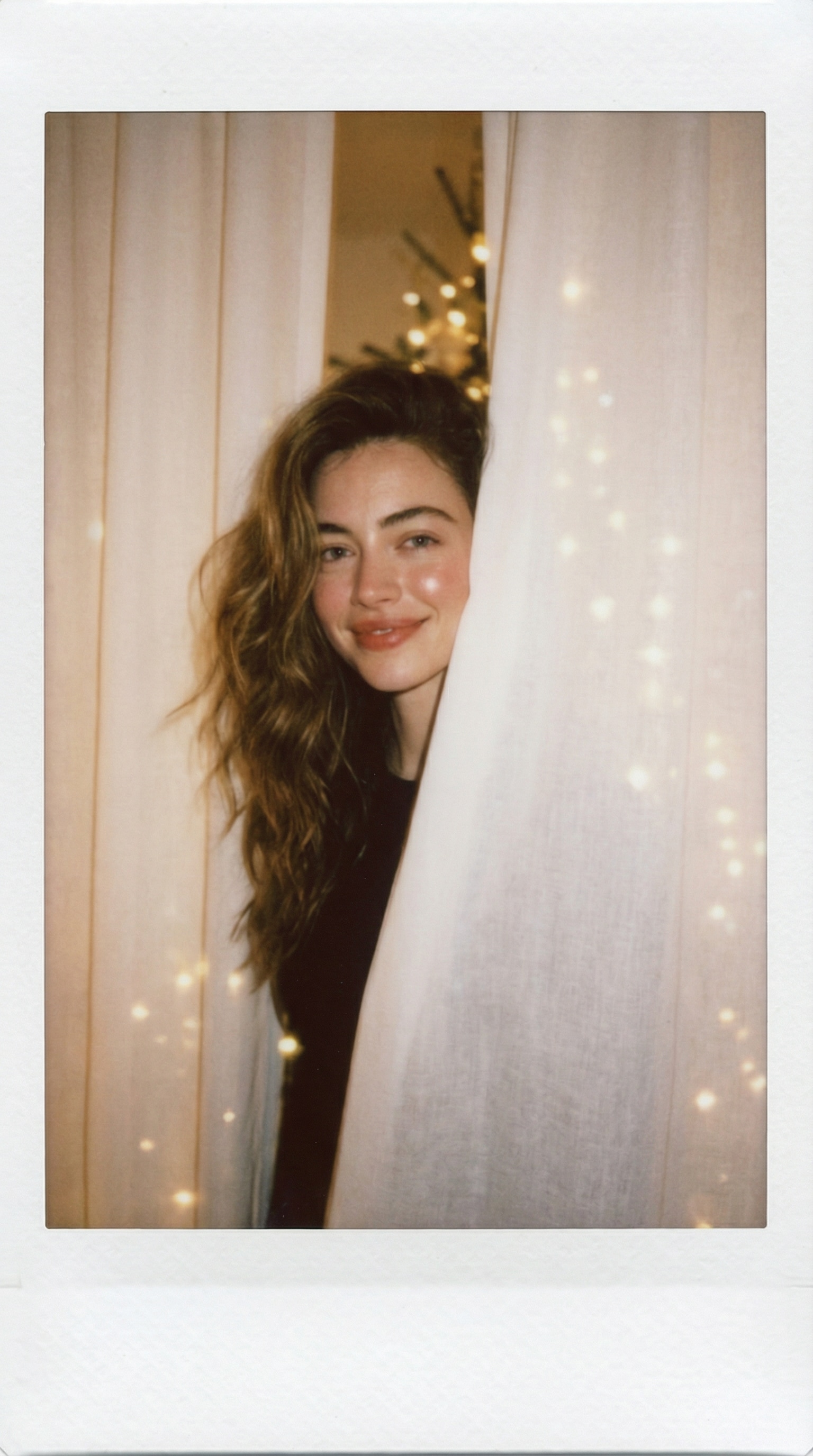
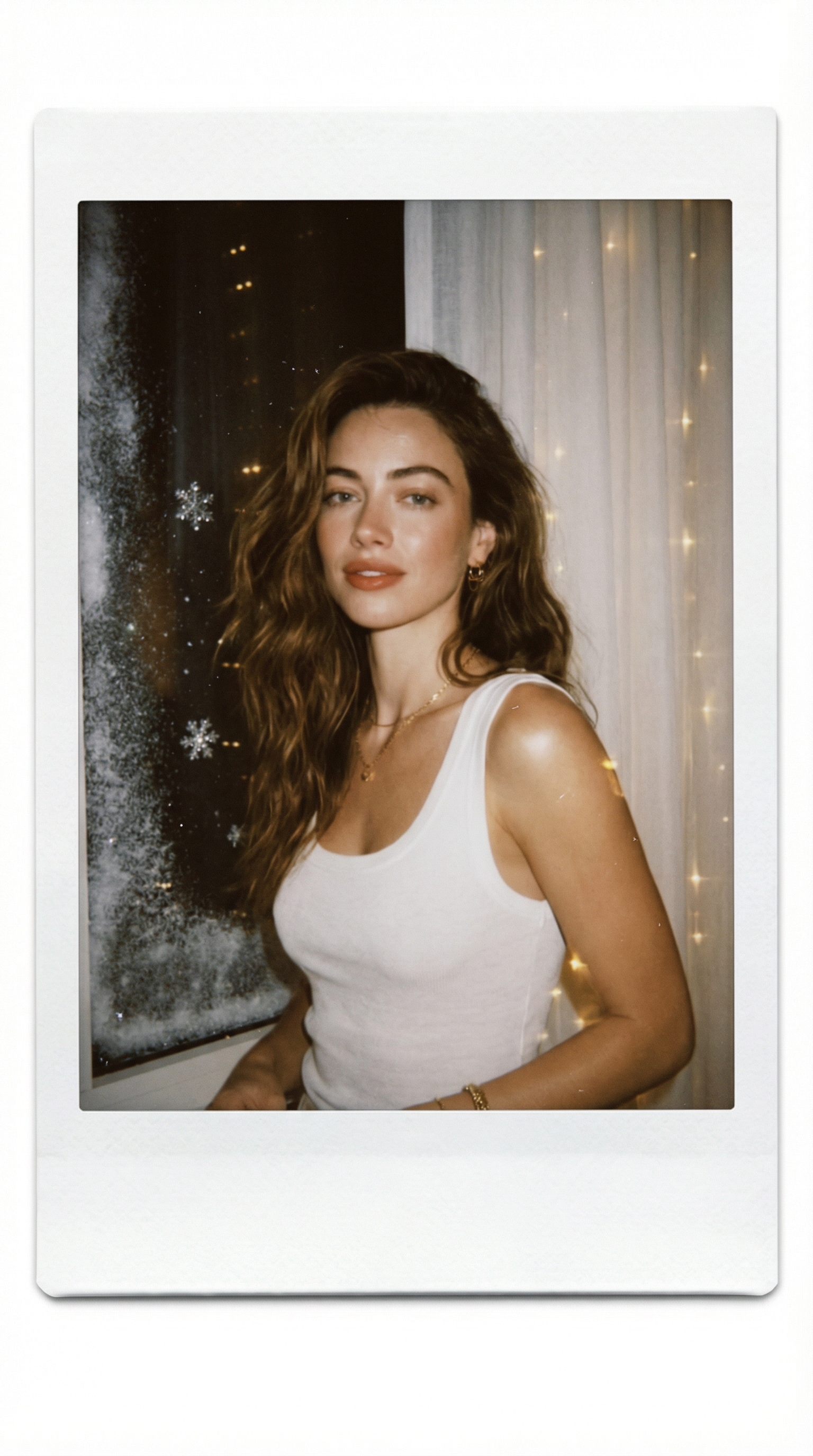
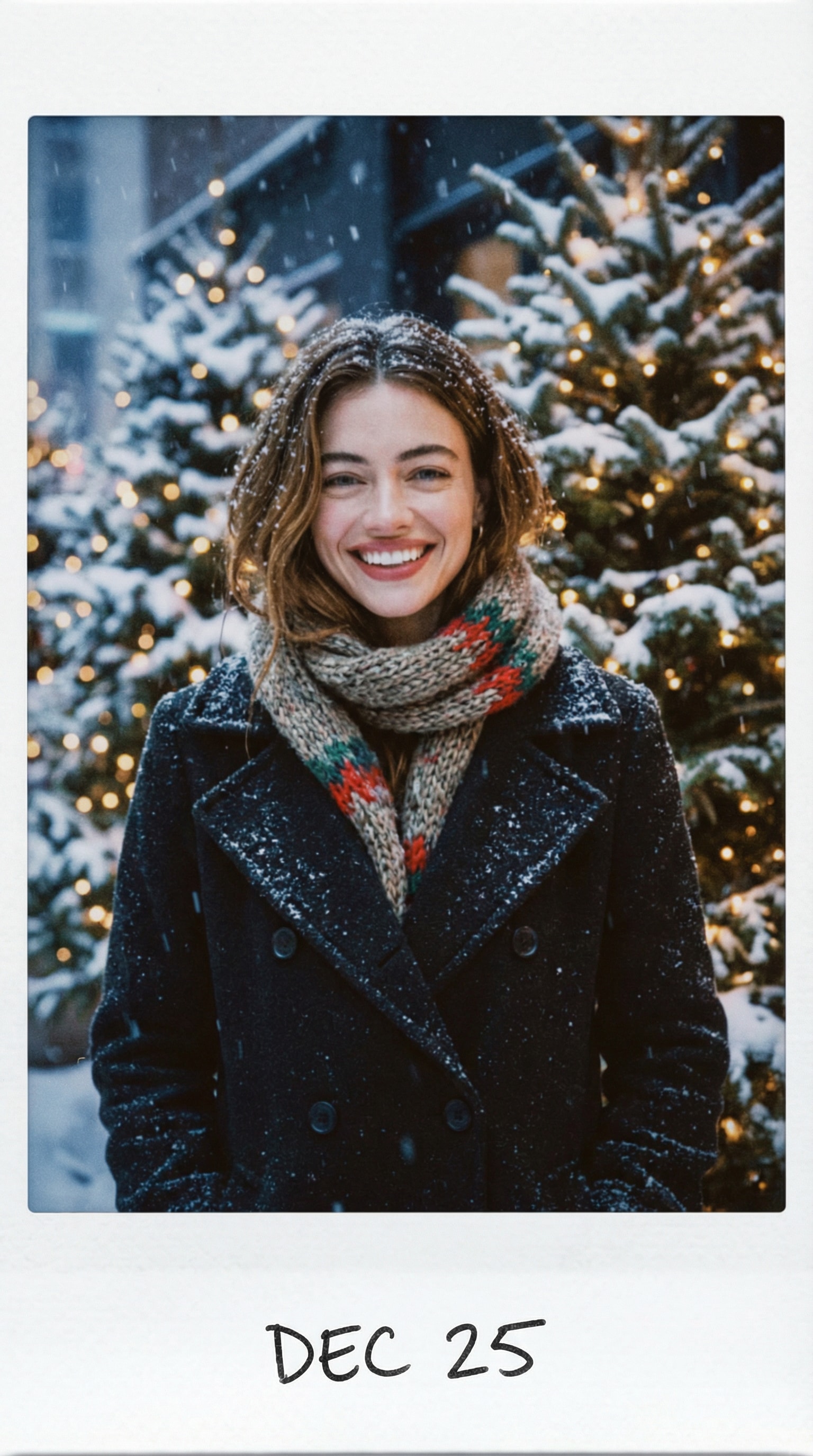
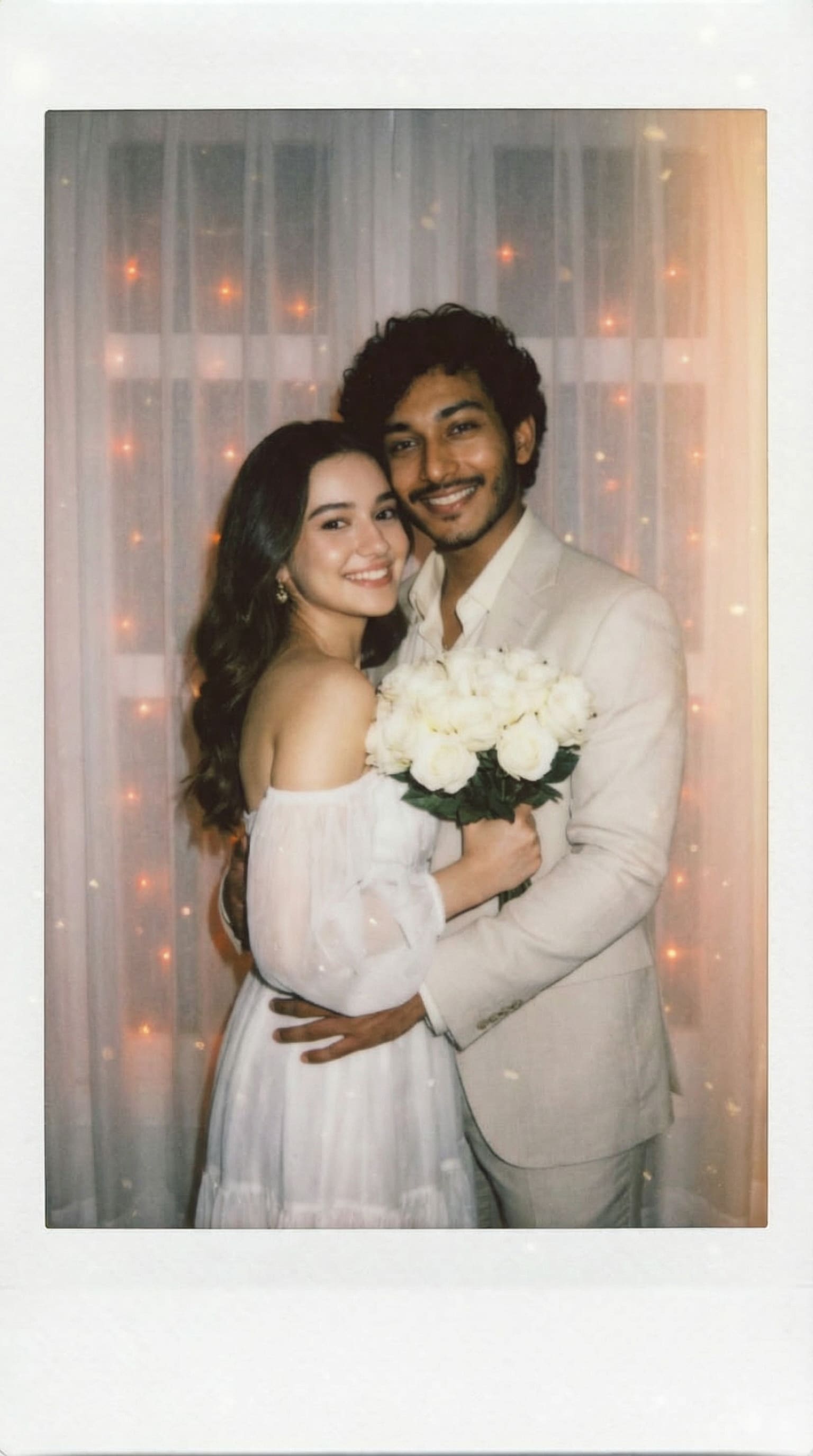
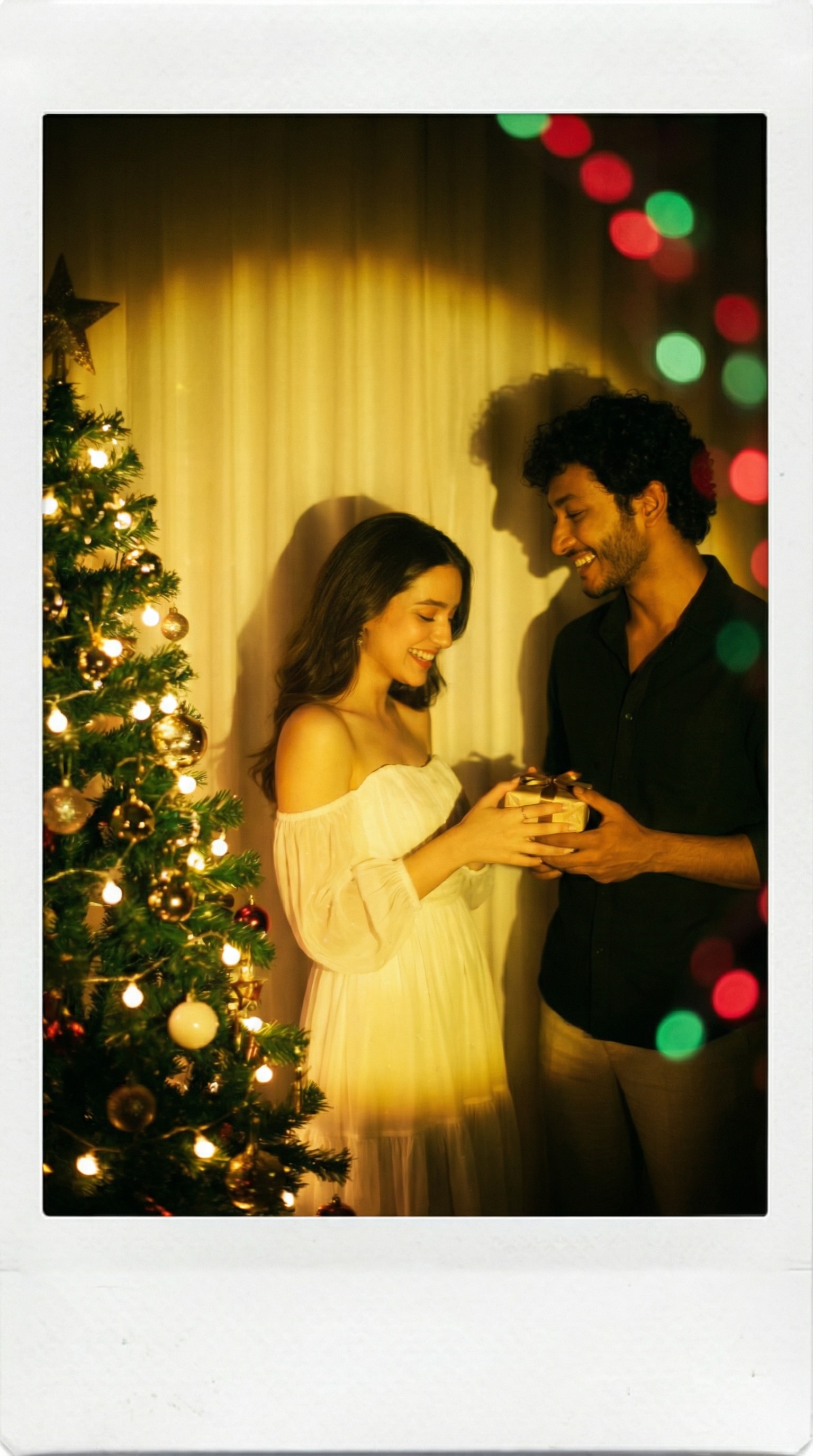
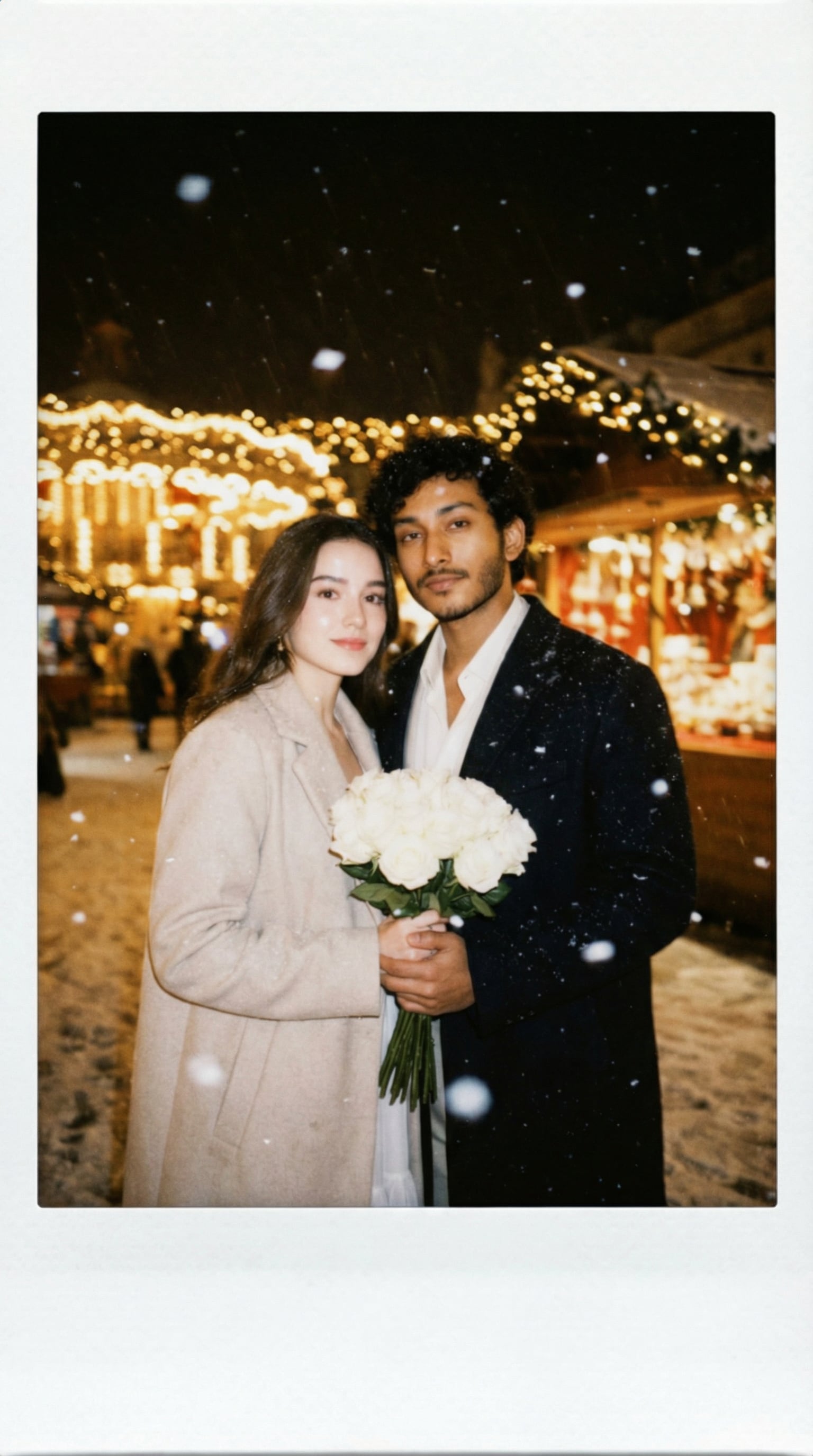
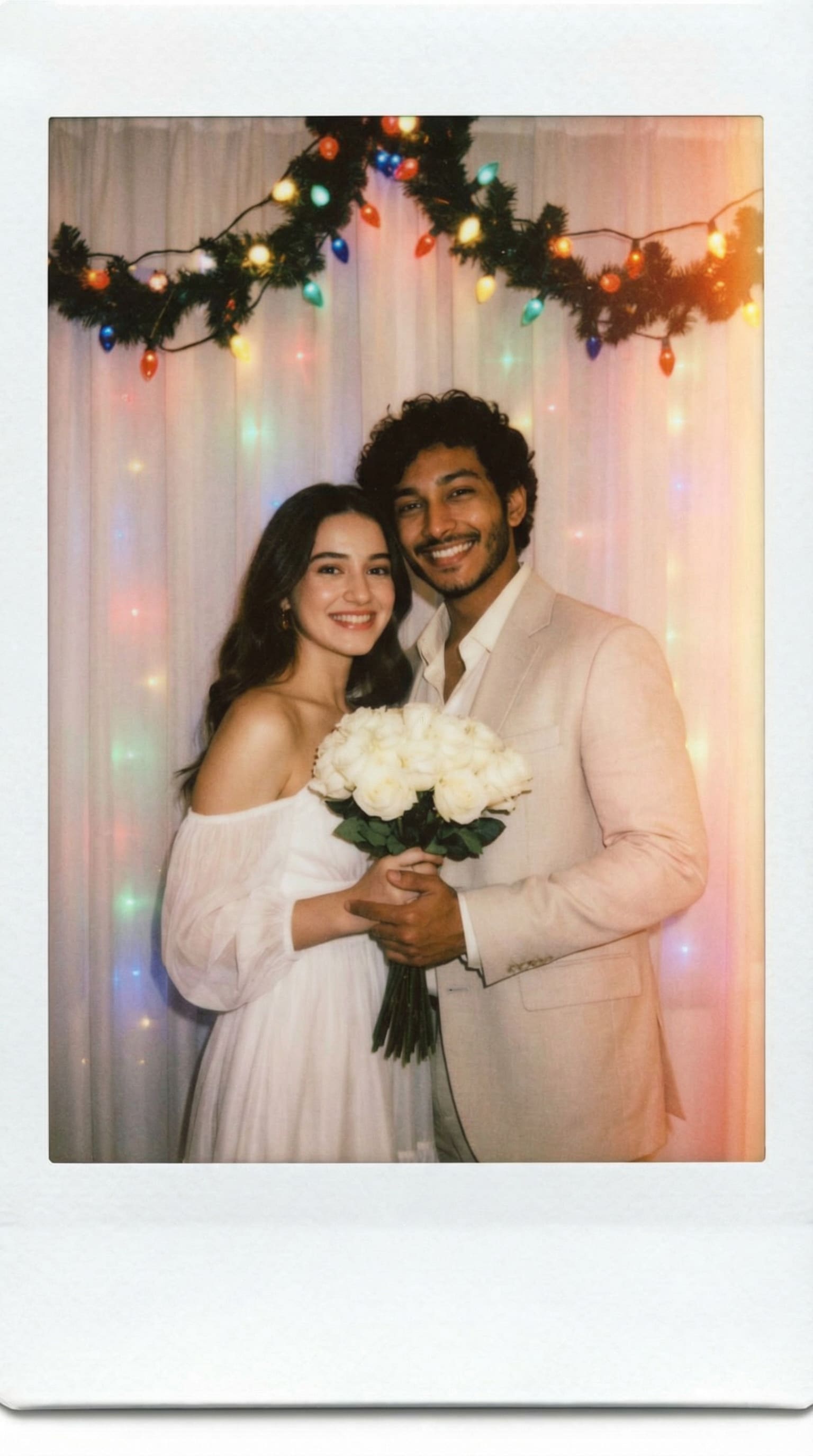
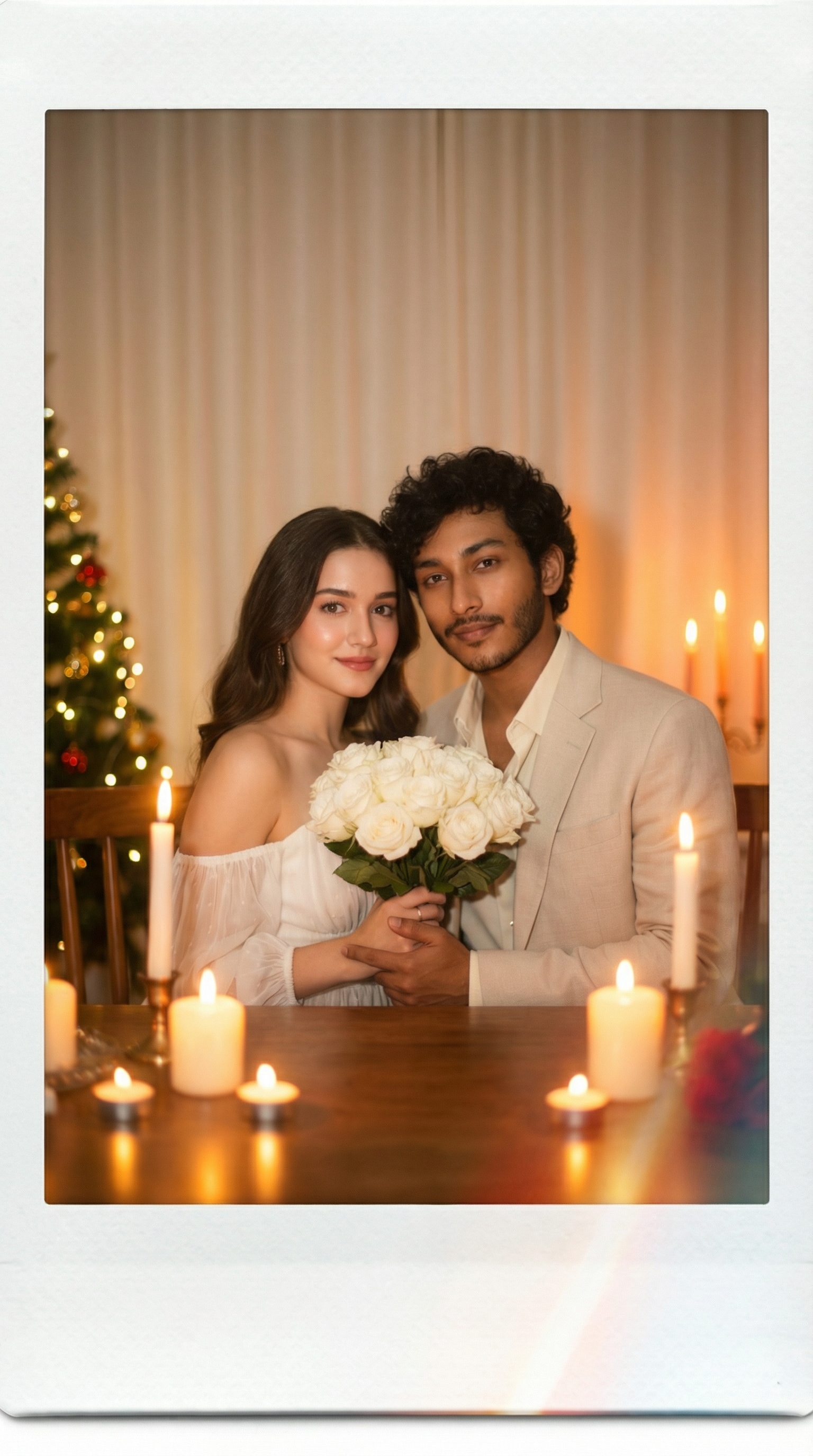
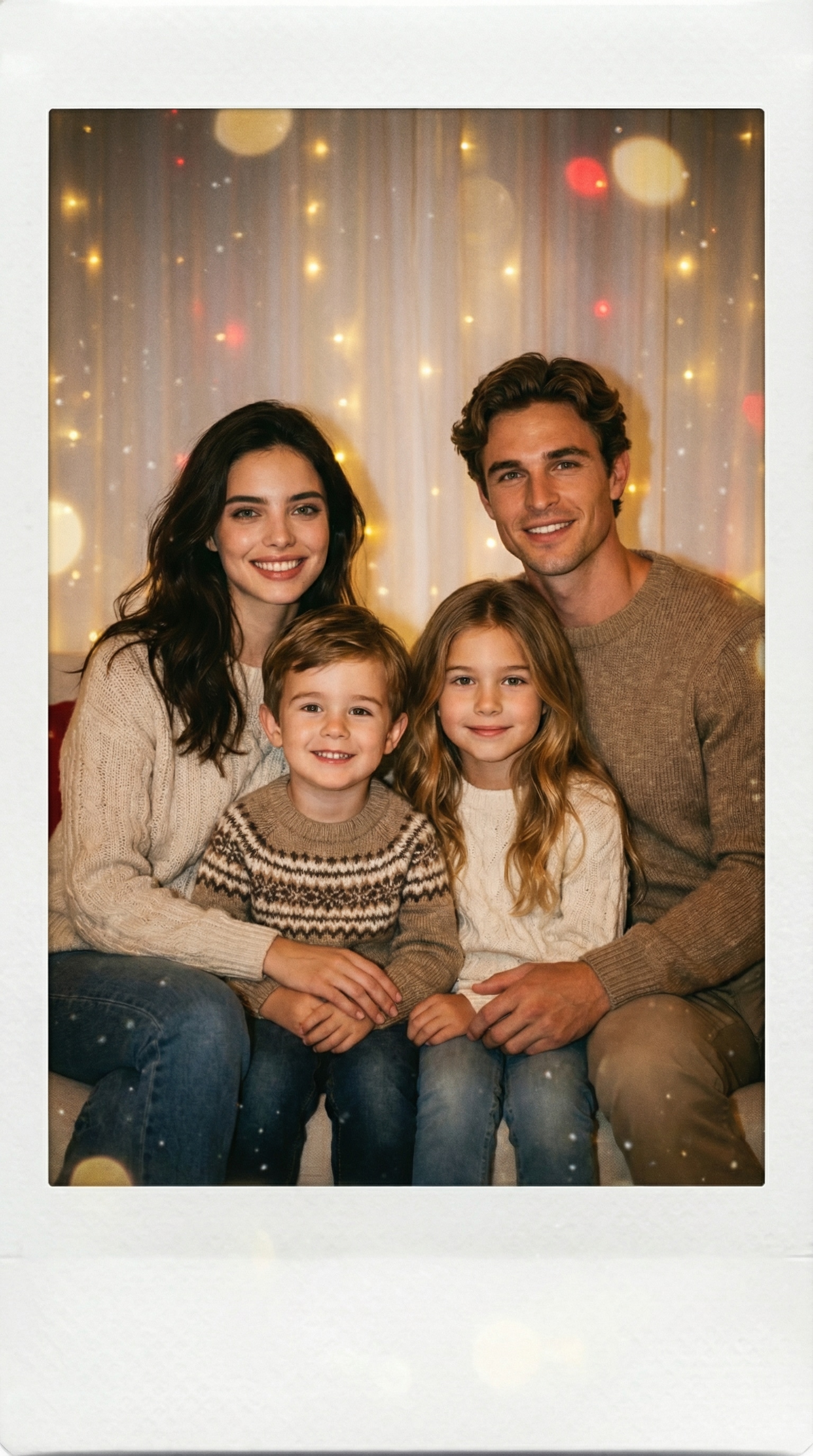
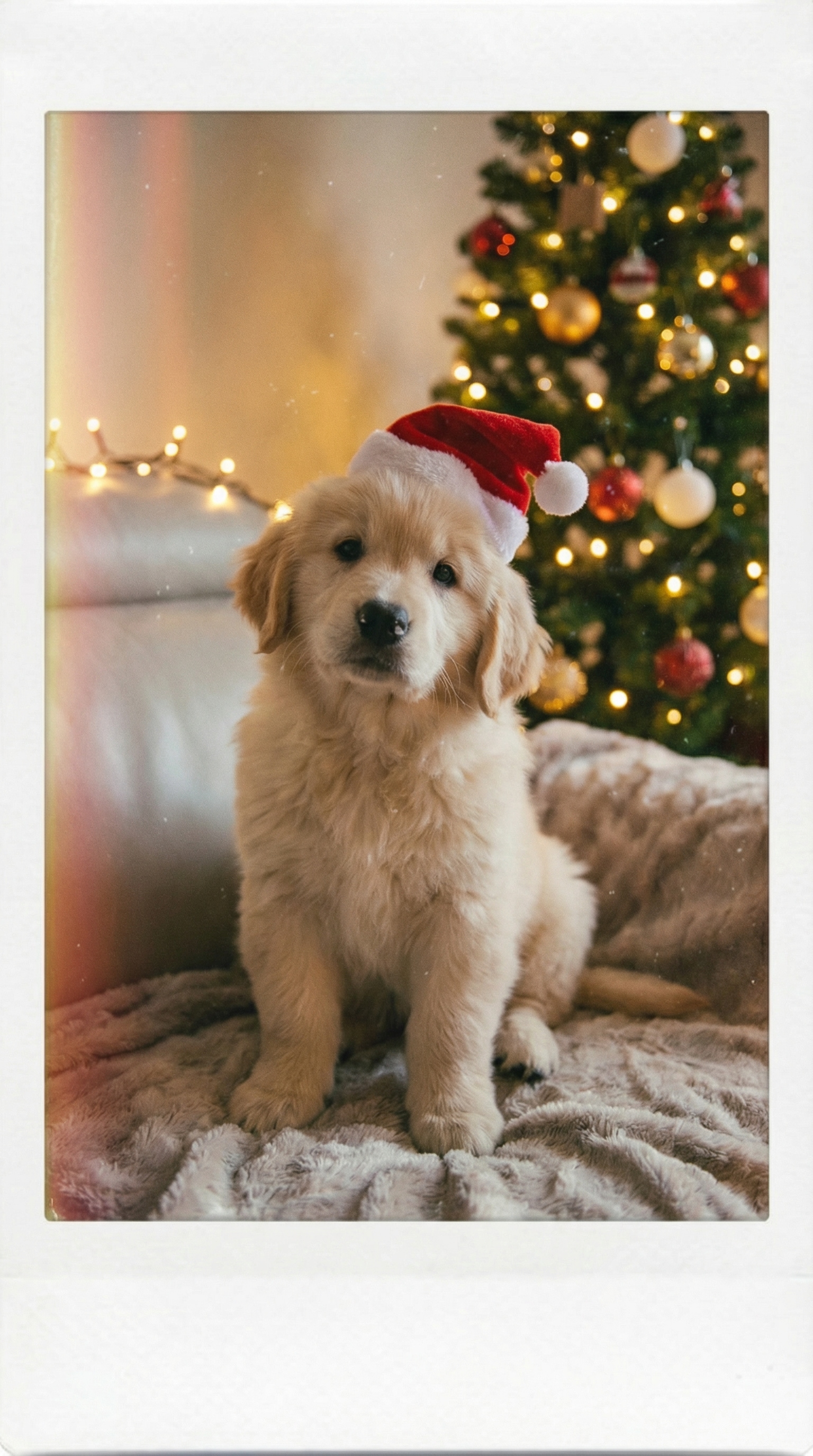
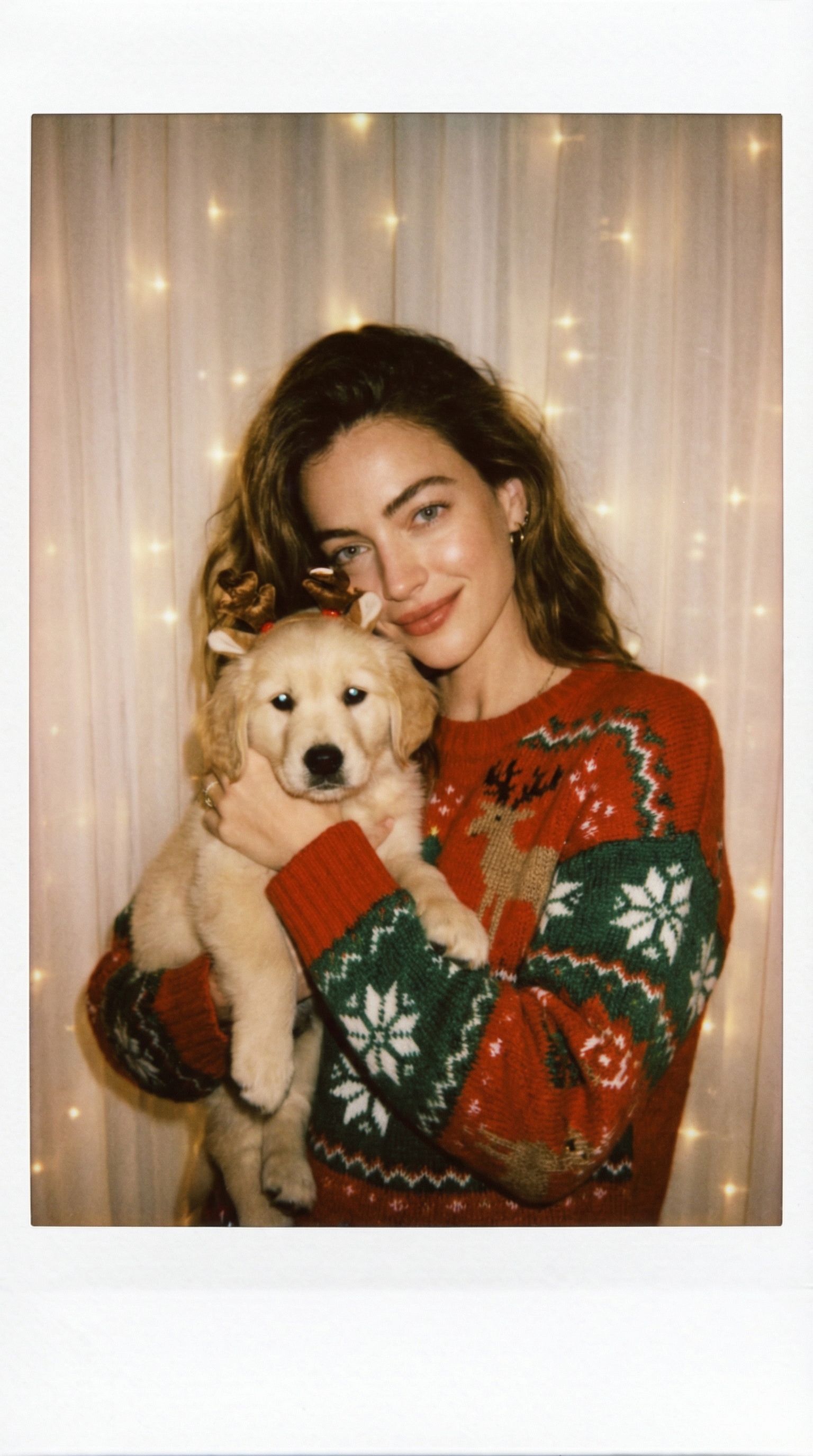
Stunning AI creations generated with Media.io - powered by Nano Banana Pro.
🎄 How to Create a Christmas Polaroid Photo Online
Turn your festive memories into a vintage-style Christmas Polaroid photo in just a few clicks. No design skills required — follow these three simple steps to make your own AI Polaroid Christmas card instantly.
Open the AI Christmas Polaroid Generator
Head to Media.io’s AI Christmas Polaroid Generator page. This tool automatically adds retro Polaroid frames, holiday tones, and festive lighting effects to your uploaded photo — giving you that nostalgic Christmas film look in seconds.
Upload Your Photo & Add a Prompt
Upload your favorite selfie, couple, or family photo. Then, enter a creative prompt — or simply choose one from our Christmas prompt library below to inspire your perfect Polaroid style. Our AI will enhance the scene with cozy lights, snowy backgrounds, and warm vintage filters.
Generate & Save Your Polaroid
Click generate, and within seconds you’ll see your personalized Christmas Polaroid photo come to life. Preview it, download the high-quality version, or share it directly on social media. You can also print it as a Christmas card or ornament to decorate your home or gift to loved ones.
| Style | Christmas Polaroid Photo Prompt (Single & Pet) | Preview | Copy |
|---|---|---|---|
|
Christmas Flash Polaroid
|
Create a photo taken with a Polaroid camera. The image should look like a real instant photo taken in a cozy Christmas setting, with warm flash lighting in a dim room, slight blur and natural film grain. Replace the background behind [your photo] with a softly lit white curtain and blurred Christmas lights, keeping the face and expression unchanged. The lighting should scatter slightly across the image, like a flash hitting snow dust in the air. The photo must look natural and candid, not posed. Add faint festive tones — warm red and gold reflections, subtle soft snow particles floating. |
|
|
|
Christmas Tree Flash Shot
|
Take a photo as if shot by a Polaroid camera at night, with direct flash lighting, visible highlights on the face and coat, and soft blur around the edges. [Your photo] standing in front of a dim Christmas tree with blurred ornaments and fairy lights, cozy scarf and snow in hair, expression natural. The overall tone should feel slightly overexposed yet warm, with authentic instant-film look, white Polaroid border, and subtle film grain. Add holiday atmosphere through light reflection on ornaments and slight snowflakes. |
|
|
|
Christmas Eve Close-Up Polaroid
|
Take a close-up portrait with a Polaroid camera flash, slight soft blur, film grain visible on the face and background. Replace background with white curtain softly lit by red and golden reflections, adding subtle snow sparkle and cozy Christmas tones. The subject ([your photo]) wears a warm sweater or coat, natural smile, eye reflection visible from flash. Output should look like a handheld instant photo — matte surface, full white border, no added scenery beyond the shot. |
|
|
|
Retro Christmas Curtain Polaroid
|
A realistic Polaroid flash photo of [your photo] standing in front of a plain white curtain subtly glowing with warm Christmas light leaks. The subject’s expression natural and slightly candid, lighting from a single flash source with soft halo effect. Slight blur around edges, matte film texture, visible flash highlight on cheeks. Add faint festive atmosphere: blurred Christmas bokeh behind fabric, tiny snow reflection, warm tint. |
|
|
|
Christmas Window Polaroid
|
Take a Polaroid-style portrait of [your photo] near a frosted window, dim environment with direct flash, light scattering slightly through the air. Add subtle gold reflection and snow sparkle, replace background with white curtain faintly backlit by Christmas lights. Slight blur and authentic handheld framing, matte Polaroid paper finish, nostalgic tone. |
|
|
|
Snowy Outdoor Polaroid Scene
|
Take a photo as if shot by a Polaroid camera at night, with direct flash lighting, visible highlights on the face and coat, and soft blur around the edges. [Your photo] standing in front of a dim Christmas tree with blurred ornaments and fairy lights, cozy scarf and snow in hair, expression natural. The overall tone should feel slightly overexposed yet warm, with authentic instant-film look, white Polaroid border, and subtle film grain. Add holiday atmosphere through light reflection on ornaments and slight snowflakes. |
|
|
|
Pet Christmas Polaroid (Cozy Indoor Style)
|
A cute AI Polaroid Christmas photo featuring [your photo] with a pet wearing a Santa hat, cozy indoor lighting, vintage Polaroid look, shallow depth of field, glowing Christmas ornaments in background, soft festive glow, film-style realism. |
|
|
|
Holding Dog – Christmas Polaroid (Flash Realism Style)
|
Take a Polaroid camera photo of a woman holding her small dog in her arms, captured indoors with a single flash in a dim cozy room. The woman is smiling softly, wearing a knitted Christmas sweater or coat, and the dog wears a tiny Santa hat or reindeer headband. Replace the background with a white curtain glowing faintly with blurred warm fairy lights — no visible environment beyond it. The lighting should look authentic — flash reflections on the eyes, natural shadow under chin, slight blur around edges. Add gentle film grain, warm vintage tone, and soft light scatter to simulate real instant-film exposure. |
|
| Style | Christmas Polaroid Photo Prompt (Couple & Family) | Preview | Copy |
|---|---|---|---|
|
Christmas Hug Polaroid
|
Create an image taken with a Polaroid camera. The photo should look like an ordinary flash photo — slightly blurred, soft shadow edges, consistent lighting from one flash source. The man is hugging her gently from the back, both smiling naturally. Replace the background with a white curtain and faint glowing Christmas lights behind the fabric, warm orange reflection from fairy lights, soft vintage film color. Do not alter faces or proportions. Maintain realistic flash exposure and Polaroid-style tones. Add subtle Christmas warmth — gold light leaks, gentle snowfall particles, warm bokeh glow. |
|
|
|
Indoor Christmas Moment
|
Create a Polaroid-style indoor photo under warm yellow flash lighting, slight blur, realistic shadow cast behind the couple. [Your photo] and partner exchanging a small gift or laughing softly beside a Christmas tree with glowing lights. Replace the room background with a softly glowing curtain and blurred red-and-green reflections to simulate festive bokeh. The photo must look unposed, spontaneous, authentic, with a realistic Polaroid border and natural flash exposure. |
|
|
|
Street Snow Polaroid
|
Create a realistic Polaroid camera photo of [your photo] and partner standing outdoors in falling snow. The scene is lit by a camera flash at night, causing visible reflection on snowflakes, soft overexposure on faces, and natural shadow falloff. Replace the background with blurred Christmas market lights, soft golden tone. Slight blur, film grain, and candid framing — it should feel like a real handheld instant photo with Polaroid border, nostalgic warmth, and natural imperfection. |
|
|
|
Christmas Flashback Polaroid
|
A Polaroid camera photo capturing [your photo] and partner smiling under a Christmas light garland, shot indoors with flash. Slight film grain, overexposed edges, warm reflections, no posing. Replace the background with a soft white curtain faintly glowing with colored Christmas reflections. Keep faces authentic; do not stylize. Output must resemble a real Polaroid print — matte surface, full white border, warm instant-film color palette. |
|
|
|
Candlelight Christmas Polaroid
|
Capture [your photo] and a partner in a Polaroid camera flash photo, sitting near a table with candles, faint Christmas lights behind. Maintain authentic flash reflection on skin, soft blur edges, warm film tone. Replace background with light cream curtain softly tinted by orange candlelight, keeping faces unchanged. Final result should look like a real instant photo print, white Polaroid border, matte surface, subtle light leak. |
|
|
|
Family Christmas Polaroid (Real Flash Style)
|
Create a family Christmas photo taken with a Polaroid camera. The photo should look like a real instant photo taken in a cozy living room with a Christmas tree softly blurred in the background. [Your photo] with family members smiling naturally — parents and children sitting together, wearing warm sweaters. Use a single flash light source in a dim room, producing soft shadows and a slight blur at the edges. Replace background with a white curtain glowing faintly with golden and red reflections from Christmas lights. Keep all faces unchanged, film grain visible, warm flash tone. Add subtle holiday warmth — soft snow sparkle and gentle golden bokeh reflection. |
|








FAQs About
AI Christmas Polaroid Photo Generator
1. Is the AI Christmas Polaroid Generator free to use?


Yes! You can try the AI Christmas Polaroid Generator for free and create stunning festive Polaroid photos in seconds. A free preview is always available before downloading in full quality — perfect for testing your favorite Christmas styles.
2. Will my uploaded photos be safe and private?
Absolutely. Media.io automatically deletes all uploaded and generated files within seven days, ensuring complete privacy and data protection. Your photos are never shared or used for training purposes — your creative process stays entirely yours.
3. Can I print my AI Christmas Polaroid photo as a real card or decoration?
Yes! All generated images come in high-resolution quality, making them ideal for printing as Christmas cards, wall décor, or holiday ornaments. You can also share your creations instantly on social media or send them as digital greetings.
4. How accurate are the AI results — can I control the final style?
Our AI uses advanced visual enhancement to recreate authentic Polaroid film tones, retro frames, and warm holiday lighting. You can adjust the vibe by editing your prompt — from cozy indoor scenes to snowy outdoor portraits — for the look that fits your vision best.
5. Can I use my generated Polaroid photo for commercial or promotional projects?
Media.io’s AI tools are designed primarily for personal and creative use, such as gifts, social posts, or festive artwork. If you plan to use your creations in a commercial setting, please ensure your final content complies with applicable usage rights and copyright rules.
Why Creators Love Media.io’s Nano Banana Pro AI Christmas Polaroid Photo Generator?

Long-Distance Lover


Made my Christmas photos unforgettable. I used the AI Christmas Polaroid Generator to turn my selfie into a festive Polaroid-style photo. The soft film grain, glowing lights, and vintage frame made it look like a real holiday keepsake — my friends couldn’t believe it was AI-generated.

Graphy Designer
Better than I imagined. I thought the Polaroid effect might look fake, but the lighting, snow details, and retro tones felt completely natural. It captured that cozy Christmas warmth perfectly — like a photo straight from a family album.

Casual User
Perfect holiday surprise. I joined the Christmas Polaroid trend and posted my AI photo on TikTok — the reactions were incredible! Everyone loved the nostalgic film look and the festive background. It’s my favorite holiday post this year.



