Blonde Hair Filter
Instantly See Yourself with Blonde Hair Using AI
Want to know what you would look like with blonde hair before making a real change?
With Media.io’s Blonde Hair Filter, you can instantly transform your photo using advanced
blonde hair AI—no salon visit, no manual editing, and no design experience required.
From classic blonde to bleached hair or strawberry blonde hair, Media.io helps you visualize
your new look in seconds with just one photo.
Simply upload an image and let AI do the rest using our
Blonde Hair Filter
.
Whether you are curious about a subtle color change or a bold blonde makeover,
this blonde hair filter online lets you see the result before committing in real life.
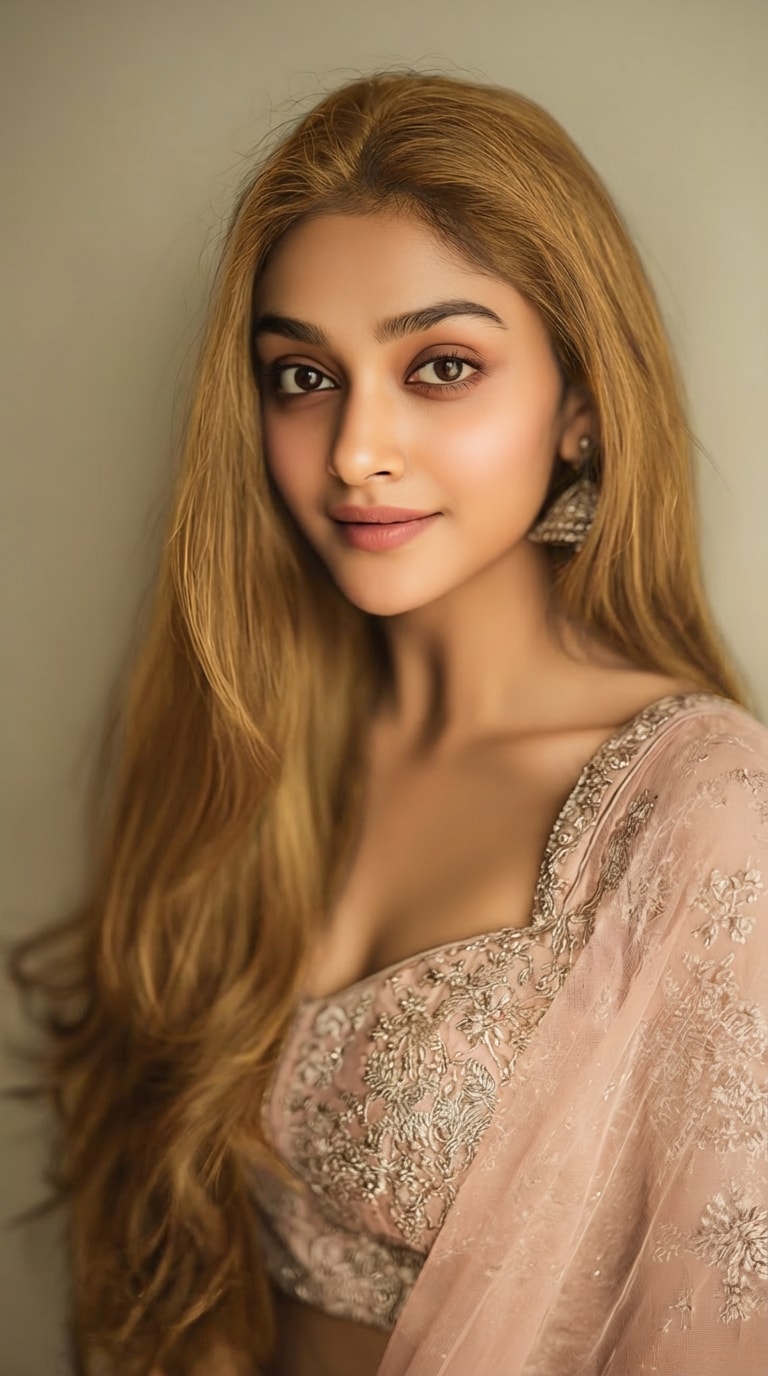
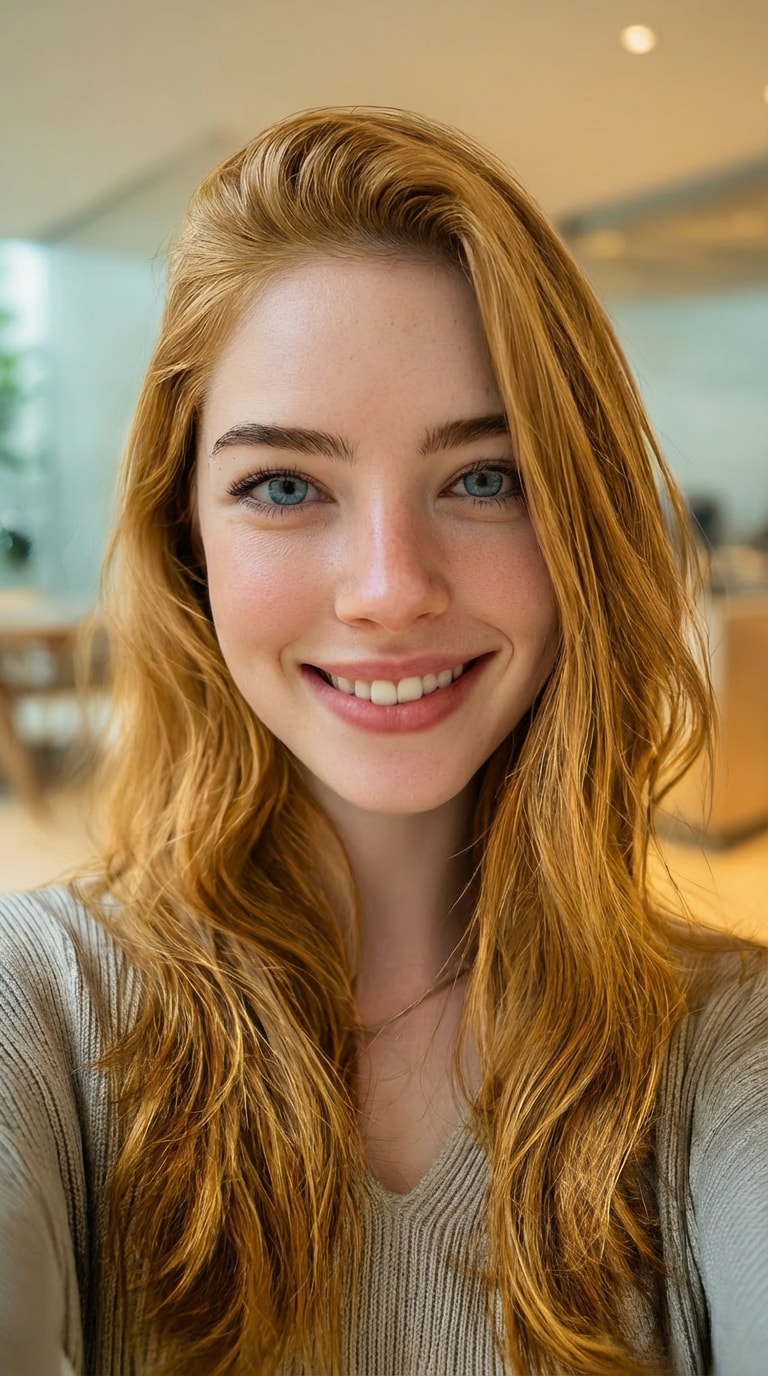
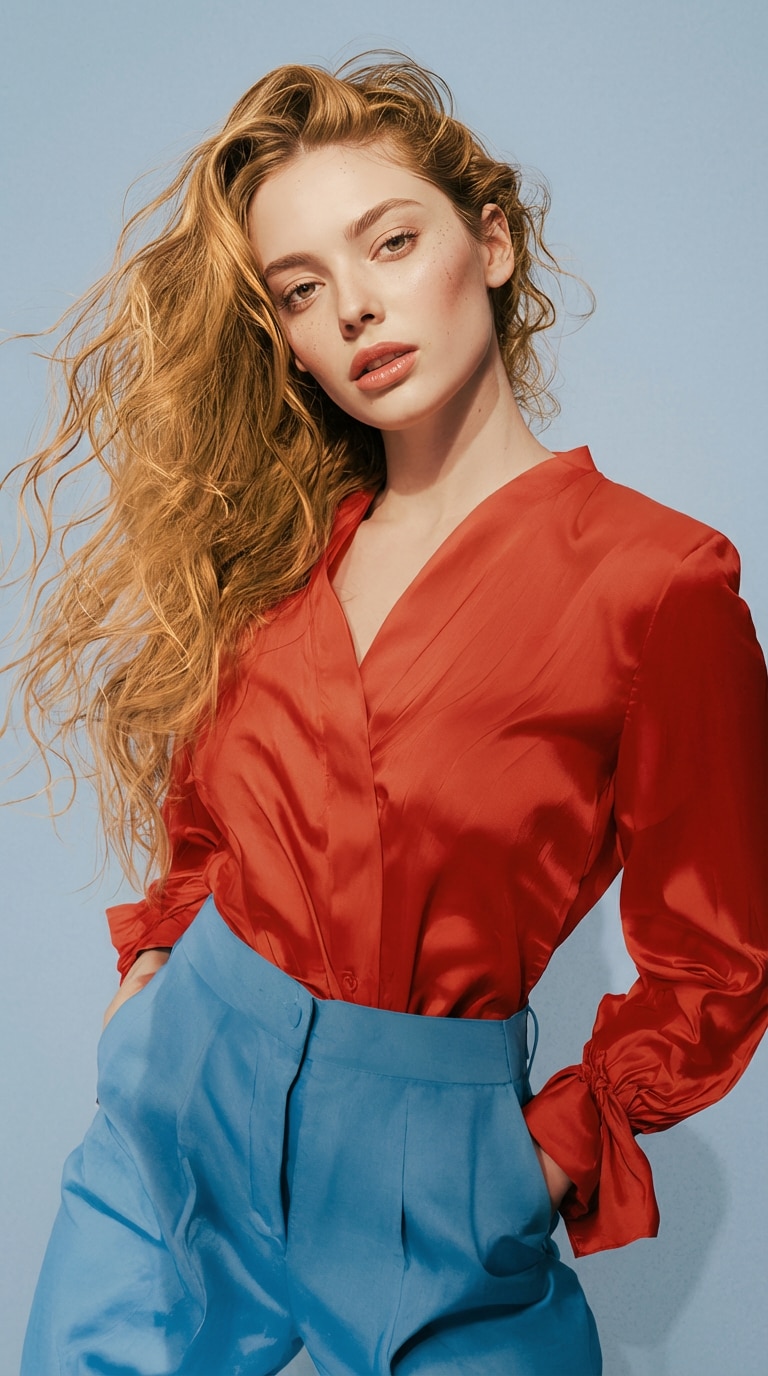
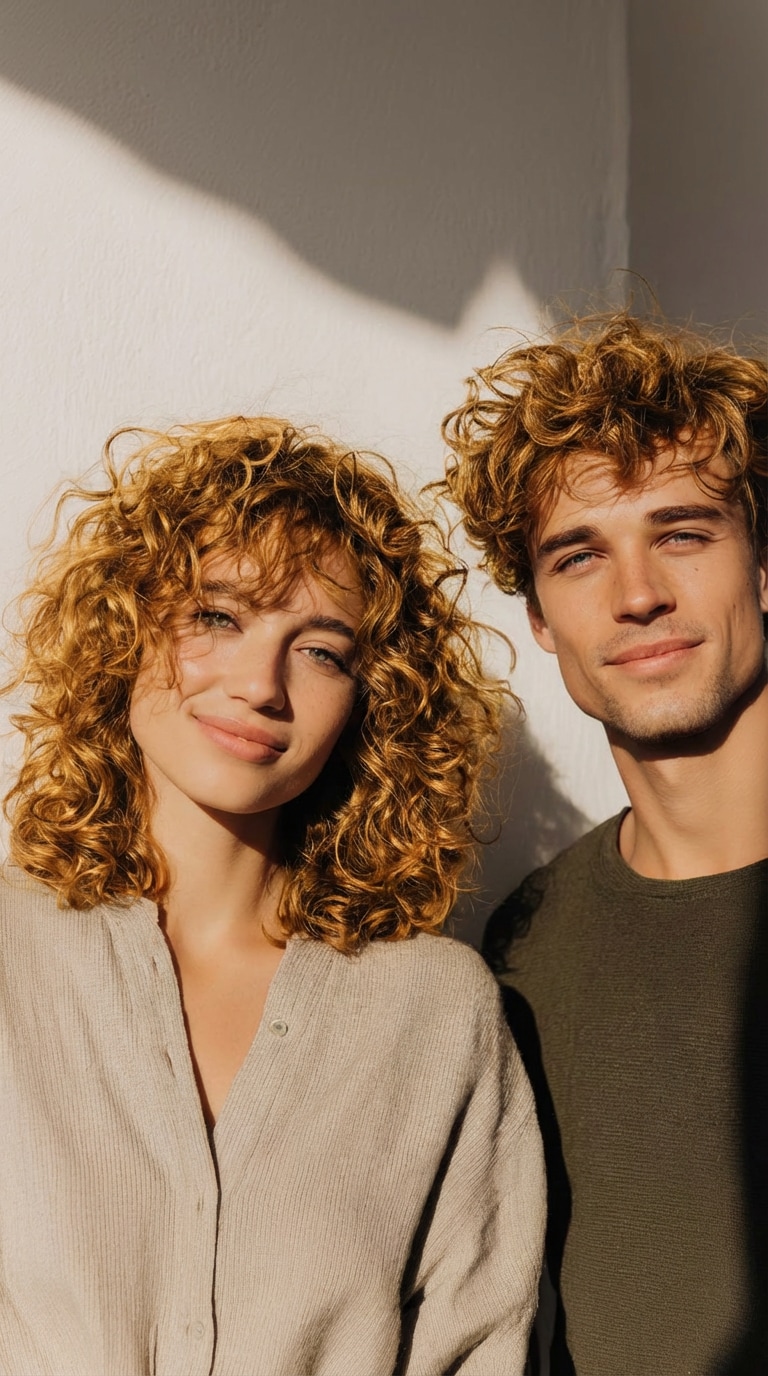
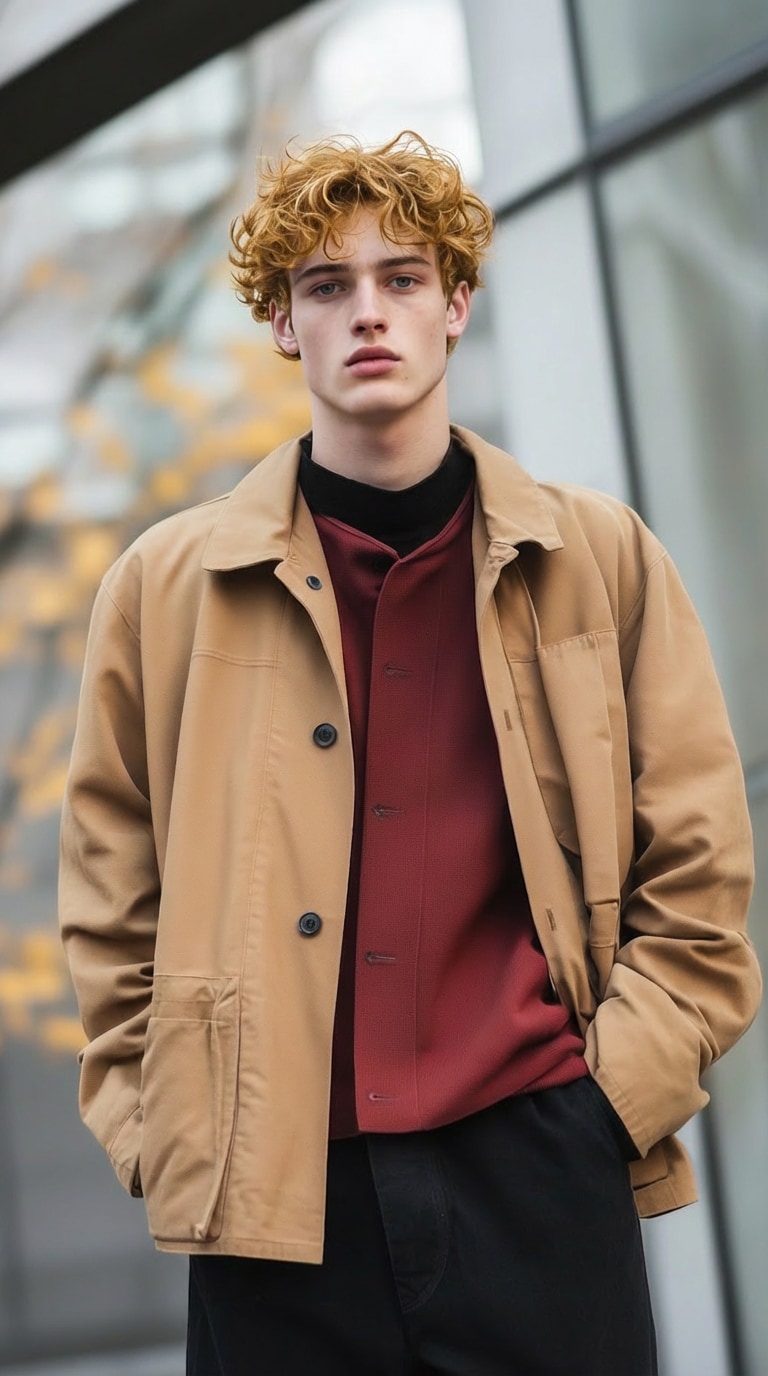

Realistic Blonde Hair Filter results generated with Media.io – powered by Nano Banana Pro .
How to Use Media.io Blonde Hair Filter Online (3 Simple Steps)
Visit Media.io AI Blonde Hair Filter
Go to the official Media.io blonde hair filter online tool to start
your AI hair color transformation:
Media.io Blonde Hair Filter
Upload a Clear Portrait Photo
Upload a clear portrait or selfie with visible hair. The AI blonde hair filter automatically detects your hair area—no masking, brushing, or manual editing required.
Generate and Preview Blonde Hair
Click Generate to instantly try blonde hair online. Preview a realistic blonde hairstyle with natural lighting, texture, and color blending powered by AI.
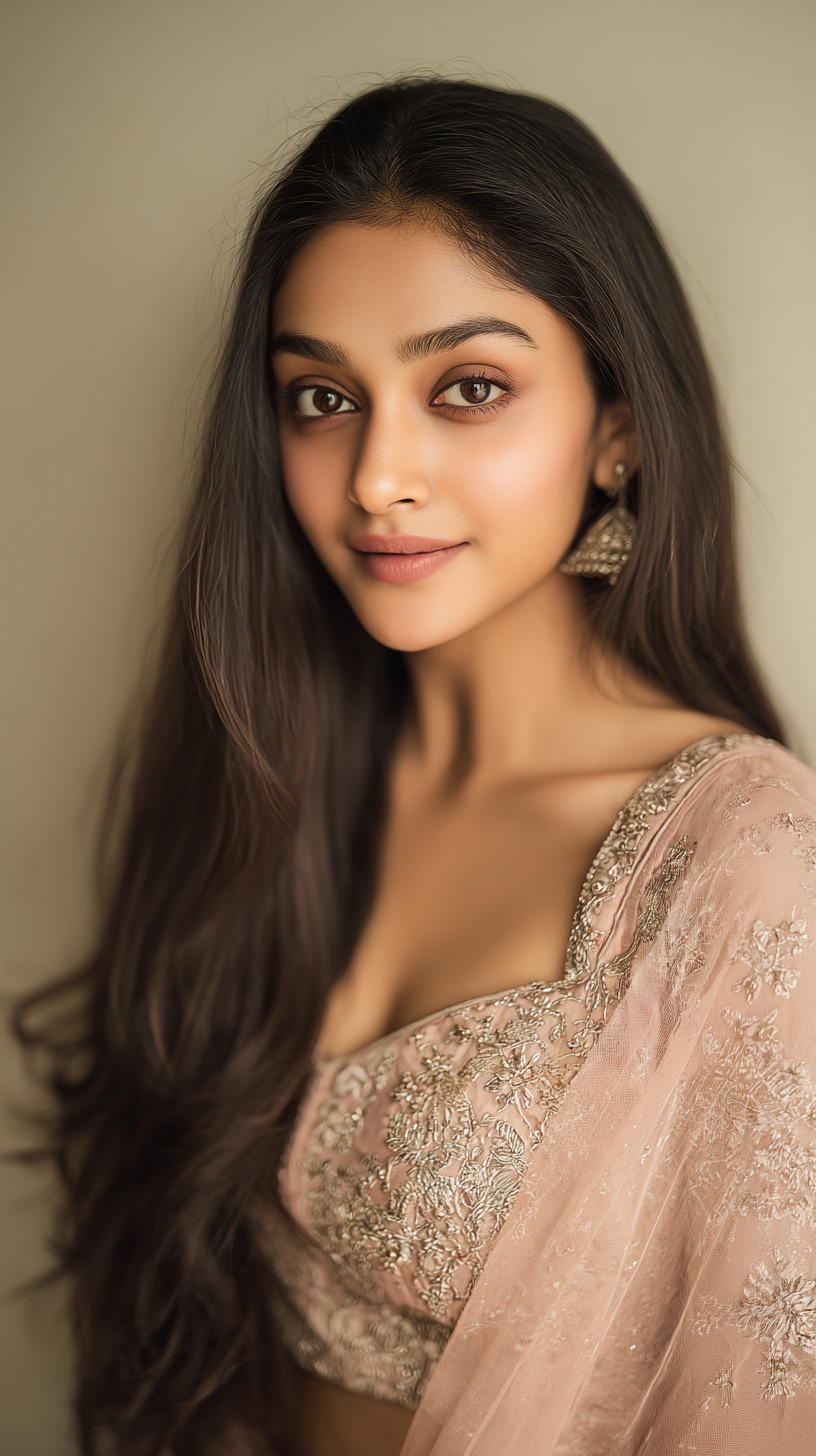








Media.io Blonde Hair AI Highlights
Instantly preview realistic blonde hair styles with AI before making a real color change.

Realistic Blonde Hair Transformation
Unlike basic blonde filters, Media.io’s AI analyzes shadows, highlights,
and individual hair strands to create a natural blonde edit hair effect.
Best for: Users who want a salon-like preview before dyeing their hair.

Multiple Blonde Styles Supported
Try different looks including classic blonde, bleached hair filter,
and strawberry blonde hair filter—all from one tool.
Best for: Users comparing shades to match skin tone and personal style.

One-Click Blonde Hair Generator
No sliders, no Photoshop, and no learning curve.
Simply upload → generate → download your blonde hair result.
Best for: Beginners and anyone who wants instant results.

Online, Secure, and No App Needed
Media.io runs entirely in your browser with secure AI processing
and no software installation required.
Best for: Privacy-conscious users and quick online edits.
Common Questions About
Blonde Hair Filter
1. What would I look like with blonde hair?


Media.io’s blonde hair AI shows a realistic preview based on your face shape, lighting conditions, and original hair color, helping you visualize how blonde hair would look on you before making a real change.
2. Is this blonde hair filter free?
You can generate blonde hair previews for free. High-resolution downloads may require credits depending on your usage.
3. Does the blonde filter work on dark hair?
Yes. The blonde hair filter works on black, brown, and colored hair, while preserving natural hair texture, depth, and lighting details.
4. Can I try different blonde shades?
Yes. You can experiment with multiple blonde styles, including bleached blonde, strawberry blonde, and classic blonde looks.
5. Is my photo safe when using Media.io?
Yes. Media.io processes images securely and does not store personal photos without your authorization.
More than Blonde Hair Filter
 4.7 (162,357 Votes)


