Add Cherry Blossom to Photo
Transform Any Photo into a Dreamy Sakura Spring Scene — Free Online
Want the magical look of a Japanese cherry blossom season without flying to Tokyo? Use Media.io's AI Cherry Blossom Filter to instantly add soft pink sakura petals, full-bloom blossom trees, and dreamy spring atmospheres to any photo — no app, no editing skills needed.
Whether you're enhancing a portrait, transforming a landscape, or creating romantic spring content for social media, our AI places cherry blossoms naturally into your scene with realistic petals, depth, and lighting.
Try the AI Cherry Blossom Effect Now →
How to Add Cherry Blossom to Any Photo in Seconds
— Use Media.io AI & Prompts
Turn any portrait or landscape into a blooming sakura masterpiece with just a few clicks. Follow these steps using Media.io's AI Image-to-Image tool, and use our curated prompts below to get anything from soft falling petals to a full cherry blossom tunnel — perfect for spring portraits, travel photos, and social media content.
Open the AI Cherry Blossom Generator
Go to Media.io's AI Image-to-Image tool and get ready to add sakura magic to your photo. No sign-up or download required — it runs entirely in your browser, optimized for natural scene and portrait cherry blossom effects.
Upload & Describe Your Sakura Style
Upload any photo (JPG or PNG — portraits, street shots, parks, or gardens all work great). Then type a prompt like "pink cherry blossom petals falling gently around person" or "full bloom sakura tunnel path in spring". Not sure what to write? Try one of our ready-made prompts below — tested for realistic petal depth, lighting, and atmospheric consistency.
Generate & Download Your Spring Photo
Click Generate, and in seconds your photo will bloom with soft pink cherry blossoms that follow the natural depth and light of your scene. Use the before/after slider to compare, then download your image — ready for Instagram, Pinterest, or spring social media posts.
Cherry Blossom Portrait
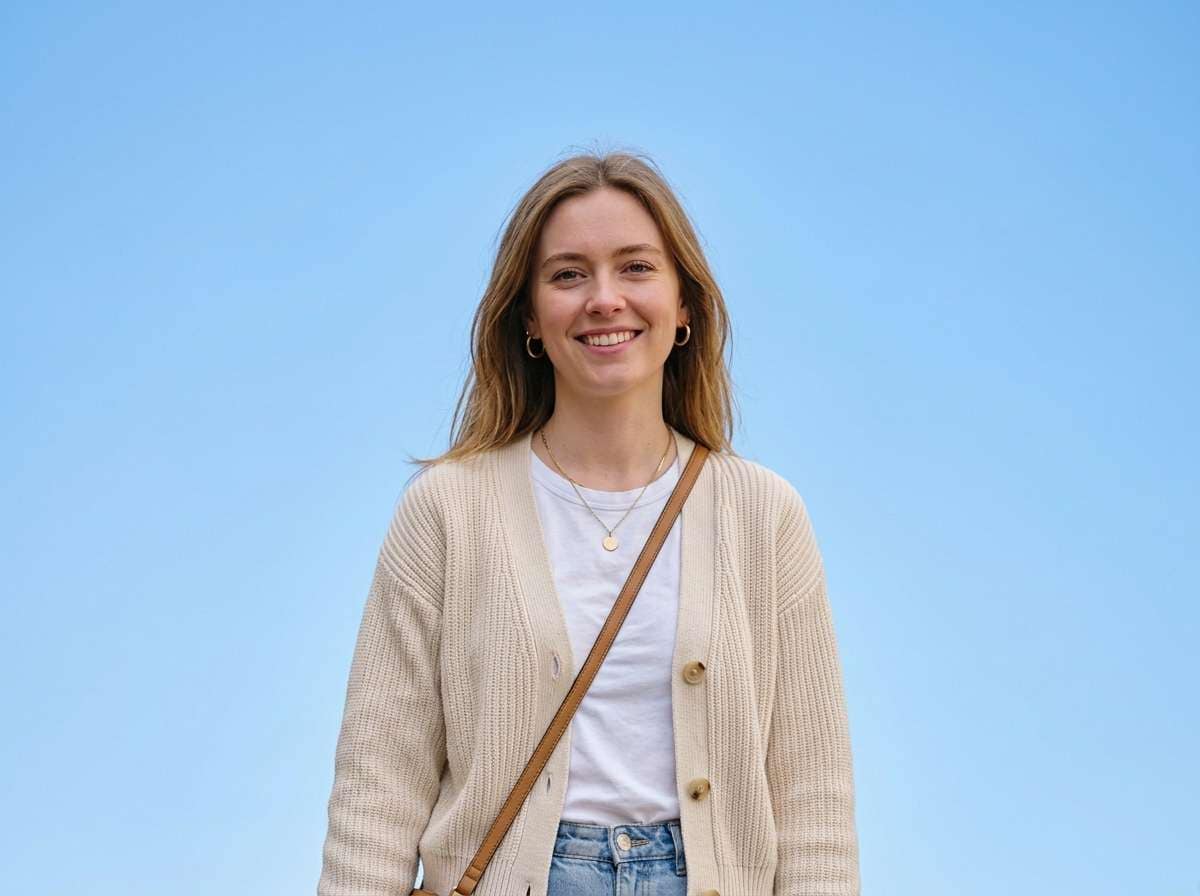
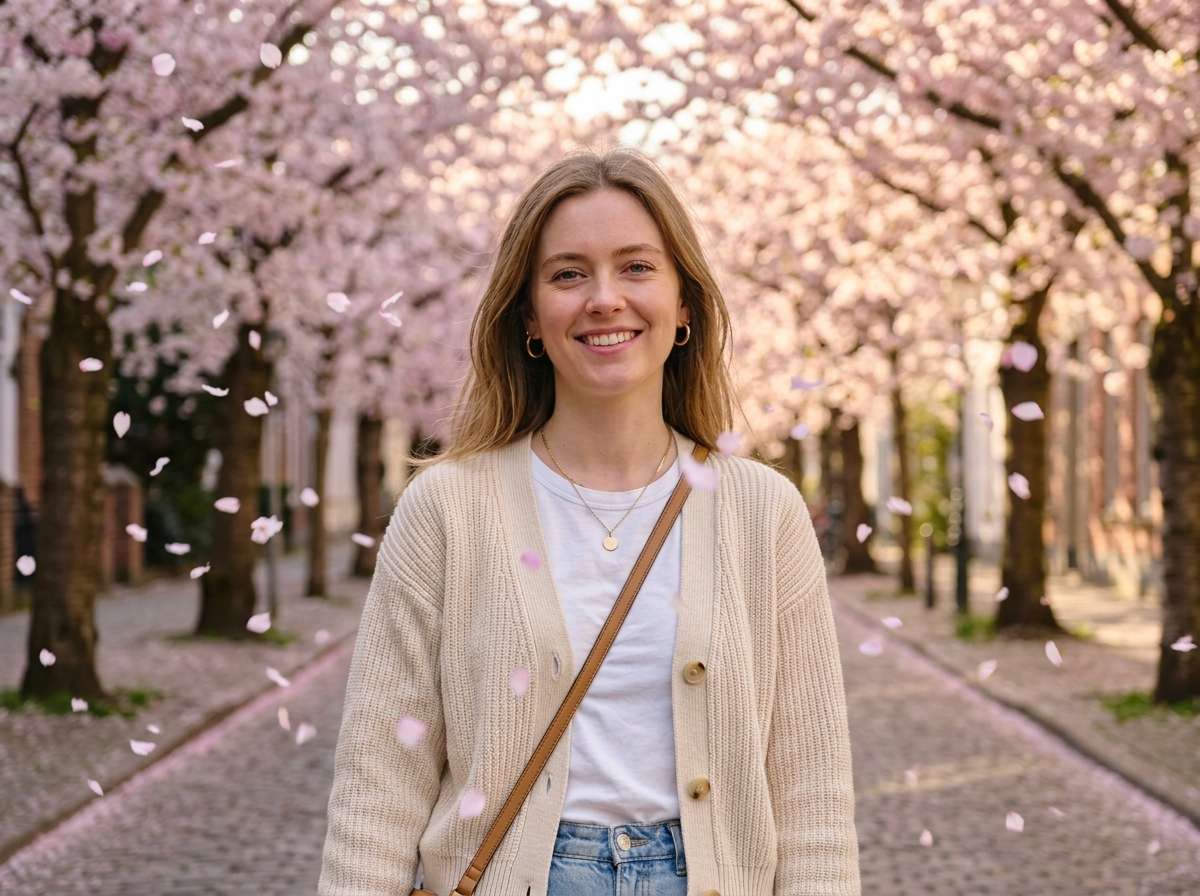
Surround this person with beautiful pink cherry blossom petals falling gently, full bloom sakura trees in background, soft pink petals floating in the air, romantic spring atmosphere, warm soft lighting, cherry blossom trees lining behind, ultra-realistic, same portrait composition unchanged, face stays clear and sharp
Cherry Blossom Tunnel Path
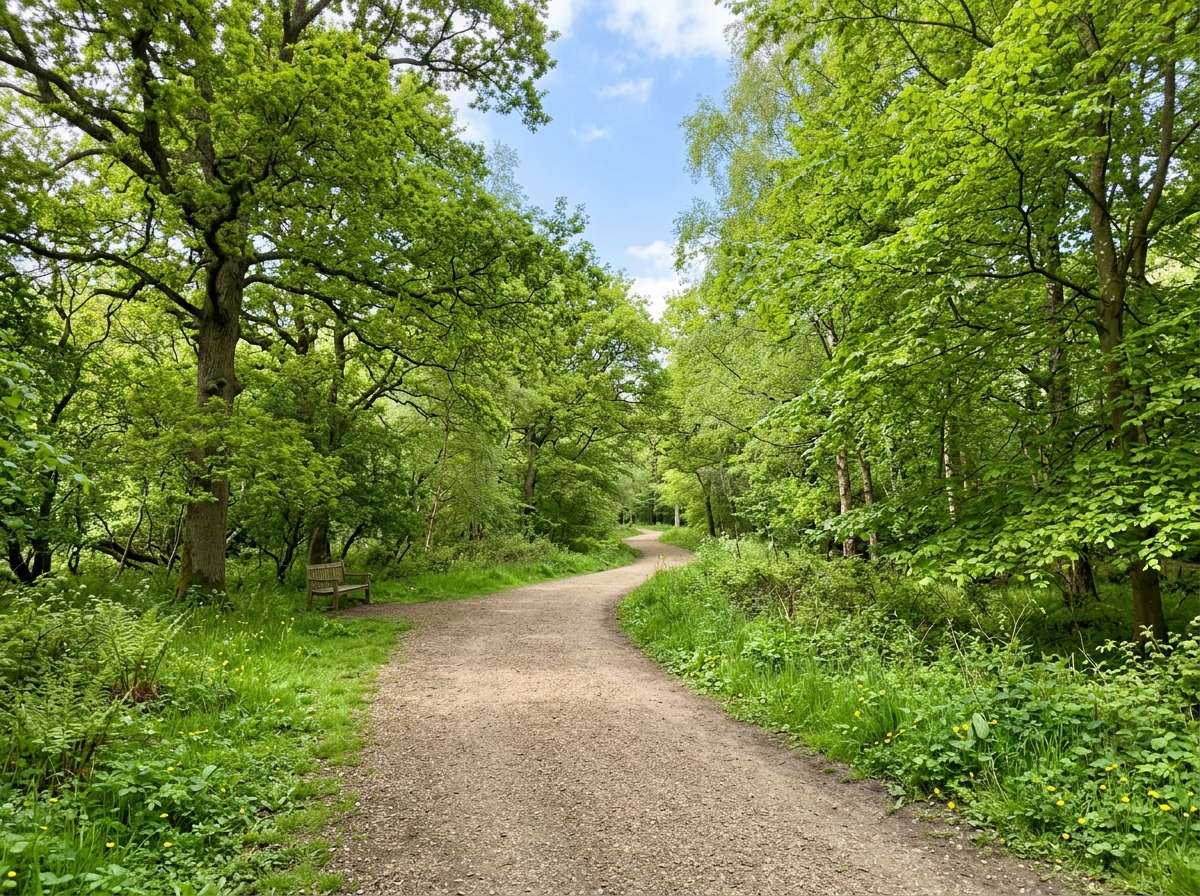
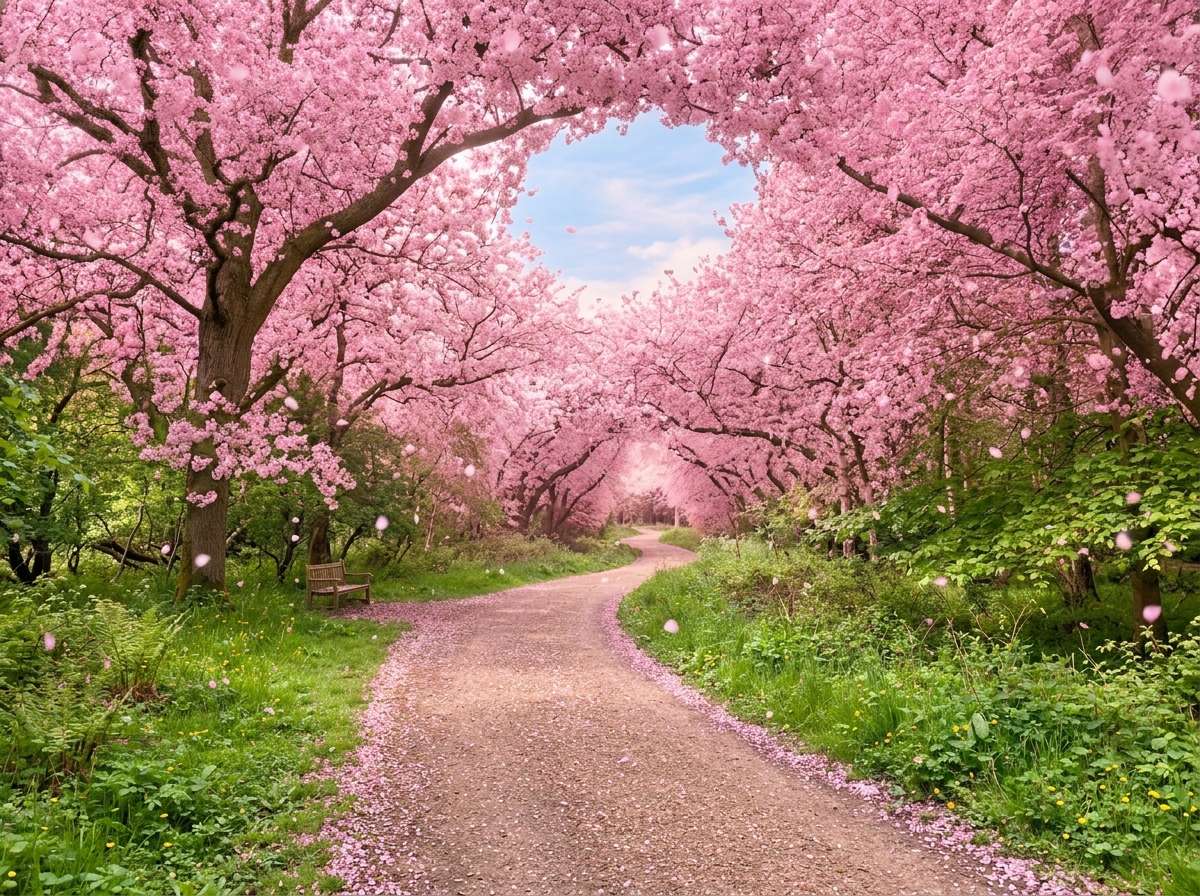
Transform this pathway into a stunning cherry blossom tunnel, full bloom pink sakura trees arching over the path on both sides, soft pink petals falling gently, warm spring light filtering through the blossoms, magical romantic atmosphere, ultra-realistic landscape photography, same composition unchanged








Why Use Media.io for AI Cherry Blossom Effects
Whether you're shooting portraits, landscapes, or street photography — your cherry blossoms should look like they were always part of the scene. With Media.io's AI Image-to-Image tool, you get scene-aware sakura generation that blends naturally with your photo's depth and lighting — all in seconds, online, and free to start.

Realistic Petal Placement
Our AI analyzes scene depth and natural lighting to place cherry blossom petals and trees exactly where they look most natural — no floating stickers, no flat overlays. Every petal follows the light.

100% Online, Works in Browser
No app installs. No watermarks. Just upload, prompt, and generate — on phone or desktop. Media.io's AI runs securely in the cloud for instant, high-quality cherry blossom output with no sign-up required.

Any Sakura Style You Want
Soft falling petals, full blossom tunnel, background sakura trees, or petals on water — describe any spring look in your prompt. Our AI interprets everything from "gentle sakura shower" to "dense cherry blossom canopy" with precision.

Perfect for Spring & Social Media
Ideal for spring portraits, travel photography, wedding photos, Instagram feeds, and Pinterest boards. Create Japan-inspired cherry blossom content from anywhere in the world.
FAQs About
AI Cherry Blossom Effect
1. Do the cherry blossoms look realistic or like a sticker overlay?


Completely realistic. Media.io's AI understands your photo's depth, lighting, and scene structure to generate cherry blossoms that blend naturally. Petals catch the light, trees follow perspective, and the spring atmosphere integrates seamlessly — not pasted on top like a flat filter.
2. What types of photos work best for adding cherry blossoms?
Outdoor portraits, park paths, street scenes, and garden photos work exceptionally well. Photos with visible sky, trees, or open backgrounds produce the most natural and dramatic cherry blossom results. Indoor shots can also work — the AI adds petals floating in from windows or creating a backdrop.
3. Can I control how many petals appear — light shower or full bloom?
Yes — just describe it in your prompt. Use "a few delicate sakura petals falling softly" for a subtle effect, "dense cherry blossom shower" for dramatic impact, or "full bloom sakura trees arching overhead" for a complete spring tunnel look. The AI accurately interprets your density and style description.
4. Will the cherry blossom effect cover faces in portrait photos?
You can control this with your prompt. Add "face stays clear and sharp, petals fall around person not covering face" to keep the subject clear. Or try "a single petal resting on shoulder" for a delicate touch. The AI follows your description precisely for beautiful portrait results.
5. Can I add cherry blossoms to a winter or autumn photo?
Absolutely! Media.io's AI can transform any seasonal photo into a spring scene. Upload a winter or autumn photo and prompt "transform into full spring cherry blossom scene with pink sakura trees in bloom" — the AI will adjust the seasonal atmosphere, colors, and foliage to match a natural cherry blossom spring day.



