Add Person to Photo Online + Nano Banana Pro
Insert Person into Photo for Every Moment That Matters
Bring missing friends, family, or loved ones back into your photos with AI-powered image blending.
With Media.io Add Person to Photo, you can seamlessly insert anyone into any picture — whether it’s a group shot, travel memory, or special event. No Photoshop skills needed. Just upload, click Generate, and our smart AI automatically matches lighting, shadows, and perspective for a realistic, natural-looking photo that feels truly yours.
Make Every Moment Complete →
No downloads. Free credits on signup.
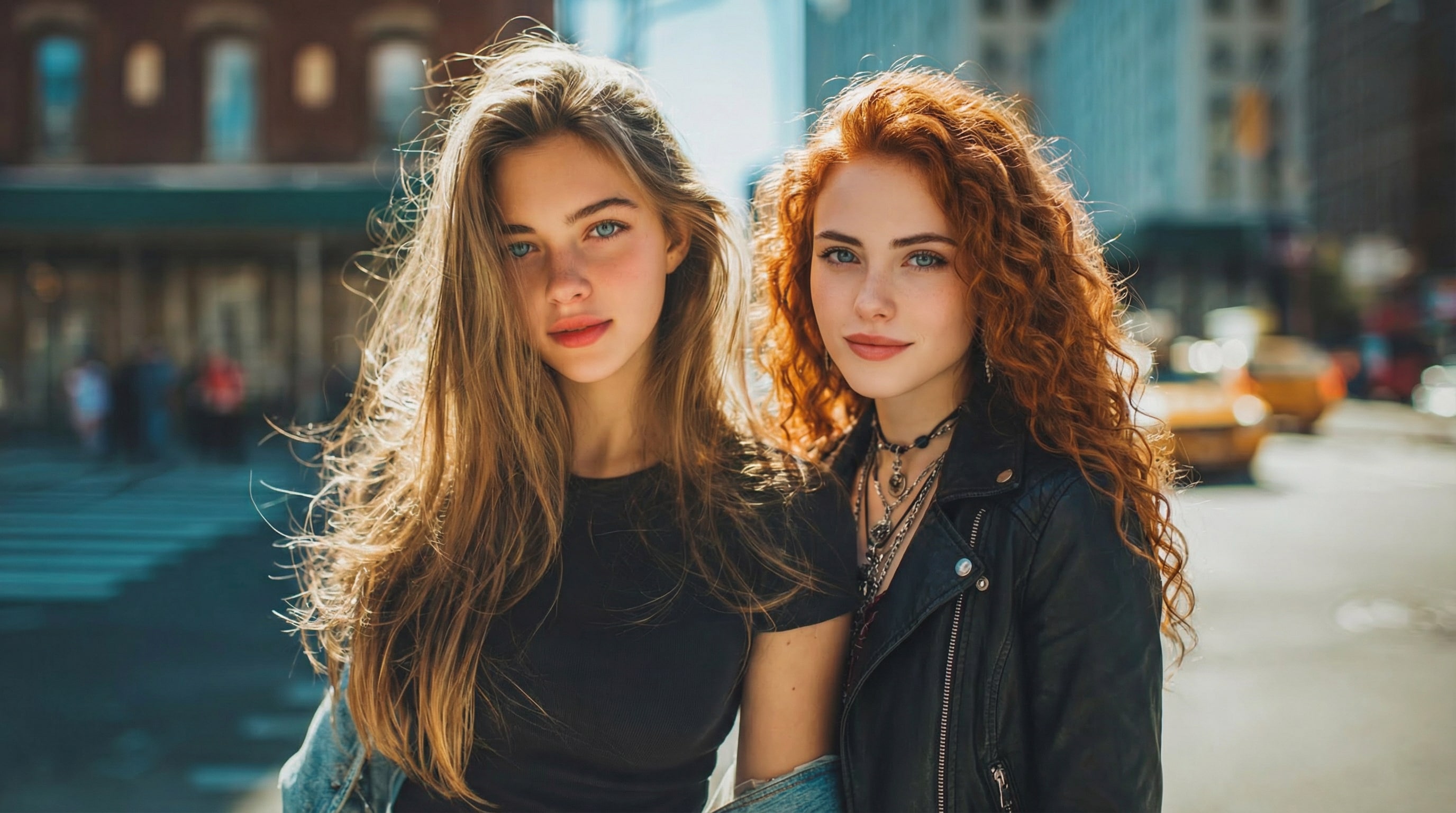
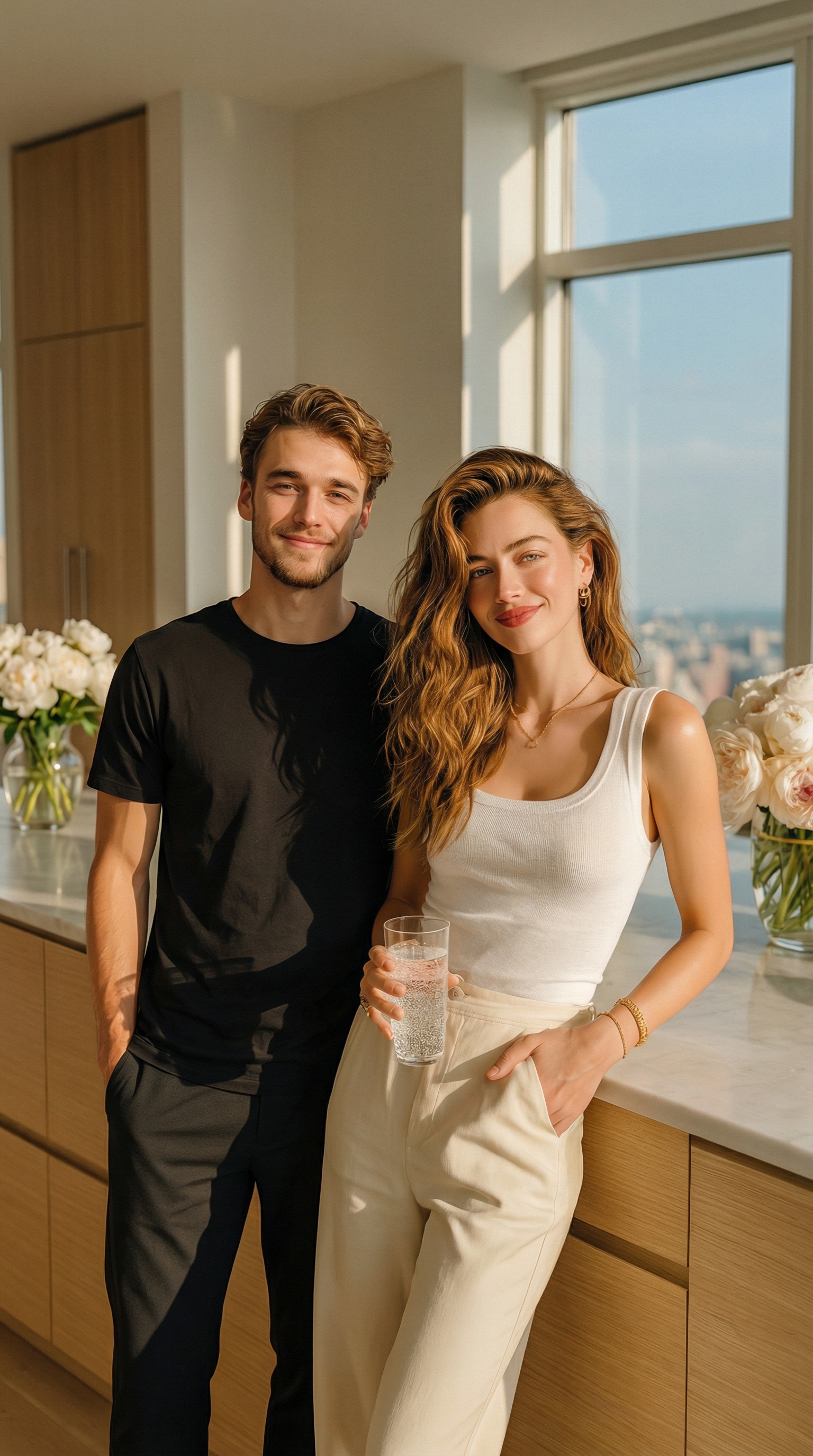
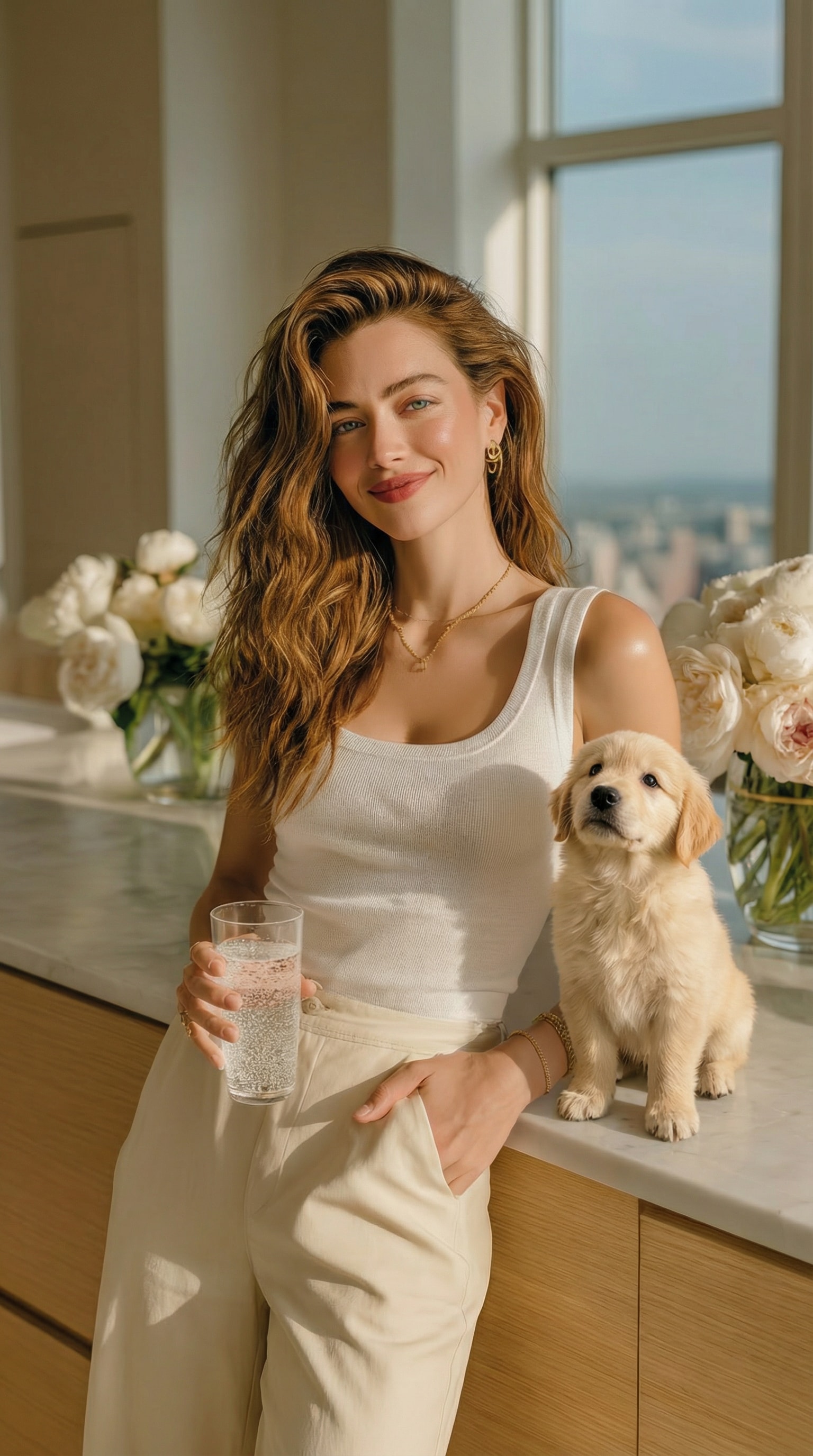
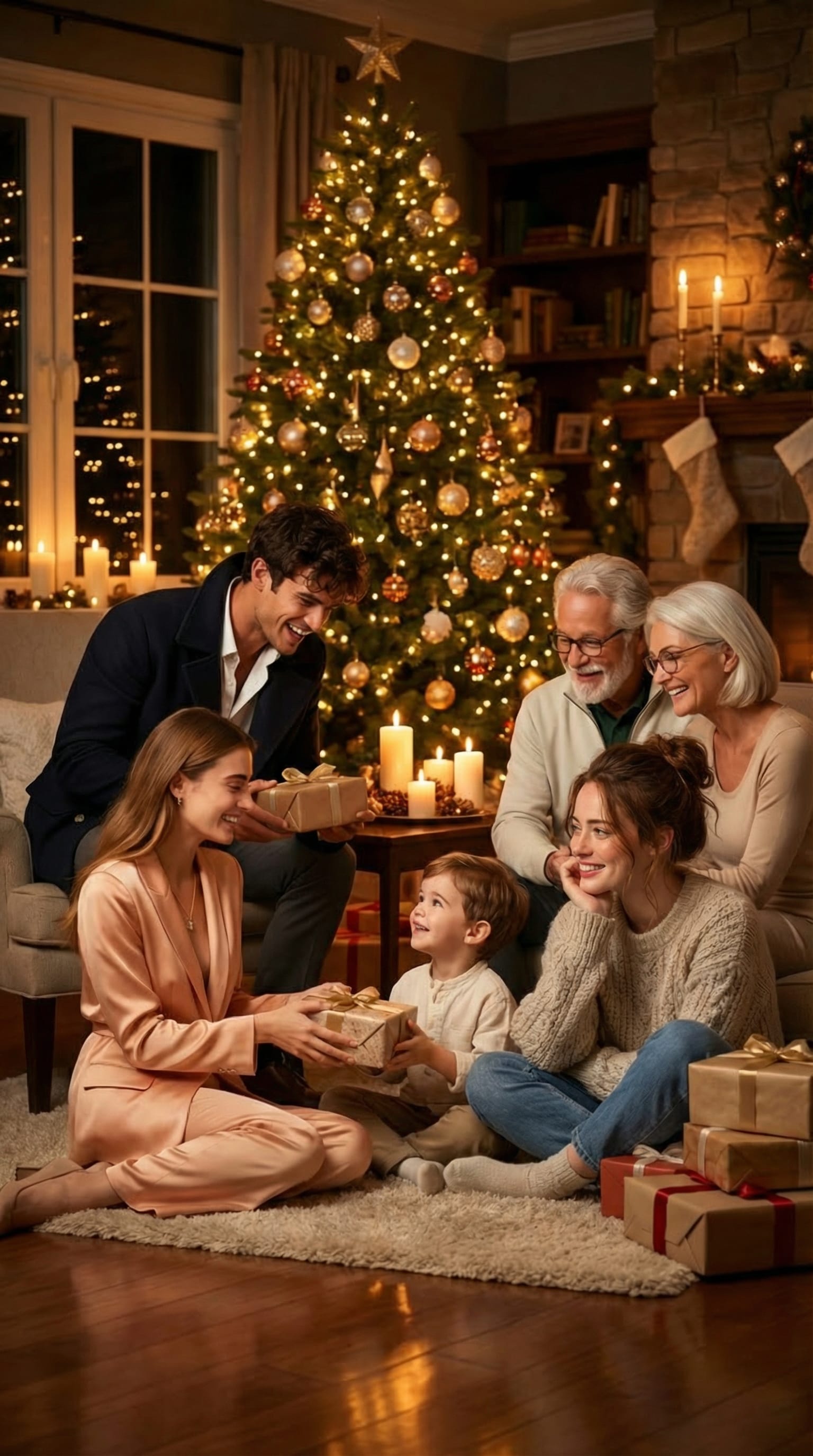
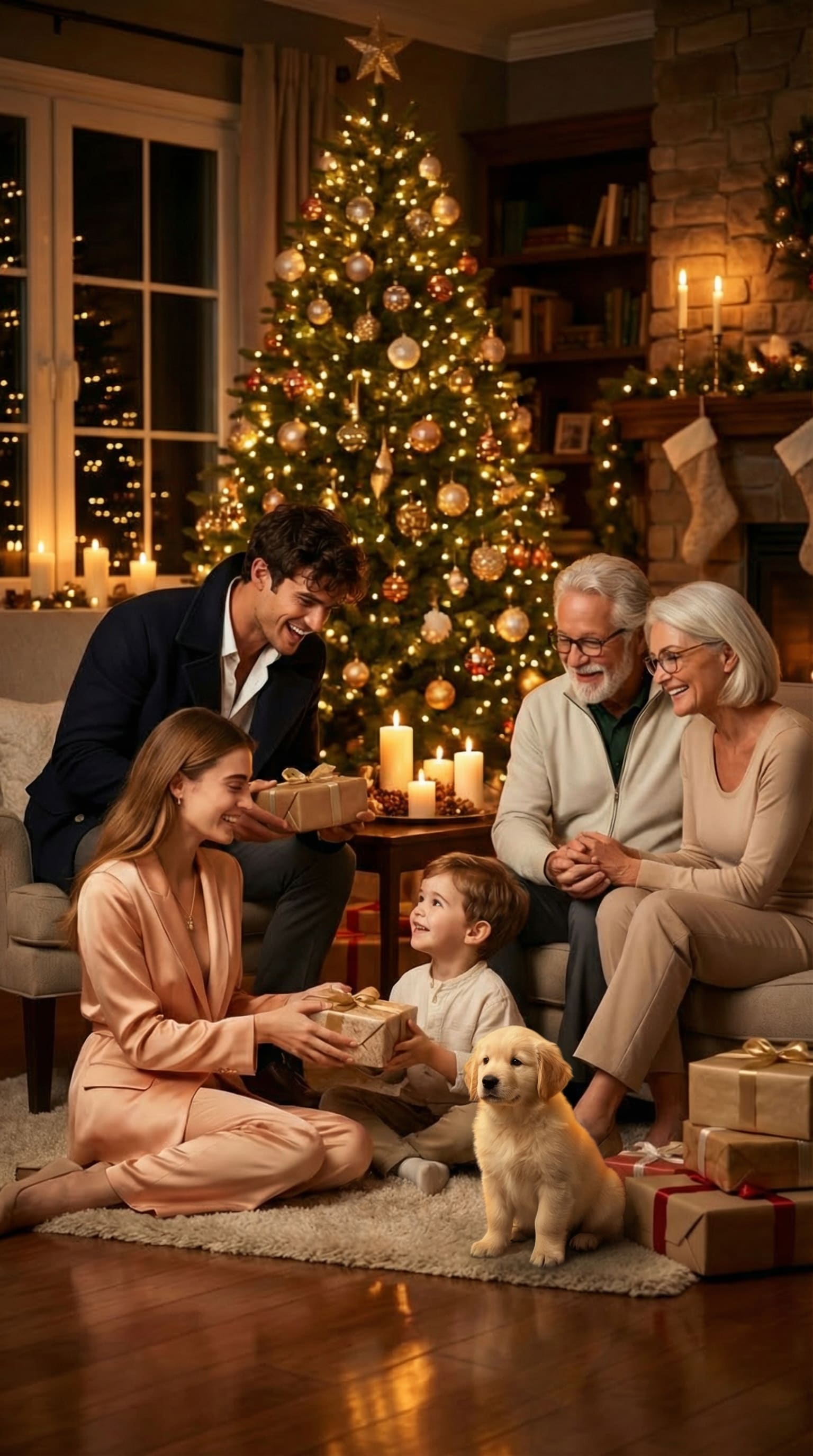
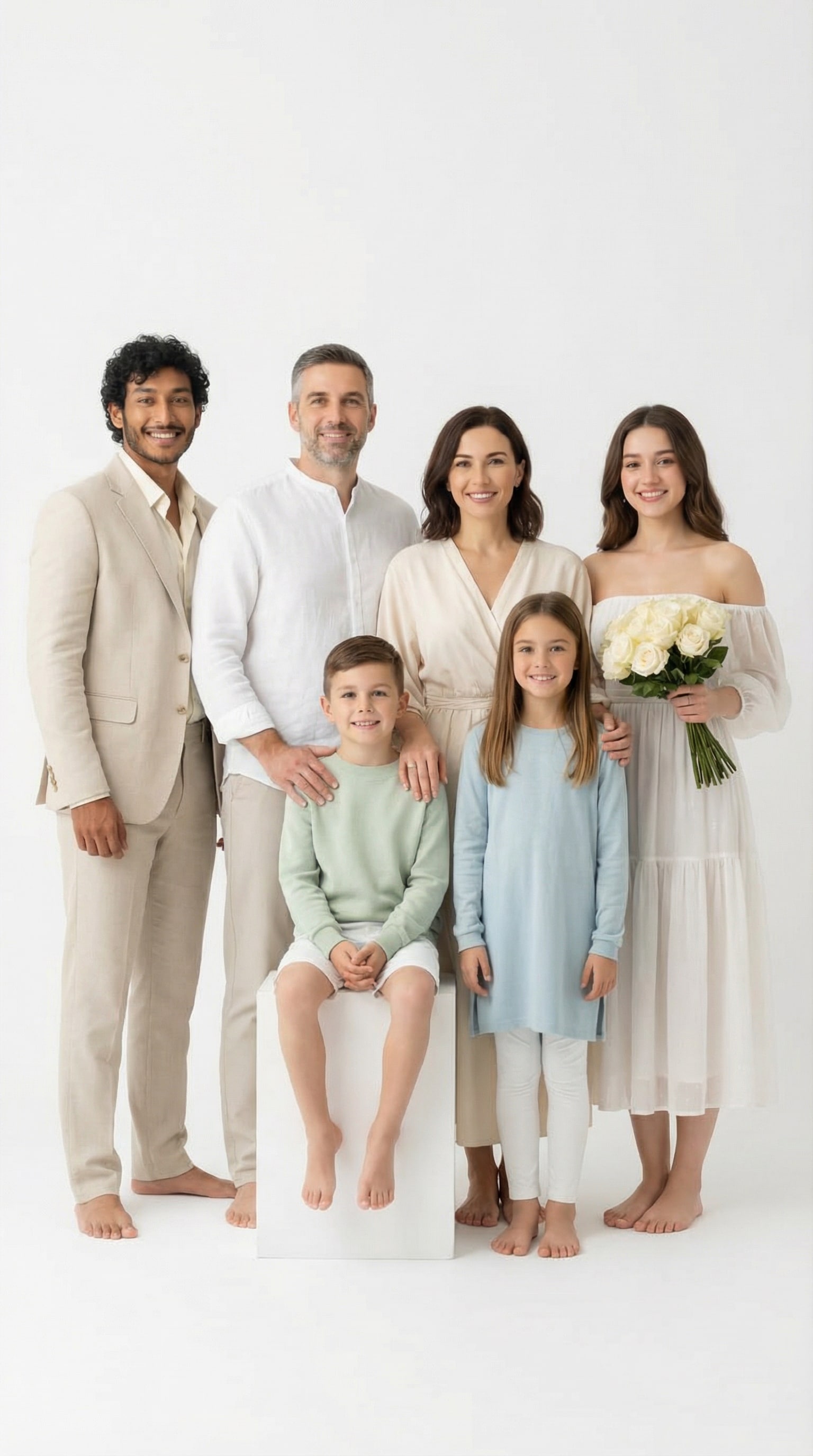
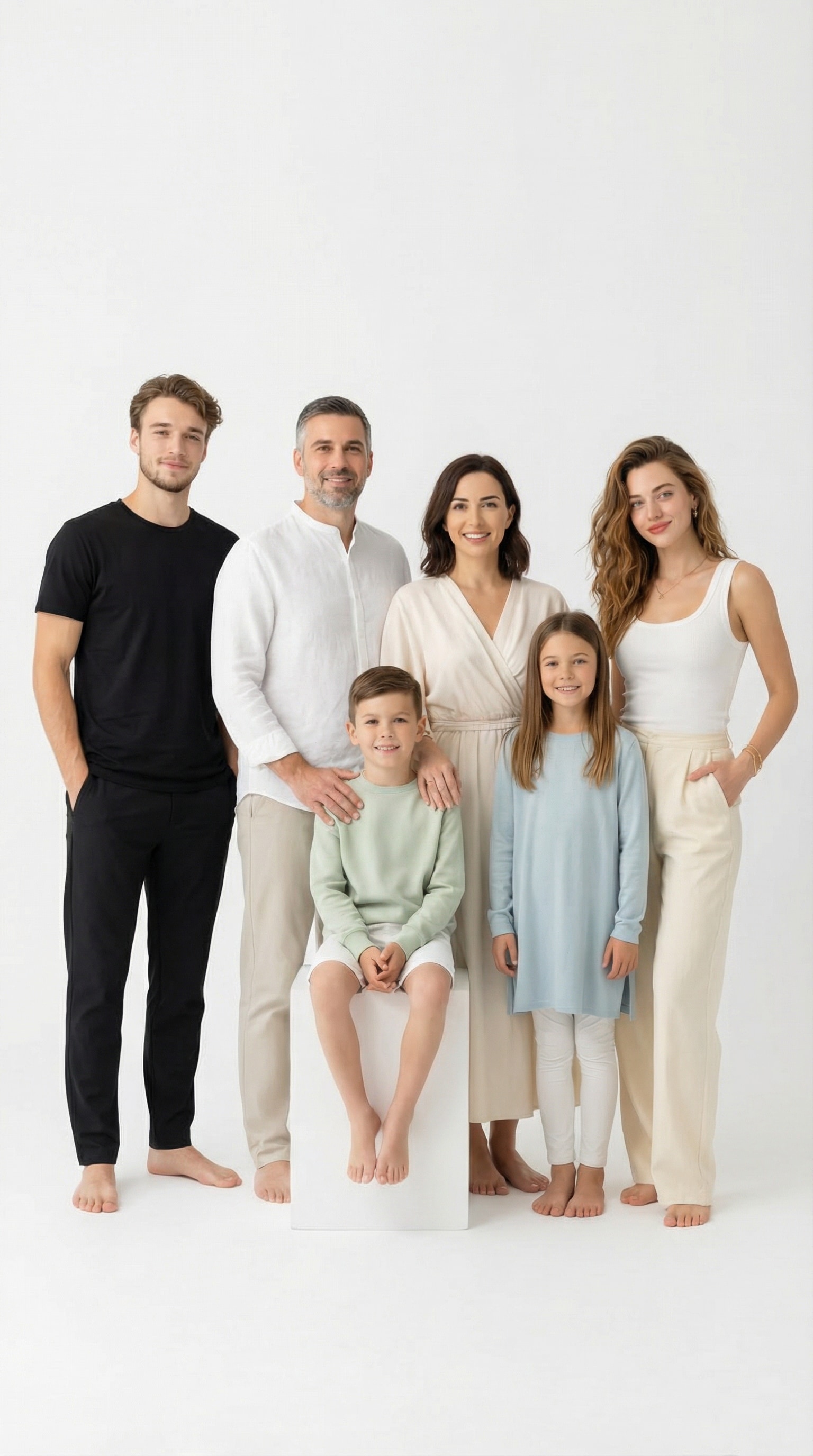
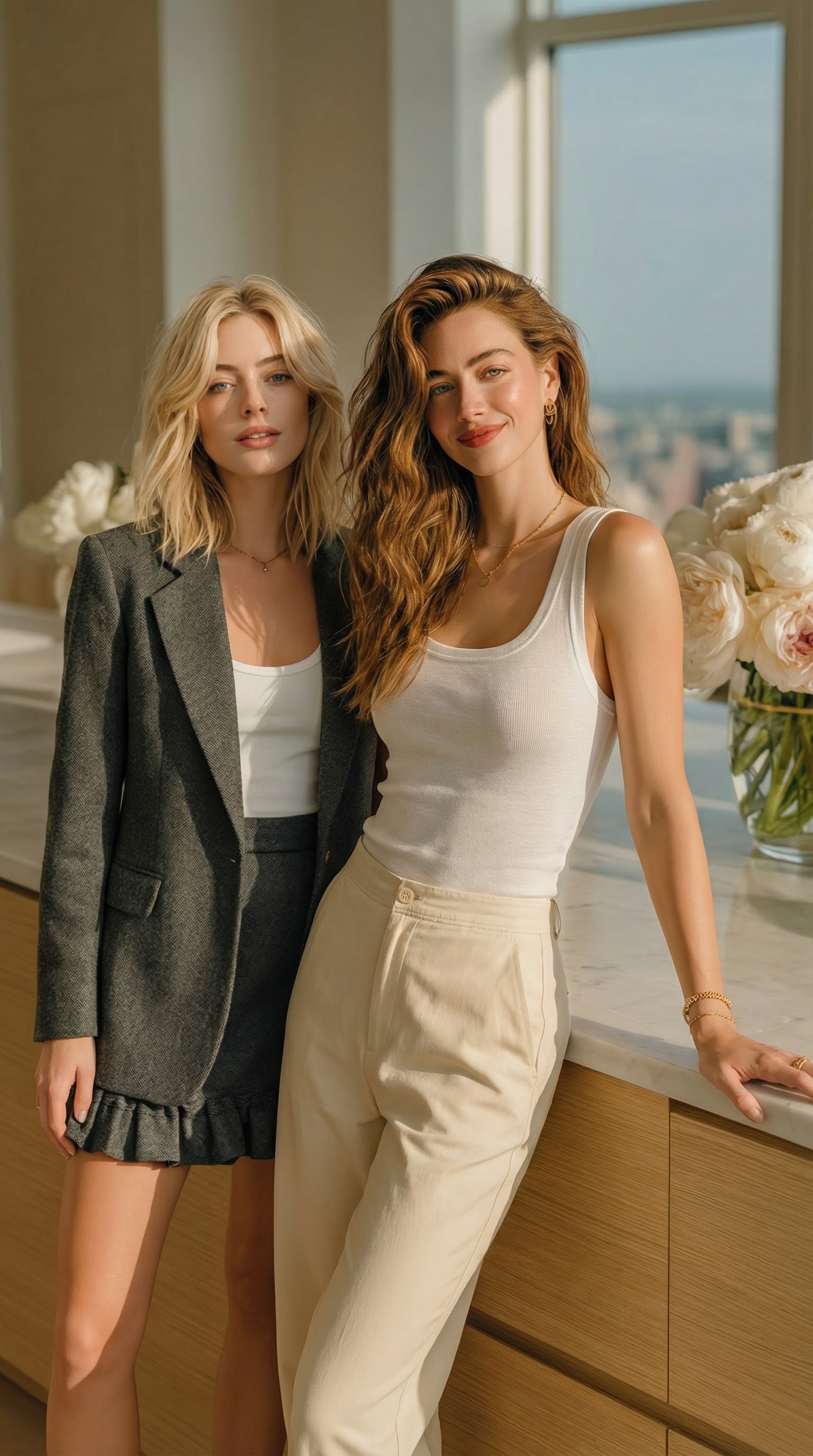
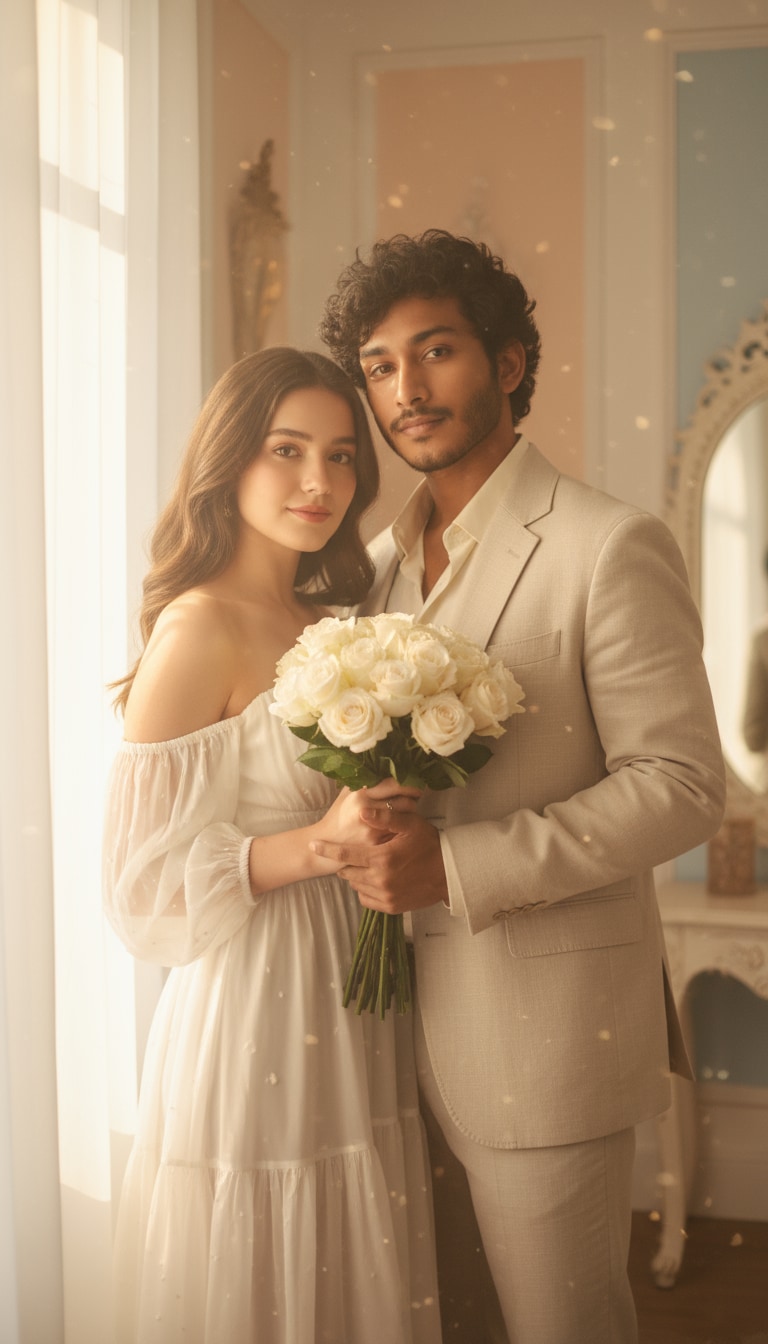
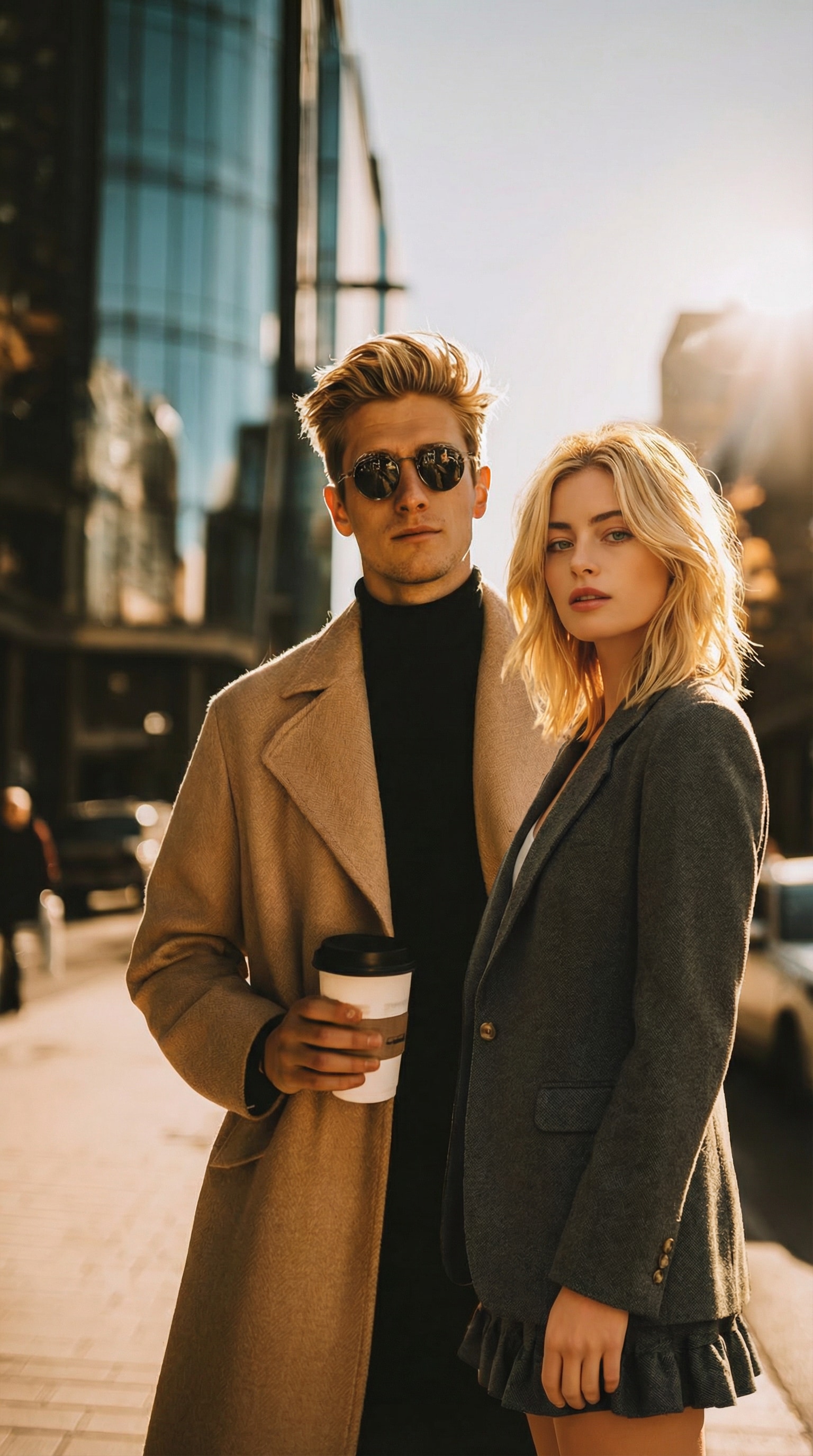
Stunning AI creations generated with Media.io - powered by Nano Banana Pro.
How to Insert a Person into a Photo Online with AI
Effortlessly add anyone to your picture in just a few clicks. Follow these three simple steps to create realistic, natural-looking group photos—no Photoshop skills required.
Open Media.io AI Add Person to Photo Generator
Visit Media.io Add Person to Photo tool in your browser. No downloads or installations needed—everything works instantly online. The interface is clean and intuitive, ready for both beginners and creative pros.
Upload Your Photos & Enter a Prompt
Upload the photo you want to edit and the image of the person you’d like to add. You can also enter a short AI prompt to describe the scene or pose— or simply choose from our prompt library below to match your idea perfectly.
Generate & Save Your New Photo
Click generate, and our AI automatically adjusts lighting, perspective, and shadows for a seamless result. Within seconds, your new group photo will look natural and perfectly blended. Download the image instantly or share it directly on social media.
| Style | Nano Banana 2 Add Somwone to Photo Prompt | Preview | Copy |
|---|---|---|---|
|
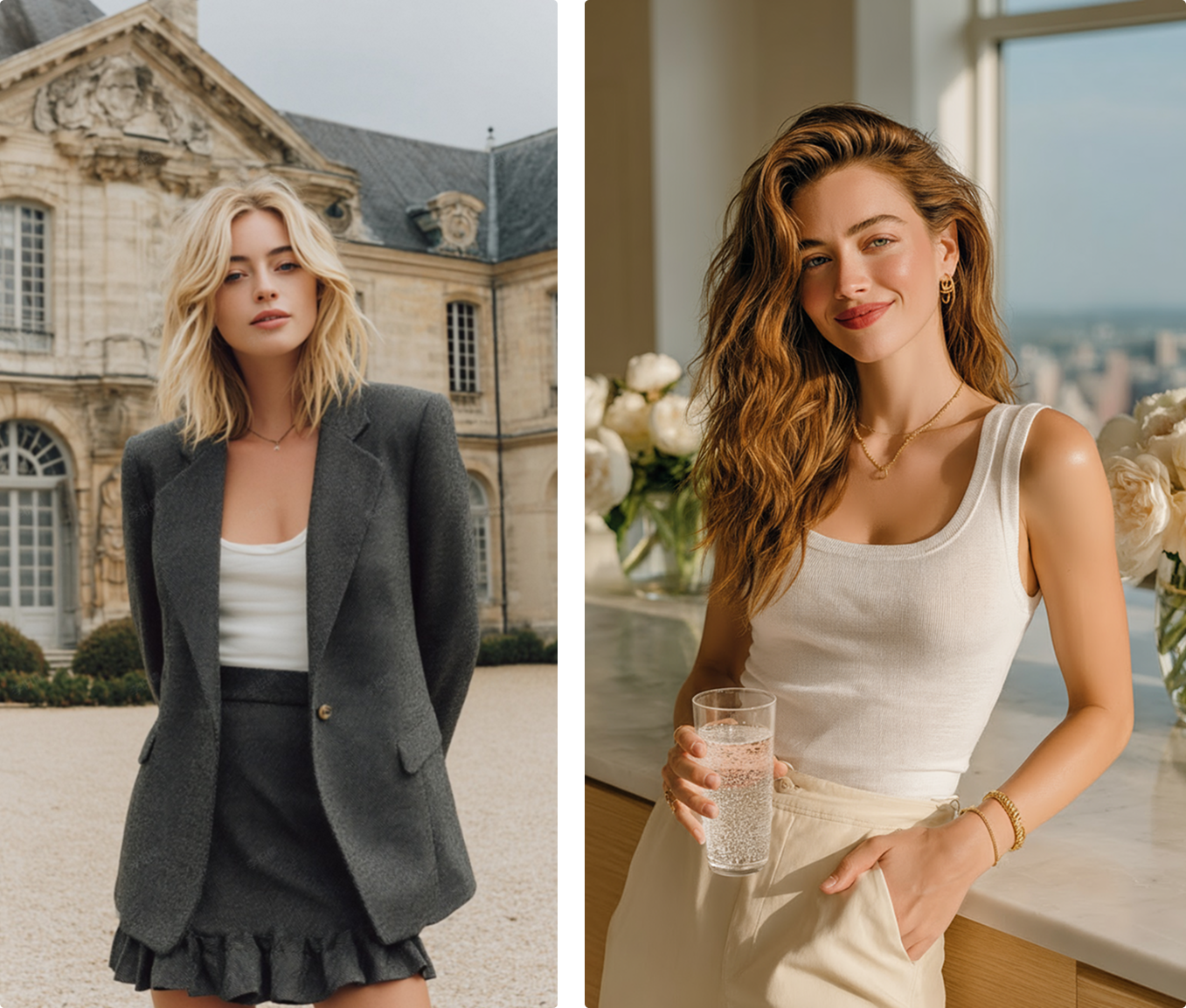
Add One Person Beside Another — Natural Couple or Friend Portrait
|
Insert the person from the first photo naturally beside the person in the second photo. Keep the lighting, background, and facial direction of the second photo exactly the same. Match body scale, color tone, and shadows for a realistic, natural result. |
|
|
|
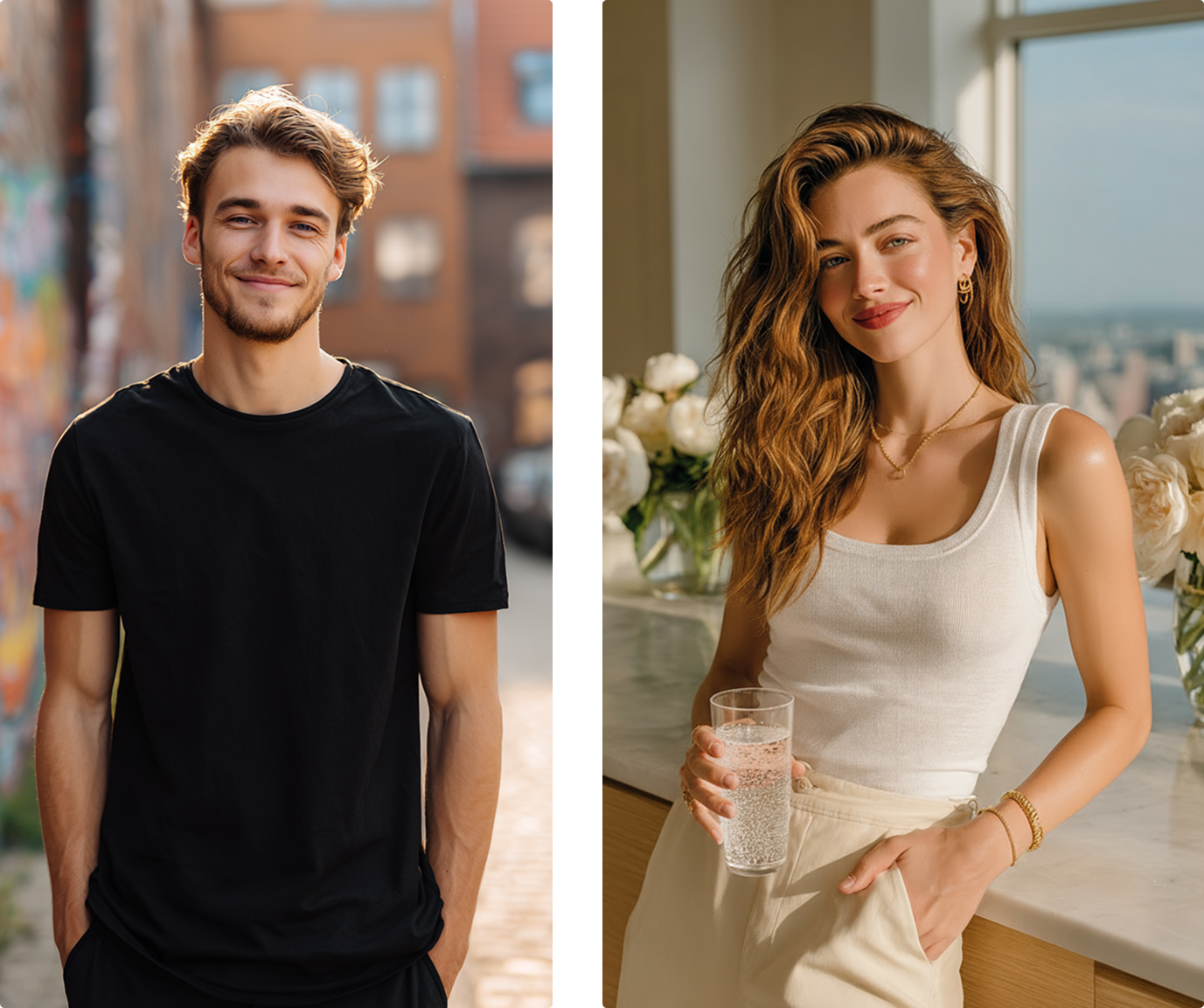
Add One Person Beside Another — Emotional Memory Portrait
|
Blend the person from the first photo into the second photo beside the existing subject. Keep all lighting, pose, and atmosphere from the second photo unchanged. Ensure both faces and expressions look naturally aligned as if captured together. |
|
|
|
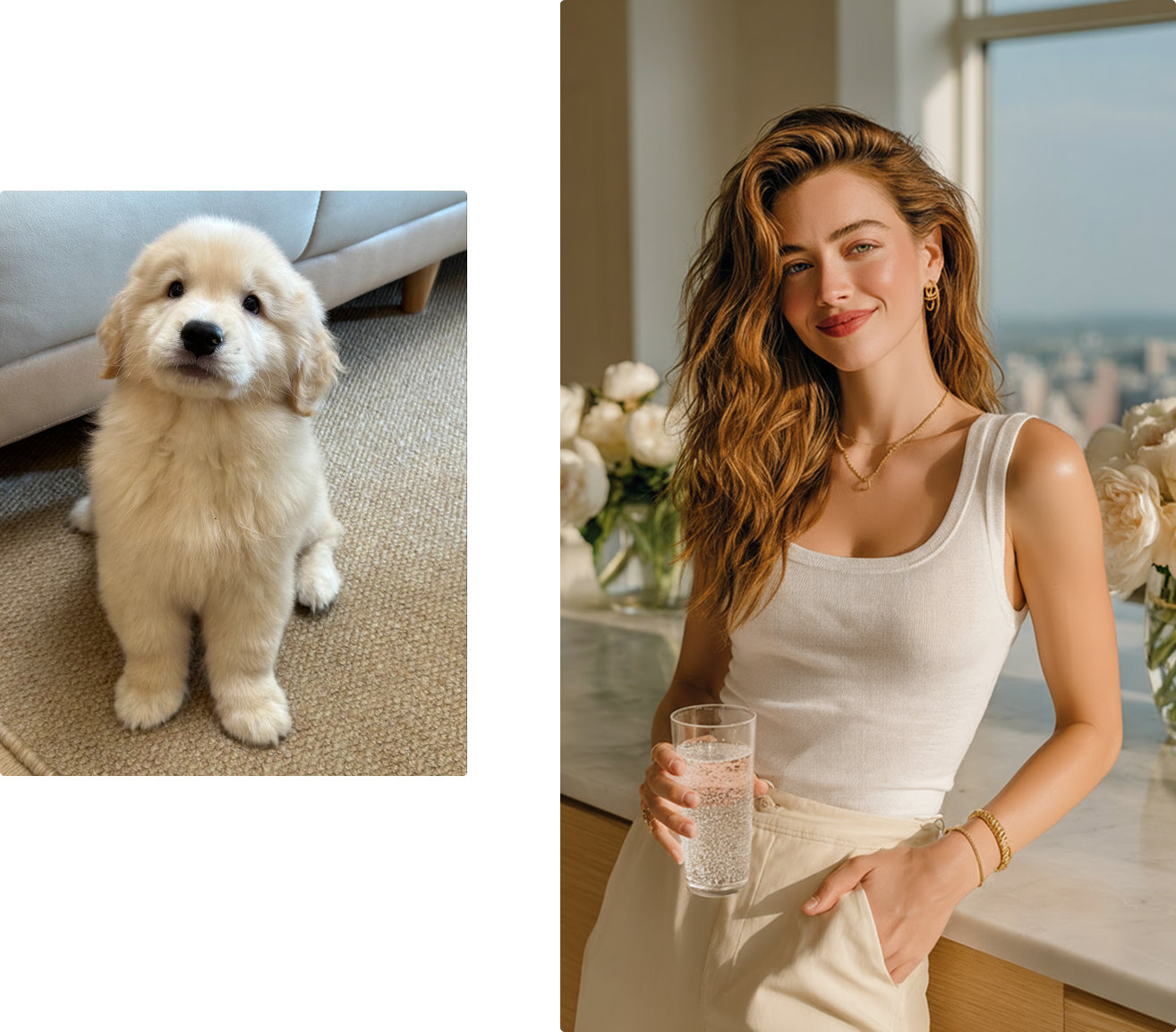
Add Pet Beside the Owner
|
Place the dog from the first photo beside the person in the second photo. Maintain the second photo’s lighting, composition, and background exactly as they are. Ensure realistic proportions, soft shadows, and natural eye direction for a lifelike result. |
|
|
|
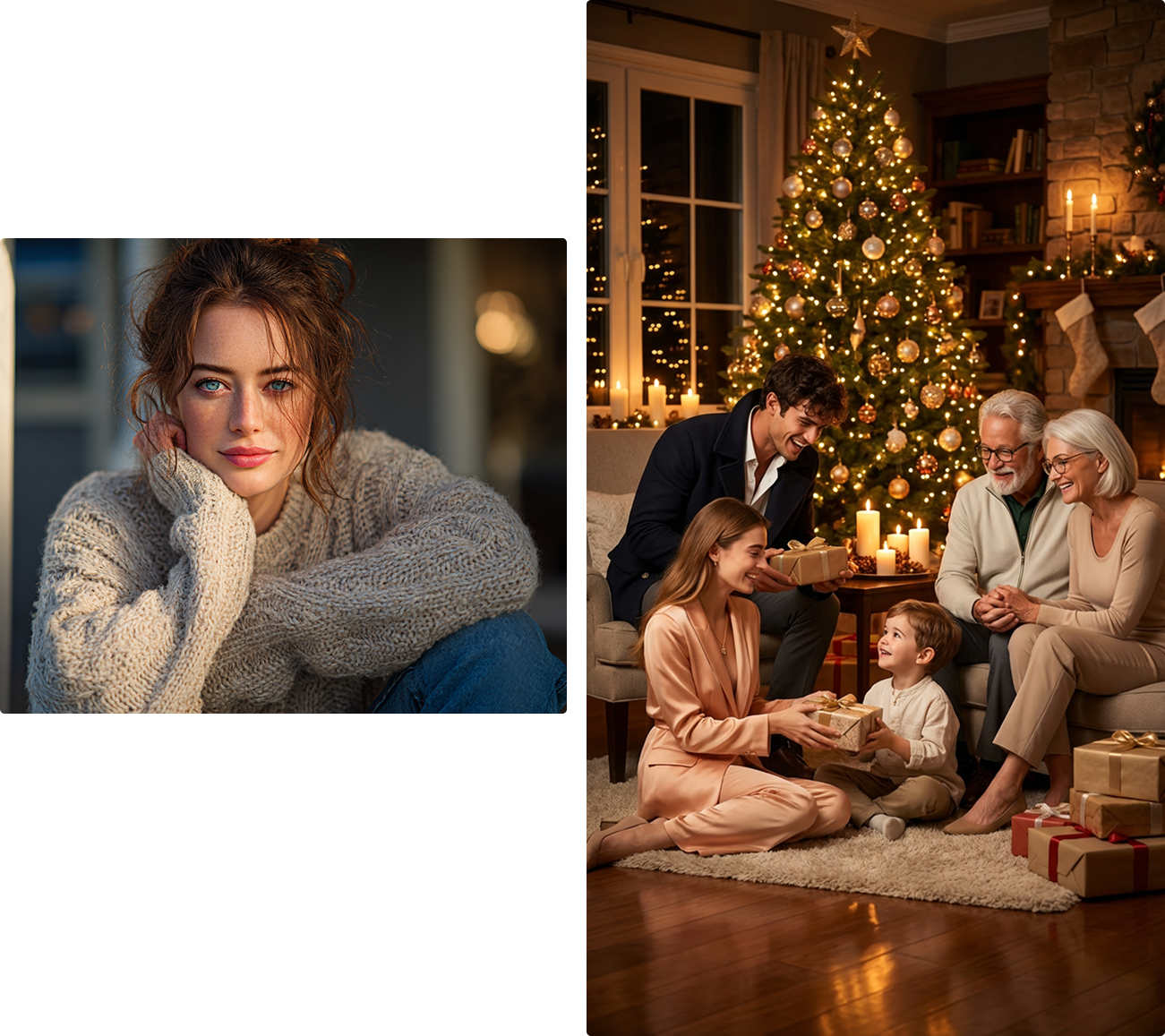
Add One Person into a Group
|
Insert the person from the first photo naturally into the group in the second photo. Keep the composition, lighting, and background of the second photo exactly as they are. Match perspective and shadows so the new person blends seamlessly among others. |
|
|
|
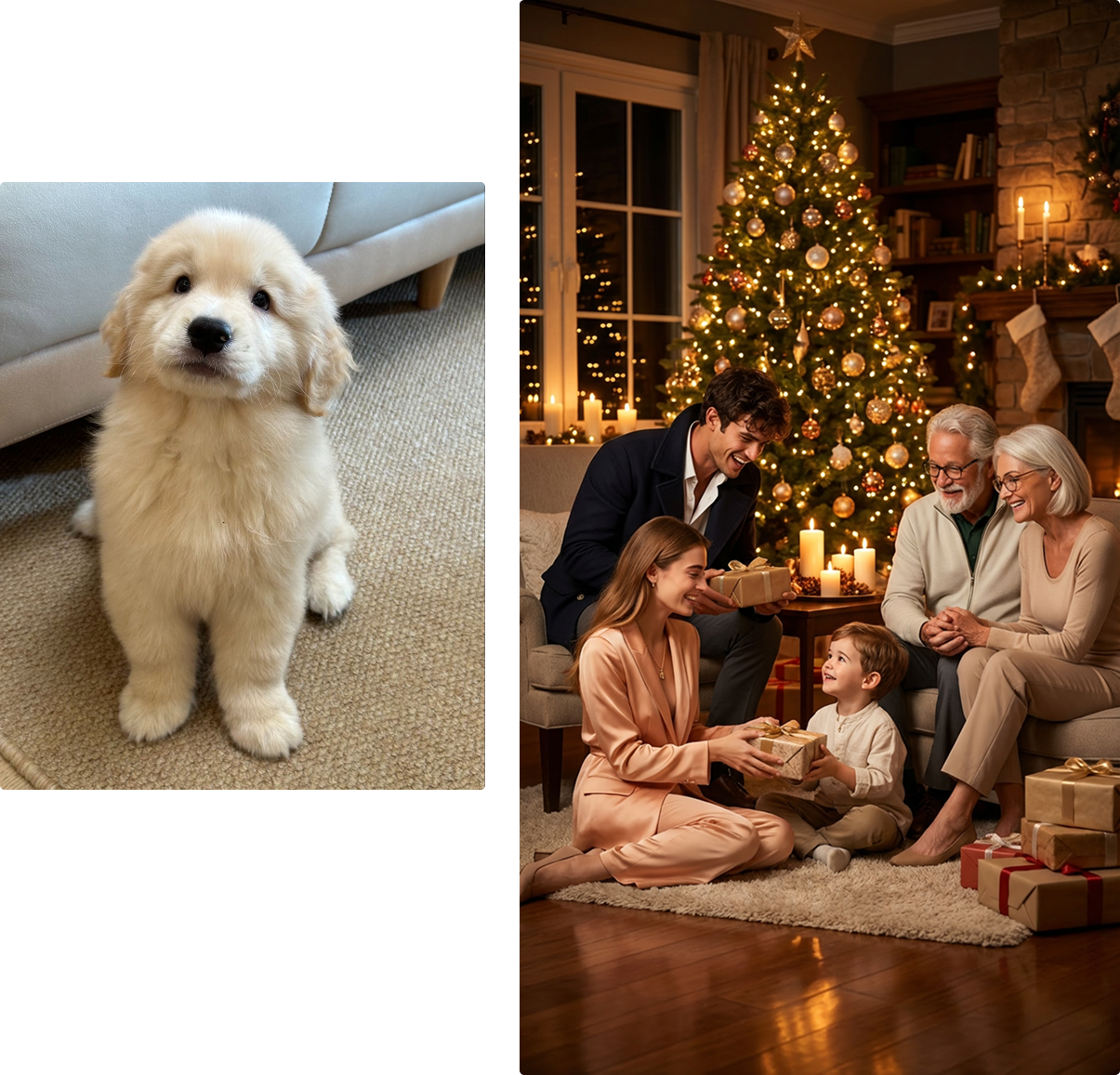
Add Dog to a Family or Owner Photo
|
Insert the dog from the first photo naturally into the second photo. Keep the lighting, background, and environment of the second photo completely unchanged. Match the dog’s size, direction, and shadow so it looks like the pet was originally there with the people. |
|
|
|
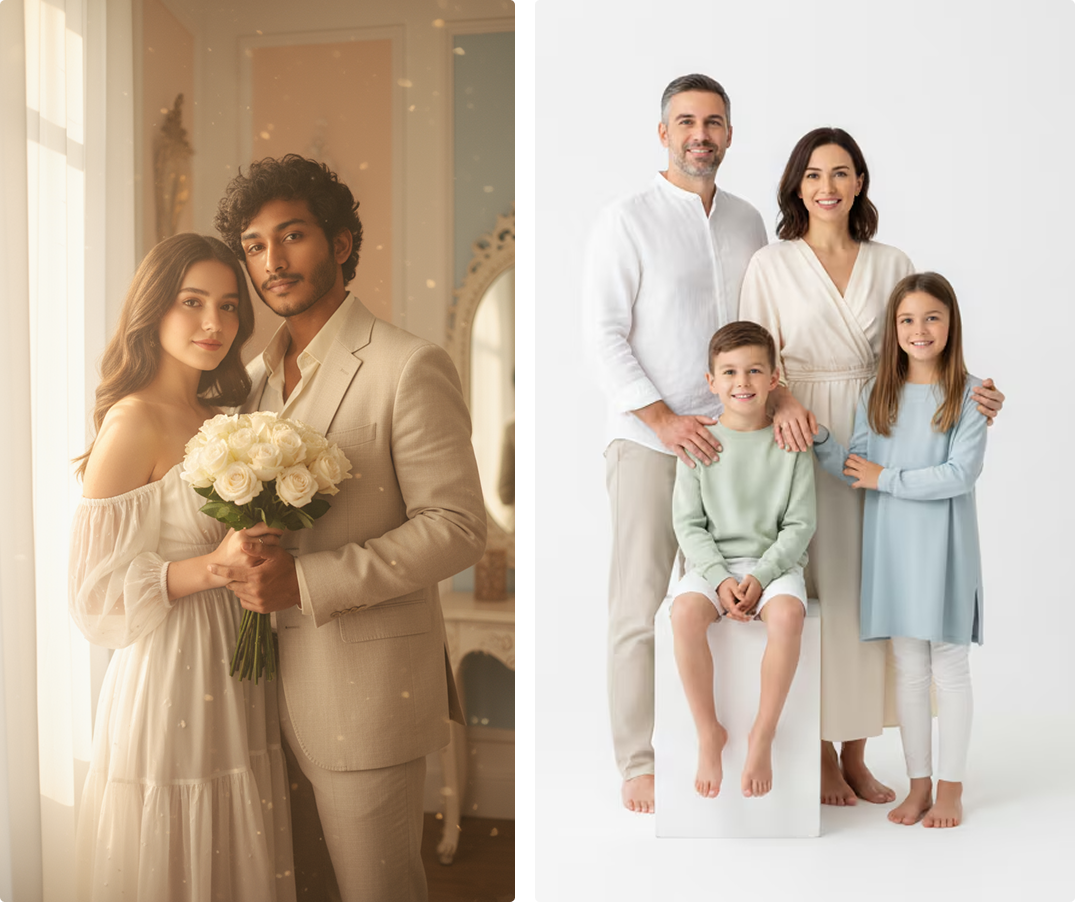
Merge Two Groups Together
|
Combine the people from the first group photo with those in the second photo. Keep the lighting, environment, and camera angle of the second photo unchanged. Arrange both groups harmoniously as if they were photographed together. |
|








Perfect for Every Photo You Wish Had Someone In It
Whether you missed a moment, lost a friend in the frame, or just want to recreate a perfect group photo, Media.io AI Add Person to Photo helps you relive and redesign memories in the most natural way possible.

Recreate Memories That Feel Real Again
Sometimes someone you love couldn’t make it—a missed trip, a reunion, or a once-in-a-lifetime event. With Media.io’s AI-powered image blending, you can bring them back into the picture effortlessly. Our tool restores not just the image, but the emotion behind it—so the memory feels whole again.

Complete Family & Group Photos Without Retakes
No more awkward retakes or “who’s taking the photo?” moments. Simply add the missing person into your family or team photo with realistic lighting, angle, and proportion. Media.io automatically ensures everyone looks like they were really there—because perfect memories deserve everyone in them.

Create Dream Photos for Social & Creative Projects
Turn your imagination into share-worthy content. Whether it’s a travel photo that never happened, a celebrity cameo, or a fun social post, our AI generator makes it look naturally captured. Generate eye-catching images that spark engagement across Instagram, TikTok, or any platform.

Save Time for Professional Marketing & Product Shots
Designers, marketers, and entrepreneurs use Media.io to insert models, staff, or clients into brand visuals instantly. Skip the photoshoot—our AI precisely matches lighting and perspective for commercial-grade composites that look studio-made. From campaign banners to team photos, it’s the fastest way to create professional-looking images.
FAQs About
Adding a Person to a Photo with AI
1. Is it safe to upload my photos to Media.io?


Absolutely. Your privacy is our top priority. All uploaded photos are automatically deleted within 7 days from our servers, and your images are never shared or used for AI training. You can enjoy the full creative experience knowing your personal data remains private and protected.
2. Can I use Media.io’s AI Add Person to Photo tool for free?
Yes! You can try the tool online for free with no downloads or setup required. Simply upload your photo, choose a prompt, and let AI do the rest. If you’d like to access premium quality or faster processing, optional paid plans are also available.
3. Will the added person look natural in the photo?
Definitely. Media.io uses advanced AI scene matching to blend lighting, shadows, and perspective seamlessly. The result is a realistic, natural-looking composite—so it feels like everyone was really there when the picture was taken.
4. Can I add multiple people or change the background too?
Yes, you can! You’re not limited to one person. Media.io allows you to insert multiple people into a single image and even adjust or replace backgrounds for a more complete scene. Perfect for family portraits, team photos, or creative projects.
5. Can I use the generated images for commercial or marketing purposes?
Media.io provides tools to help you create and experiment with stunning visuals, but final usage rights depend on how you apply the content. If you plan to use the generated images for advertising, resale, or commercial purposes, please ensure your materials comply with applicable laws and respect third-party rights.
Why Creators Love Media.io’s Nano Banana Pro Adding a Person to a Photo?

Long-Distance Lover


Made my photo feel complete again. I used the AI Add Person to Photo tool to bring my best friend back into our graduation picture. The lighting, shadows, and facial expression looked so natural that everyone thought it was the original shot.

Graphy Designer
Better than I ever imagined. I expected a simple merge, but Media.io’s AI matched every detail—the pose, the skin tone, even the background blur. The result looked like a real photo we took together, not an edit.

Casual User
Perfect TikTok surprise. I joined the “AI Add Person” trend using Media.io’s generator, and people went wild. Comments were full of “How is this even possible?”—proof that the result looked totally real and emotionally powerful.



