| Primary objective |
DojoClip suits creators who want a toolkit containing local file operations, text-to-speech, music and generation under a shared credit balance. |
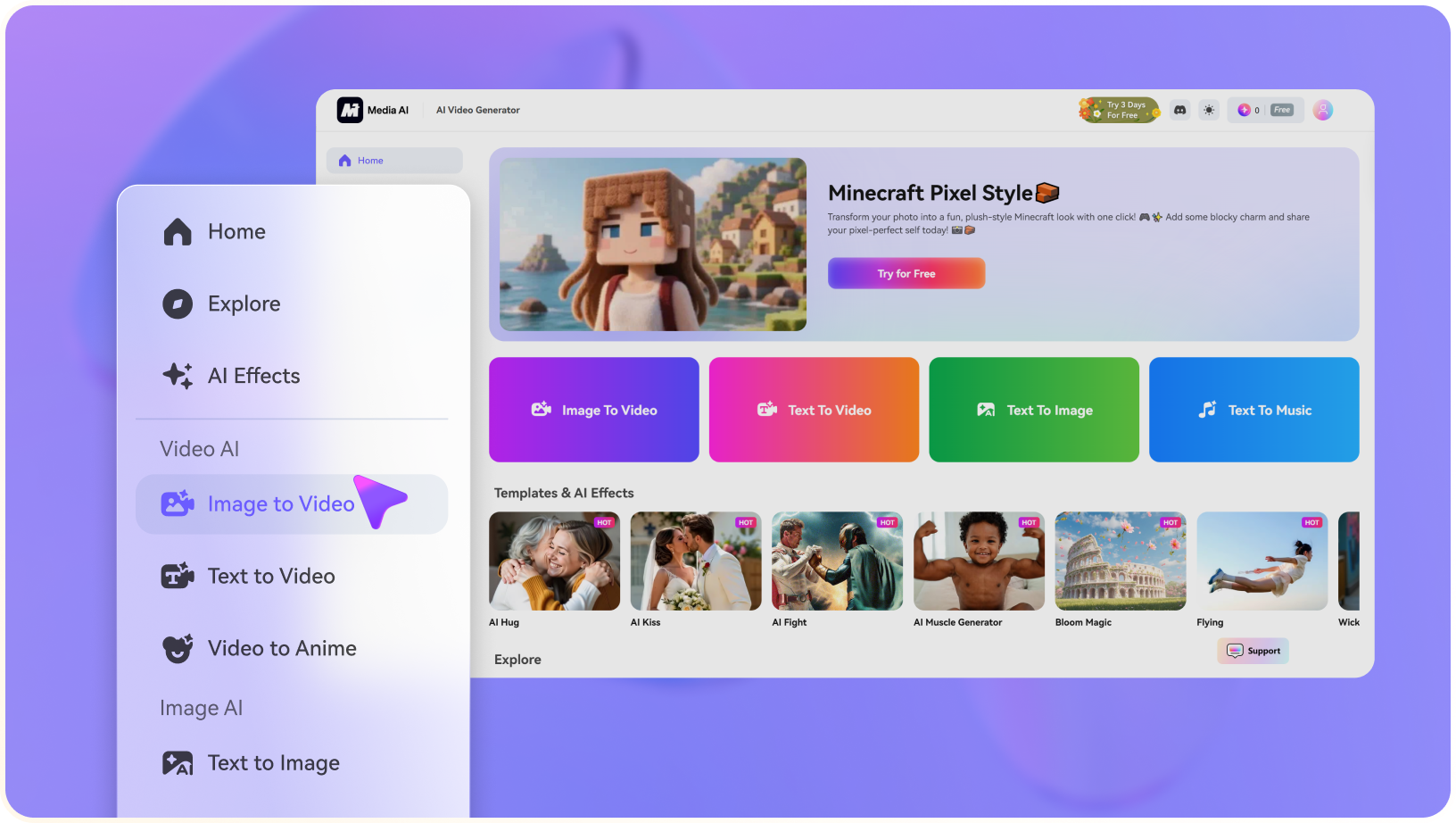
Media.io is a targeted choice when the immediate task is animating an existing image into a short publishable clip, without first choosing among many separate editing and audio applications. |
| Starting assets |
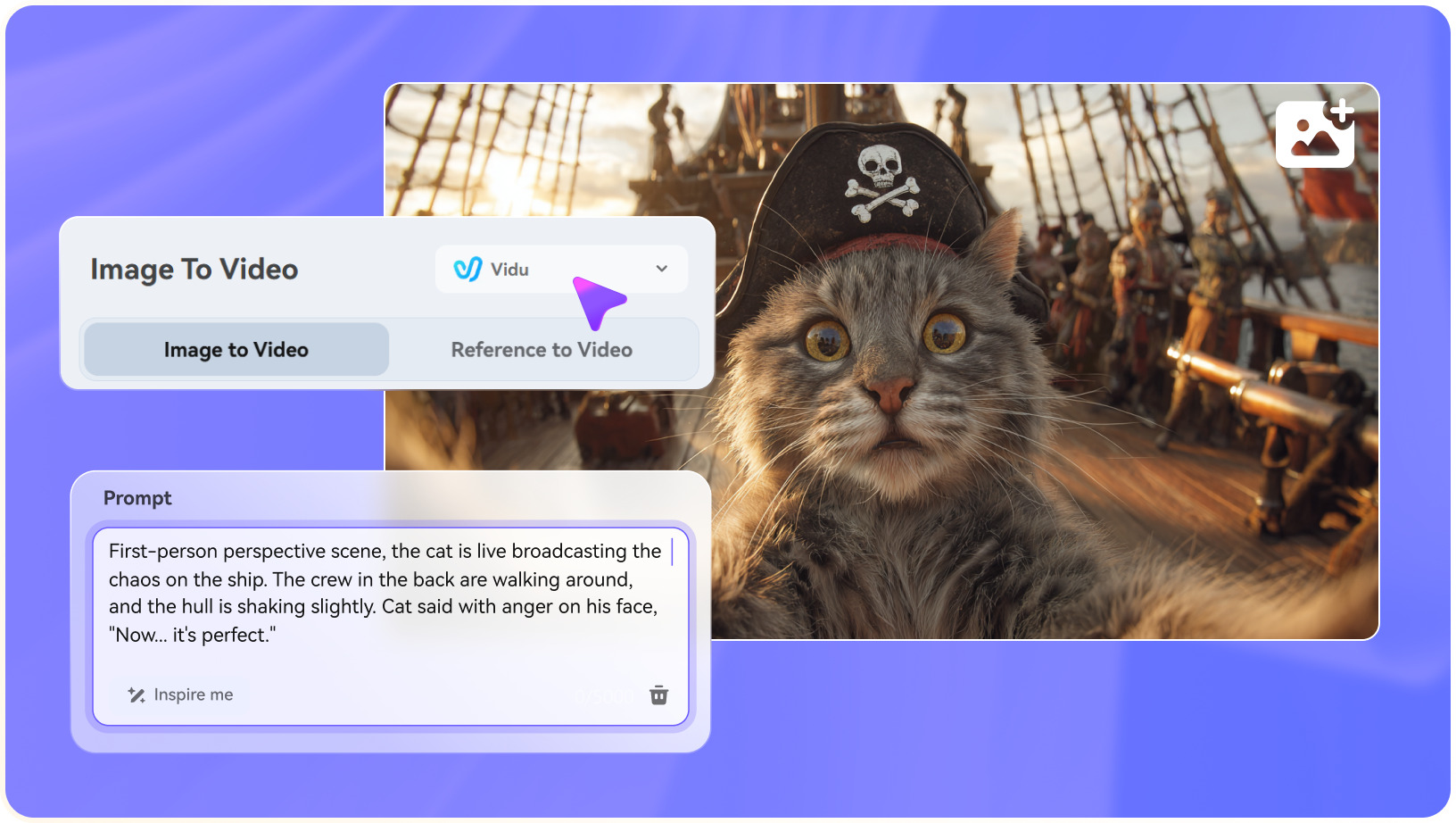
The video generator supports text prompts, start and end frames, and reference-image guidance for short clips. A creator can write a motion prompt, upload an opening frame and optionally supply an ending frame to guide the transition. |
Choose one product or character image with clean framing and write a motion description that names the subject and desired action. |
| Creative controls |
The platform positions editing as a separate application from AI clip creation. A marketer can assemble footage, adjust cuts, add captions or motion graphics and export locally. The public descriptions distinguish this from its paid generative requests; verify whether your desired step runs in the browser or requires a server task. |
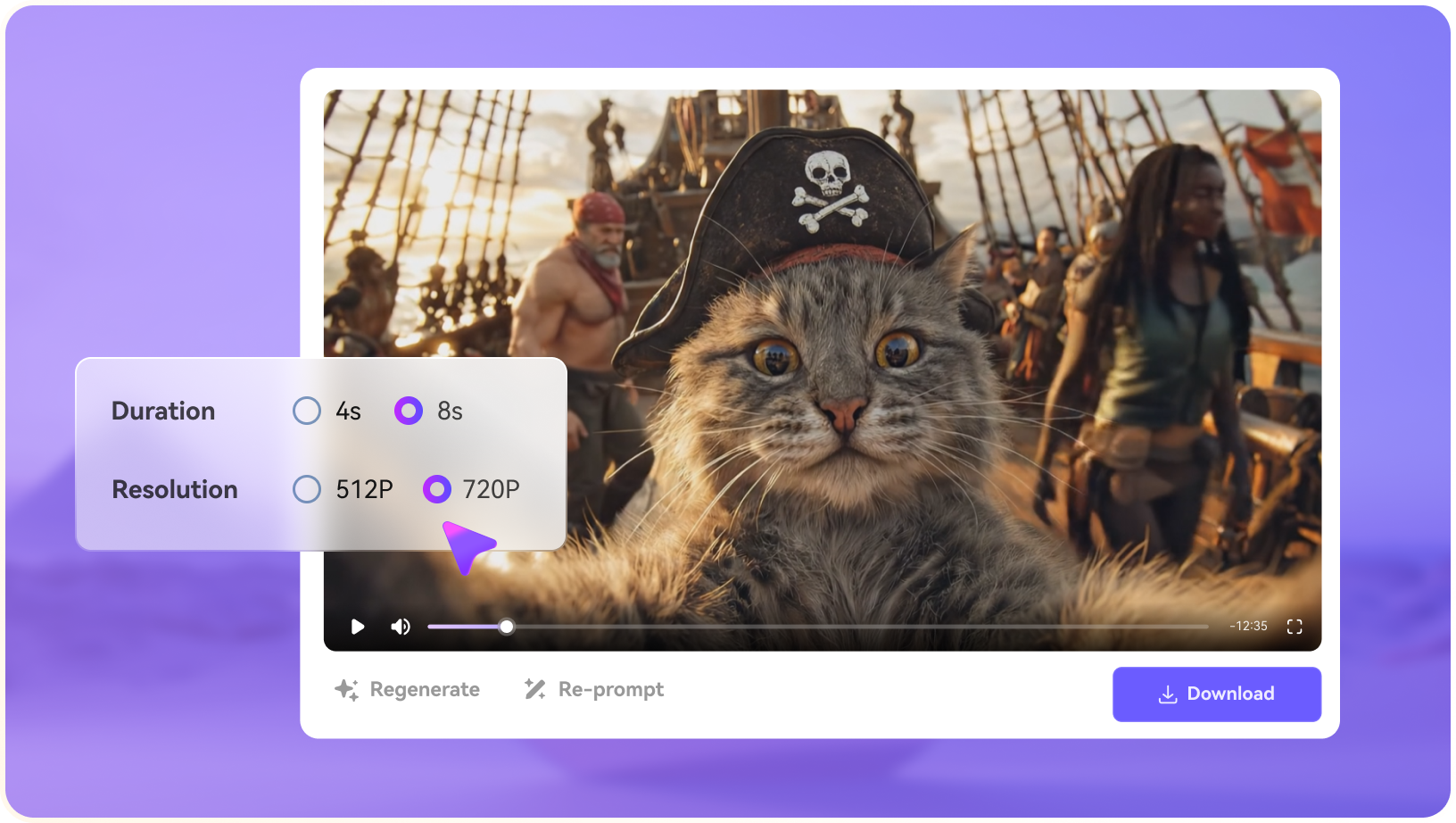
Compare generated clip variants for movement and framing. |
| Revision workflow |
DojoClip provides a text-to-speech application with language and accent filters, sample listening and MP3 output. A tutorial creator can draft a script before editing the pictures. Different narration tasks have separate fixed credit rates from video and music creation. |
Review movement and crop, then prepare captions or background music as separate finishing steps before sharing. |
| Delivery and use |
Product promo work often needs a thumbnail, a social square and a moving clip. DojoClip lists image generation and editing with model options, and a design agent for changing text and layout. The editing precision and model menus depend on the actual tool used; avoid treating all outputs as interchangeable. |
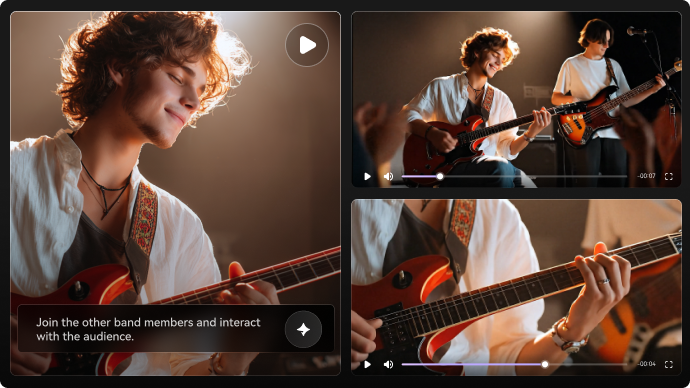
Create a short social story from a still photo. |
| Pricing and allowances |
DojoClip lists 1 free trial credit, Plus Monthly $20 for 1,000 credits, Plus Annual $200 for 12,000, and standard video tasks at 40 credits. |
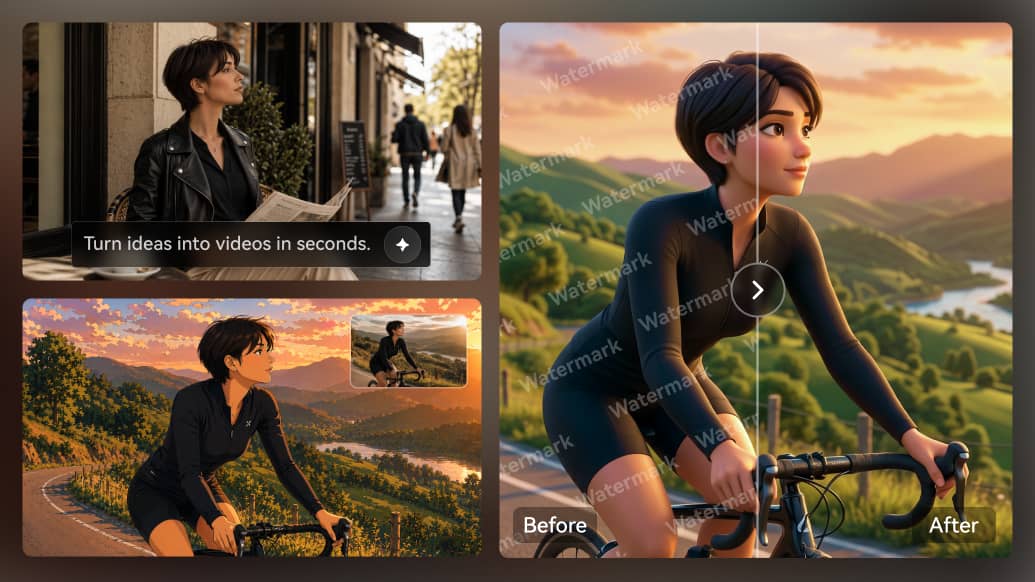
The right comparison card recommends moving an existing still to video as a focused workflow. Review the Create Video From an Image tool for its own credit terms and required input files. |
| Relevant limitations | Video, images, speech, subtitles and music have different fixed rates, so combining services can reduce the number of available generations. The pricing page lists one trial credit against an advertised 40-credit video generation task, so the free allowance does not imply a free full video render. | Use follow-up editing tools only if the output needs polishing. |
| Ideal audience |
A mixed audio/video production toolbox is a DojoClip use case; animating a supplied photo without exploring nine apps is a targeted Media.io use case. |
Media.io is a targeted choice when the immediate task is animating an existing image into a short publishable clip, without first choosing among many separate editing and audio applications. |
| Purchase decision |
Combine separate music and video applications for a creator project. Guide a clip with start and optional end reference frames. |
Start from one visual asset and describe its motion. Create a short social story from a still photo. |