Design Lyric Video Maker That Stand Out
Turn your song lyrics into dynamic, share‑ready visuals with AI
Media.io Lyric Video Maker turns ordinary lyrics into professional lyric videos within minutes. Simply upload your lyrics or song, and our AI aligns words to rhythm, adds motion text, and styles visuals automatically. Perfect for artists, content creators, and brands, this intuitive tool saves hours of editing while giving you full creative control. Choose from templates, upload images, or let AI generate visuals that match your track’s mood. From TikTok sounds to YouTube releases, your music comes alive with sleek, timed, and captivating videos ready to post anywhere.
Transform Still Images into Moving Lyric Visuals
With Media.io’s image‑to‑video intelligence, static backgrounds instantly turn into motion sequences synced to your lyrics. Upload photos or album artwork, add text overlays, and watch AI animate the visuals in rhythm with your music. Perfect for artists without footage, this feature turns a simple image into a vibrant, dynamic lyric clip in seconds. Use it to craft short teasers, full song videos, or looping aesthetic visuals that mesmerize your audience. Every output is HD, customizable, and ready for sharing across YouTube, Instagram, and TikTok in your preferred ratio—all without advanced editing skills.
Generate Lyric Videos from Text Prompts with AI
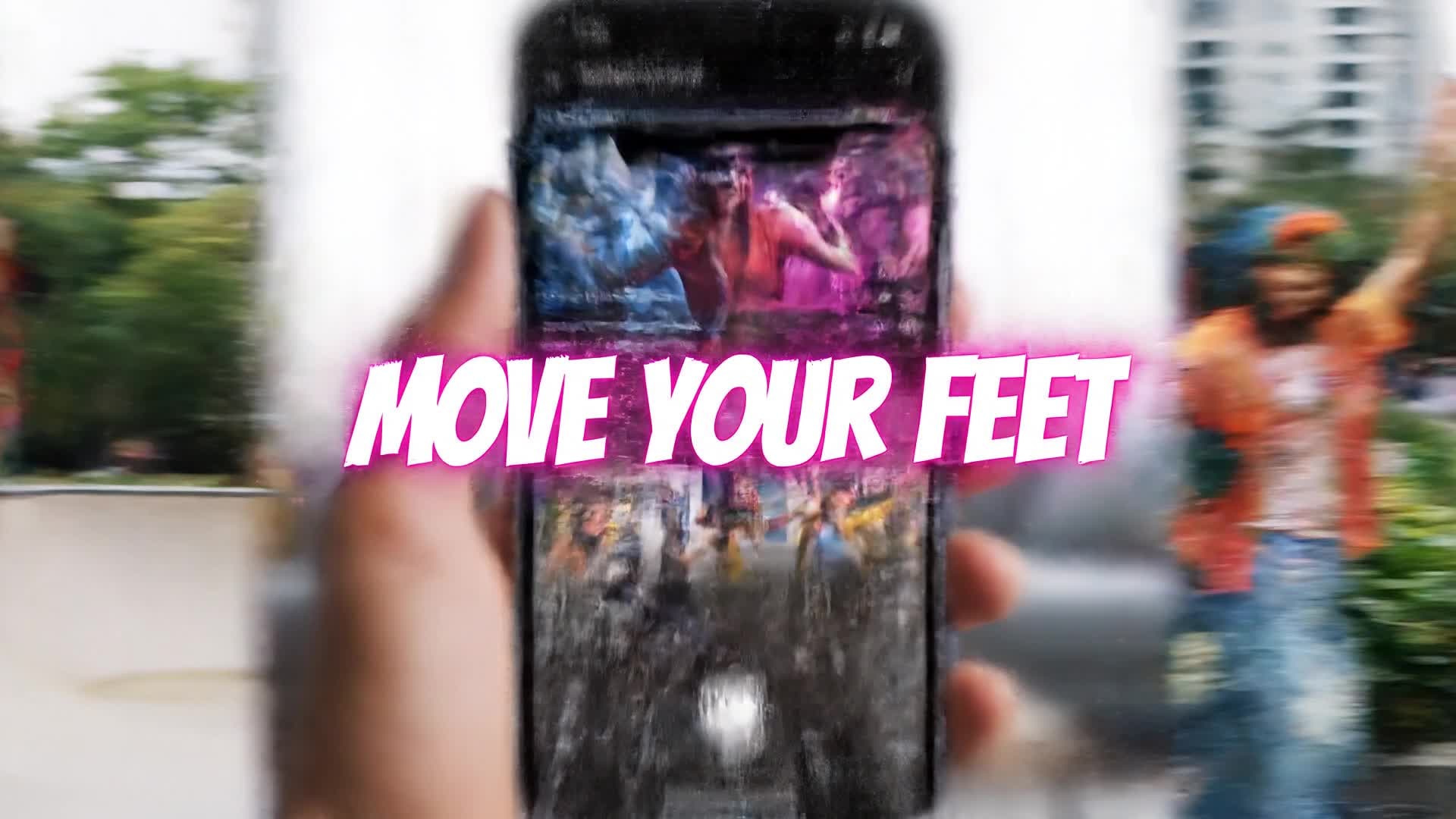
Media.io Text‑to‑Video converts your words or story ideas into stunning lyric visuals automatically. Just describe your song’s mood or scene, and the AI produces synchronized motion backgrounds and typography that match the tone. Perfect for lyricists, social media creators, and music marketers, this feature turns a short line of text into scroll‑stopping content in seconds. You can customize color palette, pace, and transitions to fit your genre—whether pop, indie, or hip‑hop. The result is a ready‑to‑post video that enhances your tracks and keeps fans engaged across platforms.
| Style | Lyric Video Maker Prompt Ideas | Copy & Create |
|---|---|---|
|
Trending Pop Visual
|
Generate a vibrant pop‑style lyric video with smooth typography transitions synced to each drum beat. Use neon color palettes and fast cuts for a modern pop feel. Start with flashing highlights of the song title and artist name. Fade into rhythmic text appearing in sync with vocals. Include glowing effects during the chorus. End with a bold outro featuring the final lyric and logo reveal. |
|
|
Moody Indie Aesthetic
|
Create an indie lyric video with a nostalgic tone. Begin with soft film grain overlay and muted color hues. Have the lyrics type in slowly as if handwritten. Add gentle slow‑motion panning across a forest or sunset. Emphasize emotion through lingering shots and typography fade‑ins. Match the pacing to mellow acoustic vocals. Finish with a quiet fade‑to‑black outro for emotional closure. |
|
|
Product Promo Verse
|
Design a brand‑driven lyric video using a modern product aesthetic. Open with a bold tagline followed by energetic rhythm‑based text reveals. Animate lyrics near product visuals with subtle motion. Incorporate clean white space and dynamic angles for a premium feel. Keep transitions sharp and responsive to the music. Conclude with a CTA screen featuring the brand and final lyric pulse. |
|
|
Tutorial Breakdown
|
Create a quick educational lyric video showing how to sync words with beats. Begin by showing the raw text on a blank slide. Then animate line‑by‑line to illustrate alignment with vocal timing. Use color contrasts to emphasize timing differences. Add captions explaining each visual choice. End the video by comparing the before/after result, demonstrating smooth kinetic flow and visual harmony. |
|
|
Before vs After Remix
|
Showcase a visual transformation from plain text to dynamic lyric art. Start with basic white text on a flat background. Then switch to animated fonts pulsing to the beat. Introduce layered effects like motion blur and light streaks. Contrast calm verses with intense chorus visuals. The result should clearly show how AI elevates an average lyric screen into a concert‑ready visual experience. |
|
|
Cinematic Viral Hook
|
Generate a cinematic lyric video designed for viral engagement. Open with a dramatic title burst synced to the first beat drop. Transition to bold kinetic typography sweeping across scenic footage. Add camera‑like zooms with each lyric hit. Introduce lens flares and shadow contrasts for a filmic tone. Build intensity toward the chorus with rapid montage cuts. |








How to Create Lyric Video Maker with Media.io
Create lyric video maker content faster with Media.io using text to video, image to video, video to video, and built-in editing tools.
Turn Text or Lyrics into Video
Paste your lyrics or short text, choose a visual style, and watch AI create your lyric video in seconds—all perfectly synced to rhythm and tone. This helps you create lyric video maker content faster with a more structured workflow. You can easily adapt the output for platforms like TikTok, Instagram Reels, and YouTube Shorts. The process reduces manual editing and improves overall production efficiency. Each step improves visual quality, pacing, and content consistency.
Add Photos or Graphics for Motion
Upload album art or images, and Media.io animates them into dynamic video scenes matching your song’s vibe automatically. This helps you create lyric video maker content faster with a more structured workflow. You can easily adapt the output for platforms like TikTok, Instagram Reels, and YouTube Shorts. The process reduces manual editing and improves overall production efficiency.
Edit and Export Instantly
Adjust colors, typography, and pacing, then download your custom lyric video in HD format ready for YouTube, TikTok, or Instagram. This helps you create lyric video maker content faster with a more structured workflow. You can easily adapt the output for platforms like TikTok, Instagram Reels, and YouTube Shorts. The process reduces manual editing and improves overall production efficiency. Each step improves visual quality, pacing, and content consistency.
Why Choose Media.io for Lyric Video Maker
AI Beat Synchronization
Automatically syncs lyrics with beat timing to produce natural flow and professional feel—no manual editing required. This makes lyric video maker creation more efficient and easier to manage. It helps improve consistency across different video styles and formats. You can use this feature to produce more engaging and platform-ready content.
Custom Visual Themes
Select templates tuned for your genre—pop, rock, or acoustic—and refine fonts, colors, and transitions to match your track identity. This makes lyric video maker creation more efficient and easier to manage. It helps improve consistency across different video styles and formats. You can use this feature to produce more engaging and platform-ready content.
Text, Image & Video Input
Start from lyrics, photos, or existing clips. Media.io combines them seamlessly into cohesive motion visuals with automated transitions. This makes lyric video maker creation more efficient and easier to manage.
Cloud Rendering
Generate and export videos faster using secure cloud processing, freeing your device from heavy editing loads. This makes lyric video maker creation more efficient and easier to manage. It helps improve consistency across different video styles and formats. You can use this feature to produce more engaging and platform-ready content.
Social-Ready Output
Instantly export lyric videos in aspect ratios optimized for Instagram, YouTube, and TikTok to captivate audiences where they scroll most. This makes lyric video maker creation more efficient and easier to manage. It helps improve consistency across different video styles and formats. You can use this feature to produce more engaging and platform-ready content.
Built-in Editor
Fine‑tune timing, add captions, or color‑grade scenes directly in the browser before final export—no extra tools needed. This makes lyric video maker creation more efficient and easier to manage. It helps improve consistency across different video styles and formats. You can use this feature to produce more engaging and platform-ready content.
FAQs About
Lyric Video Maker
1. How does the AI lyric video maker work?


It analyzes your audio or lyrics, detects beat timing, and automatically designs motion text and visuals that match the music.
2. Can I make a lyric video without a song file?
Yes, you can paste lyrics only. Media.io will create an animated text‑only lyric video or generate visuals from your genre choice.
3. Is the lyric video maker free to use?
You can try Media.io Lyric Video Maker for free with limited exports, then upgrade for higher resolution and branding options.
4. Can I customize fonts and colors?
Absolutely. You can select font styles, color palettes, and motion effects to align with your song’s tone or brand identity.
5. Does this tool support subtitles?
Yes, it can auto‑generate and embed subtitles or timed captions for songs, ensuring clarity and global accessibility.
6. What formats can I export to?
You can export lyric videos in MP4, MOV, or WebM, with multiple resolutions up to 1080p for sharing or commercial use.



