Create Better Animated Music Video Maker in Less Time
AI-Powered Video Maker for Your Songs
Create polished animated music video maker content faster with Media.io’s AI workflow. Start from a prompt, upload photos, or refine existing clips to build scroll-stopping videos for Reels, Stories, and feed posts without the usual editing burden. From quick social promos to creator-ready visual storytelling, Media.io helps you turn raw ideas into cleaner, more engaging videos that look made for social media from the first draft.
Animate Album Art into Motion Video
Transform still images like cover art or promo graphics into dynamic visuals using Media.io’s image-to-video AI. Ideal for music artists, you can upload artwork, add effects, rhythms, or transitions synced with your audio, and instantly create moving scenes that capture your track’s vibe. It’s perfect for lyric backdrops, album teasers, and Spotify loops—helping your song stand out online with rich animation and cinematic energy. All you need is an image and an idea, and Media.io will handle the motion magic for you effortlessly.
Write Your Song Story and Let AI Animate It
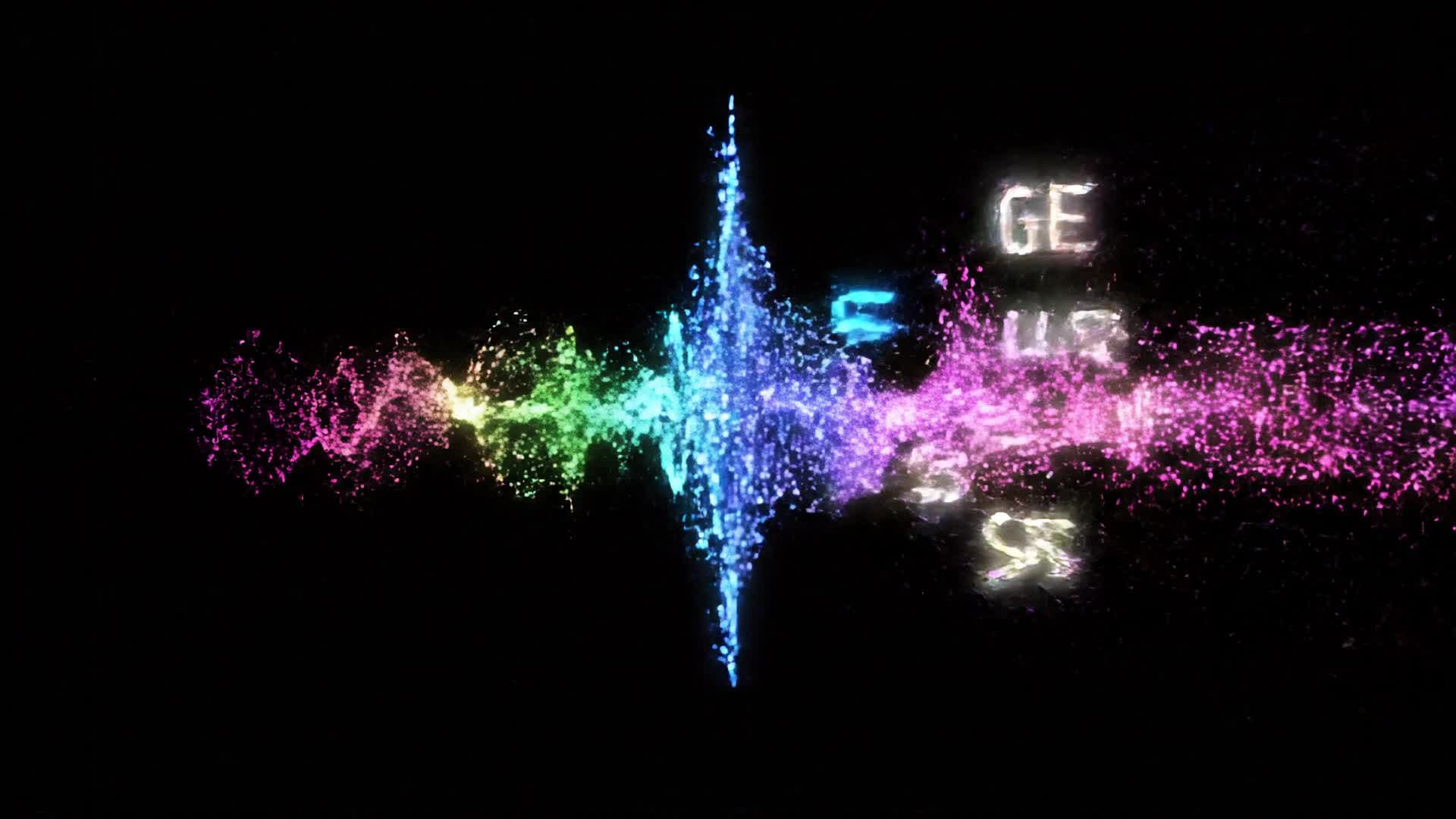
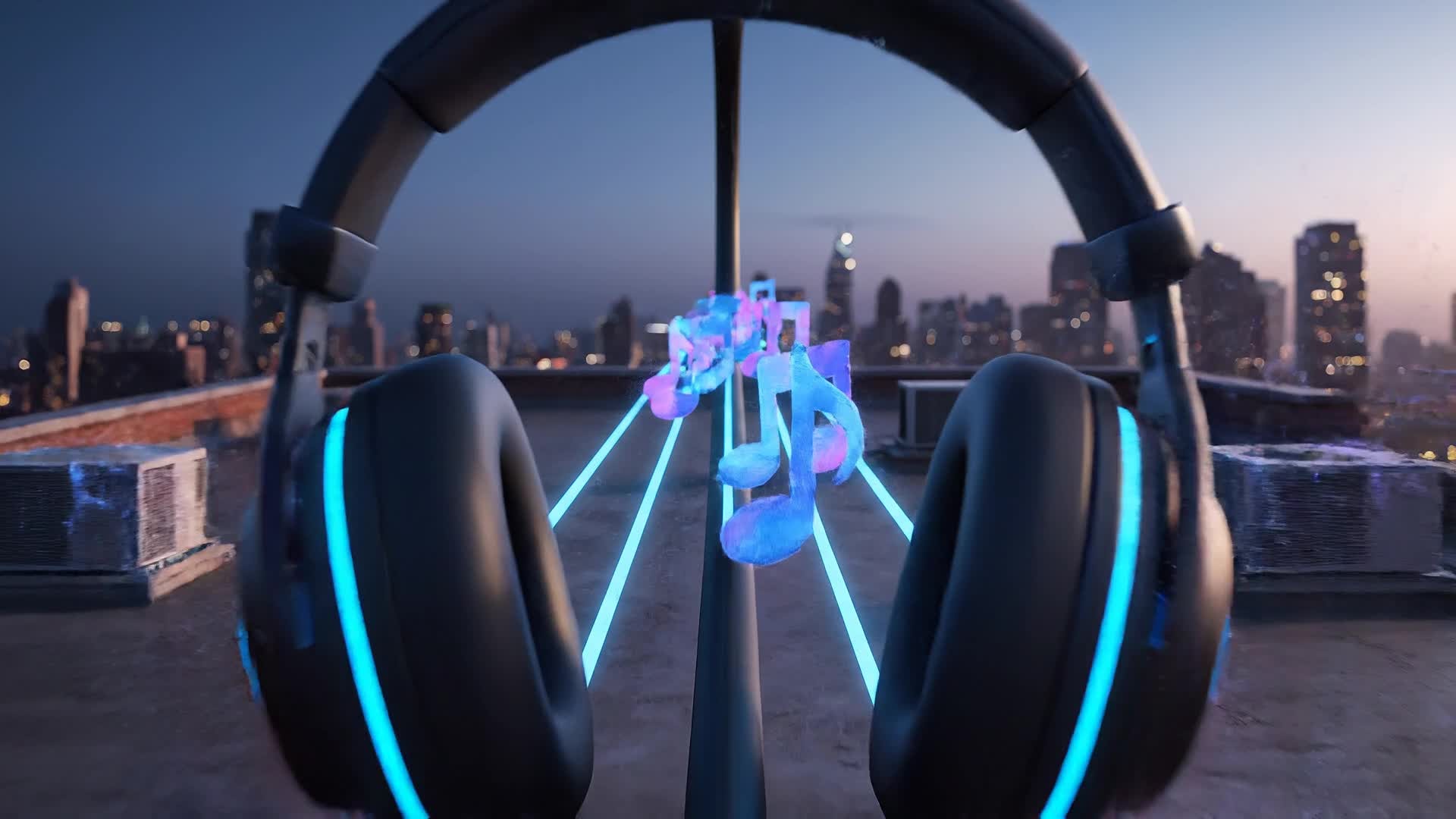
With Media.io’s text-to-video generator, you can type your concept or lyrics and watch as AI turns them into expressive animated scenes synced with your song. It’s the easiest way to transform words, moods, and stories into shareable music visuals without complex editing. Perfect for lyric videos, storytelling clips, or promotional content, this feature helps artists express creativity visually while saving hours of production time. Just describe your vision and let AI bring your words and beats to life automatically in compelling cinematic motion.
| Style | Viral Prompt Ideas for Animated Music Videos | Copy & Create |
|---|---|---|
|
Trend Visualizer
|
Start with trending sound effects synced to energetic animations. Display neon typography emerging to the beat. Then add character silhouettes performing dynamic motions that match the pulse. Incorporate fast camera swings and glow effects for each drop. Finish with a looping outro visual that hooks attention for replays. Great for TikTok or Shorts using an AI animated music video maker. |
|
|
Story Mood Clip
|
Begin with glowing waves fading into a vibrant landscape that changes with the song’s emotion. Show the journey of a character walking through dreamlike stages that reflect each verse. Mix surreal lighting and AI-made textures that flow smoothly between beats. Transition from calm to intense energy as the music rises. End with your logo glowing as the tempo slows. |
|
|
Artist Promo Hook
|
Open with your artist name morphing from smoke into shape. Sync transitions with the song drop. Flash between lyrics and stylized scenes of motion. Use AI textures to generate modern urban environments that pulse with rhythm. Conclude with a strong final shot revealing your track title for branding consistency. |
|
|
Lyric Video Motion
|
Display bold 3D lyrics flying into the screen timed to every beat. Add soft transitions with visuals that mirror song tone—calm waves for slow parts, rapid glows for high-energy segments. Use animated color gradients shifting with sound frequencies. End with a cyclical fadeout ready for loops on platforms like YouTube or Instagram Reels. |
|
|
Before vs After Edit
|
Show a split screen: one side plain album art, the other your AI-animated version. Flash transitions reveal how Media.io brings images to life in seconds. Use subtle camera zooms, sparkle effects, and depth movement to demonstrate quality improvement. Add text overlays: ‘Static’ vs ‘Animated’. End with upbeat music syncing both sides together. |
|
|
Aesthetic Vibe Loop
|
Create a continuously looping animation keyed to your chorus. Use pastel light leaks, glowing particles, and flowing ribbons to reflect the melody. Transition seamlessly to maintain a hypnotic vibe. Include slow-motion elements for relaxing sections. Finish on a stylish motion logo reveal perfect for Spotify Canvas or promotional reels. |








How to Create Animated Music Video Maker with Media.io
Create animated music video maker content faster with Media.io using text to video, image to video, video to video, and built-in editing tools.
Input Text, Image, or Audio
Start by uploading your music, entering lyrics, or choosing a base image. Media.io supports multiple input types for quick creative setup. This helps you create animated music video maker content faster with a more structured workflow. You can easily adapt the output for platforms like TikTok, Instagram Reels, and YouTube Shorts.
Generate Animated Visuals Instantly
Let AI create fully synced visuals that match your sound. The tool analyzes your beats and words to generate motion scenes aligned with rhythm. This helps you create animated music video maker content faster with a more structured workflow. You can easily adapt the output for platforms like TikTok, Instagram Reels, and YouTube Shorts. The process reduces manual editing and improves overall production efficiency.
Edit, Polish, and Share Anywhere
Refine your AI-created video with built-in editing tools. Adjust pacing, colors, and text, then export in the right format for YouTube or social media. This helps you create animated music video maker content faster with a more structured workflow. You can easily adapt the output for platforms like TikTok, Instagram Reels, and YouTube Shorts. The process reduces manual editing and improves overall production efficiency.
Why Choose Media.io for Animated Music Video Maker
AI Synced Animation
Automatically match song rhythm and mood with intelligent motion generation that feels human-edited but is fully AI-driven. This makes animated music video maker creation more efficient and easier to manage. It helps improve consistency across different video styles and formats. You can use this feature to produce more engaging and platform-ready content.
Multi-Input Flexibility
Upload lyrics, audio tracks, or still images—the AI adapts to generate dynamic visuals tailored to your creative input. This makes animated music video maker creation more efficient and easier to manage. It helps improve consistency across different video styles and formats. You can use this feature to produce more engaging and platform-ready content.
Fast Video Generation
Produce animated music videos in a few minutes. No complex setup or rendering queues, just quick results that fit your posting schedule. This makes animated music video maker creation more efficient and easier to manage. It helps improve consistency across different video styles and formats.
Built-In Editor
Fine-tune transitions, add effects or change pacing directly inside the browser without needing additional tools or plugins. This makes animated music video maker creation more efficient and easier to manage. It helps improve consistency across different video styles and formats. You can use this feature to produce more engaging and platform-ready content.
Social-Ready Exports
Export your video in vertical, square, or widescreen formats ideal for TikTok, Instagram Reels, or YouTube with optimized frame dimensions. This makes animated music video maker creation more efficient and easier to manage. It helps improve consistency across different video styles and formats. You can use this feature to produce more engaging and platform-ready content.
Royalty-Free Visual Assets
Access a diverse library of AI elements and visual textures that ensure your animated video looks professional and unique. This makes animated music video maker creation more efficient and easier to manage. It helps improve consistency across different video styles and formats. You can use this feature to produce more engaging and platform-ready content.
FAQs About
Animated Music Video Maker
1. What is an animated music video maker?


It’s an AI-powered tool that turns your song, lyrics, or ideas into animated visuals synced to your audio, making video creation easier for musicians and creators.
2. Do I need experience to use Media.io?
No. Media.io is beginner-friendly. Just upload your audio or type your concept, and the AI automates animation, timing, and effects for you.
3. Can I create lyric videos with this tool?
Yes. You can generate fully animated lyric videos that match each line with your rhythm automatically, perfect for YouTube or promotional use.
4. Does it support audio from any genre?
Absolutely. Whether it’s pop, hip hop, jazz, or electronic, Media.io adapts visuals and motion styles to match each track’s energy and tone.
5. Can I edit the video after generation?
Yes. You can adjust transitions, colors, and tempos, add effects, or trim sections before exporting your finished video.
6. Is there a watermark on exported videos?
Free users may have a small watermark, but premium access removes it for clean, professional outputs ideal for official releases.



