Home>Comparison>DaVinci AI Video Generator

DaVinci AI Video Generator: Camera Moves, Not Full Motion

A photograph with a slow push-in can feel cinematic without moving anything inside it. DaVinci AI Video Generator is explicit about that distinction: it makes short camera-motion videos from an uploaded image or an AI-created still, using zooms and pans rather than animating people walking or water flowing. That makes it relevant for stable product shots, scenery and simple promos, but a poor match for shoppers expecting fully generative action.

Core Features of DaVinci AI Video Generator

DaVinci AI Video Generator converts text descriptions or uploaded images into 4-8 second animated-still videos using camera pan and zoom controls, aspect ratio presets, 480p or 720p rendering and upfront credit estimates.

Core Feature Overview

Text Prompt to an Animated Still

The public generator states that it uses FLUX.1 [dev] for the source image. Rather than a prompt-driven actor performance, it is a two-stage process: create the image and move the virtual camera over the result. This is practical for scenery or product moodboards where preserving the source image matters.

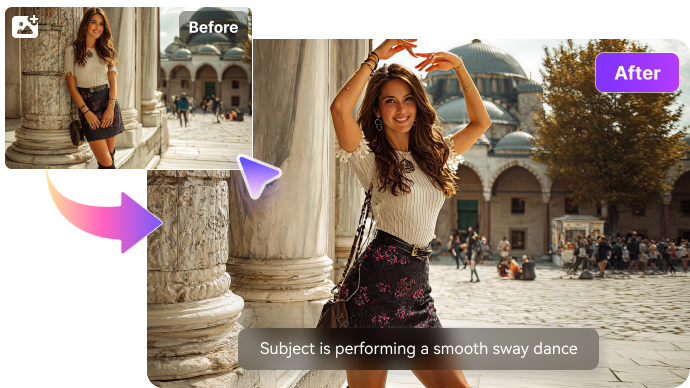
Illustrative Media.io creative workflow graphic, not a DaVinci AI Video Generator interface screenshot

Photo-to-Video Camera Animation

Upload a JPG, PNG or WebP reference image up to the stated 10 MB limit. The generator uses the uploaded image as the first frame; no additional text-image generation is needed. A still product packshot remains recognizable because the objects themselves do not change pose or geometry.

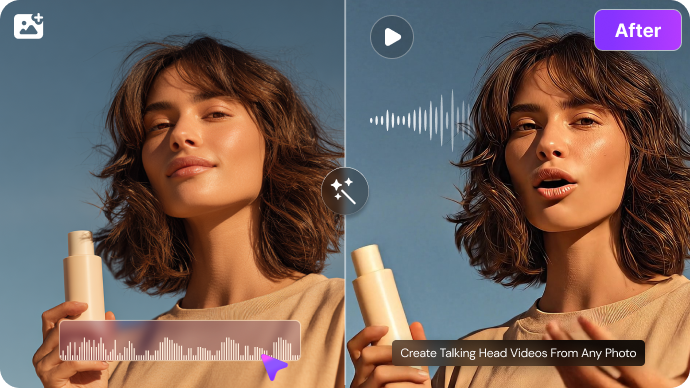
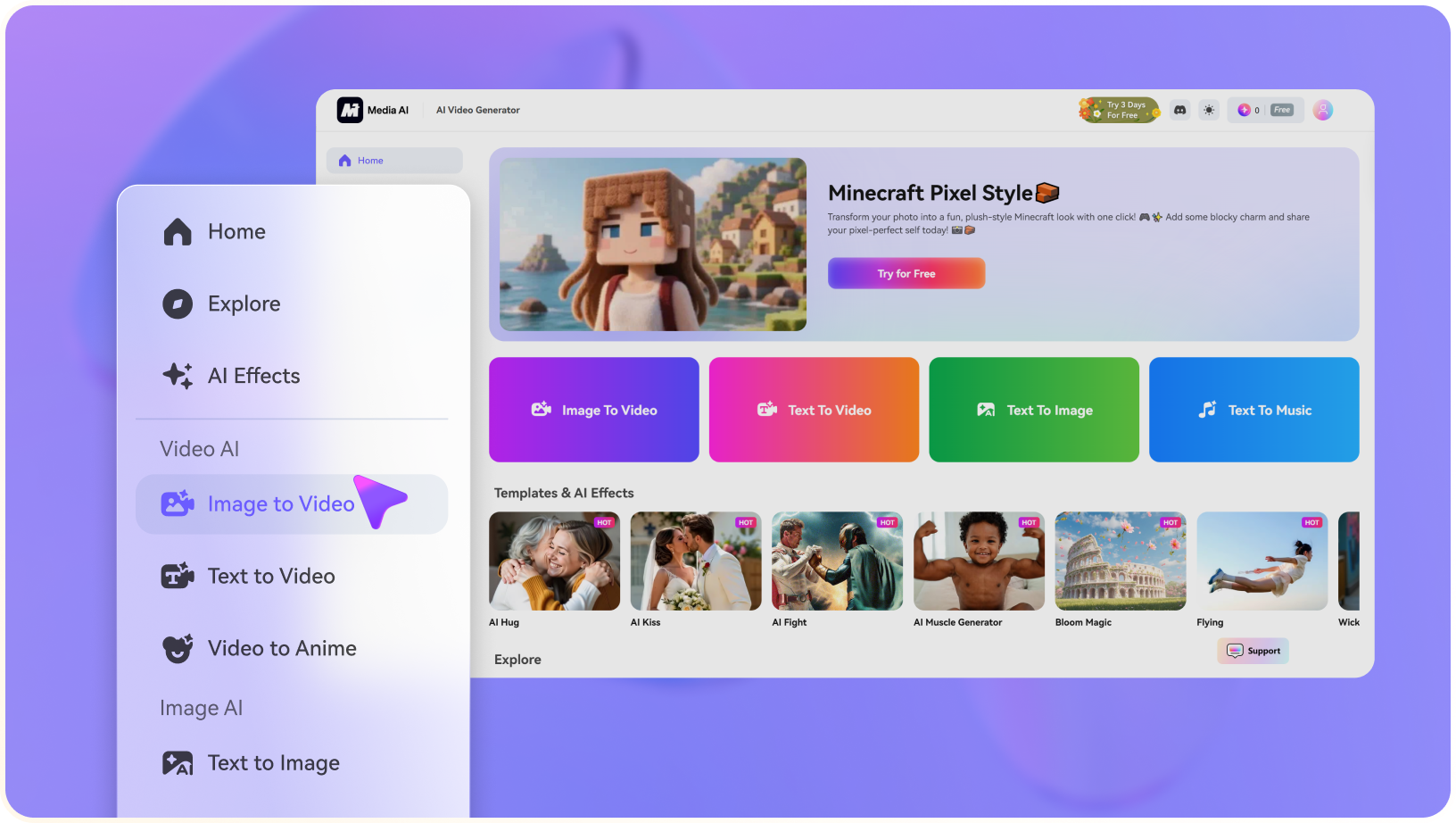
Illustrative Media.io creative workflow graphic, not a DaVinci AI Video Generator interface screenshot

Six Camera Direction Presets

The public interface lists six camera moves that are deterministic enough for repeated simple shots. They are useful for an online shop hero image or a slide transition. The same control is a limitation when the requested action involves a moving character, turning prop or changing viewpoint.

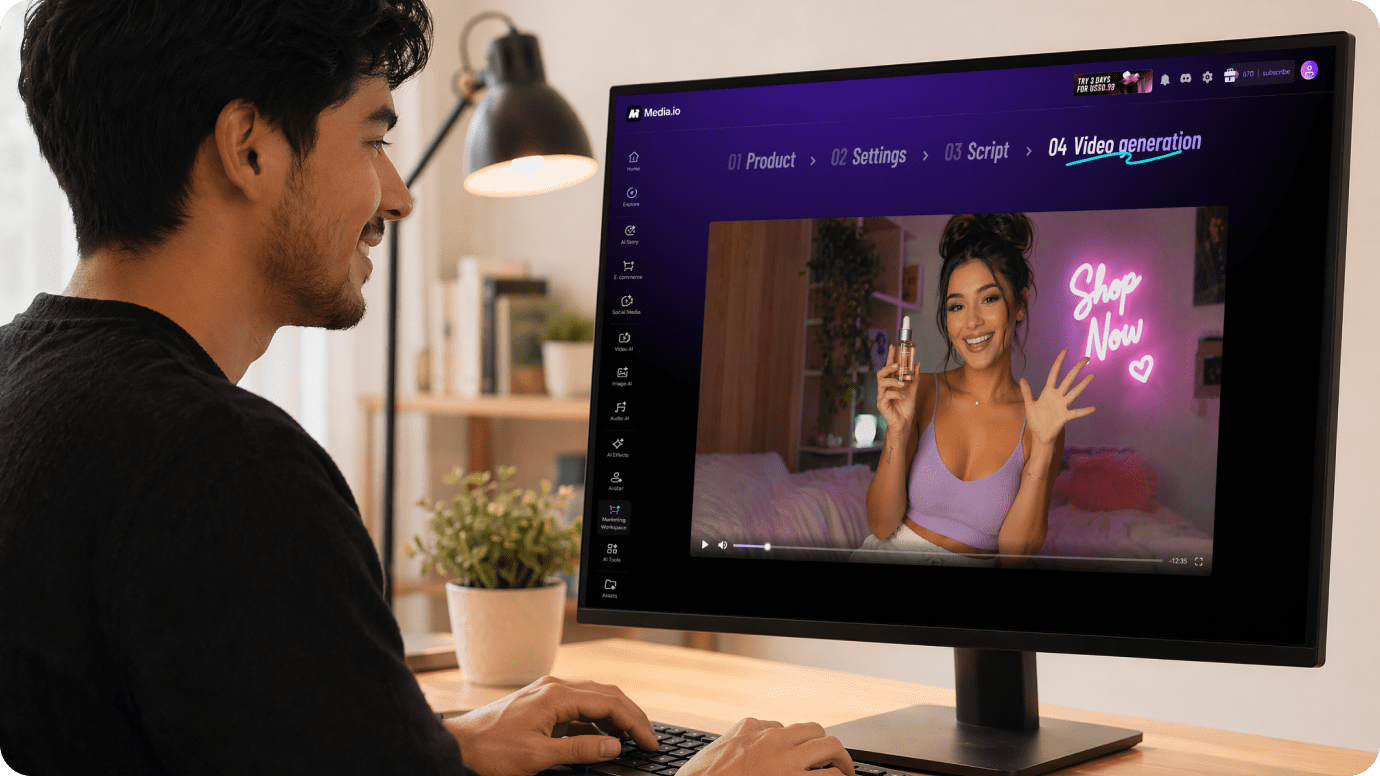
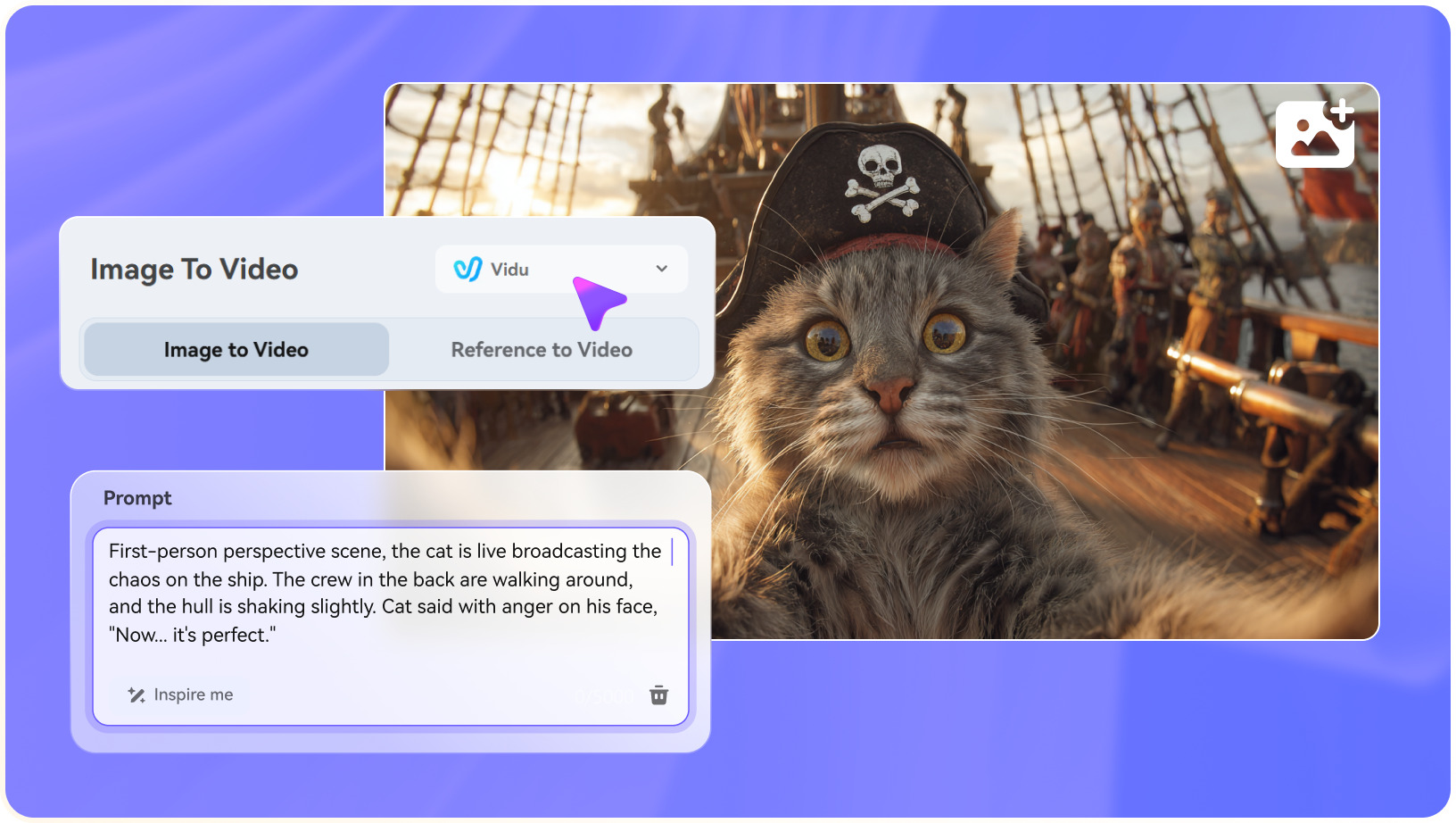
Illustrative Media.io creative workflow graphic, not a DaVinci AI Video Generator interface screenshot

Short Aspect Ratio and Duration Controls

DaVinci offers 16:9, 9:16 and 1:1 aspect ratios, which cover common website and social placements. A ten-second vertical story or a long narrated demo would require multiple clips or a different editing workflow. Duration and resolution are selected before generation.

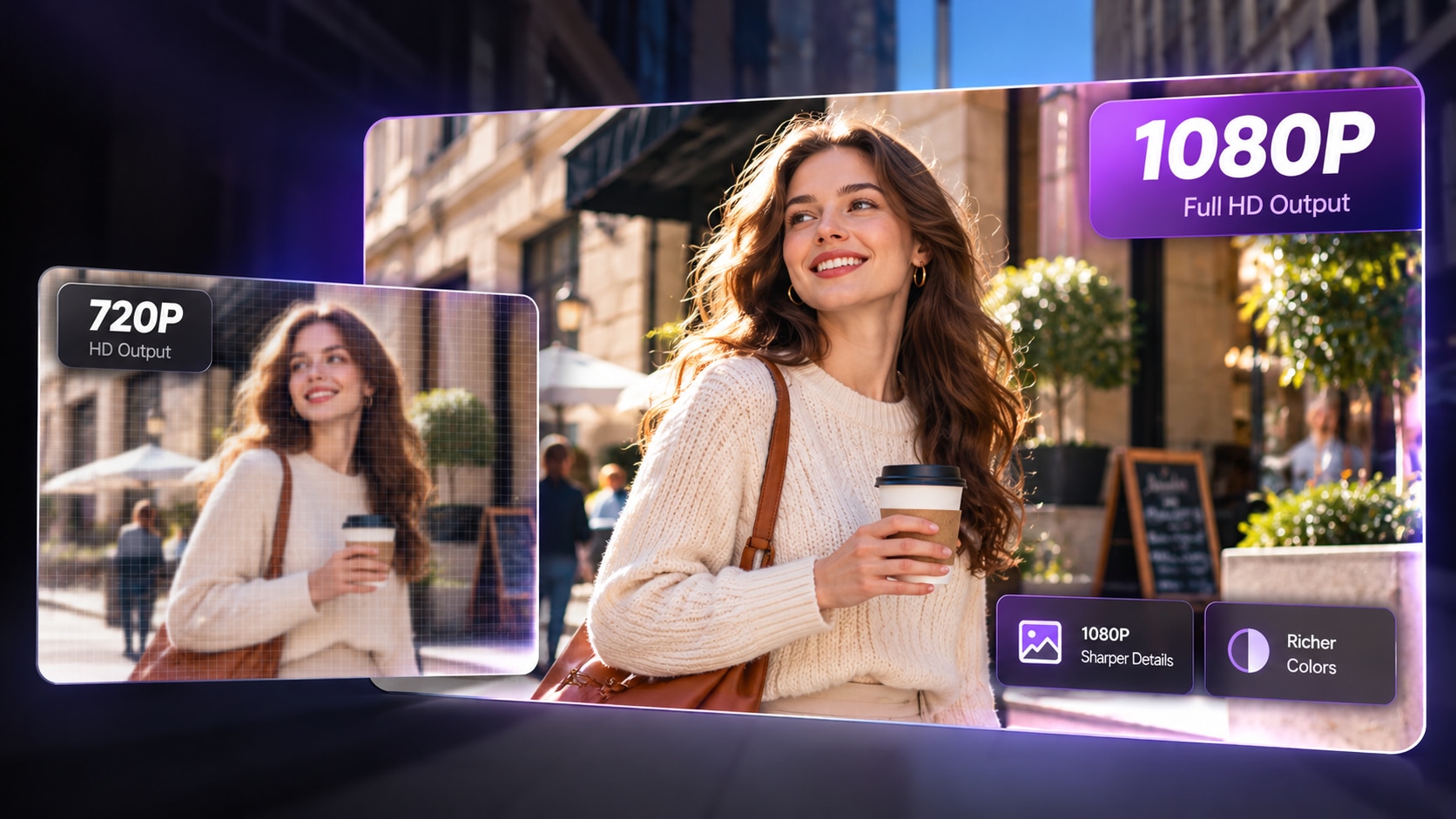
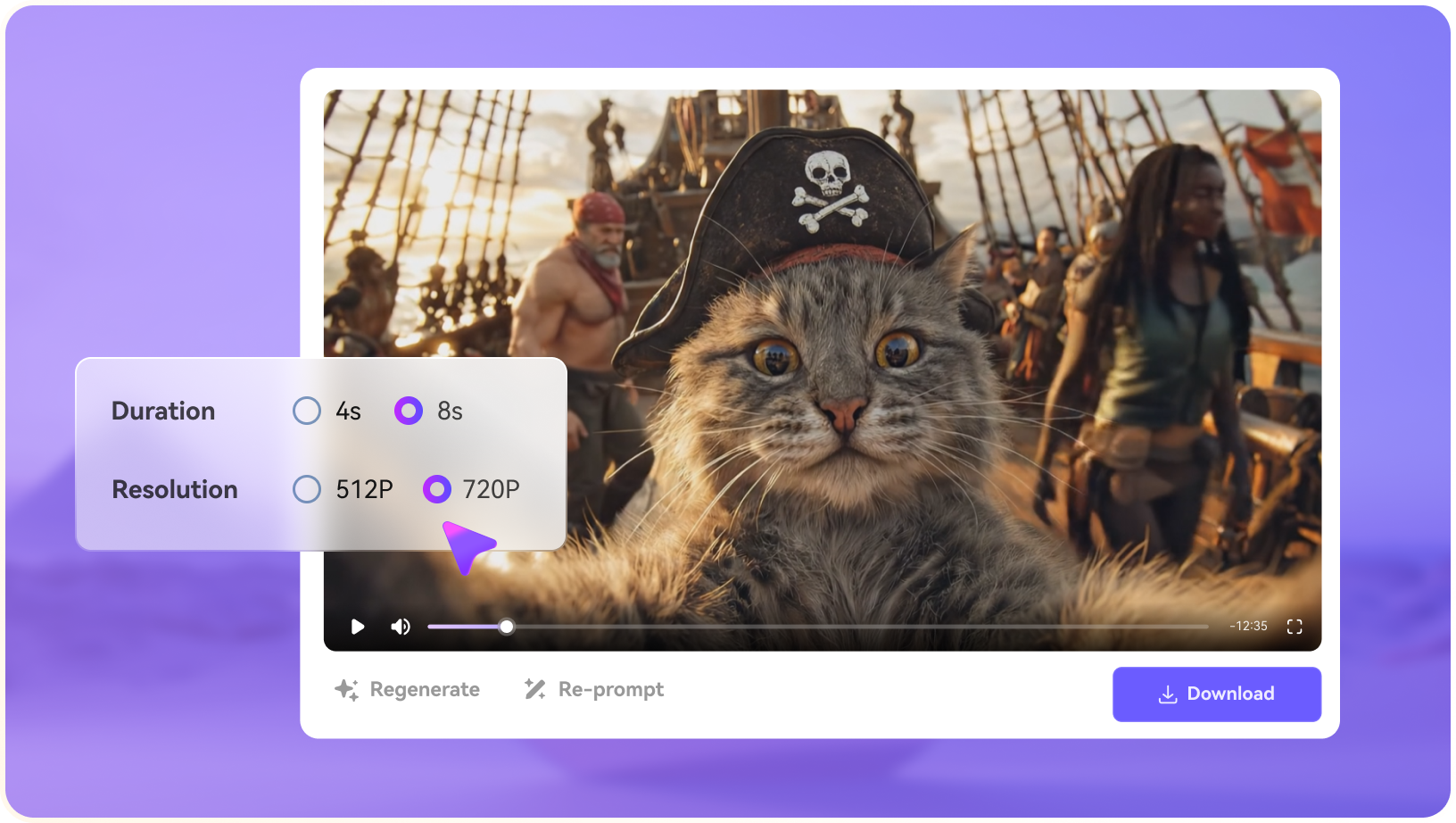
Illustrative Media.io creative workflow graphic, not a DaVinci AI Video Generator interface screenshot

Visible Per-Video Credit Arithmetic

The current public rate is 0.5 credit per second for 480p and 1 credit per second for 720p, plus four credits when the source still is generated from text. The provider shows the calculation in the UI; check the selected duration and account balance before starting a batch.

Illustrative Media.io creative workflow graphic, not a DaVinci AI Video Generator interface screenshot

Private Gallery and Downloadable WebM

The gallery supports reviewing, deleting and rerunning a clip. The public documentation describes WebM download rather than promising a native MP4 file from the generator. Users needing broad editing-platform compatibility should test the resulting file in their target video software.

Illustrative Media.io creative workflow graphic, not a DaVinci AI Video Generator interface screenshot

How to Animate a Photo Into a Moving AI Video

1
2
3
1
Prepare your inputs

Select a clear source picture with the subject fully visible and decide whether the shot should stay static or include realistic motion.

2
Create the first draft

Open Media.io Image to Video, upload the photo and describe the intended camera movement or subject action using a short, specific prompt.

3
Review and export

Review motion coherence and crop before generating more variants, then export in the format and length your destination requires.

Illustrative Media.io step image for DaVinci AI Video Generator comparison, not a competitor interface screenshot

Where DaVinci Animated-Still Videos Work Best

Add a gentle zoom to a polished product packshot without causing a cosmetic bottle or label to morph. Still photographs for product cards favor DaVinci; clips requiring a character to move favor a generative image-to-video workflow.

Ecommerce Product Hero Motion

Add a gentle zoom to a polished product packshot without causing a cosmetic bottle or label to morph.

Ambient Travel Scene

Use a slow horizontal pan over a landscape still for a short tourism page or presentation opening. For a corresponding Media.io workflow, see AI Camera Movement Effect.

Portfolio Background Loops

Turn static architecture or artwork into several short motion backgrounds for a designer portfolio.

Vertical Social Teaser

Apply a 9:16 push-in to a campaign photo when filming live action would be unnecessary.

Moodboard Animation

Compare a few different camera moves on the same concept image before choosing a commercial direction. For a corresponding Media.io workflow, see AI Transition.

Presentation Transition Visual

Insert a six-second scene move between slides where the text and narration are added elsewhere.

DaVinci AI Video Generator Limits: Motion, Length and Cost

The official page says people, water and objects remain static; camera movement is not fully generative video. Supported 4, 6 and 8-second durations suit snippets rather than full explainers or cinematic scenes.

No Internal Object or Character Motion

The official page says people, water and objects remain static; camera movement is not fully generative video.

Eight Seconds Is the Current Maximum

Supported 4, 6 and 8-second durations suit snippets rather than full explainers or cinematic scenes.

720p Is the Listed Ceiling

The visible generator offers 480p and 720p, not an advertised 1080p or 4K export option.

WebM May Require Conversion

The public guidance mentions WebM output, so verify your target editor or publishing system accepts it.

Text Inputs Add an Image Charge

A prompt-led result includes an additional four-credit still-image step; uploading an existing picture avoids that component.

Motion Presets Limit Creative Direction

Camera pans and zooms are predictable, but they do not replace gesture animation, motion choreography or multi-shot story continuity.

DaVinci AI Video Generator vs Media.io: Still Motion or Action?

DaVinci deliberately animates a still by moving the frame. Media.io Image to Video is a different choice when the goal is to make a subject act, walk or interact, depending on the selected supported generation model.

Decision Factor DaVinci AI Video Generator Media.io
Primary objective DaVinci is appropriate when a fixed image must remain visually intact and gentle camera movement is sufficient. Use Media.io when a scene requires visible subject movement or a richer transition rather than a Ken Burns-style still pan. Generated actions should still be reviewed for physical and identity consistency.
Starting assets DaVinci first creates a static scene from a text prompt, then applies smooth camera motion to it. The public generator states that it uses FLUX. Select a clear source picture with the subject fully visible and decide whether the shot should stay static or include realistic motion.
Creative controls Upload a JPG, PNG or WebP reference image up to the stated 10 MB limit. The generator uses the uploaded image as the first frame; no additional text-image generation is needed. A still product packshot remains recognizable because the objects themselves do not change pose or geometry. Explore action beyond simple pan and zoom movements.
Revision workflow DaVinci offers 16:9, 9:16 and 1:1 aspect ratios, which cover common website and social placements. A ten-second vertical story or a long narrated demo would require multiple clips or a different editing workflow. Duration and resolution are selected before generation. Review motion coherence and crop before generating more variants, then export in the format and length your destination requires.
Delivery and use The current public rate is 0.5 credit per second for 480p and 1 credit per second for 720p, plus four credits when the source still is generated from text. The provider shows the calculation in the UI; check the selected duration and account balance before starting a batch. Make short clips for social edits or storyboards.
Pricing and allowances The official generator lists 0.5 credits/second at 480p or 1 credit/second at 720p, with four additional credits for a text-created still. The right-hand recommendation explicitly contrasts object/subject animation against static camera pans. Review the Animate an Image With AI tool for its own credit terms and required input files.
Relevant limitationsThe official page says people, water and objects remain static; camera movement is not fully generative video. Supported 4, 6 and 8-second durations suit snippets rather than full explainers or cinematic scenes.Review output against the original source for distortions.
Ideal audience Still photographs for product cards favor DaVinci; clips requiring a character to move favor a generative image-to-video workflow. Use Media.io when a scene requires visible subject movement or a richer transition rather than a Ken Burns-style still pan. Generated actions should still be reviewed for physical and identity consistency.
Purchase decision Add a reproducible slow pan to a photographed product. See the exact credit breakdown before rendering each small shot. Animate a portrait or concept image with a clear motion prompt. Make short clips for social edits or storyboards.
Best for DaVinci AI Video Generator

Choose DaVinci for Stable Camera Moves

DaVinci is appropriate when a fixed image must remain visually intact and gentle camera movement is sufficient.

  • Add a reproducible slow pan to a photographed product.
  • Keep a static scene free of character identity changes from generative motion.
  • See the exact credit breakdown before rendering each small shot.
  • Work within the listed 4-8 second 480p or 720p options.
  • Generated videos are stored in a personal gallery with playback, remix and download actions.
Visit DaVinci AI Video Generator
Best for Media.io

Choose Media.io for Image-to-Video Motion

Use Media.io when a scene requires visible subject movement or a richer transition rather than a Ken Burns-style still pan. Generated actions should still be reviewed for physical and identity consistency.

  • Animate a portrait or concept image with a clear motion prompt.
  • Explore action beyond simple pan and zoom movements.
  • Make short clips for social edits or storyboards.
  • Review output against the original source for distortions.
Animate an Image With AI

DaVinci AI Video Generator Review: Final Verdict for Buyers

Our Take

DaVinci is refreshingly specific about what it produces: it animates an image by moving the camera. That restraint can be an advantage when the scene contains typography, packaging or architectural detail that should not mutate.

The same design prevents full character or environmental motion. A buyer comparing it with Kling, Runway or other generative video models should not treat their output categories as interchangeable. Factor in short duration, 720p maximum and WebM export requirements.

Choose DaVinci for predictable visual motion over a fixed still. Choose Media.io Image to Video for a different creative goal - subject motion and generated scene changes - while accepting the greater need for output review.

DaVinci AI Video Generator FAQ: Features, Costs and Alternatives

Does DaVinci AI Video Generator create real character motion?
faq faq

Not with the animated-still workflow described on its official page. It moves the camera over a fixed picture; the people and objects in the scene stay in the same pose.

Yes. A text prompt creates a source still image using FLUX.1 [dev], after which the generator applies one of its supported camera moves. This is different from synthesizing complex actions over time.

Yes. The public tool accepts a PNG, JPG or WebP image of up to 10 MB. Using your own picture also avoids the additional credit charge for creating a source still.

The current visible options are 4, 6 and 8 seconds. Users who need a narrated tutorial or extended scene must assemble clips elsewhere or use another workflow.

The official product page says new accounts receive free credits to try generation. The amount may vary, while per-video costs are displayed before a request is submitted.

DaVinci lists 0.5 credits per second at 480p and 1 credit per second at 720p, plus four credits when a source image is generated from text. The interface calculates the selected shot cost.

The public generator currently describes 480p and 720p, not 1080p or 4K for this animated-still workflow. Check the tool itself if higher resolutions are announced later.

The provider describes a private gallery with WebM download, remix and delete controls. Confirm compatibility with your editor or convert the result if your project requires another format.

Choose a generative image-to-video workflow when the actual character, object or scene must move. DaVinci is more appropriate when the visual should stay fixed while the camera pans or zooms.

What Media.io Creators Say About Their Workflow

Media.io AI video generator user
Sarah L.

Content Creator

star star star star half star

Media.io makes it much easier to test different AI video styles without jumping between several platforms. I can start with a text prompt or image, compare model results, and then resize or polish the clip for social media in the same workspace.

Media.io AI video creator
John D.

Social Media Marketer

star star star star half star

I use Media.io to create quick product clips, ad concepts, and short-form videos from images. The biggest advantage is that generation does not feel like the final step - I can continue with music, captions, enhancement, and format conversion before publishing.

Media.io AI video editing user
Emily T.

Freelance Designer

star star star star half star

The workflow is approachable even when I am experimenting with unfamiliar AI models. I can animate artwork, try different motion prompts, preview the output, and prepare a cleaner final version without needing advanced video-editing experience.

Media.io Online Tools Quality Rating:
vote 4.7 (162,357 Votes)
media.io

AI Video Generator star

Easily generate videos from text or images

Generate