AI Product Demo Video Maker
Showcase Your Product in Minutes
Create polished product demo video maker content faster with Media.io’s AI workflow. Start from a prompt, upload photos, or refine existing clips to build scroll-stopping videos for Reels, Stories, and feed posts without the usual editing burden. From quick social promos to creator-ready visual storytelling, Media.io helps you turn raw ideas into cleaner, more engaging videos that look made for social media from the first draft.
Turn Product Images into Dynamic Video Demos
With Media.io’s image-to-video mode, a few still shots are all you need to build a high-impact product demo. Upload your product images and let AI animate angles, add smooth motion effects, and overlay brand captions automatically. This method is perfect for sellers who want to add energy and storytelling to their visuals—ideal for eCommerce, social ads, and pitch decks. Every frame feels cinematic and promotional, sparking instant attention while saving time and production costs. Highlight key features, show scale, or demonstrate product use through subtle movement and smart text, all in minutes.
Write a Prompt and Generate a Demo Instantly
The text-to-video feature turns short descriptions into full product demo videos with voiceover, animation, and brand style in one click. Write what your product does and who it helps—Media.io handles visuals, pacing, and professional polish automatically. Whether for YouTube, landing pages, or sales decks, this feature speeds up storytelling and lets marketers produce more branded content in less time. You can adjust voice, background, and scenes to match your identity while AI keeps quality consistent. No editing timeline needed—just your message, brought to life beautifully.
| Style | AI Prompts for Product Demo Video Maker | Copy & Create |
|---|---|---|
|
Modern Product Launch
|
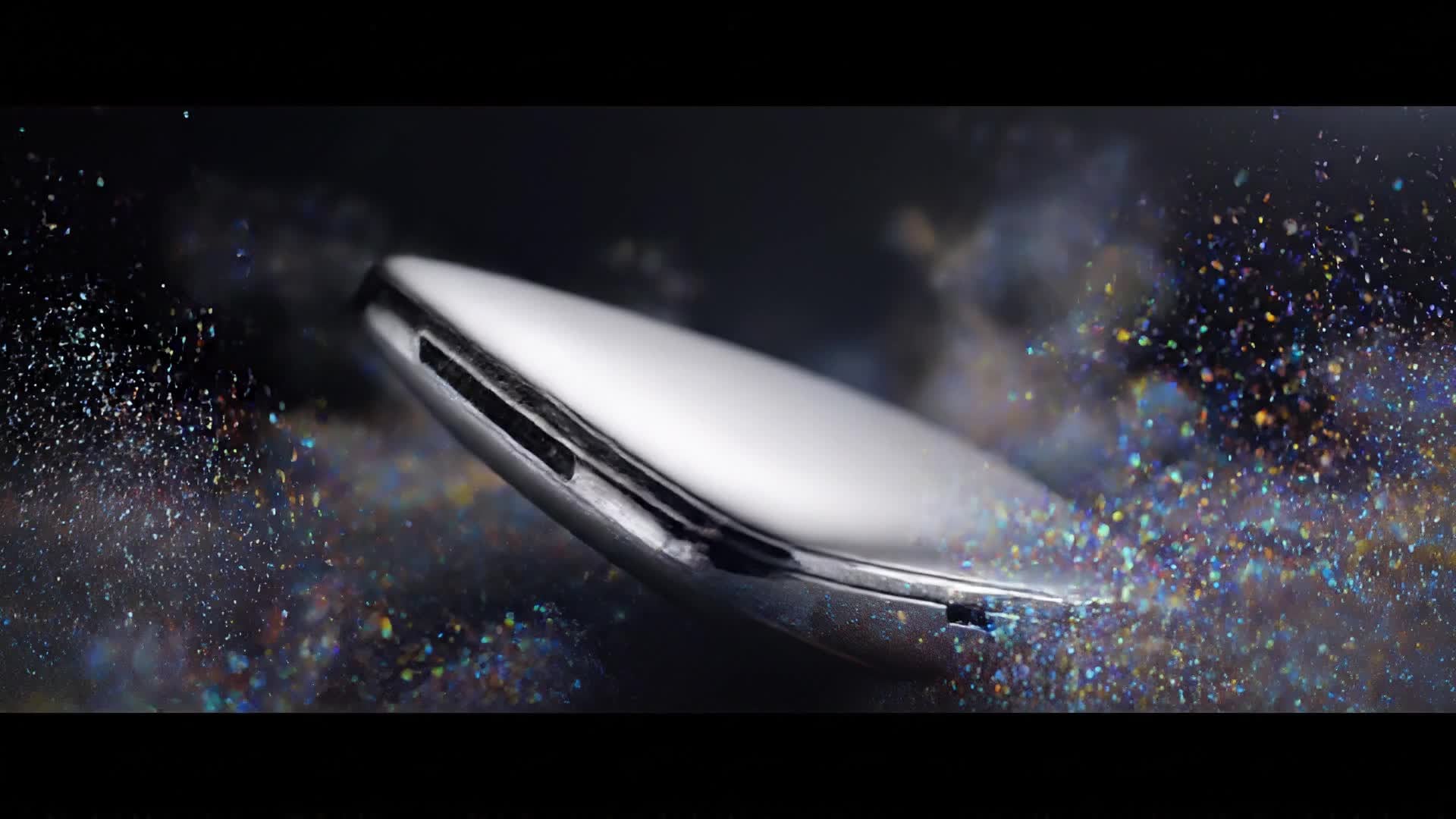
Show a sleek tech gadget unboxed on a clean background. Begin with ambient lighting fading in as a tagline appears subtly. Highlight three major features in quick jump cuts—speed, design, and innovation. Use dynamic camera sweeps to emphasize product texture. Close with a short benefit statement on-screen and energetic ambient music that encourages engagement. |
|
|
Lifestyle Integration
|
Feature a wearable product being used across a day in real settings: jogging, working, relaxing. Blend soft natural light and smooth transitions. Narrate how the product improves everyday comfort and style. Add text overlays describing its versatility and finish with a satisfying review quote. Keep it inspirational yet approachable. |
|
|
Social Ad Format
|
Begin with a catchy hook question on-screen, followed by fast demo clips that show before and after results using the product. Include engaging captions synced to the beat. Maintain vertical framing for mobile-first platforms. End with a clear call-to-action and brand logo placement. |
|
|
Tutorial Style Demo
|
Start with a presenter introducing the product in a friendly tone. Walk through its operation step by step using clear close-up shots. Add explainer text aligned with each step. Emphasize ease of use and unique functions. Finish with a confident summary and subtle brand cue to build credibility. |
|
|
Before and After Showcase
|
Use split-screen views to display product performance. Begin with the problem scenario, then reveal the improvement achieved by using the product. Highlight transformations with expressive animation and bold typography. Include rhythmic background music to sustain attention. End with a tagline emphasizing change and satisfaction. |
|
|
Aesthetic Viral Hook
|
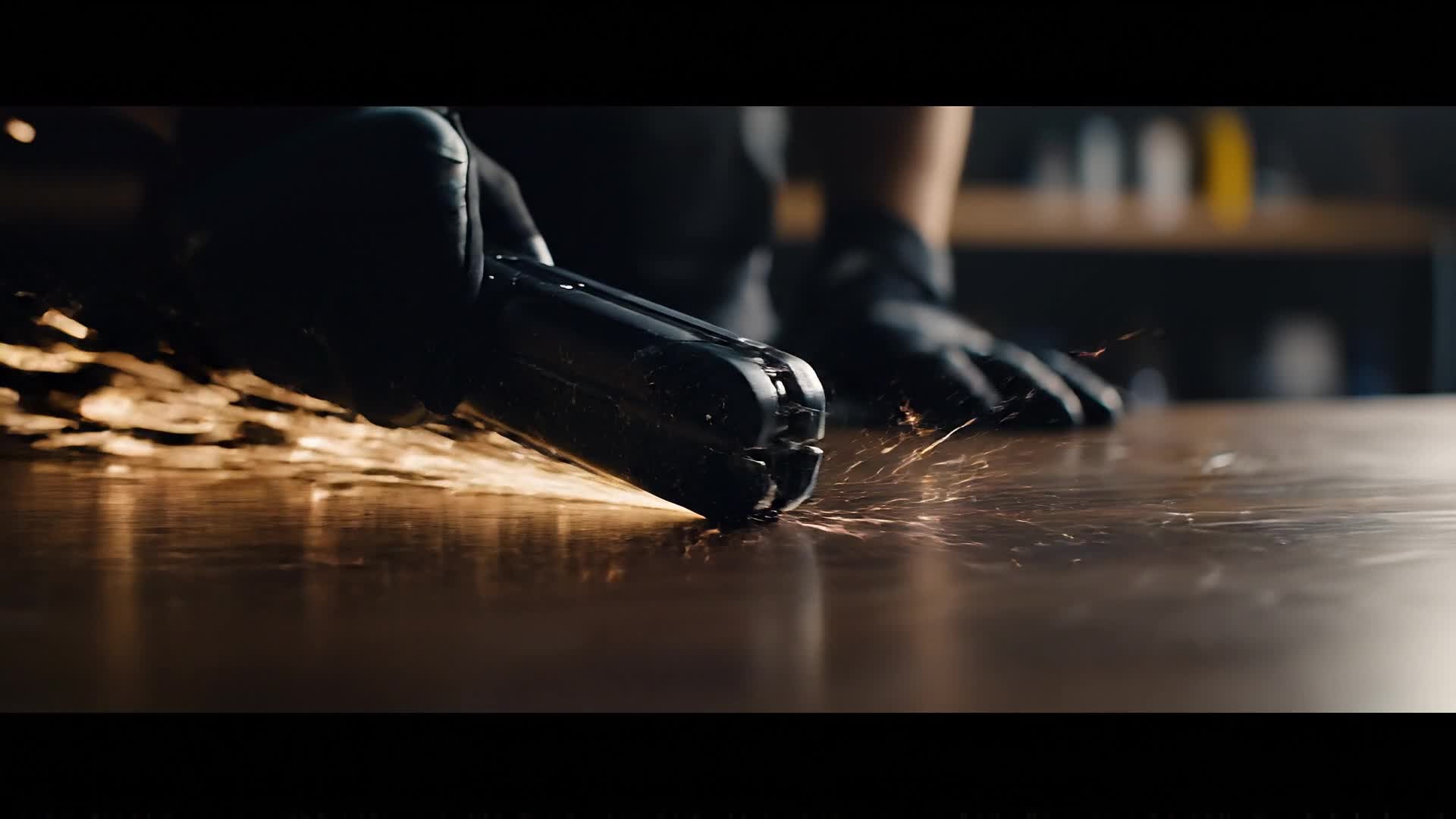
Open with an engaging close-up and high-contrast lighting. Incorporate trendy transitions like whip pans and seamless cuts. Focus on tactile elements and texture to keep it visually sensory. Add atmospheric music and subtle motion graphics for timeless visual appeal. Keep it optimized for short-form virality. |








How to Create Product Demo Video Maker with Media.io
Create product demo video maker content faster with Media.io using text to video, image to video, video to video, and built-in editing tools.
Type or Upload Your Content
Start by writing your product description or uploading images. Media.io’s AI instantly analyzes your input to create a tailored storyboard that fits your brand tone. This helps you create product demo video maker content faster with a more structured workflow. You can easily adapt the output for platforms like TikTok, Instagram Reels, and YouTube Shorts.
Let AI Generate the Demo
Watch AI generate a full product demo video, complete with transitions, captions, and soundtracks that bring your visuals and product message to life seamlessly. This helps you create product demo video maker content faster with a more structured workflow. You can easily adapt the output for platforms like TikTok, Instagram Reels, and YouTube Shorts. The process reduces manual editing and improves overall production efficiency. Each step improves visual quality, pacing, and content consistency.
Edit and Export Instantly
Customize text, style, and pacing effortlessly in-browser. When ready, export your polished product demo in HD format, optimized for web, social, and presentation use. This helps you create product demo video maker content faster with a more structured workflow. You can easily adapt the output for platforms like TikTok, Instagram Reels, and YouTube Shorts. The process reduces manual editing and improves overall production efficiency.
Why Choose Media.io for Product Demo Video Maker
AI-Powered Product Storytelling
Media.io’s AI builds a natural product narrative that keeps viewers hooked. It understands your message and matches visuals, music, and captions automatically. This makes product demo video maker creation more efficient and easier to manage.
Lightning-Fast Video Generation
Create full product demos in minutes instead of hours. No complex timelines or expensive video editors—just instant, high-impact results ready to share. This makes product demo video maker creation more efficient and easier to manage. It helps improve consistency across different video styles and formats.
Versatile Input Options
Turn text, photos, or existing short clips into cohesive AI demos. The platform adapts to your workflow, letting you start from any creative stage. This makes product demo video maker creation more efficient and easier to manage. It helps improve consistency across different video styles and formats.
Custom Brand Styling
Upload logos, brand colors, and fonts to maintain consistent identity across every product video you generate. This makes product demo video maker creation more efficient and easier to manage. It helps improve consistency across different video styles and formats. You can use this feature to produce more engaging and platform-ready content.
Built-In Editing Tools
Fine-tune pacing, replace scenes, or adjust music without leaving the editor. Media.io’s interface makes refinements simple even for newcomers. This makes product demo video maker creation more efficient and easier to manage.
Social Media Ready Outputs
Auto-format videos for Instagram, TikTok, or YouTube in one click. Create versions fit for every platform while keeping visual quality intact. This makes product demo video maker creation more efficient and easier to manage. It helps improve consistency across different video styles and formats.
FAQs About
Product Demo Video Maker
1. What is Media.io’s product demo video maker?


It’s an AI-powered online tool that generates high-quality product demo videos from text, images, or clips—perfect for showcasing your product quickly.
2. Do I need video editing experience to use it?
No. Media.io handles all complex editing automatically. You only provide basic inputs and adjust visuals or text using an intuitive interface.
3. Can I add my logo and brand style?
Yes. You can include your logo, brand colors, and voiceover to keep every demo on-brand and professional.
4. How long does it take to create a video?
Most users generate a complete product demo in just a few minutes, thanks to smart AI automation.
5. What formats can I export in?
Media.io supports popular formats like MP4, MOV, and 1080p HD, ensuring compatibility with all major social and web platforms.
6. Is the AI video generation free?
You can start for free and explore AI-driven video creation instantly, with optional premium features for advanced customization.



