Realistic Skin AI Prompt
Create Ultra-Realistic AI Skin — No More Plastic Look
Turn your AI portraits into lifelike masterpieces with Media.io’s Realistic AI Skin Generator. Powered by advanced Gemini AI technology, it recreates natural skin texture, soft pores, and light reflections with cinematic precision. Add water droplets or tear effects for extra realism — just like the viral Gemini portrait trend on TikTok. Whether you’re crafting a Gemini-style AI photo, an editorial portrait, or a brand visual, Media.io makes your skin look truly human — soft, vivid, and real.
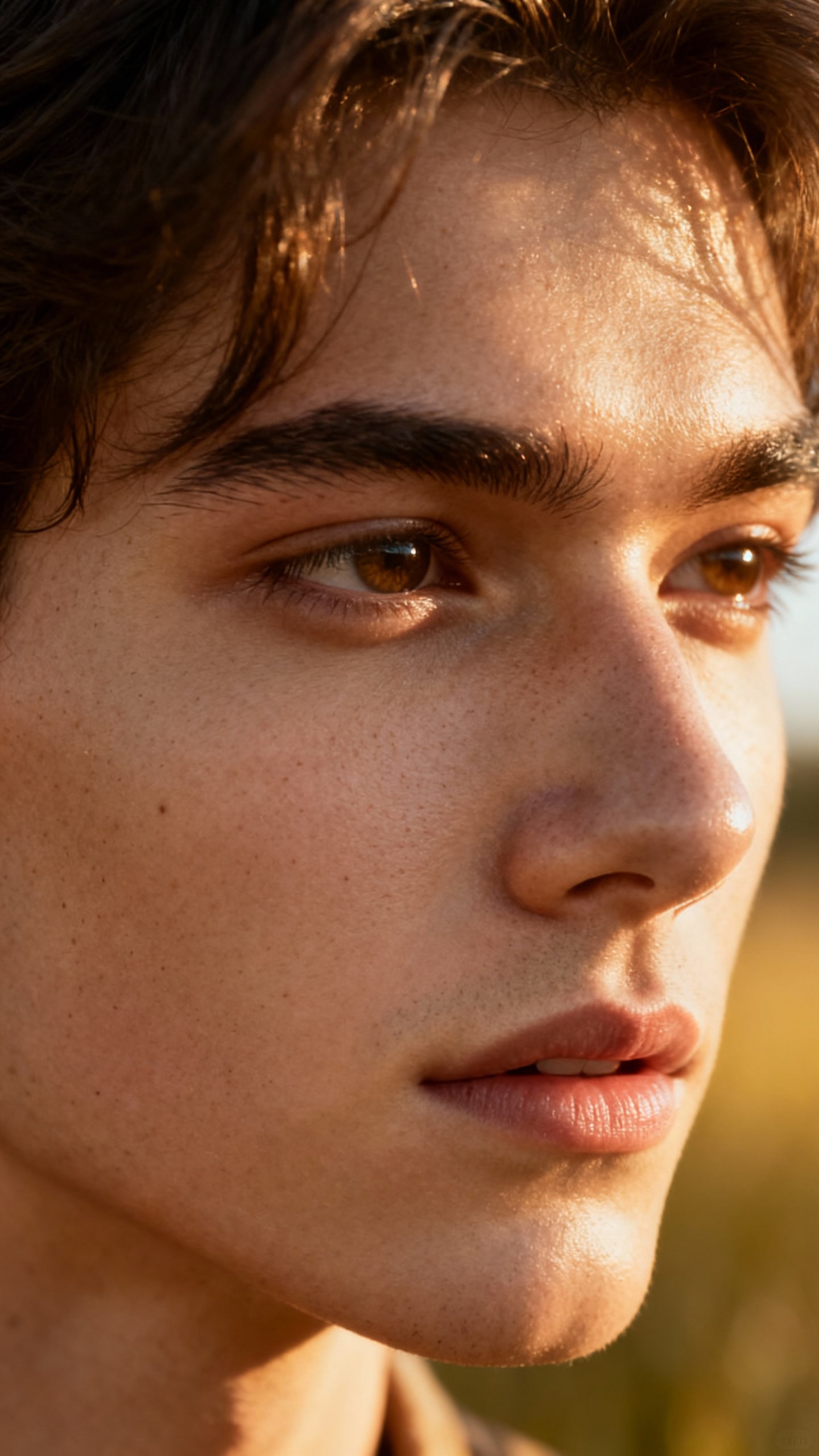
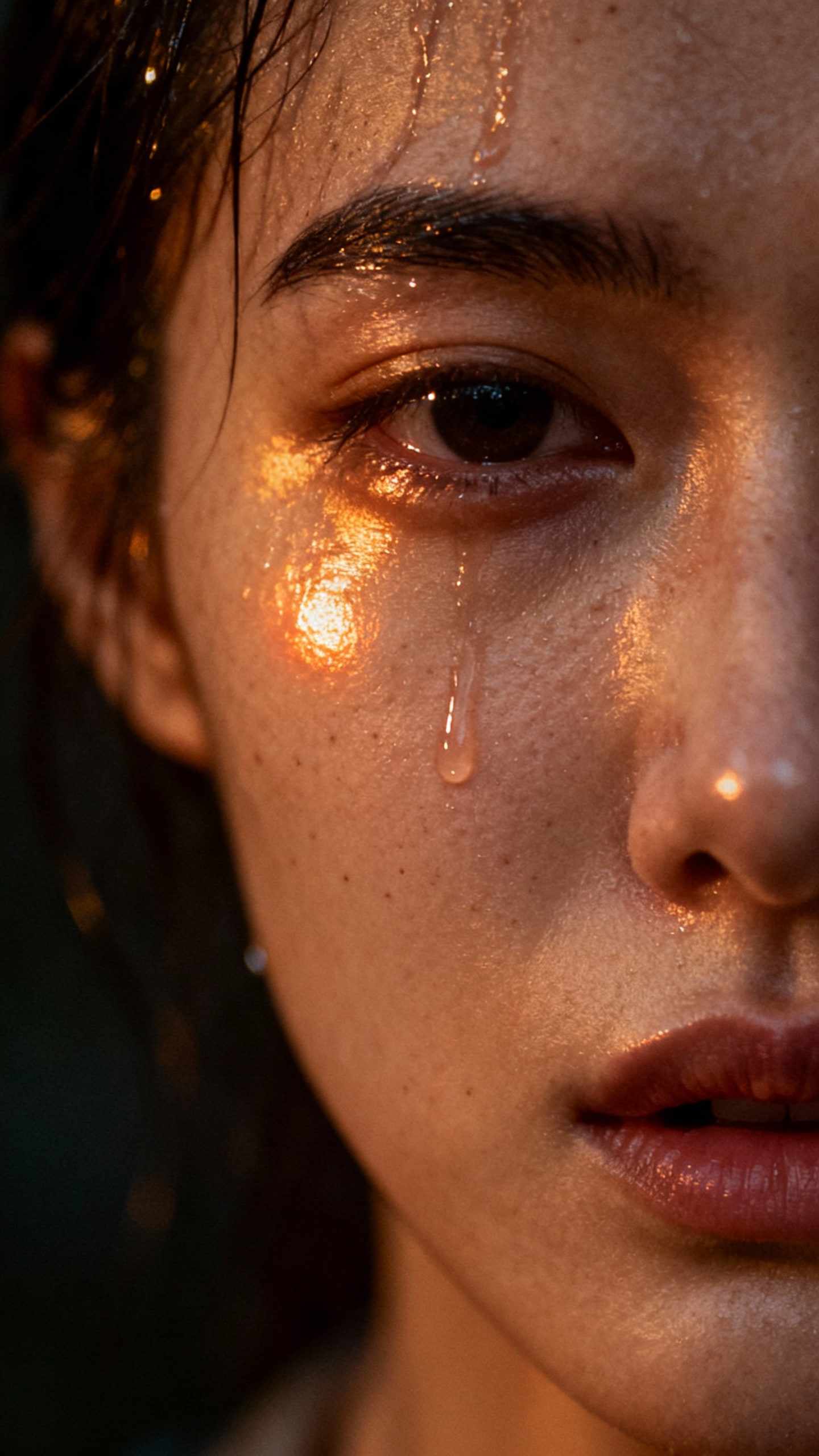
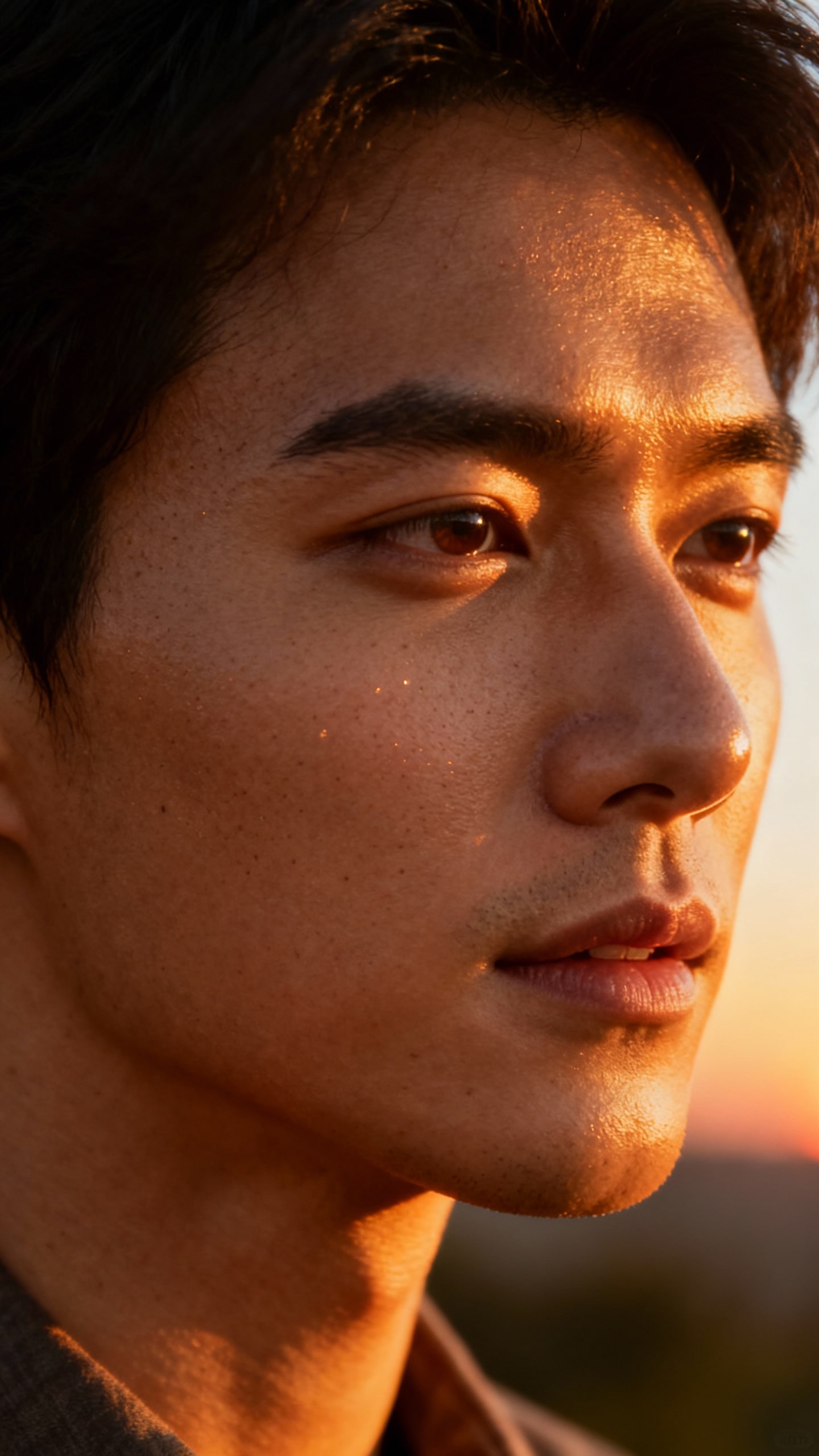
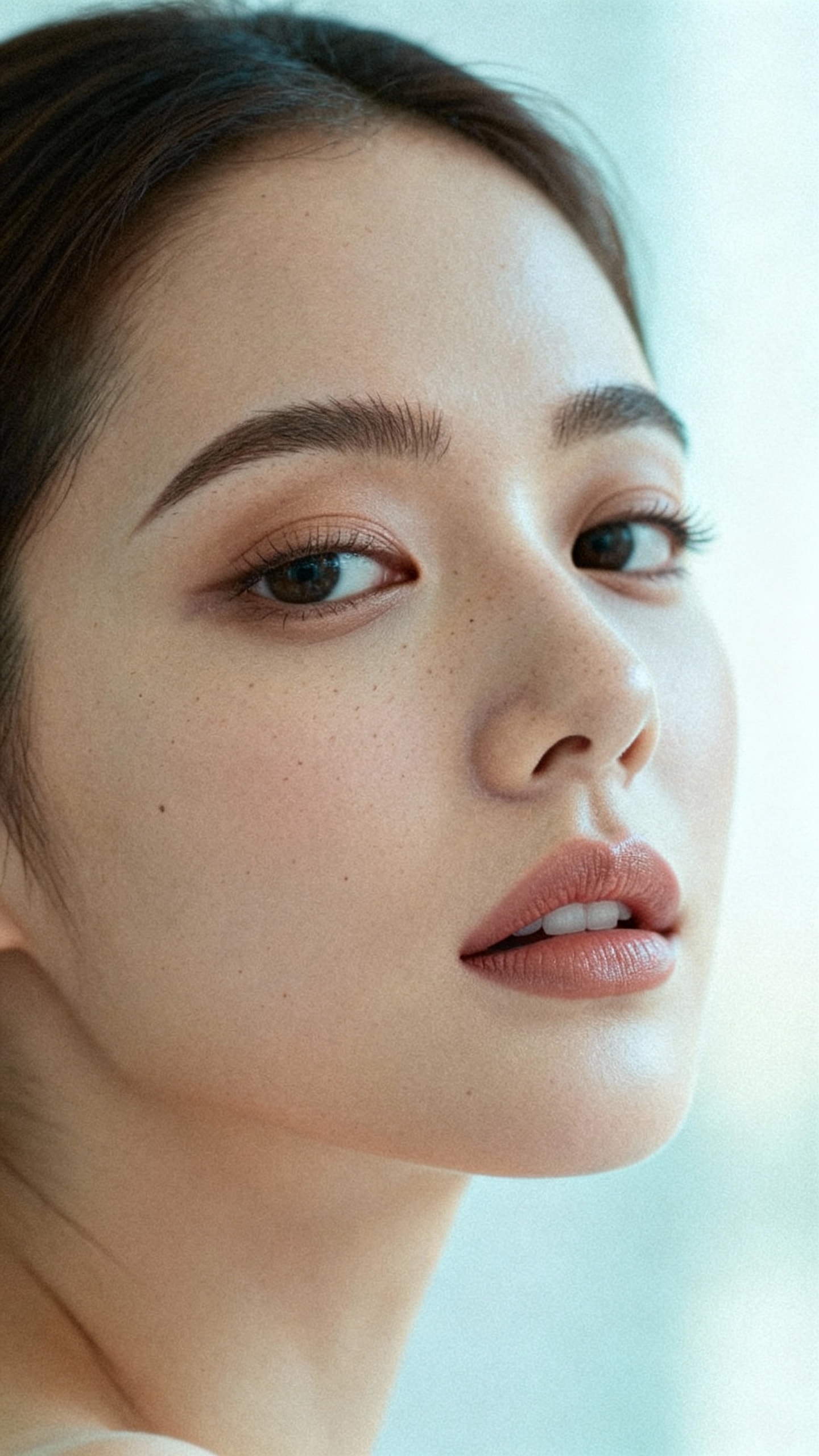
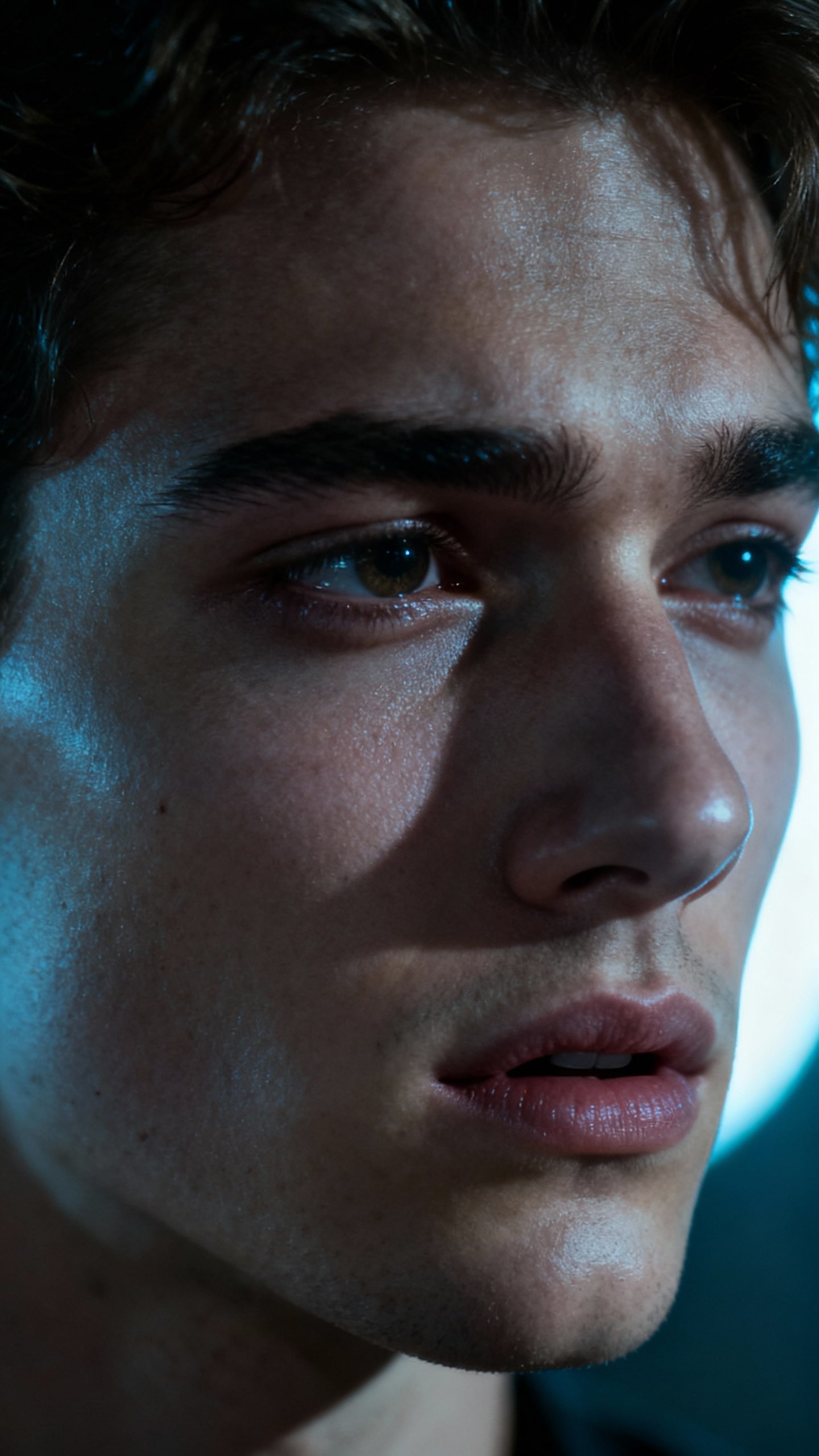
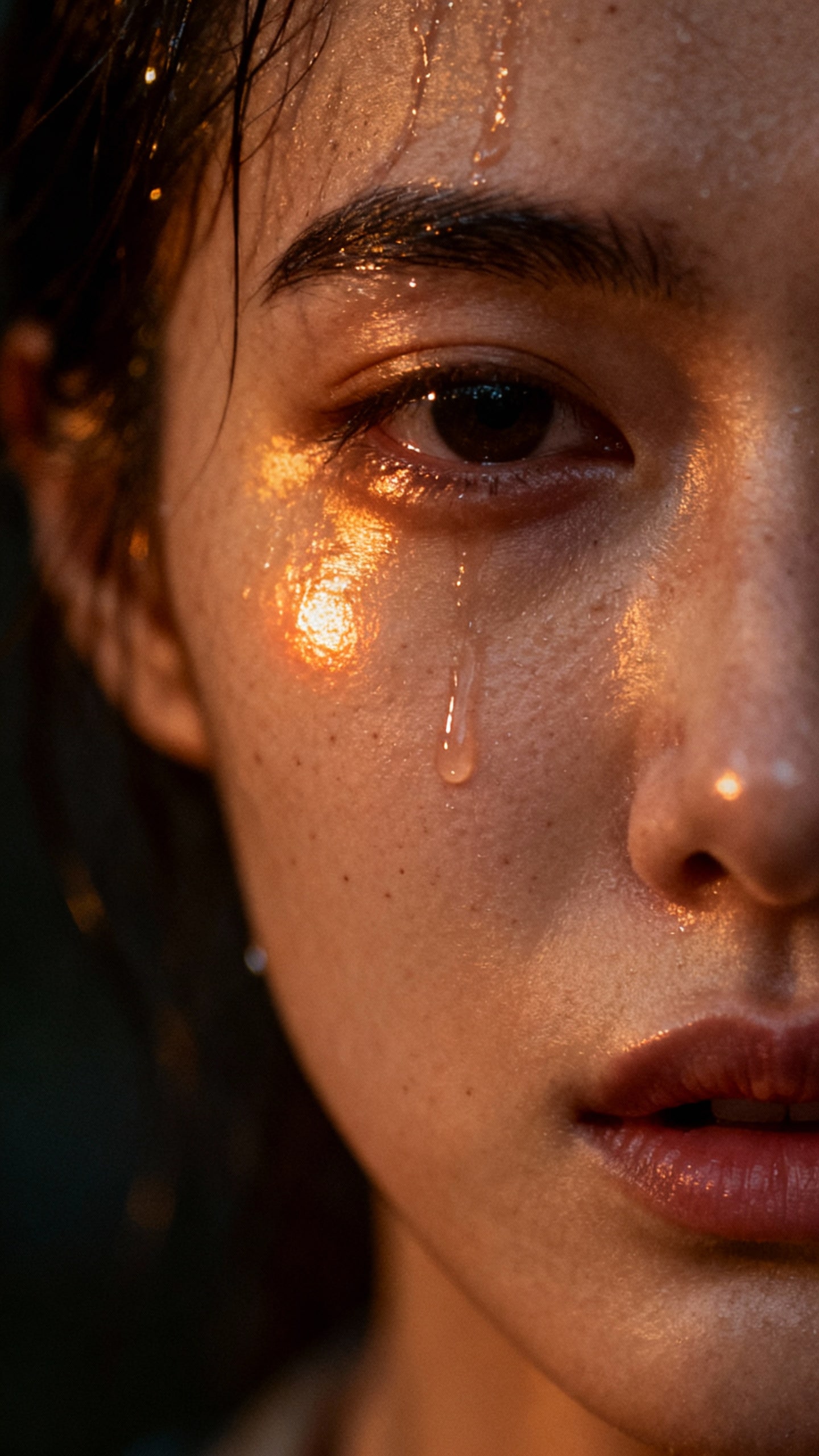
Realistic AI-Skin photos Created with Media.io
How to Create Realistic AI Skin with Media.io
In just three simple steps, you can turn any portrait into a hyper-realistic AI-skin image with natural skin texture and authentic light reflections — no editing skills required.
Open the AI Image Generator
Go to Media.io AI Image Generator. Choose Image-to-Image or Text-to-Image mode to start creating. Our smart generator is optimized for realistic skin rendering, ensuring every detail looks lifelike from the first click.
Upload Your Photo & Enter the Prompt
Upload your portrait photo or selfie. Then paste or customize a Realistic Skin Prompt — you can also pick one from the prompt library below. Include key words like “realistic skin,” “natural pores,” or “soft lighting” to enhance texture and avoid plastic looks.
Generate & Save Your Image
Click Generate, ,and Media.io’s AI engine will recreate your photo with hyper-realistic skin, natural highlights, and smooth tone balance. Preview the result instantly, then download or share it in one click. Your image will be safely deleted from our servers within 7 days — ensuring total privacy protection.
| Style | Gemini Realistic AI Skin Prompt | Preview | Copy |
|---|---|---|---|
|
Cinematic Portrait
#realistic
#warm
#natural
|
A cinematic close-up portrait of the uploaded person, captured under soft golden natural light. Keep the original face, hairstyle, and expression exactly the same. Render realistic skin texture with visible pores, subtle reflections, and gentle highlights. Maintain natural tone, warm atmosphere, fine film grain, and shallow depth of field. Ultra-realistic, lifelike, editorial style photo. —ar 9:16 —style raw —v 7 —stylize 550 |
|
|
|
Emotional Close-Up
#wet
#cinematic
#expressive
|
Transform the uploaded photo into an emotional cinematic portrait. Keep the original facial features and lighting direction, but add wet skin reflection and soft tear glow on cheeks. Highlight realistic skin pores, moisture detail, and warm light reflections. Use a dark blurred background with dramatic contrast and shallow focus. Emotional, photo-realistic, 8K quality. —ar 9:16 —style raw —v 7 —quality 2 —stylize 600 |
|
|
|
Golden Hour Outdoor Portrait
#glowing
#sunset
#natural
|
A realistic outdoor portrait of the uploaded person at golden hour lighting. Preserve original skin tone, face shape, and clothing. Illuminate the face with warm sunset glow, detailed pores, and fine highlights across the cheeks. Soft gradient background, natural color grading, cinematic mood. High-resolution, hyper-realistic, warm tone. —ar 9:16 —style raw —v 7 —stylize 500 |
|
|
|
Editorial Studio Shot
#soft
#pastel
#refined
|
Generate an editorial-style studio portrait of the uploaded person. Keep the real face exactly the same. Show soft skin texture, fine pores, low contrast lighting, and gentle pastel tones. Background clean and airy, with soft diffusion and film grain aesthetic. Realistic light falloff, elegant natural expression, photorealistic quality. —ar 3:4 —v 7 —stylize 450 |
|
|
|
Gemini Cinematic Glow
#cinematic
#balanced
#luminous
|
Create a Gemini-style cinematic portrait of the uploaded person, focused on realistic skin microtexture, balanced highlights, and emotional light direction. Add soft rim light behind the head and cool shadows in front for depth. Keep every detail of the real face while enhancing skin luminosity. Ultra-realistic, editorial lighting, shallow DOF. —ar 9:16 —v 7 —style raw —stylize 550 |
|








Why Creators Love Media.io’s Gemini Realistic Skin Prompt
From everyday portraits to viral TikTok visuals, creators choose Media.io because it makes AI skin look alive — textured, emotional, and 100% real. Here’s how our technology turns your simple photos into breathtaking, human-like imagery.

Say Goodbye to Plastic AI Skin
AI portraits often look too smooth, too fake — like a wax figure. Media.io’s Gemini prompt engine fixes that instantly by rebuilding realistic skin pores, tone gradients, and subtle imperfections that cameras naturally capture. The result? Skin that breathes, shines, and feels alive — not plastic. It’s the difference between an AI model and a real person. The Gemini prompt finally bridges that gap.

Perfect for Social Creators & Brand Visuals
Whether you’re crafting a TikTok trend, a product campaign, or a portrait reel, the Gemini Realistic Skin Prompt makes every detail pop. Soft highlights, glowing texture, and cinematic color tones bring human warmth back into AI art — boosting engagement and authenticity across social platforms. Creators love it because their AI photos finally look scroll-stopping — not uncanny.

Designed for Every Face, Every Tone
Beauty shouldn’t be one-size-fits-all. Our AI model recognizes and enhances diverse skin tones — from porcelain to deep ebony — preserving natural hue and microtexture. Media.io celebrates authenticity, ensuring every portrait feels personal, not processed. Because real beauty is in the details — and every skin tone deserves to shine realistically.

Quick, Private, and Effortless
No heavy Photoshop. No technical setup. Just upload, apply a Gemini realistic skin prompt, and watch your photo transform in seconds. Every image is processed securely on the cloud and auto-deleted within 7 days, keeping your creative workflow fast, safe, and worry-free. Realistic results, zero hassle — that’s the Media.io way.





FAQs About
Realistic Skin Prompts
1. What is a Realistic Skin Prompt in AI image generation?


A Realistic Skin Prompt is a specific text instruction used to generate AI portraits with natural-looking skin texture — including pores, tone variations, and lifelike reflections. Unlike regular prompts that can make faces look too smooth or artificial, Media.io’s Gemini Realistic Skin Prompt helps you create photorealistic results that look genuinely human.
2. How does Media.io make AI skin look realistic instead of plastic?
Media.io’s advanced Gemini AI rendering engine uses layered lighting, microtexture mapping, and tone preservation to simulate how real skin interacts with light. That means no waxy surface or plastic gloss — just authentic pores, soft shadows, and cinematic realism. You can even add effects like tears, water drops, or golden-hour glow to enhance the emotional depth of your portrait.
3.Can I use these prompts for social media and creative projects?
Absolutely. The Gemini Realistic Skin Prompt is perfect for TikTok trends, Instagram portraits, YouTube thumbnails, or any creative campaign that needs human realism. Thousands of creators already use Media.io to make AI photos that look emotionally engaging and brand-ready — without complicated editing.
4. Is my data and uploaded image safe on Media.io?
Yes. Your privacy is fully protected. All images you upload are processed securely in the cloud and automatically deleted within 7 days. Media.io never stores, shares, or reuses your files for any purpose — so you can create confidently knowing your content is 100% safe and private.
5. Do I need to pay or sign up to try the Gemini Realistic Skin Prompt?
You can start for free — new users get daily AI credits to test Gemini prompts and generate realistic portraits instantly. For advanced features and higher-resolution outputs, upgrade anytime to a premium plan and unlock faster rendering, HD exports, and unlimited creative access.
Why Creators Love Media.io’s Gemini Realistic Skin Prompt?

Long-Distance Lover


Made my AI portrait feel human again. I used the Gemini Realistic Skin Prompt on Media.io, and the change was unreal — my AI photo finally looked alive. You could see tiny pores, soft shadows, and natural shine, just like real skin. My friends thought it was a professional studio shot!

Graphy Designer
Better than any “smooth skin” filter I’ve tried. I always hated that plastic, over-polished AI look. With Media.io’s Gemini prompt, every detail — from skin tone to lighting — felt warm and cinematic. It didn’t just fix the photo; it brought the emotion back.

Casual User
Went viral with my realistic Gemini portrait. I joined the Gemini realistic skin trend on TikTok and posted my results — the comments went crazy! Everyone was asking what tool I used. The texture, tears, and glow made it look like a movie still. Definitely worth the hype.



