ChatGPT Pencil Sketch Prompt
Turn Any Photo into a Realistic Pencil Drawing with Copy-Paste Prompts
Turn portraits, pets, couples, and everyday photos into authentic hand-drawn artwork with a ChatGPT pencil sketch prompt. Upload a photo, copy a ready-to-use prompt, and create graphite, fine-line, sketchbook, colored-pencil, or unfinished drawing effects while keeping the subject recognizable.
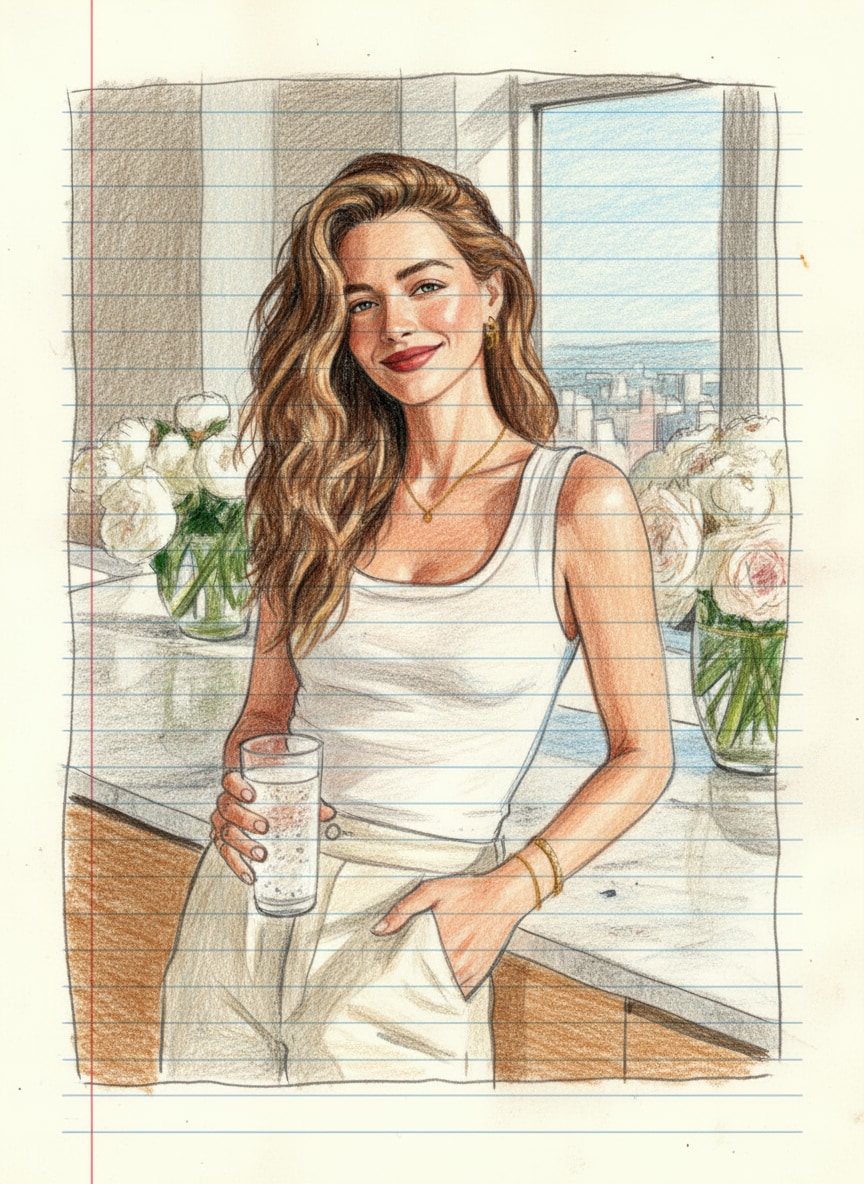
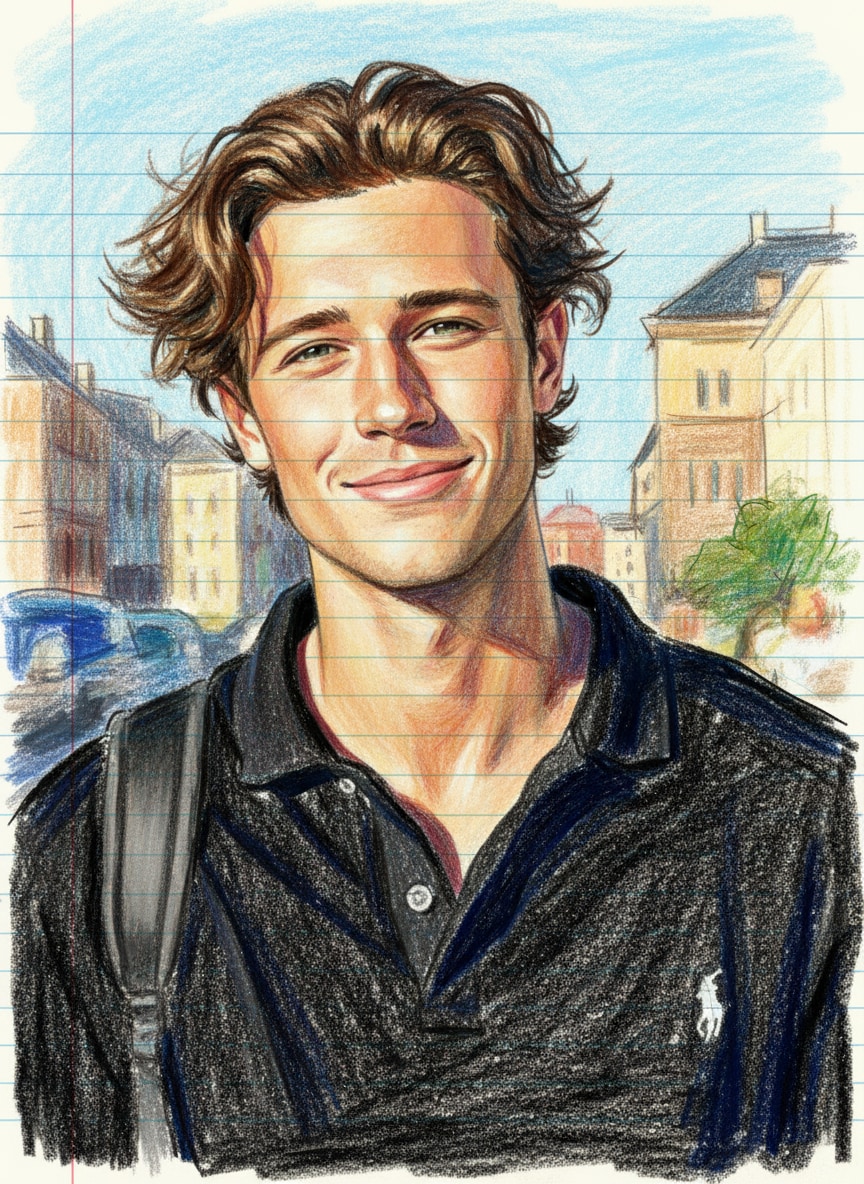
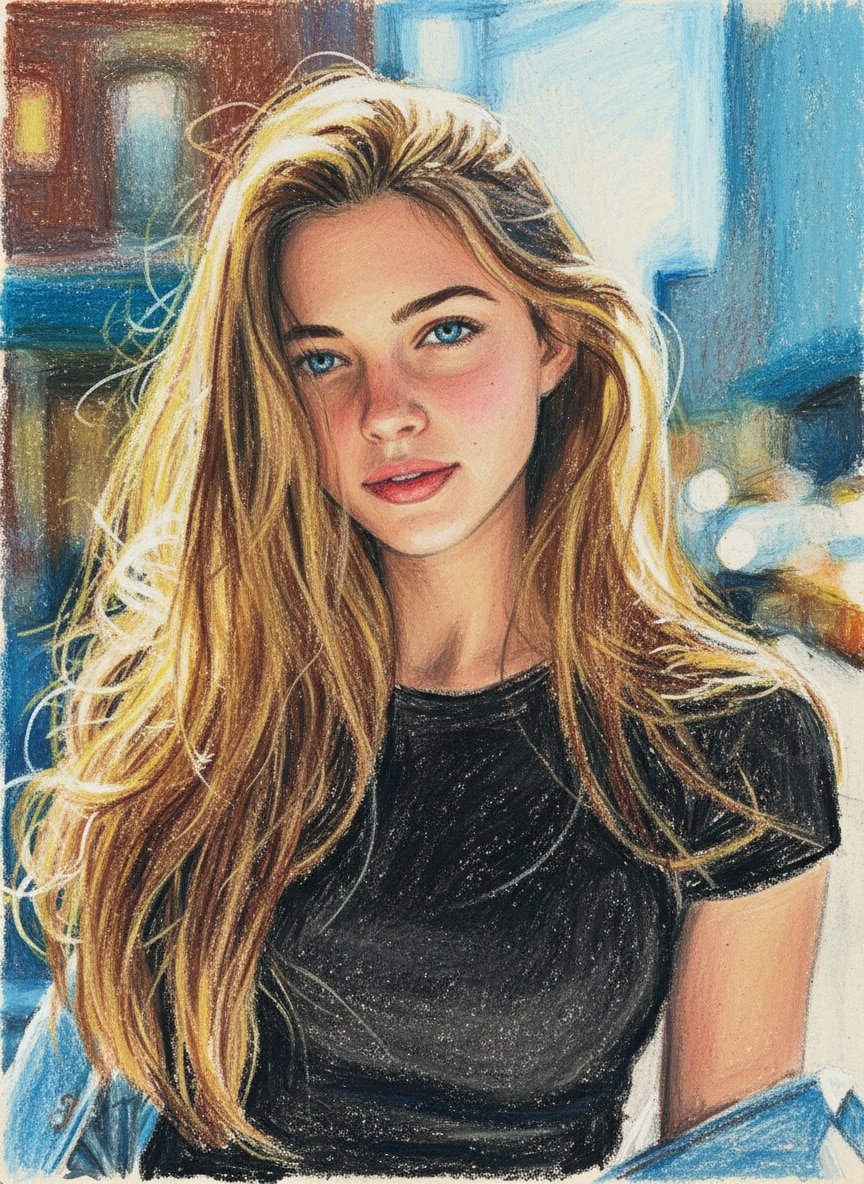
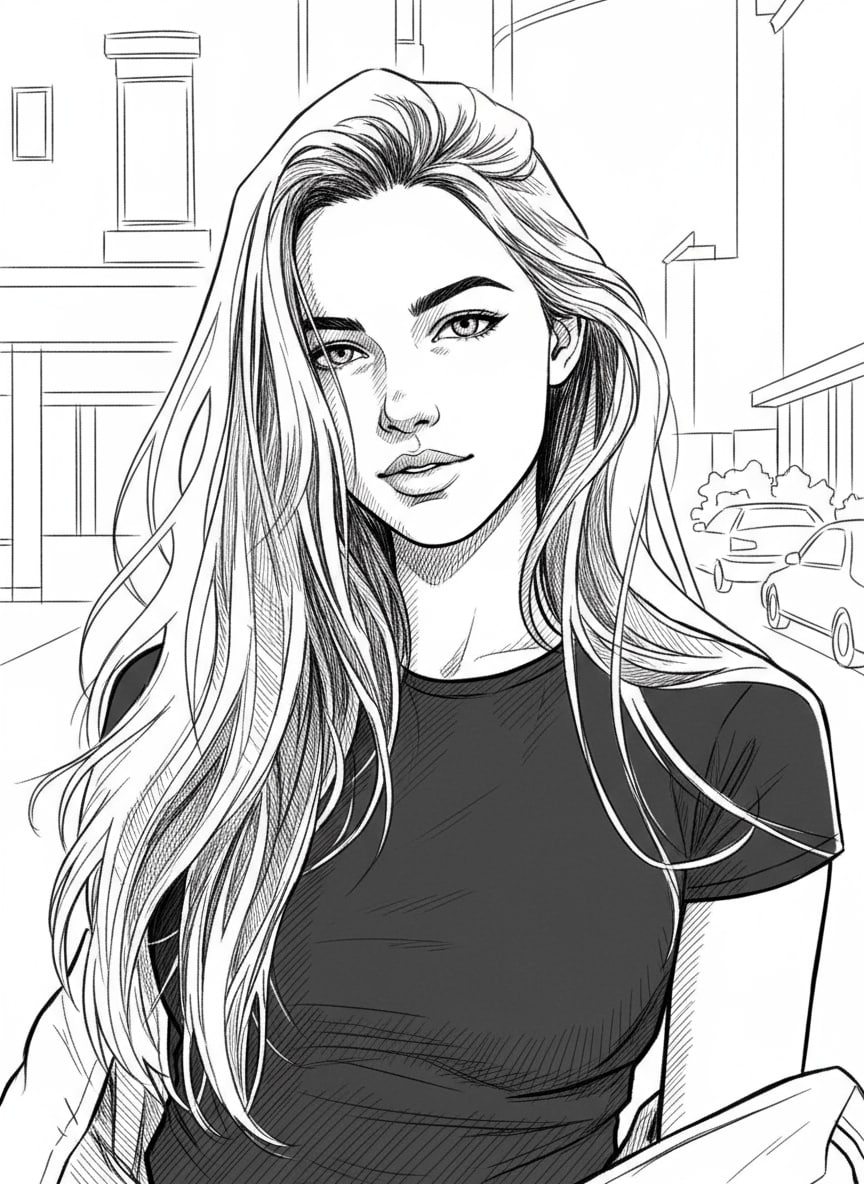
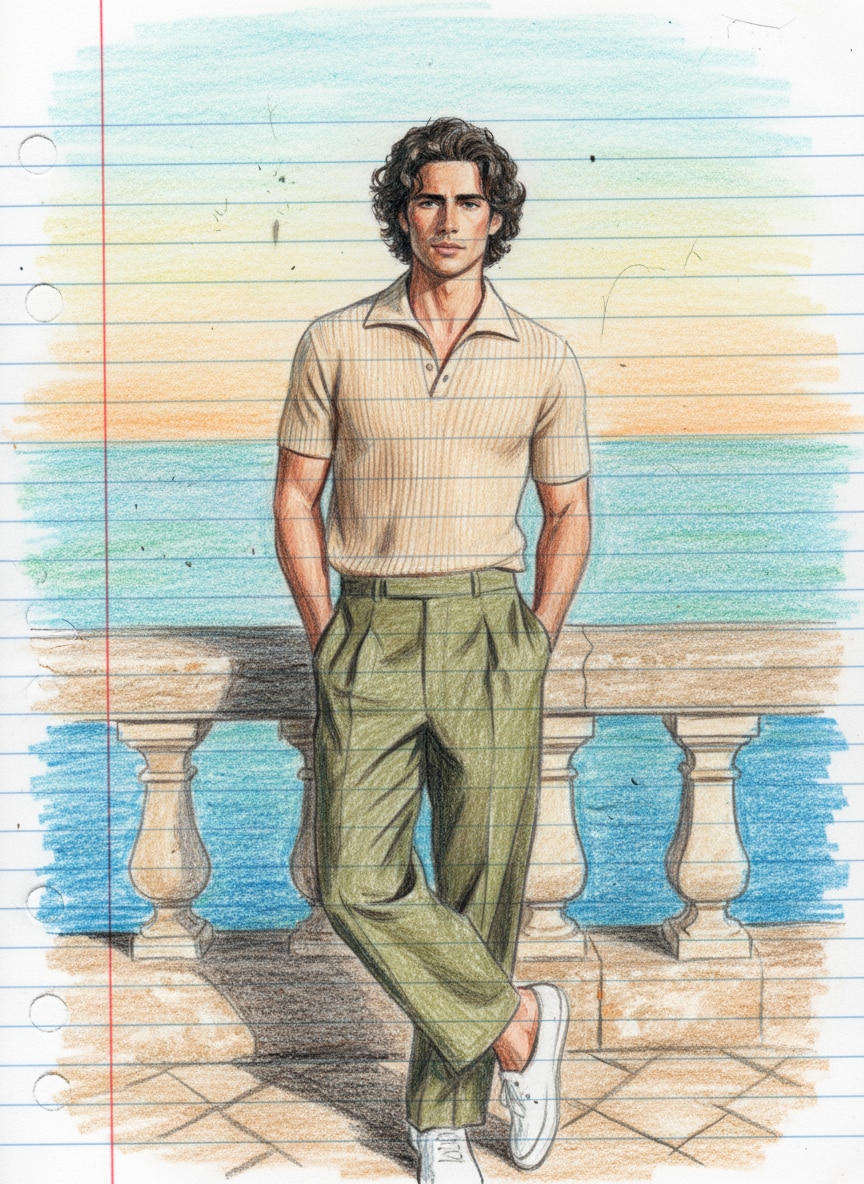
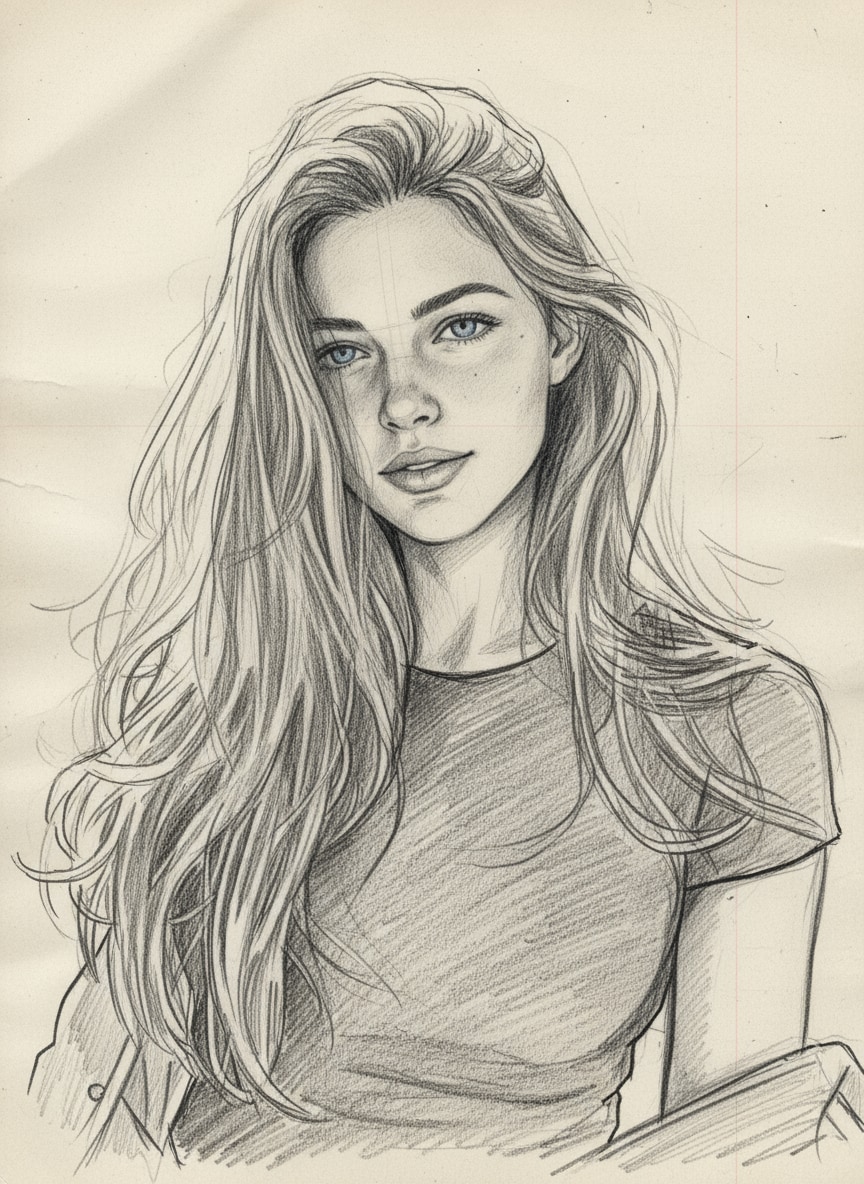
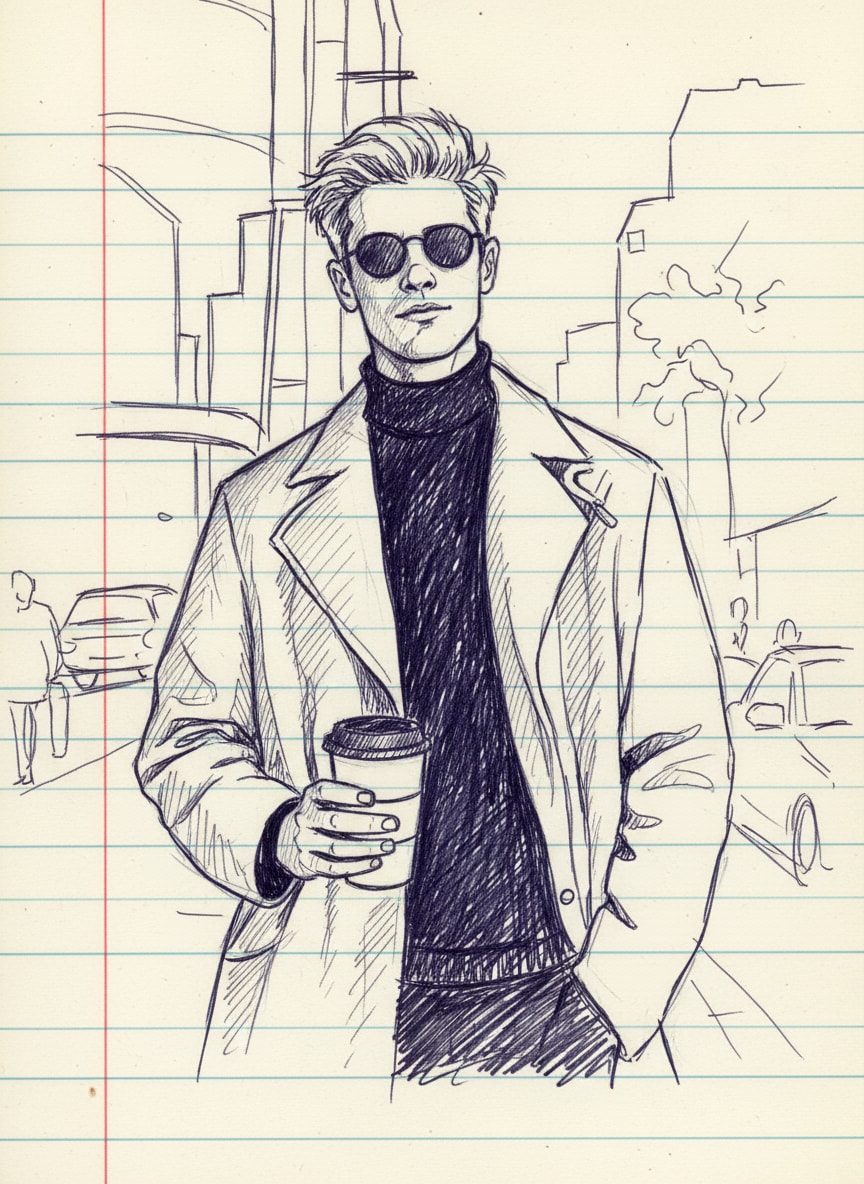
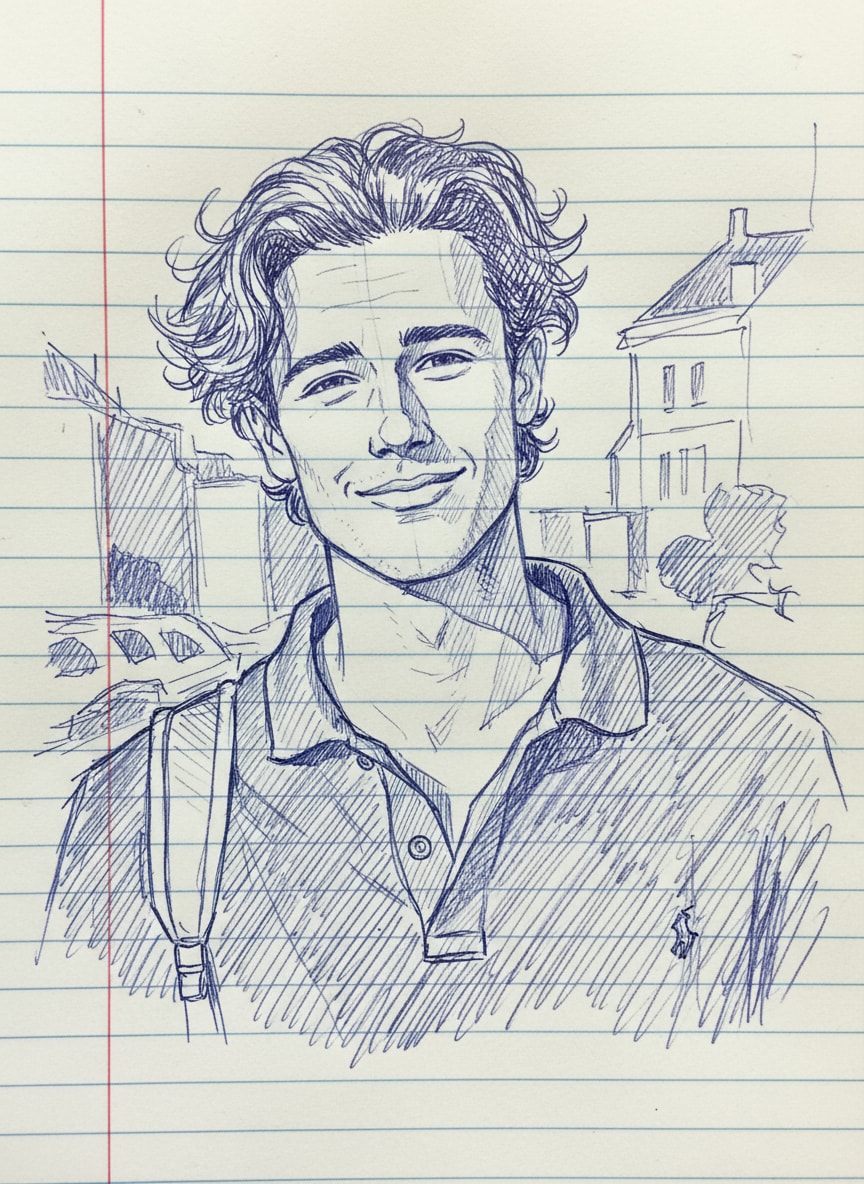
AI drawing photos Created with Media.io - Created with Media.io
How to Use a ChatGPT Pencil Sketch Prompt in 3 Steps
Create a realistic photo-to-sketch transformation without drawing skills. Start with a clear image, describe the pencil medium and texture you want, then refine the result with details such as graphite shading, cross-hatching, paper grain, or colored-pencil strokes.
Open the AI Image-to-Image Generator
Open Media.io’s AI Image-to-Image Generator. Use a clear portrait, pet, couple, or lifestyle photo so the AI has enough facial, pose, and texture detail to preserve.
Upload Your Photo & Paste a Pencil Sketch Prompt
Choose a ready-made ChatGPT pencil sketch prompt below or write your own. Specify the medium—graphite, 2B/4B pencil, colored pencil, fine-line, cross-hatching, sketchbook paper—and tell the AI to keep the original face, pose, and composition recognizable.
Generate, Refine & Download Your Sketch
Click Generate, compare the result with your source photo, and refine the prompt if needed. Add instructions such as “more visible pencil strokes,” “lighter shading,” or “preserve facial proportions,” then download your favorite result.
| Style | AI Drawing Prompt | Preview | Copy |
|---|---|---|---|
|
Notebook Drawing Overview
#creative
#artistic
#unique
|
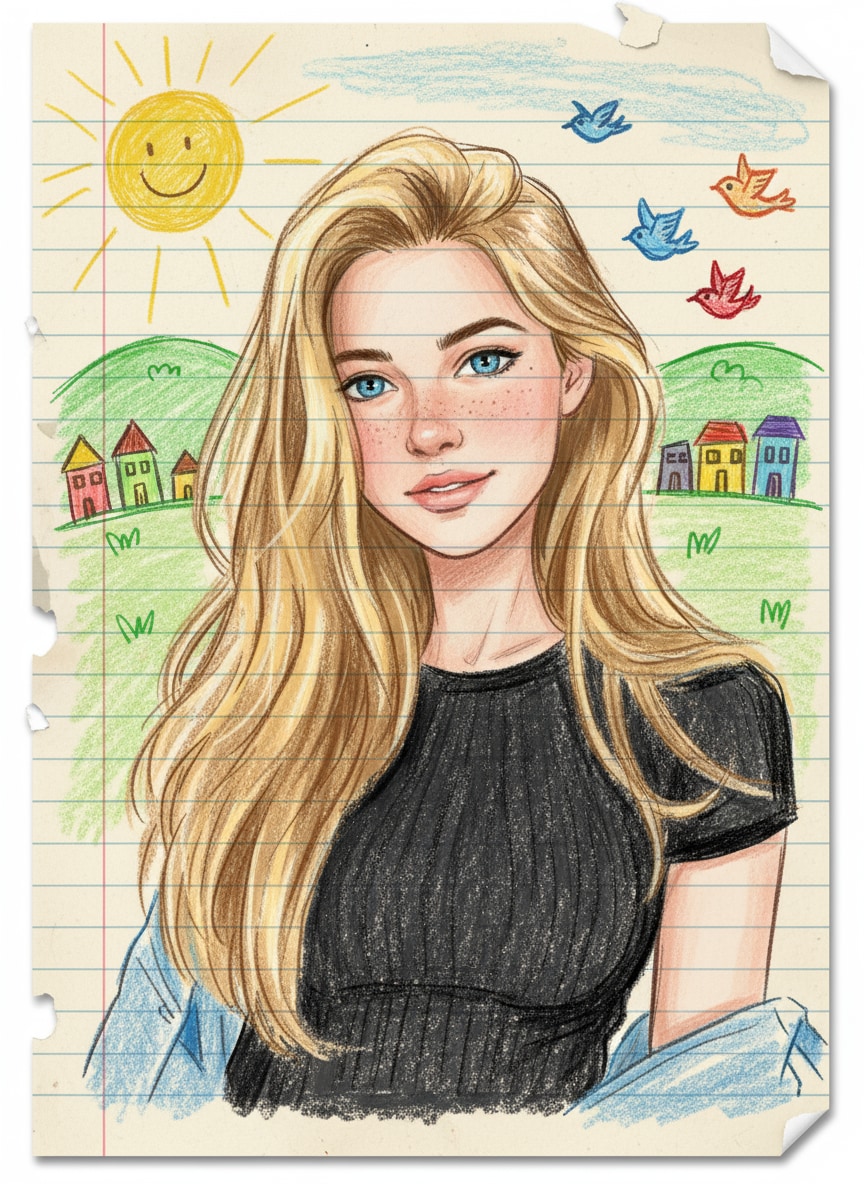
Ai Photo to Notebook Drawing is a creative Ai technique that transforms your real photo into a colorful notebook-style drawing. Such Ai images look as if someone has made a sketch on the page of a school copy with crayons and color pencils. People are creating different types of photos like this using different prompts. That’s why we’ll provide three to four types of prompts, along with the images, so you can view different image samples and use their prompts to create photos in Google Gemini. This prompt is perfect for those who want to give their normal photos a unique artistic touch. Whenever you take a photo using Google Gemini, try to upload a photo in which your face is clearly visible. So that the face in the created gemini ai image is exactly similar |
|
|
|
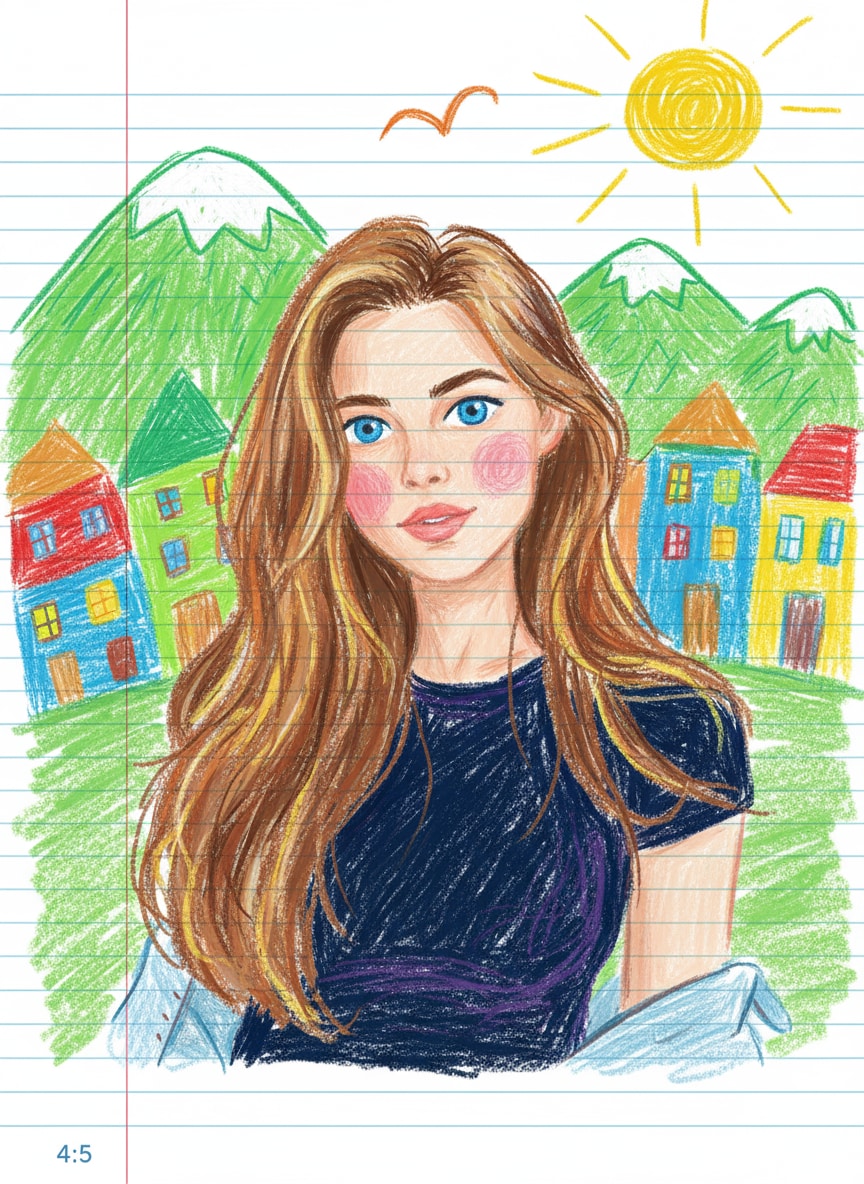
Crayon Notebook Portrait
#colorful
#playful
#childlike
|
Transform the photo into a cute crayon-style drawing on lined notebook paper. Keep the same face, hairstyle, skin tone, expression, and clothes, but recreate them with rough crayon strokes and bright colors. Add green mountains, a yellow sun, an “M”-shaped bird, and colorful scribbled houses in the background. Use blue lined paper with a red margin line, and make the drawing playful, childlike, and slightly imperfect. 4:5 aspect ratio |
|
|
|
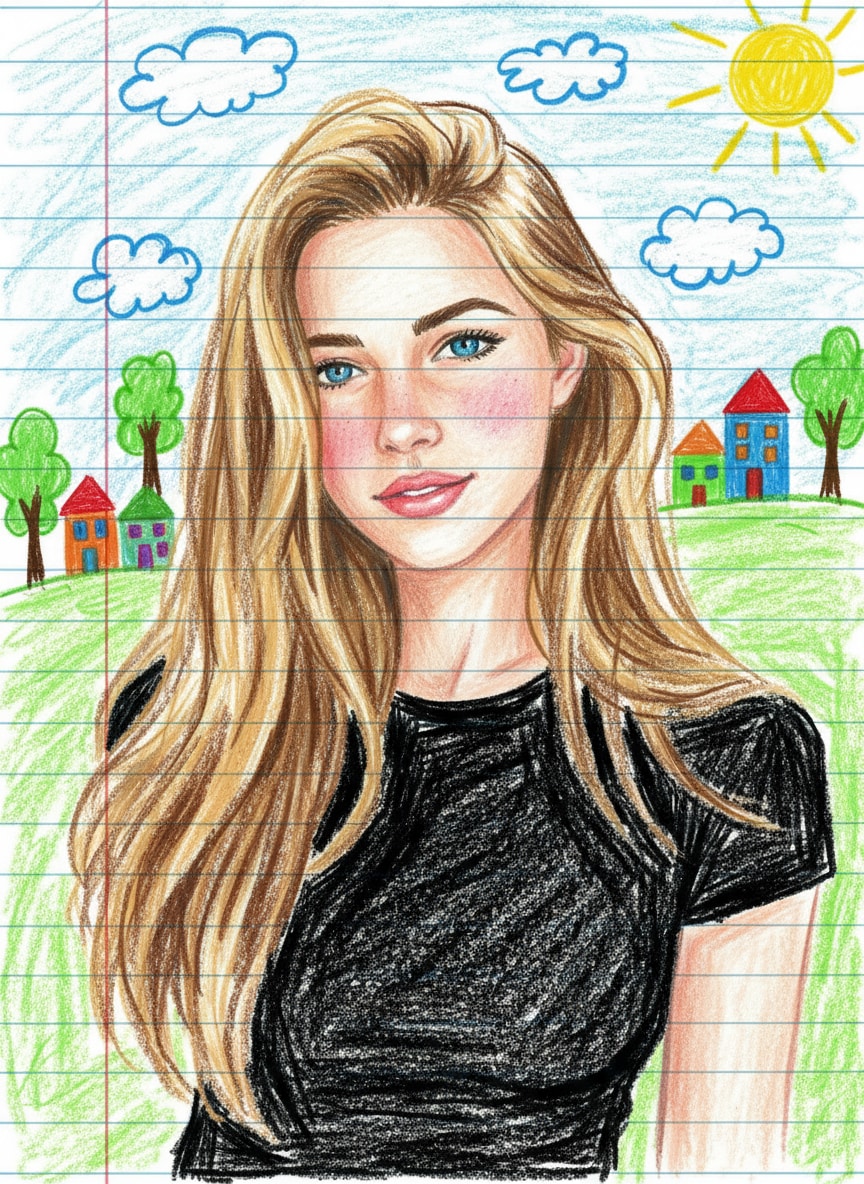
Doodle Notebook Drawing
#bright
#imperfect
#fun
|
Create a playful notebook-style crayon drawing of the person, keeping the same face, hairstyle, and outfit. Also, draw with uneven crayon strokes and bold outlines for a hand-drawn effect. Meanwhile, add doodle-style elements like a sun, clouds, trees, and small colorful houses in the background on blue lined paper with a red margin. Next, make the image look like a fun school notebook sketch, full of bright colors and childlike charm. Finally, use a 4:5 aspect ratio to complete the composition. |
|
|
|
Cheerful Crayon Sketch
#cartoonish
#textured
#spontaneous
|
Turn the uploaded photo into a cheerful crayon art sketch on ruled notebook paper. Keep all original facial features and clothes but give them a soft, cartoonish look with textured crayon coloring. Include simple doodles such as hills, sun, birds, and rainbow-colored houses behind the person. Add rough lines, scribbles, and playful imperfections to make it look spontaneous and cute. 4:5 aspect ratio, notebook-themed design. |
|
|
|
Pencil Sketch Drawing
#realistic
#detailed
#artistic
|
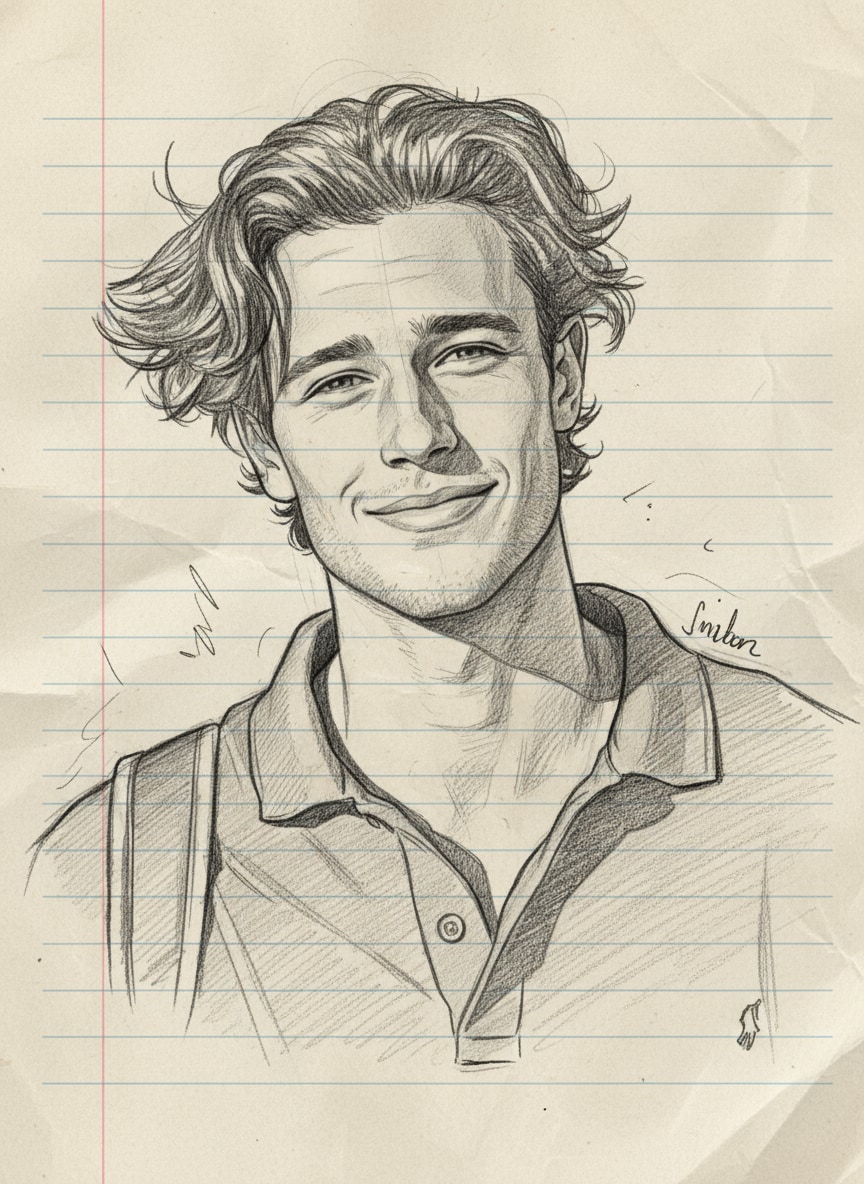
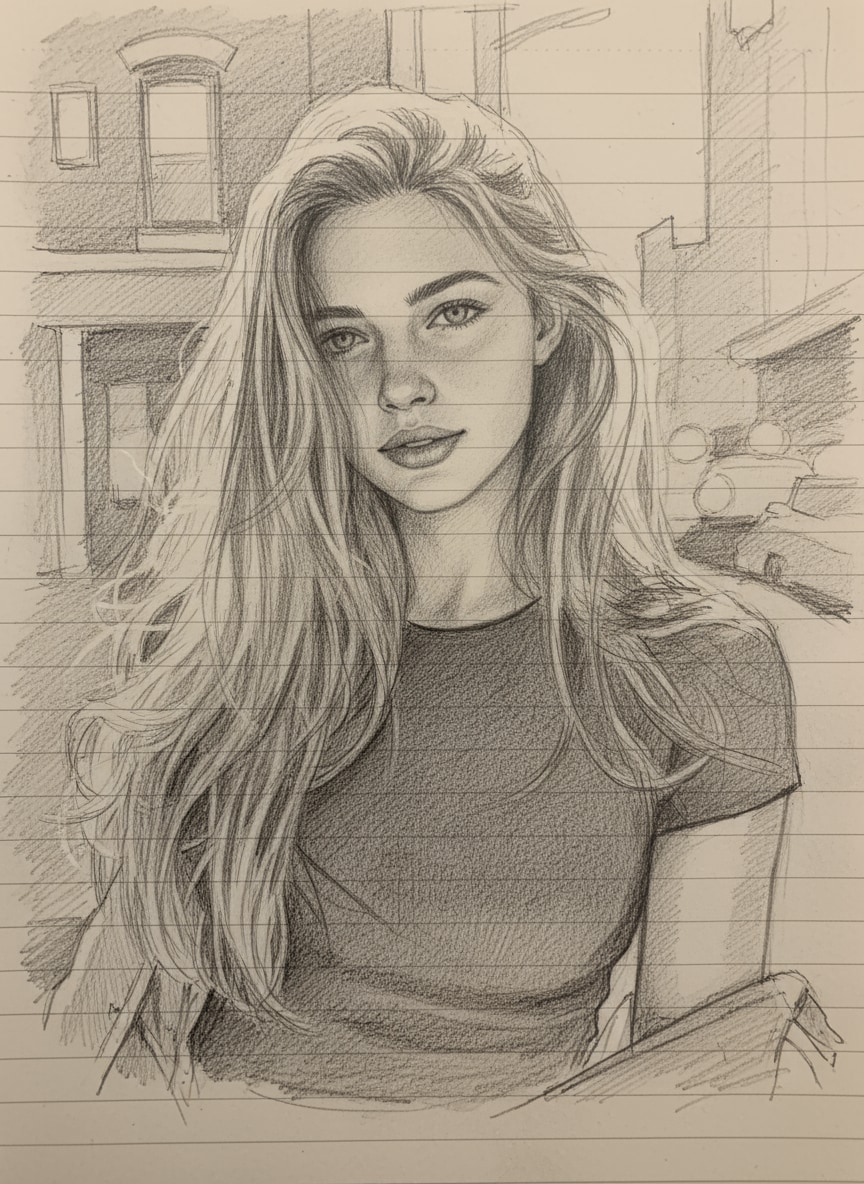
A hyper-realistic pencil sketch of the uploaded photo, hand-drawn style with fine graphite lines, soft shading, and detailed textures. Black and white only, notebook sketch aesthetic, realistic proportions, artistic cross-hatching, subtle paper grain visible. |
|
|
|
Notebook Pen Doodle
#casual
#rough
#student-like
|
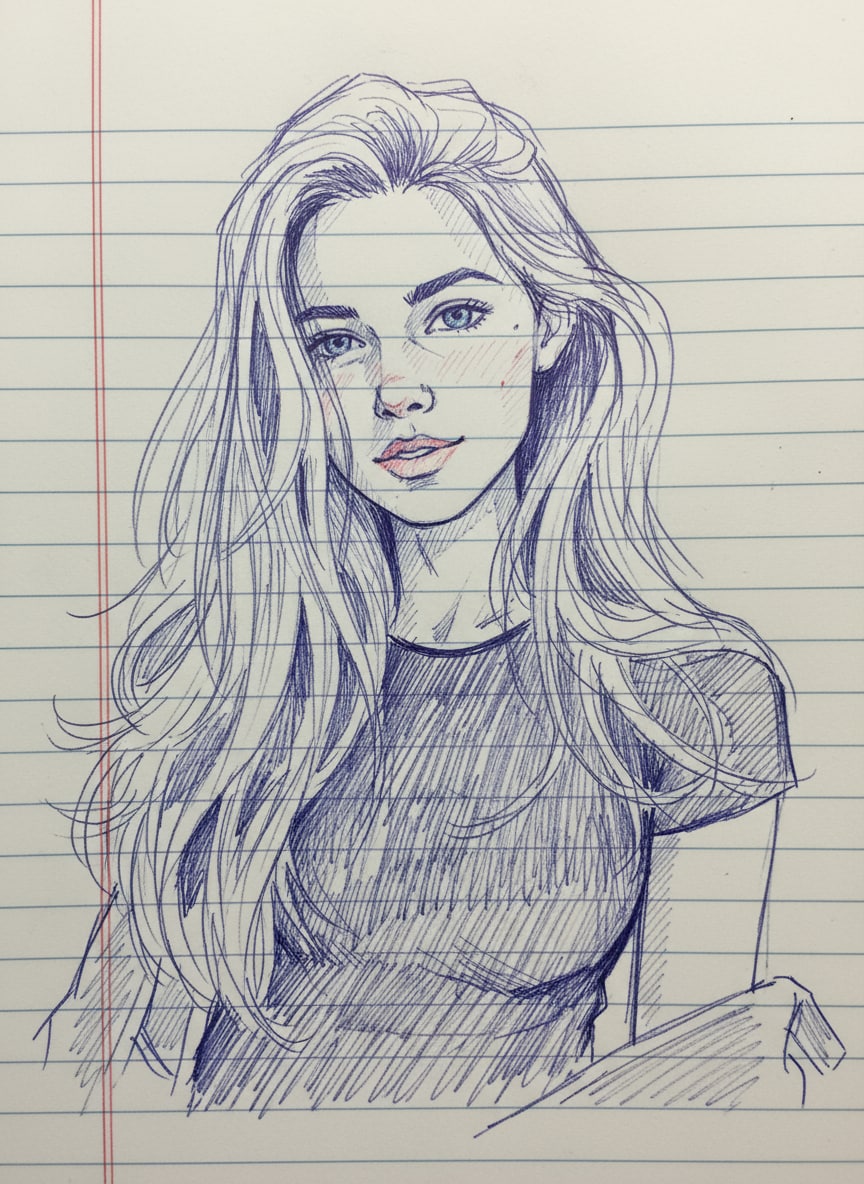
A notebook drawing of the uploaded photo, lined notebook paper background with margin lines, playful doodle style with pen outlines and rough sketch shading. Imperfect, casual strokes that look like a student sketch in a real notebook. |
|
|
|
Crayon Art Style
#colorful
#handmade
#artistic
|
A crayon drawing of the uploaded photo, colorful hand-made look with waxy texture, uneven strokes, and bold colors. Visible crayon marks and shading, child-like but artistic, playful coloring book style, authentic crayon feel on rough paper. |
|
|
|
Comic Ink Illustration
#bold
#high-contrast
#dynamic
|
A black-and-white comic-style drawing of the uploaded photo, strong black ink outlines, simplified shading with cross-hatch patterns, bold contour lines, manga-inspired illustration look, high-contrast, dynamic sketch effect. |
|
|
|
Mixed Sketchbook Art
#blended
#textured
#realistic
|
A creative AI drawing of the uploaded photo, blending pencil sketch details with notebook doodle outlines. Paper texture background, pen strokes combined with graphite shading, making the portrait look both realistic and hand-drawn in a sketchbook. |
|








Why Create ChatGPT-Style Pencil Sketches on Media.io?
With Media.io, you can turn everyday photos into hand-drawn artworks that match your style and purpose. Whether you want a quick viral edit or a meaningful sketch, these unique features make it possible in just seconds.

Realistic Graphite Pencil Sketches
Bring your portraits to life with stunning pencil sketch details. Gemini’s advanced AI captures fine lines, shadows, and textures, so your photo looks like it was drawn by hand. Perfect for users who search for “ChatGPT pencil sketch prompt” and want professional sketch vibes without hiring an artist.

Fine-Line & Sketchbook Styles
Transform your images into playful notebook drawings with lined paper backgrounds and doodle-style shading. This trend is exploding on social media, and Media.io makes it effortless — ideal for students, creators, or anyone who wants a fun, personal sketch edit to share on Reels or Shorts.

Colored Pencil & Mixed Media
Go beyond black-and-white and experiment with crayon art or comic-style edits. Add a pop of color, bold outlines, and a vibrant, hand-made feel. These prompts let you create eye-catching visuals that stand out in TikTok feeds and Instagram explore pages.

Prompt-Controlled & Easy to Refine
No design skills? No problem. Just upload your photo, copy a ChatGPT Pencil Sketch Prompt, and get a polished hand-drawn edit in seconds. Download high-resolution results and share instantly across Instagram, YouTube, and more — perfect for going viral with minimal effort.


FAQs About
ChatGPT Pencil Sketch Prompt
1. What is a ChatGPT pencil sketch prompt?


A ChatGPT pencil sketch prompt is a text instruction that tells an AI image model how to redraw an uploaded photo as hand-drawn pencil art. Strong prompts describe the pencil medium, line weight, shading, paper texture, composition, and how closely the result should preserve the original subject.
2. How do I make a realistic pencil sketch from my photo?
Upload a clear, well-lit photo and use a prompt that asks for fine graphite strokes, natural proportions, visible paper grain, soft tonal shading, and recognizable facial features. For more realism, specify pencil grades such as 2B or 4B, cross-hatching, subtle smudging, and restrained highlights.
3.How can I keep the same face in a ChatGPT pencil sketch?
Tell the AI to use the uploaded photo as the identity reference and preserve the face shape, eyes, nose, lips, hairstyle, expression, pose, and proportions. A sharp source image with an unobstructed face usually gives the model more useful visual information to follow.
4. Which pencil sketch styles can I create with these prompts?
You can create classic graphite portraits, fine-line studies, bold contour sketches, sketchbook drawings, unfinished gesture sketches, charcoal-like shading, colored-pencil portraits, notebook art, and mixed-media looks. Adjust the prompt to control line density, contrast, background, paper texture, and aspect ratio.
5. Can I use a ChatGPT pencil sketch prompt for pets, couples, or social posts?
Yes. The same prompt structure works for pets, couples, family photos, travel shots, profile pictures, and social content. For multiple subjects, explicitly ask the AI to keep each face individually recognizable and maintain the original spacing and composition.
Why Creators Love Media.io’s AI Drawing Photo Generator?

Content Creator


Looks genuinely hand-drawn. I turned a simple portrait into a soft graphite sketch with visible paper grain and fine shading. The face stayed recognizable, while the pencil texture gave it the handmade look I wanted.

Freelance Designer
Great control over texture. I could switch from clean fine-line drawing to darker cross-hatching just by changing a few words in the prompt. It is useful for testing several illustration directions from the same source photo.

Social Media Creator
Perfect for profile edits. The colored-pencil version worked especially well for a profile post. I kept the original pose and expression, then added softer strokes and a sketchbook background for a more personal result.



