AI Polar Express Style Photo Generator
Turn Your Christmas Photo into a Magical Scene from The Polar Express in Seconds
Upload your family holiday photo and instantly transform it into a dreamy, cinematic scene inspired by The Polar Express—complete with deep blue night skies, golden glowing lights, soft snow, and that nostalgic animated-movie warmth. No editing skills needed. Just upload, click, and step aboard the magic train.
Transform My Photo into Polar Express Style Now →
How to Turn Your Photo into The Polar Express Style
Make your Christmas memories feel like a classic animated movie. With Nano Banana Pro, transform any holiday photo into a dreamy, golden-lit scene straight from The Polar Express—perfect for Instagram, family albums, or holiday cards.
Open the Polar Express AI Photo Tool
Go to Media.io’s AI Image-to-Image Generator. No install, no login—just open in your browser and start creating with Nano Banana Pro.
Upload & Choose a Movie-Style Prompt
Upload a clear photo (bonus if it’s in front of a Christmas tree!). Then use a prompt like “turn this into a Polar Express movie scene with golden glow and snowy night” or select a preset style. The AI preserves faces while adding cinematic lighting and texture.
Download & Share the Magic
Click Generate—your photo becomes a Polar Express moment in seconds. Download in HD and share your nostalgic holiday magic on social media or print it as a keepsake.
| Style | Nano Banana Pro Polar Express Prompt | Preview | Copy |
|---|---|---|---|
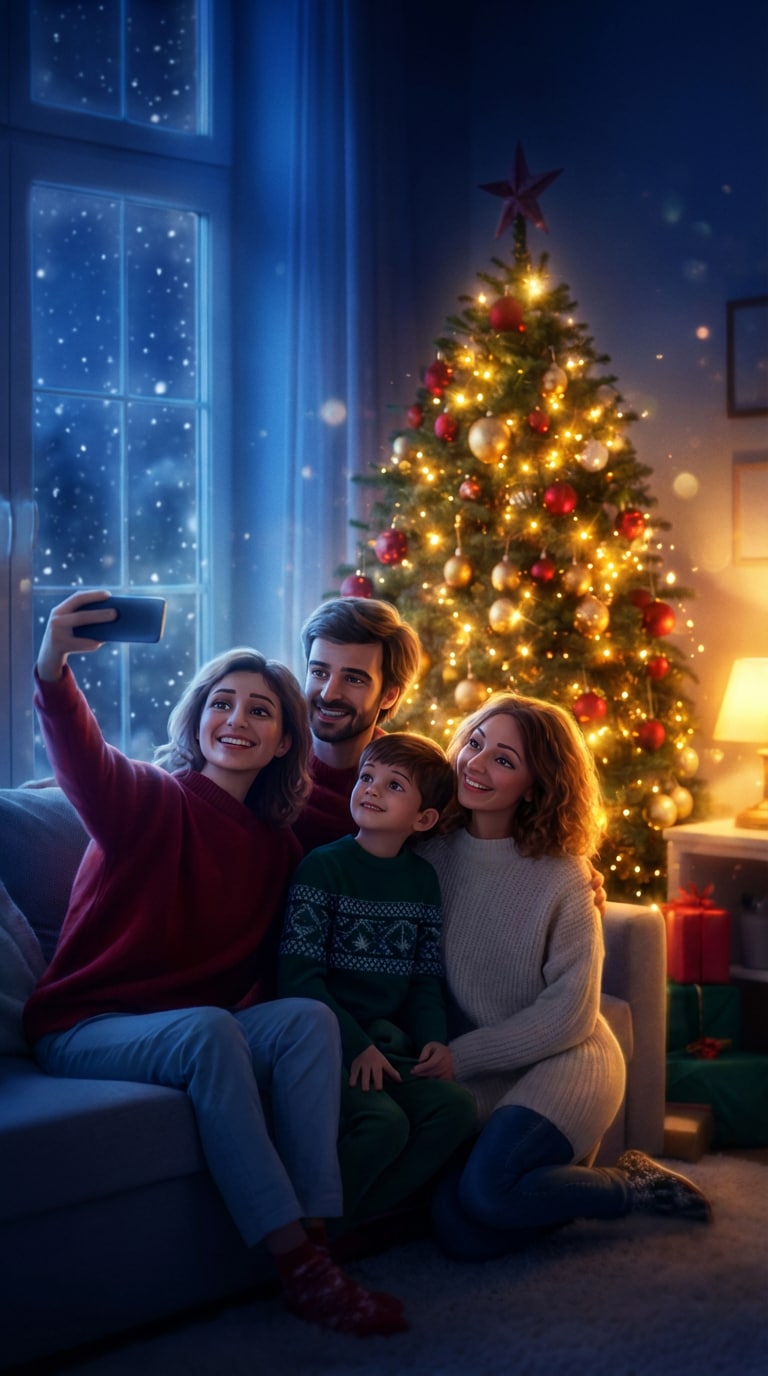
Classic Movie Scene |
Transform this photo into a cinematic Polar Express-style image. Apply deep blue nighttime atmosphere, warm golden glow from Christmas lights, soft focus with dreamy haze, gentle snowfall, and the signature animated film texture. Keep all people and their facial features unchanged—only enhance the magical Christmas Eve mood with richer shadows and twinkling light halos. |
 |
|
Golden Light Magic |
Apply a cinematic Polar Express color grade to this image. Add soft golden highlights on faces and decorations, deeper cool shadows, sparkling light bokeh, and a vintage Christmas film atmosphere. Do NOT change faces or details—only enhance lighting to create that iconic warm-meets-cold contrast from the movie. |
 |
|
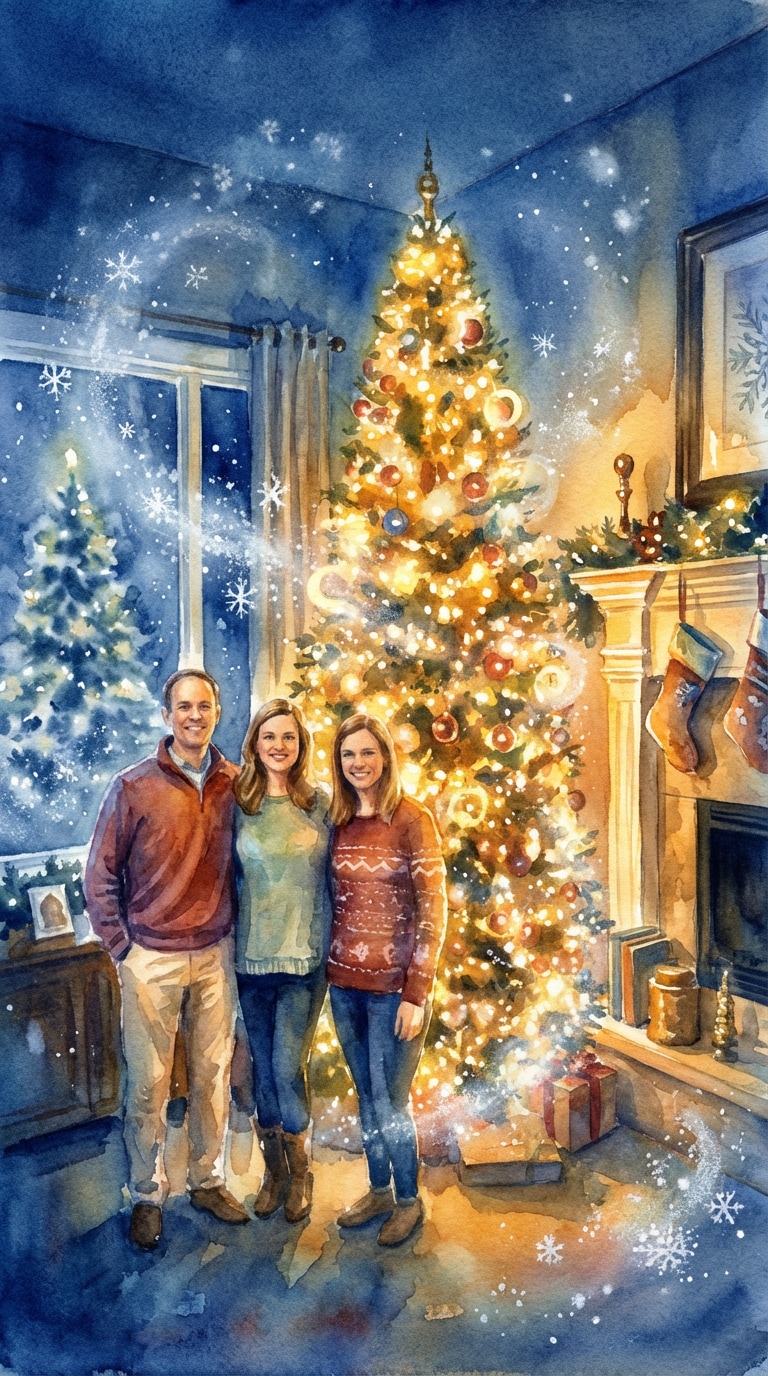
Watercolor Fairy Tale |
Create a watercolor painting of this scene in the style of The Polar Express, with rich blues and golds, soft painterly brushstrokes, and a nostalgic feel. Keep people recognizable but render them with gentle artistic texture. Add glowing Christmas tree lights and dreamy snow effects while maintaining the original composition. |
 |
|
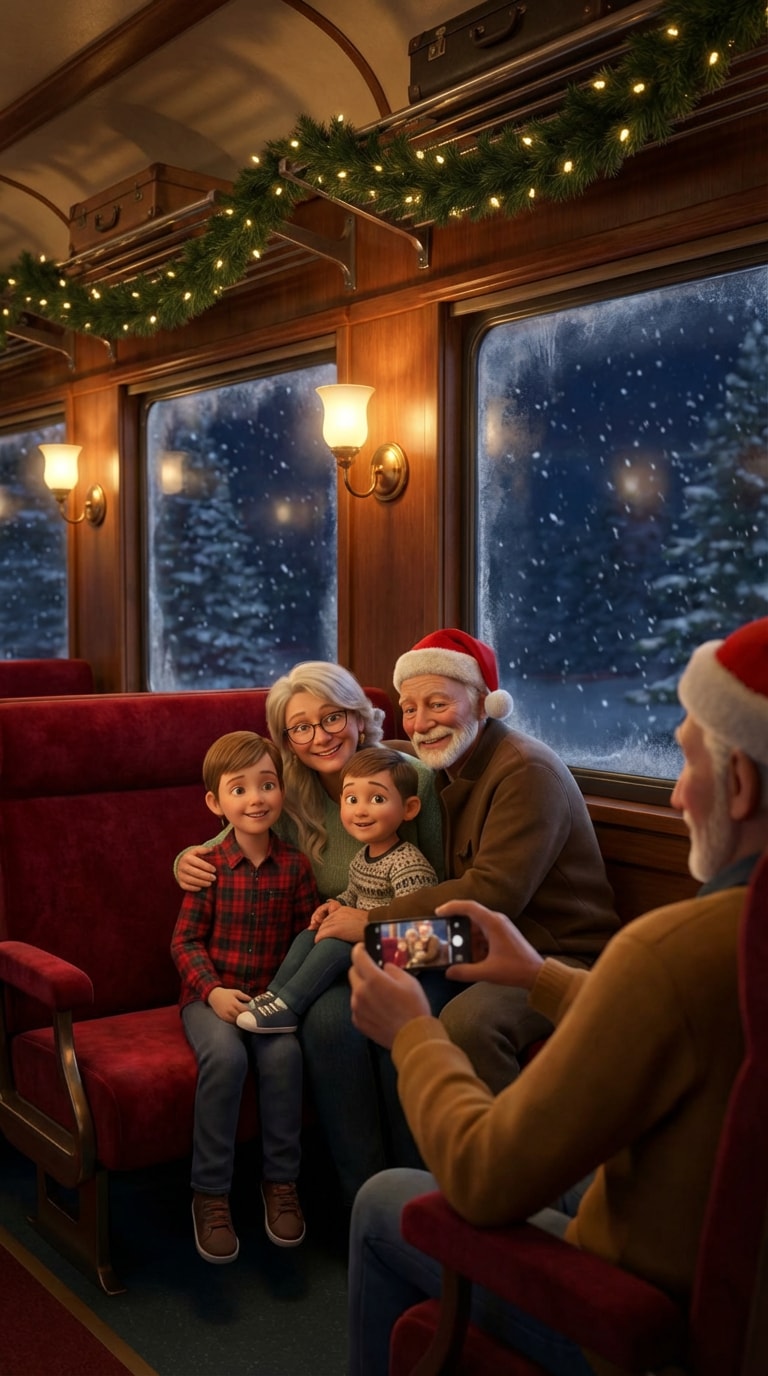
Train Car Scene |
Use this image as inspiration to create a Polar Express train interior moment. Place the people inside a cozy train car with warm vintage lighting, steamy frosted windows showing snowy night outside, soft reflections, and the iconic red velvet seats. Blend naturally so they look like animated characters from the movie. |
 |
|
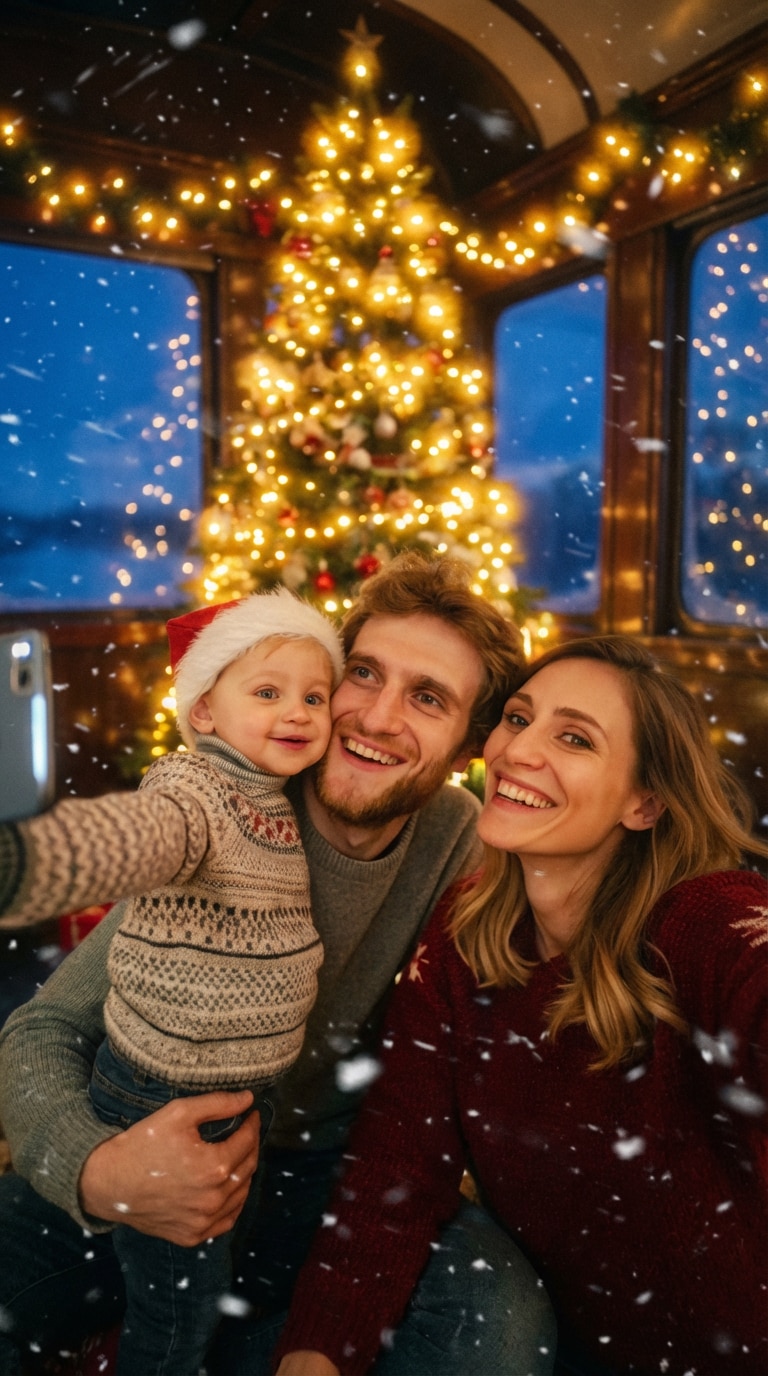
Snowy Night Magic |
Turn this photo into a magical Polar Express scene with snow and twinkling lights. Add falling snowflakes with soft blur, deep blue twilight sky, golden halos around Christmas lights, and a subtle vintage film grain. Preserve all people and details accurately—only add that enchanting "believe in Christmas magic" atmosphere. |
 |
|
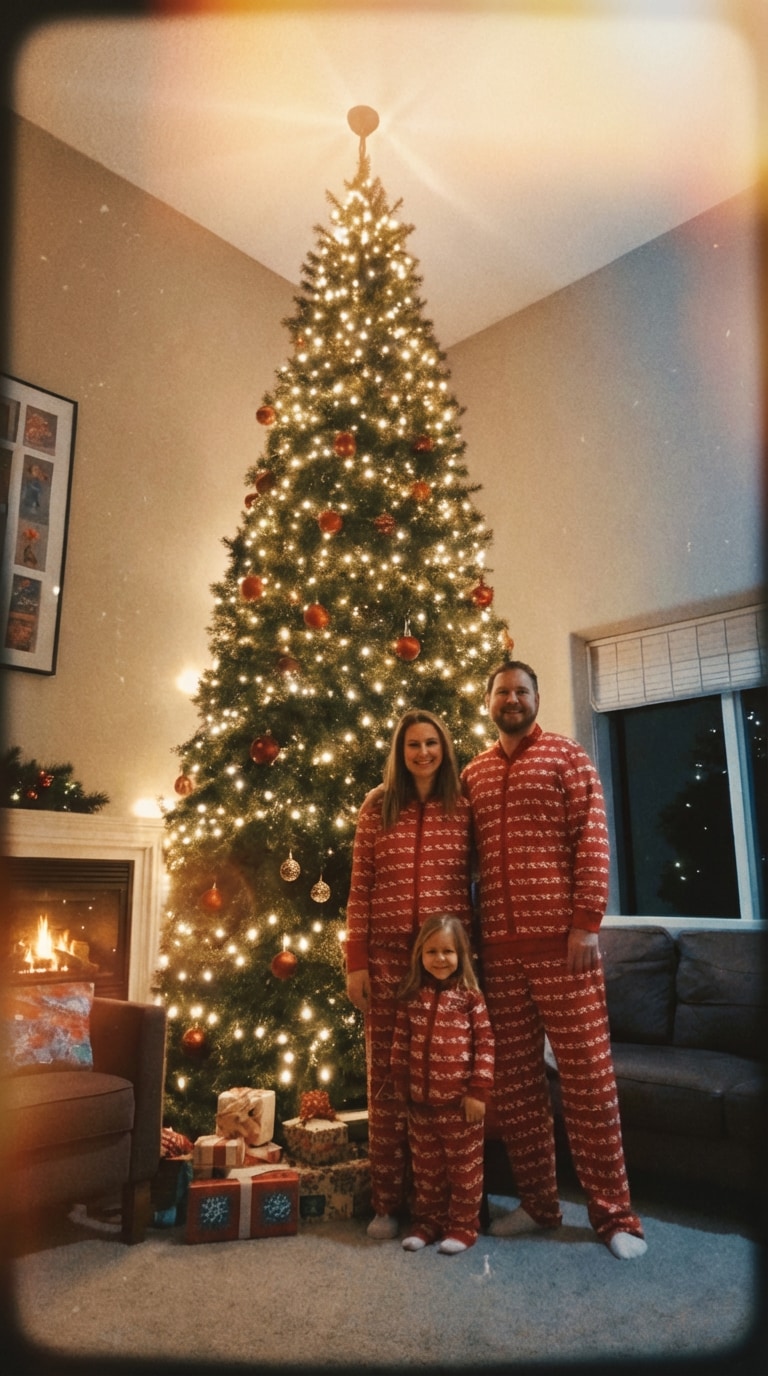
Vintage Nostalgia Filter |
Apply a vintage, cozy Christmas filter to this image, like a scene from The Polar Express. Add soft vignette edges, warm sepia-golden tones mixed with cool blues, gentle light leaks, and a nostalgic 2000s holiday film quality. Keep faces and clothing unchanged—focus on creating that heartwarming memory feeling. |
 |
|
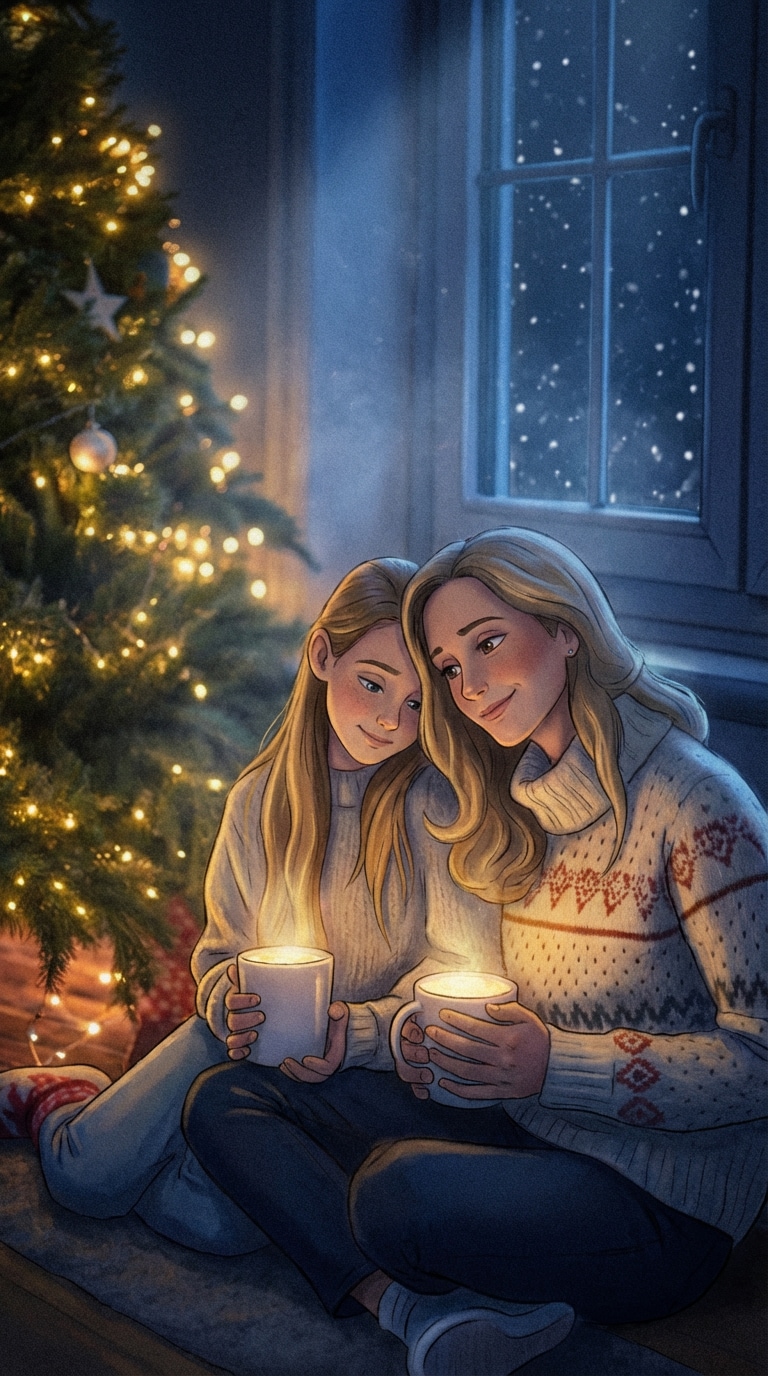
Animated Character Style |
Make this look like a still from the Polar Express movie, transforming people into animated characters with soft cel-shaded features while keeping them recognizable. Add the signature deep blue-gold color palette, glowing Christmas lights, dreamy atmosphere, and that magical animated film texture throughout the scene. |
 |








FAQs About
AI Polar Express Photo Generator
1. What is the AI Polar Express photo effect?


It’s an AI-powered image style that turns your real holiday photo into a cinematic scene inspired by the 2004 animated film The Polar Express—with golden lighting, snowy skies, and that dreamy, nostalgic movie feel—while keeping your faces and outfits intact.
2. Do I need to write my own prompt?
Not at all! You can use one of our ready-made prompts (like “Golden Night Glow” or “Family on the Train”), or type your own. Nano Banana Pro makes it easy for both beginners and pros.
3. Can I use this for kids’ photos?
Absolutely! It’s especially popular for turning Christmas morning or tree-trimming photos of children into magical movie moments—safe, fun, and full of holiday spirit.
4. Is my data private?
Yes. All uploaded and generated images are automatically deleted within 7 days. Media.io never stores or shares your photos beyond that.
5. Why use Nano Banana Pro for this?
Nano Banana Pro delivers accurate face retention, realistic lighting blending, and true-to-movie color grading—so your result feels authentic, not artificial. It’s built for creators who want magic without losing memory.
Why Families & Creators Love the Polar Express AI Effect

Mom & Content Creator


My kids cried happy tears! I turned our Christmas morning photo into a Polar Express scene—they thought Santa sent it! The lighting felt so real, like we were actually on the train.

Holiday Brand Designer
Perfect for our holiday campaign. Used Nano Banana Pro to restyle customer-submitted photos into Polar Express scenes—zero reshoots, huge engagement. Clients loved the emotional nostalgia.



