Sync.so Lip Sync Review: Models, API and Dubbing Workflow

Retiming a speaker's mouth after recording translated audio is a specialized task. Sync.so, developed by Sync Labs, offers a browser Studio and video lip sync API with model choices ranging from lower-cost generations to native 4K lip-sync output. The most useful questions are how a model handles a particular shot, how much each processed second costs and whether the project needs developer-led batch localization.

Core Features of Sync.so AI Lip Sync and Visual Dubbing

Sync.so specializes in AI lip synchronization and video dubbing, combining multiple quality and speed models with a browser Studio, asynchronous API, SDKs, webhooks and higher-tier batch processing.

Core Feature Overview

Lip Sync Models With Distinct Economics

Its published developer docs list lipsync-1.9, lipsync-2, lipsync-2-pro, react-1 and sync-3. Not every model offers the same quality, resolution or per-second price, so trials should compare the same face shot across the models actually available.

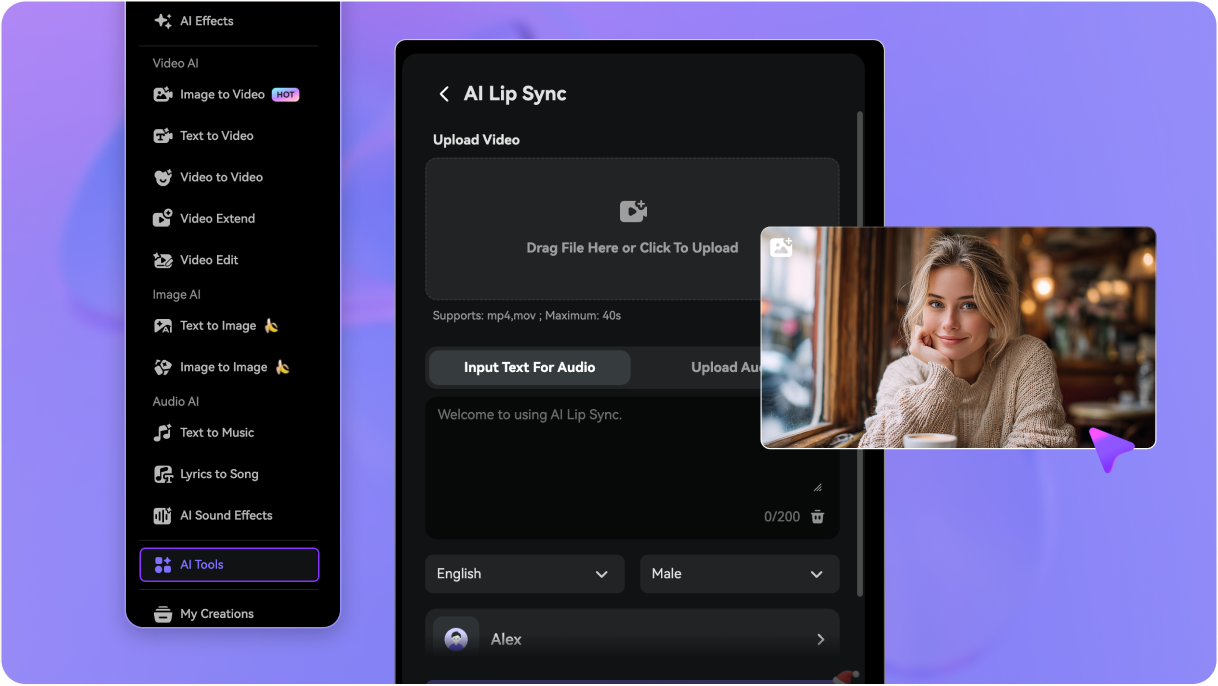
Illustrative Media.io workflow graphic, not a Sync.so interface screenshot

Sync-3 Native High-Resolution Output

Sync Labs describes sync-3 as a native 4K option, unlike the lower-resolution face processing specified for some lipsync-2 variants. That distinction matters for close-ups, but it also changes the per-second estimate.

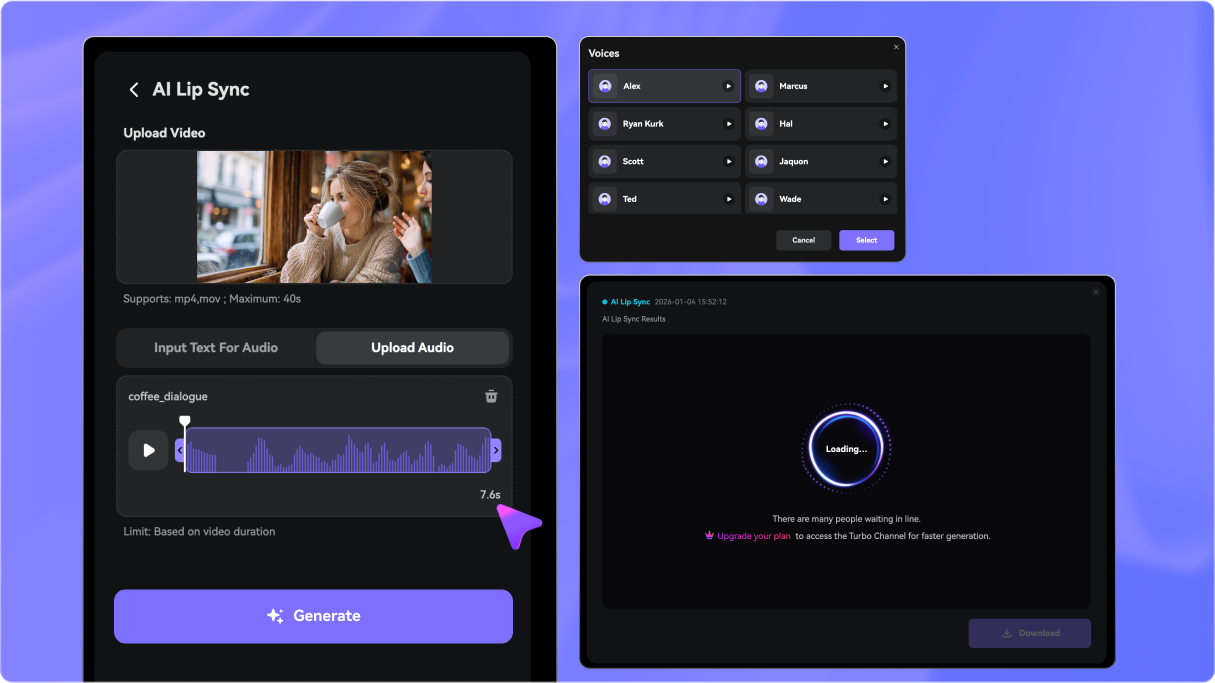
Illustrative Media.io workflow graphic, not a Sync.so interface screenshot

Video Dubbing With Replacement Speech

A localized audio track can drive a speaker's lip movements in existing footage. Text-to-speech and translation may be part of a wider system; the lip-sync stage should not be confused with end-to-end translation quality.

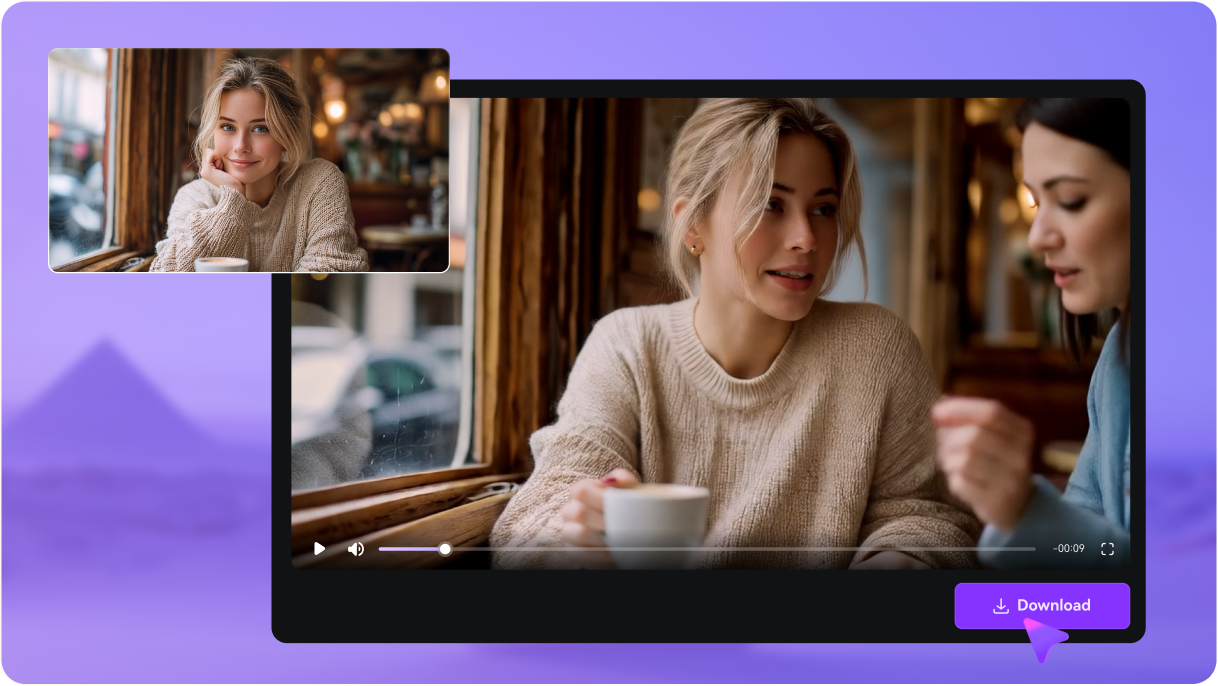
Illustrative Media.io workflow graphic, not a Sync.so interface screenshot

Browser Studio for Model Comparison

Before integrating the service, users can experiment with models in the web Studio. This reduces the need to build an app just to check whether motion looks usable on an initial clip.

Illustrative Media.io workflow graphic, not a Sync.so interface screenshot

REST API, Python and TypeScript SDKs

Developers can submit generated media tasks via documented endpoints and use SDKs to manage assets, outputs and application integration. Webhook notifications support asynchronous pipelines without constant polling.

Illustrative Media.io workflow graphic, not a Sync.so interface screenshot

Batch Processing for Localization Teams

Official documentation notes larger batch-processing capabilities on Scale and higher plans. Bulk dubbing teams should assess generation concurrency, failure handling and the total seconds of media processed.
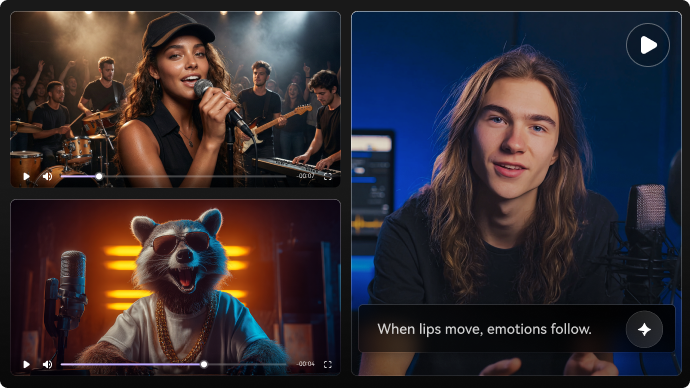
Illustrative Media.io workflow graphic, not a Sync.so interface screenshot

How to Lip Sync a Short Video Online

1
2
3
1
Prepare your source

Choose footage you own or are licensed to modify and prepare an approved new voice track.

2
Create the AI result

Open Media.io AI Lip Sync and provide the supported video and speech inputs for the target performance.

3
Review and export

Inspect the mouth movement and audio alignment in the preview before publishing or delivering the localized version.

Illustrative Media.io workflow graphic, not a Sync.so interface screenshot

Best Uses of Sync.so: Video Lip Sync And Visual Dubbing Api Versus Simple Edit

Keep an instructor's facial delivery aligned when an e-learning lesson receives a new language soundtrack. Additional tasks include global product presenter and film postproduction retakes.

Course Localization

Keep an instructor's facial delivery aligned when an e-learning lesson receives a new language soundtrack.

Customer Testimonial Translation

Localize an approved speaker video while checking that the translated script still reflects their original message. For a related Media.io workflow, explore Lip Sync Animation.

Global Product Presenter

Create regional versions of one product walkthrough without organizing multiple studio shoots.

Personalized Sales Messages

Use a controlled recording and consented replacement audio for approved localized introductions.

Film Postproduction Retakes

Investigate mouth-motion changes for a specific line before committing to an expensive full-sequence regeneration. For a related Media.io workflow, explore .

Developer Video Service

Embed visual dubbing into a production pipeline that already manages uploads, transcription and translation.

Sync.so Pricing, Restrictions and Practical Limitations

Published model pricing is tied to video seconds at specified conditions. Reprocessing unsuccessful or revised shots can enlarge total cost. Obscured mouths, camera cuts, fast motion and multiple faces may require manual reviews or source re-edits even with a capable model.

Seconds Are Billable Units

Published model pricing is tied to video seconds at specified conditions. Reprocessing unsuccessful or revised shots can enlarge total cost.

Input Footage Determines the Ceiling

Obscured mouths, camera cuts, fast motion and multiple faces may require manual reviews or source re-edits even with a capable model.

Model-Specific Resolution and Speed

The cheaper model family does not automatically provide native 4K processing. Check output dimensions and latency for the selected model.

API Engineering Is a Separate Task

An API endpoint does not supply your entire localization product; translation, audio creation, queue management and error recovery may be needed.

Batch and Duration Rights Vary by Plan

The official docs specify generation-duration and batch-size limits that depend on plan level. A free test should not be mistaken for unlimited throughput.

Consent and Authenticity Need Review

A lip-synced performance can change perceived speech. Use permission, appropriate disclosure and a translation accuracy review for sensitive messaging.

Sync.so vs Media.io: Pricing, Features and Workflow Fit

Sync.so should be assessed on a real source clip: mouth visibility, selected model, dub language, processed seconds and pipeline complexity. Media.io targets a smaller edit when the creator wants a quick lip-synced performance without integrating a batch-generation API.

Decision Factor Sync.so Media.io
Primary task Integrate multi-model lip syncing into multilingual video infrastructure with batch and api requirements. Make a single lip-sync clip or a short dubbing-oriented edit without building a production api.
Core feature Lip Sync Models With Distinct Economics: Its published developer docs list lipsync-1.9, lipsync-2, lipsync-2-pro, react-1 and sync-3. Not every model offers the same quality, resolution or per-second price, so trials should compare the same face shot across the models actually available. Create individual lip-synced clips without designing a queue-based API system.
Source and preparation A localized audio track can drive a speaker's lip movements in existing footage. Text-to-speech and translation may be part of a wider system; the lip-sync stage should not be confused with end-to-end translation quality. Choose footage you own or are licensed to modify and prepare an approved new voice track.
Ideal deliverable Course Localization: Keep an instructor's facial delivery aligned when an e-learning lesson receives a new language soundtrack. Work on a short product message, avatar or translated social clip in a browser.
Workflow control Before integrating the service, users can experiment with models in the web Studio. This reduces the need to build an app just to check whether motion looks usable on an initial clip. Use video dubbing and voice tools for nearby localization tasks.
Pricing model Sync Labs documents a small free trial of shared monthly generations with a duration cap, while paid processing uses model-specific per-second prices. Its docs show an approximate price range from $0.02 to $0.133 per second at 25 fps, depending on the model. Sync Labs publishes model-specific costs per output second and batch allowances. A Media.io lip-sync creation is a direct tool task, so the cost comparison should start with the exact duration and number of required language versions.
Main production limitPublished model pricing is tied to video seconds at specified conditions. Reprocessing unsuccessful or revised shots can enlarge total cost.Check consent, pronunciation and continuity before distribution.
Who owns the process Official documentation notes larger batch-processing capabilities on Scale and higher plans. Bulk dubbing teams should assess generation concurrency, failure handling and the total seconds of media processed. Inspect the mouth movement and audio alignment in the preview before publishing or delivering the localized version.

Best user fit Integrate multi-model lip syncing into multilingual video infrastructure with batch and api requirements. Make a single lip-sync clip or a short dubbing-oriented edit without building a production api.
Best for Sync.so

Choose Sync.so for Video Lip Sync And Visual Dubbing Api Versus Simple Edit

Sync.so is the more logical choice when you need to integrate multi-model lip syncing into multilingual video infrastructure with batch and API requirements. Its dedicated workflow matters most for the following decisions.

  • Course Localization: Keep an instructor's facial delivery aligned when an e-learning lesson receives a new language soundtrack.
  • Customer Testimonial Translation: Localize an approved speaker video while checking that the translated script still reflects their original message.
  • Global Product Presenter: Create regional versions of one product walkthrough without organizing multiple studio shoots.
  • Personalized Sales Messages: Use a controlled recording and consented replacement audio for approved localized introductions.
  • Film Postproduction Retakes: Investigate mouth-motion changes for a specific line before committing to an expensive full-sequence regeneration.
Visit Sync.so
Best for Media.io

Choose Media.io for Simple Video Lip Sync

A creator localizing one spokesperson short can use Media.io AI Lip Sync, check the movement and export it. For hundreds of multilingual videos, Sync.so offers developer infrastructure, SDKs and model choices that a simple browser flow does not replace.

  • Create individual lip-synced clips without designing a queue-based API system.
  • Work on a short product message, avatar or translated social clip in a browser.
  • Use video dubbing and voice tools for nearby localization tasks.
  • Check consent, pronunciation and continuity before distribution.
Try AI Lip Sync

Sync.so Review: Who Should Use It?

Our Take

Customer Testimonial Translation is a revealing evaluation: Localize an approved speaker video while checking that the translated script still reflects their original message. Sync Labs describes sync-3 as a native 4K option, unlike the lower-resolution face processing specified for some lipsync-2 variants. That distinction matters for close-ups, but it also changes the per-second estimate. A rigorous comparison needs a real personalized sales messages sample, because batch and duration rights vary by plan could change the value of this feature.

Published model pricing is tied to video seconds at specified conditions. Reprocessing unsuccessful or revised shots can enlarge total cost. The cheaper model family does not automatically provide native 4K processing. Check output dimensions and latency for the selected model. The pricing decision is also concrete: Sync Labs documents a small free trial of shared monthly generations with a duration cap, while paid processing uses model-specific per-second prices. Its docs show an approximate price range from $0.02 to $0.133 per second at 25 fps, depending on the model.

Choose Sync.so if you integrate multi-model lip syncing into multilingual video infrastructure with batch and API requirements. Choose Media.io if your priority is to make a single lip-sync clip or a short dubbing-oriented edit without building a production API. Before selecting a plan, examine model-specific resolution and speed and test course localization with an authorized source asset.

Sync.so FAQ: Features, Pricing and Alternatives

What does the Sync.so lip sync API actually do?
faq faq

Sync.so specializes in AI lip synchronization and video dubbing, combining multiple quality and speed models with a browser Studio, asynchronous API, SDKs, webhooks and higher-tier batch processing.

Its published developer docs list lipsync-1.9, lipsync-2, lipsync-2-pro, react-1 and sync-3. Not every model offers the same quality, resolution or per-second price, so trials should compare the same face shot across the models actually available.

Sync Labs describes sync-3 as a native 4K option, unlike the lower-resolution face processing specified for some lipsync-2 variants. That distinction matters for close-ups, but it also changes the per-second estimate.

A localized audio track can drive a speaker's lip movements in existing footage. Text-to-speech and translation may be part of a wider system; the lip-sync stage should not be confused with end-to-end translation quality. Verify the translated script and voice quality separately.

Sync Labs documents a small free trial of shared monthly generations with a duration cap, while paid processing uses model-specific per-second prices. Its docs show an approximate price range from $0.02 to $0.133 per second at 25 fps, depending on the model.

The official docs specify generation-duration and batch-size limits that depend on plan level. A free test should not be mistaken for unlimited throughput.

Developers can submit generated media tasks via documented endpoints and use SDKs to manage assets, outputs and application integration. Webhook notifications support asynchronous pipelines without constant polling. Official documentation notes larger batch-processing capabilities on Scale and higher plans. Bulk dubbing teams should assess generation concurrency, failure handling and the total seconds of media processed.
make a single lip-sync clip or a short dubbing-oriented edit without building a production API. Sync.so provides deeper API model controls for bulk projects.

integrate multi-model lip syncing into multilingual video infrastructure with batch and API requirements. Test the same sample across available models first.

What Media.io Creators Say About Their Workflow

Media.io AI video generator user
Sarah L.

Content Creator

star star star star half star

Media.io makes it much easier to test different AI video styles without jumping between several platforms. I can start with a text prompt or image, compare model results, and then resize or polish the clip for social media in the same workspace.

Media.io AI video creator
John D.

Social Media Marketer

star star star star half star

I use Media.io to create quick product clips, ad concepts, and short-form videos from images. The biggest advantage is that generation does not feel like the final step - I can continue with music, captions, enhancement, and format conversion before publishing.

Media.io AI video editing user
Emily T.

Freelance Designer

star star star star half star

The workflow is approachable even when I am experimenting with unfamiliar AI models. I can animate artwork, try different motion prompts, preview the output, and prepare a cleaner final version without needing advanced video-editing experience.

Media.io Online Tools Quality Rating:
vote 4.7 (162,357 Votes)
media.io

AI Video Generator star

Easily generate videos from text or images

Generate