| Primary objective |
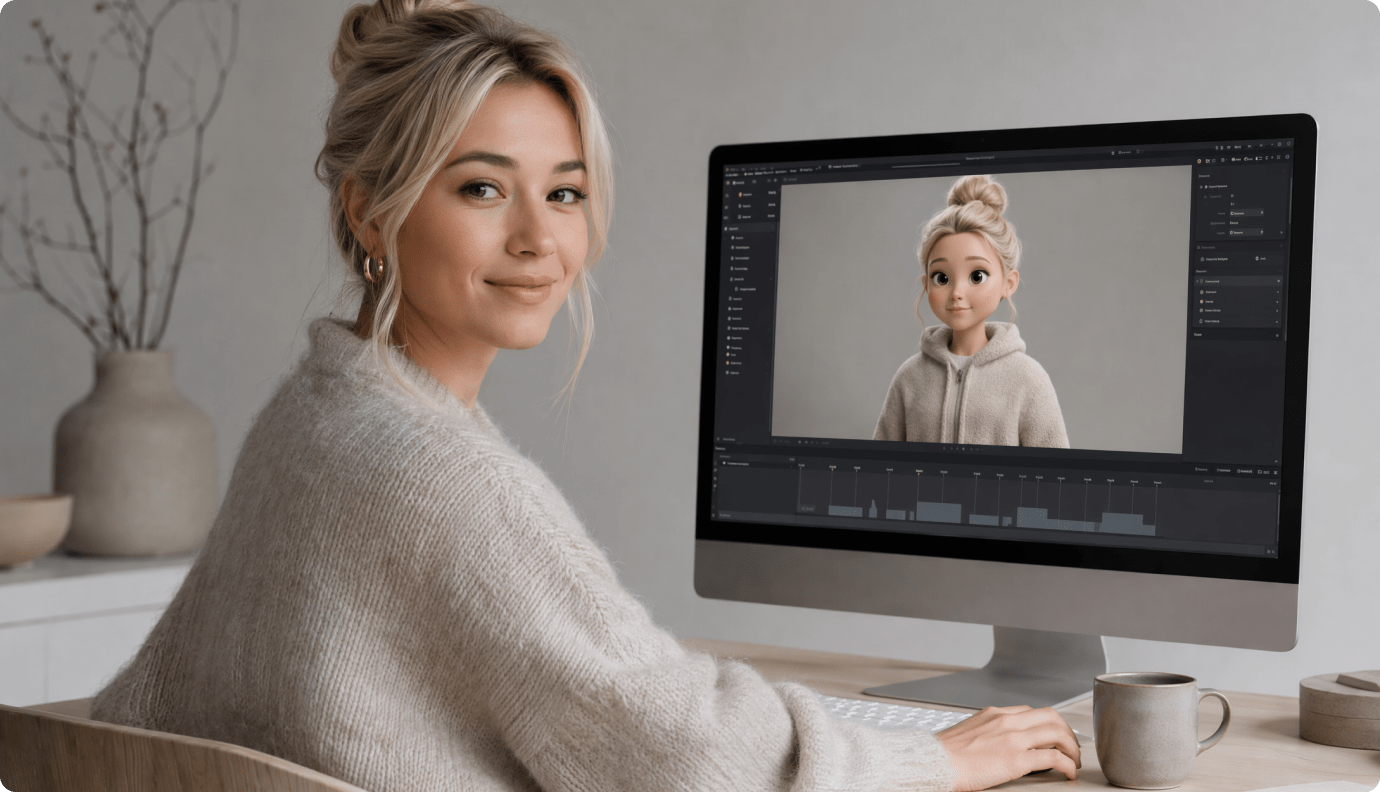
Rendora is a practical fit for training or announcement formats where a studio backdrop and 3D host are central to the visual identity. |
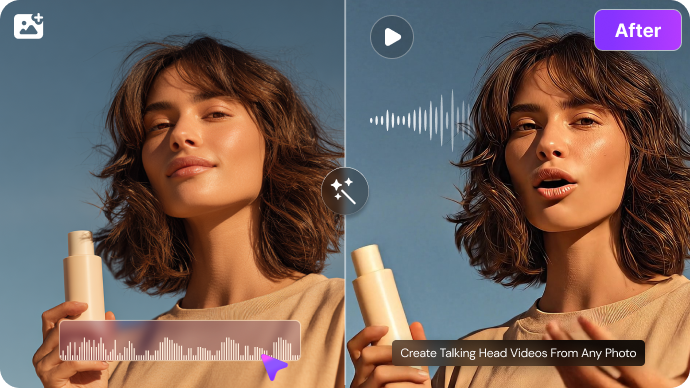
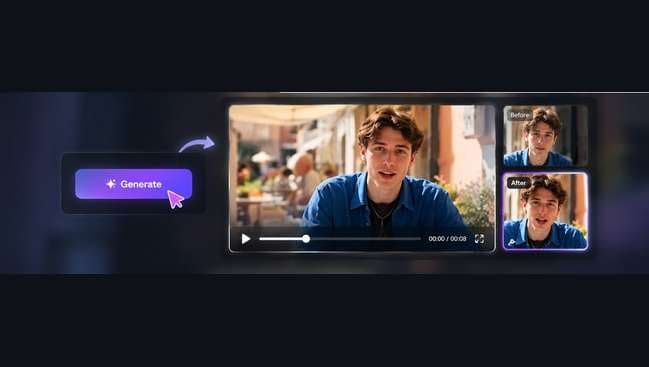
Media.io is more direct when the creative asset is already a portrait and the deliverable is a short spoken message. This is a different visual format from Rendora's 3D studio host. |
| Starting assets |
Rendora supplies prebuilt 3D characters for speaking-video production rather than relying on a single uploaded selfie. The service presents a catalog of 3D presenters that can serve as virtual trainers, explainers or hosts. |
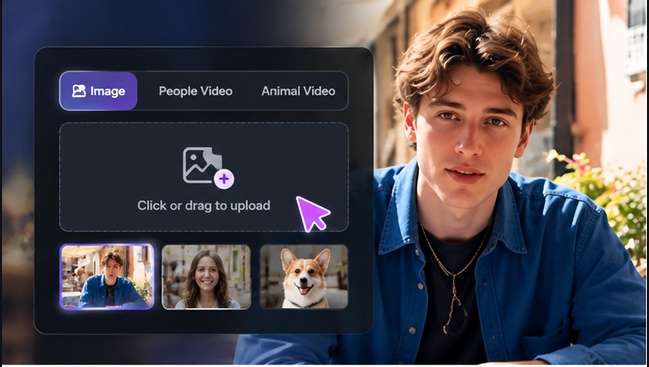
Select a consented portrait with a clear face and draft a short presenter message suited to a single speaking subject. |
| Creative controls |
A consistent training show can use the same background set across a series of lessons. Rendora lists more studio environments on paid plans than the free catalog. The choice of prebuilt sets is useful for speed, while users requiring a custom filmed office or intricate camera choreography should test the fit. |
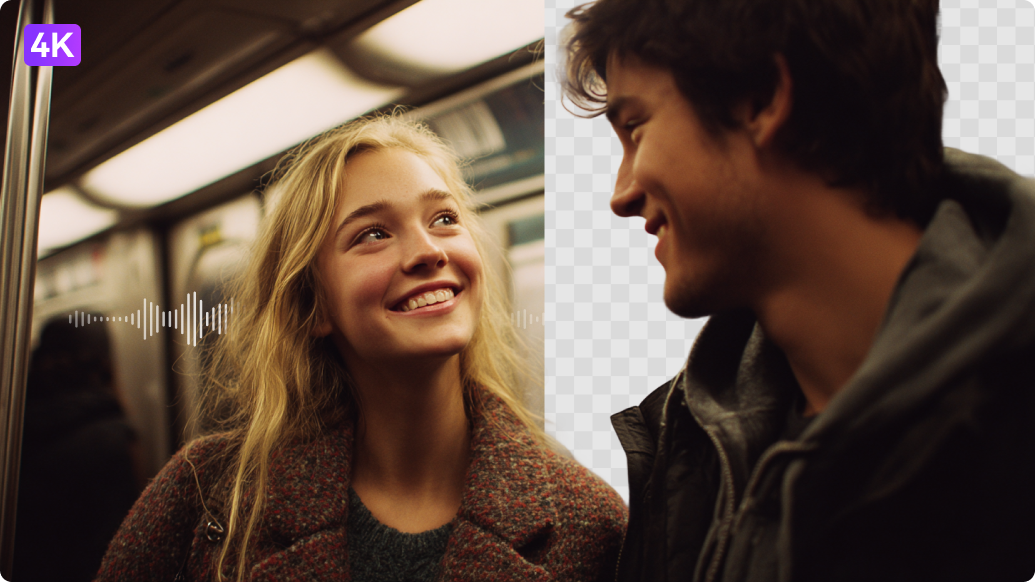
Make a quick talking-face clip for social use. |
| Revision workflow |
This can accelerate training intros, short advertisements and informational talking-head scripts. It does not verify factual claims. A human writer should check product prices, safety instructions and customer promises before letting a presenter deliver the draft. |
Review articulation, timing and likeness before exporting the final presenter segment. |
| Delivery and use |
A recurring host may need changes to clothing, appearance or presentation style. The official subscription table refers to 3D Avatar Editing as a premium feature, with the free listing carrying a temporary-access note. Check current editing depth rather than assuming full character rig control. |
Focus on dialogue and facial synchronization, not set design. |
| Pricing and allowances |
Rendora lists Free with 300 monthly credits and 540p, and Starter promotional pricing around $16/month for expanded 1080p and 10-minute clips; verify active checkout. |
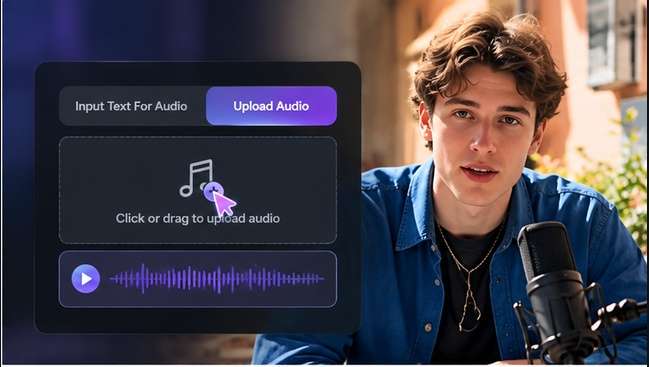
The right-hand recommendation is for talking-photo video rather than prebuilt 3D studio production. Review the Make a Talking Photo Video tool for its own credit terms and required input files. |
| Relevant limitations | Rendora publicly lists 540p for its free plan, which may be insufficient for HD marketing assets. The free comparison shows up to three video exports and a maximum single-video length of 3 minutes. | Keep the workflow small for a one-off announcement. |
| Ideal audience |
A company building a series around an animated 3D studio host favors Rendora, while a one-off face-based talking photo favors Media.io. |
Media.io is more direct when the creative asset is already a portrait and the deliverable is a short spoken message. This is a different visual format from Rendora's 3D studio host. |
| Purchase decision |
Select a prebuilt three-dimensional presenter. Use plan-specific voice and character editing options. |
Start with a personal portrait rather than a 3D character catalog. Focus on dialogue and facial synchronization, not set design. |