Home>Comparison>Invoke AI

Invoke AI in 2026: Open-Source Canvas, Models and Hosting

An artist choosing Invoke is deciding how much control to keep over the generation environment. Invoke AI now continues as an open-source self-hosted creative engine, while its former officially hosted service has shut down. Its strengths include an editable layered canvas, inpainting, control imagery and node workflows. That makes it fundamentally different from a pay-per-use browser image tool, especially for hardware, model licensing and project privacy.

Primary Features of Invoke AI Image Generator and Canvas

Invoke AI is an open-source, self-hosted creative engine for generating and editing images with a layered Unified Canvas, local or external image models, reproducible node workflows and detailed composition controls.

Core Feature Overview

Layered Unified Canvas Editing

The Canvas combines raster layers, regional guidance, inpaint masks and control layers. Artists can repaint selected areas while leaving the rest of a composition intact, then evaluate alternatives without destroying the original.

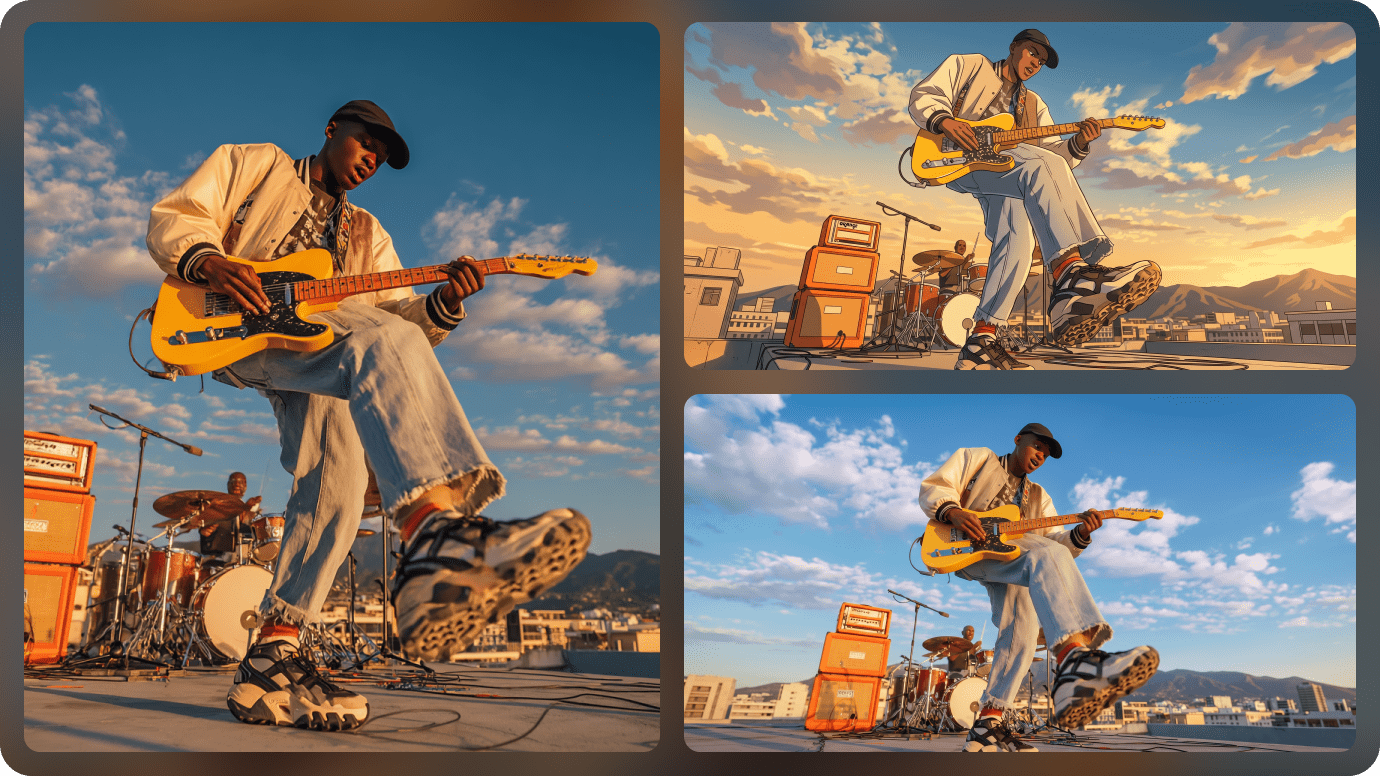
Illustrative Media.io workflow graphic, not a Invoke AI interface screenshot

Text-to-Image and Image-to-Image Modes

Invoke supports starting with a prompt or using an existing picture as visual guidance. Model and guidance settings shape the result, allowing deliberate composition work instead of one-click scene replacement.

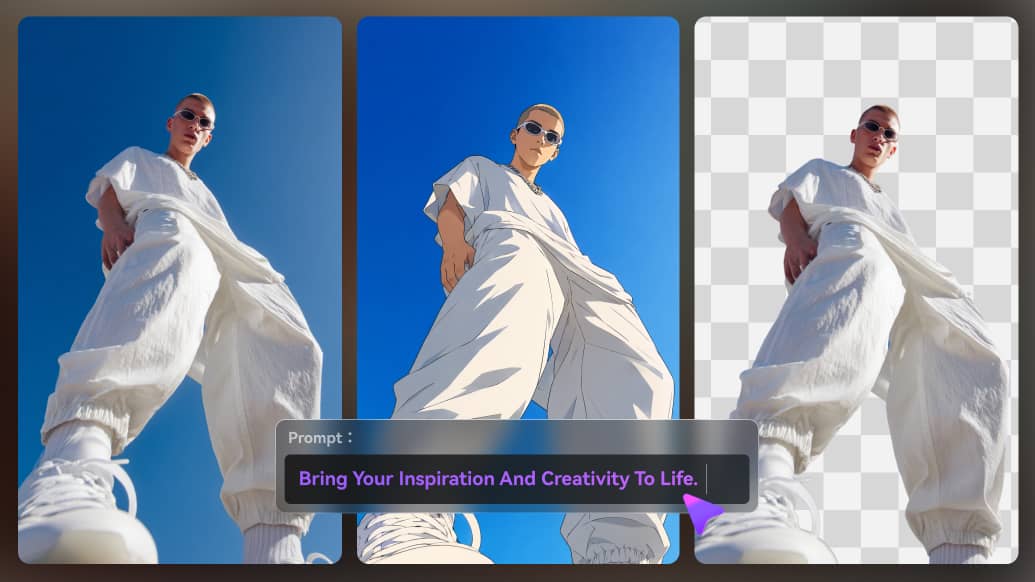
Illustrative Media.io workflow graphic, not a Invoke AI interface screenshot

Node-Based Reproducible Workflows

A visual graph interface helps advanced users build repeatable processing pipelines for images. Such workflows are useful for teams that need control over parameters and output consistency, but require technical fluency.

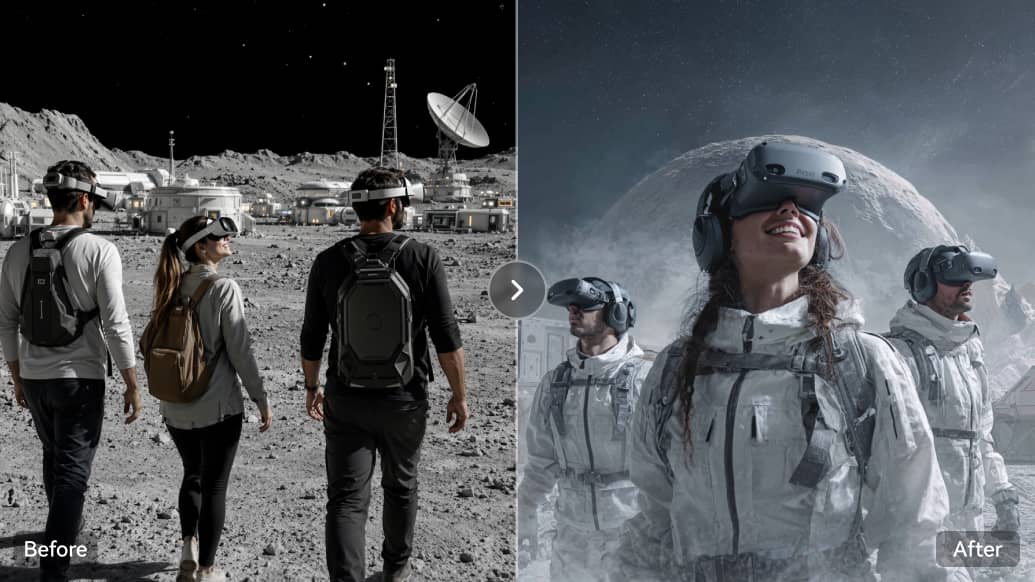
Illustrative Media.io workflow graphic, not a Invoke AI interface screenshot

Local Model Management, LoRAs and ControlNets

Invoke supports managing compatible model checkpoints and additional style or character tools such as LoRAs and ControlNet conditioning. The installed model's license and hardware requirements remain the user's responsibility.

Illustrative Media.io workflow graphic, not a Invoke AI interface screenshot

External Model Providers With Separate Billing

Current documentation describes external API model options alongside local models. The API provider bills those generations independently, so open-source software is not the same as unlimited free cloud inference.

Illustrative Media.io workflow graphic, not a Invoke AI interface screenshot

Windows, Mac and Linux Self-Hosting

Downloads and instructions cover supported Windows, Apple Silicon macOS and Linux environments. Users can keep source assets in their own workflow, provided they maintain a suitable machine, drivers and storage.

Illustrative Media.io workflow graphic, not a Invoke AI interface screenshot

How to Edit an AI Image Online Without Self-Hosting

1
2
3
1
Prepare your source

Choose an original image or concept and write down which elements must stay unchanged.

2
Create the AI result

Use Media.io Image to Image to transform the approved reference, or generate a new image from a prompt.

3
Review and export

Compare image details and save the version that meets your creative brief, while verifying license suitability.

Illustrative Media.io workflow graphic, not a Invoke AI interface screenshot

Best Uses of Invoke AI: Open-Source Self-Hosted Creative Image And Video Engine After Hosted Service Closure

Develop an illustration from prompts and repeated selective edits without uploading every draft to a hosted consumer site. Additional tasks include product visualization compositing and repeatable art pipeline.

Local Concept Art Production

Develop an illustration from prompts and repeated selective edits without uploading every draft to a hosted consumer site.

Character Consistency Experiment

Use compatible local models and reference conditioning to iterate on a character sheet across multiple poses. For a related Media.io workflow, explore Decor AI.

Product Visualization Compositing

Keep background elements on separate layers while adjusting individual surfaces and lighting.

Private Research Design

Work with sensitive internal references on infrastructure controlled by the organization.

Repeatable Art Pipeline

Build a node workflow for a series of visual variations with documented settings and seeds. For a related Media.io workflow, explore Brainrot AI Image Generator.

Studio Model Comparison

Evaluate a compatible local model and a separately billed hosted provider through one workbench while tracking provenance.

Invoke AI Pricing, Restrictions and Practical Limitations

Invoke's own site says the founding team joined Adobe and the officially hosted product shut down. Subscription advice based on the old hosted plans is obsolete. A free source-code license does not provide free computing hardware. GPU memory, platform support and installation maintenance affect real costs.

Official Hosted Invoke Service Has Closed

Invoke's own site says the founding team joined Adobe and the officially hosted product shut down. Subscription advice based on the old hosted plans is obsolete.

Local GPU and OS Compatibility Matter

A free source-code license does not provide free computing hardware. GPU memory, platform support and installation maintenance affect real costs.

External Models Can Add API Fees

Invoking a third-party hosted image model requires an appropriate provider account and separate usage billing.

Model Licenses Are Not Interchangeable

Some checkpoints and associated derivatives restrict commercial use. Review the selected model's license before delivering paid work.

Complex Canvas Tools Need Practice

Precise masks, guidance layers and graph nodes offer powerful control but introduce a learning curve compared with one-button photo effects.

Private Hosting Requires Local Operations

The buyer is responsible for updates, storage, backups, machine security and configuration rather than relying on a managed consumer cloud service.

Invoke AI vs Media.io: Pricing, Features and Workflow Fit

Invoke is an open-source workbench controlled by the artist, with local checkpoints, layered regional edits and graph workflows. Media.io is an alternative for the creator who wants an immediate browser-based image transformation rather than assembling and maintaining a local generation environment.

Decision Factor Invoke AI Media.io
Primary task Self-host an advanced, customizable layer-based image creation environment with reproducible creative pipelines. Edit or generate a one-off ai image directly in a browser without maintaining hardware, checkpoints and workflow graphs.
Core feature Layered Unified Canvas Editing: The Canvas combines raster layers, regional guidance, inpaint masks and control layers. Artists can repaint selected areas while leaving the rest of a composition intact, then evaluate alternatives without destroying the original. Transform an existing reference without installing a local model or GPU runtime.
Source and preparation A visual graph interface helps advanced users build repeatable processing pipelines for images. Such workflows are useful for teams that need control over parameters and output consistency, but require technical fluency. Choose an original image or concept and write down which elements must stay unchanged.
Ideal deliverable Local Concept Art Production: Develop an illustration from prompts and repeated selective edits without uploading every draft to a hosted consumer site. Explore a creative style for a single visual campaign or social image.
Workflow control Invoke supports managing compatible model checkpoints and additional style or character tools such as LoRAs and ControlNet conditioning. The installed model's license and hardware requirements remain the user's responsibility. Use a browser image-to-image workflow when detailed layers are not required.
Pricing model The current Invoke project is free and open-source under Apache 2.0 for the application itself. Its former officially hosted SaaS offering has closed; budget separately for GPU infrastructure and any third-party model API usage. Invoke software is free to self-host, but GPU investment, maintenance and optional separately billed model APIs add real operating costs. A browser Media.io image edit avoids maintaining that infrastructure but has its own tool usage and export terms.
Main production limitInvoke's own site says the founding team joined Adobe and the officially hosted product shut down. Subscription advice based on the old hosted plans is obsolete.Skip node-graph setup for a straightforward output and retain a clear editing brief.
Who owns the process Downloads and instructions cover supported Windows, Apple Silicon macOS and Linux environments. Users can keep source assets in their own workflow, provided they maintain a suitable machine, drivers and storage. Compare image details and save the version that meets your creative brief, while verifying license suitability.
Best user fit Self-host an advanced, customizable layer-based image creation environment with reproducible creative pipelines. Edit or generate a one-off ai image directly in a browser without maintaining hardware, checkpoints and workflow graphs.
Best for Invoke AI

Choose Invoke AI for Open-Source Self-Hosted Creative Image And Video Engine After Hosted Service Closure

Invoke AI is the more logical choice when you need to self-host an advanced, customizable layer-based image creation environment with reproducible creative pipelines. Its dedicated workflow matters most for the following decisions.

  • Local Concept Art Production: Develop an illustration from prompts and repeated selective edits without uploading every draft to a hosted consumer site.
  • Character Consistency Experiment: Use compatible local models and reference conditioning to iterate on a character sheet across multiple poses.
  • Product Visualization Compositing: Keep background elements on separate layers while adjusting individual surfaces and lighting.
  • Private Research Design: Work with sensitive internal references on infrastructure controlled by the organization.
  • Repeatable Art Pipeline: Build a node workflow for a series of visual variations with documented settings and seeds.
Visit Invoke AI
Best for Media.io

Choose Media.io for Browser-Based Image Editing

A designer producing one campaign concept can change an image in Media.io without setting up drivers, checkpoints or a node graph. Invoke is a stronger fit for the artist who needs reproducible controlled layers, private self-hosting and deep model configuration over many iterations.

  • Transform an existing reference without installing a local model or GPU runtime.
  • Explore a creative style for a single visual campaign or social image.
  • Use a browser image-to-image workflow when detailed layers are not required.
  • Skip node-graph setup for a straightforward output and retain a clear editing brief.
Edit Images Online

Invoke AI Review: Who Should Use It?

Our Take

Character Consistency Experiment is a revealing evaluation: Use compatible local models and reference conditioning to iterate on a character sheet across multiple poses. Invoke supports starting with a prompt or using an existing picture as visual guidance. Model and guidance settings shape the result, allowing deliberate composition work instead of one-click scene replacement. A rigorous comparison needs a real private research design sample, because complex canvas tools need practice could change the value of this feature.

Invoke's own site says the founding team joined Adobe and the officially hosted product shut down. Subscription advice based on the old hosted plans is obsolete. Invoking a third-party hosted image model requires an appropriate provider account and separate usage billing. The pricing decision is also concrete: The current Invoke project is free and open-source under Apache 2.0 for the application itself. Its former officially hosted SaaS offering has closed; budget separately for GPU infrastructure and any third-party model API usage.

Choose Invoke AI if you self-host an advanced, customizable layer-based image creation environment with reproducible creative pipelines. Choose Media.io if your priority is to edit or generate a one-off AI image directly in a browser without maintaining hardware, checkpoints and workflow graphs. Before selecting a plan, examine external models can add api fees and test local concept art production with an authorized source asset.

Invoke AI FAQ: Features, Pricing and Alternatives

Is Invoke AI still available after the hosted shutdown?
faq faq

Invoke's own site says the founding team joined Adobe and the officially hosted product shut down. Subscription advice based on the old hosted plans is obsolete.

The Canvas combines raster layers, regional guidance, inpaint masks and control layers. Artists can repaint selected areas while leaving the rest of a composition intact, then evaluate alternatives without destroying the original.

Downloads and instructions cover supported Windows, Apple Silicon macOS and Linux environments. Users can keep source assets in their own workflow, provided they maintain a suitable machine, drivers and storage.

Current documentation describes external API model options alongside local models. The API provider bills those generations independently, so open-source software is not the same as unlimited free cloud inference.

The current Invoke project is free and open-source under Apache 2.0 for the application itself. Its former officially hosted SaaS offering has closed; budget separately for GPU infrastructure and any third-party model API usage.

A free source-code license does not provide free computing hardware. GPU memory, platform support and installation maintenance affect real costs.

Invoke supports managing compatible model checkpoints and additional style or character tools such as LoRAs and ControlNet conditioning. The installed model's license and hardware requirements remain the user's responsibility. Licensing depends on the installed model.

edit or generate a one-off AI image directly in a browser without maintaining hardware, checkpoints and workflow graphs. Invoke offers deeper local canvas and node control.

self-host an advanced, customizable layer-based image creation environment with reproducible creative pipelines. Plan hardware and model maintenance.

What Media.io Creators Say About Their Workflow

Media.io AI video generator user
Sarah L.

Content Creator

star star star star half star

Media.io makes it much easier to test different AI video styles without jumping between several platforms. I can start with a text prompt or image, compare model results, and then resize or polish the clip for social media in the same workspace.

Media.io AI video creator
John D.

Social Media Marketer

star star star star half star

I use Media.io to create quick product clips, ad concepts, and short-form videos from images. The biggest advantage is that generation does not feel like the final step - I can continue with music, captions, enhancement, and format conversion before publishing.

Media.io AI video editing user
Emily T.

Freelance Designer

star star star star half star

The workflow is approachable even when I am experimenting with unfamiliar AI models. I can animate artwork, try different motion prompts, preview the output, and prepare a cleaner final version without needing advanced video-editing experience.

Media.io Online Tools Quality Rating:
vote 4.7 (162,357 Votes)
media.io

AI Video Generator star

Easily generate videos from text or images

Generate