Creations are stored for only 7 days. Assets created after upgrading to a Membership plan will be stored permanently.
Unlock your creative potential and experience the magic of Media AI right away!
Pencil Sketch Generator for Fast, Detailed AI Drawing Creation
Create realistic sketch-style artwork from simple prompts in seconds with Media.io’s pencil sketch generator. This browser-based tool helps you make portraits, line art, pet drawings, and architectural sketches with clean shading, rich graphite texture, and high-resolution results.
Review these example directions, then tailor the prompt details to get stronger results with this Pencil Sketch Generator.
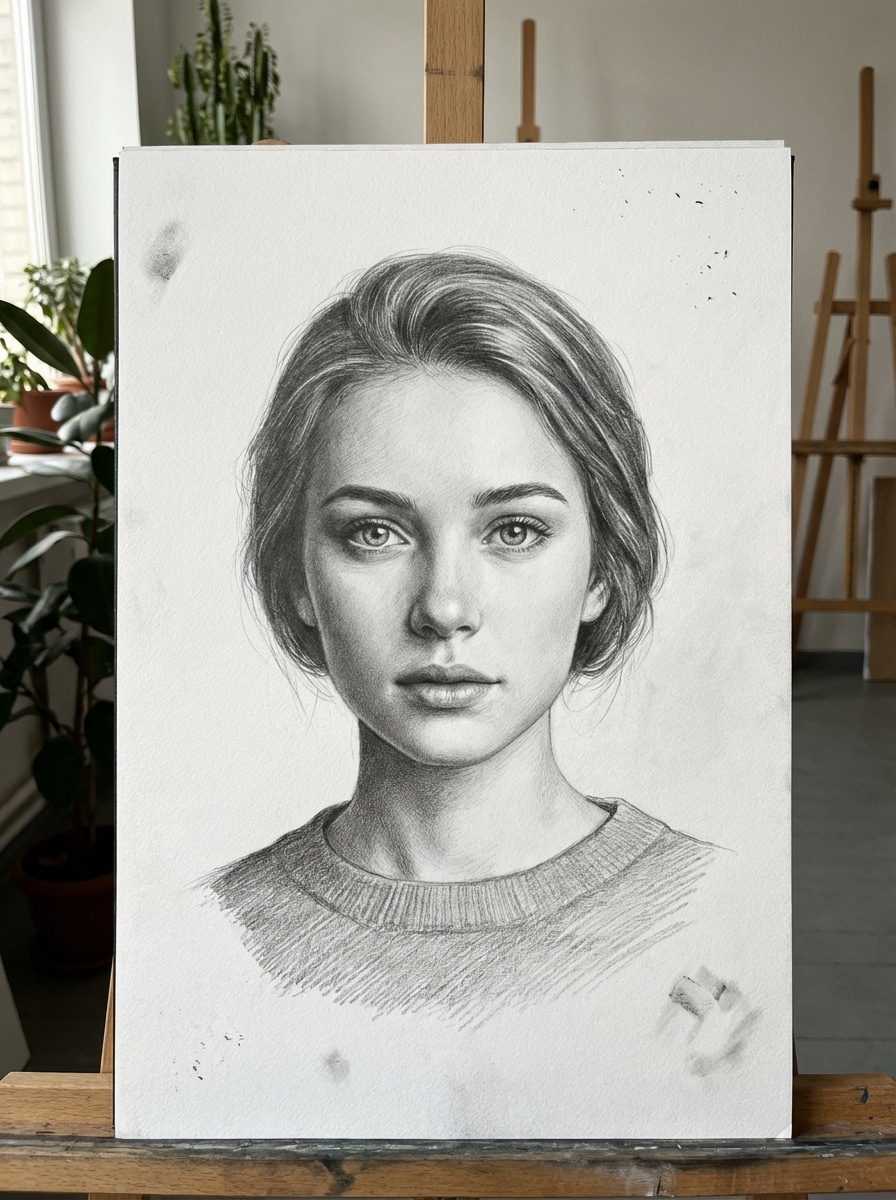
Realistic Graphite Portrait
A highly detailed realistic graphite pencil portrait of a young woman in a centered head-and-shoulders composition, soft window lighting, expressive eyes, smooth skin shading, visible pencil strokes, subtle highlights, rich midtone contrast, white textured fine-art paper, elegant studio mood, monochrome palette, premium sketchbook quality.
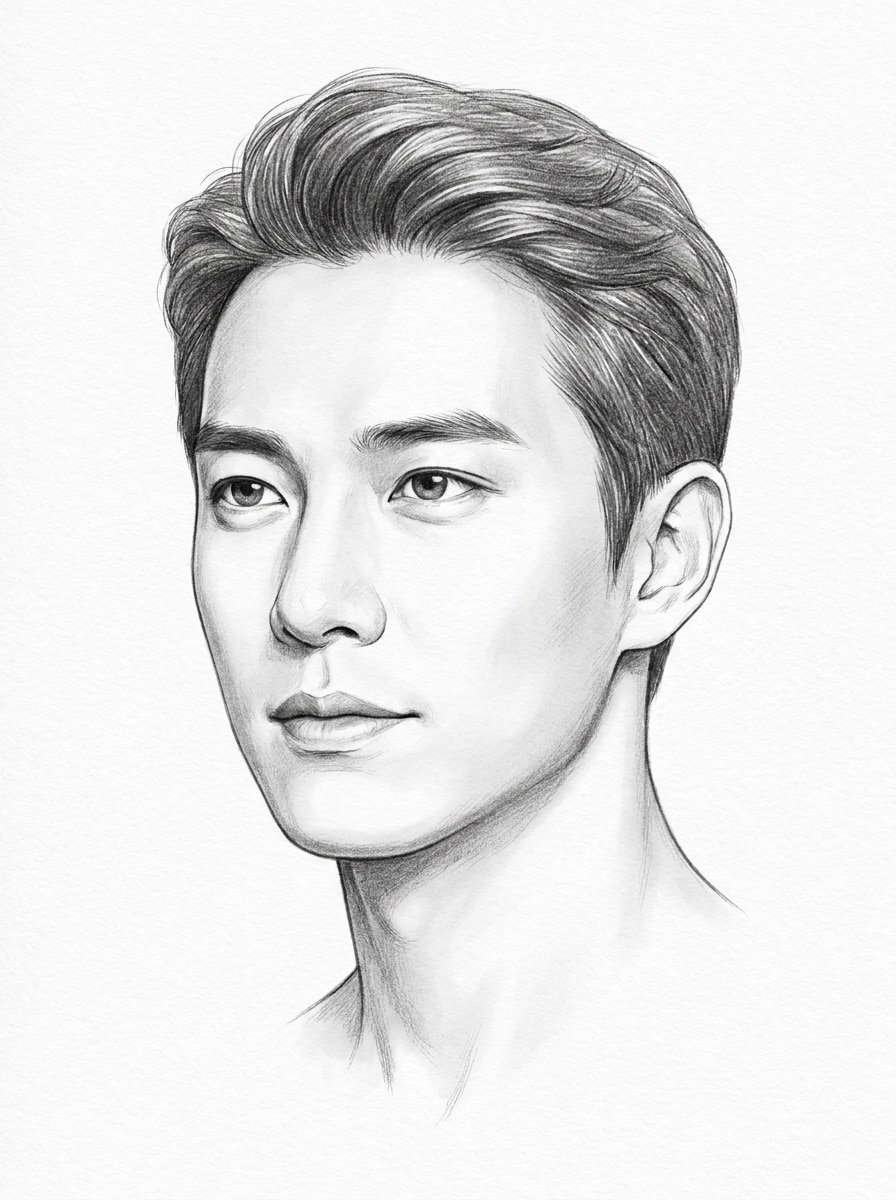
Soft Shaded Headshot Sketch
Professional pencil headshot sketch of a man facing slightly left, clean facial proportions, soft graphite shading around cheeks and jawline, refined linework, gentle shadow transitions, bright white paper background, calm editorial mood, monochrome tones, crisp texture, realistic detail, polished portrait illustration finish.
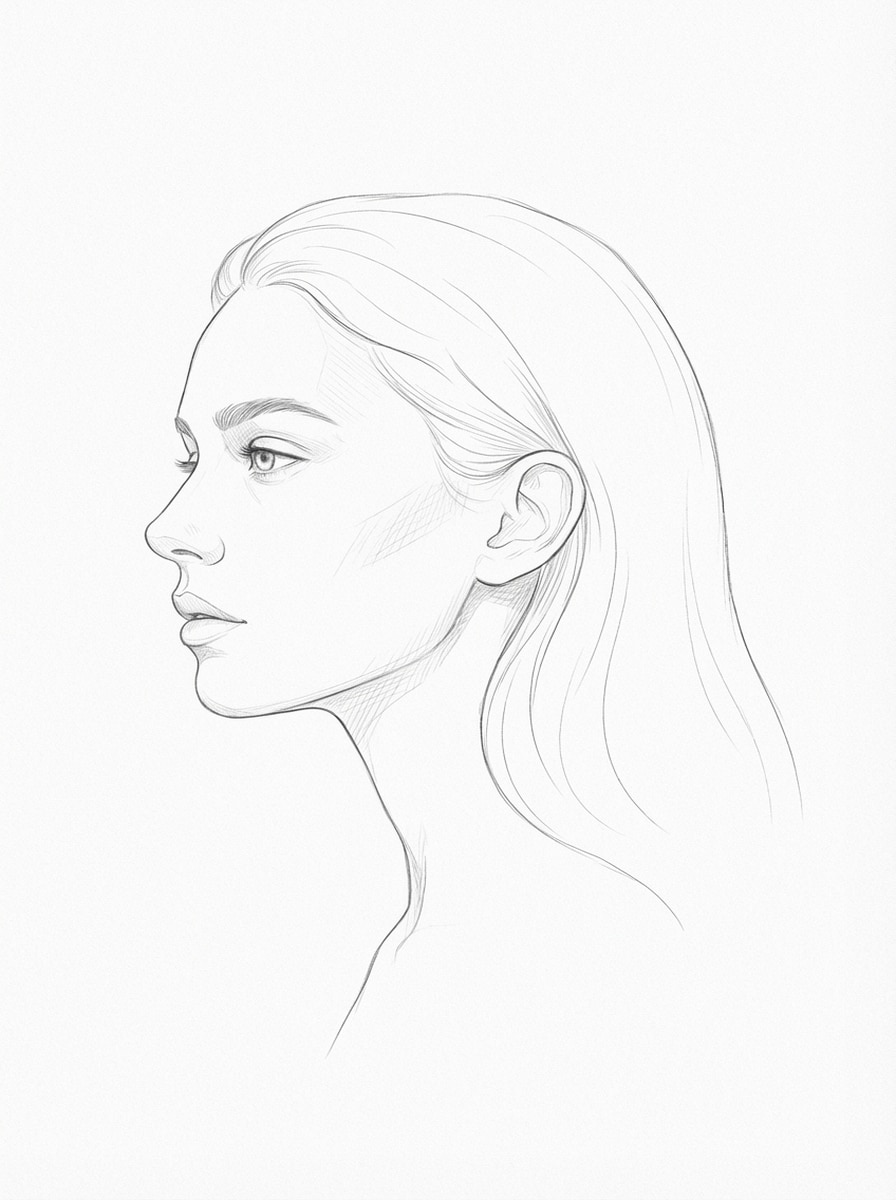
Minimal Face Line Drawing
Minimalist pencil line art portrait of a woman in profile, clean contour lines, very light shading, open negative space, balanced composition, modern editorial aesthetic, bright white background, subtle paper grain, quiet and sophisticated mood, monochrome palette, smooth hand-drawn finish with elegant simplicity.
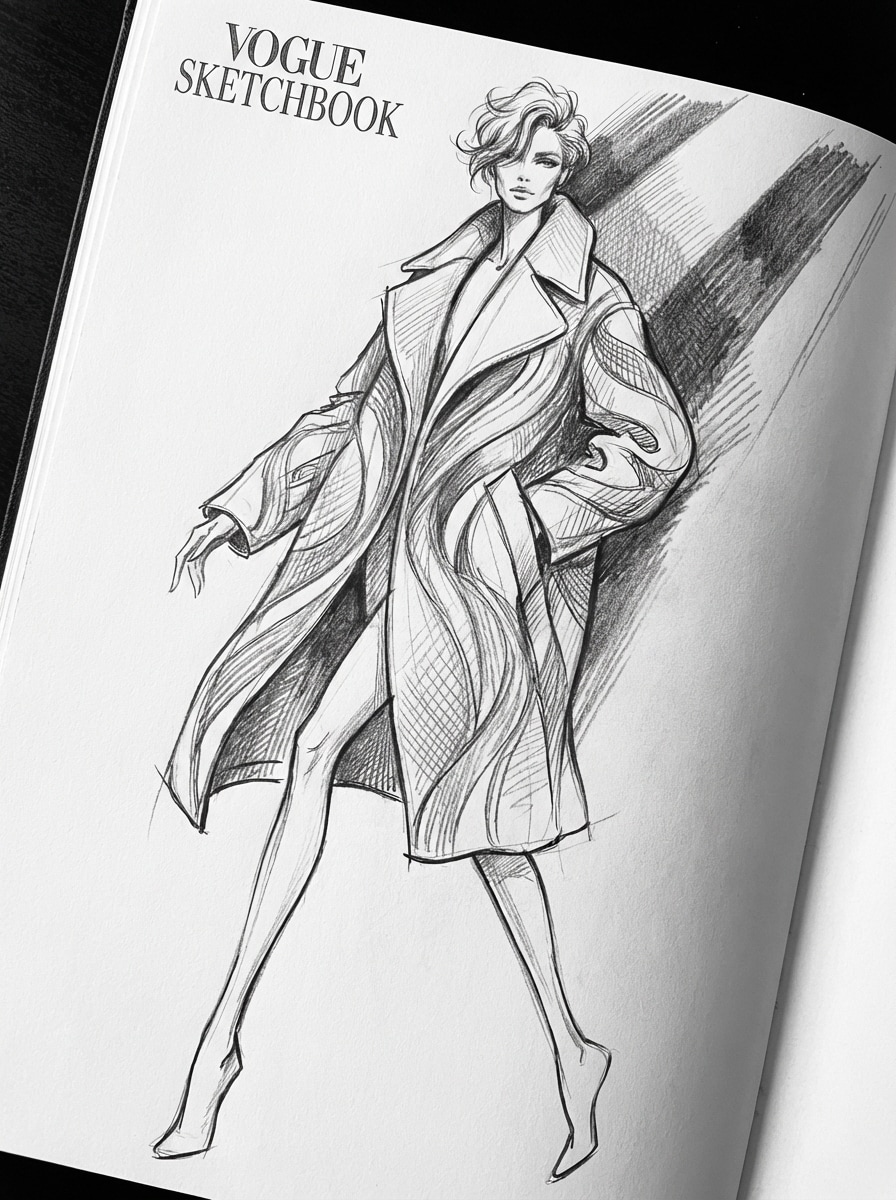
Fashion Editorial Sketch
High-fashion pencil illustration of a stylish model in a dynamic standing pose, long coat with flowing fabric texture, refined outlines, selective crosshatching, dramatic runway lighting, elongated proportions, luxury magazine mood, monochrome graphite palette, crisp white page, expressive strokes, chic editorial sketch quality.
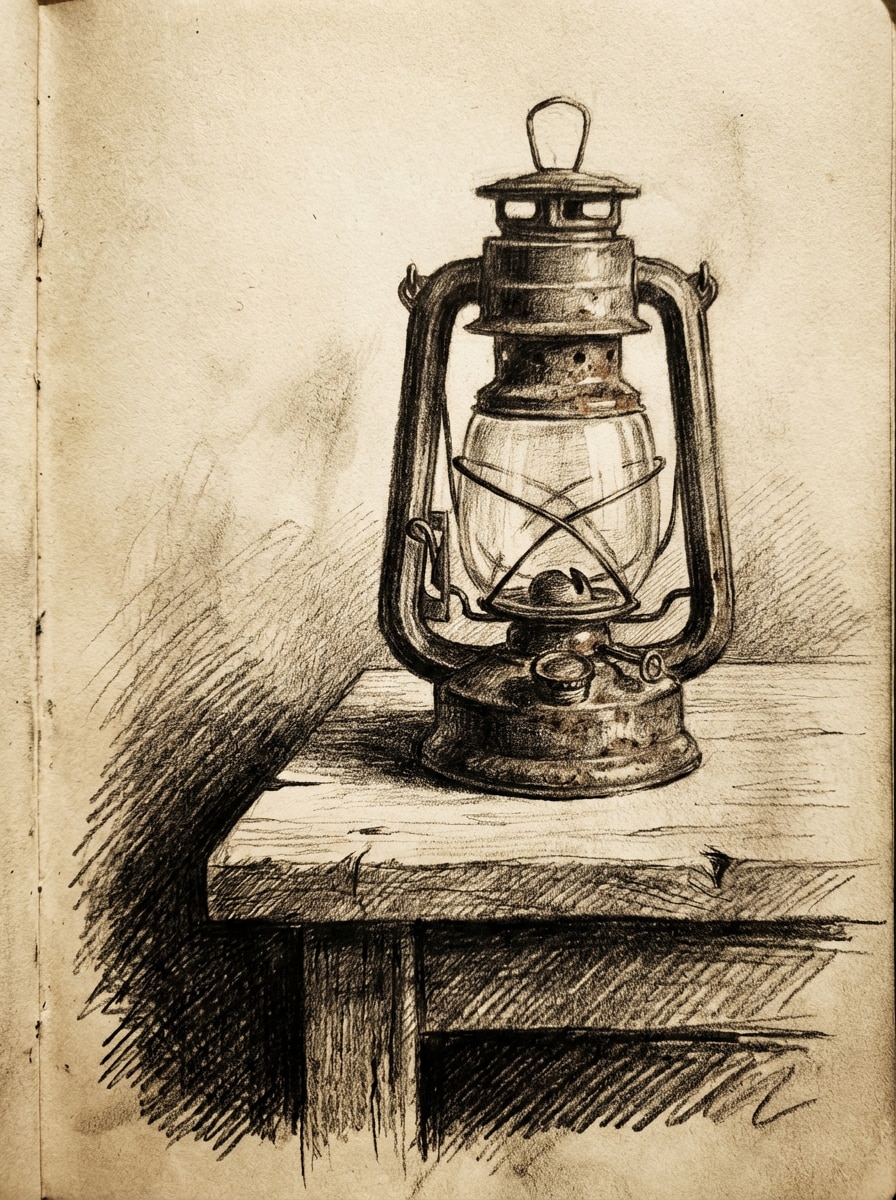
Cross-Hatching Sketch
Traditional pencil drawing of an old lantern on a wooden table, close-up composition, dense cross-hatching for shadow depth, visible handmade graphite texture, warm nostalgic mood, strong contrast, textured paper grain, monochrome tonal range, careful object rendering, classic artist sketchbook appearance with rich detail.
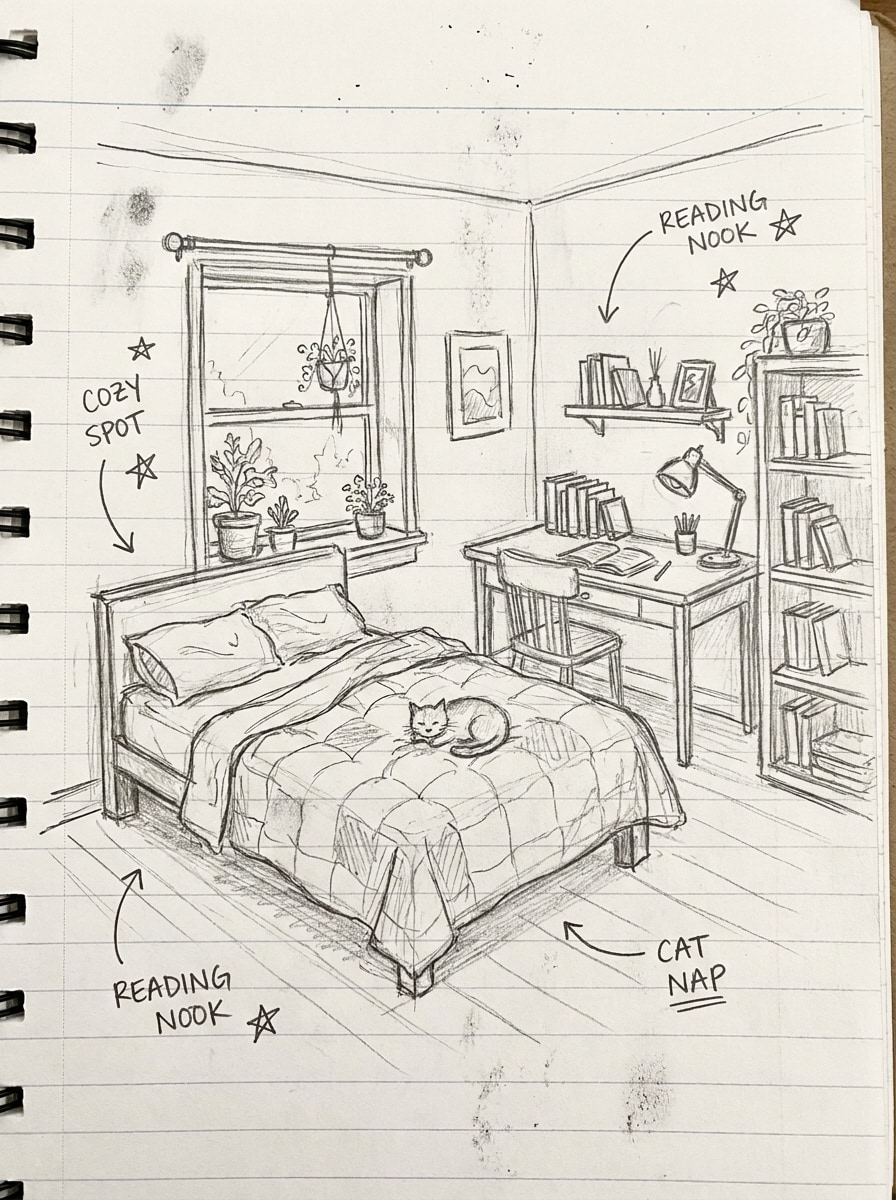
Notebook Doodle Sketch
Loose hand-drawn pencil doodle illustration of a cozy bedroom scene, playful sketchy outlines, light informal shading, notebook paper background with subtle ruled lines, casual creative mood, balanced layout, monochrome color scheme, authentic handmade feel, spontaneous details, charming study-notes aesthetic.
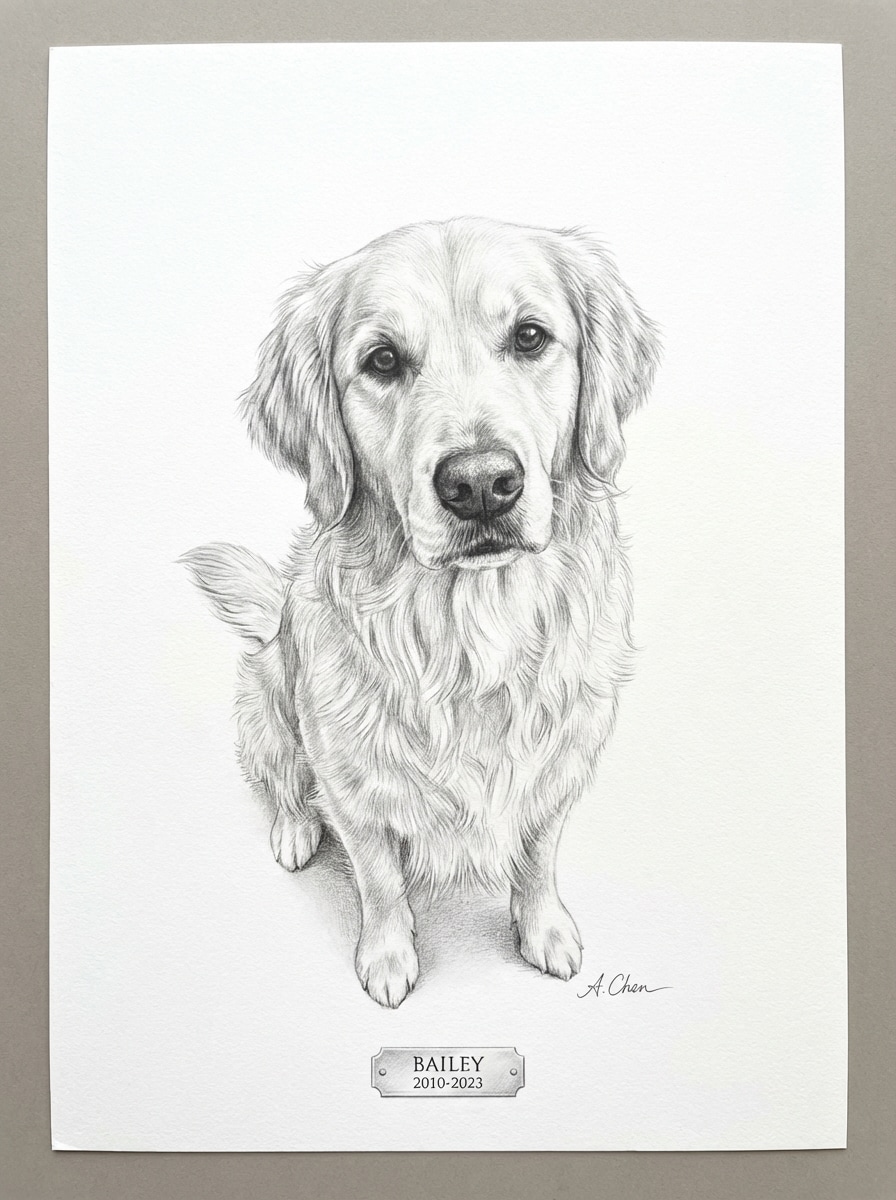
Pet Pencil Portrait
Realistic pencil portrait of a golden retriever sitting and looking at the viewer, expressive eyes, delicate fur strokes, soft graphite shading around the muzzle and ears, bright white textured paper, warm affectionate mood, monochrome palette, fine-art memorial style, clean composition, premium hand-drawn detail.
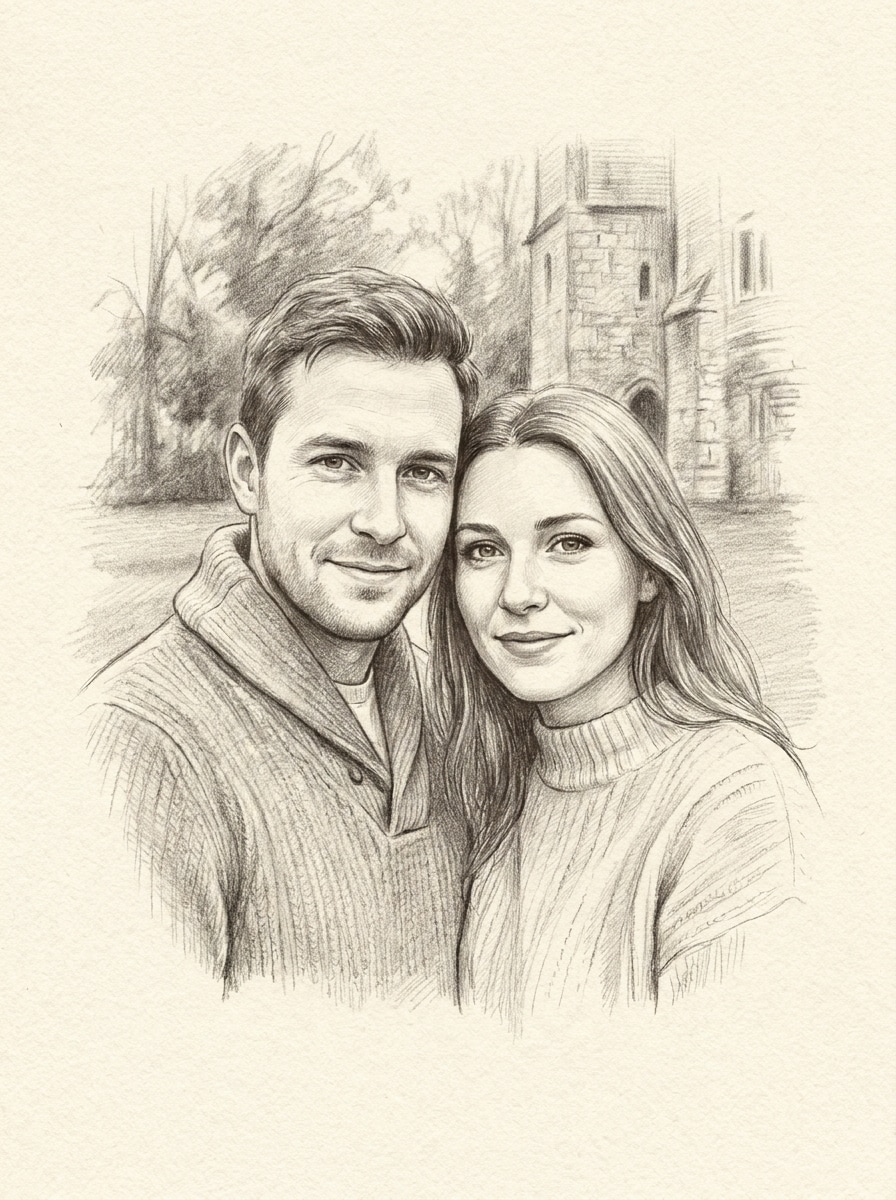
Couple Sketch Portrait
Romantic couple pencil portrait with the pair standing close together, gentle smiles, soft graphite shading, clean outlines, tasteful facial detail, subtle background fading into textured sketch paper, sentimental fine-art mood, monochrome tones, balanced composition, elegant handcrafted finish suitable for keepsake art.
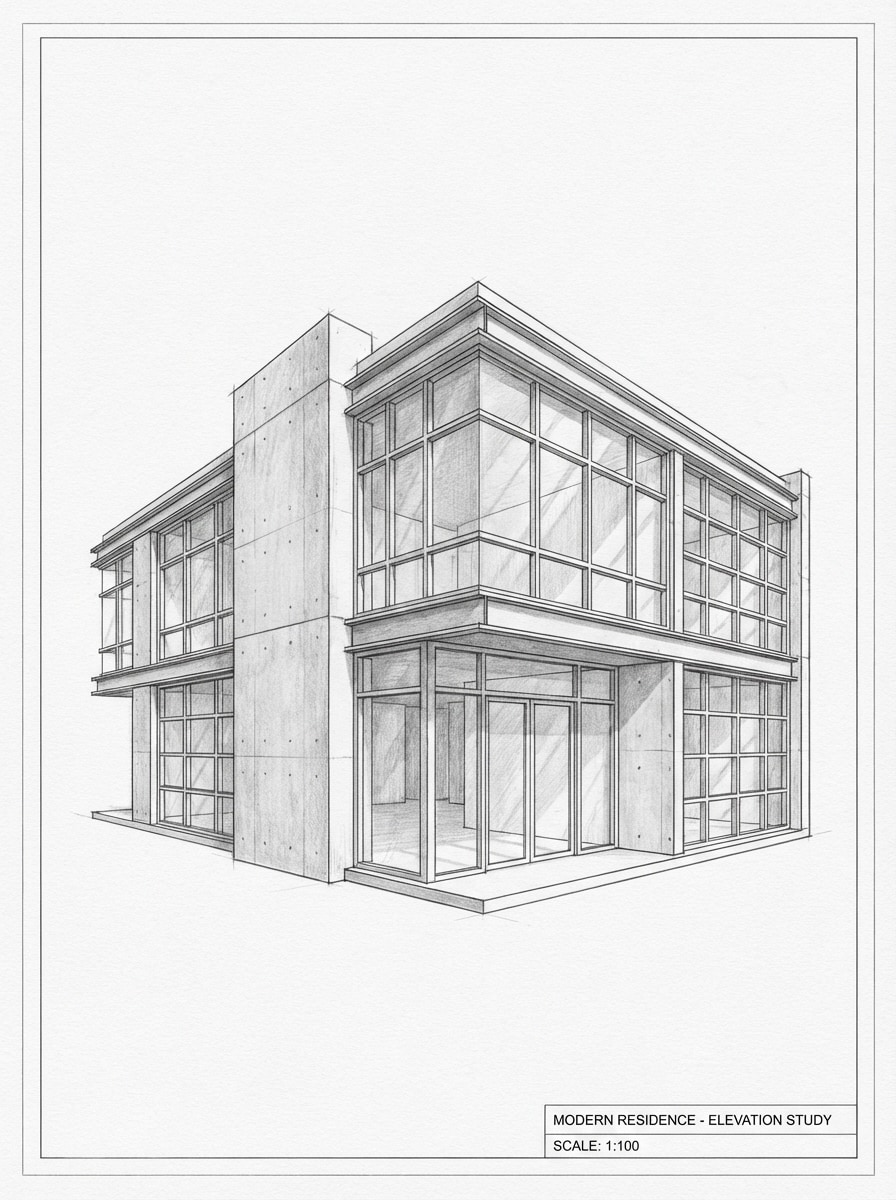
Architectural Pencil Rendering
Architectural pencil rendering of a modern two-story house in three-quarter perspective, precise structural linework, measured window details, subtle graphite shading on concrete and glass surfaces, white paper blueprint aesthetic, clean professional mood, monochrome palette, crisp edges, design-presentation quality with realistic depth.
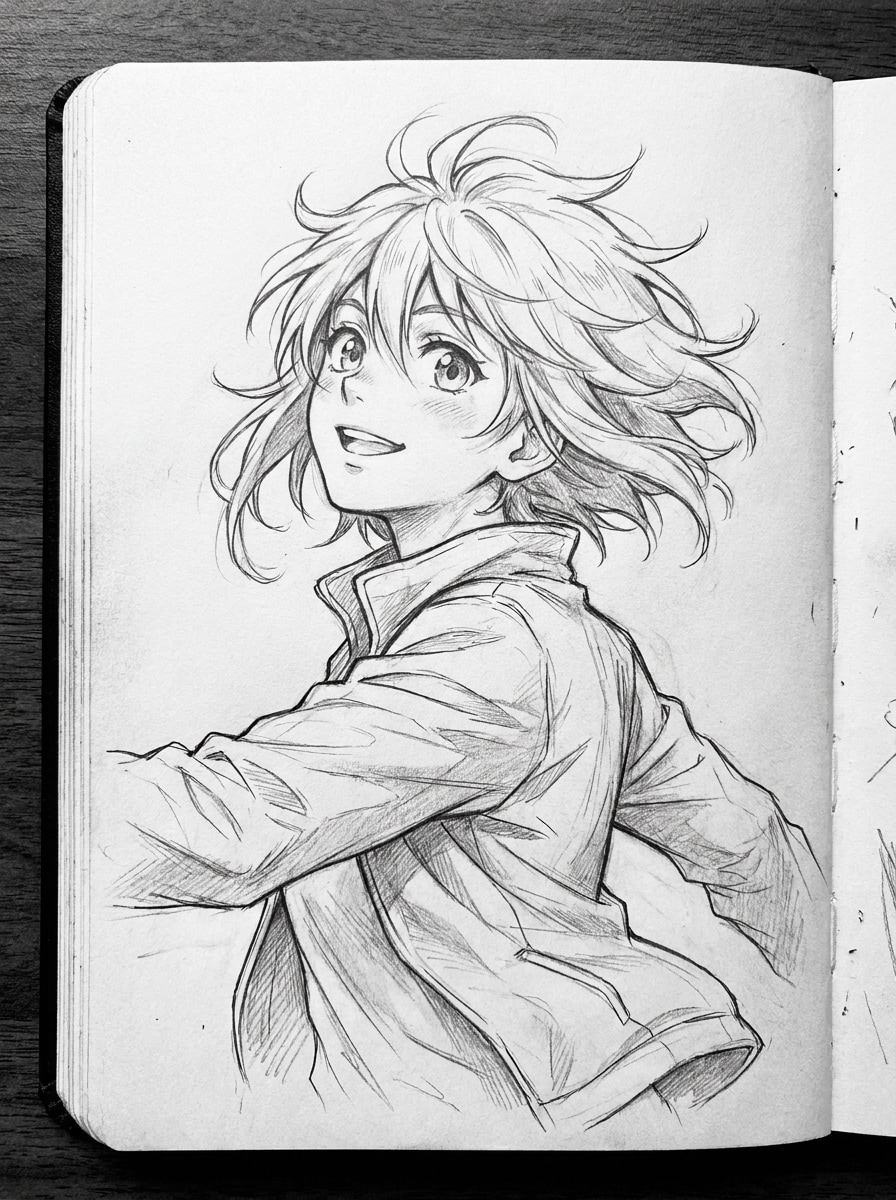
Anime Pencil Drawing
Anime-style pencil sketch of a teenage character with expressive eyes and windswept hair, clean manga linework, soft graphite shading on face and clothing folds, sketchbook page aesthetic, balanced half-body composition, energetic mood, monochrome palette, polished outlines, detailed hand-drawn finish with modern anime charm.
Why Use Media.io for Pencil Sketch Images
Generate Sketches from Simple Text Prompts
Describe the portrait, object, pet, or scene you want, and Media.io turns it into sketch-style artwork in seconds. It’s a practical pencil drawing generator for users who want classic hand-drawn looks without manual drawing skills.
Choose High Resolution and Flexible Ratios
Media.io supports 1K, 2K, and 4K output, plus aspect ratios like 1:1, 9:16, 16:9, 4:3, and 3:4. That makes your pencil sketch artwork easier to use for social posts, profile images, prints, and presentation boards.
Use Advanced AI Models for Better Detail
Media.io offers powerful generation models including Nano Banana Pro, Nano Banana 2, Seedream 5.0 Lite, and Imagen 4. These models help produce cleaner linework, more believable shading, and more polished pencil-like image results from well-written prompts.
Create in Multiple Visual Styles Online
While this page focuses on pencil effects, Media.io also supports styles like realistic, anime, 3D render, oil painting, and more. You can explore line art, shaded portraits, or stylized concepts directly in your browser with no software installation.
How to Use the Pencil Sketch Generator
1
2
3
1
Open Media.io Pencil Sketch Generator
Go to AI Text to Image Generator and open the Pencil Sketch Generator under AI -> Text to Image. This online tool runs in your browser, so you can create sketch-style images on desktop or mobile without installing extra software.
2
Enter a Prompt or Upload
Type a detailed prompt such as “a realistic graphite portrait of a smiling woman, visible pencil strokes, white textured paper, soft shading” or upload a reference photo when available in your workflow. Adjust style and aspect ratio for the result you want.
3
Generate, Refine & Download
Click Generate. Tweak your prompt if needed to improve facial detail, shading, or composition. When your sketch looks right, download the high-resolution image for sharing, printing, or creative projects.
See how creators use this Pencil Sketch Generator for content, marketing, and personal projects, then adapt each idea to fit the brief.
Create Portrait Art for Profiles and Social Posts
Turn simple ideas into polished sketch portraits for avatars, social banners, and creative posts. A well-written prompt can produce realistic graphite headshots, minimalist line art, or stylized character drawings that stand out without needing traditional drawing skills.
Design Printable Gifts and Keepsake Sketches
Use Media.io to create pet memorial drawings, couple portraits, or family-inspired sketch artwork for gifts. High-resolution output makes it easier to turn a digital image into something suitable for framing, cards, or personalized decor.
Visualize Concepts for Fashion and Architecture
A sketch-style image is useful when you want ideas to feel artistic, conceptual, and presentation-ready. Generate editorial figure studies, interior concepts, or building renderings with the look of hand-drawn pencil work for mood boards and creative pitches.
What Users Say About Media.io
Mia R.
Content Creator
"Great for fast portrait concepts" I wanted a sketch-style profile image without learning illustration software. Media.io gave me a clean graphite portrait look in minutes, and the prompt-based workflow was much easier than I expected.
Jordan T.
Pet Shop Owner
"Useful for custom pet artwork ideas" I tested it for dog portrait concepts and got surprisingly expressive results. The pencil texture and shading looked refined, especially when I added more detail to the prompt.
Elena V.
Interior Design Student
"Helpful for presentation visuals" I used Media.io to generate sketch-like concept images for a class board. The ability to choose resolution and aspect ratio made it easier to fit my layouts.
Chris L.
Online Seller
"Simple browser-based workflow" I like that it works directly in the browser on my laptop and phone. For quick art experiments and social content, it saves a lot of time.
A pencil sketch generator is an AI image tool that creates artwork with a hand-drawn pencil look, such as graphite portraits, line drawings, or shaded sketches. Media.io lets users generate these images online from text prompts, with style and resolution options for different creative needs.
2. Can I turn text into a pencil sketch image online?
Media.io can turn text prompts into sketch-style images online in your browser. You can describe a portrait, pet, object, or scene, then generate a pencil-style result using supported AI models and select aspect ratios such as 1:1, 3:4, or 16:9.
3. Can I convert a photo into a pencil sketch for free?
Free users can try Media.io with available free credits. Depending on your plan, free downloads may include a watermark, while paid plans offer watermark-free high-resolution exports. You can compare options on the pricing page. Free users can use free credits. For more usage, users can subscribe to a plan on the pricing page. Upgrade to a paid plan on the pricing page for more credits and watermark-free high-resolution downloads.
4. How do I sketch a face from a photo?
A practical way is to start with a clear face image or a detailed portrait prompt, then ask for features like soft graphite shading, visible pencil strokes, textured paper, and realistic proportions. If you want a more classic portrait result, specify lighting, head angle, facial expression, and sketch style in the prompt.
5. What pencil sketch styles can an AI generator create?
Media.io can help you create several sketch-inspired looks, including realistic graphite portraits, soft shaded headshots, minimal line art, anime pencil drawing, editorial fashion sketch styles, and more. Since the tool supports multiple visual styles, you can refine prompts for cleaner outlines, heavier shading, or a more artistic paper-texture feel.
6. Will my pencil sketch image be high resolution enough to print?
Media.io supports 1K, 2K, and 4K image generation, which can be suitable for many print and presentation uses. If you need sharper output for framing, posters, or professional layouts, choose a higher resolution and the aspect ratio that best matches your final format. Free users may have watermarks.