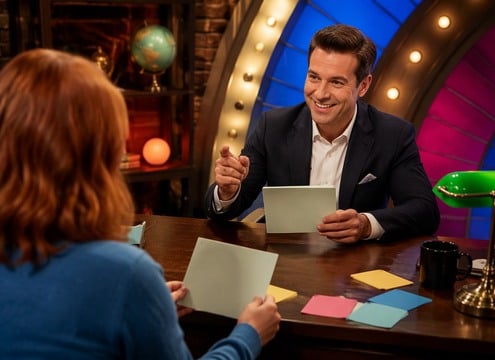








Question effects are short pieces of emotional punctuation. They can say something is unknown, invite a response or introduce a quiz challenge. The key is an open-sounding gesture that does not announce success or failure prematurely.
Choose the Cue for the Interaction
A customer support tooltip needs restraint; a game-show question can use a fuller signal. For a cartoon head tilt, a tiny pitch bend may be funnier than an electronic notification.
- Curious Two-Note Rise - Two soft clean synth notes rising in pitch with a small inquisitive pause between, light UI question cue.
- Quiz Question Reveal - Bright gentle game-show question stinger of three short original mallet notes, leaves space for the host to speak.
- Puzzled Robot Blip - Small robot emits two uncertain hollow electronic bleeps, second bent upward, friendly and brief.
- What Vocal Interjection - Fictional adult voice says one short surprised "What?" with rising intonation, clear dry speech, no other dialogue.
- Mystery Question Ping - One glassy note rings softly, then a faint upper harmonic blooms into short suspenseful air, no horror hit.
Keep the Answer for the Next Sound
Place the cue as the question appears. Let the viewer read or think, and reserve confirmation or buzzer sounds for the result. This creates a clearer audio language across interfaces and games.
- Quiz show question - A curious two-note cue introduces a new trivia question.
- Educational app - A soft ping draws attention to a new learning prompt.
- Mystery clue - A rising hollow tone highlights an unexplained detail.
- Comedy confusion - One squeaky questioning blip supports a bewildered look.
- Game dialogue choice - An unobtrusive chime opens an interactive conversation prompt.
- Customer support widget - A gentle inquisitive tone marks a help bubble opening.
- Kids cartoon - A playful short boing follows a mascot asking why.
- Science explainer - A questioning electronic rise introduces an experiment hypothesis.