24+ AI Texture Prompt Ideas to Make Any Surface Pop
Make surfaces feel touchable: chalky plaster, glossy enamel, worn denim, and micro-scratches that catch the light. With 24+ copy-paste AI Texture Prompts, you can generate textures in seconds. Upload a reference or start from scratch, generate, and download. Cleaner assets, faster builds.
Stunning AI ai texture generated with Media.io - powered by
Nano Banana Pro.
How to Create AI Texture in 3 Steps
Media.io makes texture creation feel like drag, paste, generate. Follow these three quick steps to turn any idea into a usable texture image.
1
Open Media.io AI Generator
Go to Media.io and open the AI image generator. Choose a mode that supports prompt-based creation, then set your output needs, like aspect ratio and quality, so your textures are ready for design boards, mockups, or 3D material tests.
2
Upload and paste a prompt
Optional: upload a reference photo to match a material you love. Then paste one of the prompts below and tweak details like roughness, color, scale, and whether you need a seamless tile. This is where your AI Texture Prompt gets specific.
3
Generate, refine, download
Click Generate and review the first results. If you see seams, harsh shadows, or perspective distortion, adjust the prompt and run again. Once it looks clean, download the texture image and use it in your project right away.
Best AI Texture Prompt Ideas & Examples
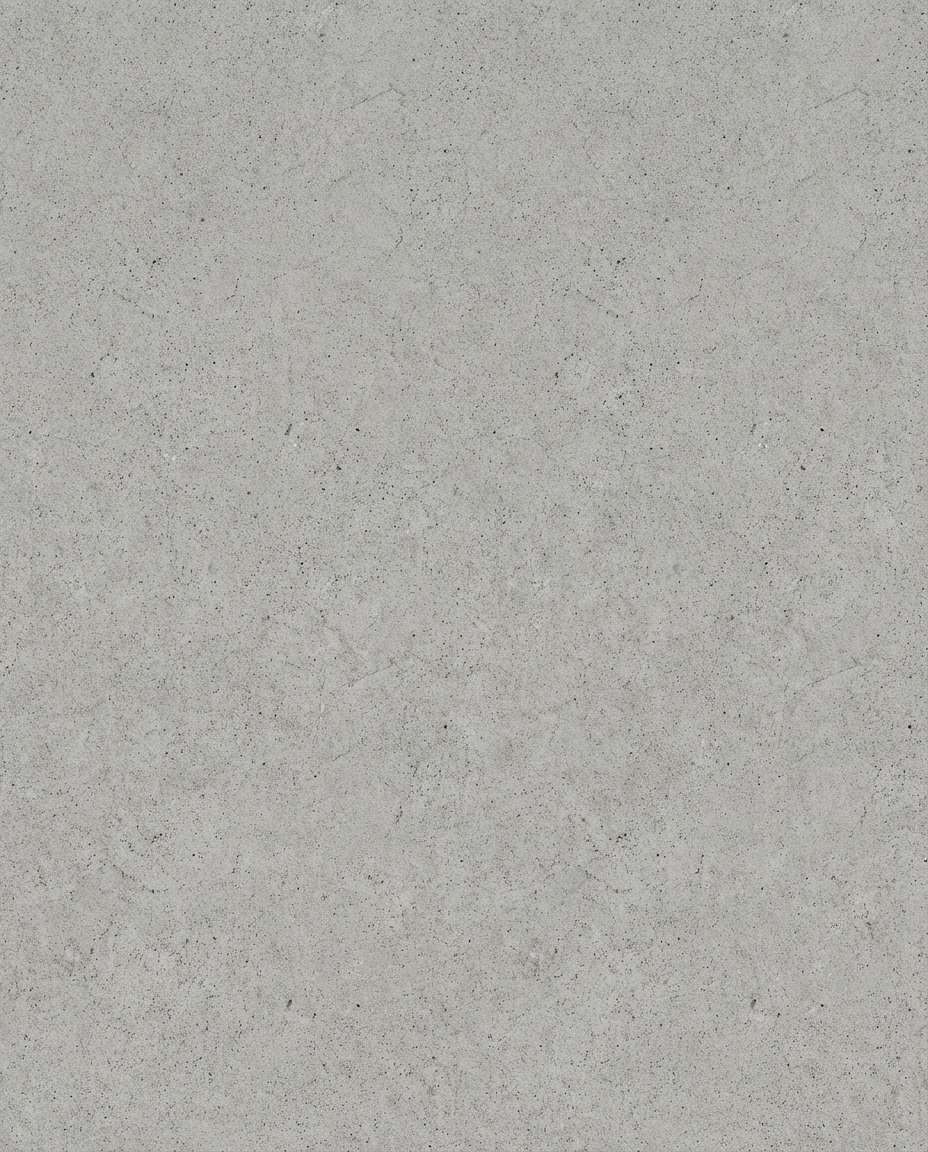
Seamless Concrete Slab
Seamless tileable raw concrete texture, subtle aggregate, tiny pores and hairline cracks, neutral gray, uniform diffuse studio lighting, no directional shadows, no perspective distortion, ultra-sharp macro detail, photorealistic, top-down orthographic look, high resolution, clean edges for tiling, 85mm lens, shallow depth of field --ar 4:5
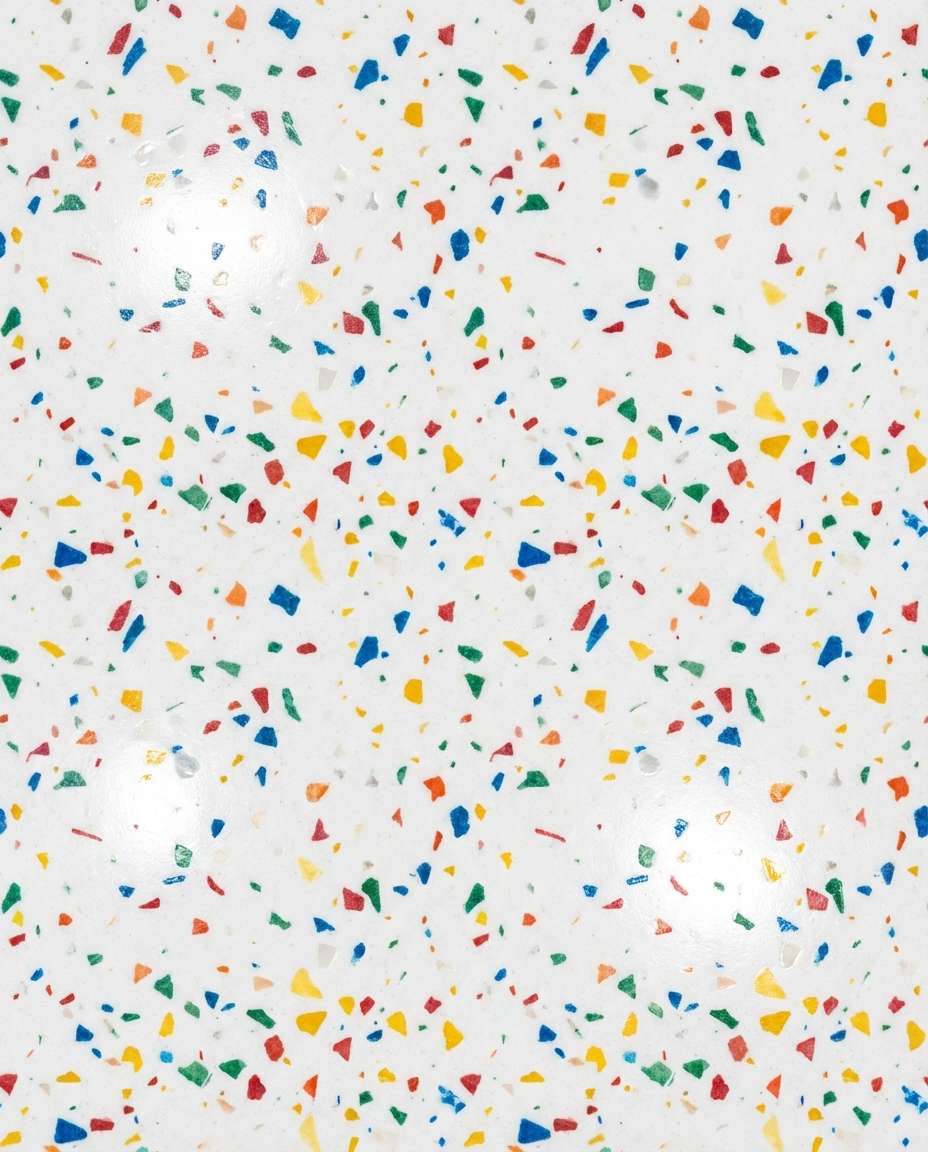
White Terrazzo Chips
Seamless tileable white terrazzo texture with multicolor stone chips, polished finish with soft specular highlights, evenly distributed fragments, uniform lighting, no vignetting, no cast shadows, top-down flat texture scan style, photorealistic, crisp micro-detail, 85mm lens, shallow depth of field --ar 4:5
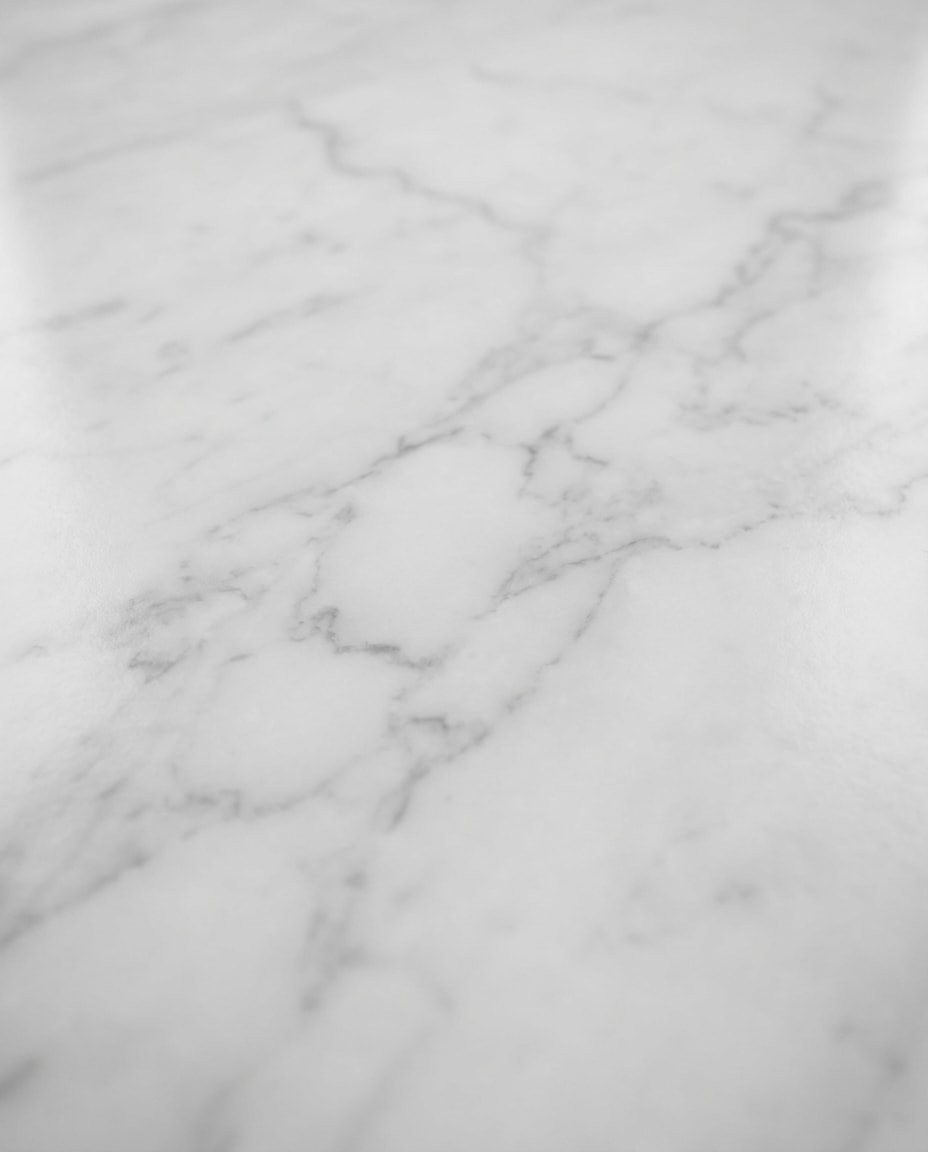
Carrara Marble Veins
Seamless tileable Carrara marble texture, milky white base with delicate gray veining, glossy polished stone, subtle depth, uniform softbox lighting, no strong reflections, no perspective, high-end architectural material look, photorealistic, ultra high resolution, 85mm lens, shallow depth of field --ar 4:5
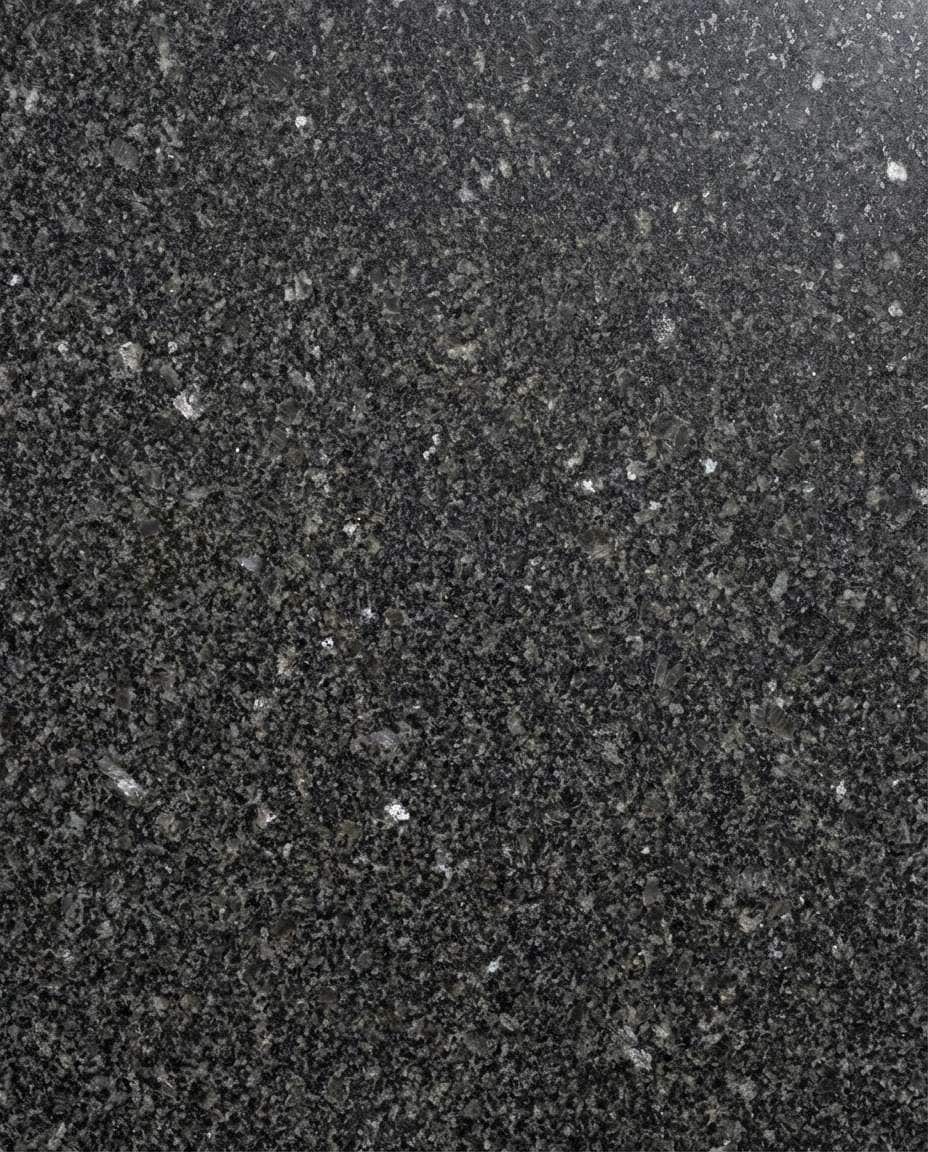
Black Granite Speckle
Seamless tileable black granite texture, dense speckled mineral pattern, lightly polished surface, controlled specular, uniform lighting, no shadows, top-down scan look, photorealistic, sharp detail, clean repeat, 85mm lens, shallow depth of field --ar 4:5
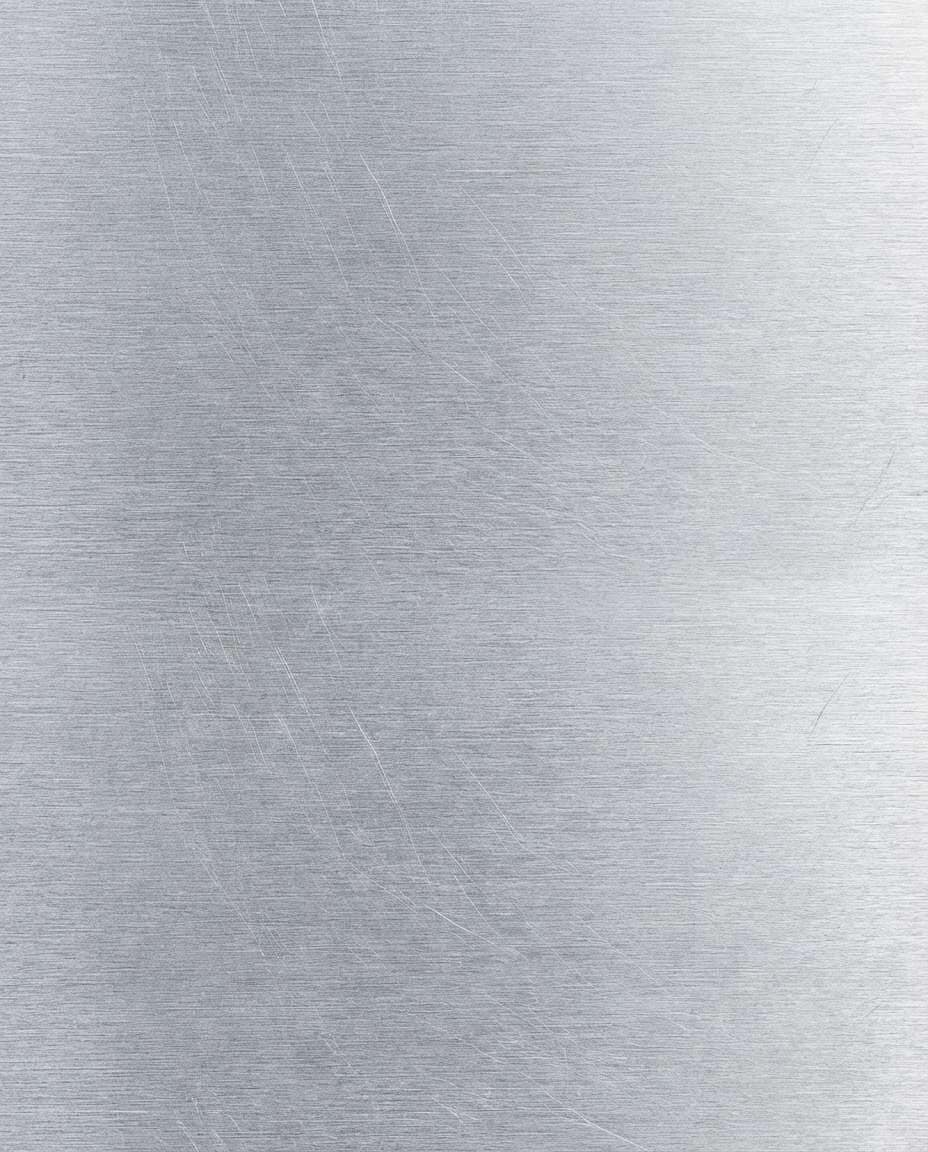
Brushed Aluminum Grain
Seamless tileable brushed aluminum texture, fine linear grain, subtle anisotropic sheen, cool silver tone, even studio lighting, no hotspots, no perspective, photorealistic, crisp micro-scratches, industrial finish --ar 4:5
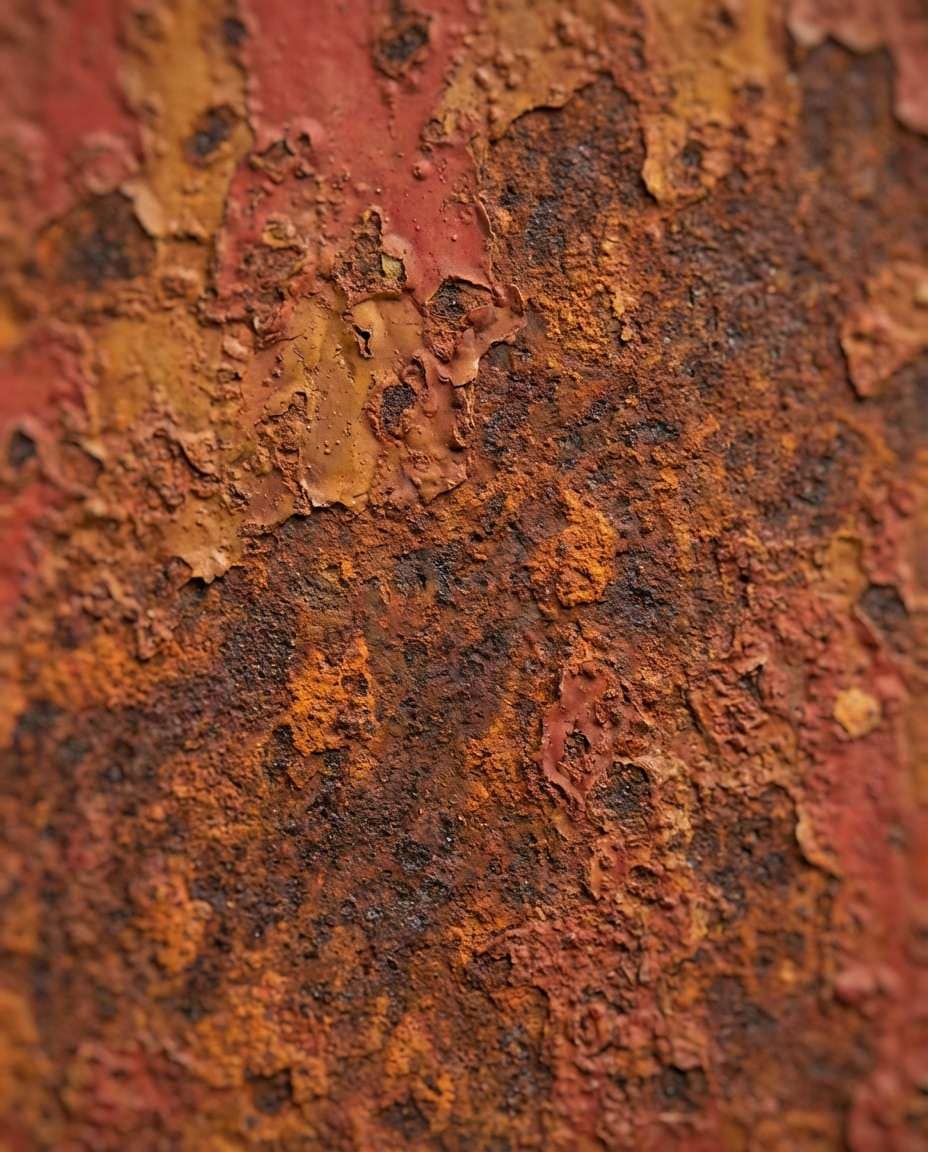
Weathered Rust Steel
Seamless tileable rusted steel texture, layered oxidation, flaking paint remnants, deep orange and brown variation, gritty pitting, uniform diffuse lighting, no directional shadows, photorealistic, high detail for game materials, 85mm lens, shallow depth of field --ar 4:5
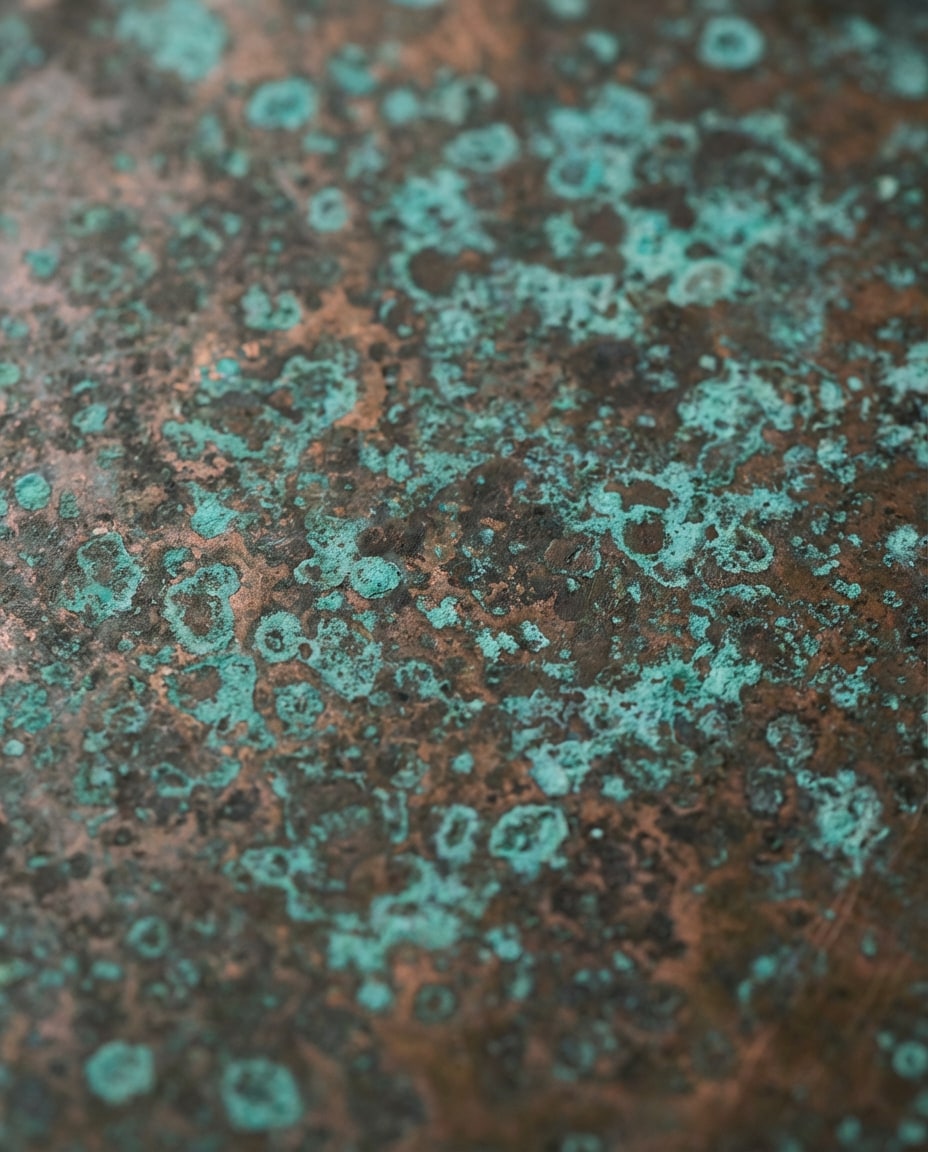
Aged Copper Patina
Seamless tileable aged copper texture with turquoise patina blooms, organic mottling, subtle metal sheen under oxidation, evenly lit, no perspective, photorealistic, high-resolution surface detail, clean tiling edges, 85mm lens, shallow depth of field, soft cinematic lighting --ar 4:5
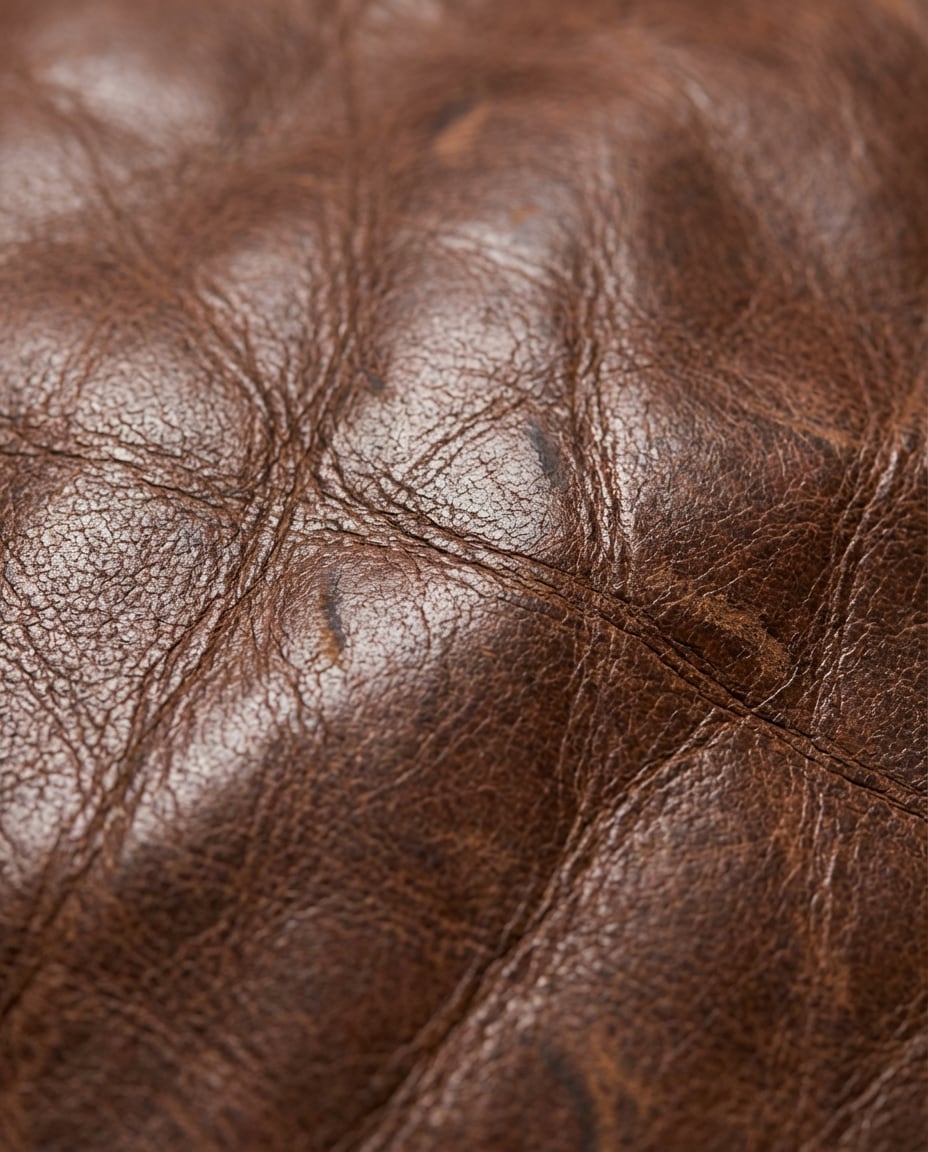
Worn Leather Grain
Seamless tileable worn brown leather texture, natural grain, creases, slight gloss on raised areas, subtle color variation, even soft lighting, no shadows, photorealistic macro detail, premium upholstery look, 85mm lens, shallow depth of field --ar 4:5
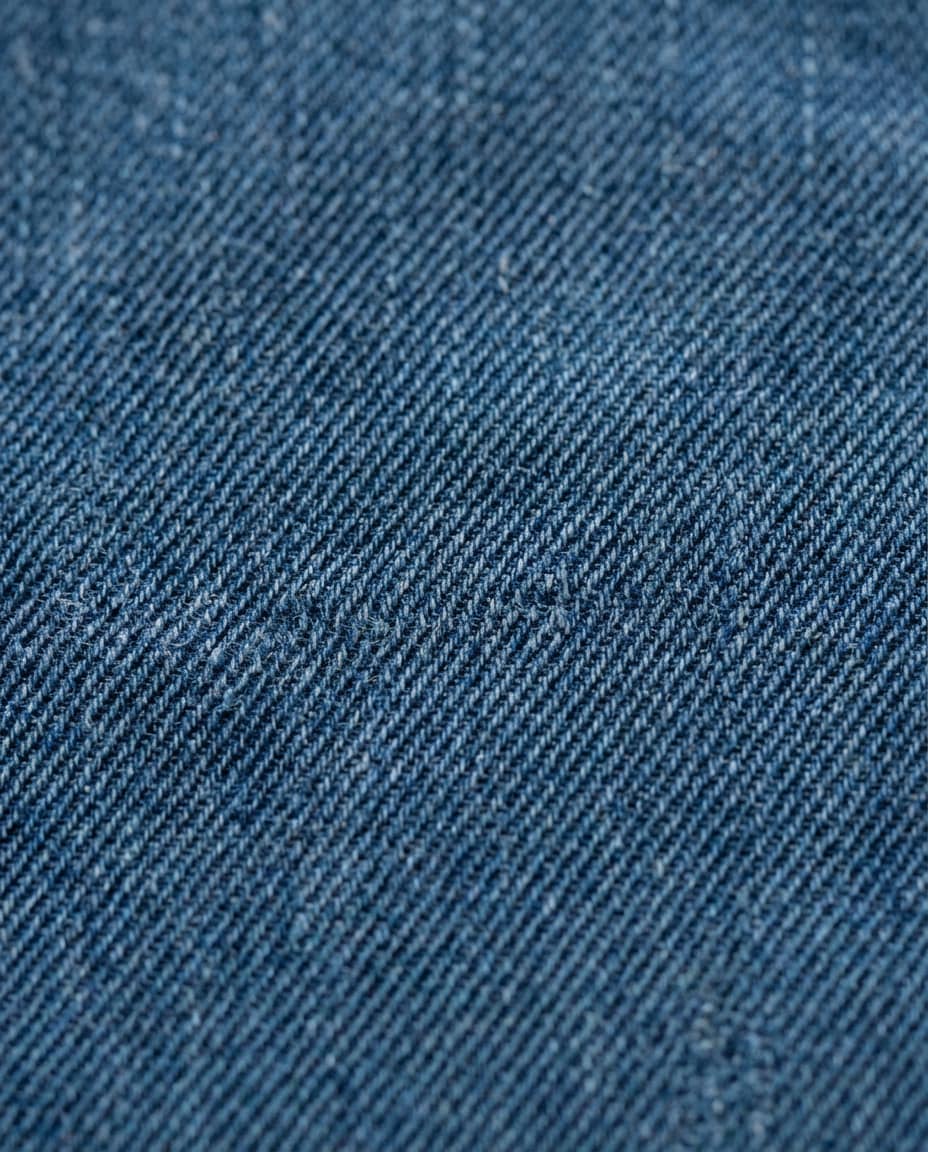
Denim Twill Weave
Seamless tileable indigo denim texture, visible twill weave, slight fuzz fibers, realistic thread variation, uniform diffuse lighting, no shadows, no perspective distortion, photorealistic macro textile detail, 85mm lens, shallow depth of field --ar 4:5
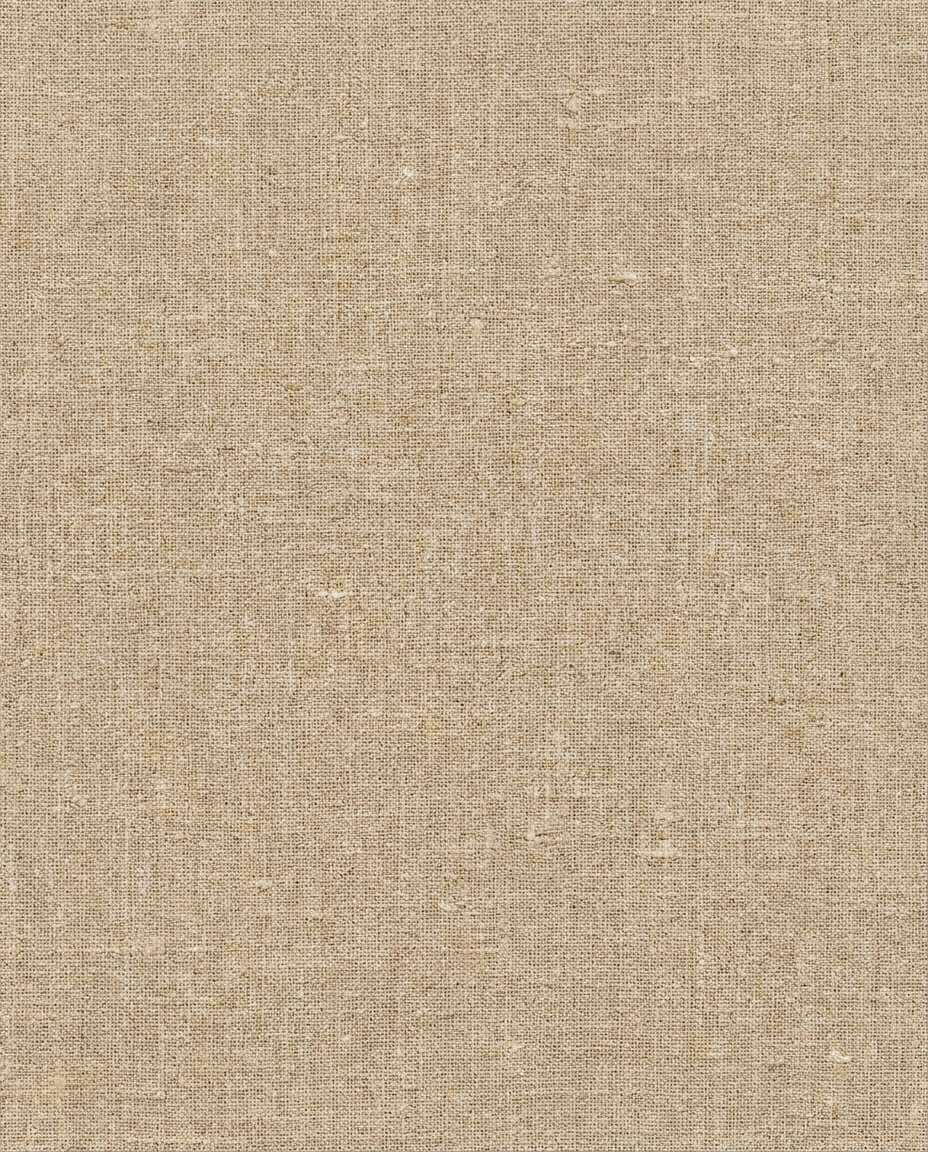
Linen Natural Fibers
Seamless tileable natural linen fabric texture, irregular weave, tiny slubs, warm beige tone, soft matte finish, evenly lit like a flatbed scan, no cast shadows, photorealistic, high resolution, 85mm lens, shallow depth of field, soft cinematic lighting --ar 4:5
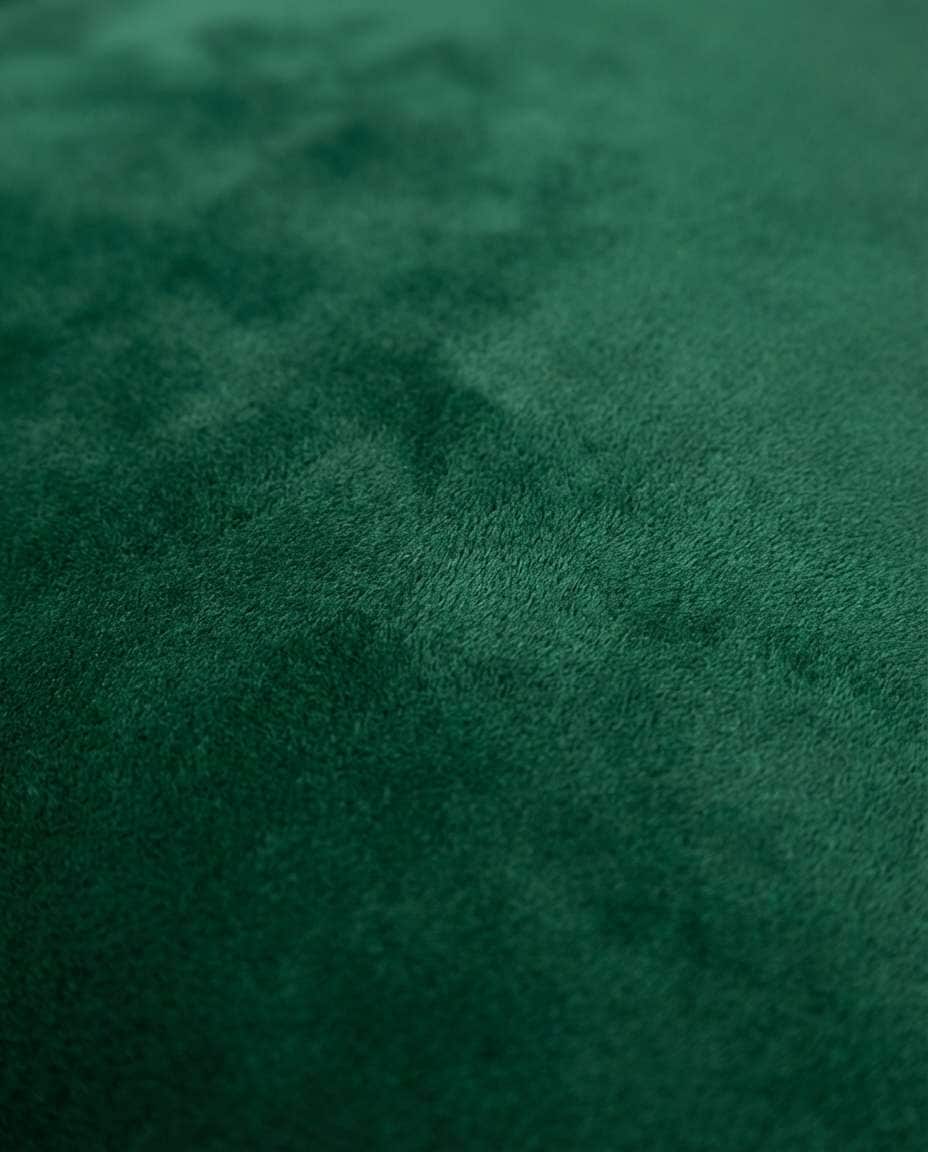
Velvet Plush Pile
Seamless tileable deep emerald velvet texture, plush pile with subtle directional nap variation, soft sheen without hotspots, uniform studio lighting, no hard shadows, photorealistic macro fibers, clean tiling, 85mm lens, shallow depth of field --ar 4:5
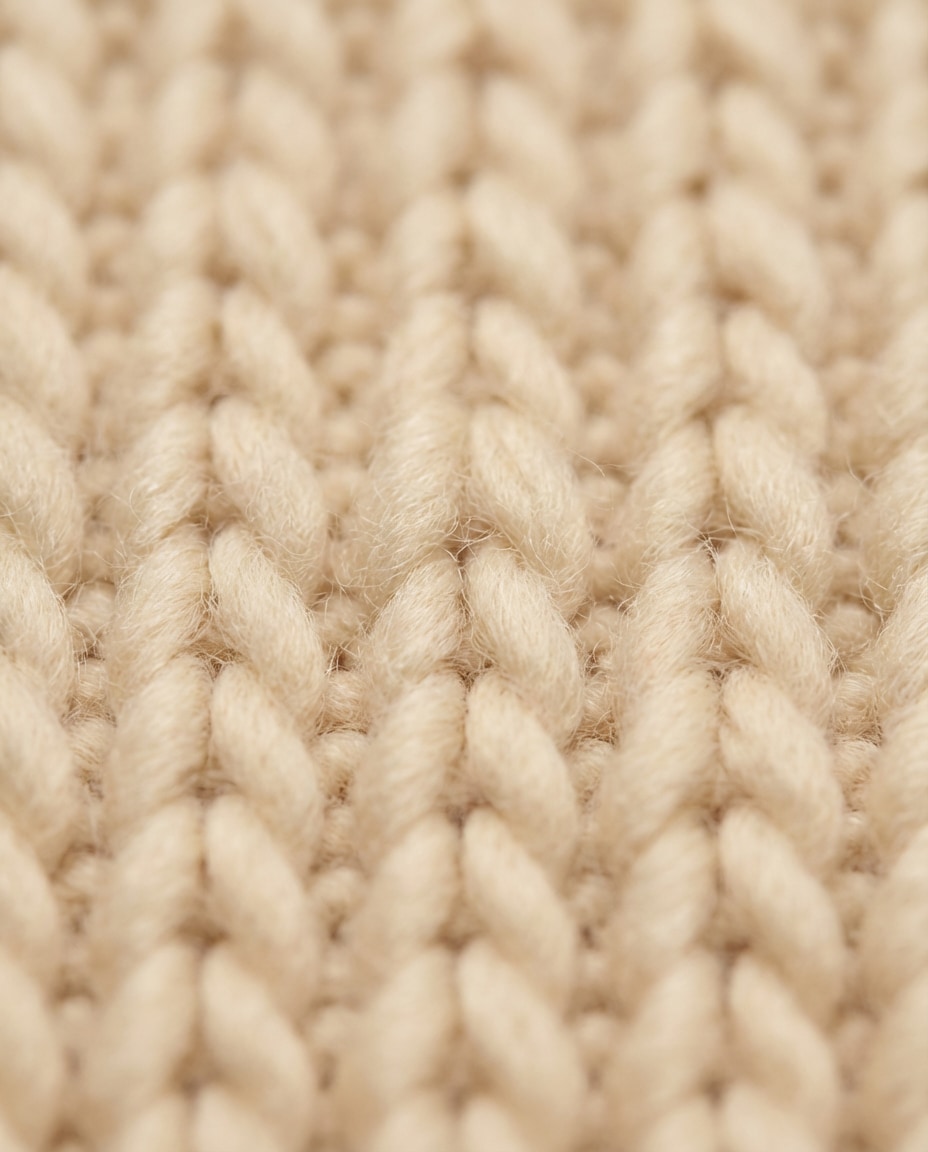
Wool Knit Cozy
Seamless tileable chunky wool knit texture, thick yarn loops, soft fuzz, warm cream color, uniform lighting, no perspective, no shadows, photorealistic textile macro, clean repeating pattern, 85mm lens, shallow depth of field --ar 4:5
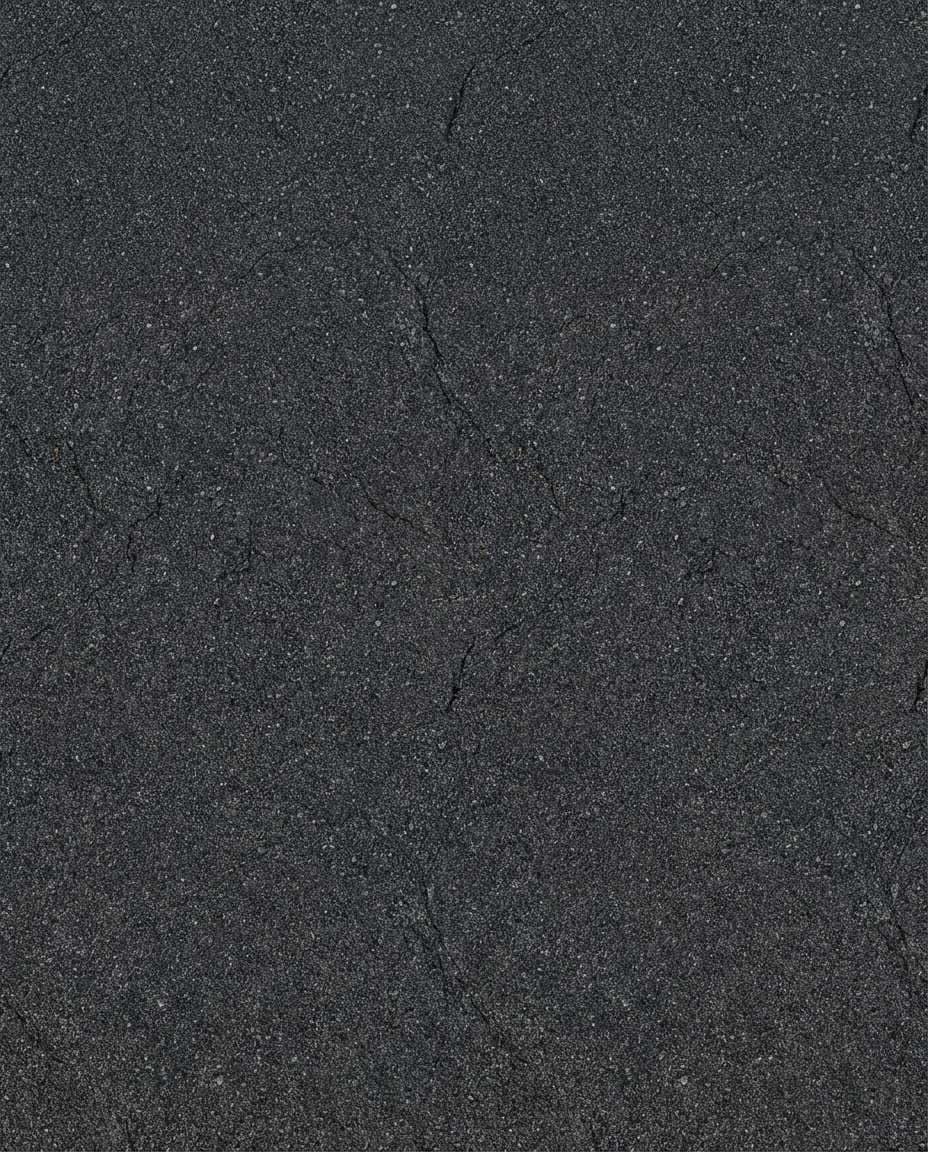
Asphalt Street Grit
Seamless tileable asphalt texture, fine gravel embedded, subtle cracks, dark charcoal tone, uniform overcast lighting, no specular glare, no perspective distortion, photorealistic, high detail for roadway materials, 85mm lens, shallow depth of field --ar 4:5
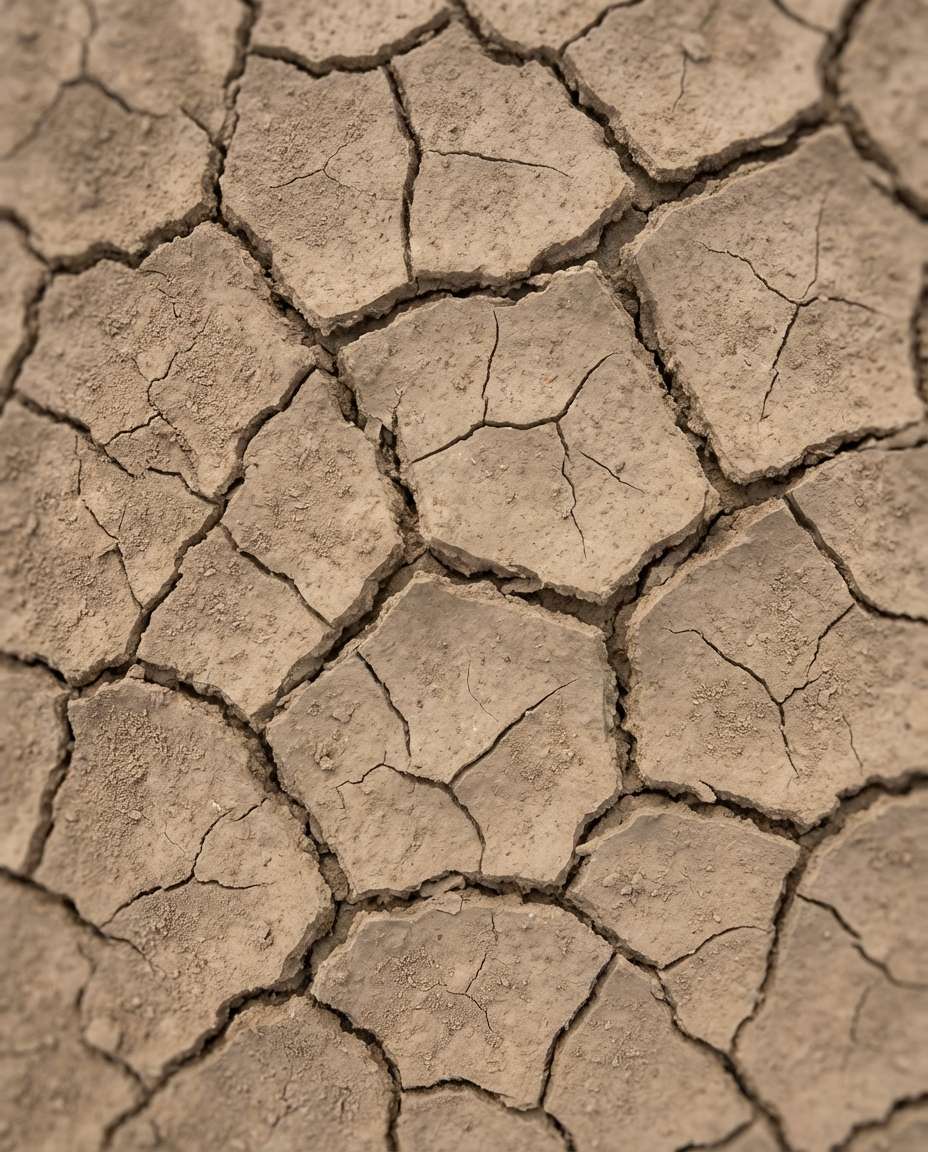
Cracked Desert Mud
Seamless tileable dried mud crack texture, polygonal crack network, dusty tan color, slight height variation, even diffuse lighting, no shadows, top-down orthographic look, photorealistic macro earth detail, 85mm lens, shallow depth of field --ar 4:5
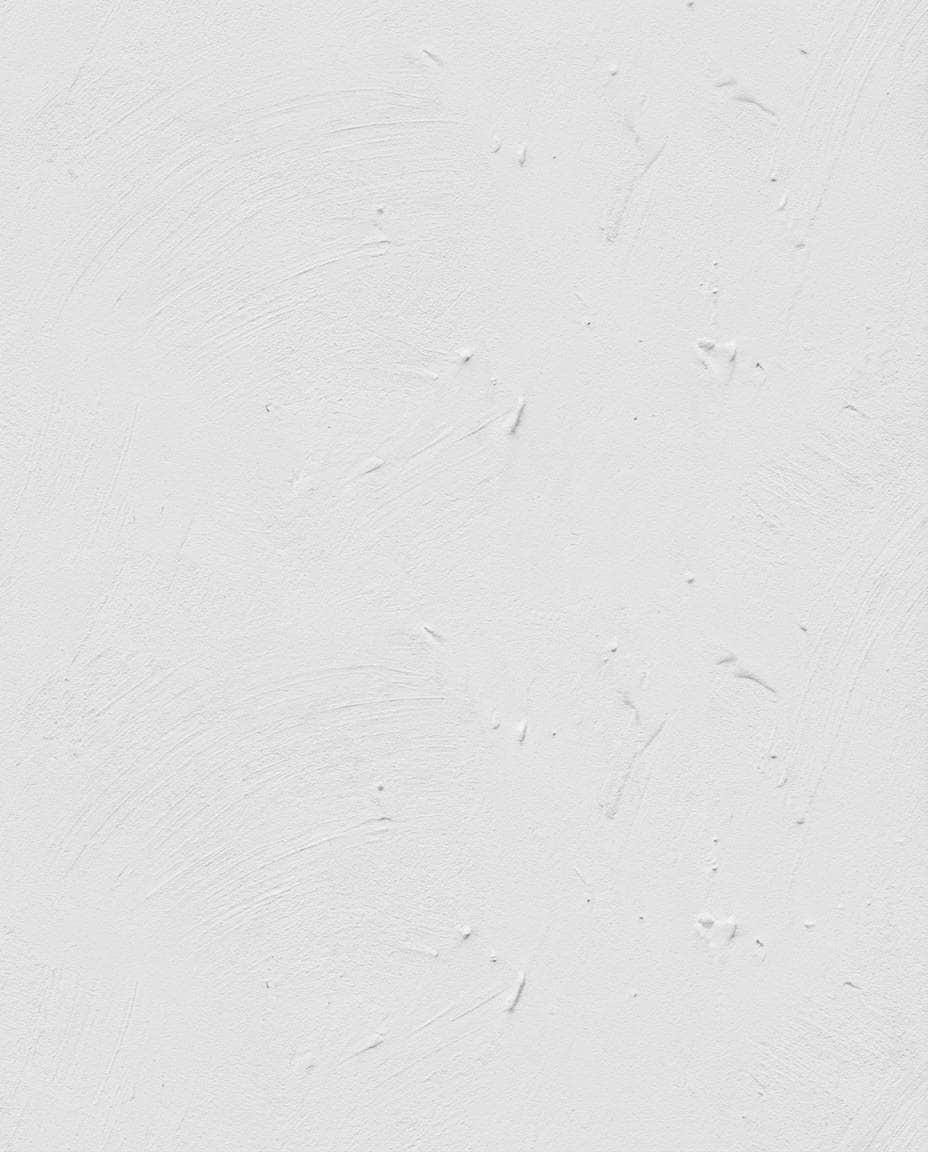
Stucco Wall Matte
Seamless tileable white stucco wall texture, fine trowel marks, subtle bumps, matte finish, uniform soft lighting, no vignetting, no perspective, photorealistic architectural material scan, 85mm lens, shallow depth of field --ar 4:5
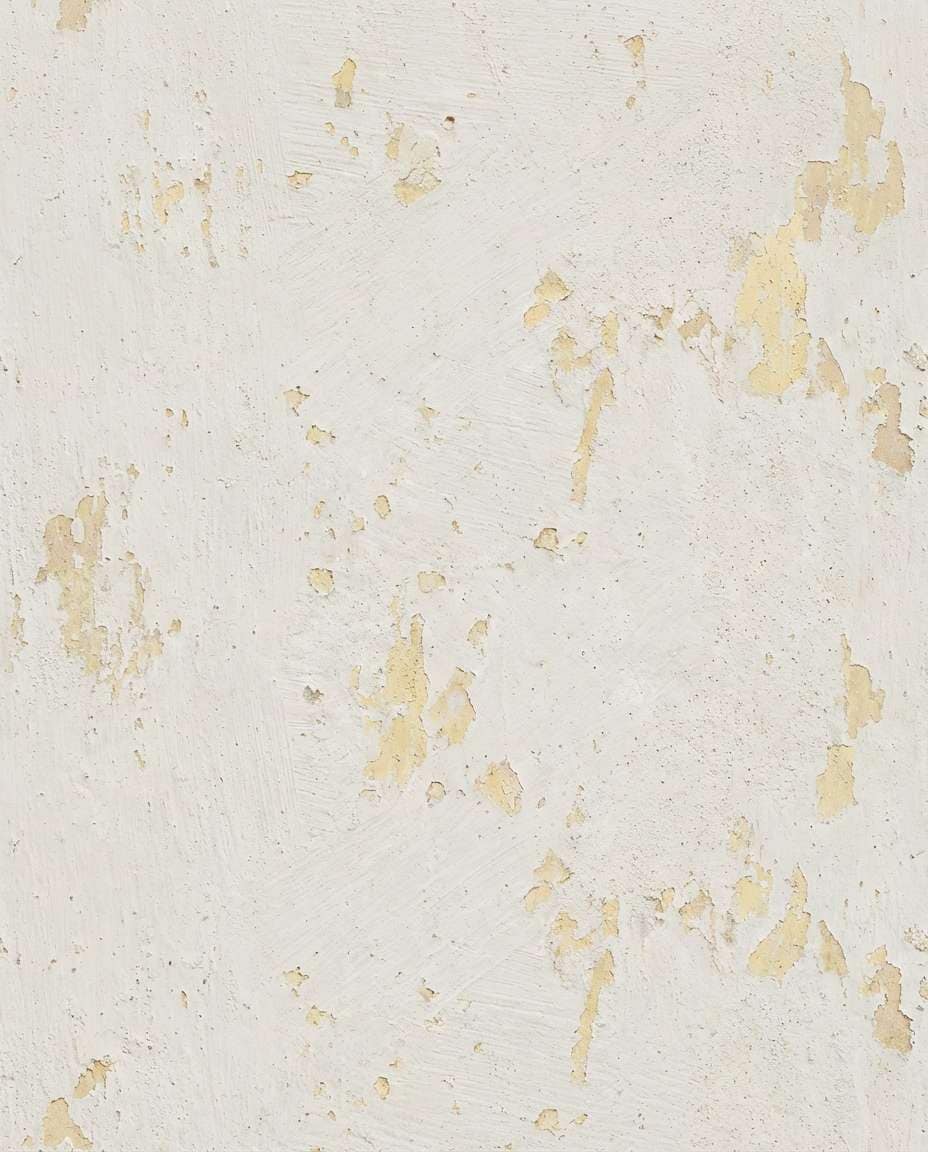
Painted Plaster Chips
Seamless tileable painted plaster texture with small chips and layered paint history, soft off-white with hints of undercoat, realistic roughness variation, uniform diffuse lighting, no shadows, photorealistic, clean tiling, 85mm lens, shallow depth of field --ar 4:5
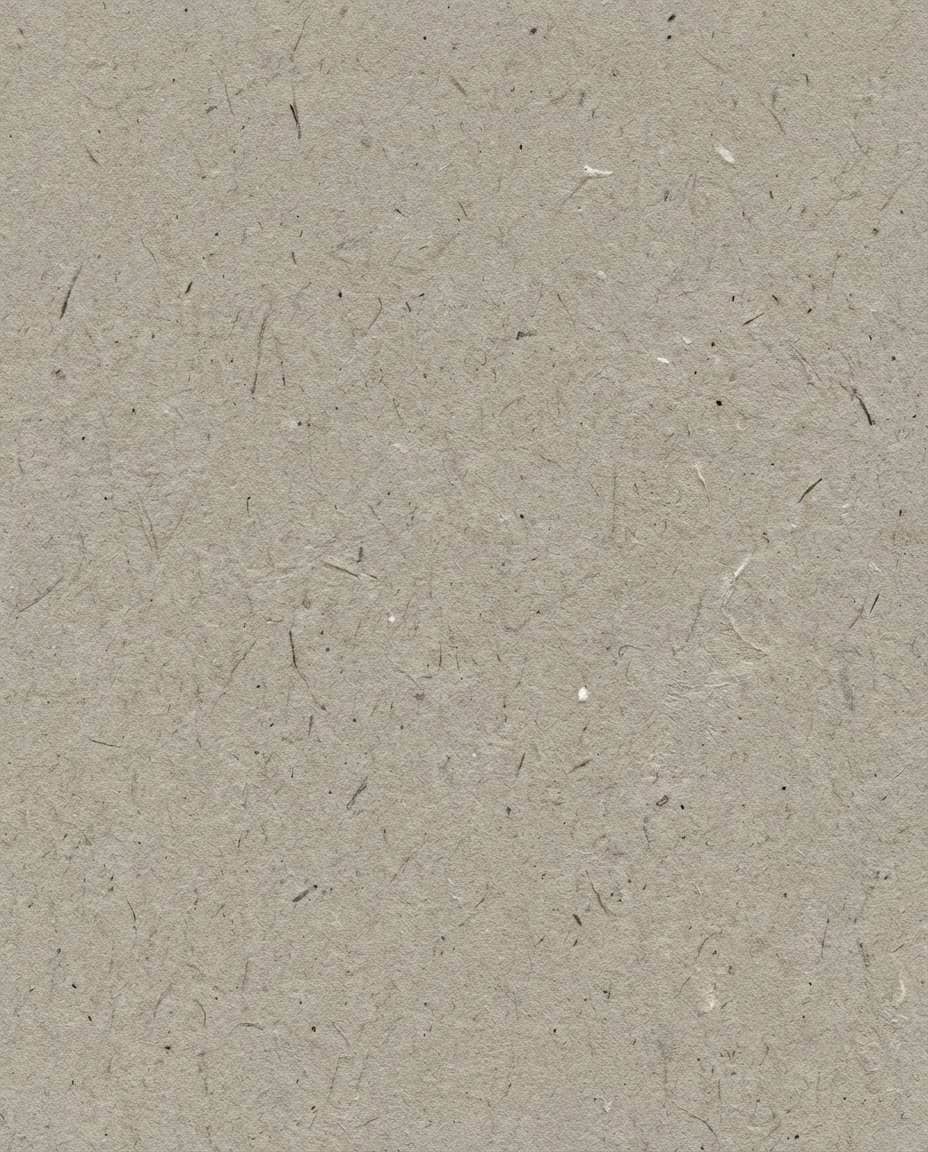
Recycled Paper Fibers
Seamless tileable recycled paper texture, visible fibers and specks, warm gray tone, matte finish, evenly lit like a studio flat lay, no shadows, photorealistic macro detail, clean repeat, 85mm lens, shallow depth of field, soft cinematic lighting --ar 4:5
Watercolor Paper Tooth
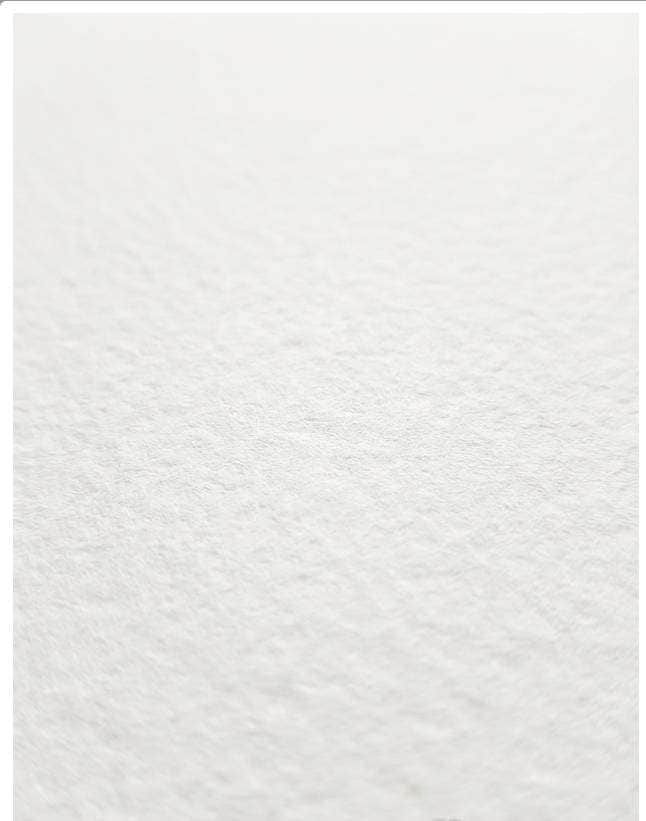
Seamless tileable watercolor paper texture, cold-press tooth, subtle peaks and valleys, bright natural white, uniform lighting, no perspective, photorealistic surface detail, perfect for print backgrounds, 85mm lens, shallow depth of field --ar 4:5
Frosted Glass Grain
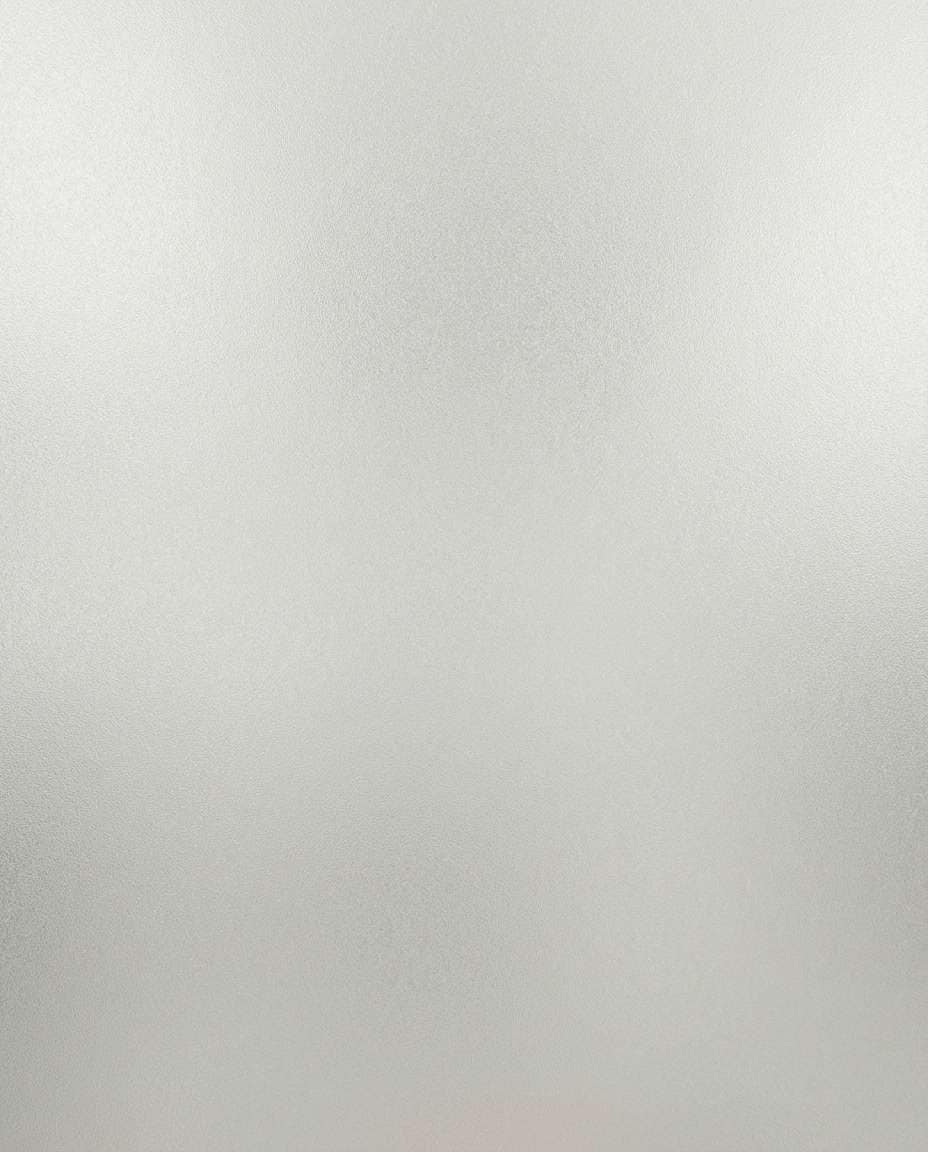
Seamless tileable frosted glass texture, fine etched grain, soft diffusion, subtle light scatter pattern, evenly lit, no strong highlights, no perspective distortion, photorealistic, clean repeat for UI overlays, 85mm lens, shallow depth of field --ar 4:5
Ceramic Glaze Specks
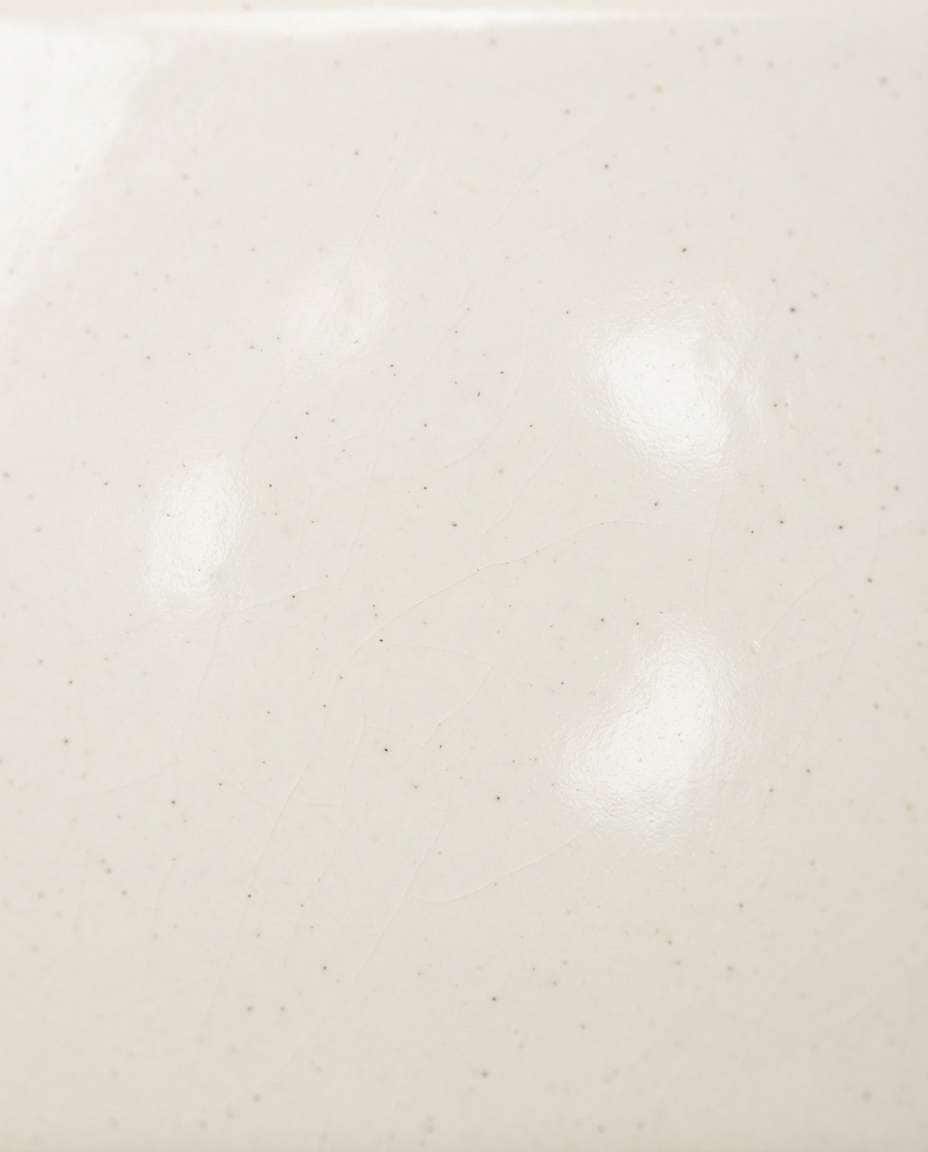
Seamless tileable ceramic glaze texture, off-white base with tiny speckles, gentle glossy finish, subtle micro-crazing, uniform softbox lighting, no harsh reflections, photorealistic, top-down tileable material, 85mm lens, shallow depth of field --ar 4:5
Hand Holding Marble
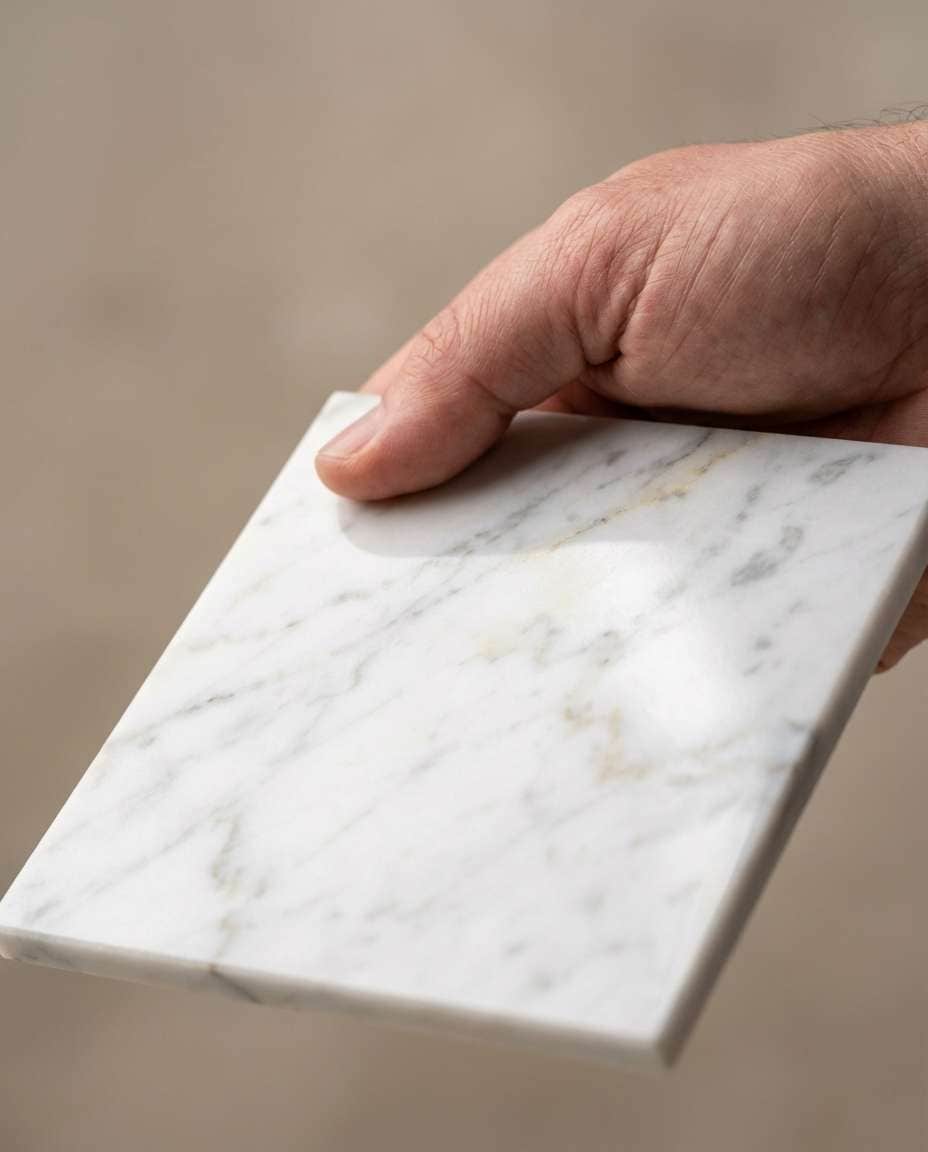
A hand holding a polished marble tile sample, close-up product shot, Carrara veining visible, soft studio lighting, neutral background, shallow depth of field, shot on 85mm lens, photorealistic skin texture, focus on surface detail and reflectance --ar 4:5
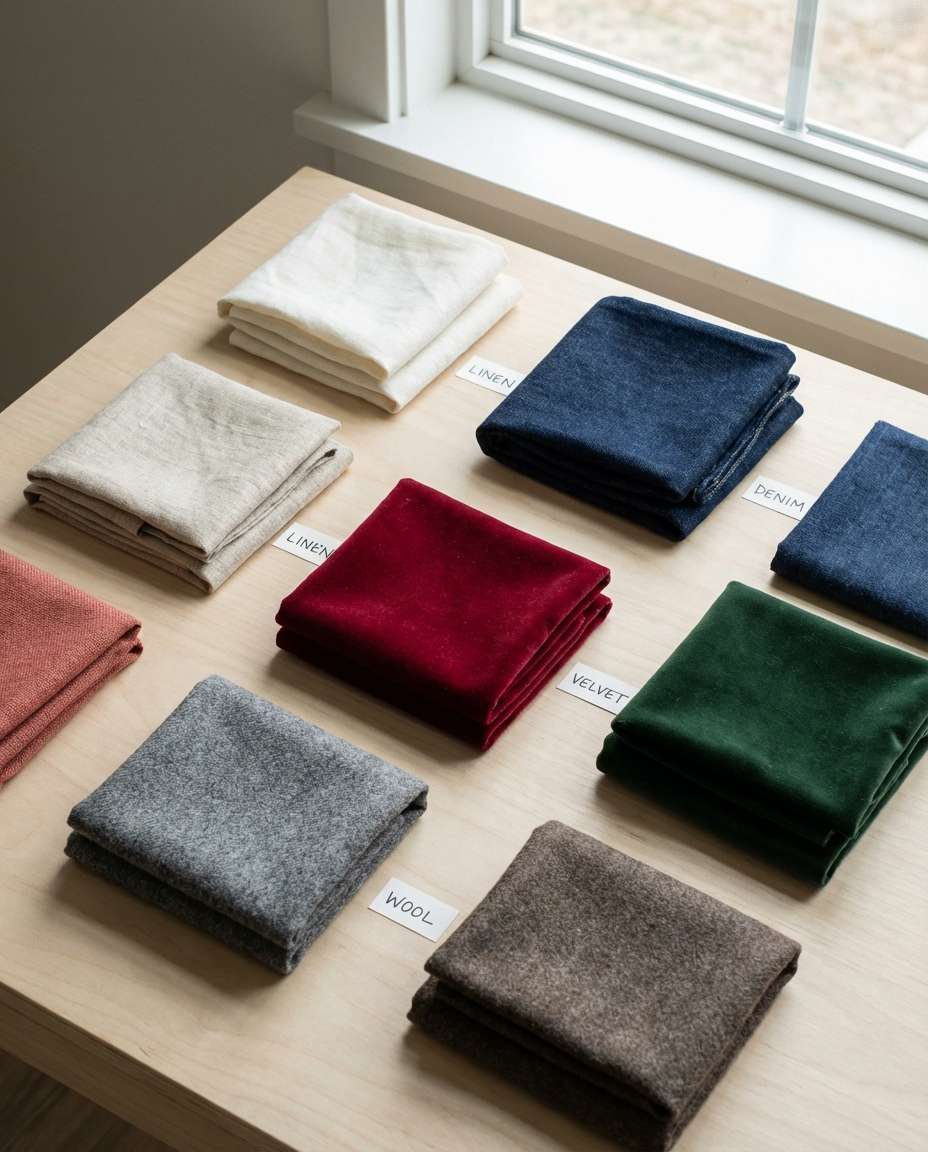
Designer Fabric Swatches
Flat lay of multiple fabric swatches in a neat grid, linen, denim, velvet, wool, each with visible weave and texture, soft window light, minimal shadows, shot on 50mm, photorealistic, editorial material board aesthetic --ar 4:5
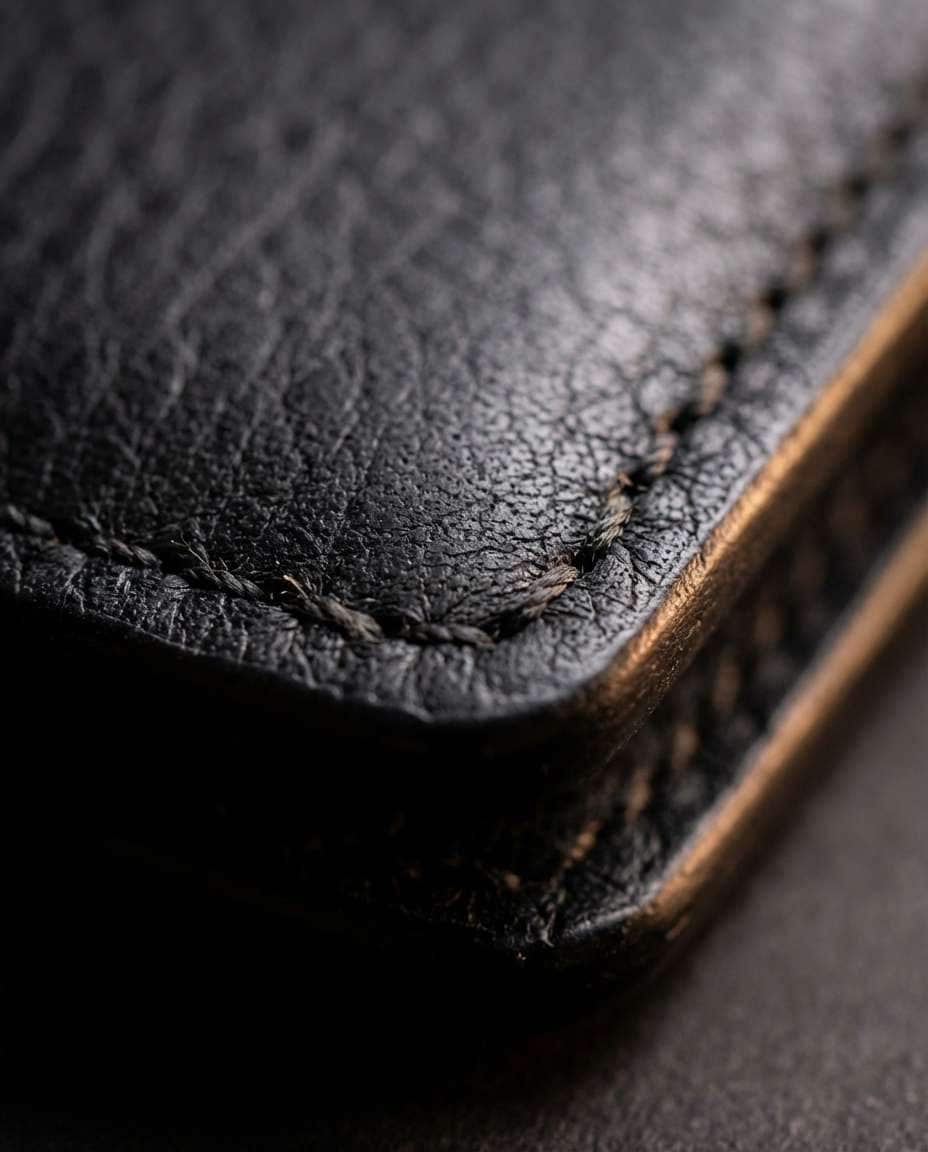
Leather Wallet Close-Up
Extreme close-up of a leather wallet corner showing pebbled grain and stitching, matte black leather, soft rim light, shot on macro lens, shallow depth of field, photorealistic micro-detail, luxury product photography --ar 4:5
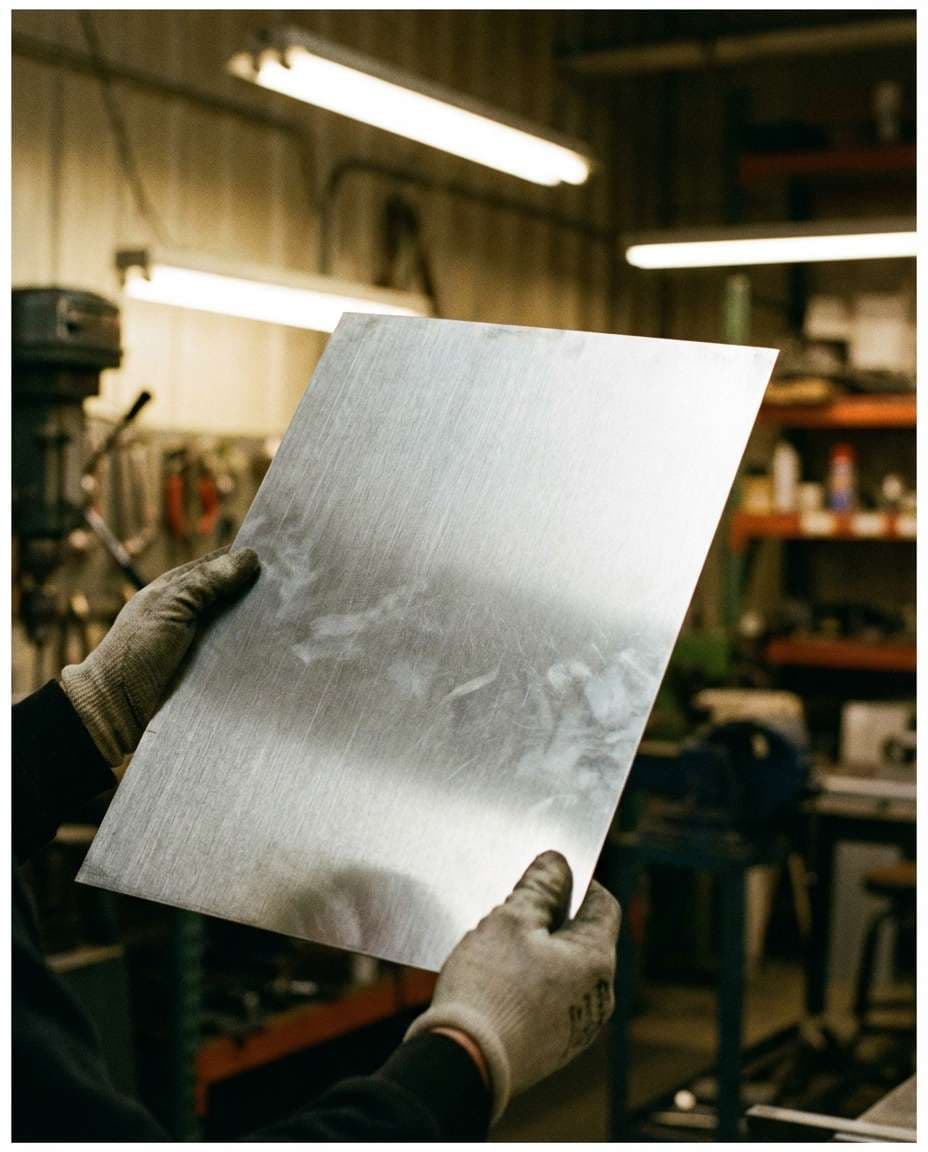
Metal Sheet in Workshop
Hands inspecting a brushed aluminum sheet under workshop lighting, fine grain catching light, slight fingerprints, industrial background softly blurred, shot on 35mm, photorealistic, high detail on metal texture --ar 4:5
Great textures are less about fancy words and more about controlled lighting and repeatable detail. If you are wondering how to create realistic textures with AI, lock the surface type, scale, and lighting first, then add micro-wear. Small tweaks deliver big realism.
Recommend Prompts Formula
Material identity: name the surface and finish (matte, satin, glossy).
Scale cues: macro, close-up, or tileable scan; mention pore size or weave tightness.
Color and variation: base tone plus subtle stains, specks, or veining.
Lighting control: uniform diffuse light, no harsh shadows, no hotspots.
Framing: top-down, orthographic, no perspective distortion for seamless tiles.
Realism markers: photorealistic, high resolution, sharp micro-detail, clean repeat edges.
Quick Prompt Tweaks That Work
Say "seamless tileable" and "clean edges for tiling" when you need repeatable textures.
Add "no shadows, no vignette" to avoid baked lighting that breaks PBR workflows.
Use one finish word only (matte or glossy), not both, to reduce confusing results.
For fabric, specify weave type (twill, plain weave, knit) and fiber (cotton, wool, linen).
For metals, call out micro-scratches, fingerprints, or oxidation level for believable wear.
If the texture looks too perfect, add subtle grime, edge wear, or unevenness in small amounts.
Why Choose Media.io for AI Texture Generator
Generate realistic AI images faster with powerful tools and flexible prompt control.
Copy, paste, done
Skip blank-page prompting. Grab a texture prompt, tweak a few words for color and finish, then generate instantly. It is built for fast iterations, so you can test multiple looks in minutes without bouncing between complicated tools.
Reference image control
Upload a photo of a real surface and guide the generator toward the same vibe. This is ideal for matching brand materials, set design boards, or existing 3D scenes where the texture needs to feel consistent across shots.
Clean, usable detail
Generate high-detail textures that read well at close range: pores, fibers, scratches, and subtle variation. The result feels more like a real material capture and less like a flat pattern, perfect for mockups and look-dev.
Fast downloads for teams
Preview results quickly, regenerate when needed, then download in seconds to share with clients or teammates. Keep your workflow moving from concept to asset without waiting on long renders or extra editing steps.
FAQs About
AI Texture Prompt
1. What makes a good AI Texture Prompt for seamless textures?
A strong AI Texture Prompt is specific about material, scale, and lighting. Ask for top-down or orthographic framing, uniform diffuse light, and no shadows so the surface does not bake in direction. If you need quick results, start from an AI texture image prompt copy and paste and then adjust color and wear.
2. Do I need to upload a reference photo to generate texture images?
No. You can generate textures from text alone, especially for common materials like concrete, wood, or fabric. Uploading a reference helps when you must match a real surface, brand palette, or existing scene. In Media.io, you can try both: text-only for speed, reference-guided for accuracy.
3. How do I avoid weird lighting or shadows in texture outputs?
Explicitly request uniform lighting and tell the model what to avoid: no cast shadows, no vignette, no spotlight hotspots, no perspective distortion. For consistent results, reuse an AI texture image prompt copy and paste and only change one variable at a time, like roughness, stain amount, or color temperature.
4. Can I use AI Texture Prompt results for 3D materials and PBR workflows?
Yes, especially for concepting and look-dev. Generate clean base color textures and keep lighting neutral so you can derive maps later or pair them with your usual material pipeline. If you need true production PBR maps, treat AI outputs as a fast starting point and refine as required.
5. What details should I include for fabric and textile textures?
Name the weave (twill, knit, plain weave), fiber (cotton, linen, wool), and finish (matte, brushed, shiny). Add scale cues like macro or close-up, plus small realism like fuzz, slubs, or stitching. This keeps the AI Texture Prompt focused and prevents the fabric from looking like a generic pattern.
Why Creators Love Media.io's AI Texture Prompt?
Alex M.
Photographer
Ultra Realistic Results.
I used these ai texture prompts to create visuals that looked like real photography. The lighting, textures, and colors felt incredibly natural.
Maya J.
Designer
Perfect Lighting & Detail.
The prompts produced cinematic compositions and soft lighting, making every image feel like a professional shoot.
Jordan P.
Creator
Perfect for Social Media.
I used these prompts to create viral content. It's fast, easy, and consistently produces stunning visuals.