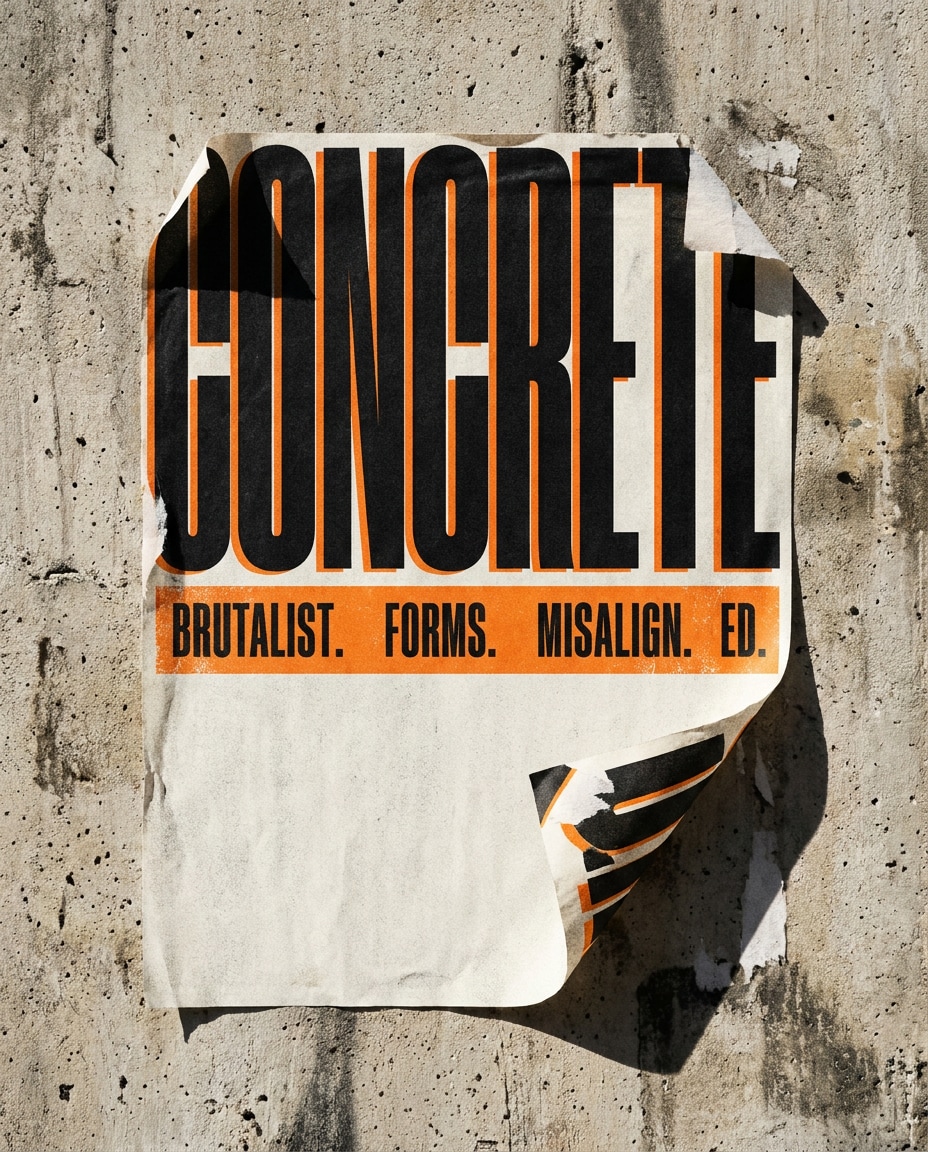
25+ AI Brutalism Design Prompt Ideas for Bold, Raw Visuals
Build unapologetically raw visuals with oversized type, broken grids, and gritty paper textures that look ripped from an underground zine wall. This AI brutalism design prompt collection for ChatGPT or Gemini gives you 25+ copy-paste ideas for posters, web layouts, and cover art. Upload a reference image or start from text, generate fast, and ship scroll-stopping designs.
Stunning AI ai brutalism design generated with Media.io - powered by
Nano Banana Pro.
How to Create AI Brutalism Designs in 3 Steps
Media.io makes brutalist visuals ridiculously fast. Open the AI generator, paste a prompt, and iterate until the layout feels loud, sharp, and intentional.
1
Open Media.io AI Generator
Go to Media.io and open the AI Image Generator (or AI Design tool) from the dashboard. Pick a canvas ratio that fits your use case, like 4:5 for Instagram posters, and set your generation mode for design-focused results.
2
Upload or paste a prompt
Upload a reference (optional) to lock in layout cues, then paste one of the prompts below. Adjust typography notes, palette, and texture intensity to match your ai brutalism design prompt goal, from web UI to print-style posters.
3
Generate and download
Click Generate, review 2 to 4 variations, and refine with quick edits like "more negative space" or "bolder type." Once it hits the right brutalist tension, download a high-res image for posting, pitching, or printing.
Best Gemini & ChatGPT AI Brutalism Design Prompt Ideas & Examples
Concrete Type Poster
A brutalist graphic design poster on rough concrete wall texture, gigantic condensed sans-serif headline cropped off the edges, extreme letter spacing in subhead, black and safety orange palette with off-white paper grain, harsh alignment rules with intentional misregistration, torn-paper edges, photocopy noise, photographed as a wheatpaste street poster, Sony A7IV, 35mm, hard noon light, crisp shadows, editorial design mockup, ultra detailed --ar 4:5
Broken Grid Layout
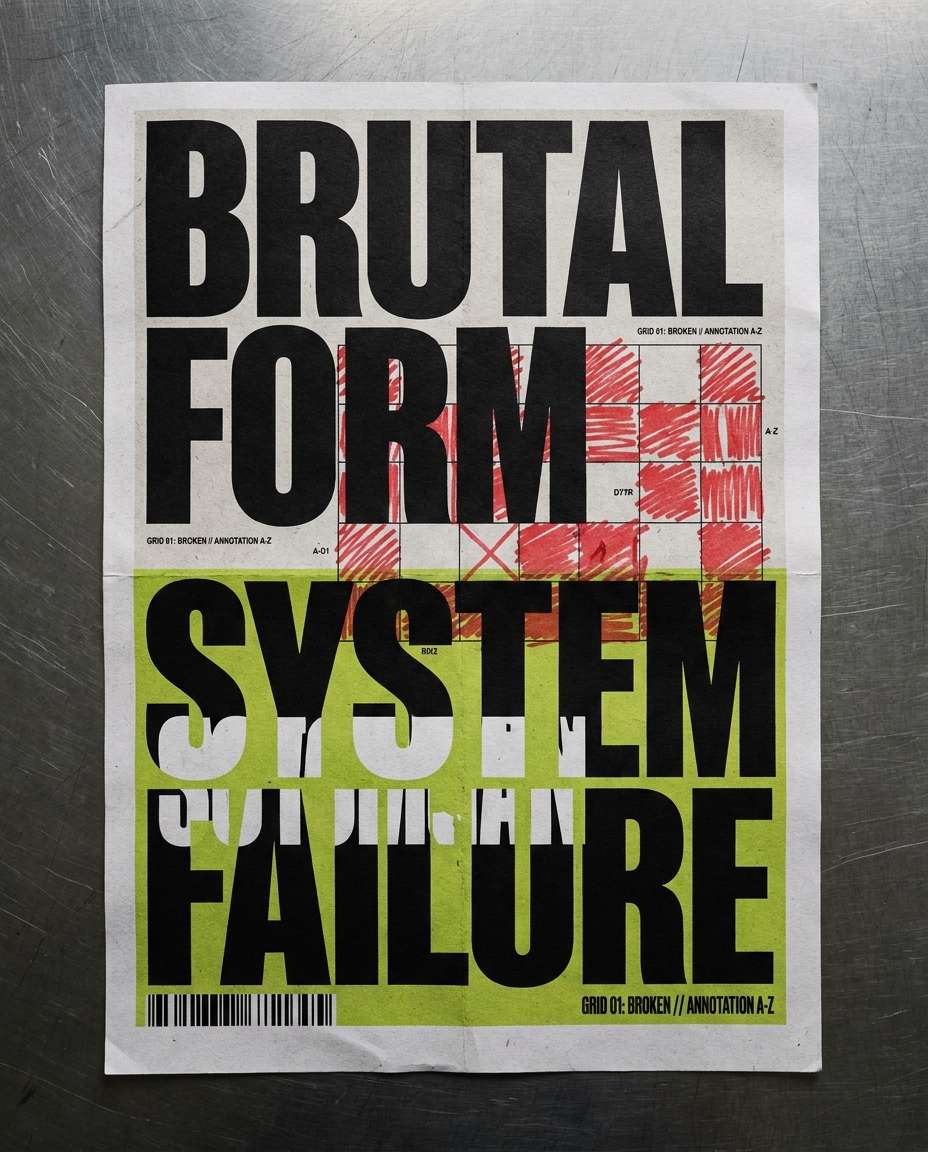
A brutalist poster design with a strict Swiss grid intentionally broken, oversized typographic blocks, small annotation text like technical labels, red marker scribbles, barcode strip, asymmetric margins, matte paper with visible fibers, high-contrast black, white, and acid green, photographed flat-lay on a scratched metal table, Canon EOS R5, 50mm, top-down, sharp focus, realistic print texture, soft cinematic lighting --ar 4:5
Zine Cover Shock
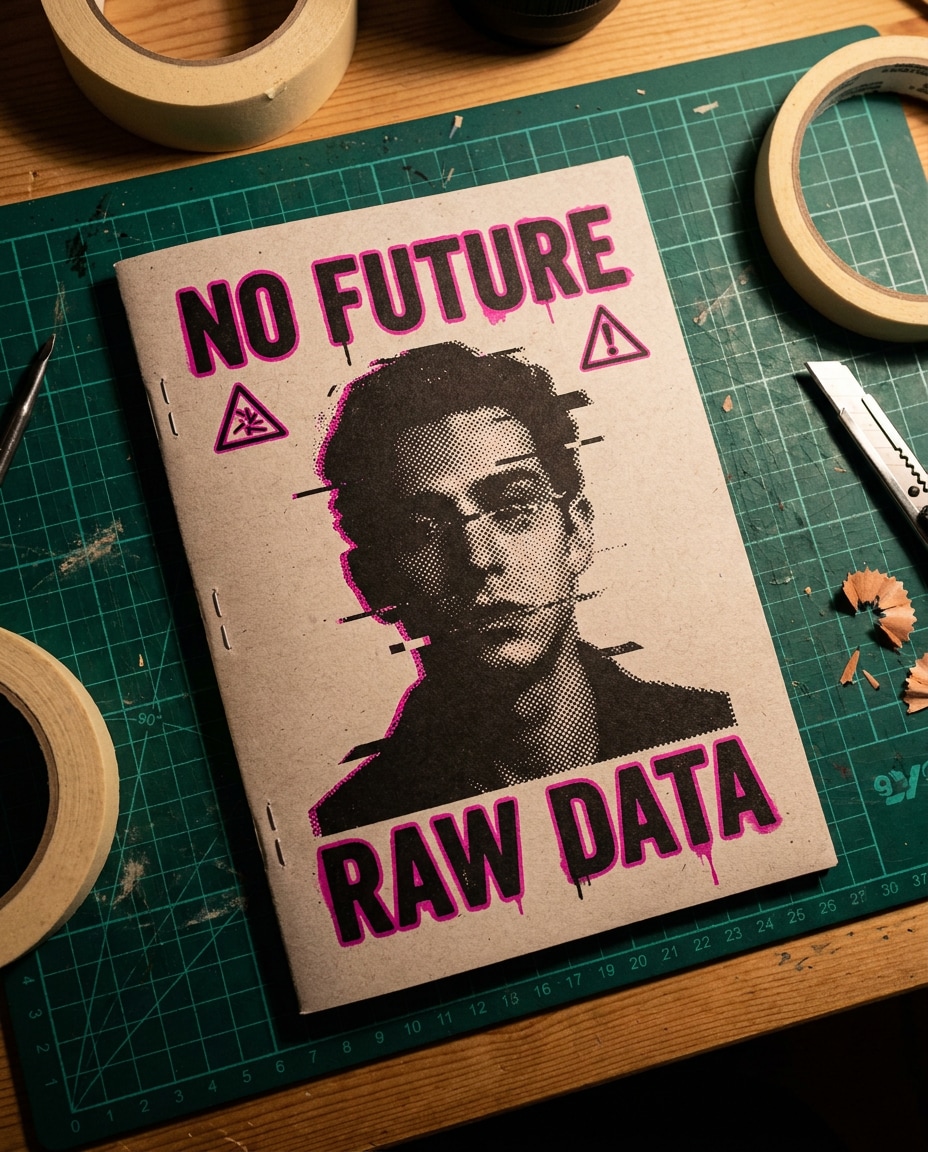
A brutalist zine cover mockup with raw typography, glitchy halftone portrait silhouette, bold warning symbols, uneven kerning, heavy ink bleed, monochrome black with one neon magenta accent, staples visible on the spine, placed on a messy studio desk with cutting mat and tape, Nikon D850, 35mm, moody overhead tungsten, high resolution, gritty realism, soft cinematic lighting --ar 4:5
Brutalist Web Hero
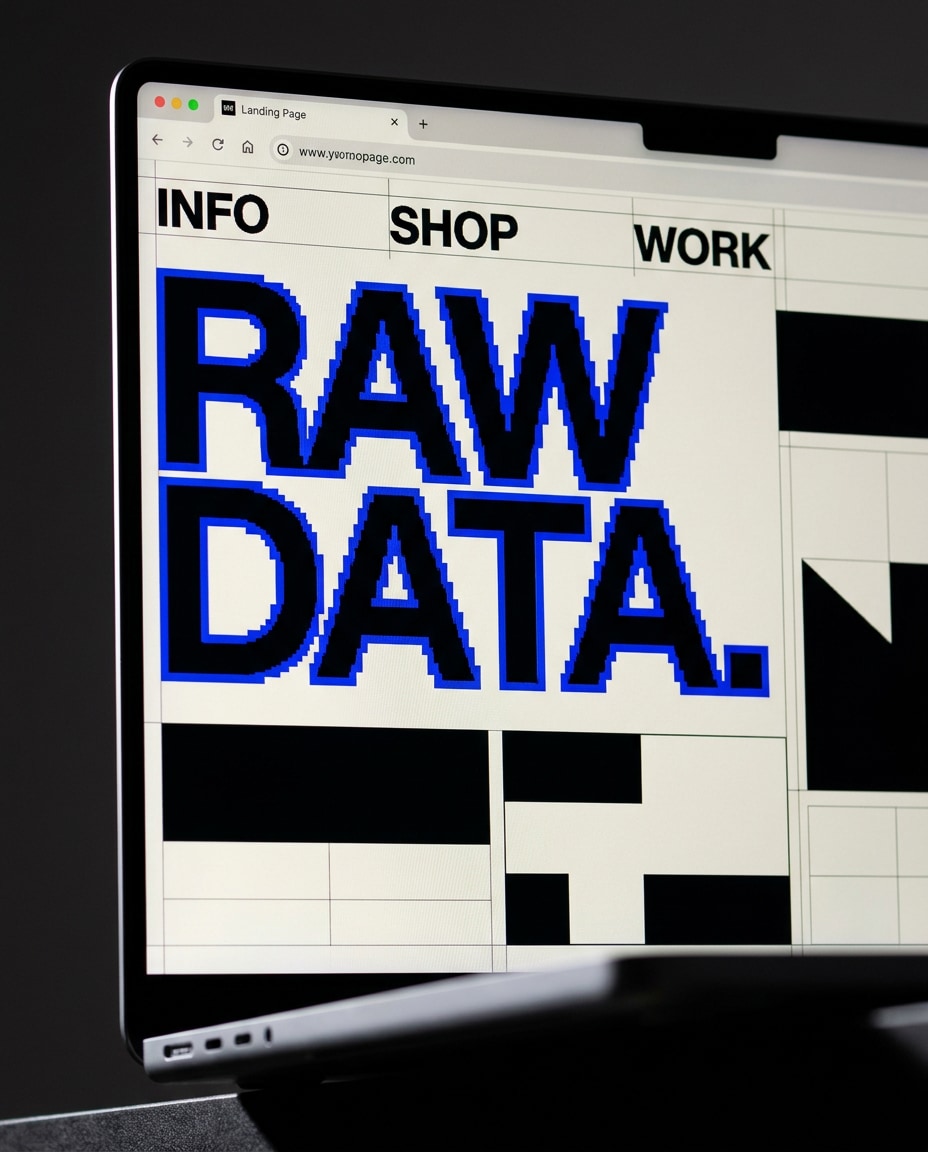
A brutalist web landing page design mockup on a modern laptop screen, oversized headline, minimal navigation, brutal typography hierarchy, black and off-white with a single electric blue accent, raw UI blocks, visible grid overlays, intentionally awkward spacing, browser chrome visible, photographed in a dim studio with rim light and soft reflections, Sony A7IV, 85mm, shallow depth of field, high-detail screen realism --ar 4:5
Harsh UI Components
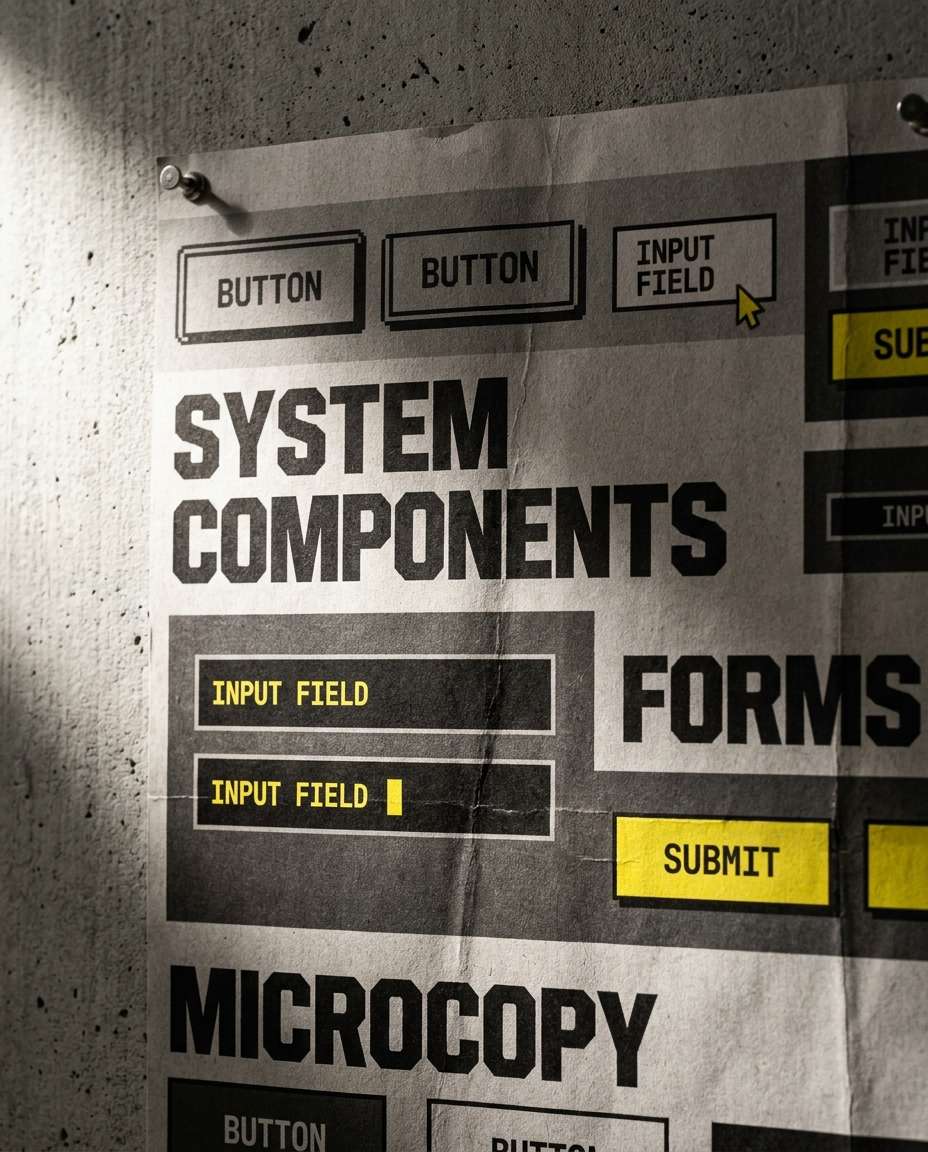
A brutalist web UI component board: chunky buttons, stark input fields, oversized labels, monochrome palette with safety yellow highlights, brutal typography with uppercase microcopy, visible pixel edges and scanline texture, presented as a design system poster pinned to a wall, photographed with Canon EOS R5, 70mm, side lighting, sharp focus, realistic paper texture --ar 4:5
Mobile Brutal App
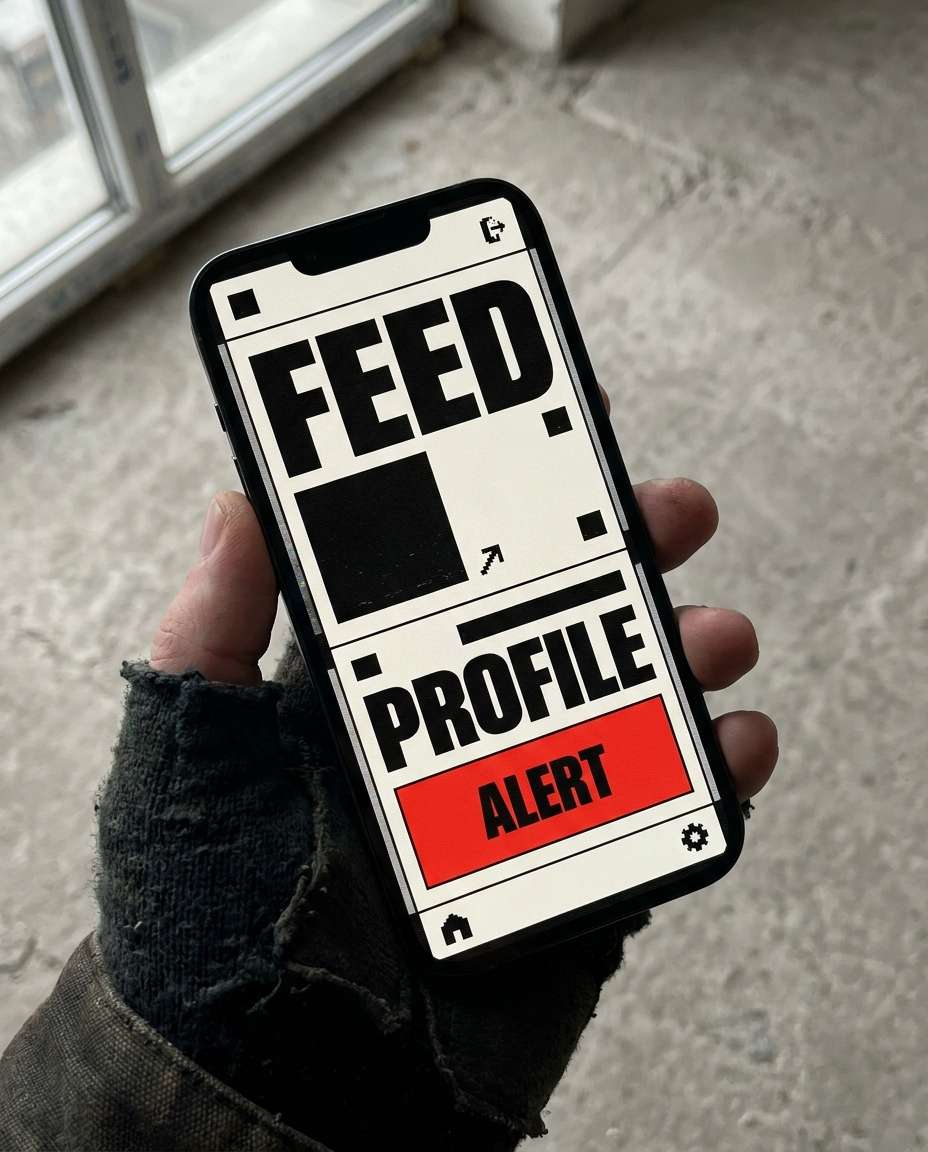
A brutalist mobile app screen mockup on a hand-held smartphone, loud typography, hard lines, minimal icons, aggressive contrast, off-white background with black blocks and a single red accent, UI feels raw and utilitarian, subtle CRT noise overlay, photographed in natural window light, iPhone held above a concrete floor, 50mm look, crisp detail, realistic reflections --ar 4:5
Album Cover Grit
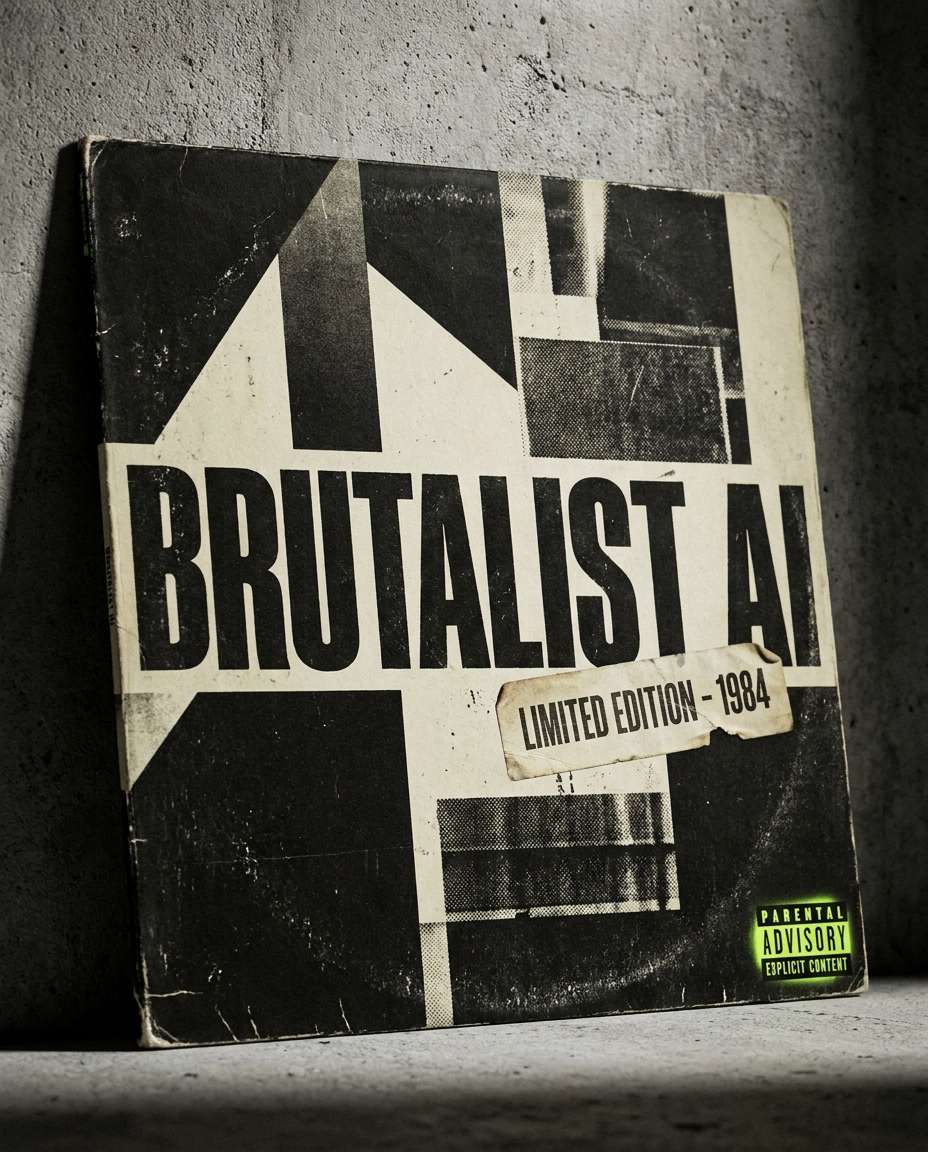
An ai brutalist album cover design prompt result: heavy typographic title, stark geometry, photocopied textures, ripped label sticker, monochrome black and dirty cream with neon green detail, parental advisory style tag, printed on a vinyl sleeve mockup leaning against a wall, shot on Sony A7IV, 35mm, dramatic side light, sharp grain, realistic print wear --ar 4:5
Techno Flyer Stack
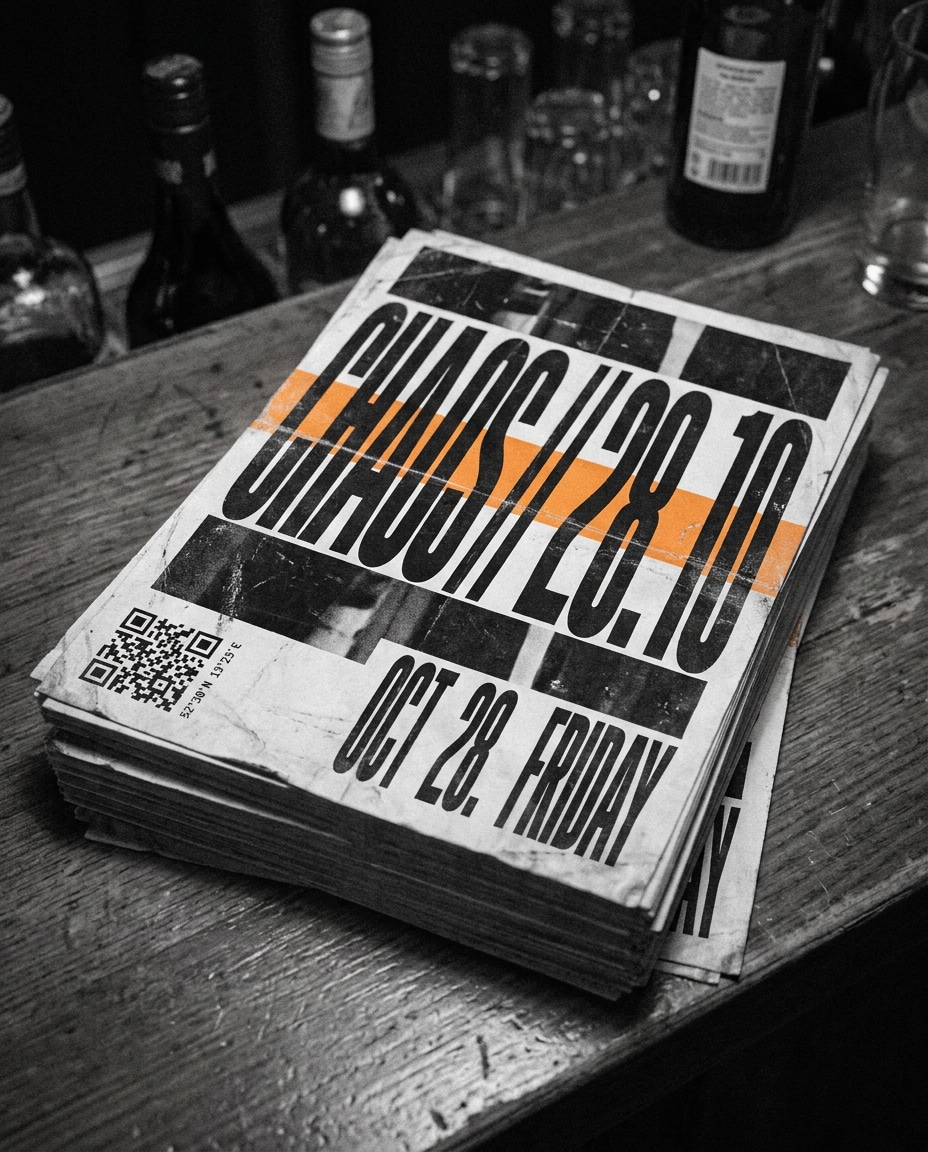
A brutalist event flyer design with massive type, condensed fonts, chaotic alignment, tiny coordinates text, date blocks, QR code, high-contrast black and white with one acid orange stripe, duplicated layers like a photocopier jam, photographed as a stack of flyers on a club bar counter, Nikon D850, 50mm, low light, film grain, realistic paper edges --ar 4:5
Museum Exhibit Poster
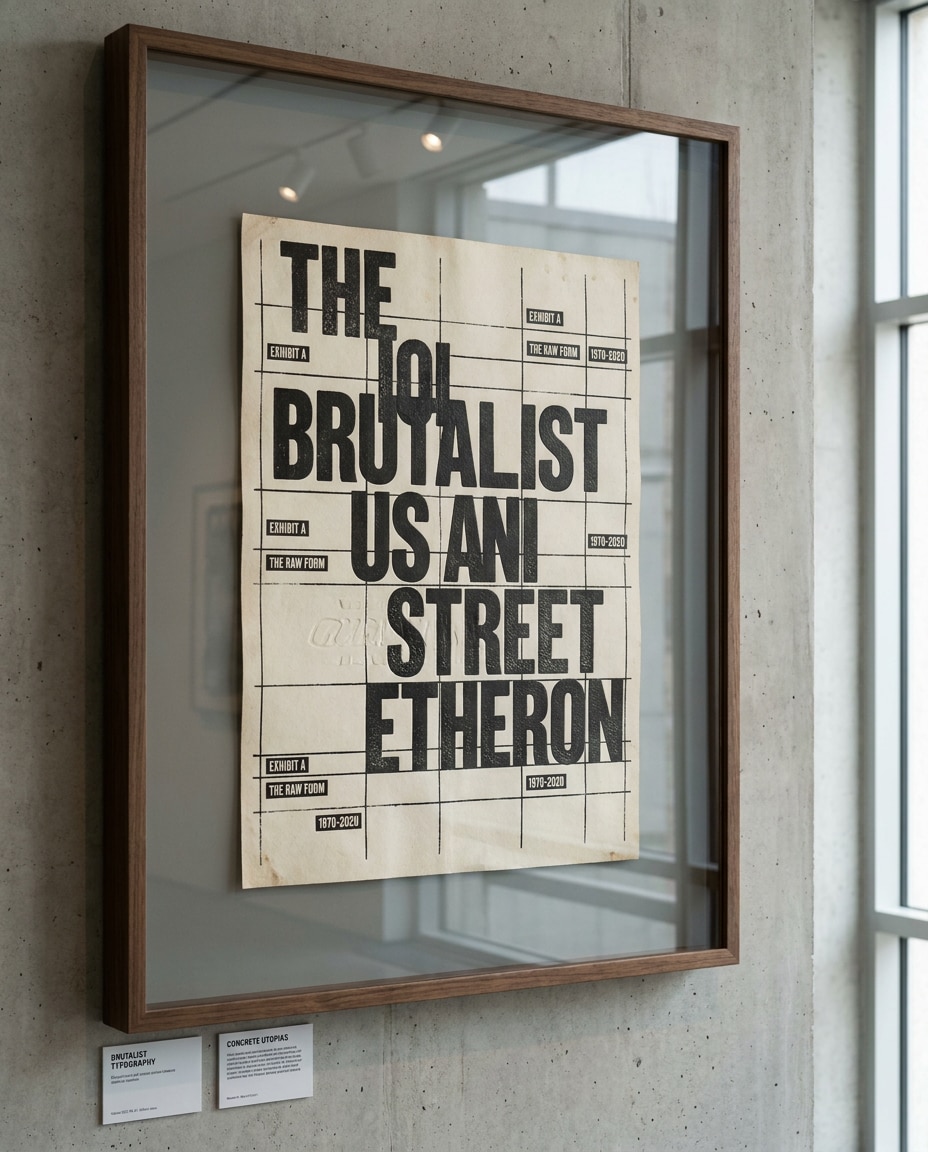
A brutalist exhibition poster with brutal typography and gallery labeling, raw grid lines, stark negative space, black ink on warm off-white stock, subtle emboss effect, small caption text like museum placards, mounted behind glass with reflections, photographed in a clean gallery hallway, Canon EOS R5, 85mm, soft daylight, ultra sharp, premium print realism --ar 4:5
Editorial Spread Brutal
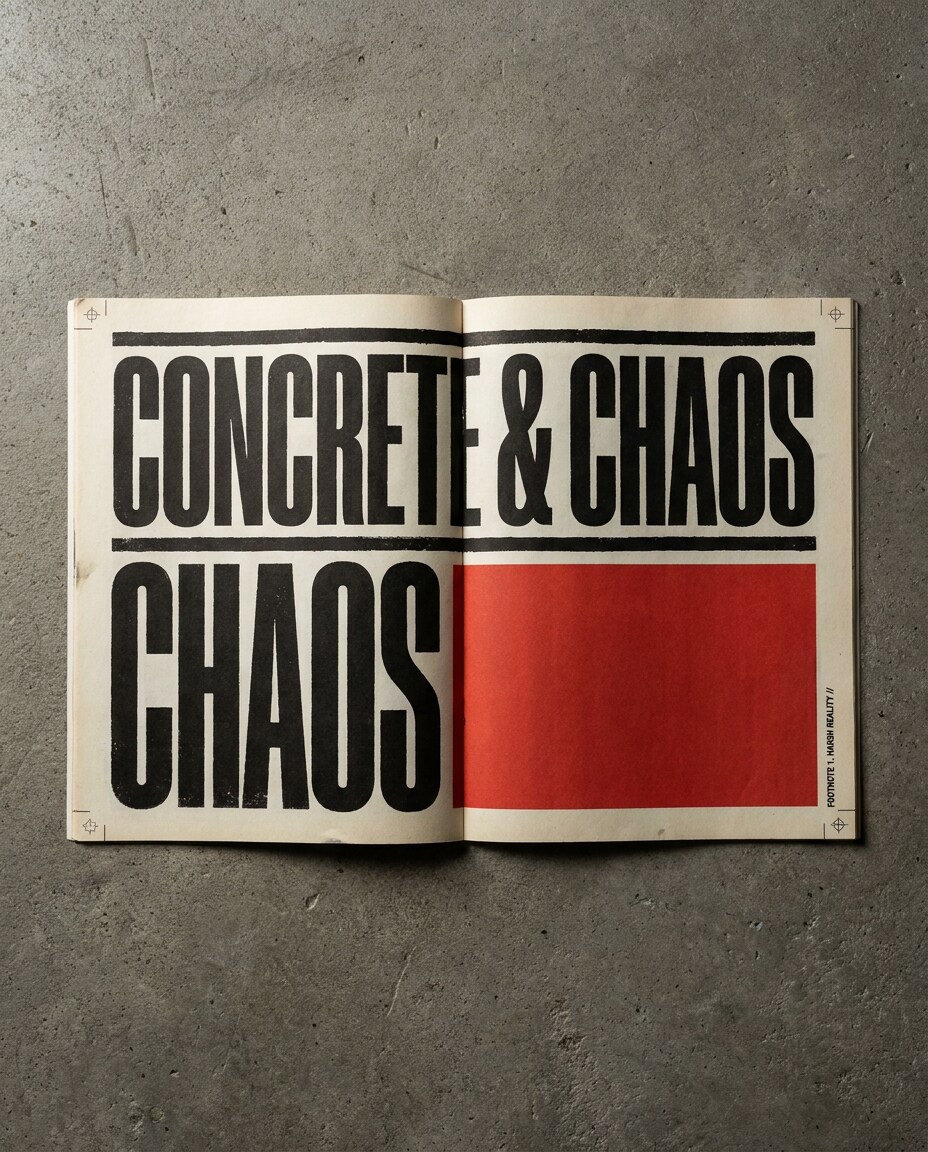
A brutalist magazine spread mockup: two-page layout with huge headline spanning columns, intentionally uncomfortable margins, harsh black rules, tiny serif footnotes, one bold red block, visible crop marks and registration marks, photographed open on a concrete slab, Sony A7IV, 35mm, top-down, hard side light, ultra realistic paper texture --ar 4:5
Barcode Brand System
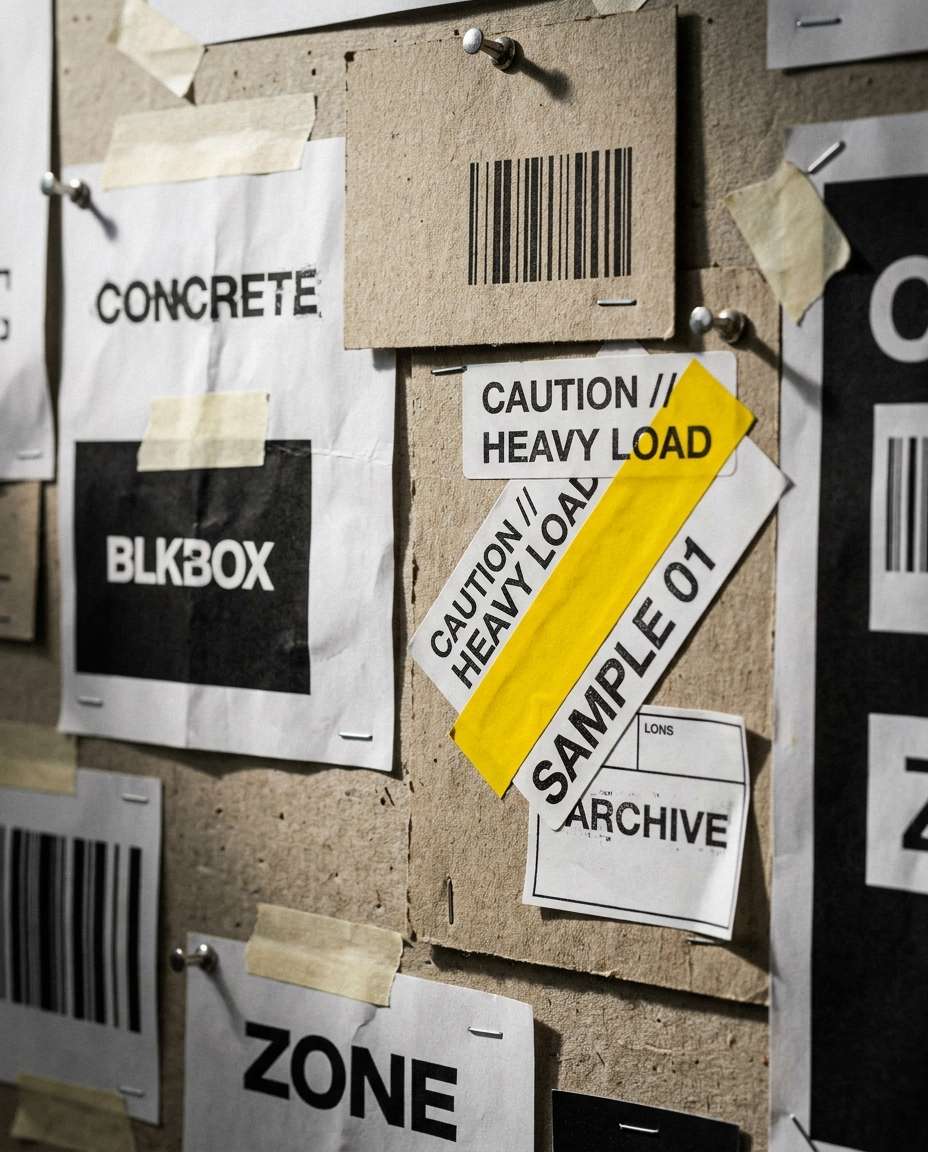
A brutalist brand identity sheet featuring logotype experiments, barcode motifs, sticker labels, harsh monochrome palette with safety yellow accent, misaligned stamps, rubber-stamp texture, presented as a pinned studio board with pushpins, photographed with Nikon D850, 85mm, shallow depth, gritty studio lighting, high resolution --ar 4:5
Typographic Specimen
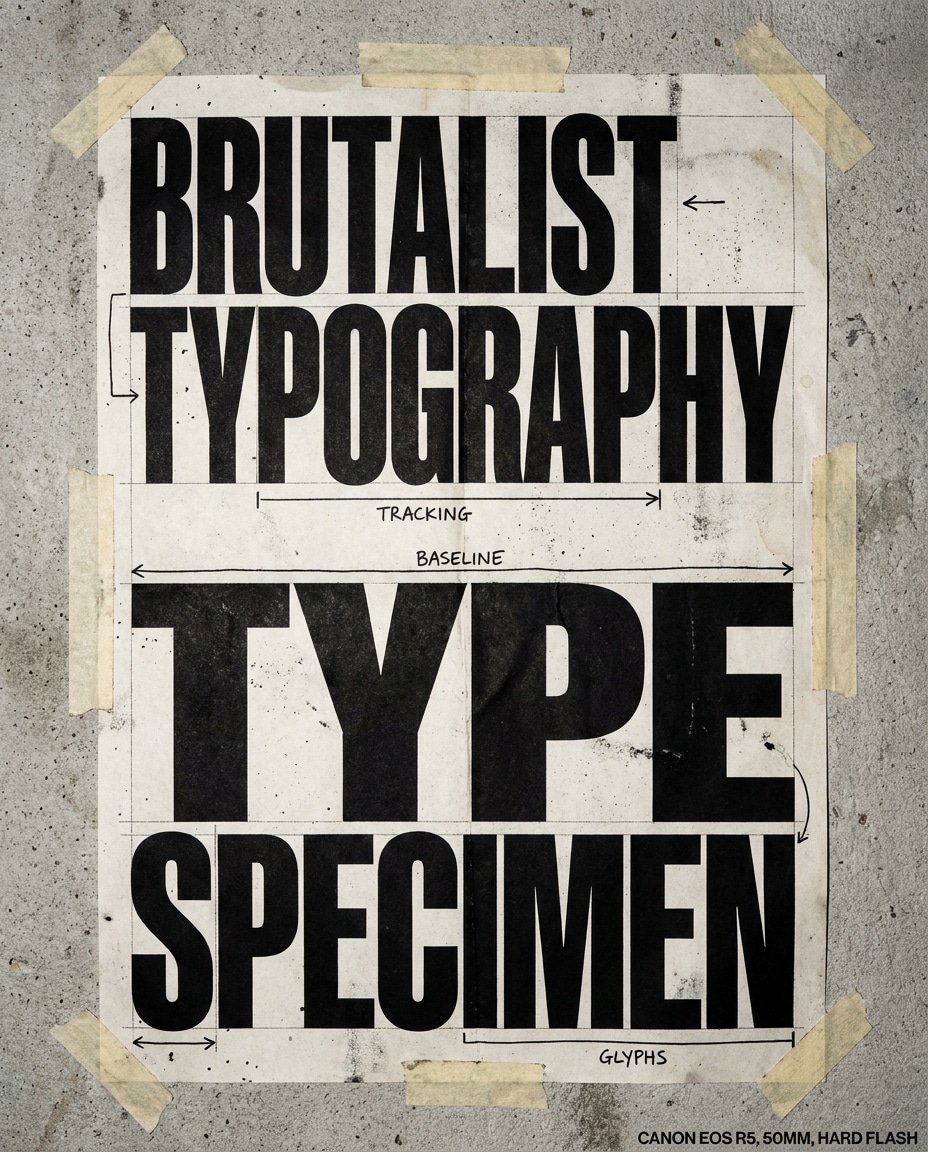
A type specimen poster: brutalist typography with massive letters, extreme tracking, stacked glyphs, baseline grids, annotation arrows, black ink on off-white recycled paper, photocopy artifacts and dust specks, photographed taped to a wall with wrinkled corners, Canon EOS R5, 50mm, hard flash, sharp detail, soft cinematic lighting --ar 4:5
Riso Brutal Layers
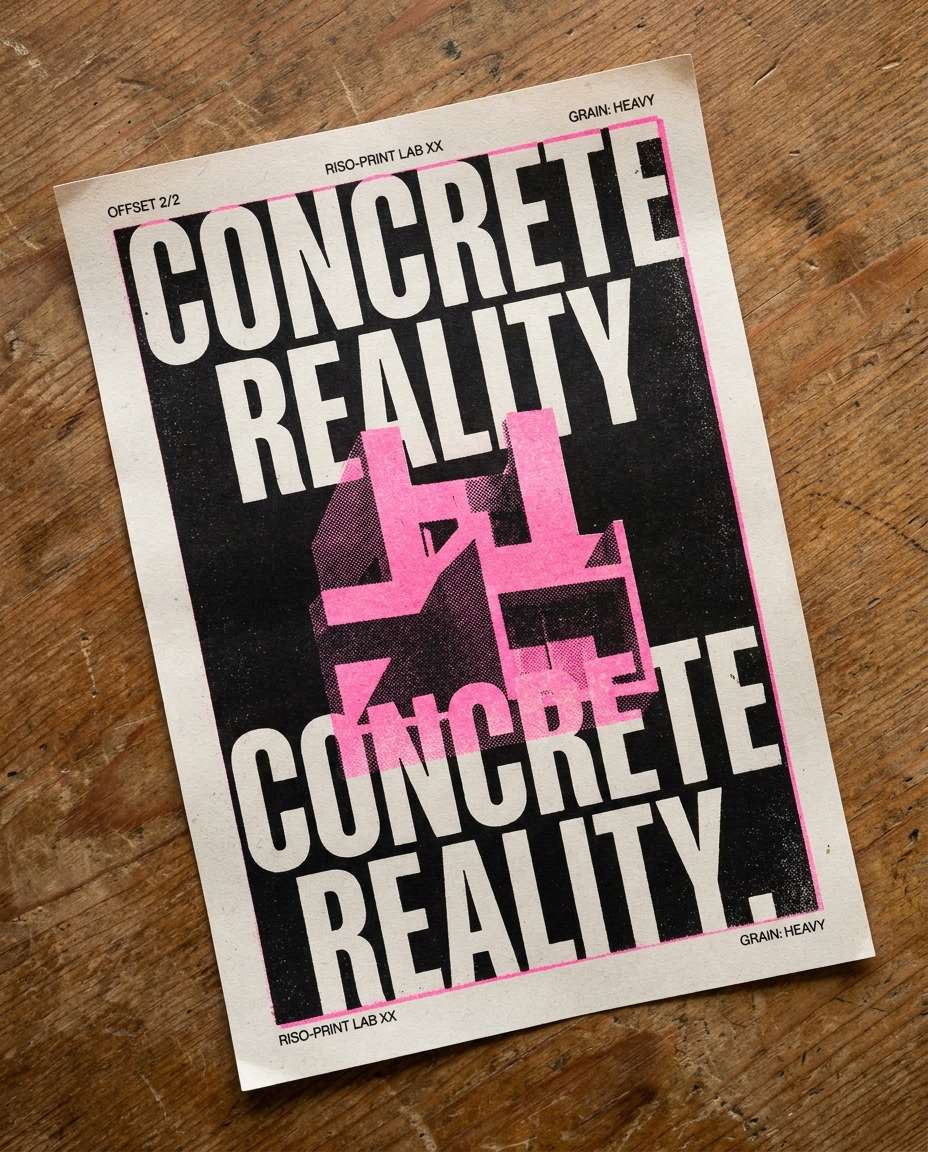
A brutalist poster that looks riso-printed with misregistered layers, limited inks (black and fluorescent pink), rough halftone, grainy fills, oversized type cropped, small technical notes, printed on textured stock, photographed on a wooden table with soft morning light, Sony A7IV, 35mm, top-down, realistic paper fibers --ar 4:5
Data Dashboard Brutal
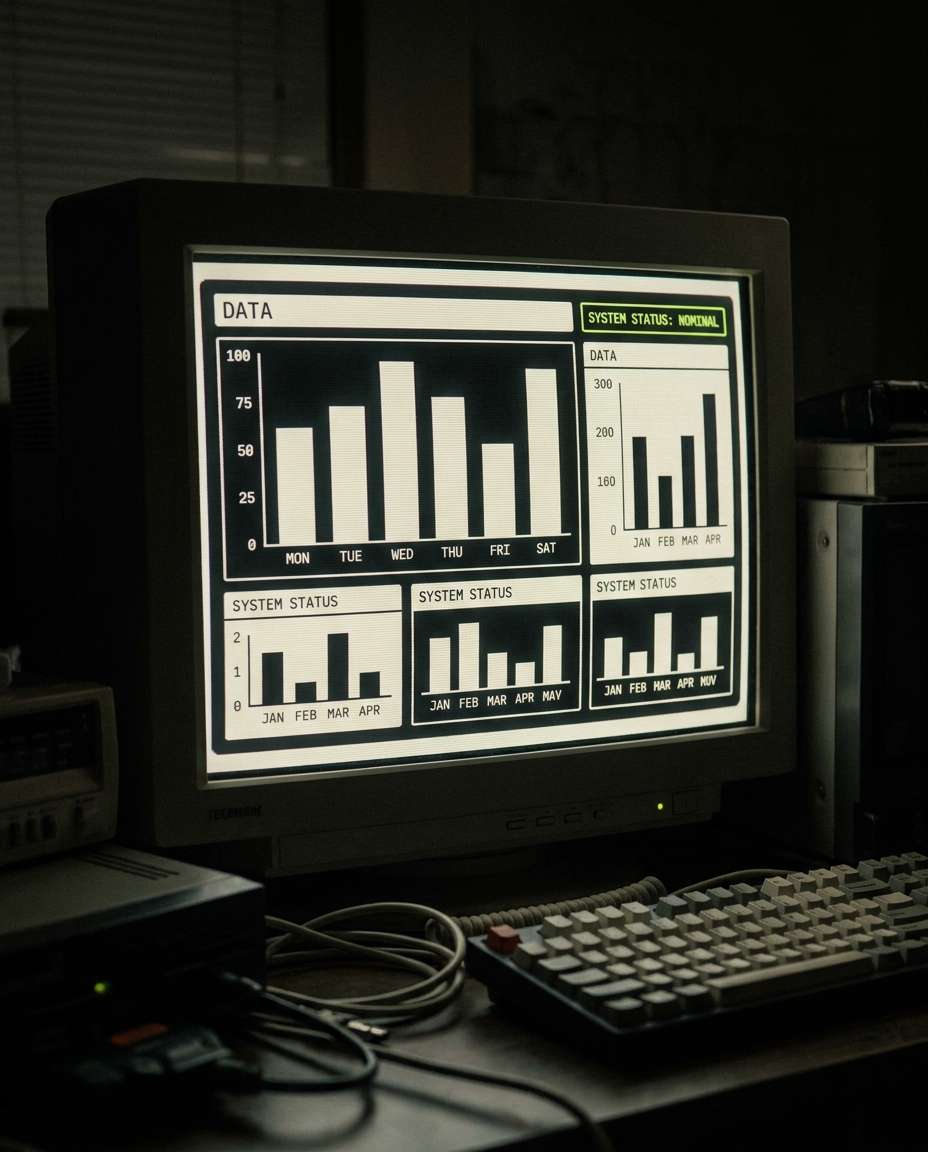
A brutalist data dashboard UI mockup on a large monitor: chunky charts, thick borders, minimal color, raw typography labels, high-contrast black and off-white with a single lime accent, utilitarian layout, subtle scanline noise, photographed in a dark room with screen glow, Nikon D850, 85mm, shallow depth, ultra crisp UI realism, soft cinematic lighting --ar 4:5
Architect Portfolio Page
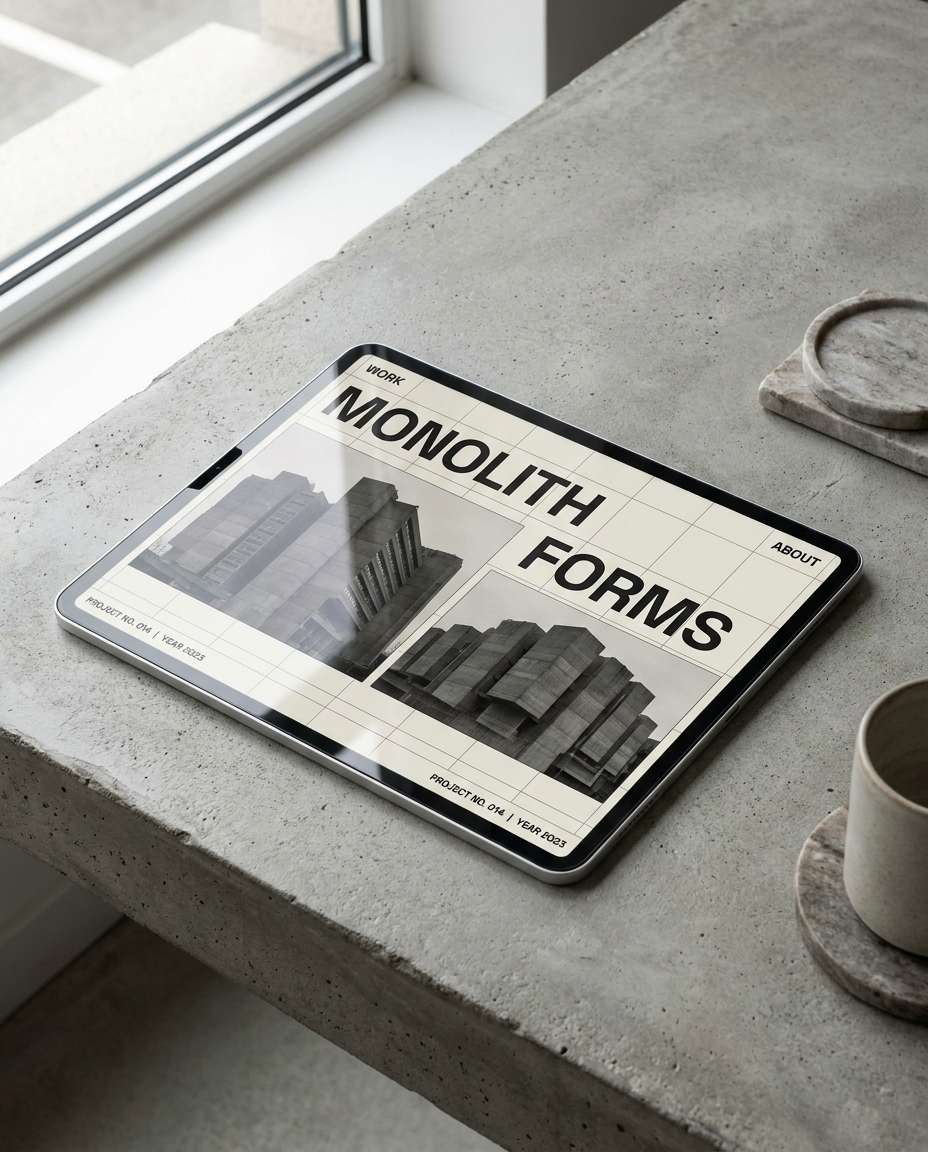
A brutalist architecture portfolio webpage mockup with oversized headings, stark image blocks, raw grid overlay, minimal navigation, black and off-white palette, brutal typography with small metadata lines, displayed on a tablet on a concrete desk, photographed in soft window light, Canon EOS R5, 50mm, realistic reflections, high detail --ar 4:5
Street Poster Wall
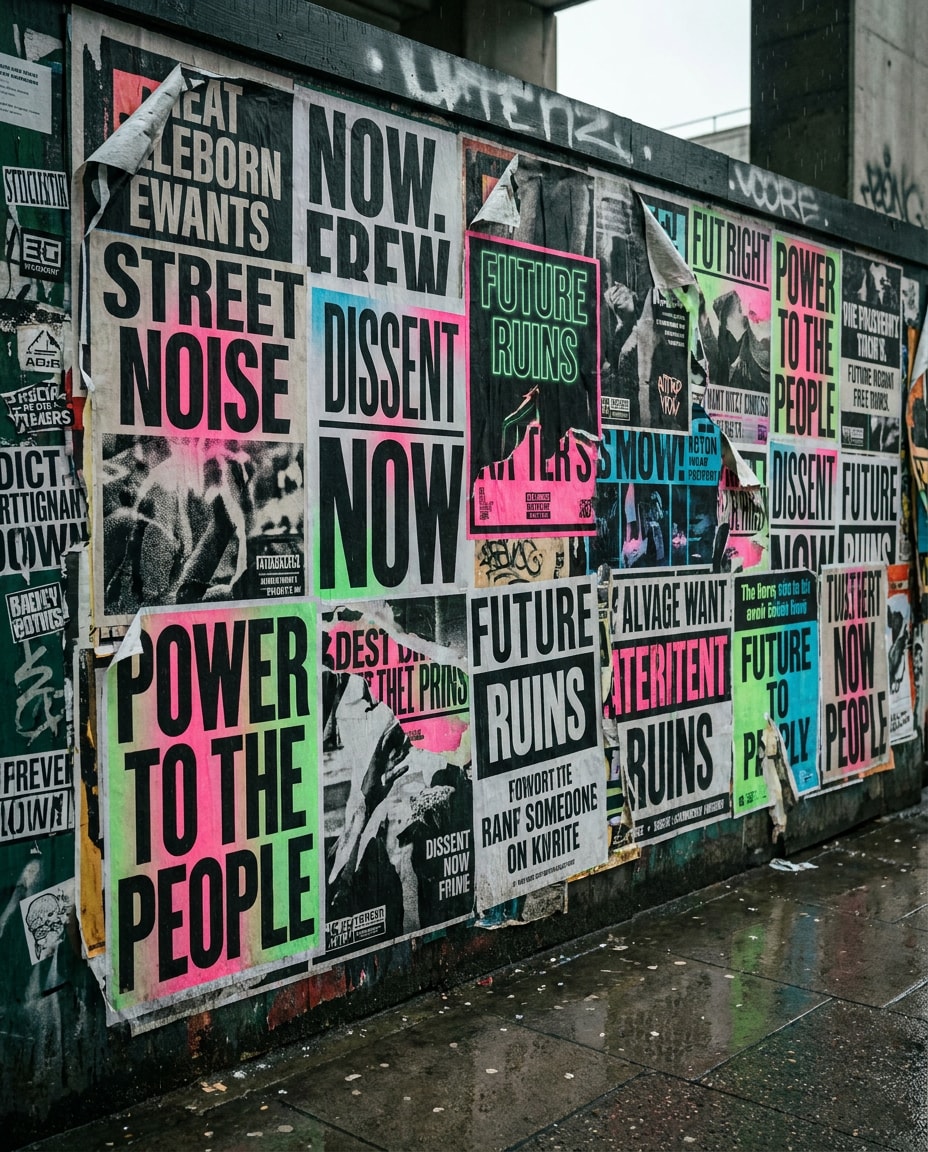
A wall of layered brutalist posters with torn edges, overlapping typography, heavy ink, sticker tags, high-contrast black and white plus neon accents, gritty urban scene with rain stains, photographed as a street documentary shot, Sony A7IV, 35mm, overcast light, realistic texture, sharp detail, cinematic color grade --ar 4:5
Product Teaser Banner
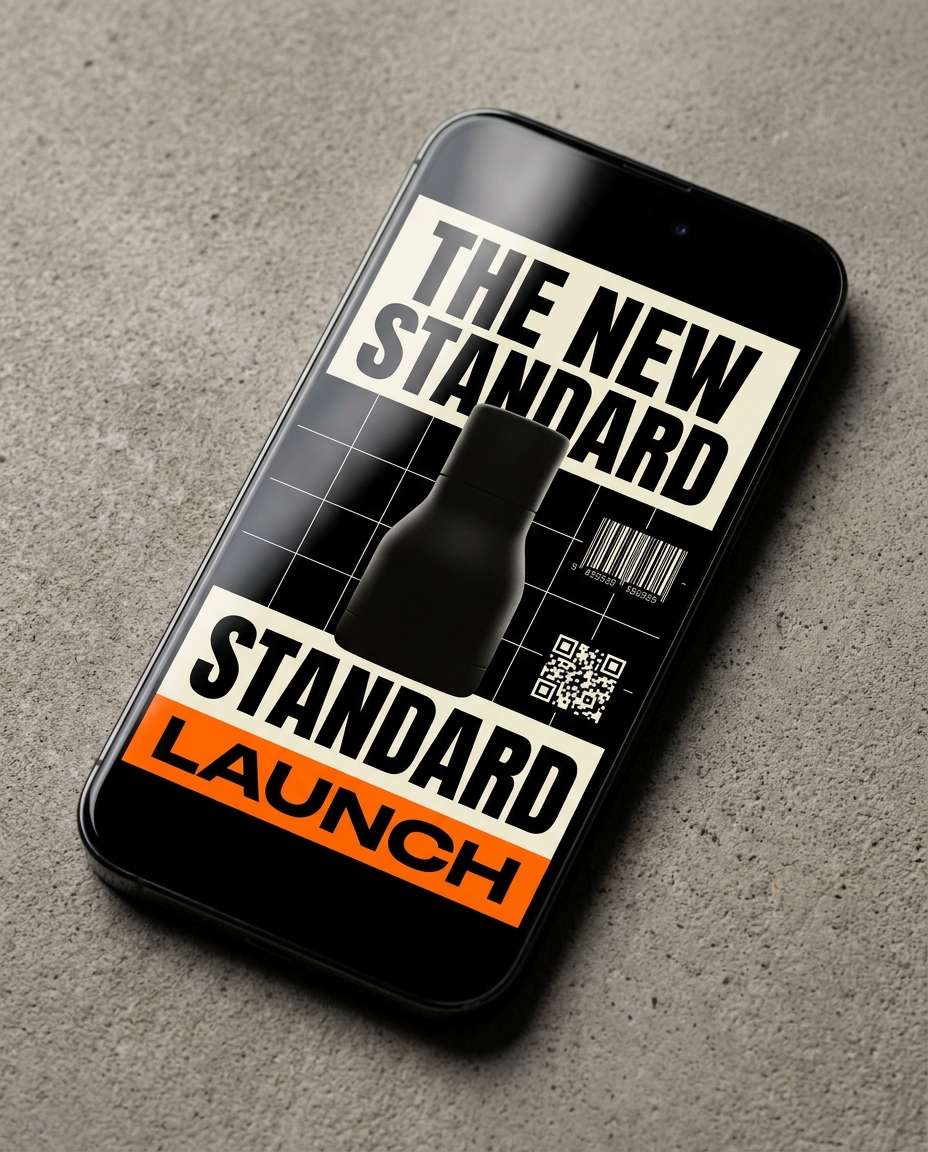
A brutalist product launch banner design: gigantic headline, stark blocks, minimal product silhouette, harsh grid lines, barcode and QR elements, black and cream with safety orange accent, placed as a web ad mockup on a phone screen, photographed in studio with softbox reflections, Nikon D850, 85mm, shallow depth, high realism, soft cinematic lighting --ar 4:5
Book Cover Raw
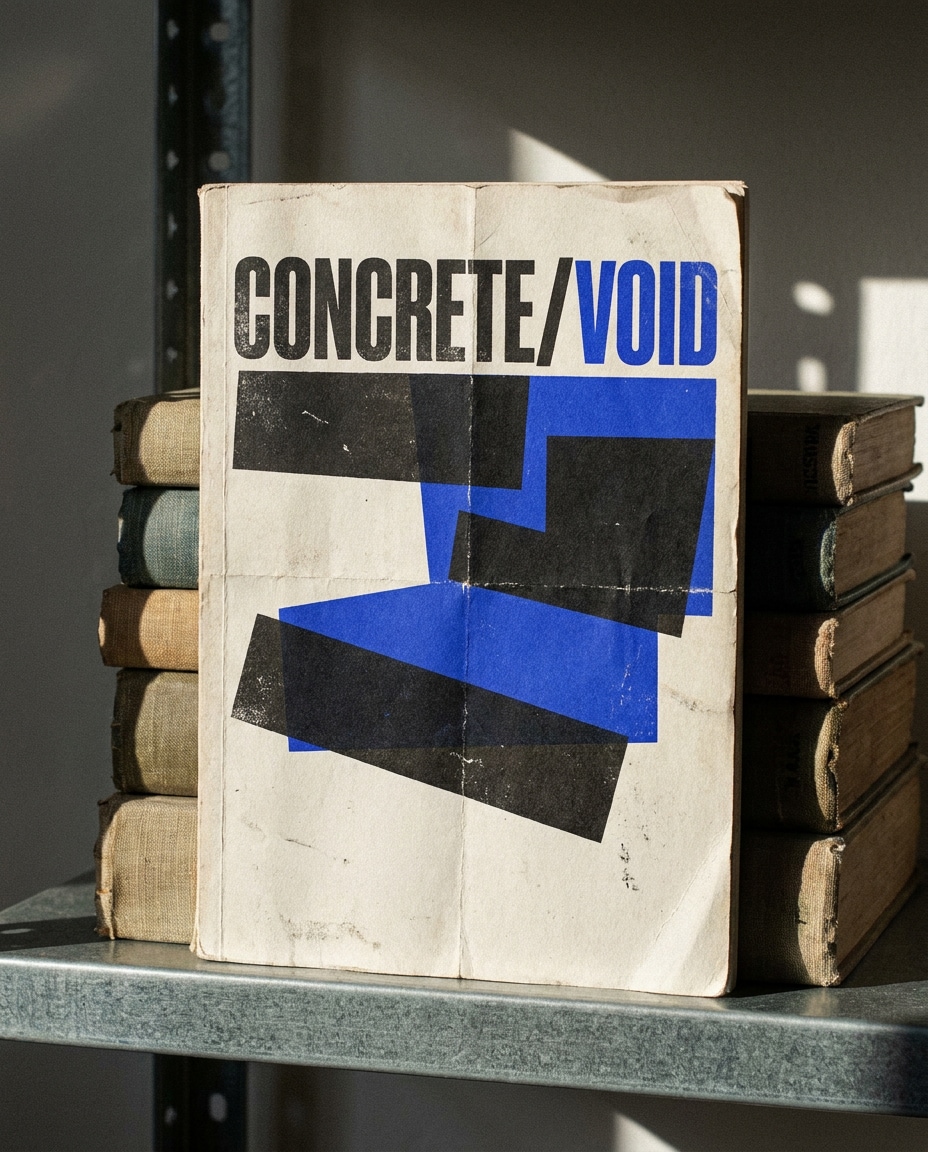
A brutalist book cover mockup with heavy typographic title, crude geometry, distressed paper, visible fold lines, minimal imagery, black ink and one electric blue accent, placed on a stack of worn books on a metal shelf, photographed with Canon EOS R5, 50mm, hard side light, sharp focus, realistic print wear --ar 4:5
Packaging Label Brutal
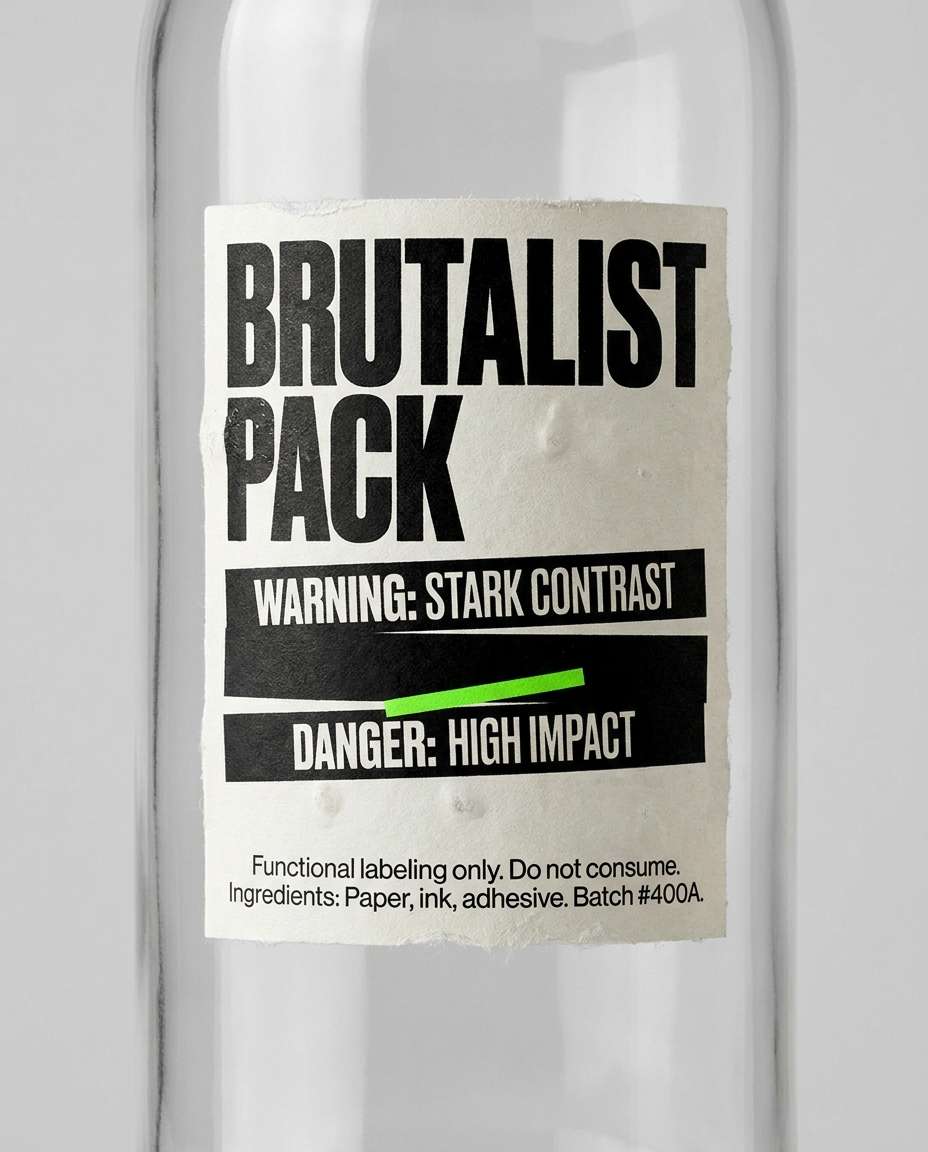
A brutalist packaging label design on a plain bottle: oversized type, stark warning-like blocks, tiny functional text, monochrome palette with neon green detail, rough sticker edges and air bubbles, photographed in a clean studio on gray backdrop, Sony A7IV, 85mm, softbox lighting, ultra realistic label texture --ar 4:5
Social Carousel Slides
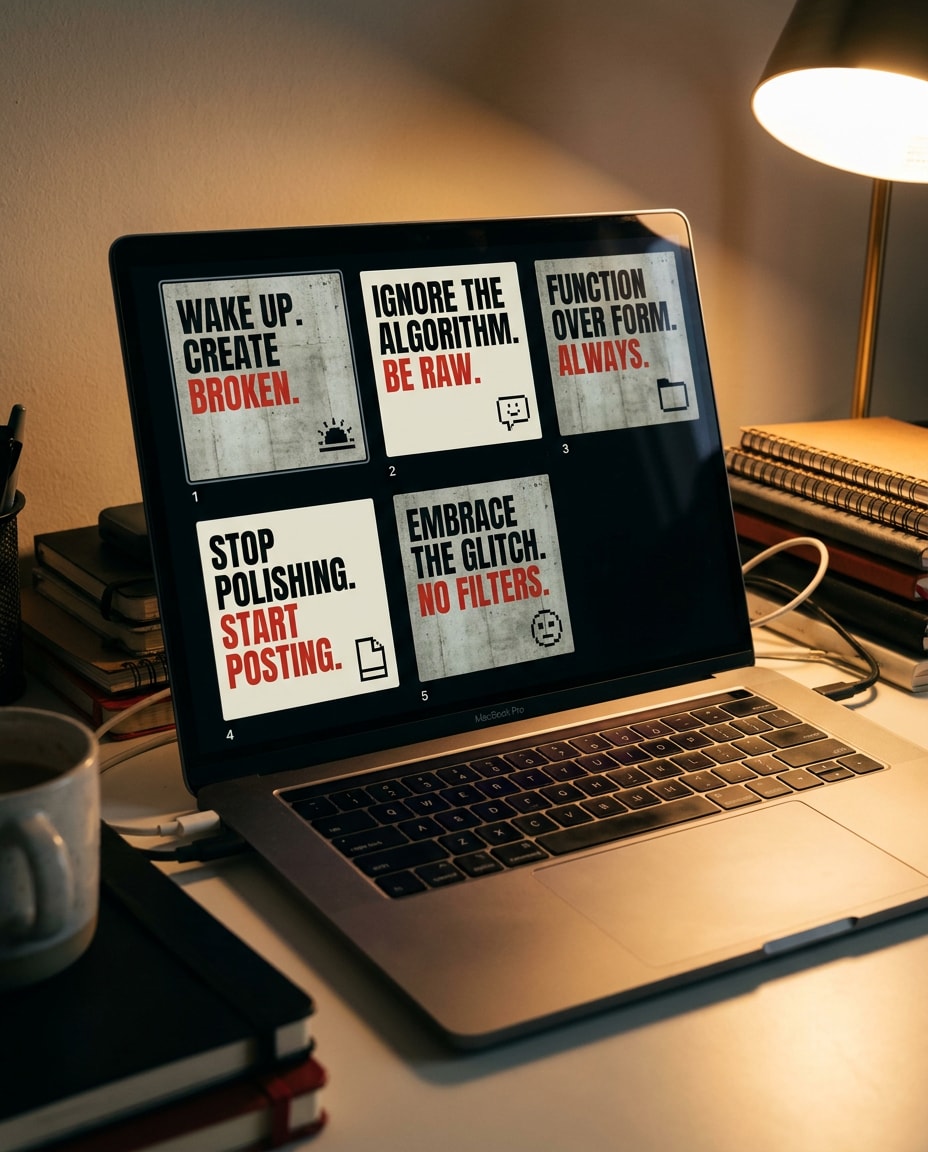
A brutalist social media carousel design: five slide thumbnails shown as a grid, each with loud typography, harsh contrast, raw blocks, minimal icons, consistent brutal layout system, black and off-white with a red accent, presented on a laptop screen in a creator workspace, Nikon D850, 35mm, warm desk lamp, realistic screen glare, soft cinematic lighting --ar 4:5
Hands Taping Poster
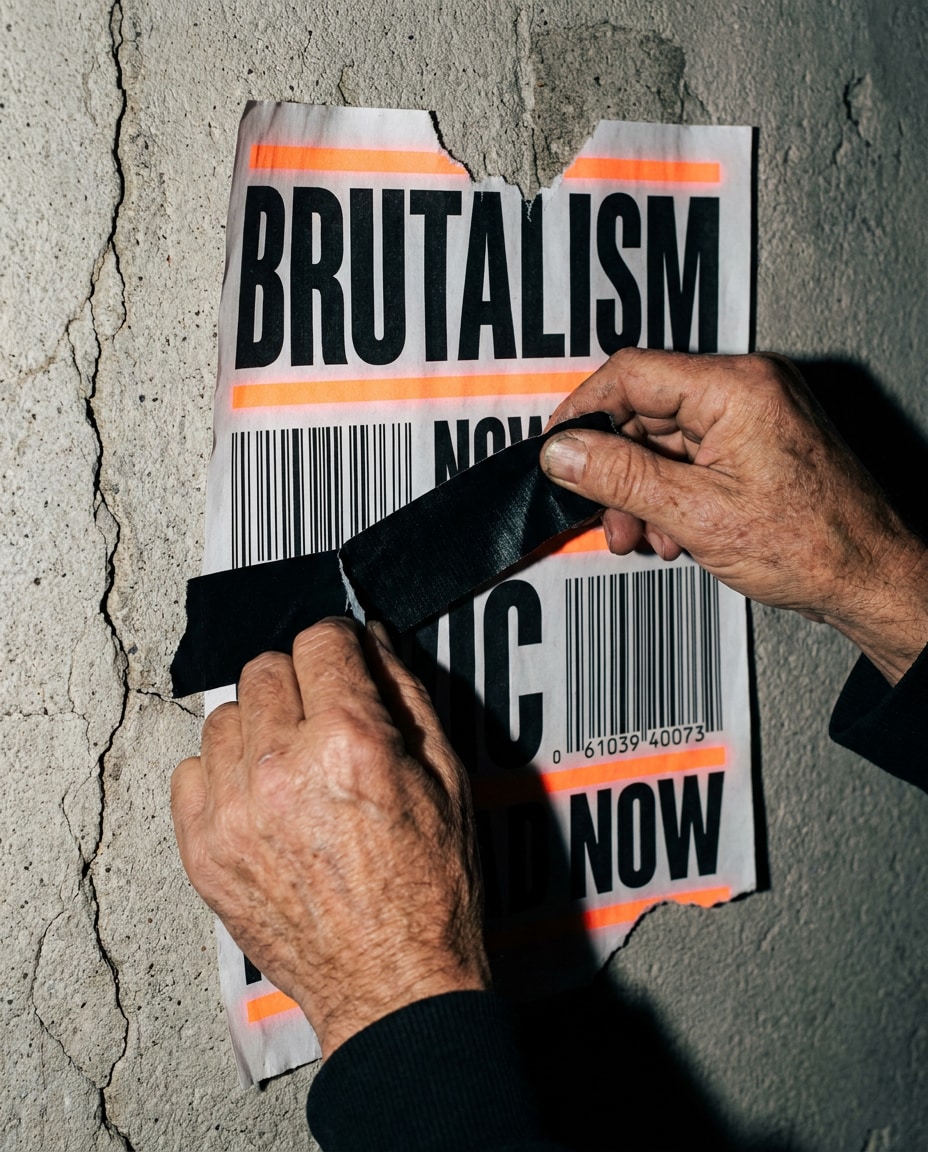
A close-up photo of hands taping a brutalist poster to a concrete wall, oversized typography and barcode elements visible, ripped edges, black and white with neon orange accent, gritty street style, shot on Sony A7IV, 50mm, hard flash, sharp shadows, realistic skin texture and paper fibers, documentary feel, soft cinematic lighting --ar 4:5
Zine In Hand
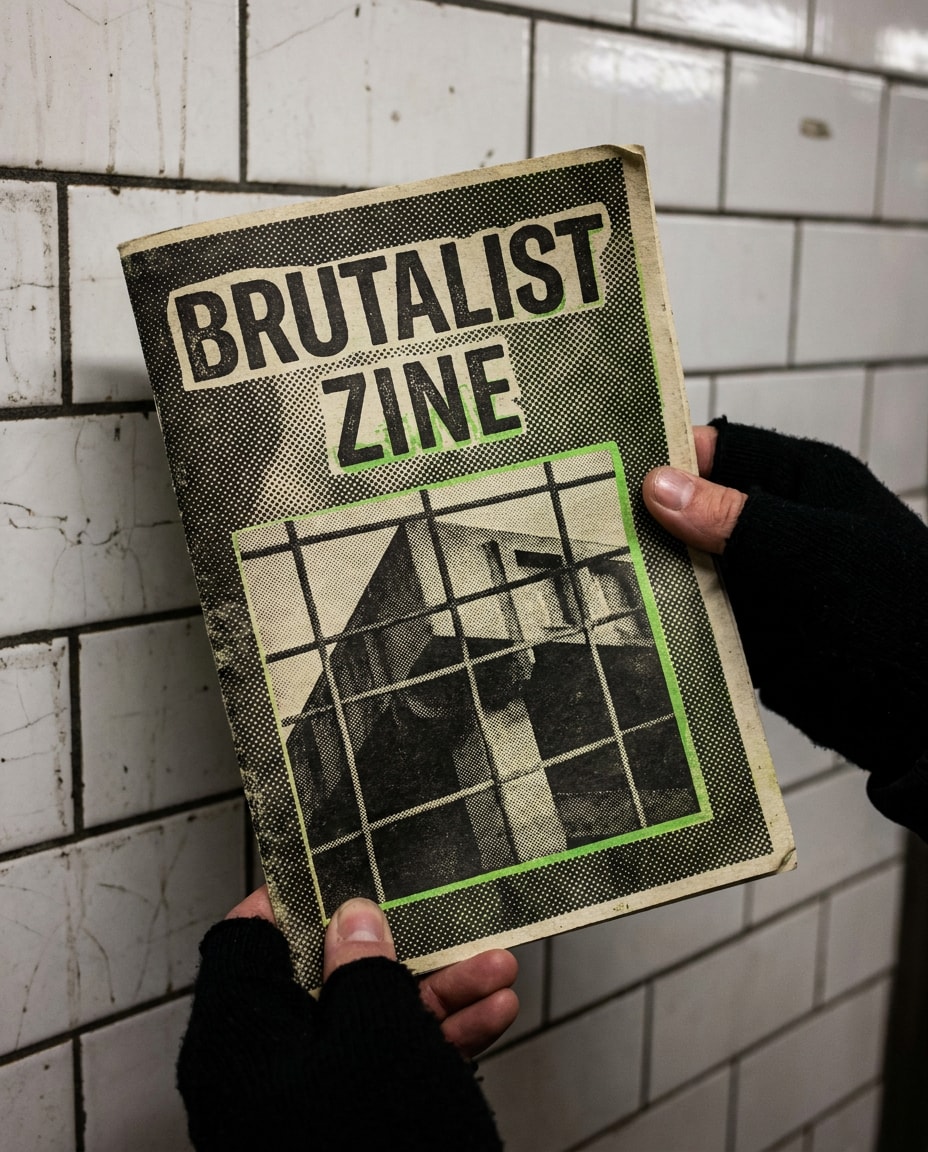
A person holding a brutalist zine in front of a subway tile wall, cover features raw typography, halftone texture, harsh grid, black and cream with acid green accent, candid street photo look, Canon EOS R5, 35mm, natural fluorescent lighting, crisp detail, realistic print texture --ar 4:5
Designer Desk Scene
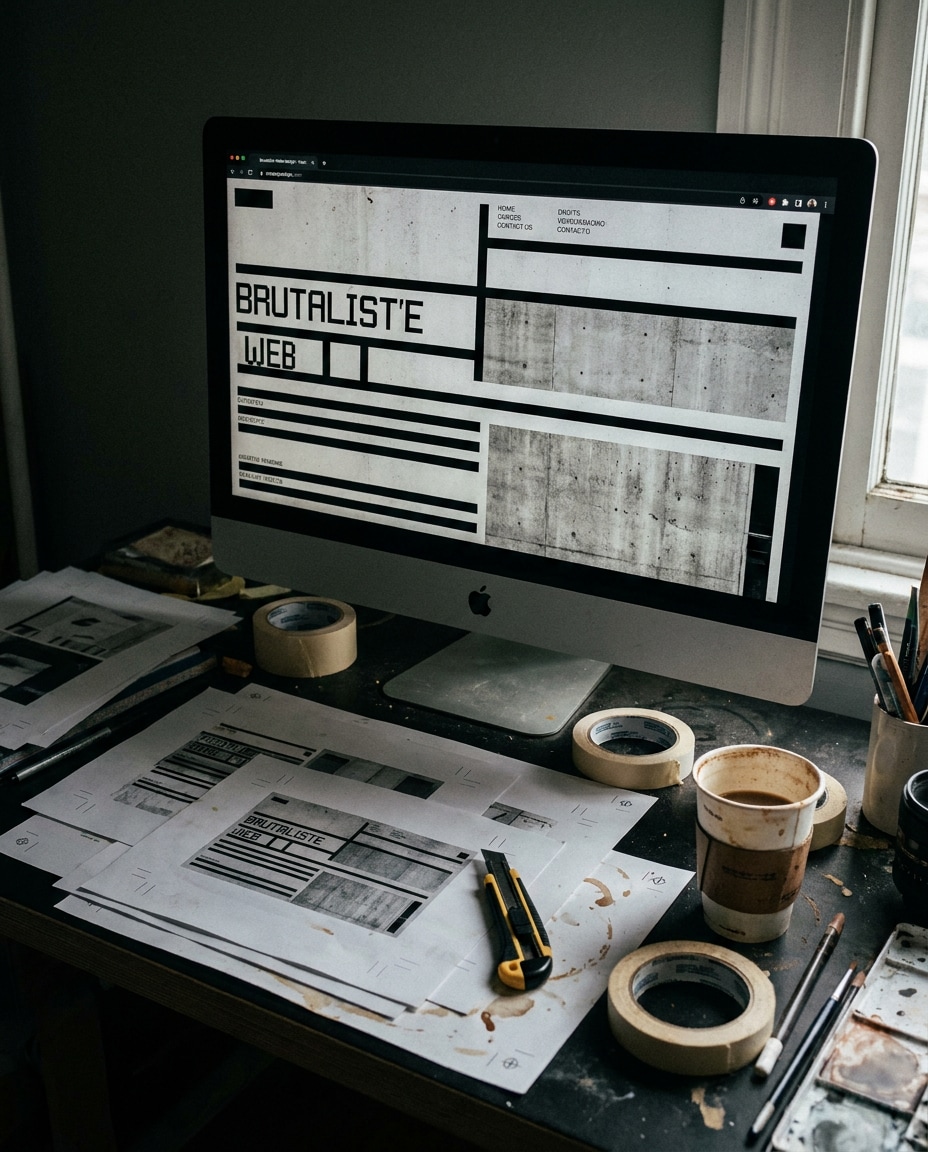
A creator workspace photo with a monitor showing a brutalist web design layout, scattered printed drafts with registration marks, cutting knife, tape, and coffee cup, gritty textures and high contrast, photographed with Nikon D850, 35mm, moody side light, shallow depth, realistic studio mess, editorial vibe --ar 4:5
Billboard Brutal Mock
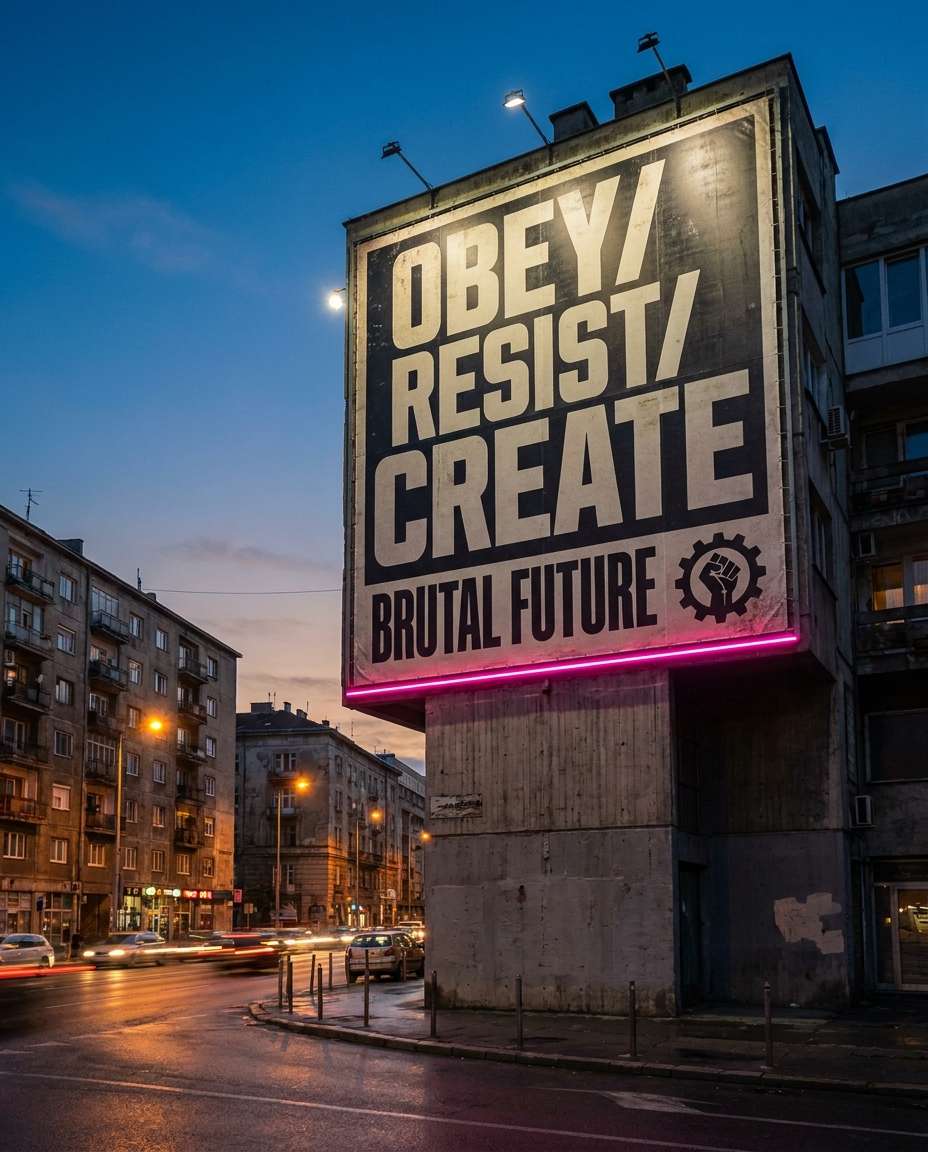
A brutalist billboard design mockup in an urban street scene, gigantic condensed typography, stark blocks, minimal iconography, black and off-white with neon pink accent, gritty concrete buildings, photographed at dusk with streetlights, Sony A7IV, 35mm, cinematic color grading, ultra realistic perspective and print texture --ar 4:5
Brutal Tee Print
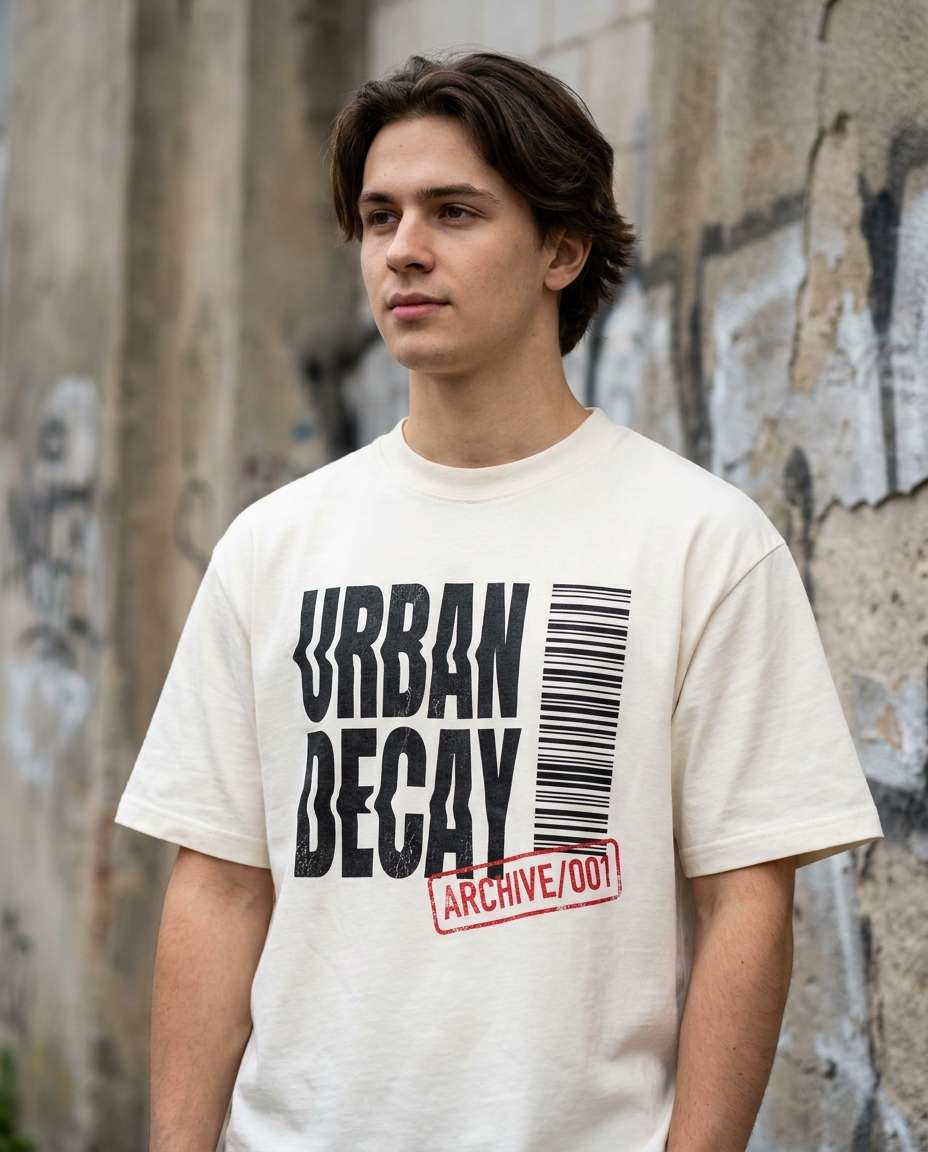
A streetwear t-shirt mockup worn by a model, featuring brutalist typography print with barcode and stamp textures, high-contrast black on off-white fabric with a red accent, photographed outdoors against a concrete wall, Canon EOS R5, 85mm, natural daylight, shallow depth, realistic fabric weave and ink texture --ar 4:5
Brutalism looks simple, but it only hits when the choices feel intentional: type hierarchy, tension, and texture. If you are searching for a brutalist web design ai prompt, build your prompt like a layout brief, not an art poem. Keep it specific, then iterate fast.
High-Impact Prompt Formula
Subject: poster, web UI, album cover, zine, or brand sheet
Typography: font vibe (condensed sans, grotesk), scale, cropping, tracking
Layout: broken grid, harsh alignment, visible guides, crop and bleed marks
Texture: photocopy noise, paper fibers, ink bleed, concrete, tape and tears
Palette: monochrome plus 1 neon accent (safety orange, acid green, hot pink)
Presentation: flat design or photographed mockup (wall paste, desk, screen)
Make Brutalism Look Real
Ask for imperfections: misregistration, dust specks, wrinkles, uneven ink, torn edges.
Control hierarchy with numbers: "headline 3x larger than subhead" or "one hero word cropped."
Use a single accent color for punch, especially for an ai brutalism poster design prompt.
Name the output format: "print-ready poster mockup," "mobile UI screen," or "vinyl sleeve."
For brutalism graphic design prompts for midjourney, keep the prompt layout-first: type, grid, texture, then scene.
Why Choose Media.io for AI Brutalism Design Prompt
Generate realistic AI images faster with powerful tools and flexible prompt control.
Copy, Paste, Create
Pick a prompt, swap the headline text and colors, and generate instantly. Media.io is built for quick iterations, so you can explore brutalist layouts without starting from scratch, then refine the strongest direction in a few clicks.
Reference Image Control
Upload a screenshot, poster photo, or rough draft to anchor the composition. This is perfect when you need a specific grid break, texture density, or type dominance while still keeping the raw brutalist energy consistent across variations.
Social-First Ratios
Design for where your work will be seen: feeds, stories, thumbnails, and print mockups. Use 4:5 for poster posts, then regenerate variants for banners or UI previews. Ideal for testing an ai brutalist typography prompt for posters quickly.
Fast Download, Ready
Generate, compare, and download high-resolution outputs for pitches, moodboards, or content scheduling. Whether you are building a brutalist web design ai prompt set or an album cover concept board, Media.io keeps the workflow fast and creator-friendly.
FAQs About
AI Brutalism Design Prompt
1. What makes a good ai brutalism design prompt?
A good ai brutalism design prompt reads like a design brief: define the format (poster, UI, cover), then lock typography (scale, cropping, tracking), layout tension (broken grid, harsh alignment), and texture (photocopy noise, paper grain, ink bleed). Add one accent color and specify a mockup scene for realism.
2. How do I write an ai brutalism poster design prompt that looks printable?
Specify print cues: crop marks, bleed, registration marks, paper stock, and ink imperfections. Ask for "high-contrast typography, textured recycled paper, slight misregistration, realistic print wear." If you need consistency, generate a few variations, then keep the best layout notes as your base prompt.
3. Can I use a brutalist web design ai prompt to generate UI screens?
Yes. Describe the UI like a product screen: headline size, navigation style, button shapes, and spacing rules. Add "visible grid overlay, stark monochrome palette with one neon accent, utilitarian components." For stronger results, upload a wireframe or screenshot as a reference and regenerate variations.
4. Do I need to upload a photo for an ai brutalism design prompt?
No. Text-only prompts work well for brutalist posters and typographic experiments. Uploading a reference helps when you want a specific composition, brand system, or device mockup angle. For example, an ai brutalist album cover design prompt can improve with a reference sleeve layout or label placement.
5. What is the best format for brutalism graphic design prompts for midjourney?
Use a structured order: format first (poster, zine cover, web hero), then typography and hierarchy, then layout rules, then texture and palette, then mockup scene and camera details. Keep it specific and measurable. This reduces random decoration and keeps the brutalist intent sharp and repeatable.
Why Creators Love Media.io's AI Brutalism Design Prompt?
Alex M.
Photographer
Ultra Realistic Results.
I used these ai brutalism design prompts to create visuals that looked like real photography. The lighting, textures, and colors felt incredibly natural.
Maya J.
Designer
Perfect Lighting & Detail.
The prompts produced cinematic compositions and soft lighting, making every image feel like a professional shoot.
Jordan P.
Creator
Perfect for Social Media.
I used these prompts to create viral content. It's fast, easy, and consistently produces stunning visuals.