Portrait to Landscape Image Converter
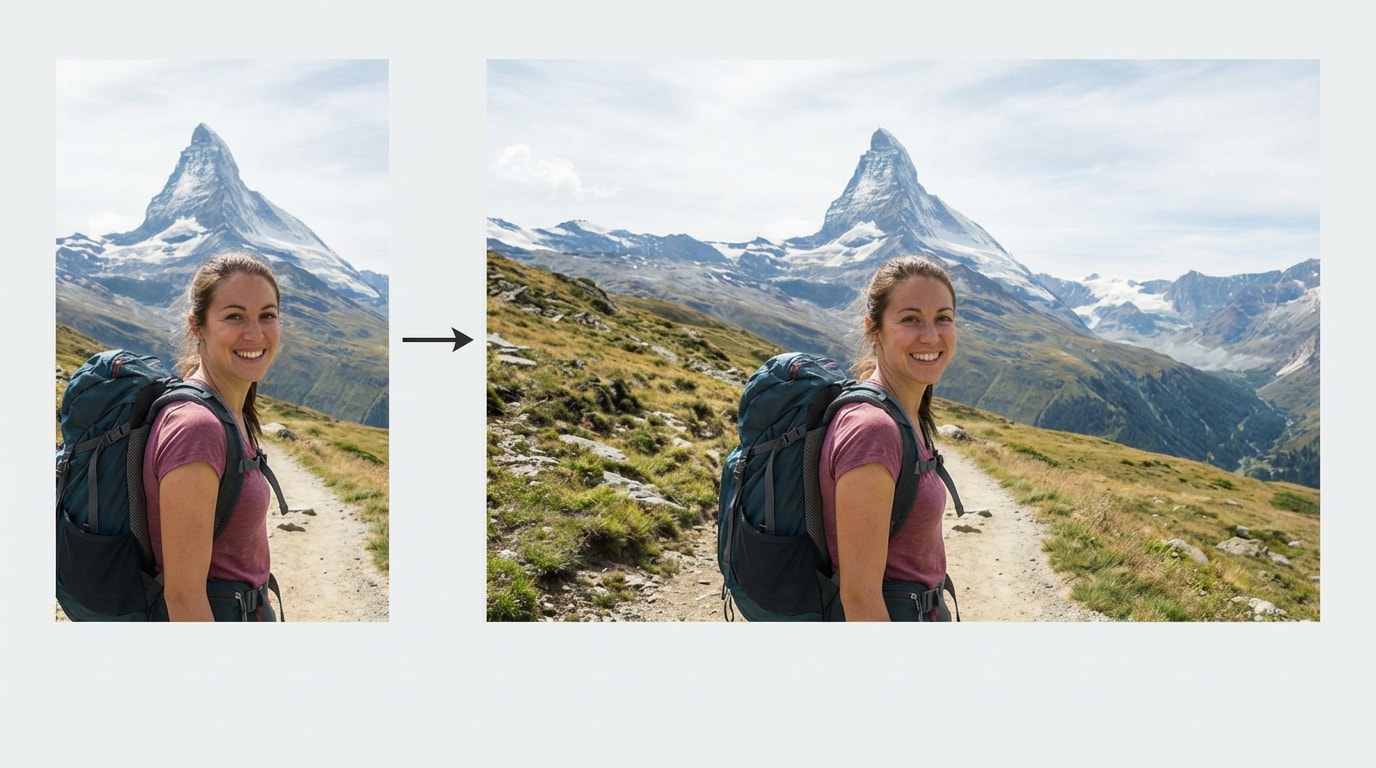
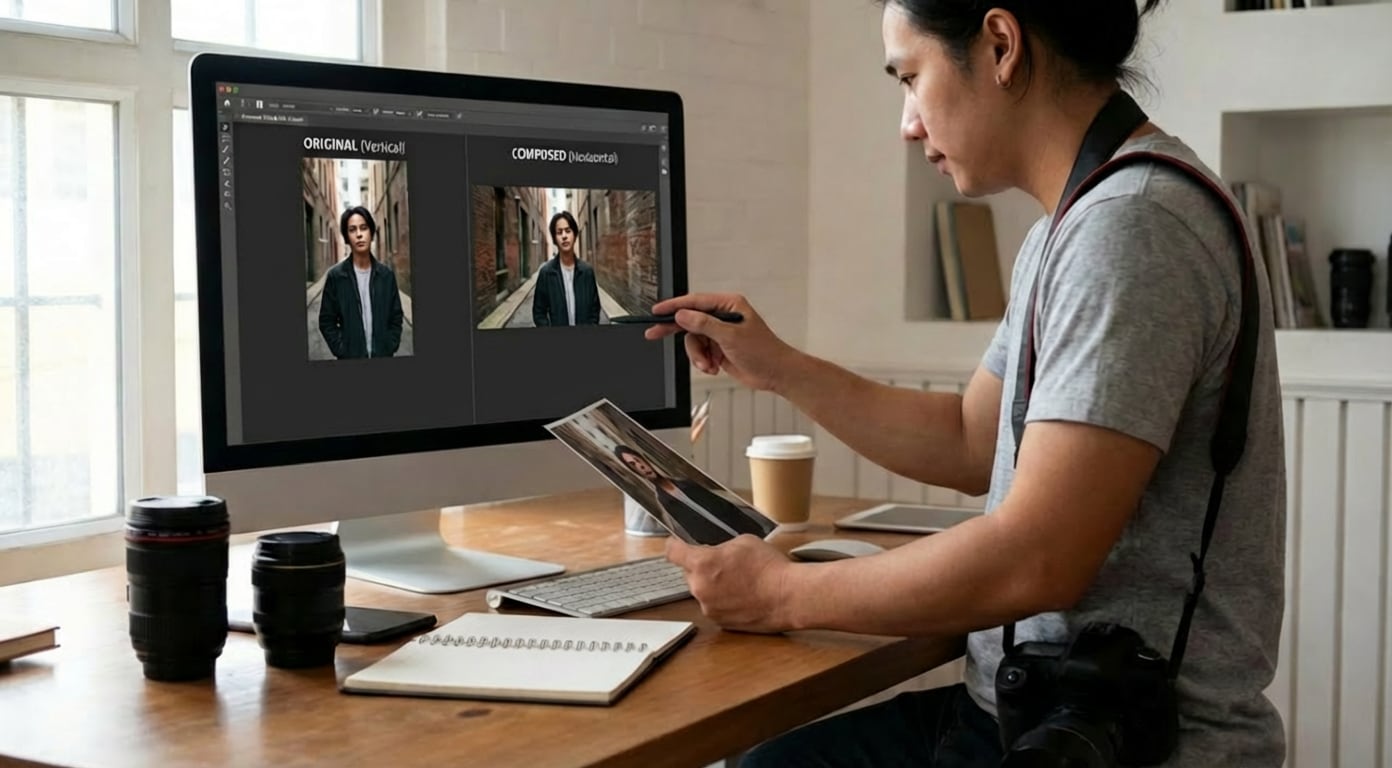
A portrait to landscape image converter allows users to easily turn vertical photos into horizontal images
without cropping important content or losing visual balance. Powered by advanced portrait to landscape image converter AI, the tool intelligently expands the image canvas,
naturally rebuilding backgrounds while preserving the original subject, style, and details—so your photos look
authentic, complete, and ready for any landscape layout. Try it instantly with Media.io Portrait to Landscape Image Converter.
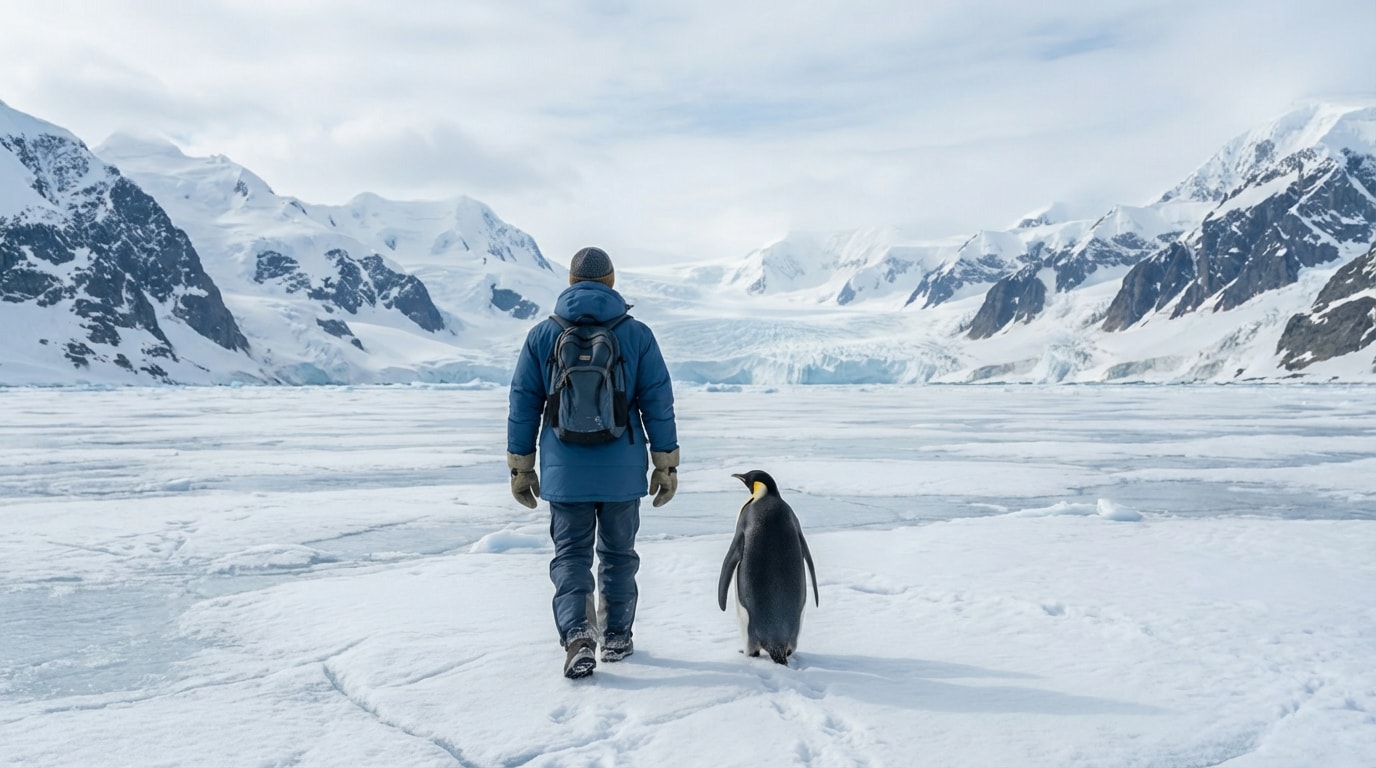
How to Convert Portrait to Landscape Images
Converting a portrait image into a landscape format is quick and easy with an AI-powered Portrait to Landscape Image Converter. Follow these simple steps to expand your photo naturally without cropping important content.
Upload Your Portrait Image
Go to the Portrait to Landscape Image Converter online and upload the photo you want to convert. No installation is required - everything works directly in your browser.
Enter AI Prompt & Choose Aspect Ratio
Use a simple prompt such as:
“Keep the same as the original photo, only change the aspect ratio.”
Then select your preferred landscape ratio, such as 16:9 or 4:3.
Generate & Download
Click Generate. The AI will intelligently expand your image, creating a natural-looking landscape version that you can download instantly.
Portrait to Landscape Image Converter for Social, Marketing & Photography
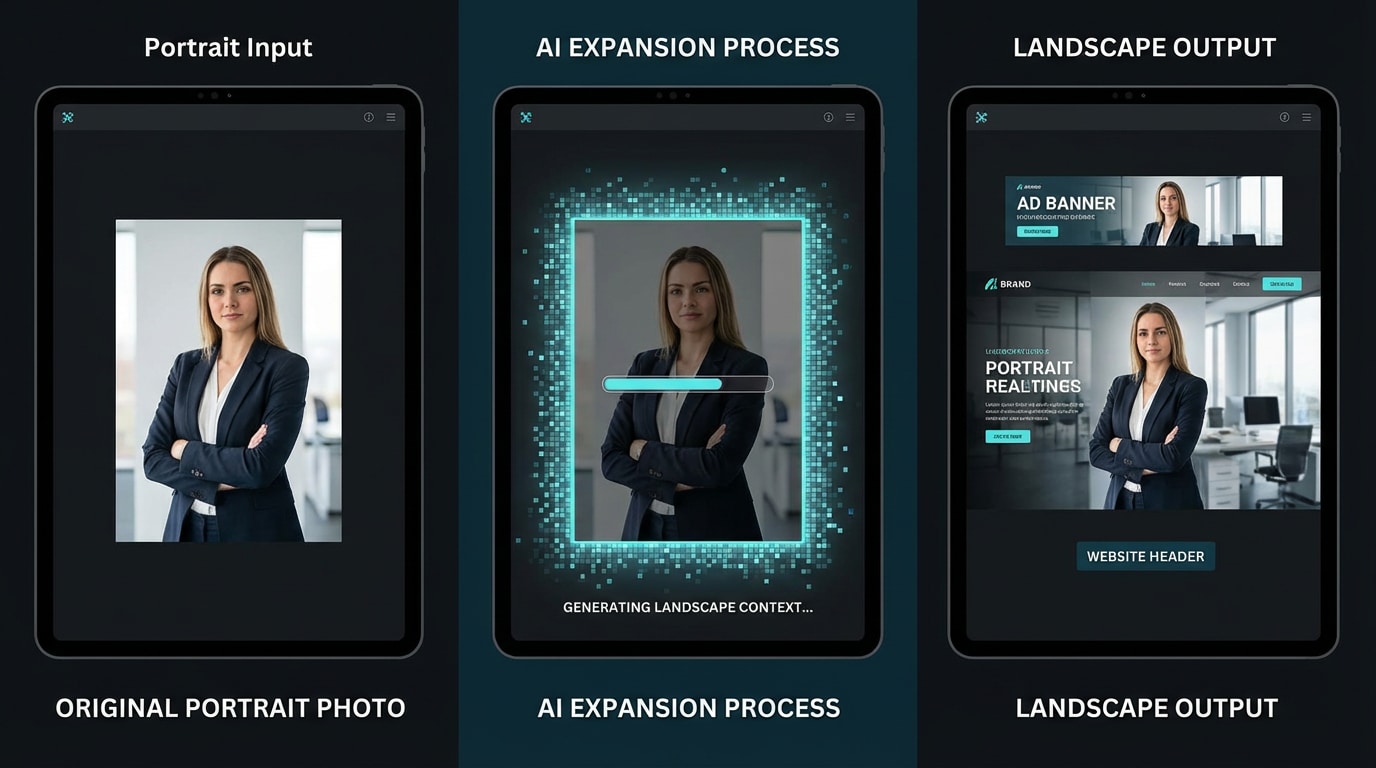
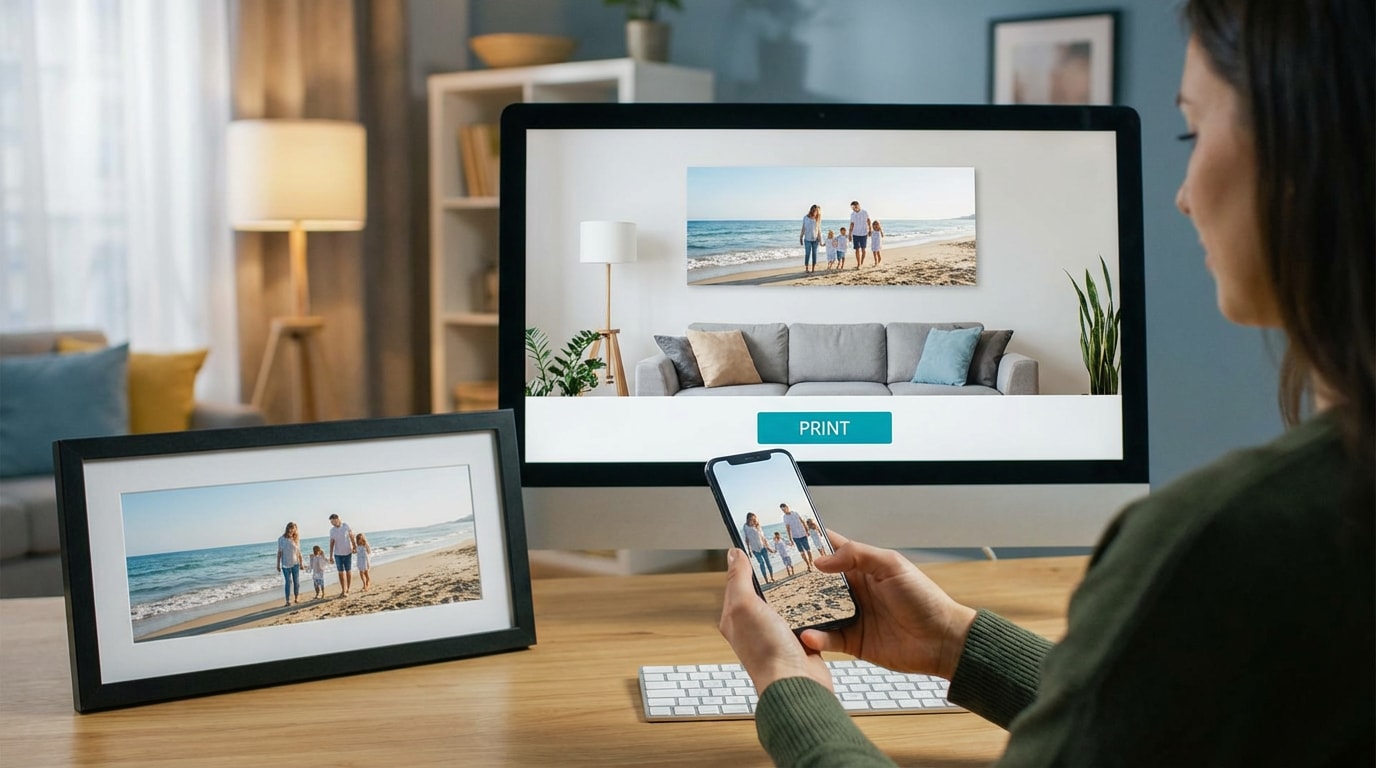
Powered by AI, Media.io Portrait to Landscape Image Converter helps users change image aspect ratios without cropping. Below are the most common real-world scenarios where users convert portrait photos into landscape formats quickly and naturally.








Why Choose Media.io Portrait to Landscape Image Converter AI?
Media.io Portrait to Landscape Image Converter AI is built for creators, marketers, and everyday users who need to transform vertical photos into natural-looking landscape images - quickly, accurately, and without cropping.

Convert Without Cropping Important Content
Unlike traditional tools, this portrait to landscape image converter without cropping preserves the full subject - no cut heads, no missing details, and no loss of key visual elements.

AI-Powered Natural Background Expansion
The AI intelligently recreates missing backgrounds such as walls, sky, and scenery, ensuring the expanded landscape image looks realistic, seamless, and visually consistent.

Multiple Landscape Ratios for Real Scenarios
From YouTube thumbnails to website headers, this portrait to landscape image converter AI online supports popular aspect ratios used by creators, marketers, and businesses.

Online, Free & Beginner-Friendly
No software download required. This portrait to landscape image converter free works directly in your browser and delivers high-quality results in seconds - perfect for beginners.
Frequently Asked Questions
About Portrait to Landscape Image Converter
1. What is a portrait to landscape image converter?


A portrait to landscape image converter is a tool that changes a vertical image into a horizontal one by adjusting the aspect ratio - often using AI to expand the image naturally instead of cropping.
2. Can I convert portrait images to landscape without cropping?
Yes. Media.io’s portrait to landscape image converter AI expands the image instead of trimming it, keeping the original photo intact without cutting off important content.
3. Is this portrait to landscape image converter online free?
You can try the portrait to landscape image converter online for free. Premium options are available for higher-resolution exports and faster processing.
4. Does the AI change the original photo style?
No. When using prompts like “keep the same as the original photo”, the AI maintains the original style, lighting, and subject while only adjusting the aspect ratio.
5. What image formats are supported?
The portrait to landscape image converter online supports JPG, PNG, and other common image formats.