Home>Comparison>Submagic

Submagic AI Review: Viral Captions, Shorts and Pricing

Attention-grabbing captions are useful only when the underlying story still works. Submagic focuses on polishing short-form videos with automatically styled captions, B-roll, sound and editing assistance. Its paid tiers define how many videos you can process, each video's maximum length, publishing integrations and export quality. Here is how to decide whether its fast finishing workflow fits your content, and when a Media.io clip or subtitle tool may be enough.

Primary Features of Submagic AI Captions and Shorts Editor

Submagic is a short-form video editing platform that automates captions, highlights, B-roll and speech cleanup while offering customizable templates, social publishing and tier-based export quality.

Core Feature Overview

Automatic Styled Captions

Submagic places spoken words on the screen using caption templates intended for vertical social viewing. Creators should verify transcription, proper names and spelling before exporting content in a second language.

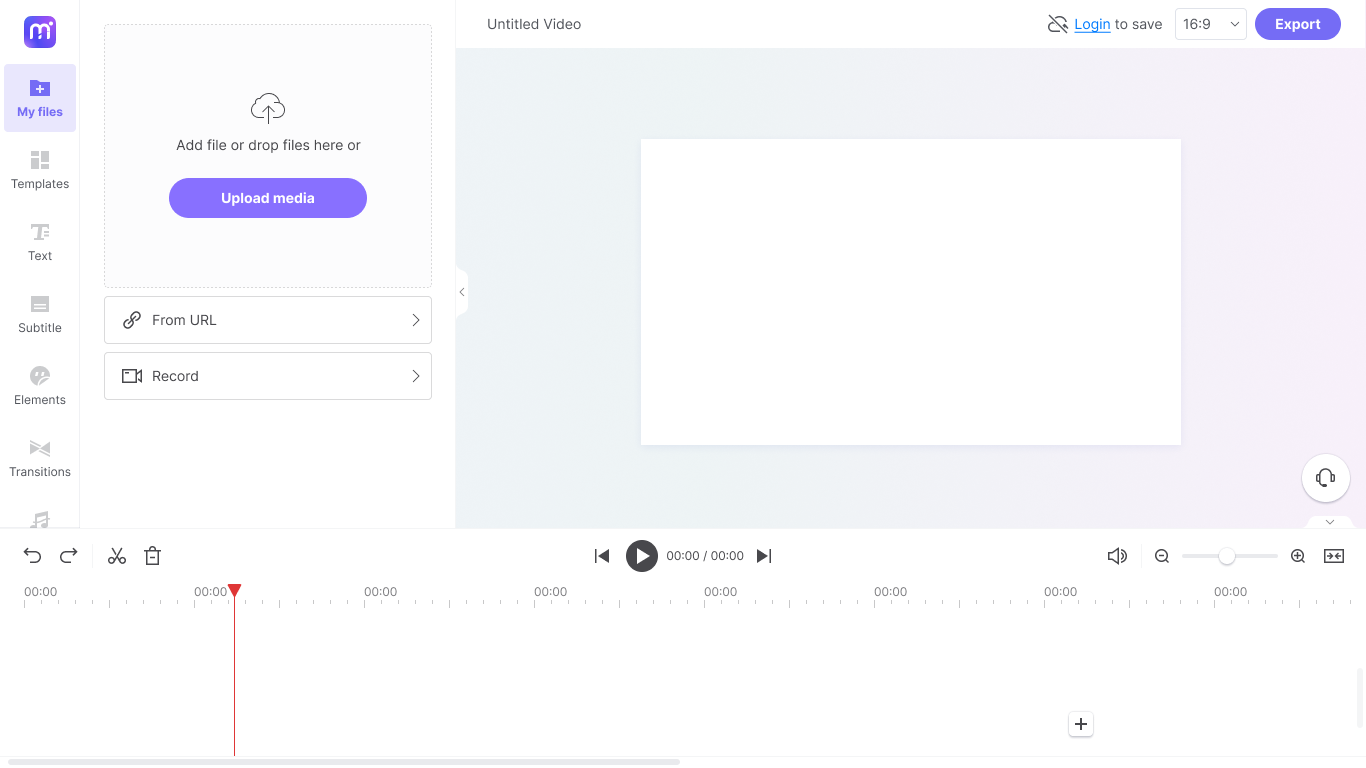
Illustrative Media.io workflow graphic, not a Submagic interface screenshot

Magic B-Roll and Visual Inserts

The editor can propose or insert supporting footage to reduce static talking-head delivery. Source relevance and licensing still deserve checking, especially for a factual tutorial or branded product demonstration.

Illustrative Media.io workflow graphic, not a Submagic interface screenshot

Hook Titles and Short-Form Rhythm

Its AI tools can propose on-screen hooks and support edits designed to make the opening clearer. A strong hook should represent the real topic rather than promise an unrelated outcome.

Illustrative Media.io workflow graphic, not a Submagic interface screenshot

Remove Silences and Clean Audio

Higher plan features include cutting unwanted pauses, removing bad takes and cleaning speech audio. These are useful for interviews and creator monologues but can produce awkward transitions if automatic cuts are not reviewed.

Illustrative Media.io workflow graphic, not a Submagic interface screenshot

Templates, Fonts and Brand Settings

Paid plans add controls around custom templates, logos, brand assets and vocabulary. Team accounts can keep repeated caption styling consistent across many contributors.

Illustrative Media.io workflow graphic, not a Submagic interface screenshot

Social Publishing and Tiered Exports

Pricing distinguishes social account integration, minute and video caps, and higher resolution exports. A creator working on thirty-minute source videos has a different plan need from someone captioning 20-second clips.

Illustrative Media.io workflow graphic, not a Submagic interface screenshot

How to Add Captions to a Social Video Online

1
2
3
1
Prepare your source

Upload a video you are allowed to edit, and check the language and speech quality before transcription.

2
Create the AI result

Use Media.io Video Caption Generator to create captions, then correct names and timing by reviewing the actual dialogue.

3
Review and export

Export a format suited to your channel and watch the final clip to confirm legibility and accessibility.

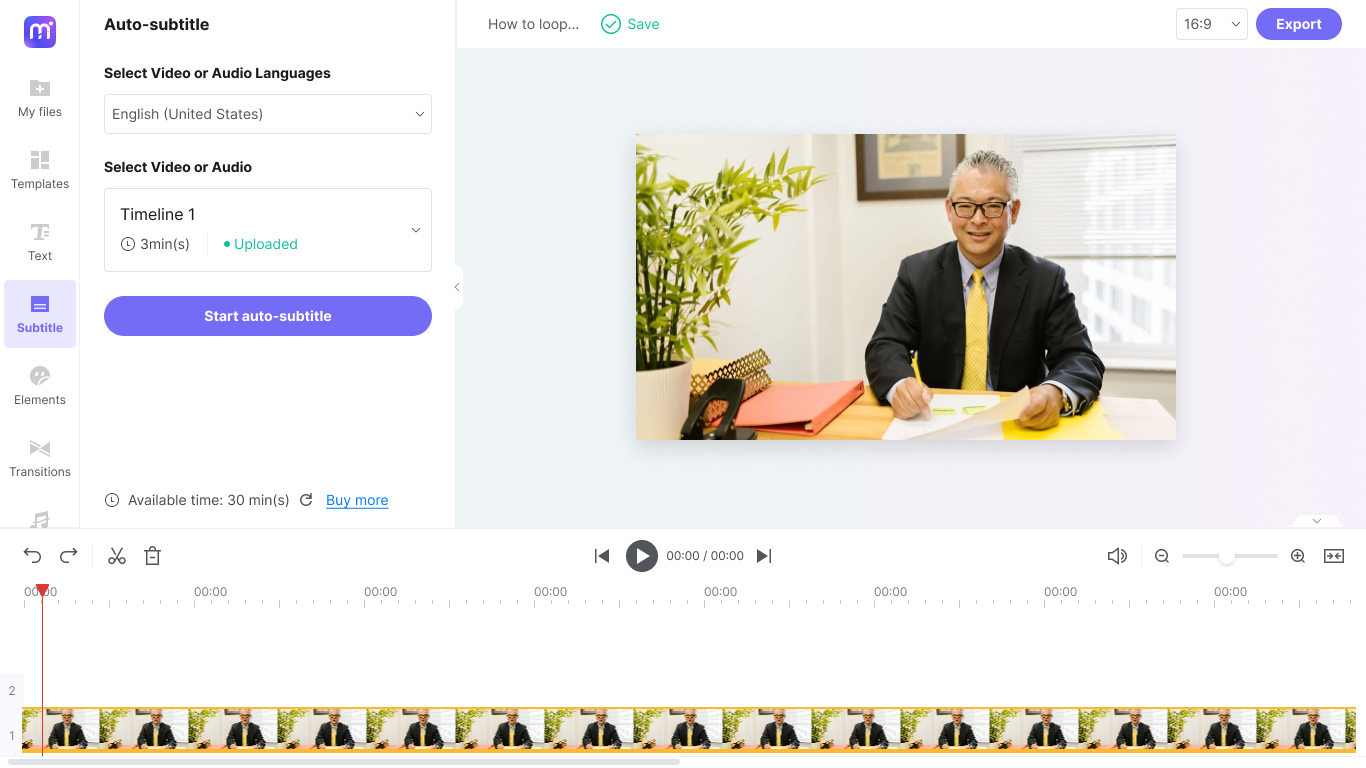
Illustrative Media.io workflow graphic, not a Submagic interface screenshot

Best Uses of Submagic: Caption And Polished Short-Form Video Editor With Plan Limits

Add legible highlighted words and simple cuts to a one-minute expert tip. Additional tasks include course lesson teasers and multilingual creator captioning.

Talking-Head Creator Reels

Add legible highlighted words and simple cuts to a one-minute expert tip.

Podcast Highlight Promotion

Select a compelling podcast answer and add caption styling for users watching with the sound off. For a related Media.io workflow, explore Free Fire Trending Shorts.

Course Lesson Teasers

Remove long pauses and package an accurate training excerpt for a course landing page.

Social Ad Voiceover

Combine an approved voiceover with useful supporting footage and brand-aware lower-third text.

Multilingual Creator Captioning

Test translated captions against the original transcript before sharing region-specific versions. For a related Media.io workflow, explore YouTube Video Editor.

Agency Short-Video Factory

Reuse visual styles for a client's weekly sequence of vertical videos while controlling per-seat and per-video allowances.

Submagic Pricing, Restrictions and Practical Limitations

The published Starter, Pro and Business plan tables show different monthly video/credit allowances. High-volume agencies must estimate rerenders and client revision rounds. Starter lists much shorter per-video limits than Business. Long interviews may require a more expensive plan or pre-trimming.

Video Quotas Change by Plan

The published Starter, Pro and Business plan tables show different monthly video/credit allowances. High-volume agencies must estimate rerenders and client revision rounds.

Maximum Input Duration Is Tiered

Starter lists much shorter per-video limits than Business. Long interviews may require a more expensive plan or pre-trimming.

4K and High FPS Are Not Universal

Premium-resolution export and high frame rates are tied to specific offerings. Do not assume every exported short is 4K.

Caption Accuracy Is Not Automatic

AI transcription can misread names, accents and technical terms. Manual review remains necessary for public claims or subtitles.

B-Roll Does Not Always Match the Script

Suggested visual inserts may distract from the original meaning or require separate asset licensing checks.

Social Integration Adds Account Maintenance

Publishing and analytics use linked social profiles; not all plans offer the same number of channel connections.

Submagic vs Media.io: Pricing, Features and Workflow Fit

Submagic is optimized for the polishing stage of social video: styled subtitles, B-roll, hook text, pause cleanup and recurring presets. Media.io should be compared on narrower objectives, such as generating readable captions or trimming a short, rather than assuming identical template and publishing suites.

Decision Factor Submagic Media.io
Primary task Regularly finish talking-head short videos with stylized subtitles, b-roll and automated cleanup. Make straightforward captions or create a short video without paying for a broader recurring short-editing suite.
Core feature Automatic Styled Captions: Submagic places spoken words on the screen using caption templates intended for vertical social viewing. Creators should verify transcription, proper names and spelling before exporting content in a second language. Add readable subtitles to one short social video.
Source and preparation Its AI tools can propose on-screen hooks and support edits designed to make the opening clearer. A strong hook should represent the real topic rather than promise an unrelated outcome. Upload a video you are allowed to edit, and check the language and speech quality before transcription.
Ideal deliverable Talking-Head Creator Reels: Add legible highlighted words and simple cuts to a one-minute expert tip. Make a clip from longer footage before producing the captioned version.
Workflow control Higher plan features include cutting unwanted pauses, removing bad takes and cleaning speech audio. These are useful for interviews and creator monologues but can produce awkward transitions if automatic cuts are not reviewed. Work on a focused single-caption task rather than a multi-client template operation.
Pricing model Submagic's official pricing shows monthly Starter, Pro and Business tiers, with headline monthly figures around $19/$39/$69 in one pricing display and lower billed-annually equivalents. Quotas span 15, 40 and up to 100 videos and maximum durations of roughly 2, 5 and 30 minutes. Check the active plan table at checkout. Submagic tiers place video quotas, maximum duration and export resolution into the subscription economics. For Media.io, check the caption or clipping tool involved and count how many individual files actually need processing.
Main production limitThe published Starter, Pro and Business plan tables show different monthly video/credit allowances. High-volume agencies must estimate rerenders and client revision rounds.Check names, timing and context in the finished export.
Who owns the process Pricing distinguishes social account integration, minute and video caps, and higher resolution exports. A creator working on thirty-minute source videos has a different plan need from someone captioning 20-second clips. Export a format suited to your channel and watch the final clip to confirm legibility and accessibility.
Best user fit Regularly finish talking-head short videos with stylized subtitles, b-roll and automated cleanup. Make straightforward captions or create a short video without paying for a broader recurring short-editing suite.
Best for Submagic

Choose Submagic for Caption And Polished Short-Form Video Editor With Plan Limits

Submagic is the more logical choice when you need to regularly finish talking-head short videos with stylized subtitles, B-roll and automated cleanup. Its dedicated workflow matters most for the following decisions.

  • Talking-Head Creator Reels: Add legible highlighted words and simple cuts to a one-minute expert tip.
  • Podcast Highlight Promotion: Select a compelling podcast answer and add caption styling for users watching with the sound off.
  • Course Lesson Teasers: Remove long pauses and package an accurate training excerpt for a course landing page.
  • Social Ad Voiceover: Combine an approved voiceover with useful supporting footage and brand-aware lower-third text.
  • Multilingual Creator Captioning: Test translated captions against the original transcript before sharing region-specific versions.
Visit Submagic
Best for Media.io

Choose Media.io for Video Captions and Quick Clips

A small creator with one weekly video may only need Media.io caption generation and a manual review. A busy short-form editor handling multiple brands, standard caption styles and dozens of exports has more reason to pay for Submagic's focused production suite.

  • Add readable subtitles to one short social video.
  • Make a clip from longer footage before producing the captioned version.
  • Work on a focused single-caption task rather than a multi-client template operation.
  • Check names, timing and context in the finished export.
Generate Video Captions

Submagic Review: Who Should Use It?

Our Take

Podcast Highlight Promotion is a revealing evaluation: Select a compelling podcast answer and add caption styling for users watching with the sound off. The editor can propose or insert supporting footage to reduce static talking-head delivery. Source relevance and licensing still deserve checking, especially for a factual tutorial or branded product demonstration. A rigorous comparison needs a real social ad voiceover sample, because b-roll does not always match the script could change the value of this feature.

The published Starter, Pro and Business plan tables show different monthly video/credit allowances. High-volume agencies must estimate rerenders and client revision rounds. Premium-resolution export and high frame rates are tied to specific offerings. Do not assume every exported short is 4K. The pricing decision is also concrete: Submagic's official pricing shows monthly Starter, Pro and Business tiers, with headline monthly figures around $19/$39/$69 in one pricing display and lower billed-annually equivalents. Quotas span 15, 40 and up to 100 videos and maximum durations of roughly 2, 5 and 30 minutes. Check the active plan table at checkout.

Choose Submagic if you regularly finish talking-head short videos with stylized subtitles, B-roll and automated cleanup. Choose Media.io if your priority is to make straightforward captions or create a short video without paying for a broader recurring short-editing suite. Before selecting a plan, examine 4k and high fps are not universal and test talking-head creator reels with an authorized source asset.

Submagic FAQ: Features, Pricing and Alternatives

What does Submagic AI do for short videos?
faq faq

Submagic is a short-form video editing platform that automates captions, highlights, B-roll and speech cleanup while offering customizable templates, social publishing and tier-based export quality.

Submagic places spoken words on the screen using caption templates intended for vertical social viewing. Creators should verify transcription, proper names and spelling before exporting content in a second language.

The editor can propose or insert supporting footage to reduce static talking-head delivery. Source relevance and licensing still deserve checking, especially for a factual tutorial or branded product demonstration. Higher plan features include cutting unwanted pauses, removing bad takes and cleaning speech audio. These are useful for interviews and creator monologues but can produce awkward transitions if automatic cuts are not reviewed.

Pricing distinguishes social account integration, minute and video caps, and higher resolution exports. A creator working on thirty-minute source videos has a different plan need from someone captioning 20-second clips.

Submagic's official pricing shows monthly Starter, Pro and Business tiers, with headline monthly figures around $19/$39/$69 in one pricing display and lower billed-annually equivalents. Quotas span 15, 40 and up to 100 videos and maximum durations of roughly 2, 5 and 30 minutes. Check the active plan table at checkout.

Starter lists much shorter per-video limits than Business. Long interviews may require a more expensive plan or pre-trimming.

Pricing distinguishes social account integration, minute and video caps, and higher resolution exports. A creator working on thirty-minute source videos has a different plan need from someone captioning 20-second clips. Check the linked-profile allowance on the selected plan.

make straightforward captions or create a short video without paying for a broader recurring short-editing suite. Submagic places greater emphasis on packaged viral short editing and brand templates.

regularly finish talking-head short videos with stylized subtitles, B-roll and automated cleanup. Estimate how many individual clips and reexports you make monthly.

What Media.io Creators Say About Their Workflow

Media.io AI video generator user
Sarah L.

Content Creator

star star star star half star

Media.io makes it much easier to test different AI video styles without jumping between several platforms. I can start with a text prompt or image, compare model results, and then resize or polish the clip for social media in the same workspace.

Media.io AI video creator
John D.

Social Media Marketer

star star star star half star

I use Media.io to create quick product clips, ad concepts, and short-form videos from images. The biggest advantage is that generation does not feel like the final step - I can continue with music, captions, enhancement, and format conversion before publishing.

Media.io AI video editing user
Emily T.

Freelance Designer

star star star star half star

The workflow is approachable even when I am experimenting with unfamiliar AI models. I can animate artwork, try different motion prompts, preview the output, and prepare a cleaner final version without needing advanced video-editing experience.

Media.io Online Tools Quality Rating:
vote 4.7 (162,357 Votes)
media.io

AI Video Generator star

Easily generate videos from text or images

Generate