Munch AI vs Media.io: Pricing, Features and Workflow Fit
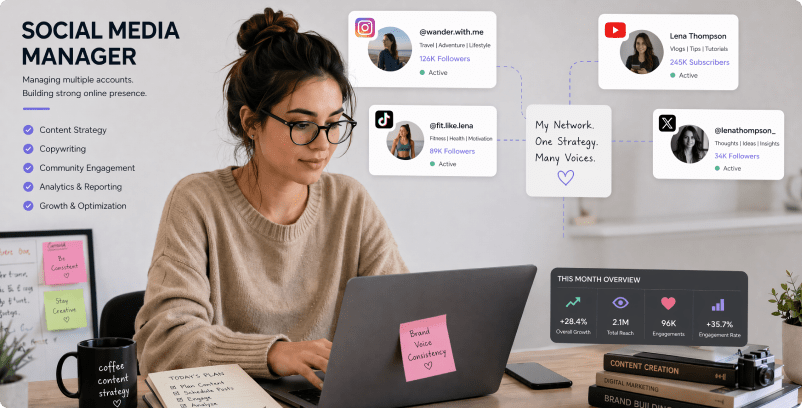
The major Munch decision has changed: current Munch Studio aims to manage an ongoing social presence from website context, drafts, scheduling and analytics. Media.io addresses video production itself, such as cutting a webinar excerpt or creating a vertical short, without administering connected social channels.
| Decision Factor |
Munch AI |
Media.io |
| Primary task |
Plan, approve, schedule and analyze social media posts across a business or agency client base. |
Extract or generate short vertical videos and captions without adopting a full social media scheduling platform. |
| Core feature |
Website-Based Business Context: Munch Studio invites a business to enter its website so the system can develop relevant post ideas rather than starting with a completely blank prompt. Brand voice and source accuracy still require review by the business owner. |
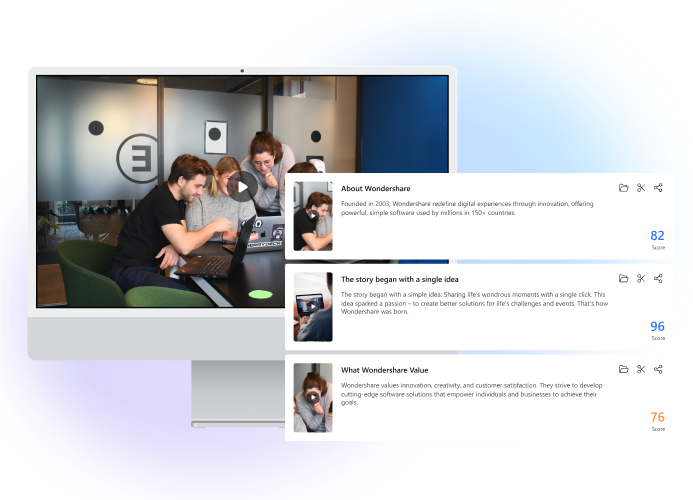
Turn a long interview or presentation into an individual vertical clip. |
| Source and preparation |
The service lists a business website, photos, videos and meeting recordings as source context. Marketers can use existing assets to inform future posts without assuming the software preserves a full professional video edit timeline. |
Select a video you own and identify a clear segment that can stand alone as a short. |
| Ideal deliverable |
Local Bakery Marketing Calendar: Turn a shop website and existing product photos into a week of approved seasonal posts. |
Make a short social video without connecting an automated posting calendar. |
| Workflow control |
After seeing post drafts, a team can choose, revise and approve the items they want to publish. Human review is important for dates, promotions, product claims and platform-specific brand standards. |
Prioritize captions, duration and the first seconds of a clip. |
| Pricing model |
The current Munch Studio site offers a get-started flow and agency-specific consultations. Because the older clip-making product and current social management platform differ, avoid reusing historical Munch AI subscription figures; confirm active checkout and plan permissions. |
Current Munch Studio pricing must be confirmed against the new social-management service and agency scope. A Media.io clipping job instead depends on the chosen creation tool; historical Munch video-repurposing plan prices are not a fair like-for-like benchmark. |
| Main production limit | Search results about video-repurposing Munch refer to an older product focus. The current official homepage redirects to Munch Studio and emphasizes social management. | Use Media.io clip tools for production and a separate publishing tool when needed. |
| Who owns the process |
The homepage includes performance tracking and separate client workspaces for agencies. Agency-scale operations involve brand isolation, platform permissions and commercial scoping beyond basic clip creation. |
Edit the opening, timing and captions for the destination format before publishing through the platform you manage. |
| Best user fit |
Plan, approve, schedule and analyze social media posts across a business or agency client base. |
Extract or generate short vertical videos and captions without adopting a full social media scheduling platform. |
Best for Munch AI
Choose Munch AI for Munch Legacy Video Clip Repurposing Versus New Munch Studio Social Marketing
Munch AI is the more logical choice when you need to plan, approve, schedule and analyze social media posts across a business or agency client base. Its dedicated workflow matters most for the following decisions.
- Local Bakery Marketing Calendar: Turn a shop website and existing product photos into a week of approved seasonal posts.
- Consultant LinkedIn Presence: Create a recurring content pipeline from existing expertise and materials, with a person checking each claim.
- Multi-Client Agency Work: Keep each customer's voice and publishing calendar separate while reviewing many proposed drafts.
- Repurposed Webinar Promotion: Use a webinar recording as background context for social promotion, then create any actual short video clips in a specialist editor.
- Small Business Social Launch: Plan initial Instagram and Facebook posts from a website, product list and brand identity.
Visit Munch AI
Best for Media.io
Choose Media.io for Social Video Clips and Shorts
A podcast host who wants a sharp 45-second vertical teaser can produce the clip in Media.io and publish it separately. A business owner wanting AI-generated post calendars, approvals and connected-channel monitoring has a different reason to evaluate Munch Studio.
- Turn a long interview or presentation into an individual vertical clip.
- Make a short social video without connecting an automated posting calendar.
- Prioritize captions, duration and the first seconds of a clip.
- Use Media.io clip tools for production and a separate publishing tool when needed.
Create AI Shorts