





Home>Comparison>FilmCraft AI

FilmCraft AI: Generate Shots, Then Build the Video Edit

The first AI clip is rarely the finished film: it still needs a second shot, audio and a clean cut. FilmCraft AI offers text and image generation alongside a browser timeline where saved takes can be arranged, captioned and exported. Its public pages also describe model-specific camera options and credit quotes. This review separates advertised editing capabilities from the more important purchase question: what can a new account actually generate today, and are the published subscription plans currently purchasable?

FilmCraft AI Features for Image-to-Video and Timeline Editing

FilmCraft AI is a browser-based image and video studio combining text-to-image, image-to-image, text-to-video and image-to-video generation with model-dependent camera controls, a multi-track timeline, captions, audio and export tools.

Core Feature Overview

Text-to-Video for Single Prompted Shots

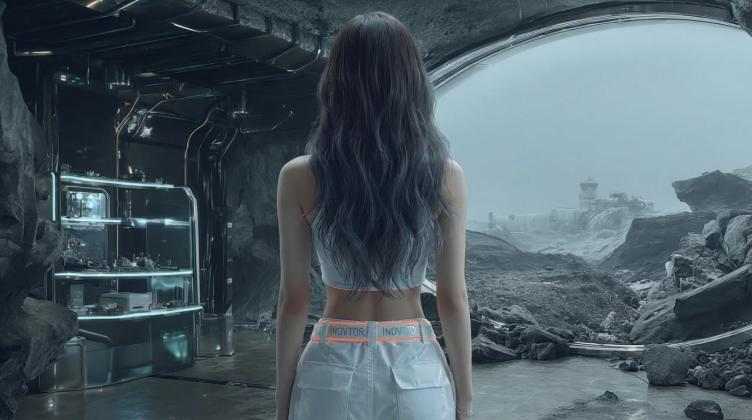
FilmCraft advises a deliberate single-shot prompt: identify the subject, action, setting and camera movement rather than demanding an entire movie in one request. For a creator making a sci-fi teaser, one generation might show a ship arriving at dusk, while the next handles the pilot leaving the cockpit. The platform describes choosing model, duration and aspect ratio before submission. Review each take for temporal artifacts and continuity, then use the editor to decide which generated clips deserve a place in the final cut.

Illustrative Media.io visual, not a FilmCraft AI product screenshot

Image-to-Video From a Reference Photograph

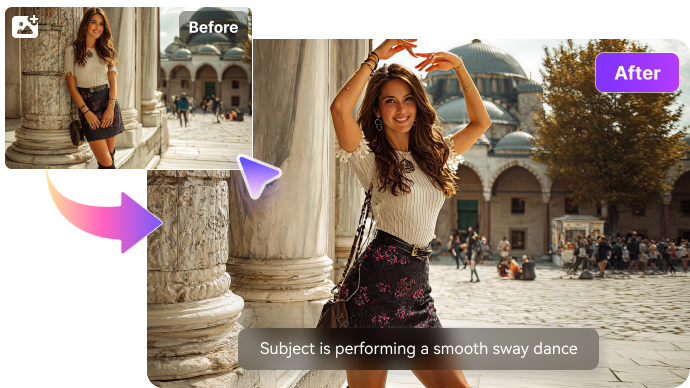
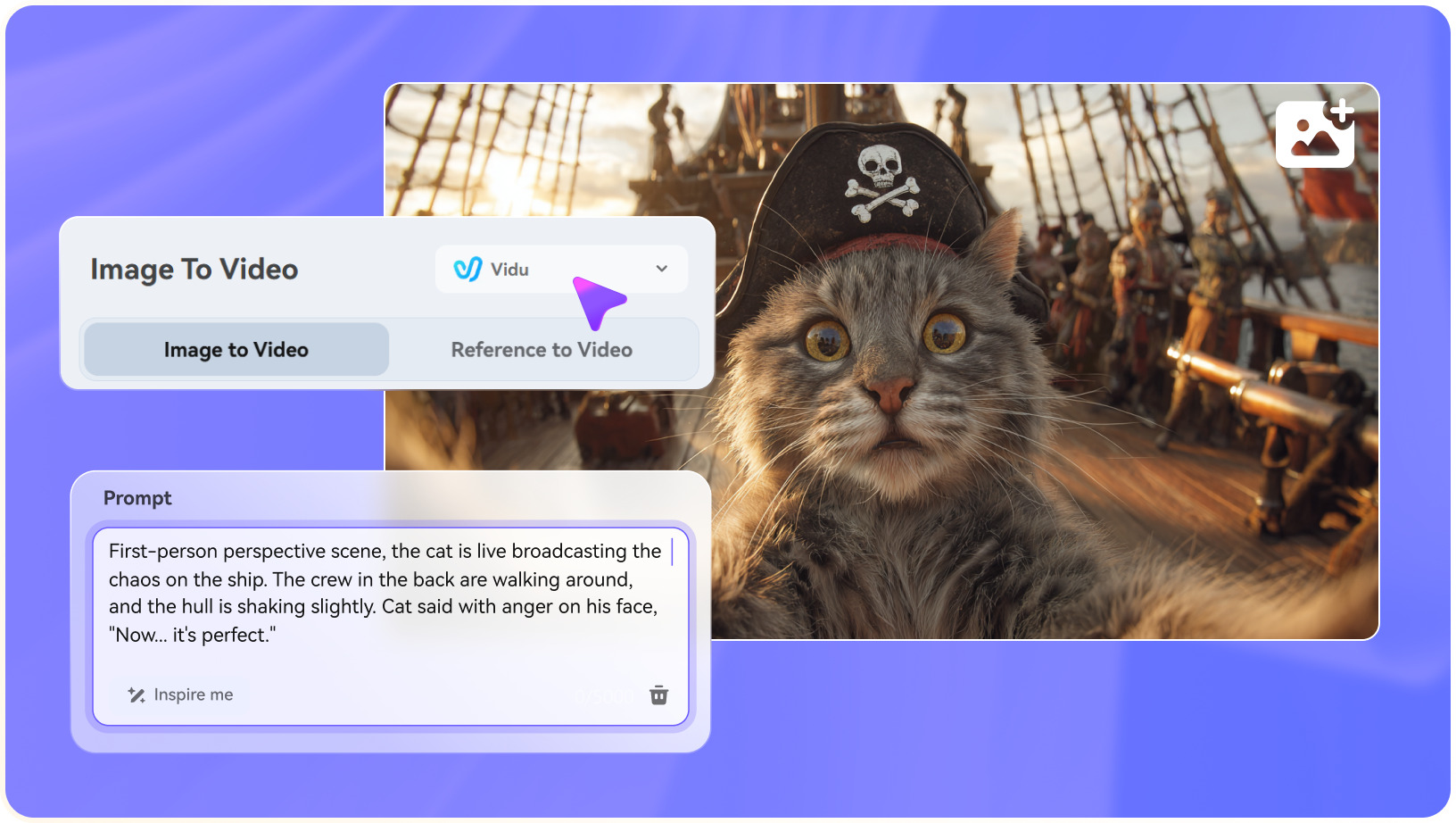
FilmCraft provides an image-to-video path for creators who already have a look they want to preserve. A product photographer might provide a hero photo and request a slow camera move, while a character artist might ask for a subtle turn. The site warns that reference generation requires paid credits and that faces, objects and backgrounds may change. The reference is guidance for a generative model, not an untouched moving image. Inspect the entire video, especially the end frame, before adding it to a branded sequence.

Illustrative Media.io visual, not a FilmCraft AI product screenshot

Image Generation and Image-to-Image Variations

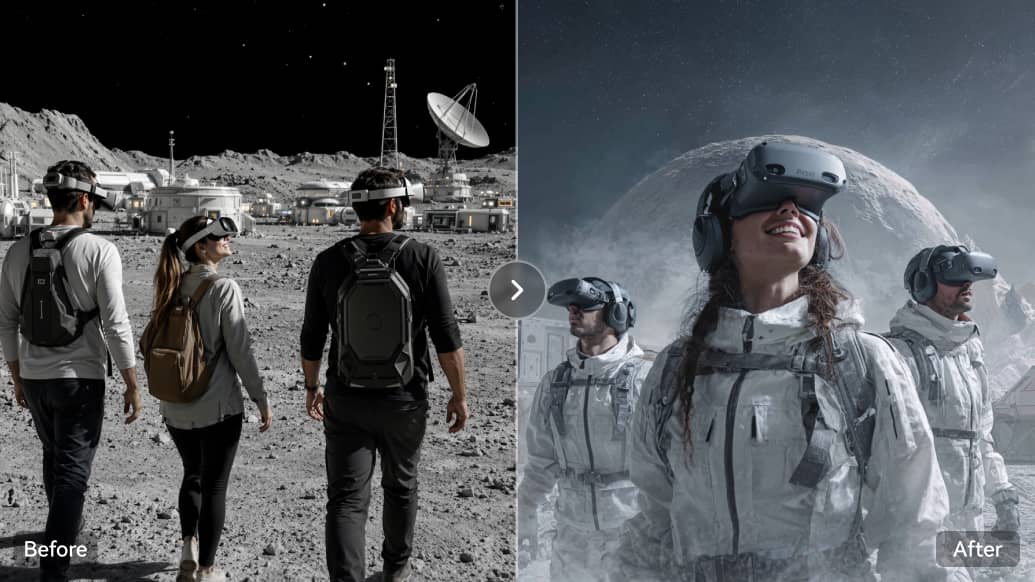
A shot-based video project often needs a consistent visual direction first. FilmCraft offers text-to-image and image-to-image alongside video generation, allowing a designer to explore lighting or production design without leaving the studio. A useful workflow is to approve three keyframes, then animate the strongest option with an appropriate model. The public free starting allowance applies to images, not all video modes, so do not assume a 20-credit welcome balance is enough to test every video feature.

Illustrative Media.io visual, not a FilmCraft AI product screenshot

Model-Dependent Motion and Camera Parameters

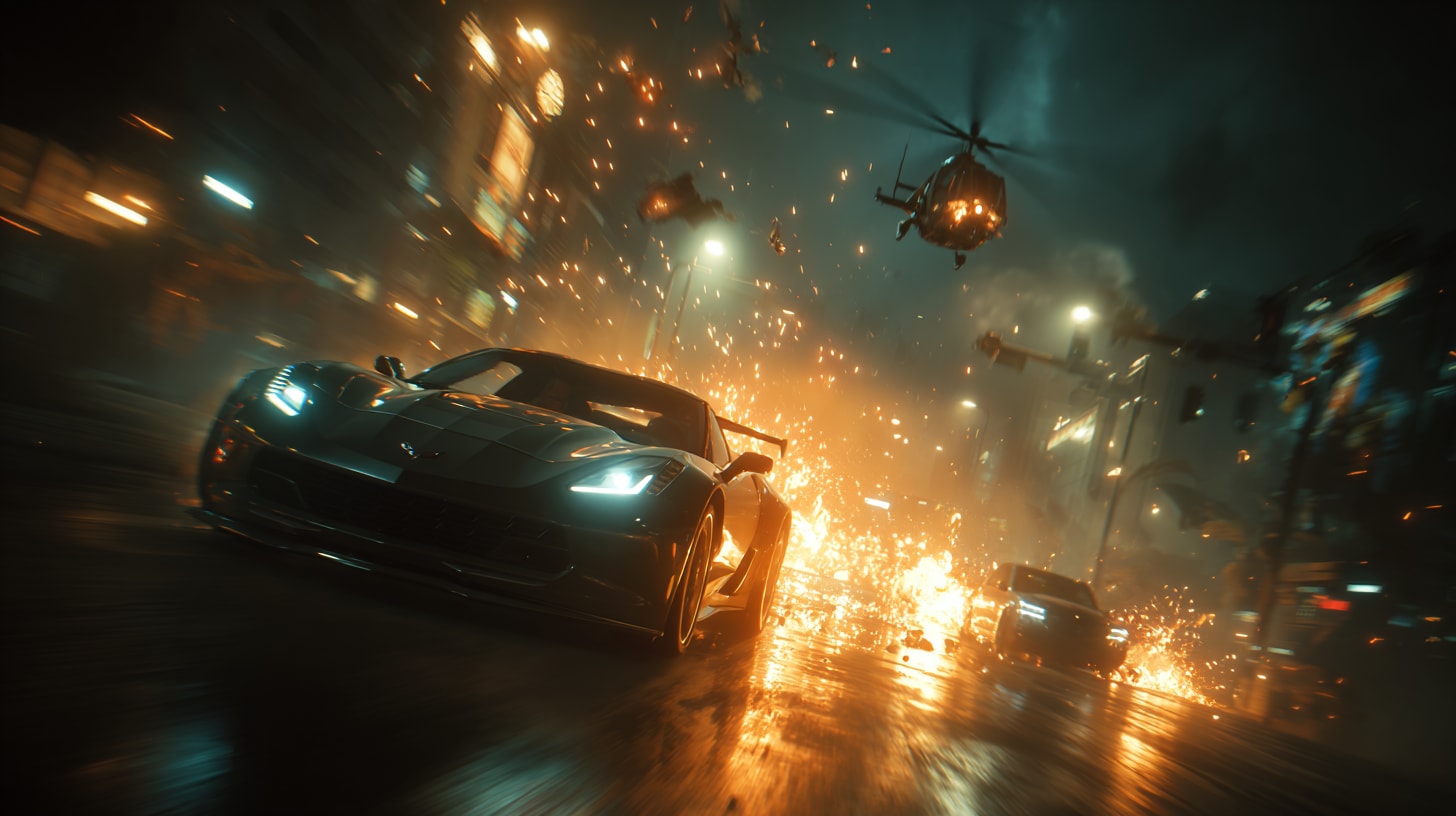
The product markets direct control of movement and camera, but its official video guidance is careful: options depend on model and selected generation mode. A director wanting a 1.4x push-in must confirm that the active model exposes that control. Complex motion may produce distortions even when the numeric setting is accepted. Start with one action and one camera instruction, review the result, then raise the complexity. Do not present all listed controls as guaranteed on every model.

Illustrative Media.io visual, not a FilmCraft AI product screenshot

Multi-Track Timeline, Captions and Audio

FilmCraft positions its editor as the step between generating an impressive clip and publishing a coherent video. The site describes multi-track assembly, editable captions, audio and translated voiceover options. A creator can put an establishing shot beside a tighter product view and add spoken context rather than ordering both actions in a single generation. The editor supports post-generation story construction, but it is still important to verify available audio and export settings for client deliverables.

Illustrative Media.io visual, not a FilmCraft AI product screenshot

Monthly Credits and Separate One-Time Packs

The homepage displays Creator, Pro and Studio monthly amounts, but the purchase buttons currently say purchases are coming soon. That distinction matters: displaying a plan is not proof that it can be bought today. The site also describes image-only starting credits and a restricted four-second video trial in its video FAQ. Monthly subscription credits expire on reset under the terms, while purchased packs are described as non-expiring. Confirm checkout availability and the actual quote before relying on any advertised budget.

Illustrative Media.io visual, not a FilmCraft AI product screenshot

How to Animate a Still Photo With Media.io

1
2
3
1
Select a strong still frame

Upload a photo with a clear subject, consistent lighting and adequate detail for an image-to-video model.

2
Describe one motion

Use Media.io Image to Video, choose available settings and request a specific camera or subject movement.

3
Inspect the full clip

Review the end frame, hands and background for artifacts; regenerate or use editing tools before publishing.

Illustrative Media.io creation step, not FilmCraft AI interface screenshot

FilmCraft AI Use Cases From First Frame to Edited Clip

FilmCraft appeals to creators who want generation and a timeline in the same browser project. Each scenario still requires attention to source images, motion continuity and export constraints.

Animating a Product Hero Photo

Turn an approved still image into a short motion clip and verify that the product shape, labels and texture survive the movement.

Creating a Three-Shot Cinematic Teaser

Generate an opening frame, a character action and a closing detail separately, then trim and sequence the takes in the timeline. For a related Media.io workflow, see Text to Video.

Comparing Camera Directions

Test two compatible motion settings on the same simple scene and retain the version with believable geometry and stable framing.

Preparing Stylized Reference Frames

Explore image-to-image lighting variations before spending paid video credits on animation of the selected styleframe.

Building a Social Video With Captions

Combine several generated vertical shots with a narrator and concise captions, then inspect legibility inside platform safe areas. For a related Media.io workflow, see Text to Image.

Mixing Imported Clips With AI Shots

Use real footage as factual material and AI-generated shots as illustration; keep a clear editorial distinction in the completed project.

FilmCraft AI Pricing, Free Trial and Model Restrictions

The price labels are visible, but availability matters. The official English site currently distinguishes a limited trial and planned paid purchases, so evaluate actual access before budgeting production.

Advertised Plans May Not Be Purchasable Yet

The official site lists monthly prices but shows purchases coming soon on the plan buttons. Check live availability instead of assuming the listed subscription can be activated.

Free Generation Is Highly Restricted

The current English homepage describes 20 image-only welcome credits; the video FAQ describes a limited four-second 480p text-prompt trial without audio.

Video and References Need Paid Credits

A normal image-to-video reference workflow requires paid credits, with cost dependent on model, duration and output options.

Model Settings Are Not Universal

Camera motion, sound, clip length and resolution depend on the active model; a listed studio control does not mean every model supports it.

Monthly and Purchased Credits Behave Differently

According to the published terms, subscription credits reset without rolling over while separately purchased credit packs do not expire.

A Timeline Does Not Repair Every Artifact

An editor can trim and layer footage, but warped hands, unstable products and inconsistent character identity may require regeneration.

FilmCraft AI vs Media.io: Timeline Studio or Photo Animation?

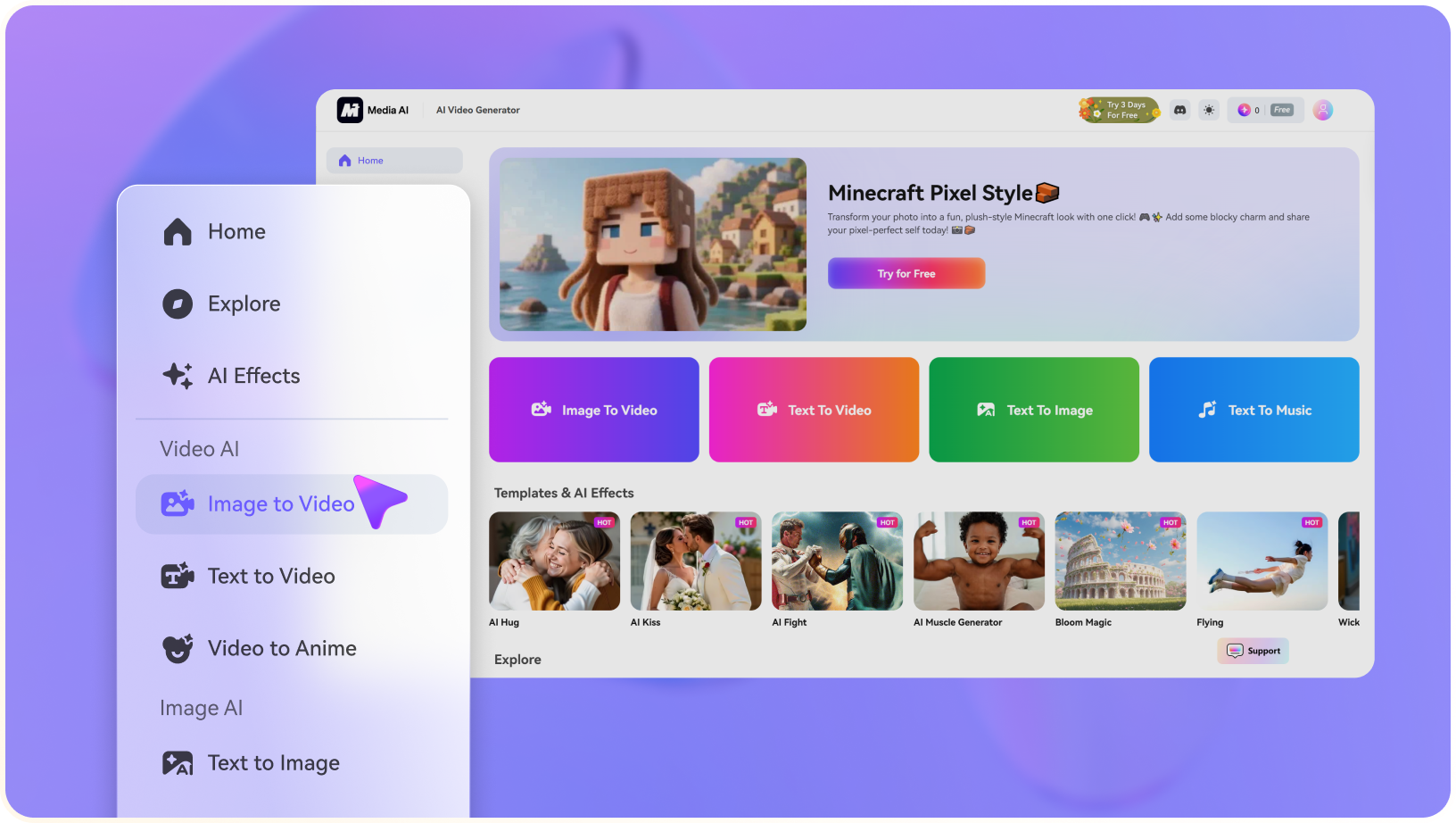
FilmCraft combines several generation modes with a multi-track editor. Media.io Image to Video offers a more direct path when the initial job is animating an approved photo without establishing an editing project.

Decision Factor FilmCraft AI Media.io
Primary task Strong Fit Strong fit
Generate shots, save takes and assemble a timeline video.
Animate a selected still image into a short video.
Starting point Strong Fit Strong fit
Text prompt, reference image or existing media.
One approved source image and a motion instruction.
Video editing Strong Fit Strong fit
Multi-track arrangement, captions and audio features.
Generation first, with other Media.io tools available as needed.
Camera controls Strong Fit Strong fit
Available parameters depend on the selected model.
Choose options exposed in the relevant image-to-video workflow.
Trial access Limited image credits plus an eligible short video trial. Check current Media.io account and model-specific free eligibility.
Paid availability Public plan buttons currently indicate purchases coming soon. Review actual generation pricing and checkout in Media.io.
Creative flexibilityStrong Fit Strong fit
A broader image-video-audio production workspace.
Focused photo animation rather than a multi-track project editor.
Review priorities Strong Fit Strong fit
Clip consistency, source changes and timeline export.
Subject fidelity, motion artifacts and output framing.
Ideal user A creator managing several generated takes and a final edit. Strong Fit Strong fit
Someone turning one strong reference photo into a moving scene.
Best for FilmCraft AI

Choose FilmCraft for Multi-Track AI Clip Editing

FilmCraft is a better conceptual match if you need text and image generators feeding a single timeline, with captions and audio arranged across saved takes.

  • Generate stills and video from either prompts or references.
  • Experiment with model-specific camera settings when available.
  • Trim and sequence shots on a multi-track editor.
  • Add voice, audio and captions as part of the final assembly.
  • Confirm whether the advertised paid plan can actually be purchased.
Visit FilmCraft AI
Best for Media.io

Choose Media.io for Image-to-Video Motion

For an individual product shot, portrait or travel photo that needs motion rather than a full editing project, Media.io Image to Video matches the action directly.

  • Upload a selected photograph and describe a single motion.
  • Choose available model and framing options for the target channel.
  • Inspect object shapes and faces across the complete generated clip.
  • Create another version without first building a multi-track project.
Animate an Image With AI

FilmCraft AI Review: Is Its Timeline Worth the Setup?

Our Take

FilmCraft proposes a useful connected workflow: find a look in image generation, animate selected frames and cut the results in a browser editor. That is meaningfully broader than a single image-to-video generator, particularly for creators producing narrative teases or social promos from several sources.

The biggest caution is commercial availability. Official pages list subscriptions and add-on packs, but the current plan buttons display a coming-soon message. The free allowance is tightly restricted, and reference-based video generation requires paid credits. Evaluate what the actual live account allows before committing a production calendar.

Choose FilmCraft if the integrated image-video-timeline workflow is essential and account access is confirmed. Choose Media.io Image to Video when the immediate creative job is to animate a specific still and inspect the result before further editing.

FilmCraft AI FAQ: Features, Pricing and Media.io Alternatives

What is FilmCraft AI used for?
faq faq

FilmCraft combines text and reference-based image and video generation with a browser video editor. Creators can arrange saved AI takes on a timeline, add captions and audio, and export completed clips.

Yes. The official video page describes compatible reference-based video generation. Uploading a reference requires paid credits, and the result should be checked for changes to faces, products and backgrounds.

Yes. A creator can describe one shot, select an available model and output settings, and generate a video clip. The official guidance recommends simple, clearly specified actions rather than several scenes in one prompt.

The public site displays Creator at $9.90, Pro at $19.90 and Studio at $39.90 per month, but its purchase buttons currently say purchases are coming soon. Verify live payment availability and plan limits before quoting a purchasable subscription.

The English homepage says new accounts receive 20 image-only credits. Its video page also describes a limited eligible video trial of four seconds at 480p without audio; ordinary video and reference generation require paid credits.

The published terms distinguish monthly subscription credits, which reset at billing without rollover, from separate purchased credit packs that are described as having no expiration date.

Yes. The product promotes a multi-track timeline for arranging and trimming clips, adding captions and audio, and exporting a longer edit. It does not automatically guarantee character continuity between independently generated takes.

No universal guarantee is stated. The official video guidance says duration, resolution, motion controls and audio availability vary with the chosen model and mode.

Media.io Image to Video is a task-specific route for turning a single uploaded image into moving footage. Use it when you do not need FilmCraft's multi-track editor or image generation workspace.

What Media.io Creators Say About Their Workflow

Media.io AI video generator user
Sarah L.

Content Creator

star star star star half star

Media.io makes it much easier to test different AI video styles without jumping between several platforms. I can start with a text prompt or image, compare model results, and then resize or polish the clip for social media in the same workspace.

Media.io AI video creator
John D.

Social Media Marketer

star star star star half star

I use Media.io to create quick product clips, ad concepts, and short-form videos from images. The biggest advantage is that generation does not feel like the final step - I can continue with music, captions, enhancement, and format conversion before publishing.

Media.io AI video editing user
Emily T.

Freelance Designer

star star star star half star

The workflow is approachable even when I am experimenting with unfamiliar AI models. I can animate artwork, try different motion prompts, preview the output, and prepare a cleaner final version without needing advanced video-editing experience.

Media.io Online Tools Quality Rating:
vote 4.7 (162,357 Votes)
media.io

AI Video Generator star

Easily generate videos from text or images

Generate