Animate Photos into Motion Videos Instantly
Turn any still photo into a captivating AI-powered animation
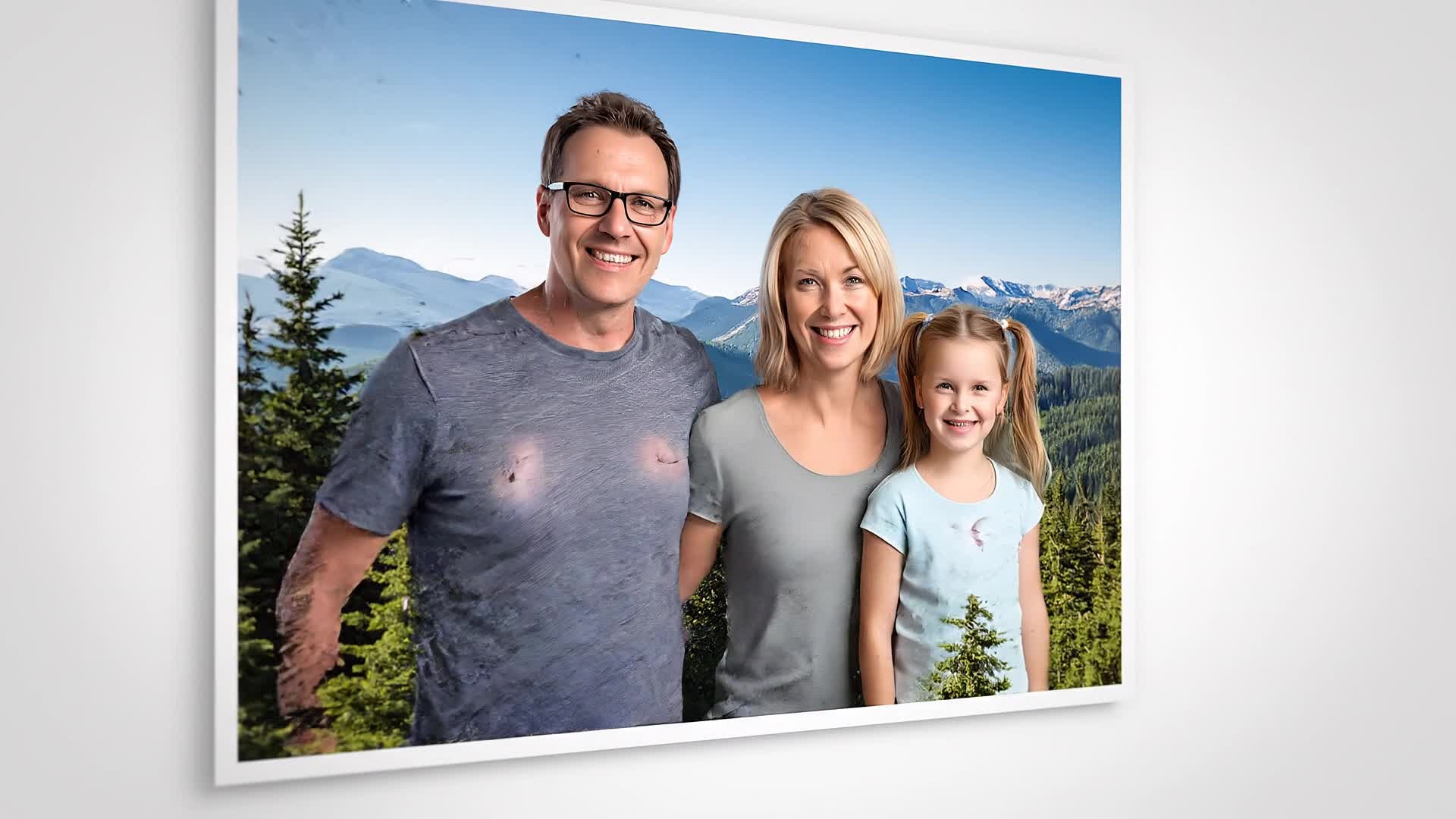
Media.io’s Photo Animation Maker uses advanced AI to add realistic motion to your static images. With just a few clicks, transform portraits, landscapes, or product photos into dynamic videos ready for social media, marketing, or storytelling. No editing experience is required—our AI automatically analyzes depth and movement, producing cinematic parallax effects and smooth transitions. Create emotional, scroll-stopping animations that make your visuals stand out across YouTube Shorts, Instagram Reels, and more with Media.io’s smart, intuitive platform.
Turn Images into Moving Stories with AI
With Media.io’s image-to-video feature, you can transform any picture into a living moment. Whether you’re animating a travel snapshot, a brand product image, or a nostalgic photo, our Photo Animation Maker applies natural panning, zooming, and depth effects for a lifelike result. The AI intelligently detects subjects and backgrounds, adds realistic camera motion, and outputs polished video clips in seconds. Perfect for content creators and marketers who want to engage audiences with emotion and style without manual animation work or expensive software.
Create Animated Videos from Text Ideas
Media.io goes beyond photo animation—generate entire motion videos from a single text prompt. Simply describe your vision and watch our AI bring it to life with visuals, pace, and movement that fit your narrative. It’s ideal for creators who want to turn creative concepts or script lines into video content quickly. Whether you’re storytelling, showcasing products, or sharing memories, Media.io’s text-to-video conversion saves hours of editing while ensuring visually consistent, platform-ready animations every time.
| Style | Engaging Prompts for Photo Animation Maker Videos | Copy & Create |
|---|---|---|
|
Cinematic Landscape
|
Begin with a still mountain valley image. Create a soft sunrise lighting effect that expands from the horizon. Add drifting fog layers moving slowly across the trees. Introduce a parallax shift to simulate a camera glide. Use smooth zoom-in to reveal a waterfall in motion. Finish with natural ambient motion creating a peaceful atmosphere. |
|
|
Retro Travel Vibe
|
Use a vintage postcard of a seaside town. Animate gentle ocean waves and fluttering flags. Add a subtle camera tilt that follows the curve of the coast. Enhance with sunlight reflection moving across the water. Include text saying 'Summer Then & Now' at the end with soft fade-out transition. Keep colors warm and nostalgic. |
|
|
Product Motion Ad
|
Start with a static image of a perfume bottle on a table. Add a lighting sweep that reveals its texture and reflections. Introduce motion to the background with slow gradient shifts. Add smooth zoom-in as particles float gracefully. End with a bold closing line reading 'Confidence in Every Drop'. Maintain crisp, elegant motion pacing. |
|
|
Creative Portrait Loop
|
Choose a portrait photo with good lighting. Apply soft breathing motion and subtle facial depth shift. Add background blur dynamics for 3D separation. Slightly tilt camera angle for cinematic effect. Finish with smooth return to original framing to create a loop that feels alive yet natural. Perfect for social media loop reels. |
|
|
Before & After Animation
|
Begin with an old faded photo. Gradually enhance colors as animation breathes new life into it. Transition to a crisp, modern version with smooth fade. Add small dynamic lens flares to show revival. Conclude with the photo glowing softly as it comes fully restored. Maintain gentle pacing to highlight transformation. |
|
|
Aesthetic Motion Story
|
Start with an artistic still photo of city lights reflecting in puddles. Animate reflections to shimmer slightly. Add gentle rain drizzle moving downward. Shift focus using shallow depth-of-field simulation. Gradually tilt camera upward revealing glowing skyline motion. End with a subtle title fade saying 'Night Glow'. |








How to Create Photo Animation Maker with Media.io
Create photo animation maker content faster with Media.io using text to video, image to video, video to video, and built-in editing tools.
Upload or Choose a Photo
Start with your image or select from Media.io’s library. The AI detects subjects and prepares your photo for motion animation generation instantly. This helps you create photo animation maker content faster with a more structured workflow. You can easily adapt the output for platforms like TikTok, Instagram Reels, and YouTube Shorts.
Generate Animations with AI
Type a short idea or adjust animation style. Media.io’s AI automatically applies motion depth, panning, and effects within seconds for a polished video output. This helps you create photo animation maker content faster with a more structured workflow. You can easily adapt the output for platforms like TikTok, Instagram Reels, and YouTube Shorts.
Edit, Preview, and Export
Preview the animated result, refine transitions or text overlays, and export high-quality clips ready for sharing on TikTok, Instagram, or YouTube. This helps you create photo animation maker content faster with a more structured workflow. You can easily adapt the output for platforms like TikTok, Instagram Reels, and YouTube Shorts. The process reduces manual editing and improves overall production efficiency. Each step improves visual quality, pacing, and content consistency.
Why Choose Media.io for Photo Animation Maker
AI-Powered Animation
Let advanced AI add natural motion, depth, and cinematic effects to any photo automatically for professional results. This makes photo animation maker creation more efficient and easier to manage. It helps improve consistency across different video styles and formats. You can use this feature to produce more engaging and platform-ready content.
Multiple Input Options
Start from images, text ideas, or existing videos and blend them into new motion clips without switching tools. This makes photo animation maker creation more efficient and easier to manage. It helps improve consistency across different video styles and formats. You can use this feature to produce more engaging and platform-ready content.
Real-Time Preview
Instantly see how your still photos come alive before exporting, ensuring every animated scene fits your creative vision. This makes photo animation maker creation more efficient and easier to manage. It helps improve consistency across different video styles and formats. You can use this feature to produce more engaging and platform-ready content.
Fast Cloud Rendering
Generate and download animations in seconds using Media.io’s robust cloud engine optimized for speed and quality. This makes photo animation maker creation more efficient and easier to manage. It helps improve consistency across different video styles and formats.
Social-Ready Formats
Export vertical or square videos optimized for platforms like TikTok, Instagram, and YouTube Shorts with zero resizing hassle. This makes photo animation maker creation more efficient and easier to manage. It helps improve consistency across different video styles and formats. You can use this feature to produce more engaging and platform-ready content.
Built-In Editing Tools
Polish your animations with text, background music, and transitions—all within the same seamless browser interface. This makes photo animation maker creation more efficient and easier to manage. It helps improve consistency across different video styles and formats. You can use this feature to produce more engaging and platform-ready content.
FAQs About
Photo Animation Maker
1. What is the Media.io Photo Animation Maker?


It’s an AI-powered tool that transforms still photos into moving videos automatically, adding camera-like motion and depth for a lifelike look.
2. Do I need animation skills to use it?
No experience needed. Media.io’s AI analyzes your photo and creates motion effects with one click—perfect for beginners and creators alike.
3. Can I animate old or low-quality photos?
Yes. The AI enhances lighting and texture, producing smoother, sharper animation results even from older or scanned images.
4. What output formats does Media.io support?
You can export your animated photos as MP4 videos optimized for mobile and social sharing in various resolutions.
5. Is it free to try the Photo Animation Maker?
Yes, you can try creating animated photos for free with limited exports and upgrade later for full access and higher quality.
6. Can I use the tool on mobile?
Absolutely. Media.io works directly in your mobile browser, so you can upload photos and animate them anytime on any device.



