Home>Comparison>DiffusionBee

DiffusionBee: Run Stable Diffusion Locally on a Mac

A designer who prefers not to send working images to a hosted generator may want a locally installed creative app. DiffusionBee puts Stable Diffusion workflows on a Mac, including text-to-image, inpainting-style fills, image variants and local model use. That control comes with setup, hardware and model-license decisions. Media.io offers a different tradeoff for people who want browser access and broader media editing without downloading and maintaining a local image stack.

DiffusionBee Features: Local Stable Diffusion on Mac

DiffusionBee is a downloadable macOS AI art application for running Stable Diffusion locally, combining text-to-image, image-to-image, generative fill, upscaling, variants, control images and custom-model workflows.

Core Feature Overview

  • Local Text-to-Image Generation: Generate new artwork from a prompt on a compatible Mac instead of sending the prompt through an online creation console.
  • Image-to-Image Transformations: Supply an existing image as the composition starting point, then test a new style or treatment locally.
  • Generative Fill and Removal: Select an image region for object addition or removal; verify surrounding edges before calling the edit complete.
  • Control Images and Variants: Guide composition with control images and inspect several variants rather than relying on a single random output.
  • Custom Model Training: Use supported local training workflows for a repeatable subject or style, while checking the rights and compatibility of the data.
  • Upscale and Video Tools: Access built-in enhancement and animation-related utilities; available performance depends on hardware and the installed model.

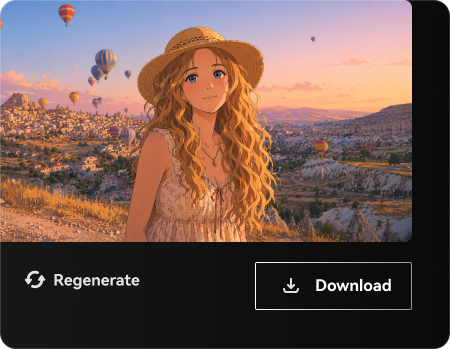
Local Text-to-Image Generation

Generate new artwork from a prompt on a compatible Mac instead of sending the prompt through an online creation console. For offline concept exploration, experiment with character moods or scene sketches without depending on a hosted prompt interface. For the offline concept exploration brief, check details against the original before publication.

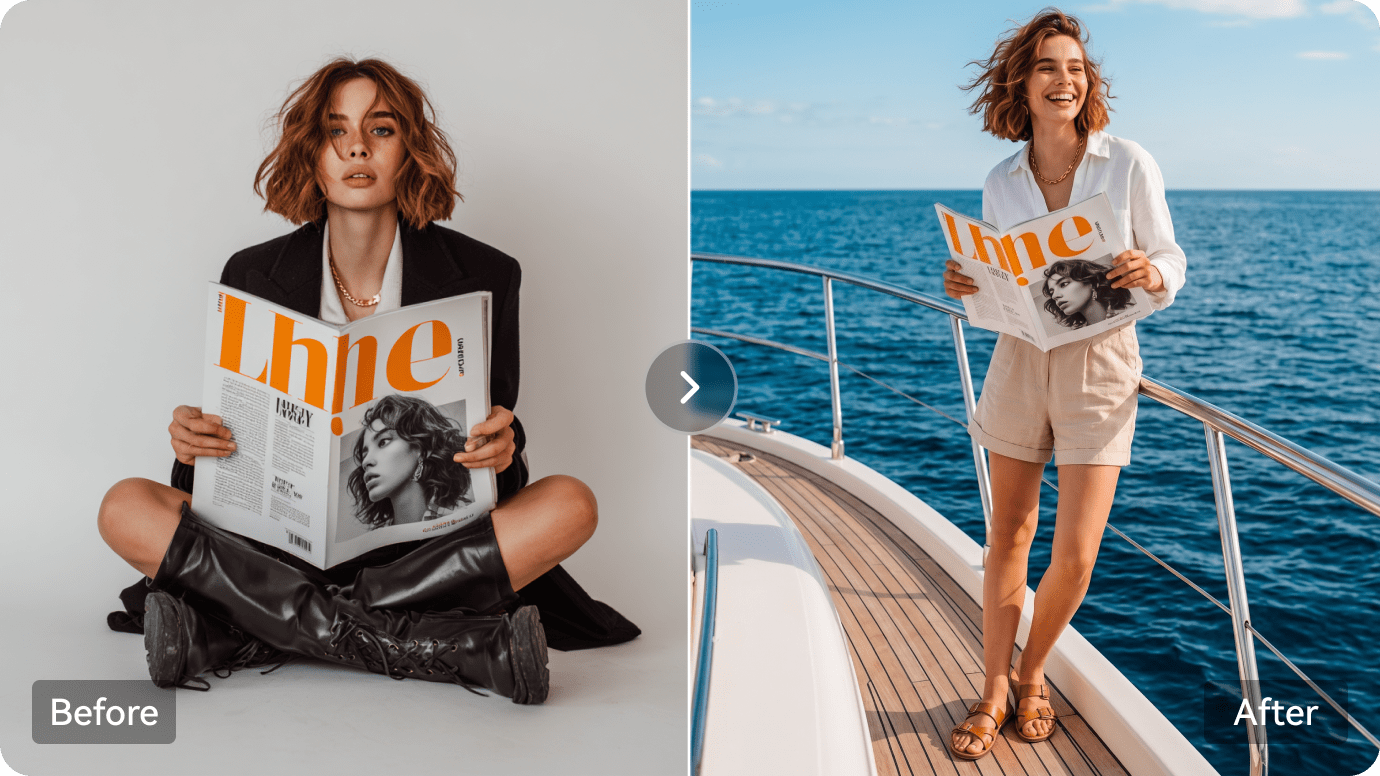
Illustrative Media.io workflow graphic, not a DiffusionBee interface screenshot

Image-to-Image Transformations

Supply an existing image as the composition starting point, then test a new style or treatment locally. For private client references, edit approved proprietary concept images locally where data-handling policy favors on-device processing. Decide in advance which details must remain faithful for private client references.

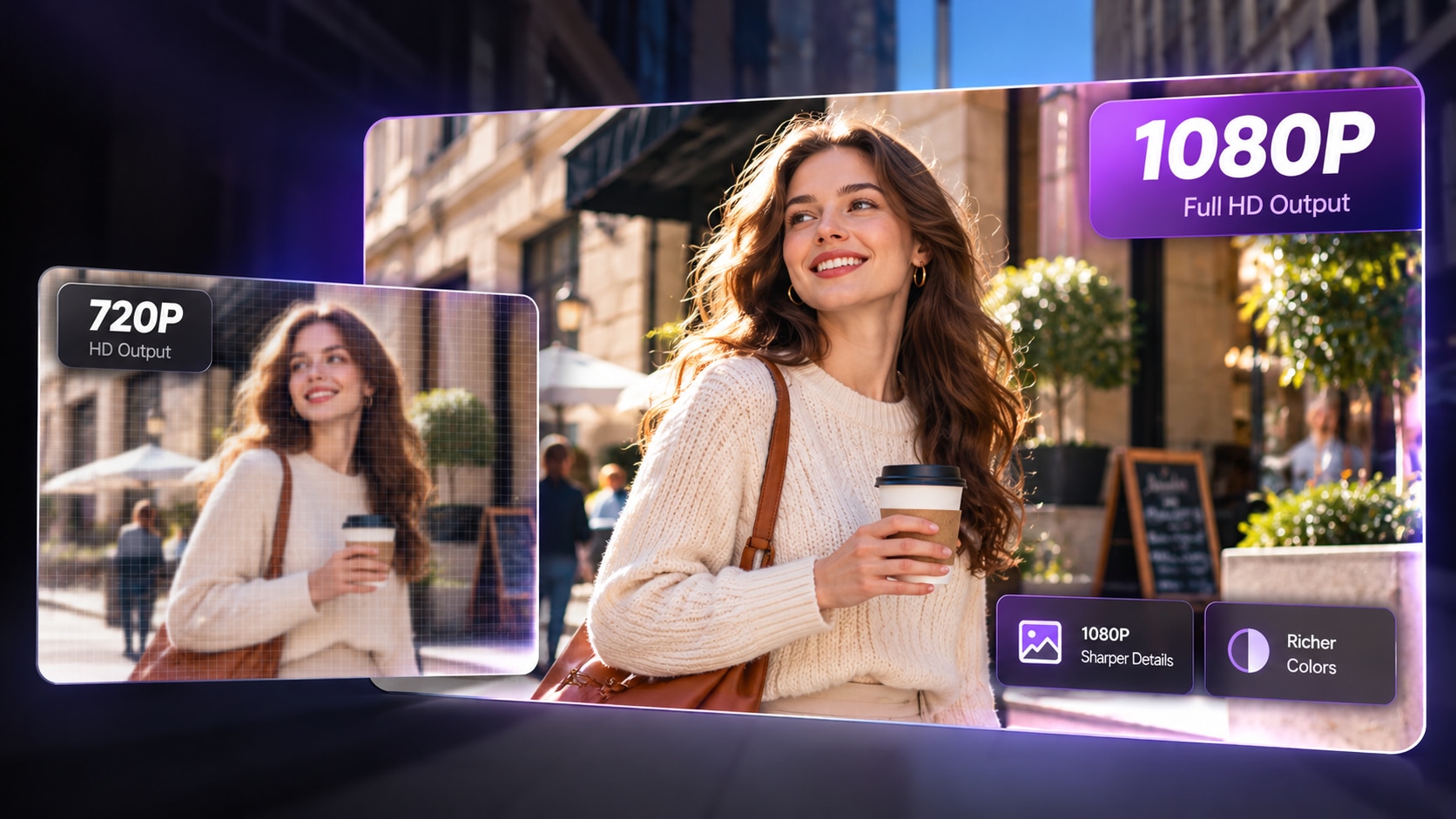
Illustrative Media.io workflow graphic, not a DiffusionBee interface screenshot

Generative Fill and Removal

Select an image region for object addition or removal; verify surrounding edges before calling the edit complete. For iterative character study, develop a repeatable visual subject with local model settings rather than re-entering reference instructions for every output. For iterative character study, the visual is a preview rather than proof of a physical outcome.

Illustrative Media.io workflow graphic, not a DiffusionBee interface screenshot

Control Images and Variants

Guide composition with control images and inspect several variants rather than relying on a single random output. For illustration cleanup, paint out an unwanted prop or extend a region while preserving the original painting direction. Compare controlled changes to the source before finalizing illustration cleanup.

Illustrative Media.io workflow graphic, not a DiffusionBee interface screenshot

Custom Model Training

Use supported local training workflows for a repeatable subject or style, while checking the rights and compatibility of the data. For mac-based creative practice, study image model behavior on a personal Mac without joining a credit-based online subscription. Confirm license and export permissions for mac-based creative practice before delivery.

Illustrative Media.io workflow graphic, not a DiffusionBee interface screenshot

Upscale and Video Tools

Access built-in enhancement and animation-related utilities; available performance depends on hardware and the installed model. For composition-control tests, compare image variants under a shared pose or reference image for storyboard thumbnails. Test a representative sample of composition-control tests outputs before scaling.
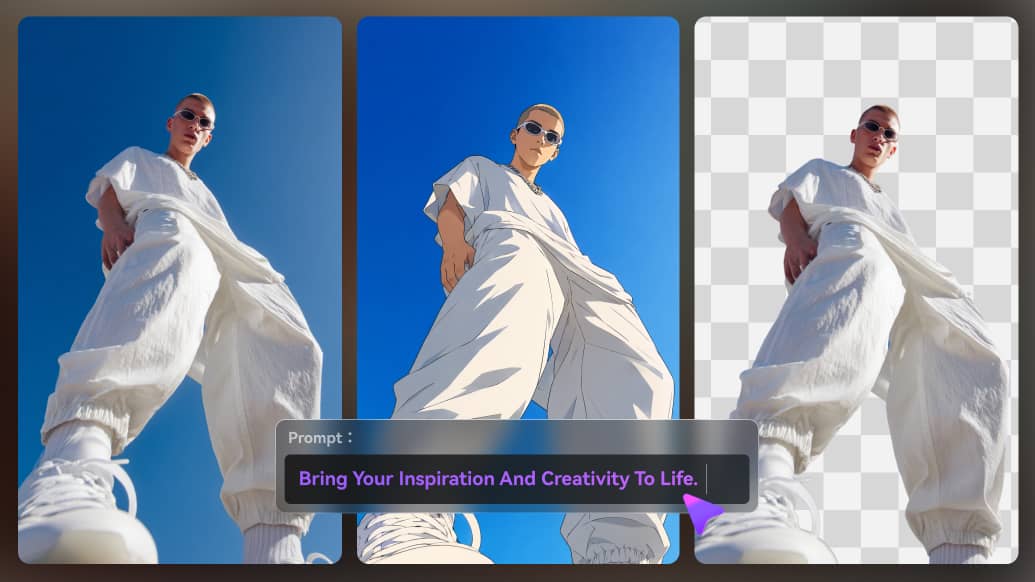
Illustrative Media.io workflow graphic, not a DiffusionBee interface screenshot

How to Edit Images Online Without Installing Stable Diffusion

1
2
3
1
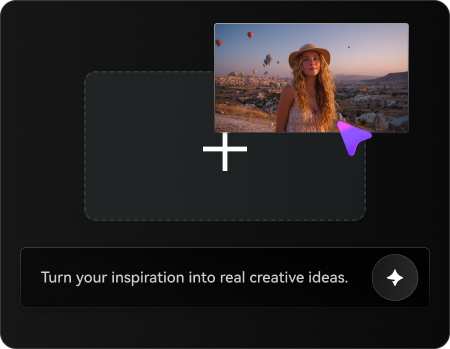
Upload Your Reference Image

Upload an image you own or have permission to edit, then describe the visual changes or character concepts you want to explore online.

2
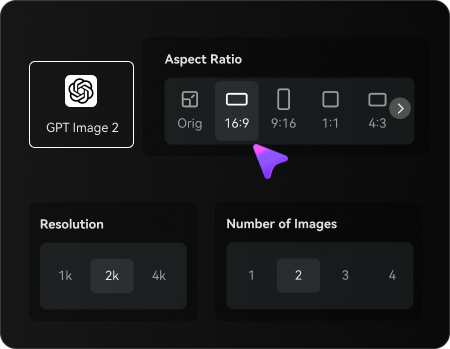
Set Your Image Options

Choose an AI model, adjust the aspect ratio and resolution, and select the number of image variations to generate.

3
Generate and Refine Your Image

Generate your edited images, compare the results with the original, and review character details and visual consistency before refining or downloading your preferred result.

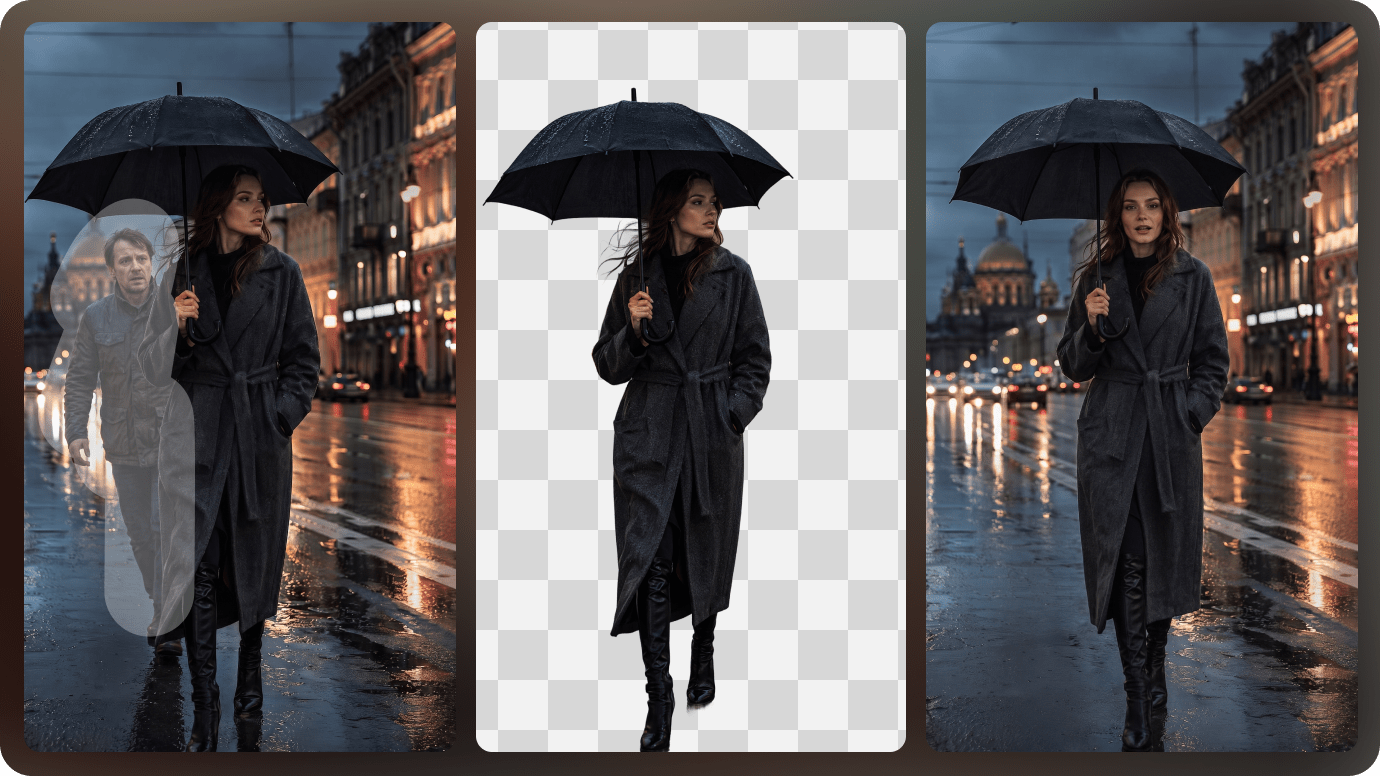
Illustrative Media.io workflow graphic, not a DiffusionBee interface screenshot

Best Use Cases for DiffusionBee

Explore DiffusionBee in real projects such as offline concept exploration, iterative character study and composition-control tests. Each has a different input, output and quality check.

Offline Concept Exploration

Experiment with character moods or scene sketches without depending on a hosted prompt interface.

Private Client References

Edit approved proprietary concept images locally where data-handling policy favors on-device processing. A related Media.io resource for this specific scenario is Best Free AI Image Upscalers; this explores private client references as a related image task, not the full DiffusionBee product workflow.

Iterative Character Study

Develop a repeatable visual subject with local model settings rather than re-entering reference instructions for every output.

Illustration Cleanup

Paint out an unwanted prop or extend a region while preserving the original painting direction.

Mac-Based Creative Practice

Study image model behavior on a personal Mac without joining a credit-based online subscription. A related Media.io resource for this specific scenario is AI Background Generator; this explores mac-based creative practice as a related image task, not the full DiffusionBee product workflow.

Composition-Control Tests

Compare image variants under a shared pose or reference image for storyboard thumbnails.

DiffusionBee Mac Requirements, Models and Creative Limits

DiffusionBee has distinct tradeoffs for private client references: evaluate macos is the current download target, model licenses still apply and the current usage terms before investing.

macOS Is The Current Download Target

Official downloads list Apple Silicon and Intel Mac builds, while Windows appears as a waitlist rather than a supported download.

Local Hardware Sets Throughput

Large models and high-resolution edits can be slow or memory-bound on older Macs.

Model Licenses Still Apply

Running locally does not waive the licenses attached to downloaded models or training data.

Model Setup Is Your Responsibility

A local workflow may require managing checkpoints and compatibility rather than selecting a cloud-hosted model.

Not A Collaborative Browser Service

A team needing shared browser projects and cross-device creation may prefer a hosted workflow.

Video Capability Is Model-Dependent

The site advertises video utilities, but clip duration and output quality depend on installed resources; avoid assuming a hosted video benchmark.

DiffusionBee vs Media.io: Features, Pricing and Audience

Choose DiffusionBee if local image processing and detailed model control on macOS matter more than cloud convenience. Choose Media.io if you need to create and edit media online from multiple devices without installing and maintaining local diffusion models. The deciding factor for offline concept exploration is whether you need local text-to-image generation or browser-based image generation and editing without a local model install.

Decision Factor DiffusionBee Media.io
Primary job private, local Stable Diffusion workflows on Mac browser-based image generation and editing without a local model install
Distinctive workflow Generate new artwork from a prompt on a compatible Mac instead of sending the prompt through an online creation console. Media.io supports image transformation for offline concept exploration without claiming the same specialist workflow.
Reference inputs Supply an existing image as the composition starting point, then test a new style or treatment locally. Use an uploaded image and an edit prompt for private client references; confirm fidelity manually.
Creative control Select an image region for object addition or removal; verify surrounding edges before calling the edit complete. Iterate image treatments for iterative character study rather than assuming feature parity.
Editing depth Guide composition with control images and inspect several variants rather than relying on a single random output. DiffusionBee includes control images and variants for illustration cleanup; Media.io instead supports browser-based image generation and editing without a local model install.
Production workflow Use supported local training workflows for a repeatable subject or style, while checking the rights and compatibility of the data. Media.io is useful for browser-based image generation and editing without a local model install where the specialized interface is unnecessary.
Pricing and quotasThe official site promotes a downloadable local Mac application. It does not provide a conventional cloud credit comparison; include hardware, electricity and model-license requirements when comparing total costs.Media.io budgets for offline concept exploration should compare image creation attempts against the distinct DiffusionBee plan or credit system.
Risk and rights The site advertises video utilities, but clip duration and output quality depend on installed resources; avoid assuming a hosted video benchmark. Media.io outputs for composition-control tests also require licensed source images and human review.
Best-fit users Choose DiffusionBee if local image processing and detailed model control on macOS matter more than cloud convenience. Choose Media.io if you need to create and edit media online from multiple devices without installing and maintaining local diffusion models.
Best for DiffusionBee

Choose DiffusionBee If You Need:

Choose DiffusionBee if local image processing and detailed model control on macOS matter more than cloud convenience. The leading offline concept exploration tasks include:

  • Offline Concept Exploration: Experiment with character moods or scene sketches without depending on a hosted prompt interface.
  • Private Client References: Edit approved proprietary concept images locally where data-handling policy favors on-device processing.
  • Iterative Character Study: Develop a repeatable visual subject with local model settings rather than re-entering reference instructions for every output.
  • Illustration Cleanup: Paint out an unwanted prop or extend a region while preserving the original painting direction.
  • Mac-Based Creative Practice: Study image model behavior on a personal Mac without joining a credit-based online subscription.
Explore Image Enhancement
Media.io for Iterative Character Study

Choose Media.io for Iterative Character Study:

Choose Media.io if you need to create and edit media online from multiple devices without installing and maintaining local diffusion models. For the iterative character study brief, related image-creation tasks include:

  • Private Client References: Choose Media.io if you need to create and edit media online from multiple devices without installing and maintaining local diffusion models. For offline concept exploration, compare the practical outcome with local text-to-image generation rather than assuming identical capabilities.
  • Iterative Character Study: Choose Media.io if you need to create and edit media online from multiple devices without installing and maintaining local diffusion models. For private client references, compare the practical outcome with image-to-image transformations rather than assuming identical capabilities.
    • Mac-Based Creative Practice: Choose Media.io if you need to create and edit media online from multiple devices without installing and maintaining local diffusion models.
  • Illustration Cleanup: Choose Media.io if you need to create and edit media online from multiple devices without installing and maintaining local diffusion models. For iterative character study, compare the practical outcome with generative fill and removal rather than assuming identical capabilities.
  • Mac-Based Creative Practice: Choose Media.io if you need to create and edit media online from multiple devices without installing and maintaining local diffusion models. For illustration cleanup, compare the practical outcome with control images and variants rather than assuming identical capabilities.
Explore Character Editing With Media.io

Is DiffusionBee Worth It? Final Verdict

Our Take

DiffusionBee is most relevant when private, local Stable Diffusion workflows on Mac is the actual deliverable. Generate new artwork from a prompt on a compatible Mac instead of sending the prompt through an online creation console. For a team preparing offline concept exploration, that specialist capability can justify a pilot.

The official site promotes a downloadable local Mac application. It does not provide a conventional cloud credit comparison; include hardware, electricity and model-license requirements when comparing total costs. Running locally does not waive the licenses attached to downloaded models or training data. For composition-control tests, record the cost of usable outputs before increasing volume.

Choose DiffusionBee if local image processing and detailed model control on macOS matter more than cloud convenience. Choose Media.io if you need to create and edit media online from multiple devices without installing and maintaining local diffusion models. Validate a sample project, image rights and current plan details before scaling.

DiffusionBee FAQ: Features, Pricing and Alternatives

What is DiffusionBee mainly used for?
faq faq

DiffusionBee is a downloadable macOS AI art application for running Stable Diffusion locally, combining text-to-image, image-to-image, generative fill, upscaling, variants, control images and custom-model workflows.

Generate new artwork from a prompt on a compatible Mac instead of sending the prompt through an online creation console.

Supply an existing image as the composition starting point, then test a new style or treatment locally. Edit approved proprietary concept images locally where data-handling policy favors on-device processing.

Select an image region for object addition or removal; verify surrounding edges before calling the edit complete. Guide composition with control images and inspect several variants rather than relying on a single random output.

The official site promotes a downloadable local Mac application. It does not provide a conventional cloud credit comparison; include hardware, electricity and model-license requirements when comparing total costs.

The official site promotes a downloadable local Mac application. It does not provide a conventional cloud credit comparison; include hardware, electricity and model-license requirements when comparing total costs. Official downloads list Apple Silicon and Intel Mac builds, while Windows appears as a waitlist rather than a supported download.

Large models and high-resolution edits can be slow or memory-bound on older Macs. Running locally does not waive the licenses attached to downloaded models or training data.

Choose DiffusionBee if local image processing and detailed model control on macOS matter more than cloud convenience. Choose Media.io if you need to create and edit media online from multiple devices without installing and maintaining local diffusion models.

Choose DiffusionBee if local image processing and detailed model control on macOS matter more than cloud convenience. The site advertises video utilities, but clip duration and output quality depend on installed resources; avoid assuming a hosted video benchmark.

What Media.io Creators Say About Their Workflow

Media.io AI video generator user
Sarah L.

Content Creator

star star star star half star

Media.io makes it much easier to test different AI video styles without jumping between several platforms. I can start with a text prompt or image, compare model results, and then resize or polish the clip for social media in the same workspace.

Media.io AI video creator
John D.

Social Media Marketer

star star star star half star

I use Media.io to create quick product clips, ad concepts, and short-form videos from images. The biggest advantage is that generation does not feel like the final step - I can continue with music, captions, enhancement, and format conversion before publishing.

Media.io AI video editing user
Emily T.

Freelance Designer

star star star star half star

The workflow is approachable even when I am experimenting with unfamiliar AI models. I can animate artwork, try different motion prompts, preview the output, and prepare a cleaner final version without needing advanced video-editing experience.

Media.io Online Tools Quality Rating:
vote 4.7 (162,357 Votes)
media.io

AI Video Generator star

Easily generate videos from text or images

Generate