AI Ease Review: How Far Do Its Free Photo Tools Go?

Removing a background is easy to try, but preparing a whole batch of portraits and campaign photos can reveal unexpected usage limits. AI Ease offers photo enhancement, object removal, face editing and text- or image-driven generation alongside video features. Its official pricing FAQ says members can use many image tools without limits, yet advanced watermark removal, Headshot Pro and video functions are exceptions. This review separates genuinely convenient free workflows from credit-based jobs, explains the one-year validity of purchased credits, and compares Media.io for projects that move from still images into video.

Core Feature Overview: What Makes AI Ease Different

AI Ease is best evaluated through practical photo-editing jobs, including cleanup, portrait creation and background changes. Its membership exceptions, video costs and download conditions are important when moving from occasional use to production.

Core Feature Overview

Photo Cleanup and Object Removal

AI Ease lists background, object and watermark removal as image editing tools. A creator can clean a distracting item from an owned photograph before using it in an ad or professional profile. Inspect the fill area at full size because missing textures, repeating patterns or misidentified edges can remain after an automatic removal.

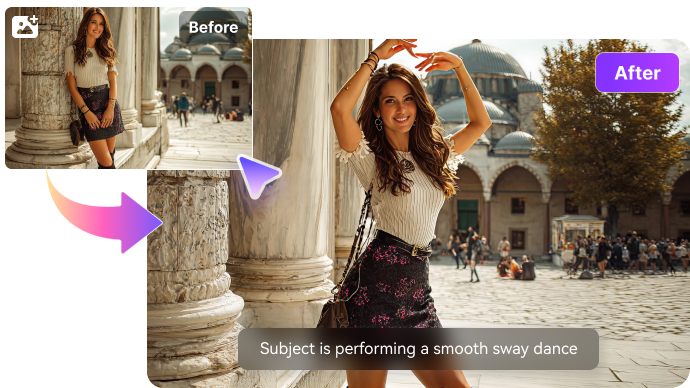
Illustrative Media.io creation workflow graphic, not a AI Ease product screenshot

Portrait Tools and Headshot Pro

The tool catalog includes hairstyle changes, clothes changes, face swaps and professional headshots. This breadth is convenient for exploring a portrait direction without opening multiple editors. Identity consent still matters, and Headshot Pro is excluded from the unlimited image-feature allowance described in the pricing FAQ.

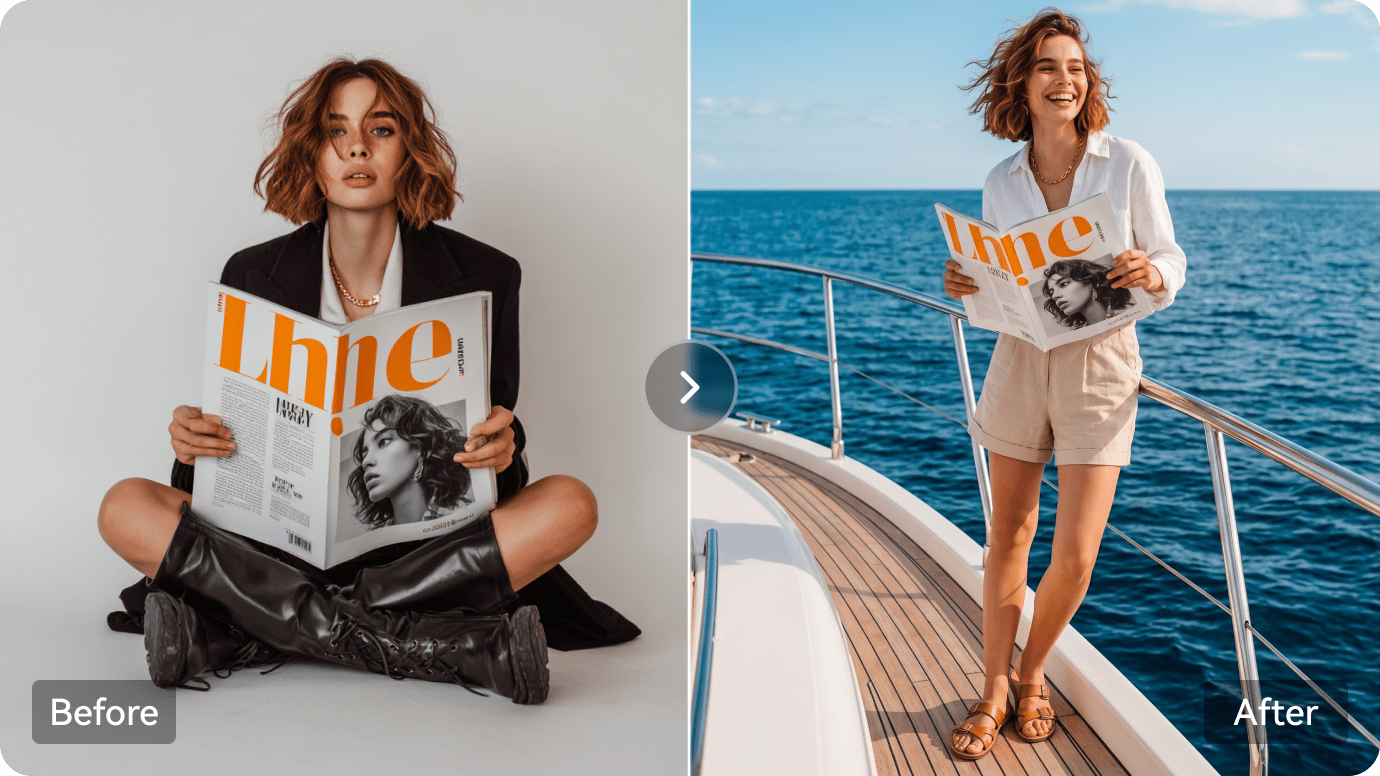
Illustrative Media.io creation workflow graphic, not a AI Ease product screenshot

Prompt-Based Image Generation and Editing

AI Ease has text-to-image and image-to-image creation routes, with model choices listed in its current navigation. Use an approved reference and describe precisely which details should change. The best result is not simply the most creative edit; for a branded product photo, its shape and text must remain accurate.

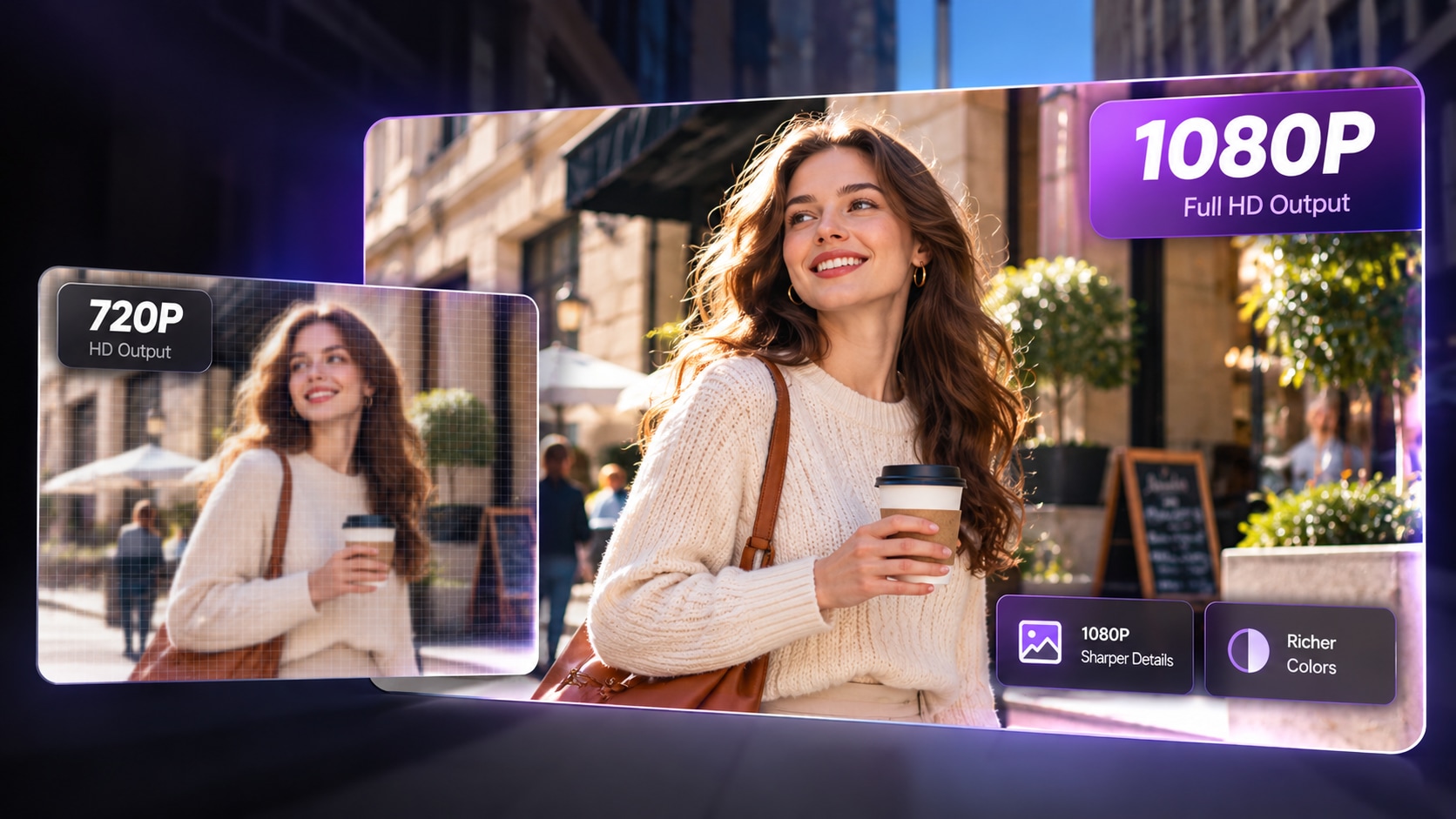
Illustrative Media.io creation workflow graphic, not a AI Ease product screenshot

Video Generation and Effects

The platform supports text-to-video, image-to-video and social-oriented video effects, with several model families promoted on the live site. These are not part of the broad unlimited image-feature statement. Check how much each clip costs, what export options are available and whether a free result carries a watermark.

Illustrative Media.io creation workflow graphic, not a AI Ease product screenshot

Membership and Purchased Credits

AI Ease's pricing page describes membership and credit purchases separately. Its FAQ states that purchased credits expire one year after purchase and that unlimited member image tools have exceptions. Compare a portrait-heavy month against a video-heavy month rather than assume one plan covers both at the same effective price.

Illustrative Media.io creation workflow graphic, not a AI Ease product screenshot

Subscription Changes and Refund Rules

The official FAQ says cancellation is available under My Subscription, immediate upgrades are supported and downgrades are currently not. It also states a no-refunds policy, while offering free credits for initial exploration. These terms matter when users try a premium headshot or large video batch after buying a plan.
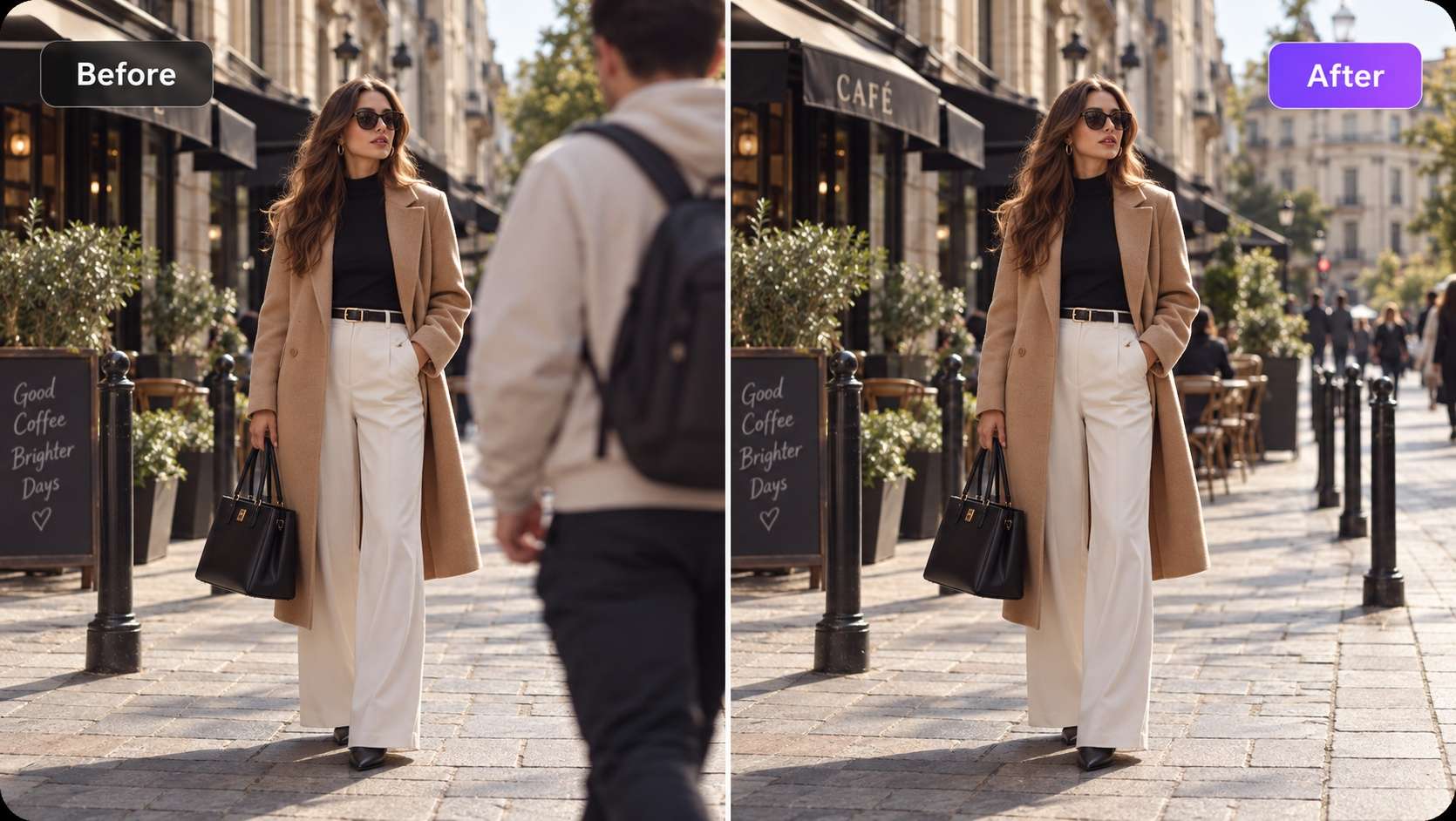
Illustrative Media.io creation workflow graphic, not a AI Ease product screenshot

How to Edit an Existing Photo with Media.io AI

1
2
3
1
Step 1: Open Image to Image

Upload your photo, and describe the changes you want while preserving key details.

2
Step 2: Adjust Your Image Settings

Choose your AI model, aspect ratio, resolution, and number of images to generate.

3
Step 3: Generate, Review, and Download

Generate your edited photo, review the result, then download it or refine your prompt for further adjustments.

Illustrative Media.io creation workflow graphic, not a AI Ease product screenshot

Six Practical Uses for AI Ease

Photo cleanup and generated video have different quotas and failure modes. These tasks show how to decide whether a membership or separate credits are appropriate.

A Marketplace Product Cutout

Remove the background behind an approved product image and inspect whether small details such as straps or translucent packaging remain intact.

A Professional Headshot Draft

Try a workplace portrait background and compare the generated face with the original; confirm Headshot Pro entitlement before exporting in bulk.

Social Poster Retouching

Erase an unwanted object and add a clean background, then verify text legibility before sharing the promotional image.

A Portrait Hair Preview

Explore hairstyle changes on an authorized photograph, keeping facial proportions recognizable and labeling the result as a simulation.

Animating a Campaign Photo

Move an approved still into an image-to-video tool, then budget the video separately from ordinary photo edits.

A Mixed-Media Content Batch

Plan ten product stills and two short ads; track which edits are covered by membership and which consume separate credits.

What to Check Before Buying AI Ease

The AI Ease pricing FAQ contains several material exceptions to its general membership message. These limits can change what looks like an economical photo workflow.

Unlimited Images Have Exceptions

The official membership FAQ excludes advanced watermark removal, Headshot Pro and video features from unlimited image editing. Check the operation rather than relying on the word unlimited.

Purchased Credits Expire After One Year

AI Ease states that purchased credits are valid for one year. Large prepaid balances can become poor value if usage is seasonal.

Video Generation Has Separate Costs

Text-to-video and image-to-video are not included in the broad unlimited image tool statement. Budget clip experiments independently of photo cleanup.

No Refunds Are Stated in the FAQ

The public pricing FAQ says refunds are not offered. Trial credits should be used to validate the exact tool before committing.

Plan Downgrades Are Restricted

The company says upgrades are immediate, but downgrades are not currently supported. Monthly experimentation may not be as flexible as a buyer expects.

Face Editing Requires Consent and Inspection

Hairstyle previews, face swaps and retouching can change identity or imply real actions. Use only authorized images and inspect edits before commercial use.

AI Ease vs Media.io: Features, Costs and Workflow Fit

Routine image cleanup and mixed image-video campaigns create different costs. Compare entitlement exceptions alongside the available editing and finishing routes.

Decision Factor AI Ease Media.io
Simple photo cleanup Background and object removal in one tool catalog Specialized image object and background removers
Headshot creation Headshot and Headshot Pro tools; plan exceptions Separate portrait and headshot tools
AI image editing Prompt-based image and photo edits Image-to-image and specialized editing
Image to video Video generator with distinct usage costs Dedicated image-to-video models and workflows
Membership benefits Many image tools unlimited, with stated exceptions Pricing depends on the selected task and model
Purchased credits One-year expiry for purchased credits Check live generation balance and expiry rules separately
Refund and downgradeFAQ states no refunds and no downgradesCompare Media.io's applicable purchase terms separately
Post-production Broad set of quick photo and video tools Editing, enhancement and script/ad workflows
Best buyer fit Routine photo cleanup and mixed portrait edits Multi-step media creation and finishing jobs
Best for AI Ease Projects

Choose AI Ease If You Need:

Choose AI Ease when a steady stream of portrait, object and background edits fits its current member allowance and the relevant premium exceptions are acceptable.

  • Everyday Photo Retouching: AI Ease began with accessible photo editing.
  • Background Remove and Image Cleanup: A clean background is useful for ecommerce and social assets, but hair, glass and semi-transparent packaging are challenging mask boundaries.
  • AI Image Models and Effects: Its image workspace lists multiple models and transformation effects.
  • Text to Video and Image to Video: The current site offers video creation with several model families.
  • Plan selection: Its pricing describes free basic functions, member usage exceptions, and separate credit restrictions for advanced services. Purchased credits have been advertised with one-year validity; verify the terms displayed in your account before subscribing.
Visit AI Ease
Best for Connected Creation

Choose Media.io If You Need:

Choose Media.io when the image work leads into a scripted video, specialist effect or additional finishing. Compare exact task costs rather than assuming unlimited access to all video modes.

  • Media.io image-editing tools cover prompt-directed changes; verify the selected adjustment before exporting.
  • Use background and object cleanup when the goal is a reusable source photo.
    • Choose the available model and edit controls needed for a particular visual result.
  • Move from an edited still to image-to-video only if animation is part of the project.
  • Final production: when you need to iterate on images, add targeted edits and develop those assets into other media; check tool-specific allowances on either platform.
Explore Media.io AI Tools

Final Verdict: Who Should Use AI Ease?

Our Take

AI Ease covers many everyday editing needs with fewer jumps between photo utilities. It is especially relevant to creators who repeatedly clean up and restyle still images.

Its limits are unusually important: video and Headshot Pro sit outside the general unlimited image-feature rule, purchased credits have a one-year life and refunds are not advertised. Those terms can change the real cost of a mixed-media workflow.

Choose AI Ease for recurring photo adjustments; choose Media.io for a defined image-to-image creation task followed by video or other editing. Try the exact premium operation before purchasing a large credit balance.

AI Ease Frequently Asked Questions

What does AI Ease do?
faq faq

AI Ease provides background and object removal, photo enhancement, portrait tools, AI image generation and video creation options in one platform.

AI Ease describes several basic free tools and trial credits, while premium features require membership or credits. Availability can vary by tool.

Its pricing FAQ says members may use many image tools without limits but excludes advanced watermark removal, Headshot Pro and video features.

Yes. Its live menu includes text-to-video, image-to-video and video effects, but video usage is not covered by the general unlimited image-tool allowance.

The official FAQ states purchased credits are valid for one year after purchase. Unused credits expire after that period.

The public pricing FAQ states that the company does not offer refunds and encourages trying free credits first. Check applicable law and checkout terms.

The site says upgrades can take effect immediately but downgrades are not currently supported. Cancellation remains available through My Subscription.

Review its privacy policy and upload only content you are permitted to edit. Avoid assuming any tool is risk-free because it offers a one-click workflow.

Media.io is a practical alternative when photo edits are part of a broader video, story or finishing workflow rather than a standalone still-image task.

What Media.io Creators Say About Their Workflow

Media.io AI video generator user
Sarah L.

Content Creator

star star star star half star

Media.io makes it much easier to test different AI video styles without jumping between several platforms. I can start with a text prompt or image, compare model results, and then resize or polish the clip for social media in the same workspace.

Media.io AI video creator
John D.

Social Media Marketer

star star star star half star

I use Media.io to create quick product clips, ad concepts, and short-form videos from images. The biggest advantage is that generation does not feel like the final step - I can continue with music, captions, enhancement, and format conversion before publishing.

Media.io AI video editing user
Emily T.

Freelance Designer

star star star star half star

The workflow is approachable even when I am experimenting with unfamiliar AI models. I can animate artwork, try different motion prompts, preview the output, and prepare a cleaner final version without needing advanced video-editing experience.

Media.io Online Tools Quality Rating:
vote 4.7 (162,357 Votes)
media.io

AI Video Generator star

Easily generate videos from text or images

Generate