














Jet Sound Effects Prompts: Engines, Flight and Flybys

Listen for phase and perspective. A slowly accelerating engine, a roaring low pass and a steady cabin hum all belong to aviation, but they represent different locations and moments.

How to Generate Jet Sound Effects with AI

Include the aircraft activity and where the listener stands. An overhead flyby should move across the sound field, while a runway idle stays relatively steady in one place.

1

Open Media.io AI Sound Effects Generator

Visit Media.io AI Sound Effects Generator to create an original jet sound from a text description.

2

Enter a Sound Prompt

Describe the sound you want, including source and performance. For example: "Large passenger jet accelerates along airport runway, broad layered turbine roar gains pitch smoothly with wheel rumble, outdoor terminal perspective." Adjust the details to match your scene.

3

Choose Duration, Quantity and Generate

Select 5s, 10s, 20s or 40s; choose to generate 1, 2, 3 or 4 results; then click Generate. Start with a shorter cue for isolated actions, or a longer setting if the sound needs room to develop.

4

Preview and Download Your Sound

Listen to each generated option before downloading. A rising turbine whine suggests power increasing before takeoff. Avoid beginning with full-volume thrust if the engine is visibly warming up. Save the take whose timing and texture match the scene.

Jet Sounds in Context: Eight Practical Scenes

Jet audio should travel with the camera. Wide exterior shots need changing distance; cabin footage needs contained engine vibration and muted exterior roar.

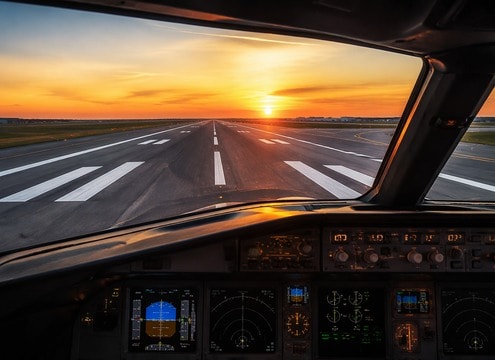
Flight sim scene for jet audio

Flight sim

Layered turbine acceleration makes runway takeoff responsive.

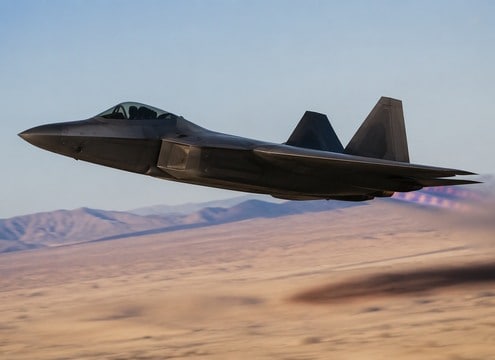
Military action scene for jet audio

Military action

A directional jet pass adds speed above the camera.

Airport documentary scene for jet audio

Airport documentary

Reverse thrust and engine idle support real aviation footage.

Travel vlog scene for jet audio

Travel vlog

Distant engine bed grounds a departure montage.

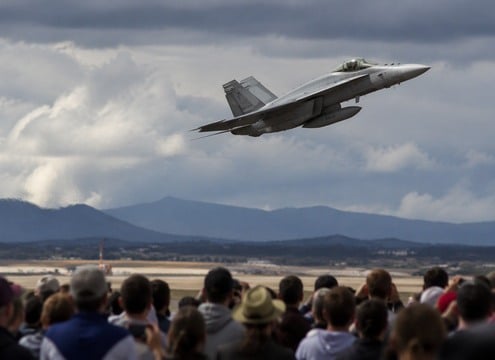
Air show recap scene for jet audio

Air show recap

Two separated flybys leave room for spectator reaction.

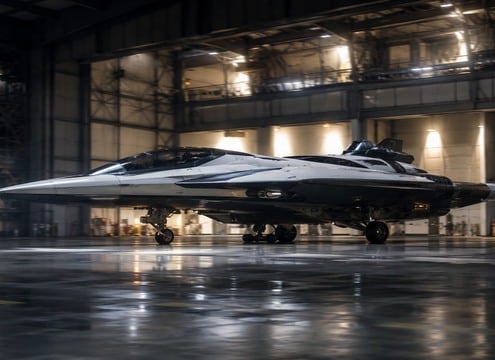
Sci-fi battle scene for jet audio

Sci-fi battle

Stylized turbine pulses sell a fictional flying vehicle.

City atmosphere scene for jet audio

City atmosphere

A distant overflight adds depth to a skyline shot.

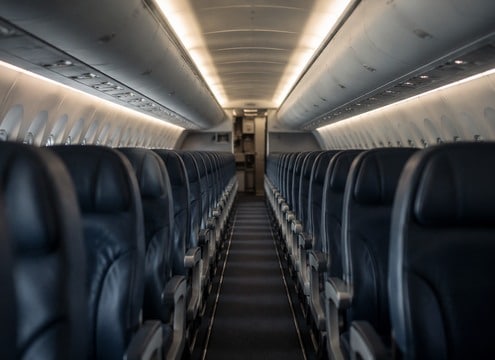
Aircraft cabin scene scene for jet audio

Aircraft cabin scene

Low steady engine texture establishes quiet midflight travel.

How to Choose Jet Sound Effects That Fit

Engine phase, aircraft movement and listener position define the sound of an aviation scene.

Fighter Jet Low Flyby: Listen to the Attack

Build the Engine Spool-Up

A rising turbine whine suggests power increasing before takeoff. Avoid beginning with full-volume thrust if the engine is visibly warming up.

Put Flight sim in the Right Space

Give Flybys a Moving Pitch

An aircraft approaching and receding should not remain at one static pitch and level. Describe the direction and apparent speed.

Engine Spool Up for a Different Mood

Separate Cabin and Runway Listening

Inside a plane, engine noise is filtered by the cabin. On the tarmac, it can sound wider and more aggressive.

Give Military action Its Own Rhythm

Use Low-End Weight Carefully

A close afterburner cue may need body, but excessive bass hides the distinctive high turbine component on small speakers.

Compare Aircraft Cruise Cabin with Runway Engine Idle

Give Distance Time to Develop

A jet crossing a city skyline can build gradually from a faint whine to a peak and then trail into the horizon.

Make Distant Jet Over City Easier to Mix

Keep Sci-Fi Effects Clearly Fictional

A futuristic craft can have synthetic thrusters; an aviation explainer should favor plausible engine behavior and perspective.

The Flyby Is a Moving
Sound, Not a Steady Roar

For jet sound effects, perspective is the main creative control. A high-speed flyby is an event with a clear approach and departure, not just a sustained engine noise. Choose the path of the aircraft before generating the sound.

Model the approach and exit

A low flyby begins with distant rising sound, peaks at closest pass and softens afterward. The pitch change should support that movement; keeping the aircraft loud throughout makes the scene feel stationary.

  • Fighter Jet Low Flyby - Fast military-style jet whooshes from left to right overhead with high turbine scream and deep engine roar, rapid approach and long distance fade, no explosions.
  • Airliner Takeoff Roll - Large passenger jet accelerates along airport runway, broad layered turbine roar gains pitch smoothly with wheel rumble, outdoor terminal perspective.
  • Engine Spool Up - Modern jet turbine rises from low idle whine to powerful stable thrust over several seconds, close airfield microphone, no voices.
  • Afterburner Thrust - Fictional fast jet accelerates with intense low roar and thin high metallic turbine edge, controlled rise and short coast, no weapon sound.
  • Aircraft Cruise Cabin - Steady muted jet engine hum and airflow inside pressurized aircraft cabin, restrained broadband noise, no announcements.

Use location to guide texture

Runway footage may reveal mechanical idle and ground reflections, while inside-cabin material needs a more even, contained sound. For a simulation or documentary, preview the generated result against the specific camera angle and label invented audio appropriately.

  • Flight sim - Layered turbine acceleration makes runway takeoff responsive.
  • Military action - A directional jet pass adds speed above the camera.
  • Airport documentary - Reverse thrust and engine idle support real aviation footage.
  • Travel vlog - Distant engine bed grounds a departure montage.
  • Air show recap - Two separated flybys leave room for spectator reaction.
  • Sci-fi battle - Stylized turbine pulses sell a fictional flying vehicle.
  • City atmosphere - A distant overflight adds depth to a skyline shot.
  • Aircraft cabin scene - Low steady engine texture establishes quiet midflight travel.

FAQs About
Jet Sound Effects

Flyby motion, engine layers and the best microphone perspective for aviation audio.

What changes in a jet flyby sound?

Loudness, high-frequency detail and apparent pitch shift as the aircraft approaches then recedes.

How is a jet engine roar different from an airplane cabin hum?

Exterior sound is loud and broad with air movement; cabin sound is muffled and steadier through the fuselage.

Can I make a fighter jet sound without weapon effects?

Yes. Specify turbine, thrust, speed and approach angle while excluding gunfire and explosions.

What is reverse thrust audio?

After landing, a jet changes engine airflow for braking. A designed cue has a sudden forceful rushing character.

How should a jet sound prompt describe distance?

Include near or far perspective, direction of travel and the rate of volume and pitch change.

Why does a jet flyby change pitch?

Relative motion changes the perceived pitch and level as the aircraft approaches and recedes. Sound design can use that progression to make the flight path feel believable.

What prompt works for an airplane cabin scene?

Ask for a steady, muffled turbine hum heard from inside the fuselage, with restrained vibration and no outdoor flyby sweep.

More Sound Effects
for Flight Sim

Pair jet engines with airport ambience, air movement and mechanical cues for more convincing aviation scenes.

sound

Whoosh Sound Effects

Browse sounds
sound

Wind Sound Effect

Browse sounds
sound

Wind Chime Sound Effects

Browse sounds
sound

Rocket Launch Sound Effects

Browse sounds
sound

Engine Sound Effects

Browse sounds
sound

AI Helicopter Sound Effects

Browse sounds
sound

Rewind Sound Effects

Browse sounds
sound

Money Counter Sound Effects

Browse sounds
sound

Whale Sound Effects

Browse sounds
sound

Girl Laughing Sound Effects

Browse sounds
sound

Loading Sound Effects

Browse sounds
sound

Girl Sound Effects

Browse sounds
sound

Door Opening Sound Effects

Browse sounds
sound

Butt Sound Effects

Browse sounds
sound

Civil Defense Siren Sound Effects

Browse sounds
sound

All Sound Effects

Explore all topics
media.io

AI Video Generator star

Easily generate videos from text or images

Generate