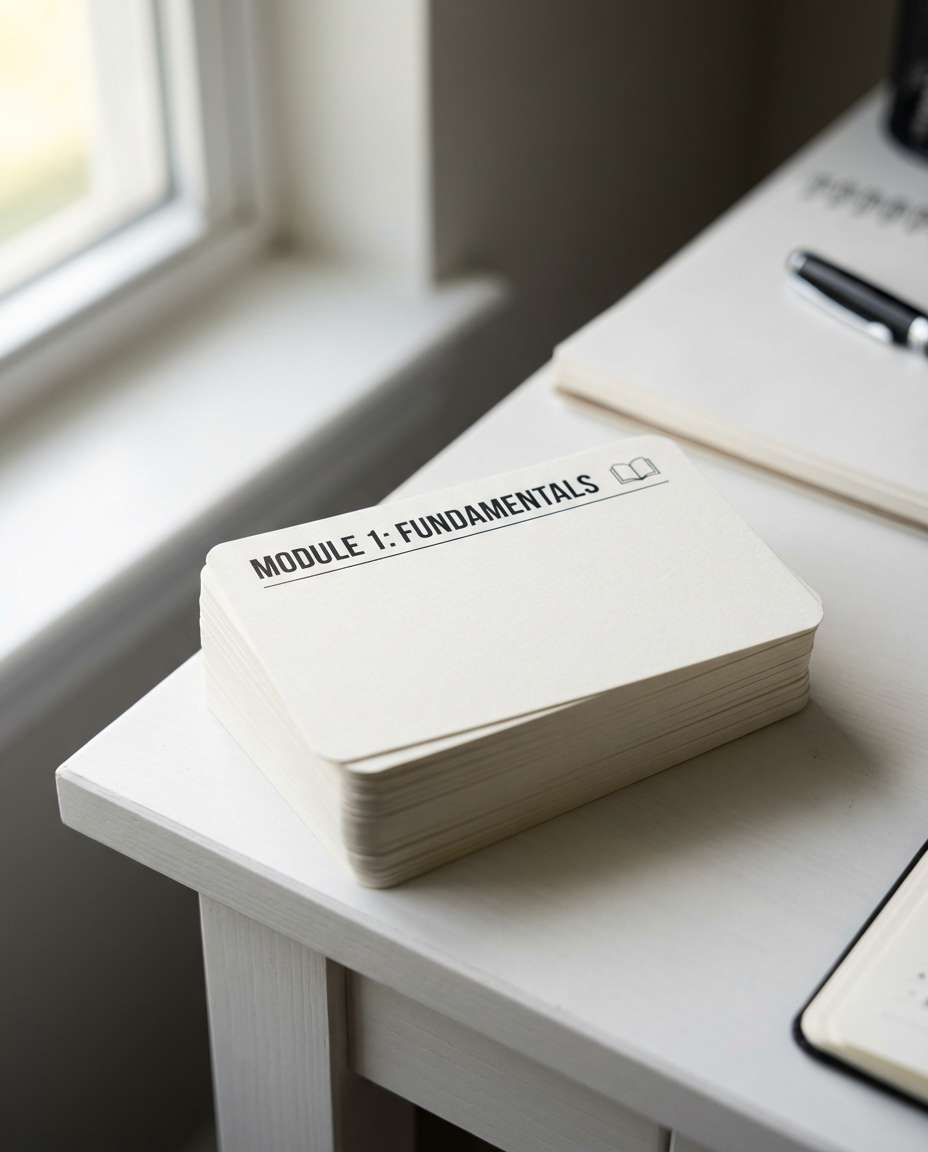
25+ AI Flash Card Prompts to Learn Faster and Remember More
Build clear, effective flashcards with clean layouts, bold structure, and content designed for quick recall. Using our Gemini AI flashcard prompts, you can instantly organize your notes into easy-to-study formats. Paste a prompt, generate your cards, and create a system that helps you learn faster and remember more.
Stunning AI ai flash card generated with Media.io - powered by
Nano Banana Pro.
How to Create AI Flash Card Prompts in 3 Steps
Make your first deck look in minutes with Media.io. Follow this quick 3-step flow, then swap prompts to match any subject or aesthetic.
1
Open Media.io
Go to Media.io and open the AI image generator. Pick a clean, vertical 4:5 layout so each flashcard design is easy to crop for mobile study apps, printable sheets, or social posts.
2
Paste a Prompt
Upload a reference image if you want a consistent style, then paste one of the AI Flash Card Prompts below. Edit the topic, difficulty, and visual style notes like typography, color coding, and icon themes.
3
Generate and Download
Click Generate, compare 2 to 4 results, and choose the clearest layout. Download your favorite version, then reuse the same prompt with new terms to build a cohesive deck in minutes.
Best AI Flash Card Prompts Ideas & Examples
Minimal Desk Deck
A photorealistic vertical shot of a tidy stack of blank study flashcards on a white desk, subtle corner rounding, clean black sans-serif headings, small minimalist icons, soft window light from the left, shallow depth of field, shot on Sony A7IV, 50mm lens, crisp paper texture, modern academic aesthetic, high resolution --ar 4:5
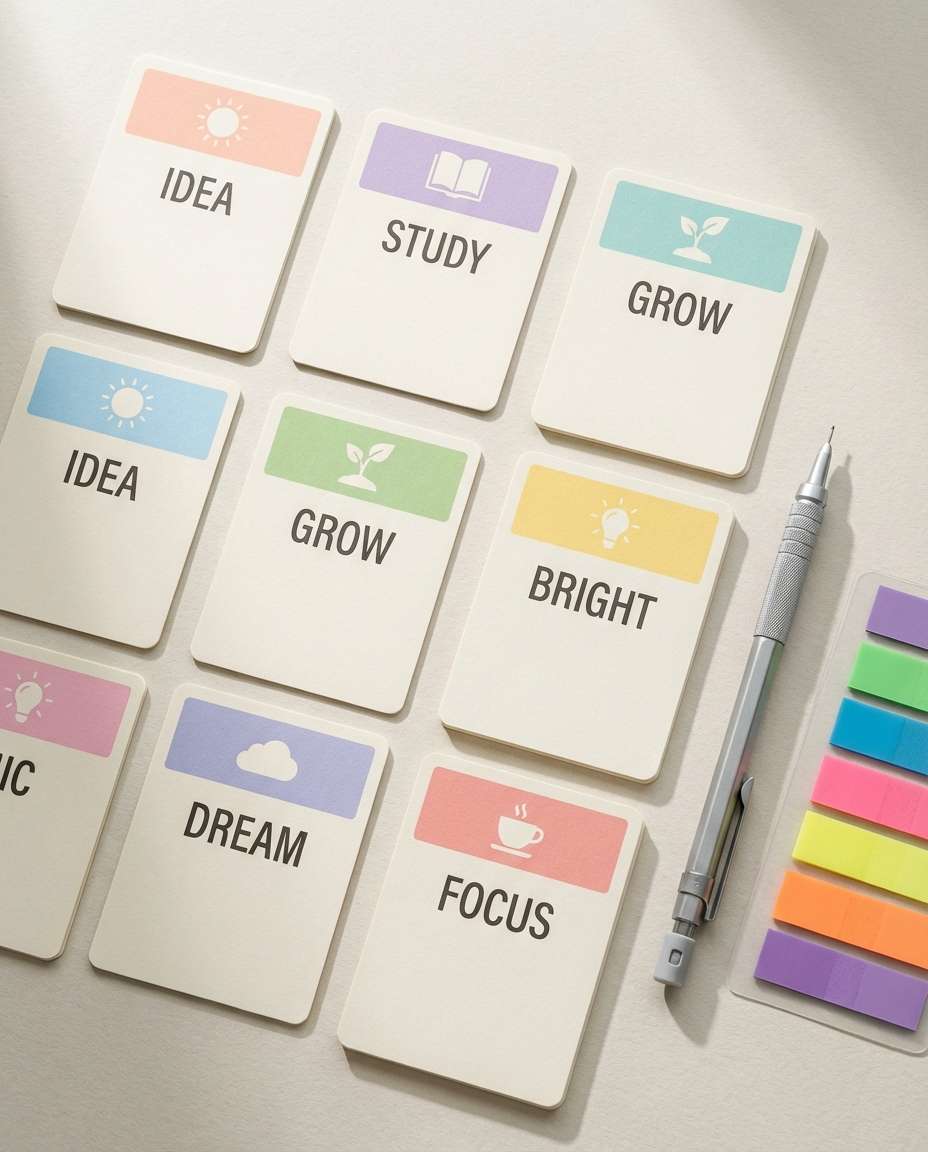
Pastel Flat Lay
Photorealistic flat lay of pastel flashcards arranged in a pleasing grid, each card with a bold title bar and simple doodle icon, paired with a mechanical pencil and sticky tabs, soft shadows, matte paper grain, bright airy color grading, shot on Canon R5, 35mm, ultra sharp and clean layout, soft cinematic lighting --ar 4:5
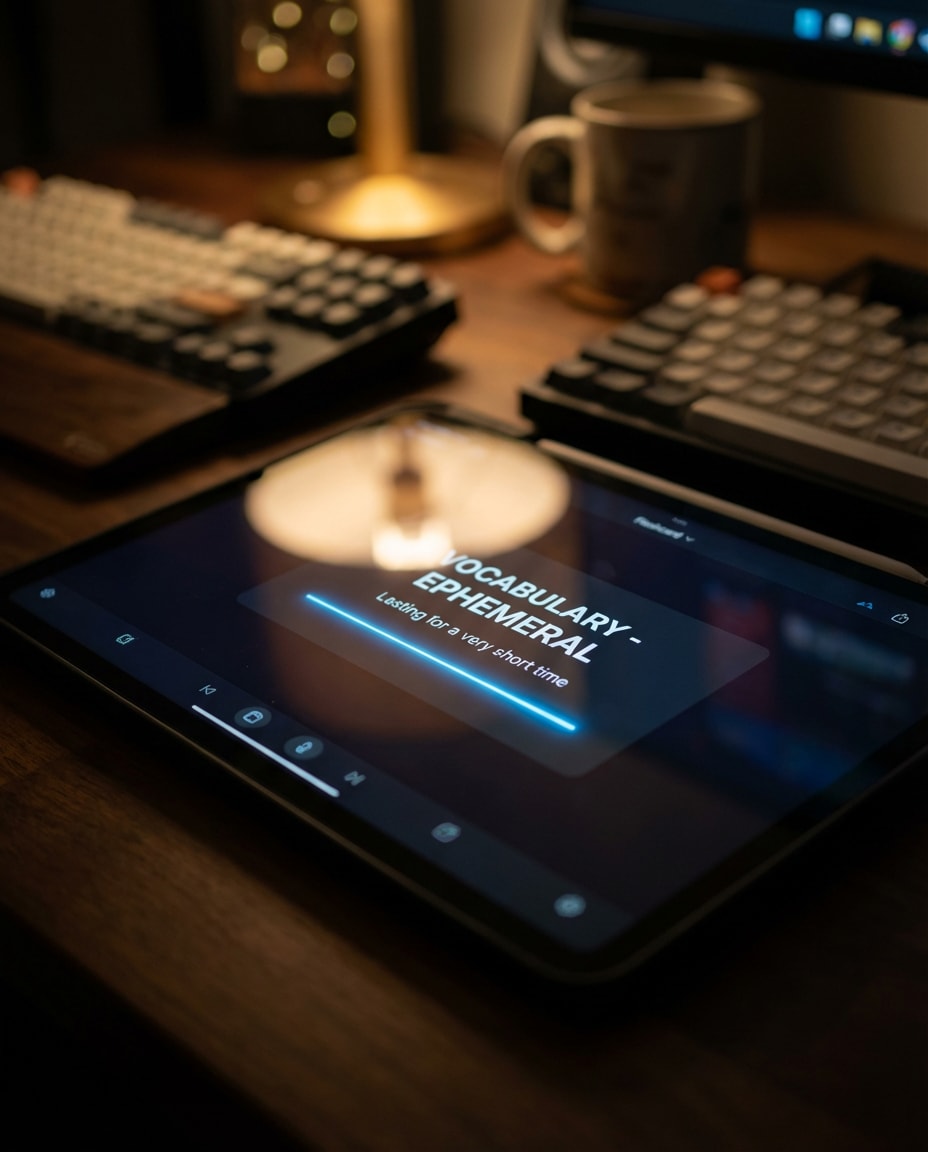
Dark Mode Tablet
Photorealistic close-up of a tablet on a desk showing a dark-mode flashcard interface, one card centered with high-contrast typography, subtle neon accent line, blurred background with keyboard and mug, cinematic low key lighting, shot on Sony A7IV, 85mm f/1.4, bokeh, realistic screen reflections, editorial tech photography --ar 4:5
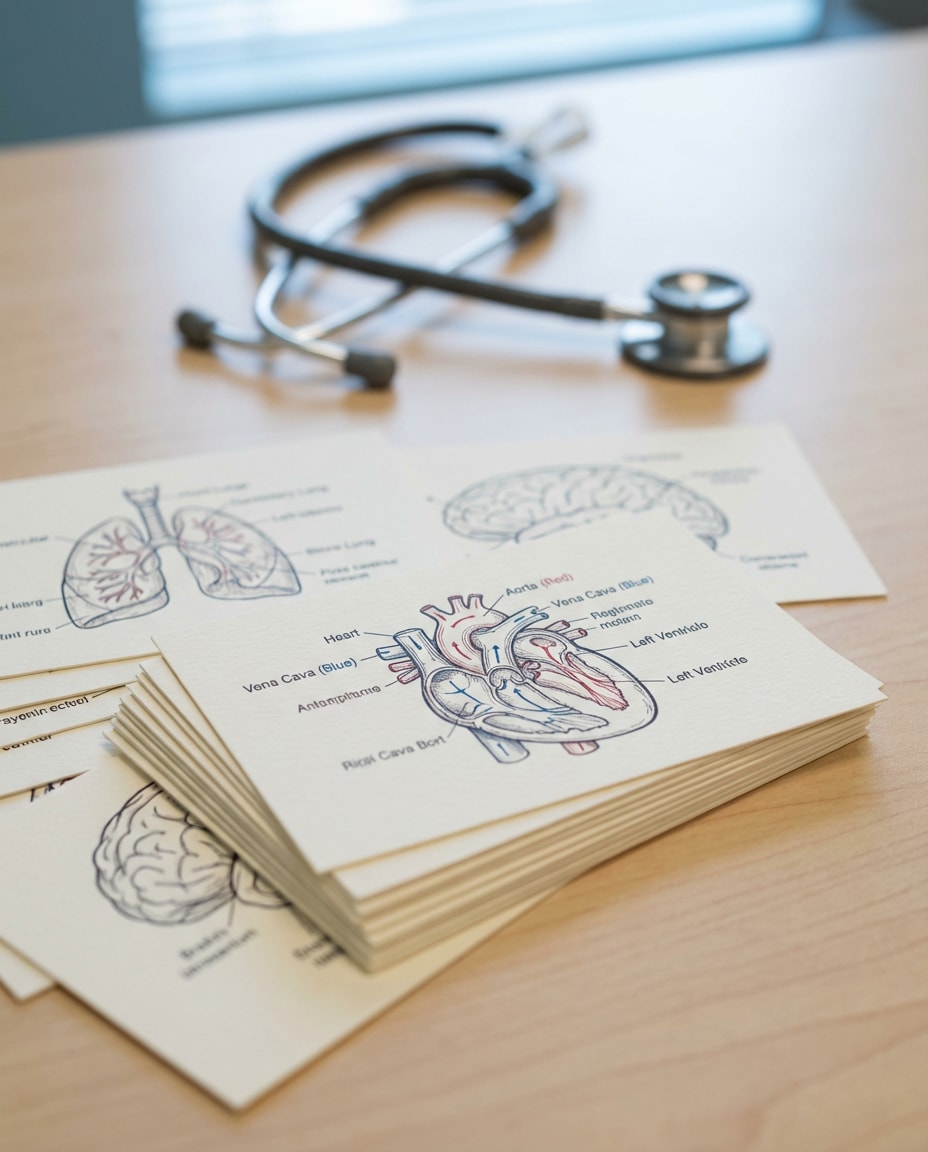
Medical Anatomy Cards
Photorealistic stack of medical study flashcards featuring clean anatomy line diagrams (heart, lungs, brain) with labeled sections, red and blue color coding, sterile desk setting with stethoscope in background, soft clinical lighting, shot on Nikon Z7 II, 60mm macro, sharp readable layout, high detail paper texture --ar 4:5
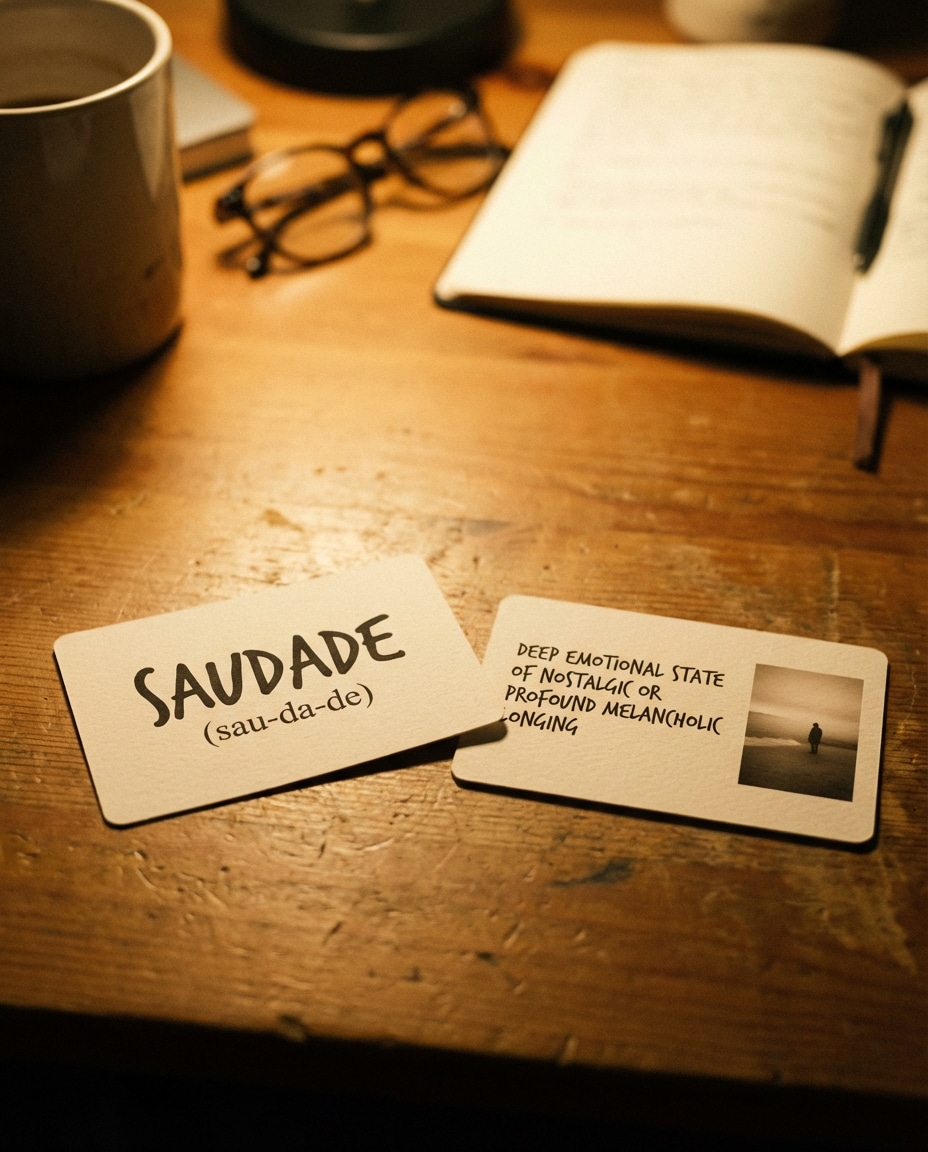
Language Vocab Pair
Photorealistic two flashcards side by side: front card shows a foreign language word in bold with phonetic line, back card shows English meaning and a small illustrative photo-style icon, warm desk lamp lighting, cozy study vibe, shot on Fujifilm GFX100, 80mm, shallow depth of field, crisp typography --ar 4:5
Chemistry Reaction Set
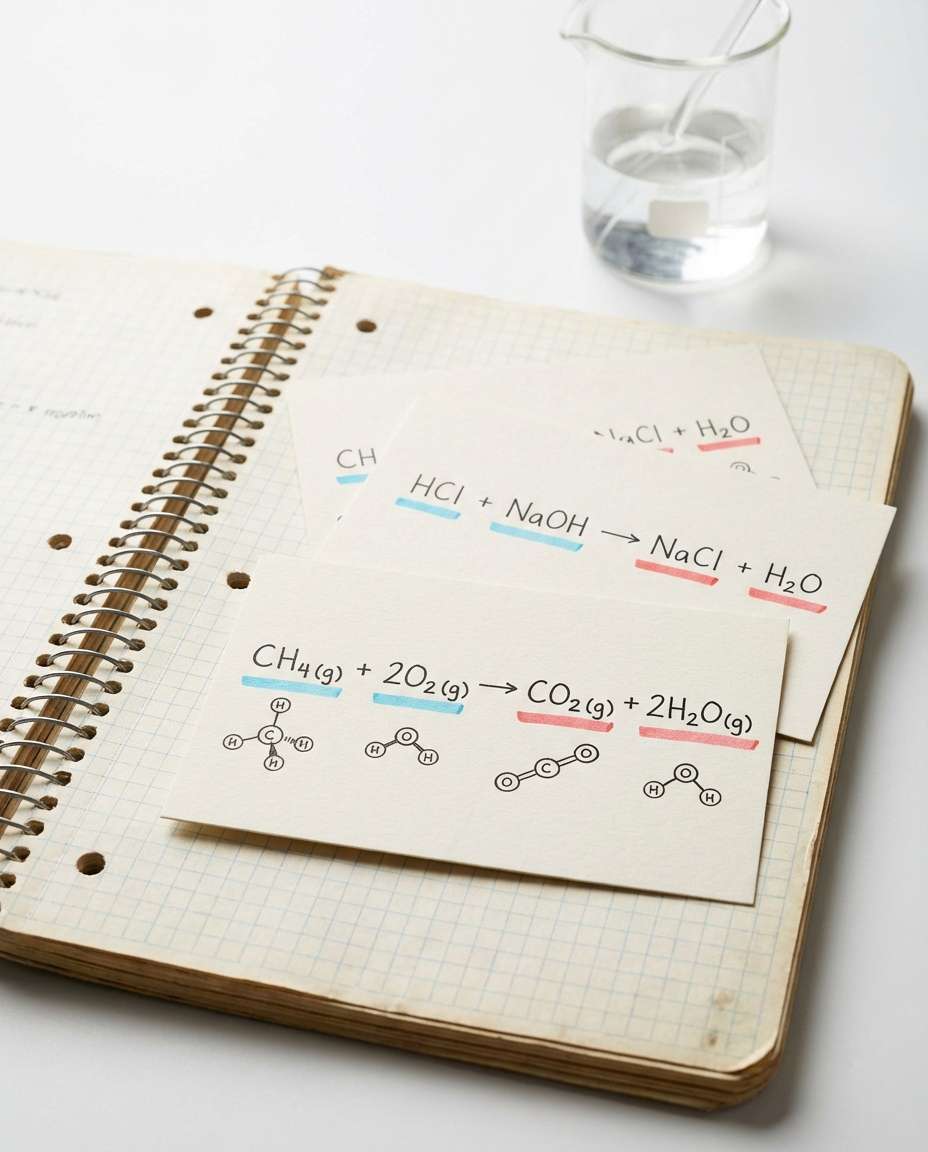
Photorealistic flashcards with chemistry reaction equations and simple molecule sketches, color-coded highlights for reactants and products, placed on a lab notebook with a glass beaker blurred behind, bright neutral lighting, shot on Canon R5, 50mm, sharp focus, clean scientific layout, high resolution --ar 4:5
Math Formula Focus
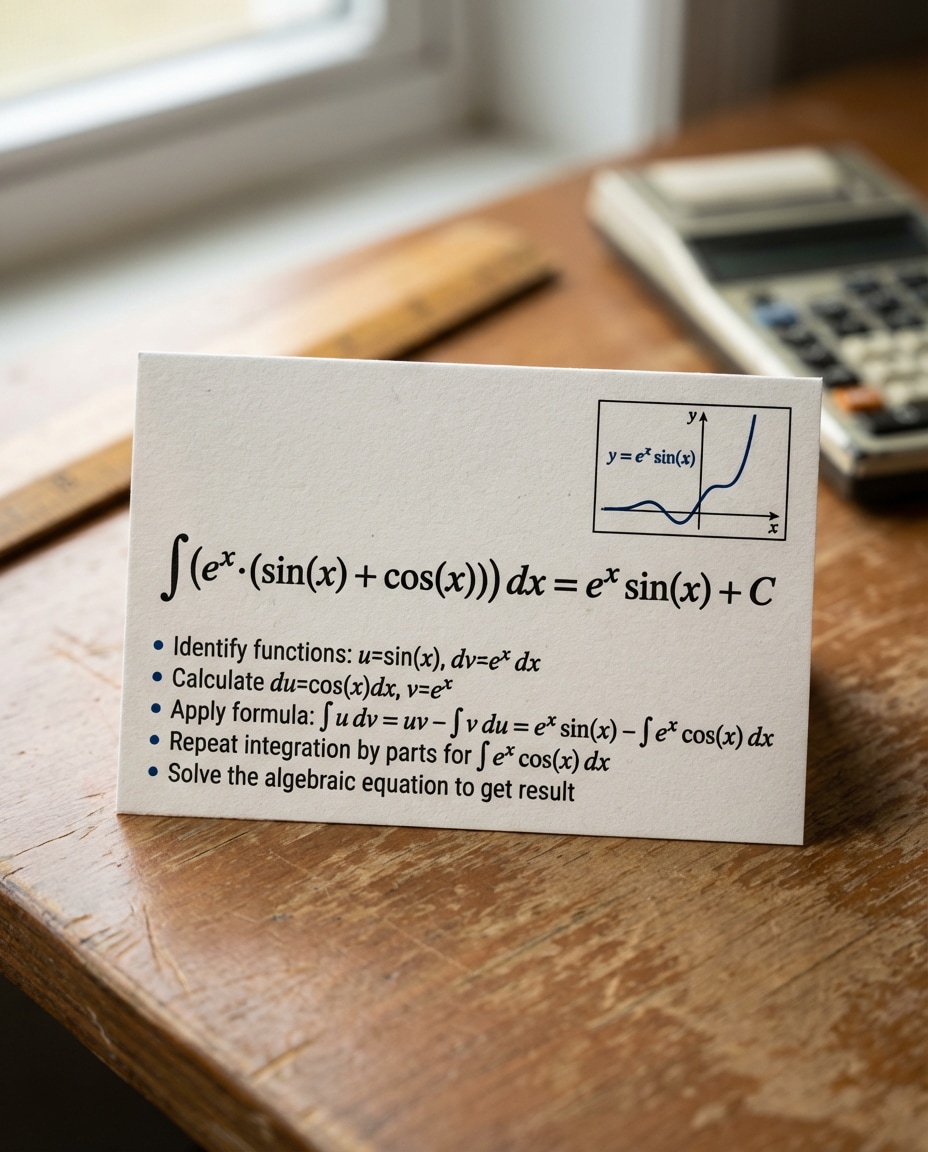
Photorealistic flashcard featuring a big math formula centered with a small graph thumbnail and step-by-step bullets, monochrome design with one accent color, on a desk with ruler and calculator softly blurred, window light, shot on Sony A7IV, 35mm, crisp paper fibers, clear readable typography --ar 4:5
Coding Syntax Card
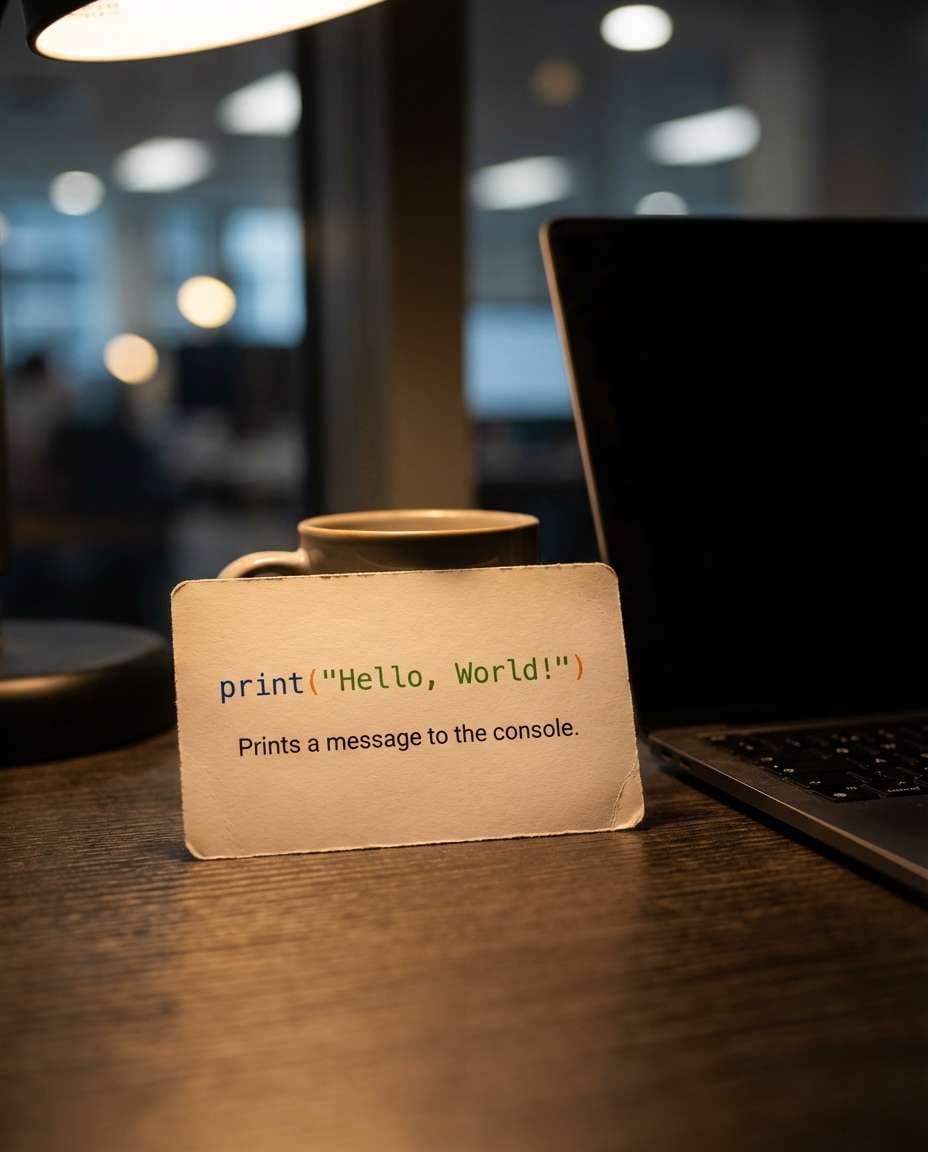
Photorealistic flashcard showing a short code snippet in a monospace font with color-coded syntax highlighting and a one-line explanation, placed on a dark desk next to a laptop, moody lighting with subtle rim light, shot on Nikon Z8, 85mm f/1.8, bokeh, ultra sharp text --ar 4:5
History Date Card
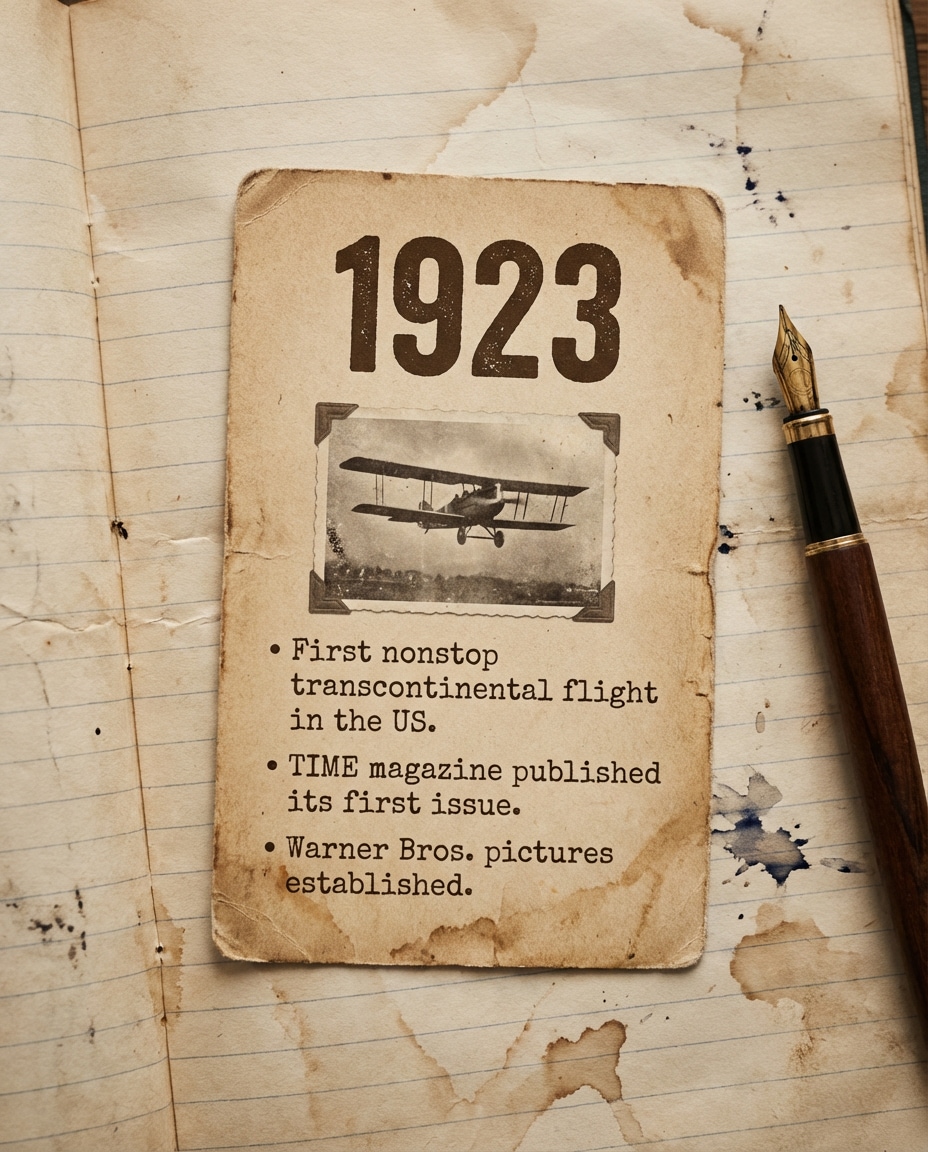
Photorealistic vintage-style flashcard with a bold year at top, a small archival photo thumbnail, and three bullet facts, warm sepia color grading, placed on aged notebook paper with fountain pen nearby, soft directional light, shot on Canon R6, 50mm, realistic paper wear and grain --ar 4:5
Geography Map Card
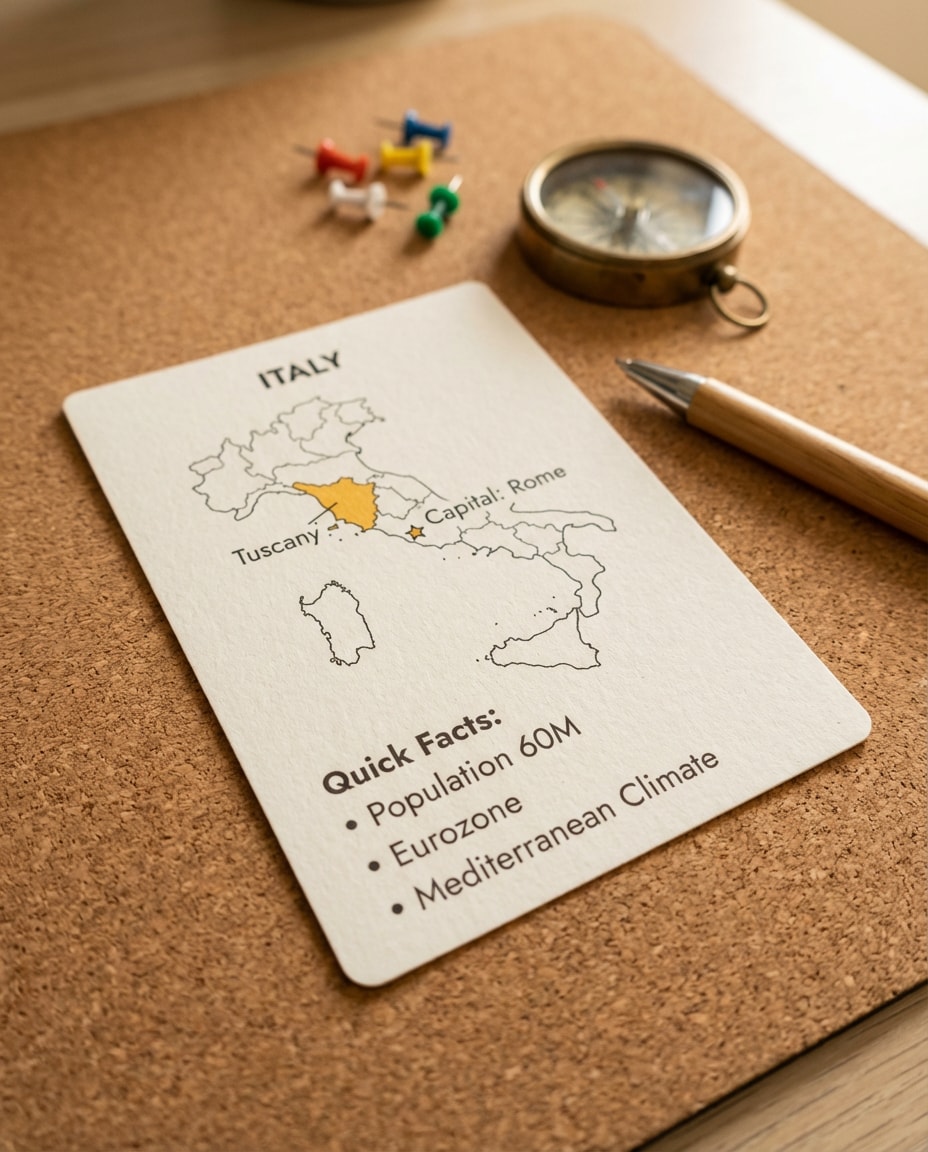
Photorealistic flashcard featuring a simplified map outline with highlighted region, capital city label, and quick facts, arranged on a cork desk mat with a compass and pushpins softly blurred, bright clean lighting, shot on Sony A7IV, 55mm, sharp readable labels --ar 4:5
Music Theory Card
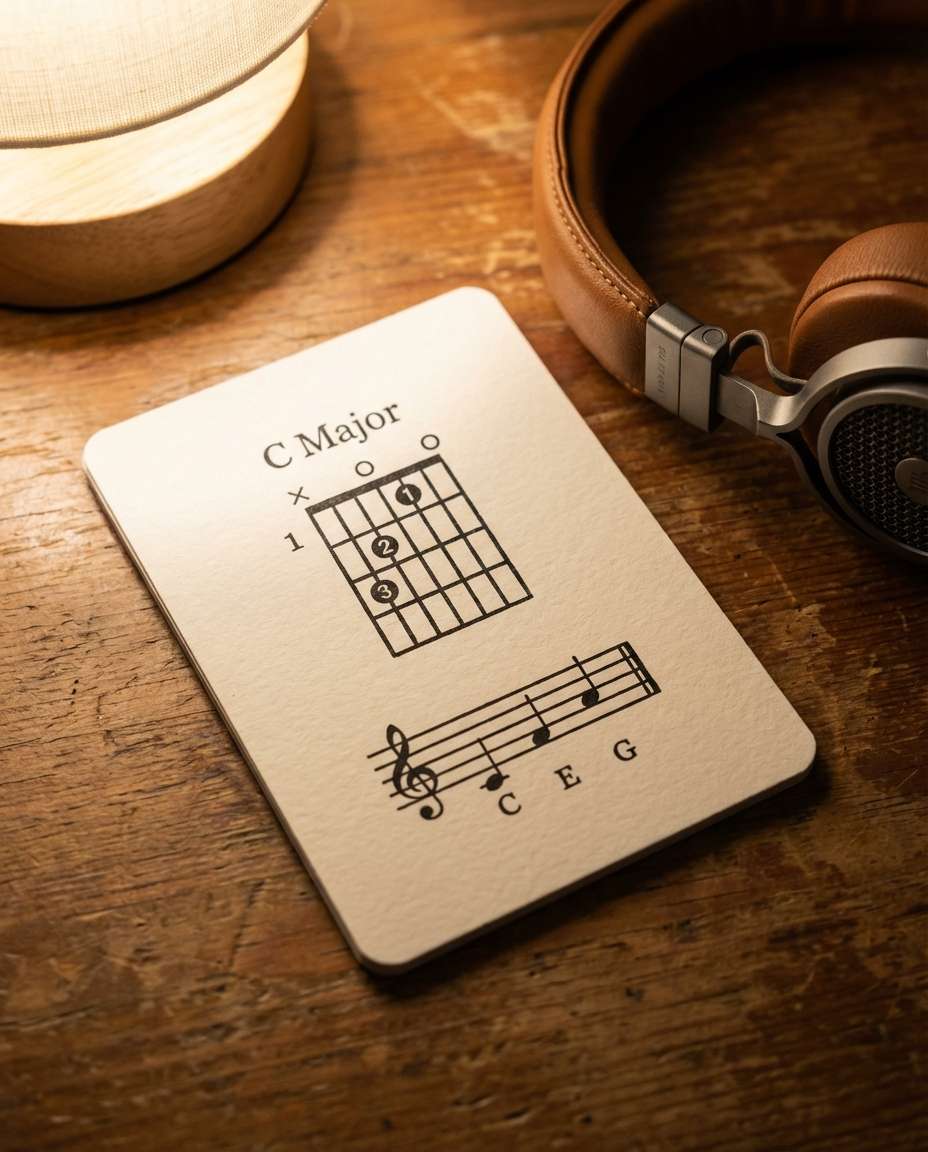
Photorealistic flashcard with a chord diagram and short staff notation, minimalist black ink on off-white card stock, placed on a wooden table next to headphones, warm cozy lighting, shot on Fujifilm X-T5, 56mm f/1.2, shallow depth of field, crisp lines and texture --ar 4:5
Business Terms Deck
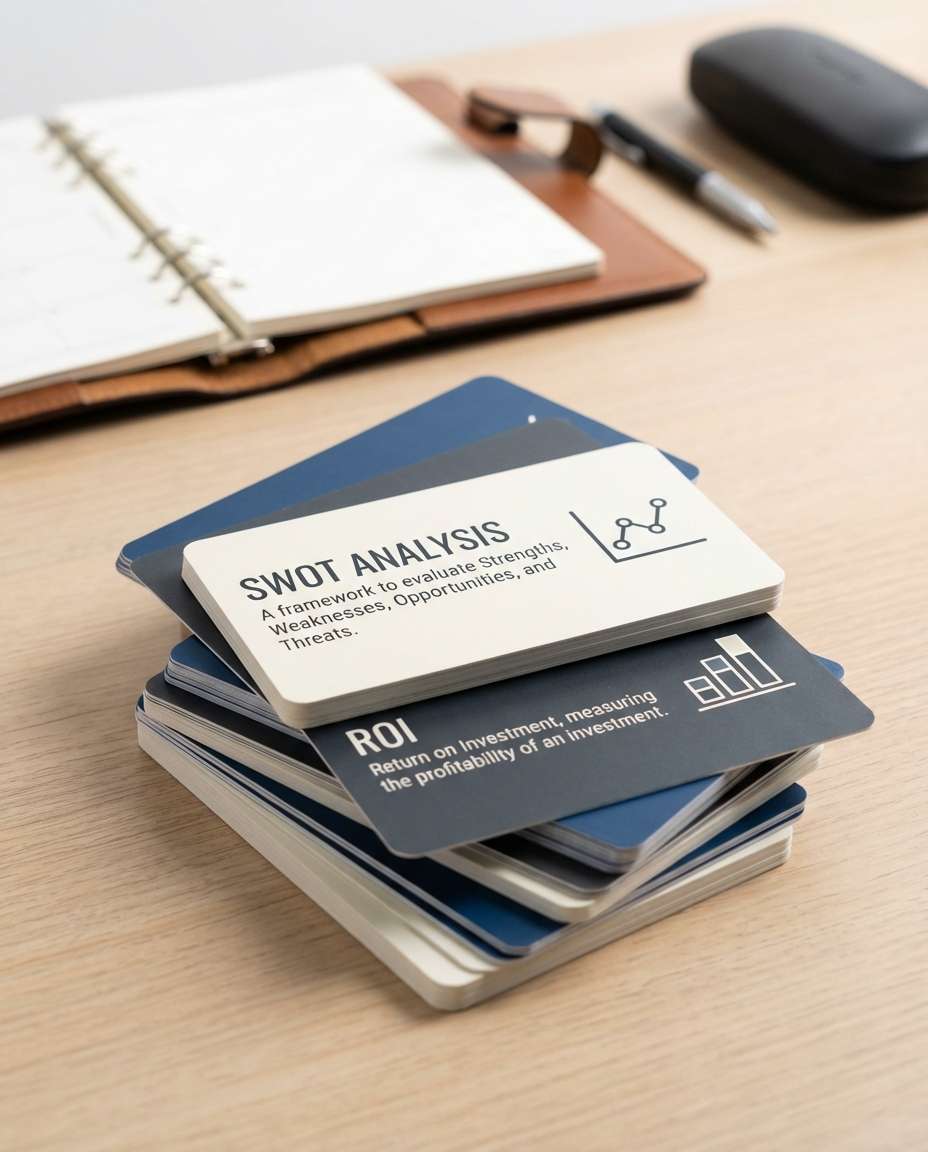
Photorealistic stack of flashcards for business and marketing terms, each card has a bold term header, one definition line, and a simple chart icon, clean corporate palette, placed on a modern desk with planner blurred behind, bright studio lighting, shot on Canon R5, 35mm, ultra sharp --ar 4:5
Law Case Brief Card
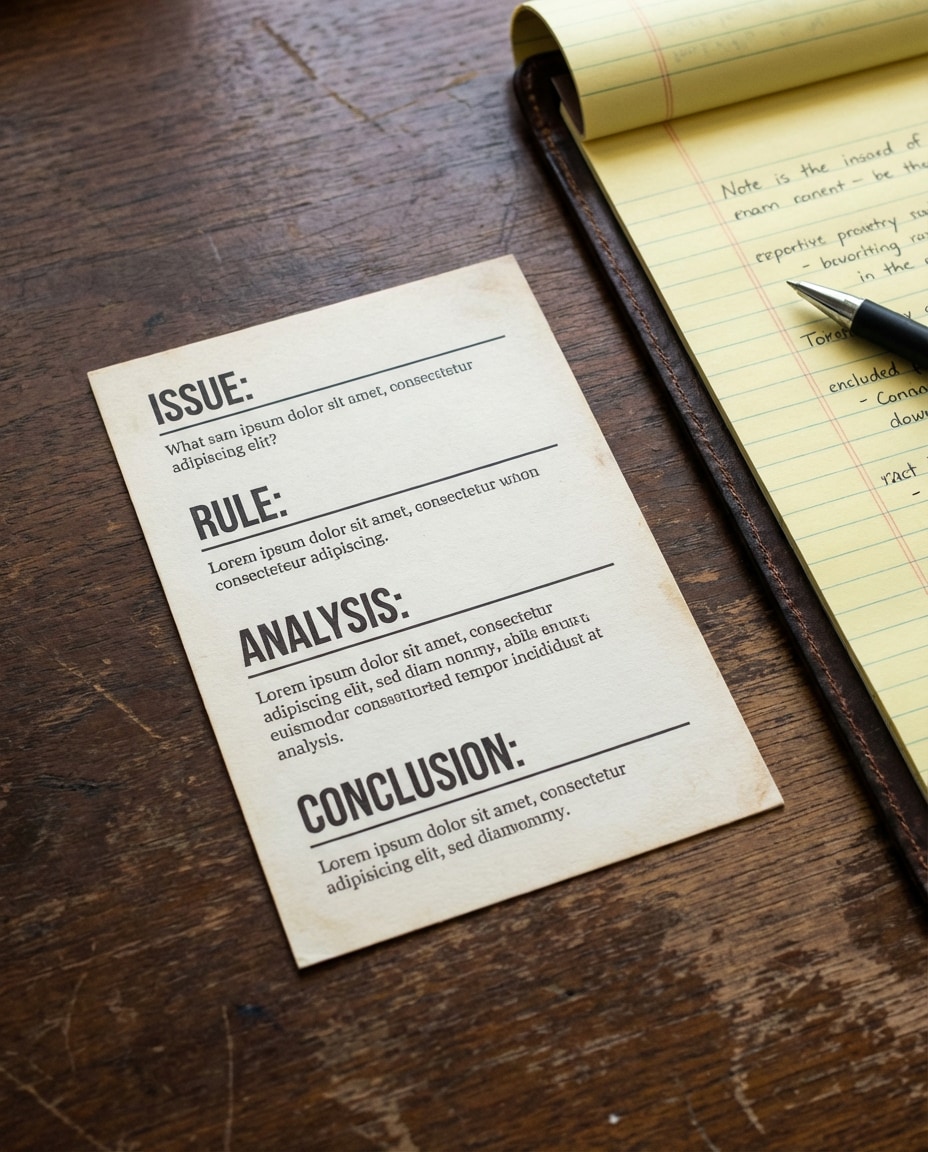
Photorealistic flashcard styled like a mini case brief: issue, rule, analysis, conclusion sections with clear spacing, placed on a dark wood desk beside a legal pad, neutral professional lighting, shot on Nikon Z7 II, 50mm, high clarity typography and paper texture --ar 4:5
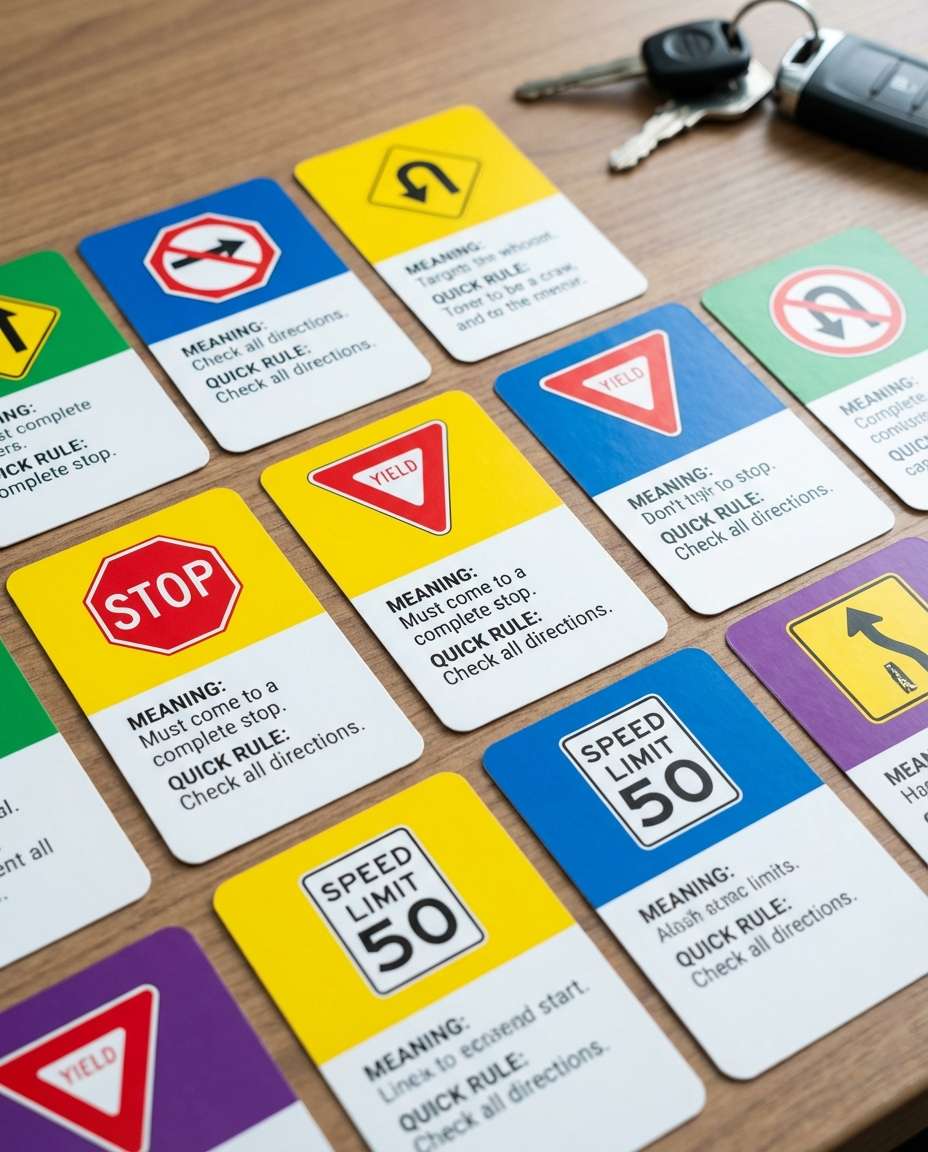
Driving Signs Pack
Photorealistic spread of driving theory flashcards showing road sign icons, meaning, and quick rule, bright high-contrast colors, arranged neatly on a desk with car keys blurred in background, daylight lighting, shot on Sony A7IV, 35mm, sharp and readable --ar 4:5
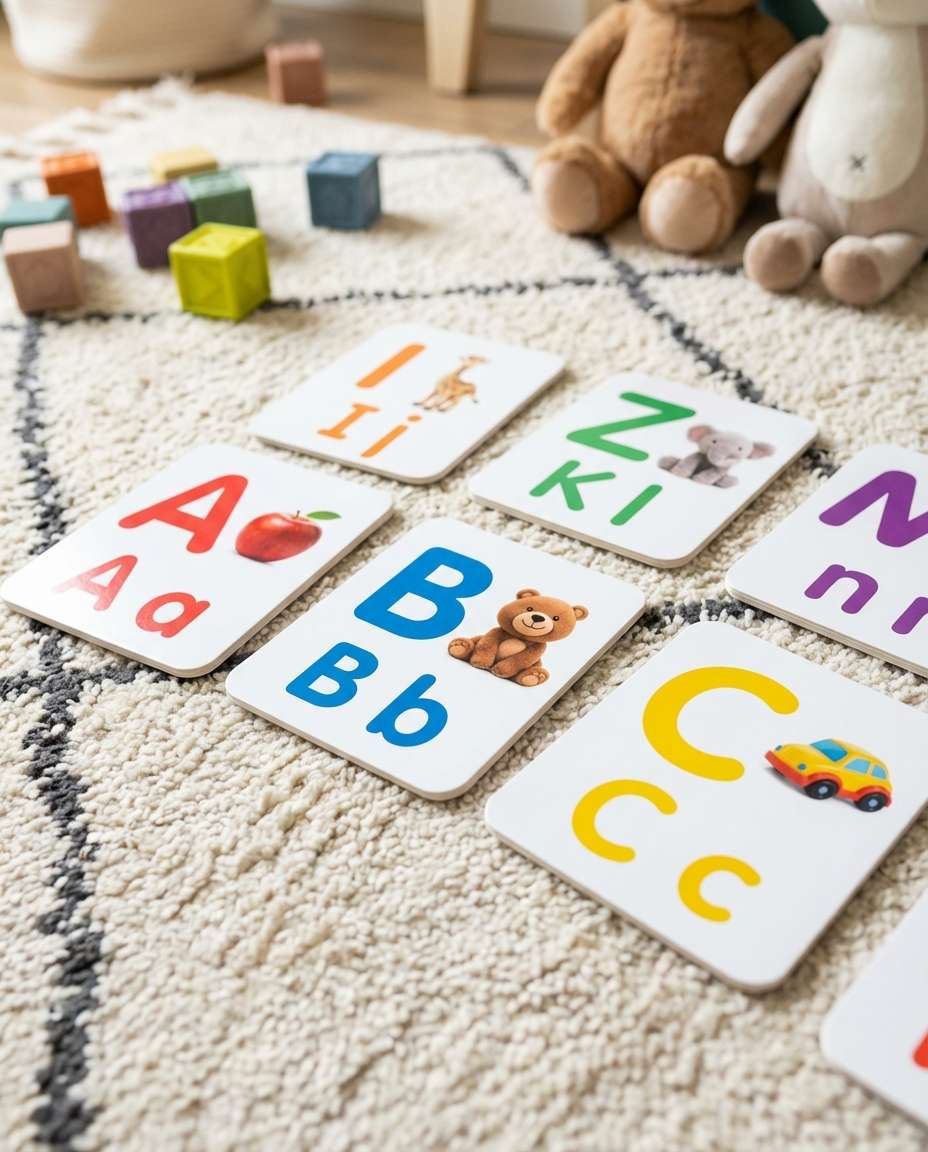
Kids Alphabet Cards
Photorealistic colorful alphabet flashcards with big letter, small letter, and a cute object photo-style icon, laid out on a playroom rug background softly blurred, bright cheerful lighting, shot on Canon R5, 35mm, vibrant but clean color grading, sharp text --ar 4:5
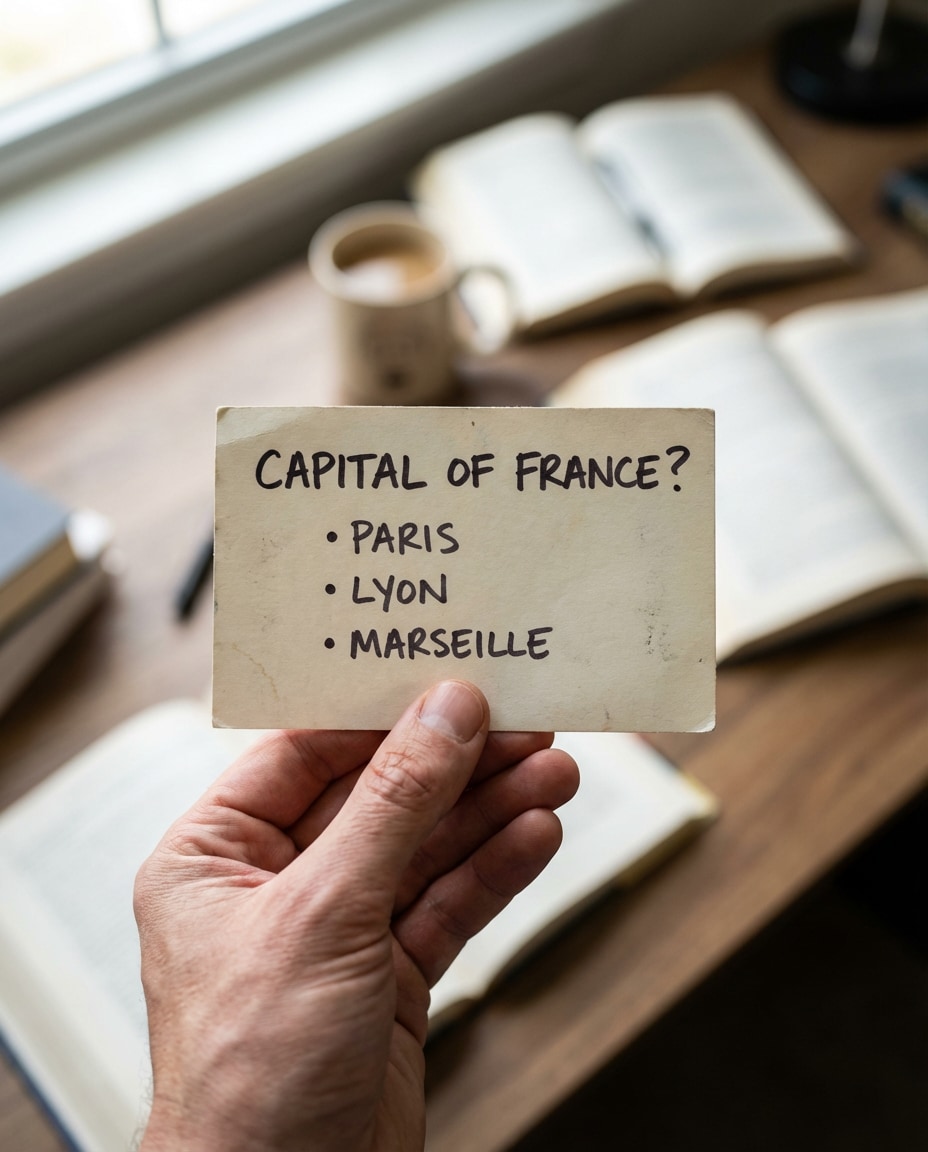
Hand Holding One Card
Photorealistic close-up of a hand holding a single flashcard toward the camera, card shows a bold question header and three short answer bullets, blurred study desk background, natural window light, shot on Sony A7IV, 85mm f/1.4, shallow depth of field, realistic skin and paper texture --ar 4:5
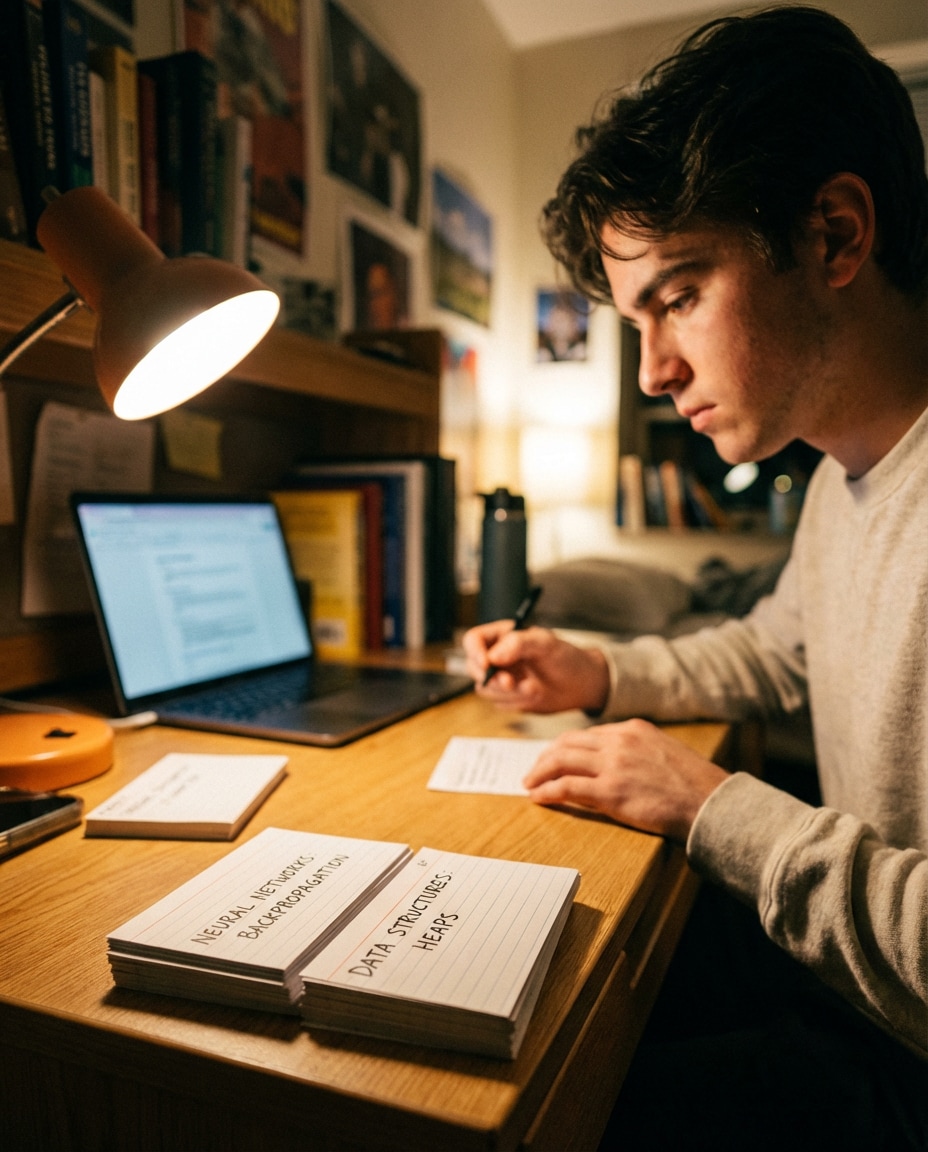
Night Study Session
Photorealistic scene of a college student at a desk at night reviewing flashcards under a warm desk lamp, a small stack of cards in the foreground with visible headings, laptop softly blurred, focused and determined mood, shot on Canon R6, 50mm f/1.8, cinematic bokeh --ar 4:5
Teacher Demo Cards
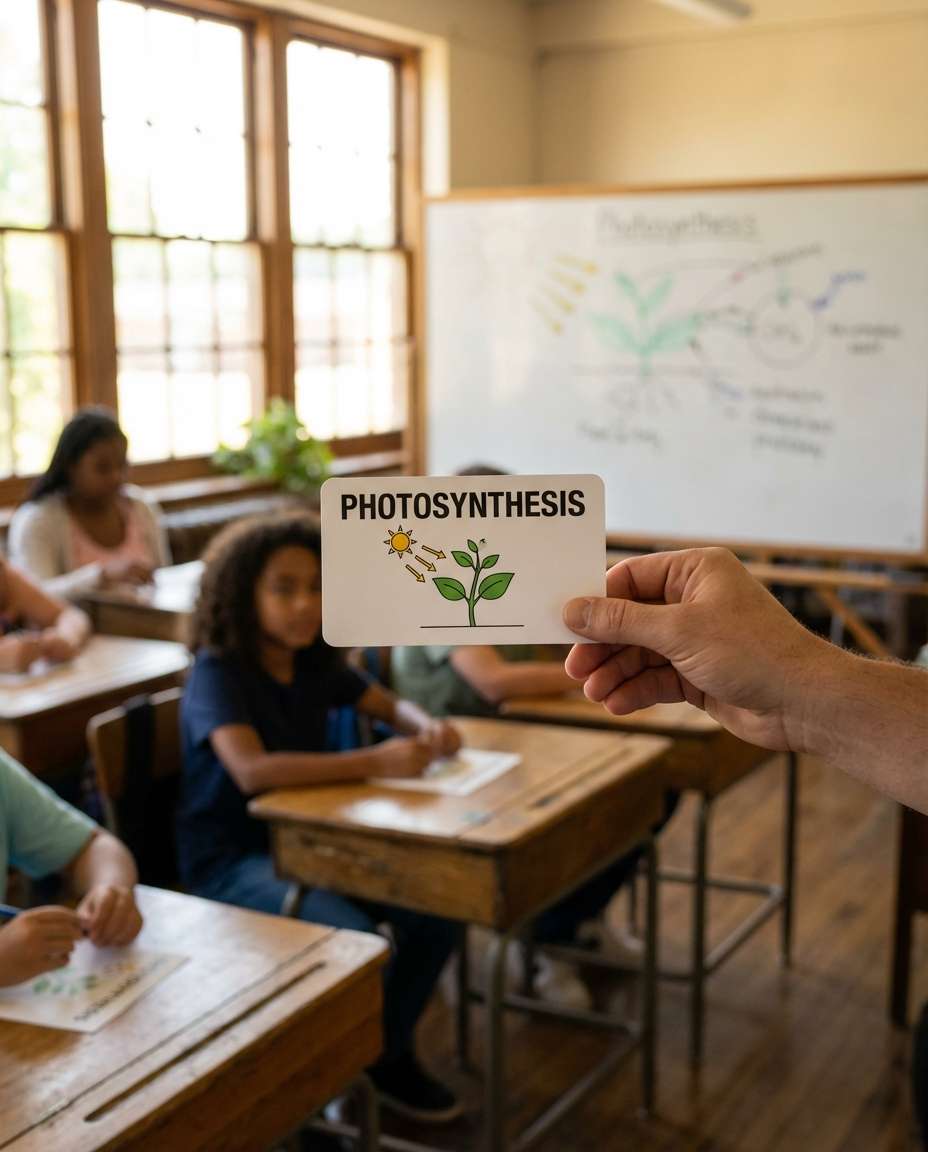
Photorealistic classroom scene with a teacher holding up a flashcard toward students, card has a clear title and simple diagram, whiteboard and classroom blur in background, bright natural lighting, shot on Nikon Z8, 70mm, documentary education vibe, sharp focus on the card --ar 4:5
Flip Through Deck
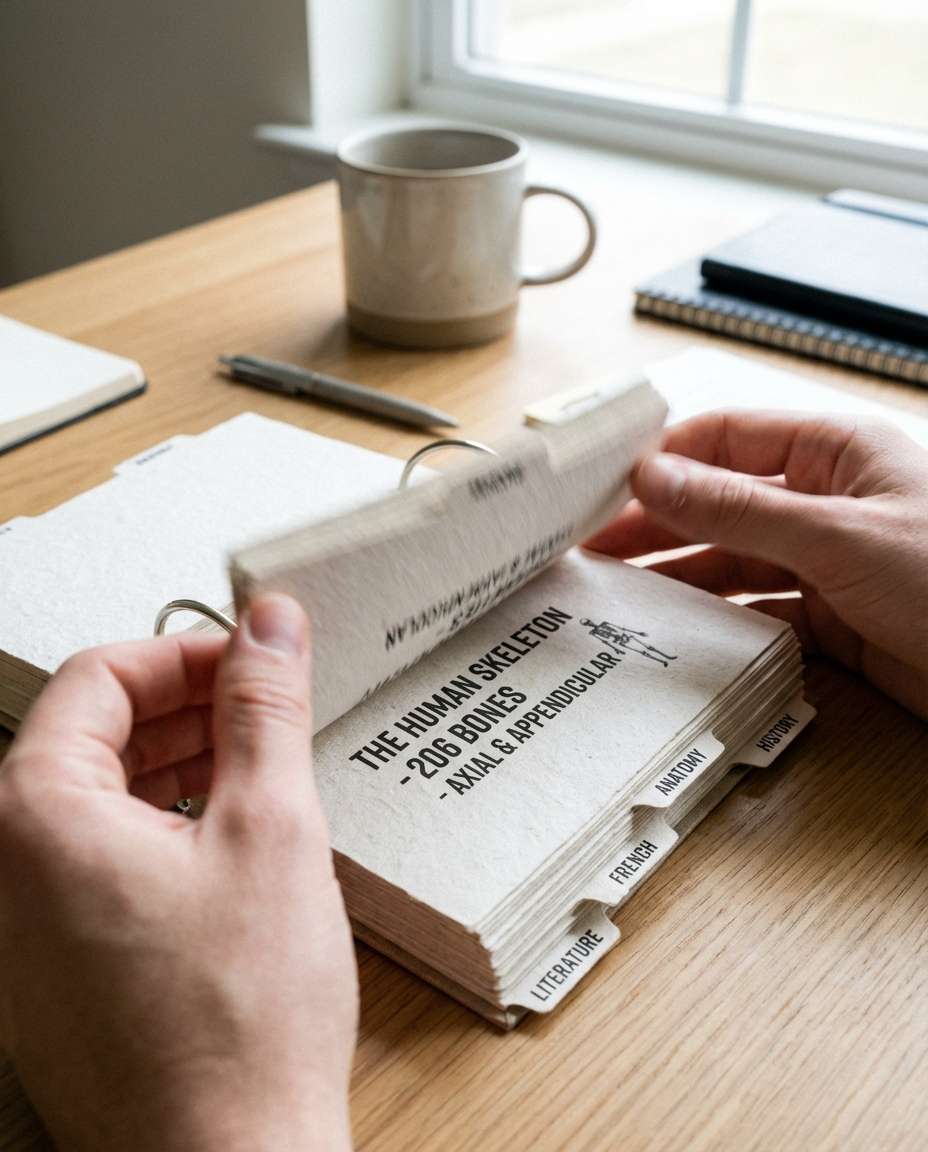
Photorealistic close-up of hands flipping through a ring-bound set of flashcards with labeled tabs, motion blur on the flipping edge, sharp focus on the current card text, clean desk background, bright soft light, shot on Sony A7IV, 60mm macro, high detail paper fibers --ar 4:5
Cafe Study Aesthetic
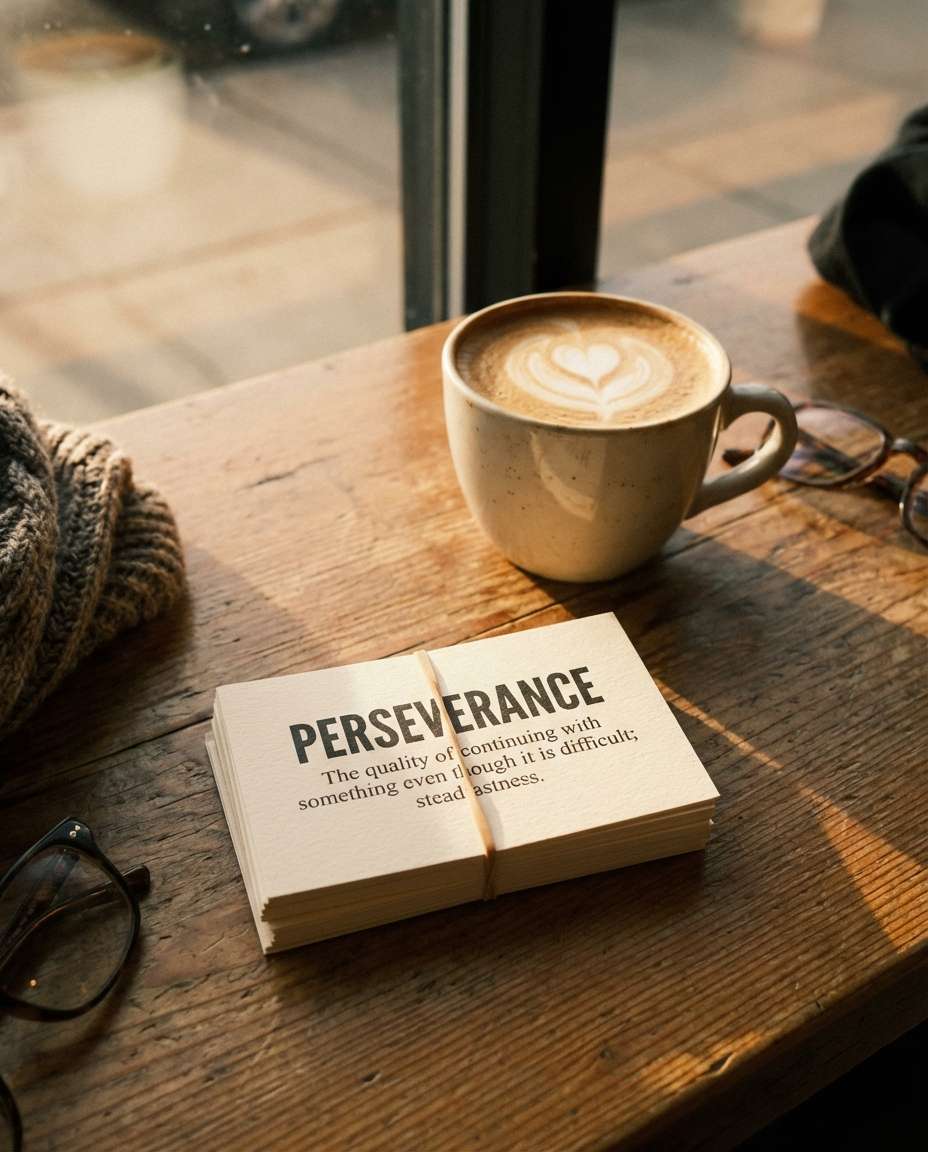
Photorealistic coffee shop table with a latte and a small stack of flashcards, one card on top shows a bold term and definition, warm ambient light, subtle film grain, shot on Fujifilm X100V, 23mm, cozy and motivational mood, crisp readable typography --ar 4:5
Planner Spaced Repetition
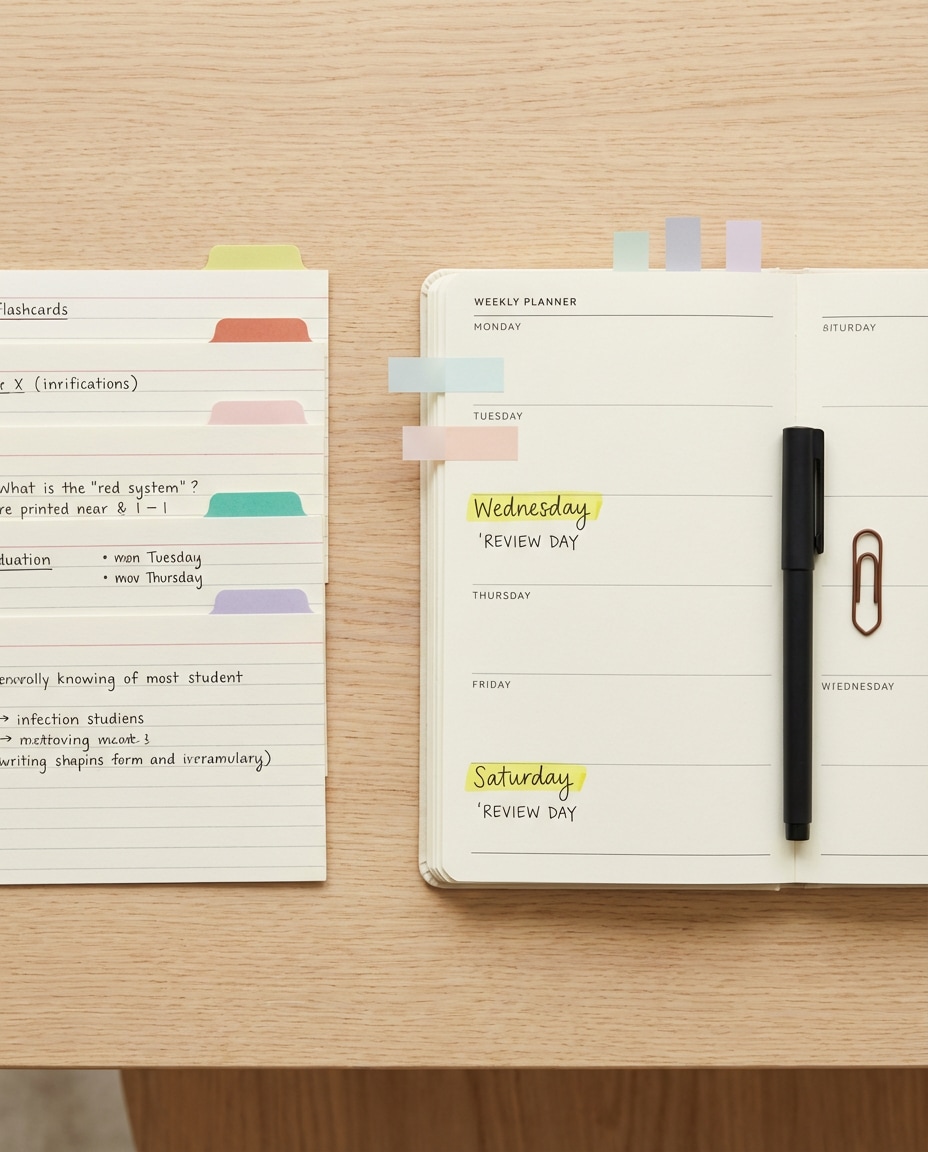
Photorealistic flat lay of flashcards next to a weekly planner with highlighted review days, sticky tabs and pen included, clean minimal palette, bright daylight, shot on Canon R5, 35mm, sharp focus, organized productivity aesthetic, high resolution --ar 4:5
Neon Gradient Deck
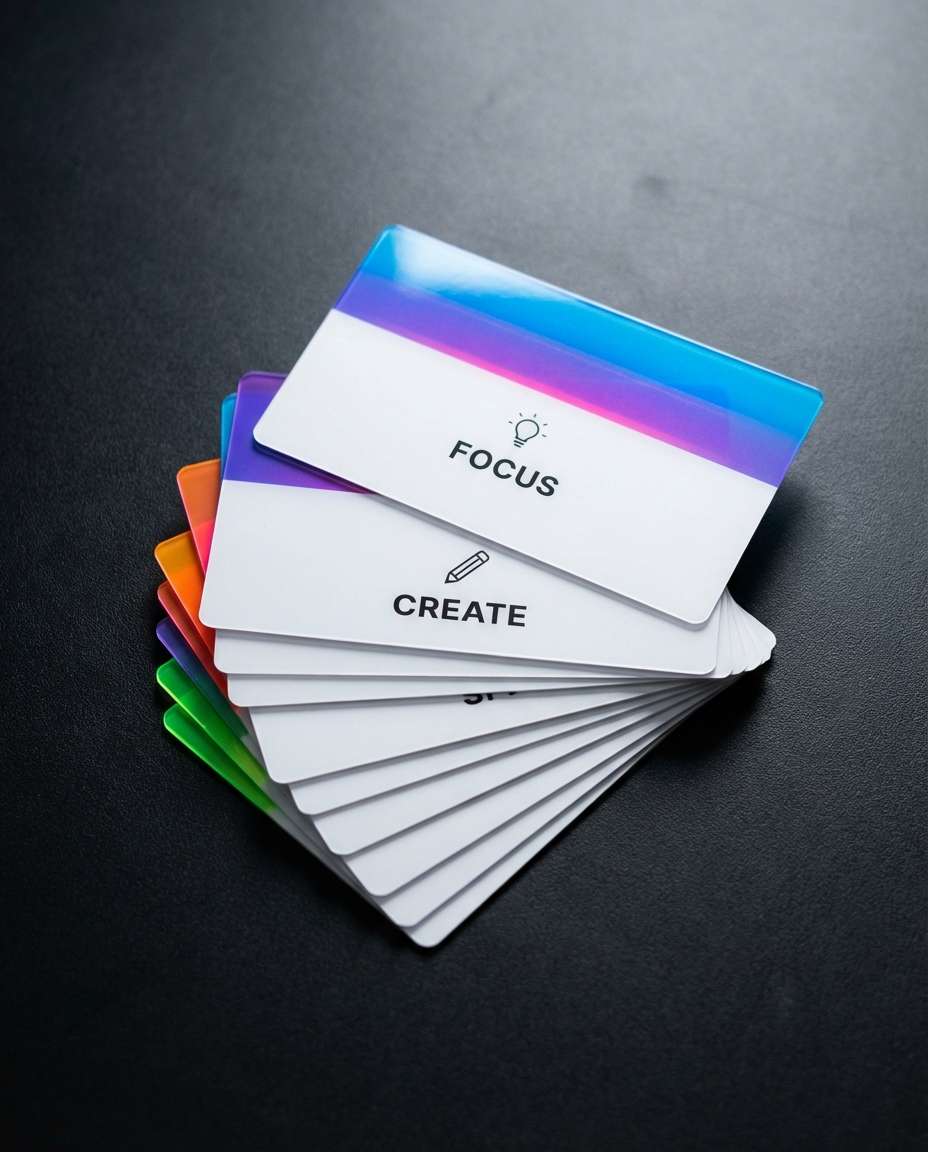
Photorealistic flashcards with modern neon gradient header bars and clean white bodies, minimalist icons, arranged in a neat fan shape on a dark matte surface, studio lighting with soft reflections, shot on Sony A7IV, 50mm, editorial product photo quality, crisp text --ar 4:5
Vintage Index Cards
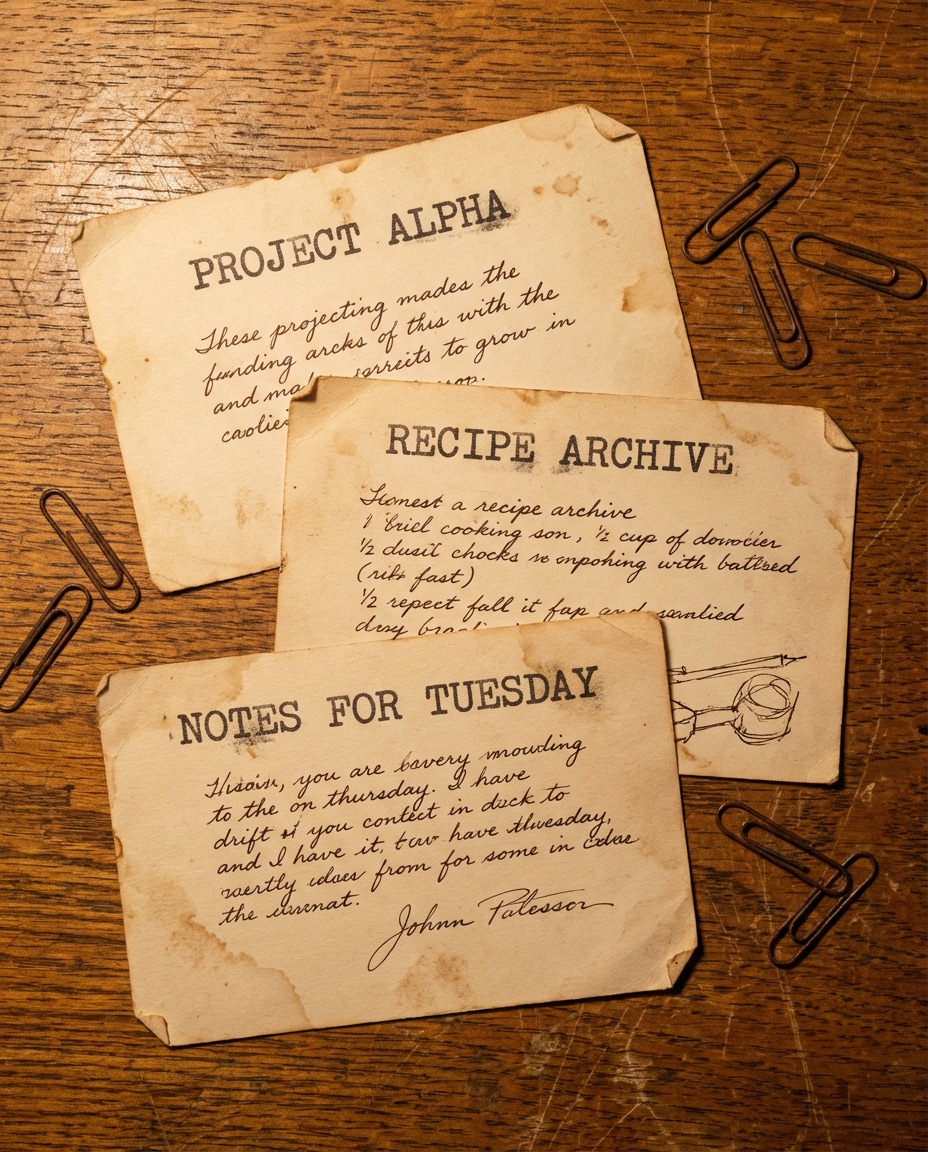
Photorealistic old-school index cards with slightly worn edges and typewriter-style headings, handwritten notes beneath in neat ink, placed on a wooden desk with paper clips, warm tungsten lighting, shot on Nikon Z7 II, 50mm, realistic grain and texture --ar 4:5
Pinned Study Wall
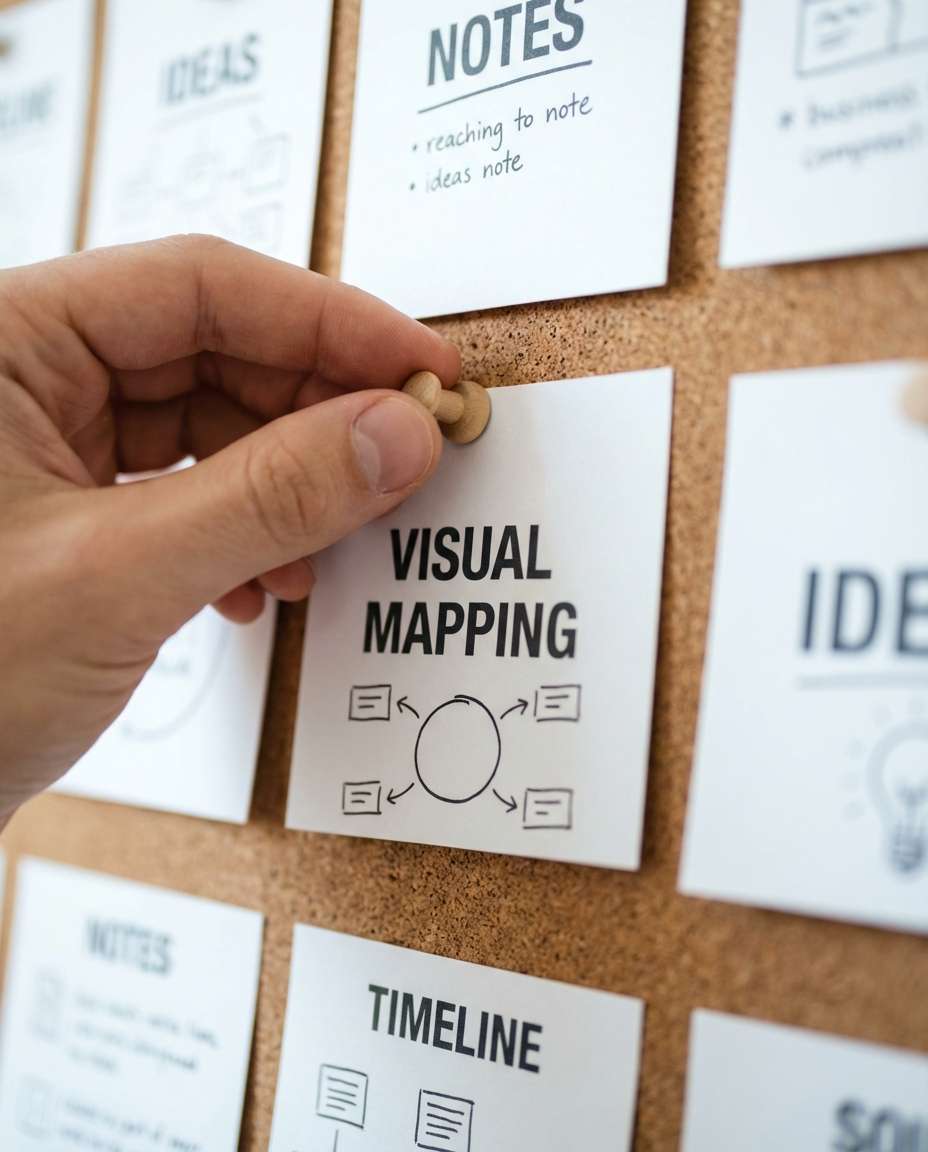
Photorealistic shot of a hand pinning a flashcard to a corkboard study wall, card shows a bold concept title and a simple diagram, other cards blurred around it, bright neutral lighting, shot on Canon R5, 85mm, shallow depth of field, sharp focus on pinned card --ar 4:5
Ring-Bound Mega Stack
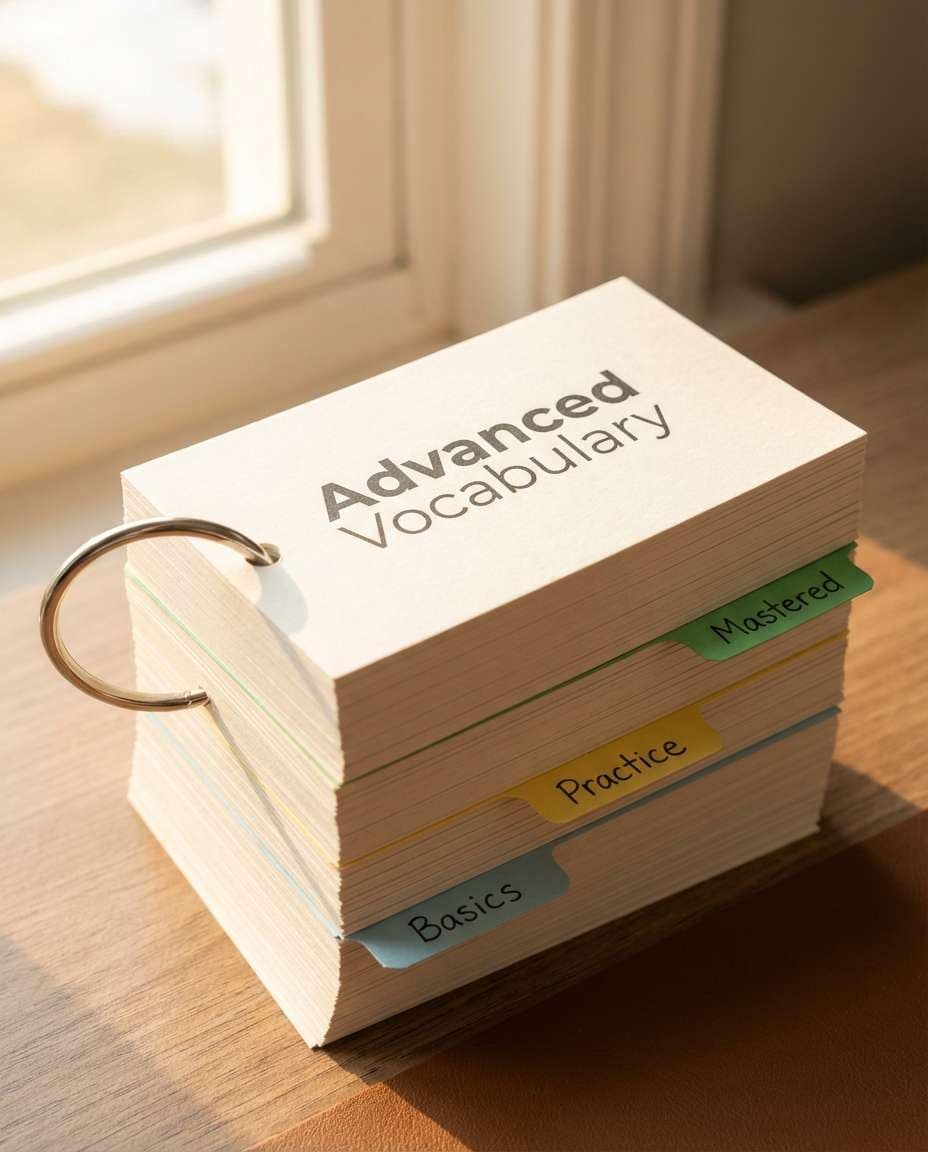
Photorealistic tall stack of flashcards bound with a metal ring and labeled dividers (Basics, Practice, Mastered), clean typography on the top card, placed on a desk with soft morning light, shot on Sony A7IV, 35mm, crisp detail and realistic shadows --ar 4:5
Great flashcards feel effortless to review because the layout does the thinking for you. When people ask how to create flash cards with AI prompts, the real secret is consistency: the same structure, the same visual cues, and less clutter. Use the formula below, then personalize by subject.
Recommend Prompts Formula
Identity lock: same card size, margins, font family, and icon style
Content block: term or question, then 1 to 3 short bullets max
Visual cue: one diagram, symbol, or tiny thumbnail to trigger recall
Setting: desk flat lay, tablet UI, corkboard, or ring-bound deck
Lighting: soft window light or clean studio light for readability
Framing: close-up, centered card, shallow depth of field for focus
Prompt Tips That Convert
Ask for high contrast typography and generous whitespace to keep text readable on phones.
Limit each card to one concept and specify hierarchy: title, subtitle, bullets, then icon.
Call out paper stock, rounded corners, tabs, or ring binding to create a believable deck look.
Use color coding by category (definitions, formulas, examples) and keep the palette consistent.
Generate 2 to 4 variants, then reuse the strongest layout as your deck template.
If text accuracy matters, keep wording short and plan to edit final terms before printing.
Why Choose Media.io for AI Flash Card Generator?
Generate realistic AI images faster with powerful tools and flexible prompt control.
Copy, Paste, Go
Skip blank-page paralysis. Start with ready-to-use prompts built for clear study layouts, then swap in your topic, exam, or vocabulary list. Media.io helps you iterate fast so every flashcard image keeps the same clean structure and style.
Clean, Readable Results
Flashcards only work when they are readable at a glance. Generate designs with strong typography, balanced spacing, and high-contrast color cues, then pick the sharpest version. Perfect for mobile review, printing, or posting study tips.
Style Consistency Lock
Build a deck that looks like one cohesive brand. Reuse a single visual template across subjects using the same margins, icon set, and color palette. That consistency makes studying feel faster and your content look more professional.
Fast Downloads, Anywhere
Generate, review, and download without complicated setup. Media.io works in the browser, so you can make flashcard visuals from a laptop, classroom computer, or shared device. Keep your workflow simple and your output share-ready.
FAQs About
AI Flash Card Prompts
1. What makes good AI Flash Card Prompts for studying?
The best AI Flash Card Prompts specify a strict layout: big header, short bullets, one visual cue, and high contrast typography. Also describe the scene (flat lay, tablet UI, ring-bound deck) and lighting for readability. Consistency matters more than fancy effects because you want fast recognition during review.
2. Can I generate vocabulary decks with AI Flash Card Prompts?
Yes. Use AI Flash Card Prompts for language learning by requesting a front card with the target word and pronunciation, and a back card with meaning plus a tiny image cue. Keep sentences short, ask for clean sans-serif type, and color-code parts of speech so the deck is easy to scan.
3. How do I keep one consistent flashcard style across a whole deck?
Create one master prompt and reuse it while only changing the term and definition. Lock details like card size, font family, icon style, margin spacing, and palette. With AI Flash Card Prompts, this template approach prevents random layouts and makes the entire deck feel like one coherent set.
4. Do I need to upload a photo to use AI Flash Card Prompts in Media.io?
No, you can generate from text only. Uploading a reference can help if you want the same look across different topics, like matching paper texture and typography. For many study cases, a well-specified prompt is enough to create clean, repeatable flashcard designs.
5. What is the best format for AI flash cards for language learning?
For AI flash card prompts for language learning, use a two-sided structure: front card (word, pronunciation, part of speech) and back card (meaning, one example sentence, one small visual cue). Ask for large type, minimal clutter, and a consistent color system so you can review quickly on mobile.
Why Creators Love Media.io's AI Flash Card Prompts?
Alex M.
Photographer
Ultra Realistic Results.
I used these ai flash card prompts to create visuals that looked like real photography. The lighting, textures, and colors felt incredibly natural.
Maya J.
Designer
Perfect Lighting & Detail.
The prompts produced cinematic compositions and soft lighting, making every image feel like a professional shoot.
Jordan P.
Creator
Perfect for Social Media.
I used these prompts to create viral content. It's fast, easy, and consistently produces stunning visuals.