25+ ChatGPT and Gemini AI Christmas Sticker Prompts for Gifts, Cards & Chats
Build a holiday sticker collection for gift tags, greeting cards and cheerful chat replies without settling for the same Santa icon every time. These AI Christmas sticker prompts cover cute characters, retro graphics, felt and embroidery-inspired patches, watercolor greenery and glossy miniature designs. Preview 25 examples, copy the direction you like and adjust the colors or motifs to coordinate a set. The images are design previews; check the edges and prepare the background separately before using them as cutouts.
AI-generated JPG previews of original Christmas sticker concepts; backgrounds, edges and final output requirements may need separate preparation.
Try Media.io.
How to Make Christmas Stickers with AI
Use these prompts in Media.io AI Text to Image in three simple steps.
1
Open Media.io AI Text to Image
Visit Media.io AI Text to Image. Choose your preferred image model from the available options, such as Nano Banana Pro or GPT Image 2 if listed.
2
Copy and Paste a Prompt
Choose a prompt and click Copy Prompt, then paste it into the generator. Or click Create Similar Image to open the tool with that prompt. Set your aspect ratio, resolution, and number of images.
3
Generate, Preview, and Download
Click Generate and wait for your images. Preview the results, then download the images you want to keep.
25 AI Christmas Sticker Prompts to Copy & Try
Waving Santa Chibi
Create an original chibi Santa sticker illustration, seated with one mitten raised in a friendly wave. Give him a scarlet coat, rounded boots, a small cream beard and a compact silhouette that reads clearly at thumbnail size. Use soft flat pastel shading rather than realistic fabric texture. Surround the entire figure, including hat tip and waving mitten, with one complete white die-cut contour. Center on a plain pale canvas; no scenery, lettering or extra characters. --ar 3:4
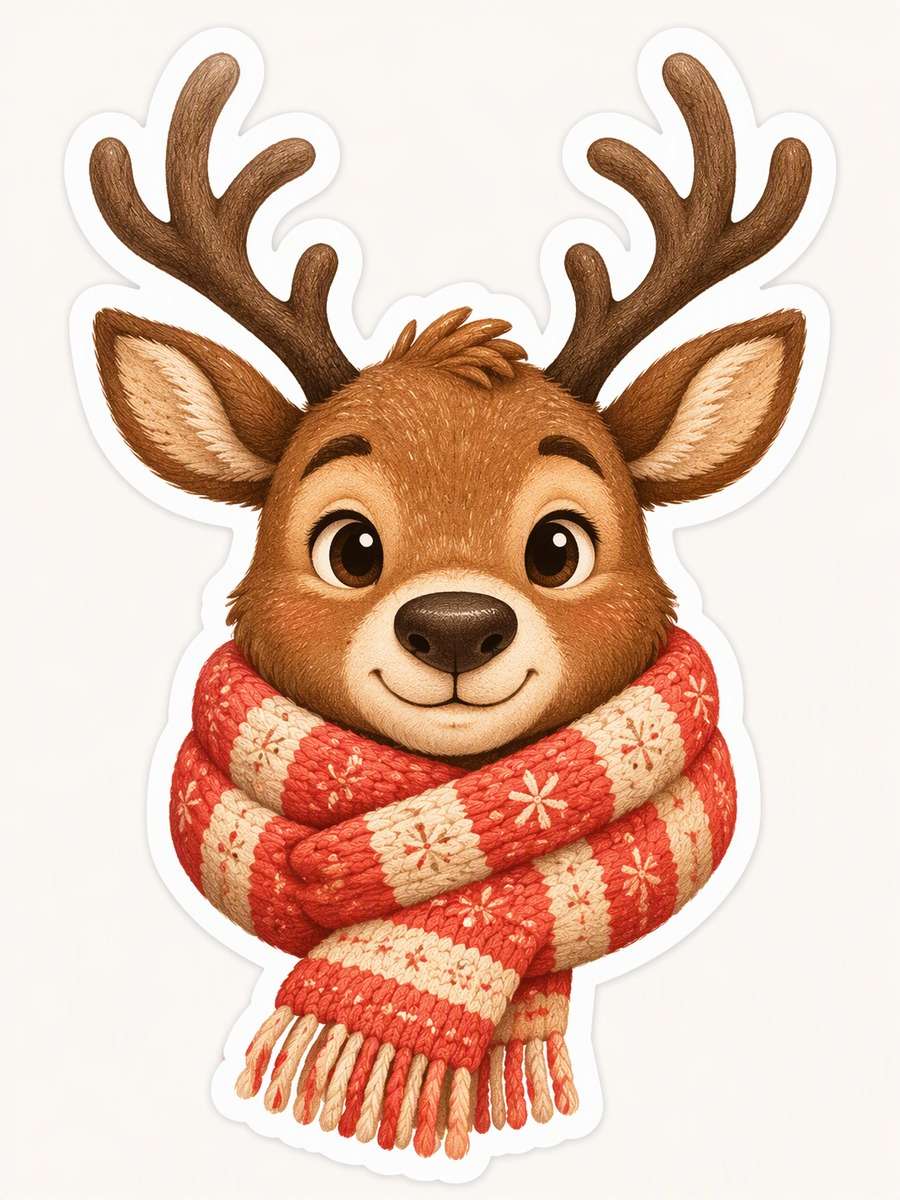
Scarf-Wrapped Reindeer
Illustrate a friendly reindeer bust as a single holiday sticker, with both curved antlers fully visible and a generously oversized knitted scarf wrapped beneath its chin. Use warm cocoa fur, coral scarf stripes and small cream highlights. Suggest velvety softness through fine illustrated grain, not a photograph or plush toy mockup. Keep the face expressive but simple, with clear space between antler branches. Add a continuous white die-cut contour around the bust on a quiet off-white canvas. --ar 3:4
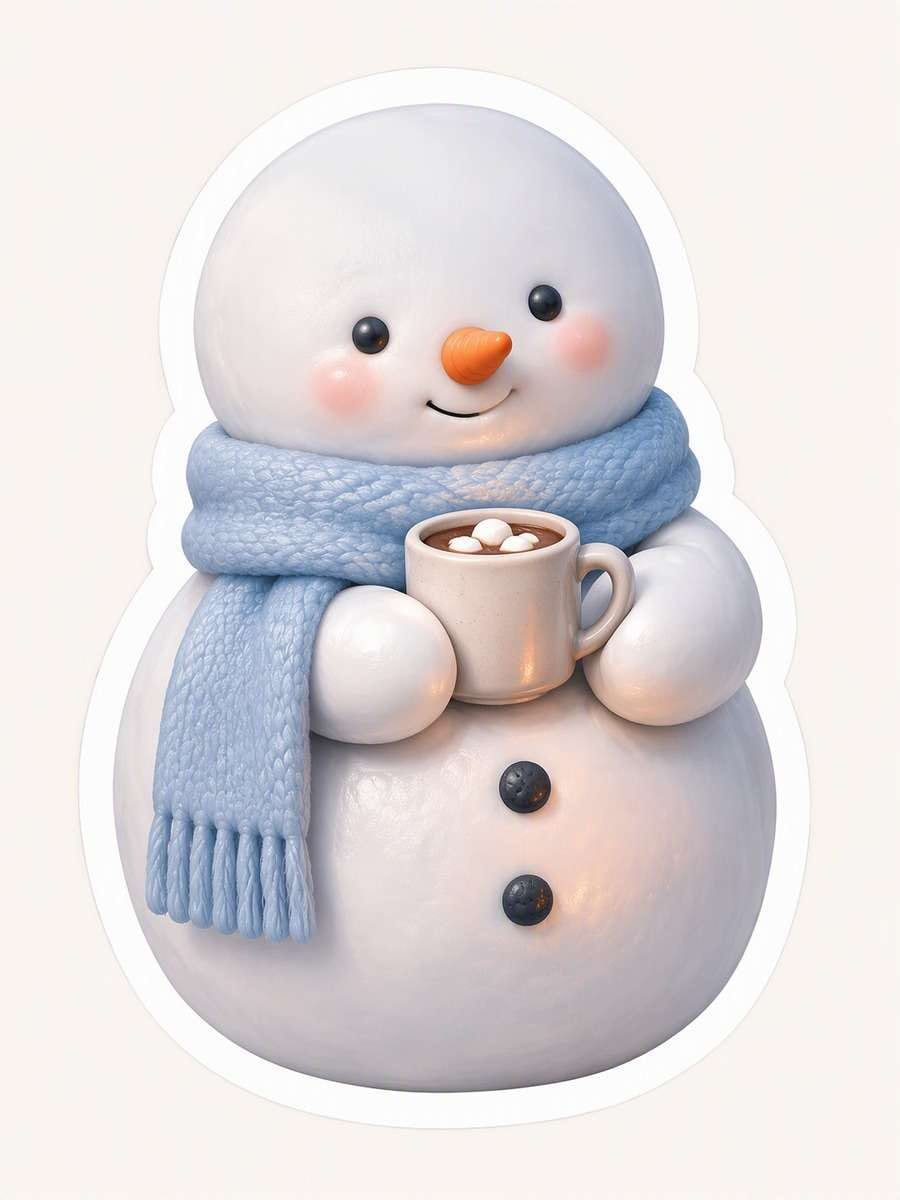
Snowman Cocoa Buddy
Design an illustrated snowman sticker with a plump two-ball body, a powder-blue scarf and one tiny cocoa cup held close to the chest. Render the snow as smooth, pearly clay-like forms with subtle rounded shadows and a few restrained warm reflections from the drink. Make the cup handle visible without adding a second prop. Frame the whole figure with a broad, unbroken white die-cut outline against a plain pale background; no outdoor setting, tabletop or photograph. --ar 3:4
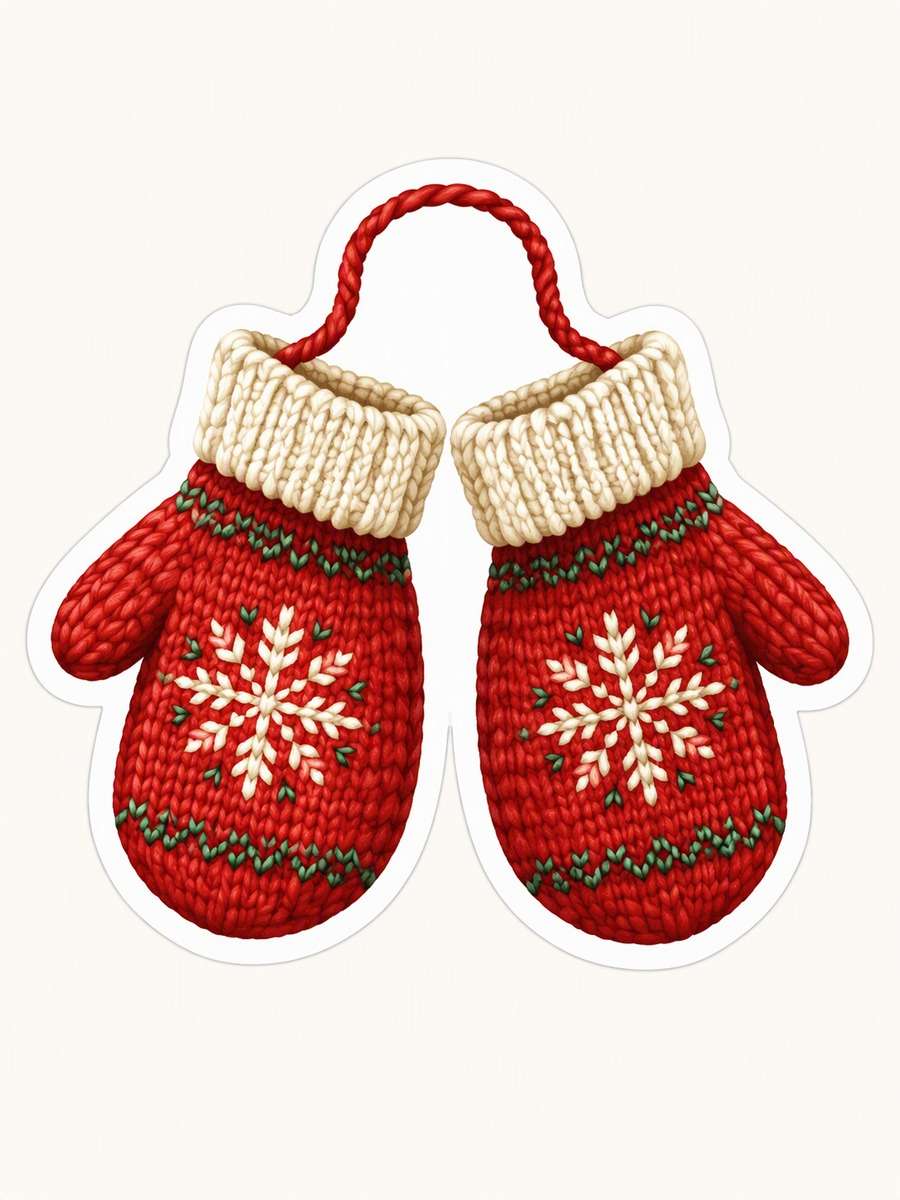
Cozy Winter Mittens
Create an original Christmas sticker illustration of two cozy red knitted mittens joined by one gently curved yarn cord. Place the mittens side by side with cuffs tilted inward and thumbs clearly distinct. Use warm illustrated knit texture, cream cuffs, one small geometric stitched snowflake motif on each mitten and forest-green stitch accents. Keep both items within one compact grouped silhouette surrounded by a complete white die-cut contour. Center on a plain pale background with no people, text, logos or product photography. --ar 3:4
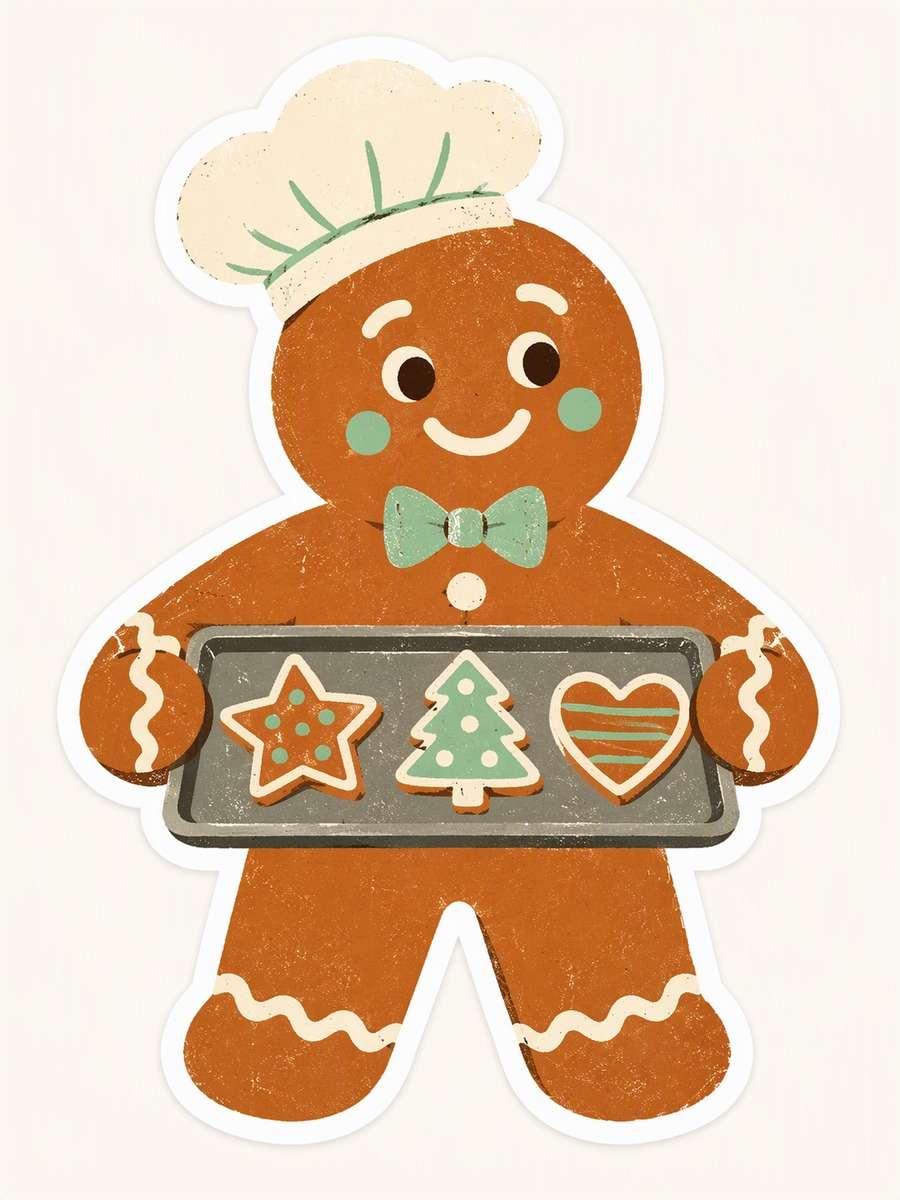
Retro Gingerbread Baker
Create a gingerbread baker sticker carrying a single cookie tray across its torso. Use mid-century-inspired flat graphic shapes, a russet brown body, cream icing details and mint accents, with slightly irregular screen-print-style edges. Give the figure a broad outlined silhouette and make each cookie a simple visible shape rather than tiny decoration. Keep the tray connected visually to the arms so the design remains one compact sticker. Isolate it on a plain pale canvas with a complete white outer contour. --ar 3:4
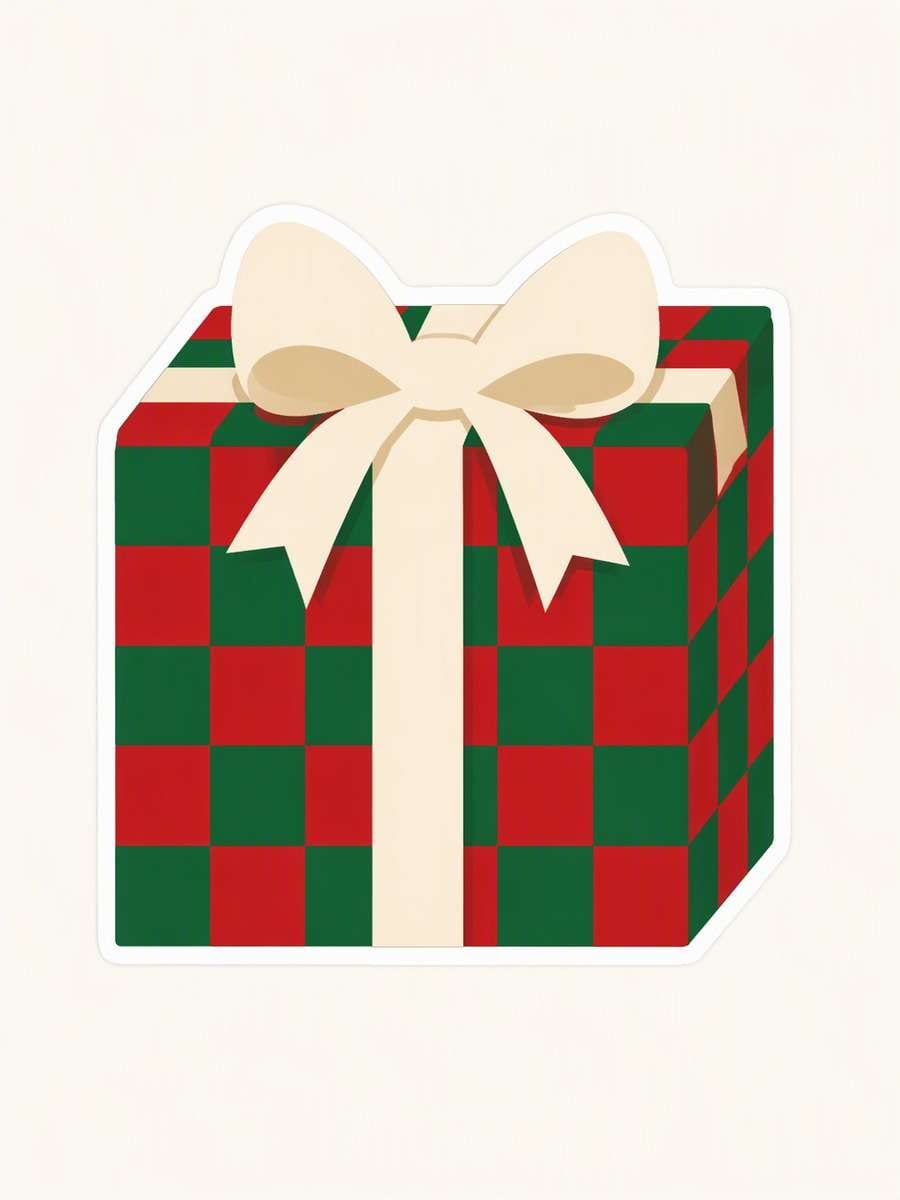
Checkerboard Gift Parcel
Illustrate one geometric Christmas gift parcel as a flat sticker graphic, viewed almost straight on with just a hint of its top plane. Build its faces from crisp red and fir-green checkerboard panels, then cross them with one chunky cream ribbon and a simple centered bow. Use clean, vector-like shapes and firm edges without claiming a vector file. Surround the entire parcel and bow with a white die-cut outline. Leave a quiet light canvas around the isolated motif. --ar 3:4
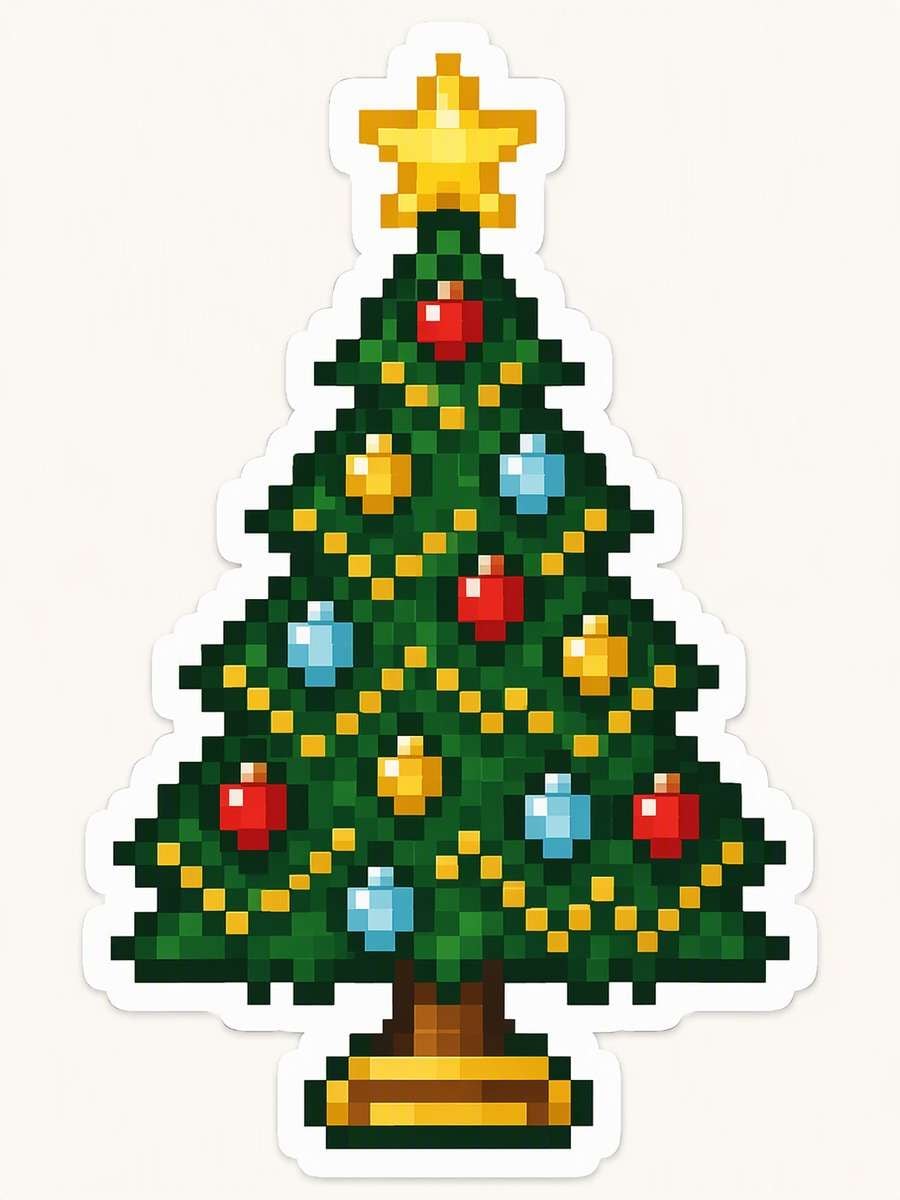
Pixel Christmas Tree
Make a symmetrical 8-bit Christmas tree sticker using unmistakable square pixels for its stepped branches, chunky colored ornaments and a bright blocky star. Keep a narrow trunk and a stable base, with a limited evergreen, red, gold and icy-blue palette. Every internal edge should follow the pixel grid; use no airbrushing, realistic lighting or smooth gradients. Place the whole tree inside a clean white die-cut perimeter on a plain pale canvas, with the star tip fully visible. --ar 3:4
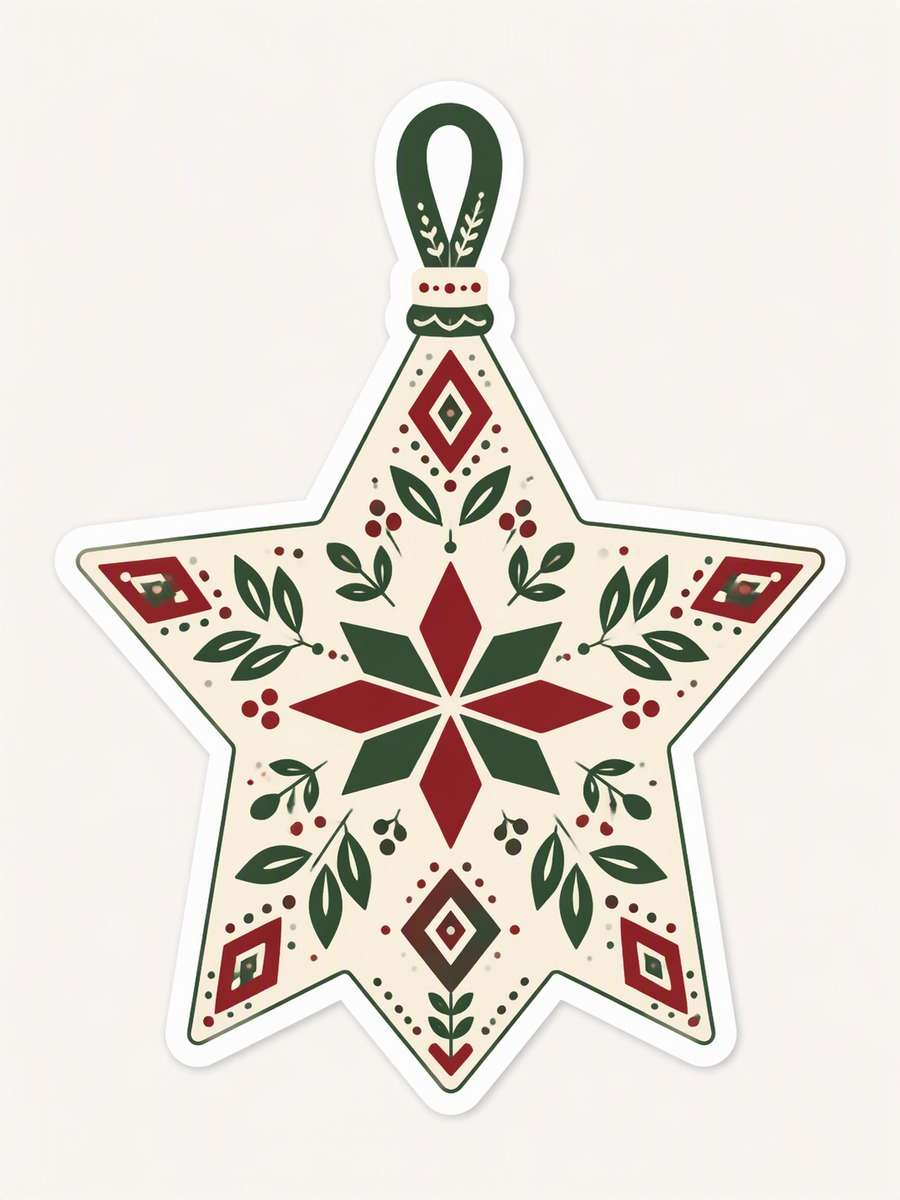
Nordic Star Ornament
Design a single hanging star ornament sticker with an original Scandinavian-inspired folk pattern. Fill its broad points with balanced block motifs in cream, fir green and cranberry, using simple diamonds, leaves and dots arranged around a clear center. Include a short hanging loop fully within the overall contour, but no branch or room setting. Keep the pattern graphic and distinctly your own rather than reproducing an existing ornament. Add a continuous white die-cut border on a quiet pale background. --ar 3:4
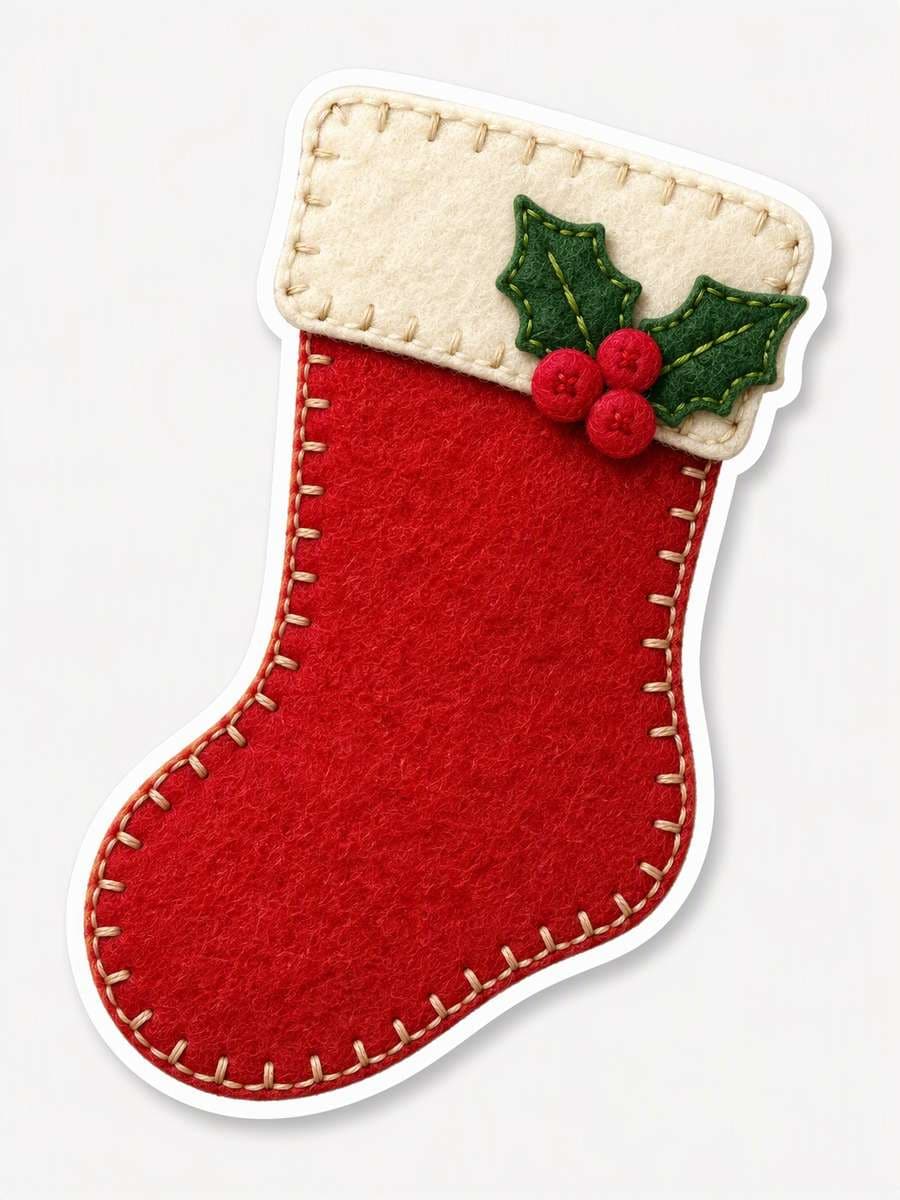
Felt Stocking Patch
Illustrate a Christmas stocking as a bounded felt patch sticker, angled slightly to reveal its curved toe. Show soft wool fibers within the red felt, a cream stitched rim and one small holly sprig securely attached near the cuff. Use visible, evenly spaced seam stitches and gently raised illustrated layers rather than a photograph of a physical craft. Keep the stocking isolated, with a complete white die-cut contour around toe, cuff and leaves, on a plain neutral canvas. --ar 3:4
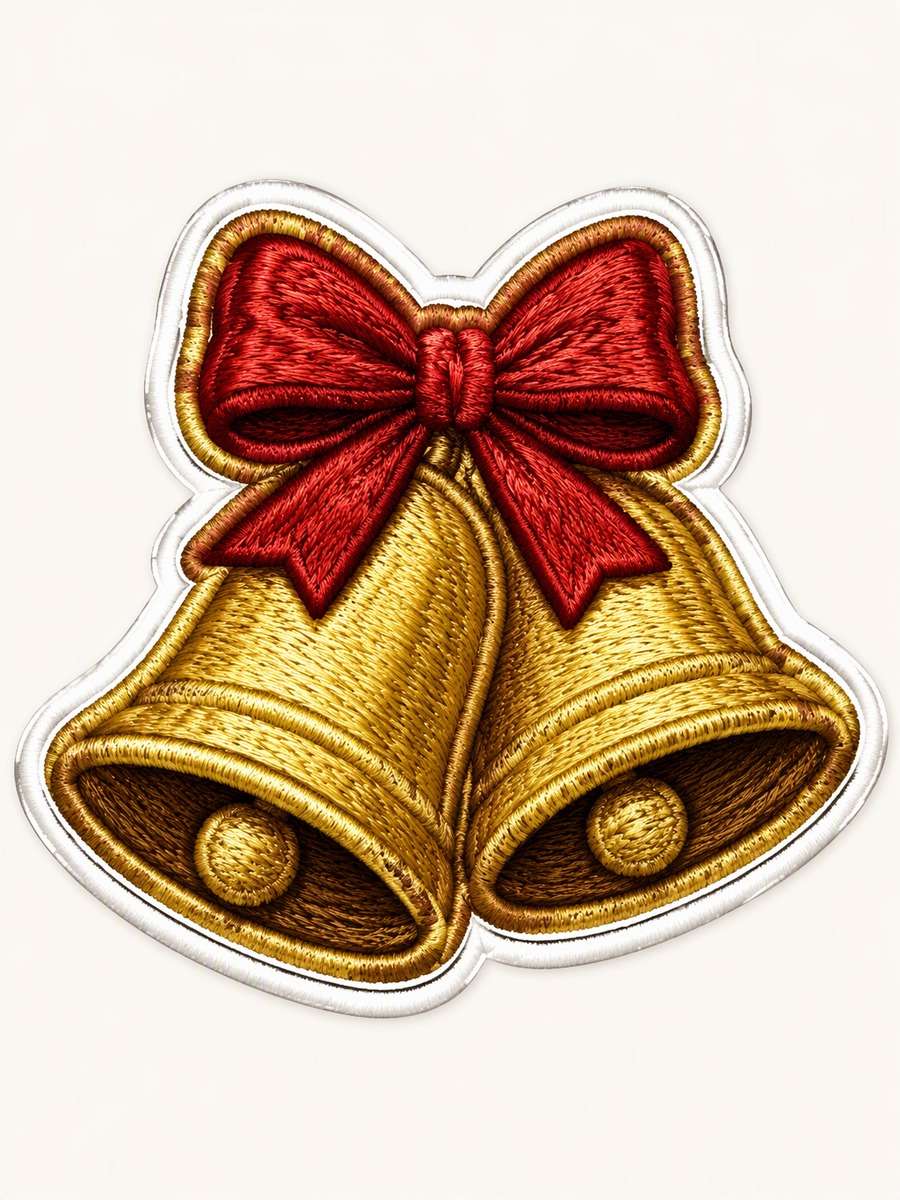
Embroidered Bell Pair
Create one compact embroidered patch illustration containing two overlapping golden Christmas bells tied with a red bow. Shape the pair into a single intertwined silhouette, using directional satin-stitch marks to describe rounded bell surfaces and darker thread at the openings. Give the bow clear loops that stay near the bells rather than trailing away. Add a neat embroidered-looking edge within a complete white die-cut contour. Present as isolated sticker artwork on a pale canvas, not photographed fabric. --ar 3:4
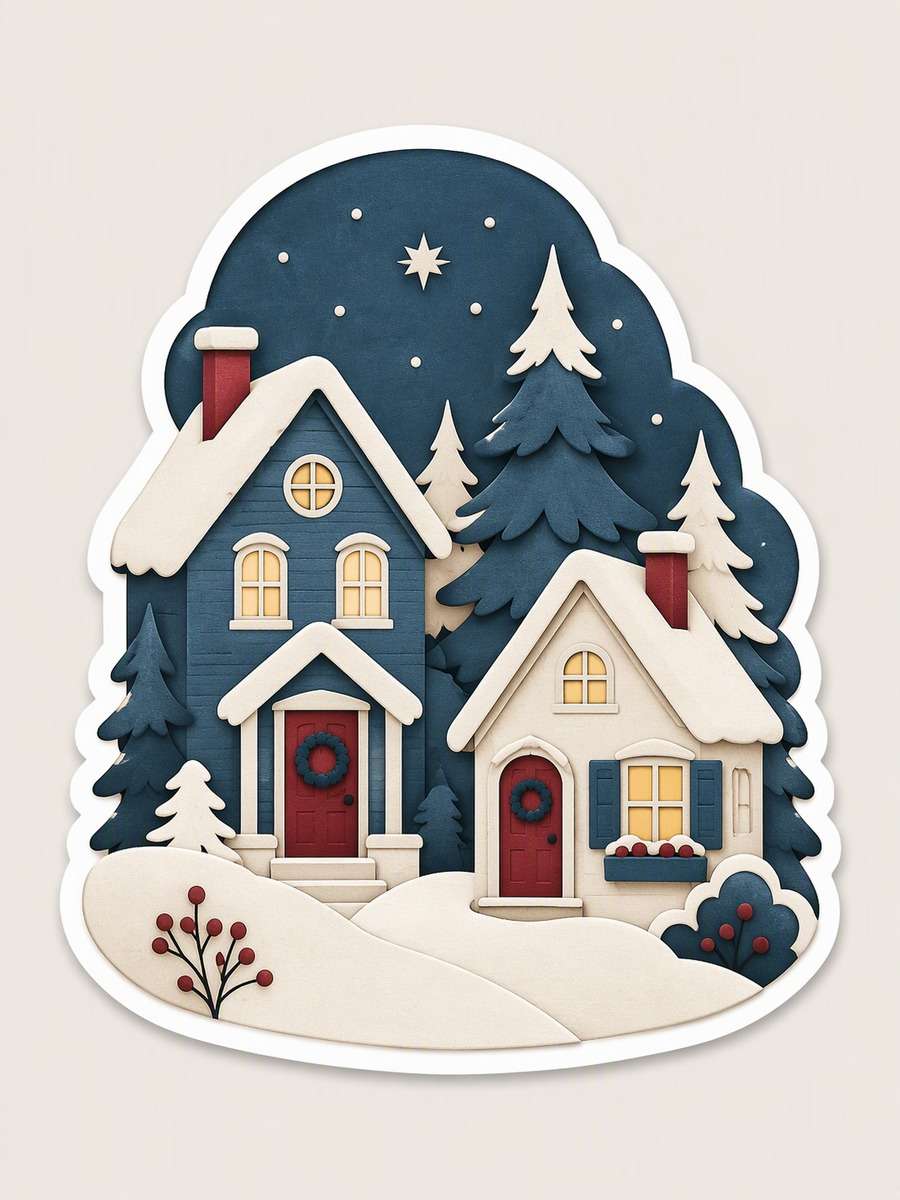
Layered-Paper Village
Illustrate a tiny Christmas village sticker made of two snowy houses contained inside one rounded shape. Construct roofs, windows, fir silhouettes and a curved snowbank as visibly layered cut-paper planes in cream, muted blue and cranberry. Use shallow shadows only where one illustrated paper layer overlaps another; avoid deep perspective or a photographed landscape. Keep both houses legible and the outer shape compact, then give the entire village one complete white die-cut contour against a quiet neutral canvas. --ar 3:4
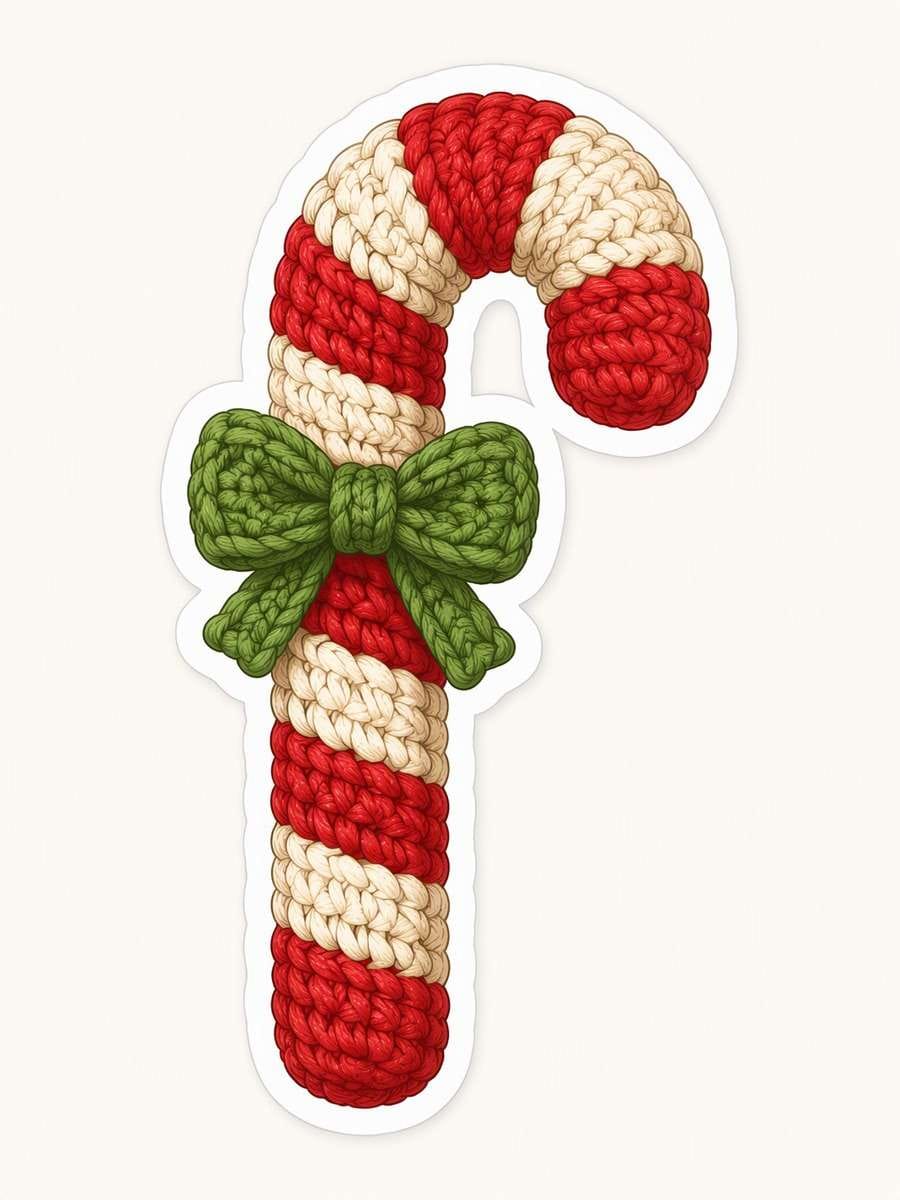
Crochet Candy Cane
Draw an illustrated crocheted candy cane sticker with alternating red and cream yarn sections and one small green bow near its curved neck. Define the surface with orderly looped stitches that follow the cane’s bend, plus soft thread-like shading rather than photographic fibers. Make the hooked tip, straight base and both bow loops completely visible. Keep the bow attached to the cane as a single isolated motif, surrounded by a continuous white die-cut contour on a plain pale canvas. --ar 3:4
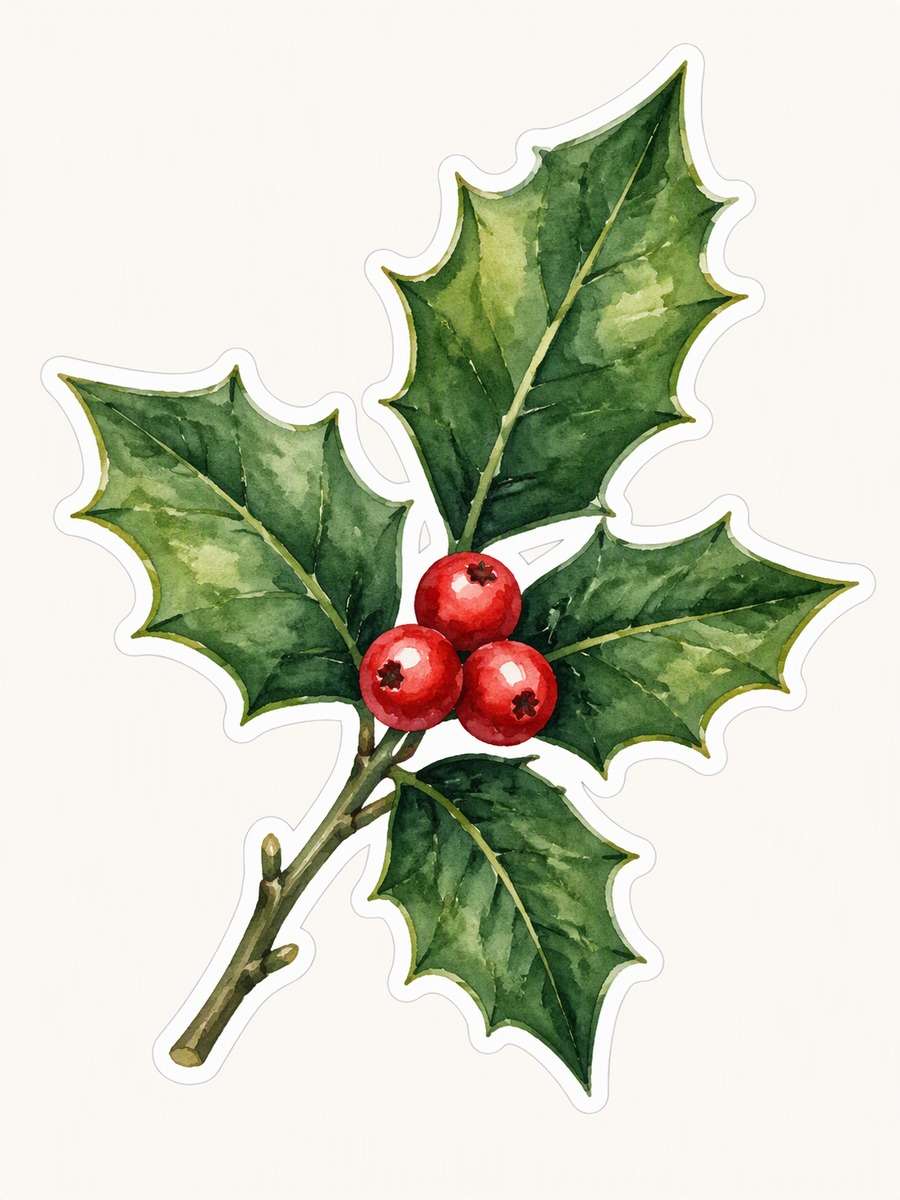
Watercolor Holly Sprig
Paint a controlled watercolor holly sprig sticker with three bright berries nestled among several sharply shaped leaves. Vary the green pigment within each leaf, allowing subtle wet-on-dry texture and darker veins, while keeping the overall silhouette crisp and bounded. Arrange the stem on a gentle diagonal with no detached droplets or decorative splashes. Add a clean white die-cut contour around berries, leaves and stem. Isolate the botanical illustration on a quiet pale canvas without text or surrounding greenery. --ar 3:4
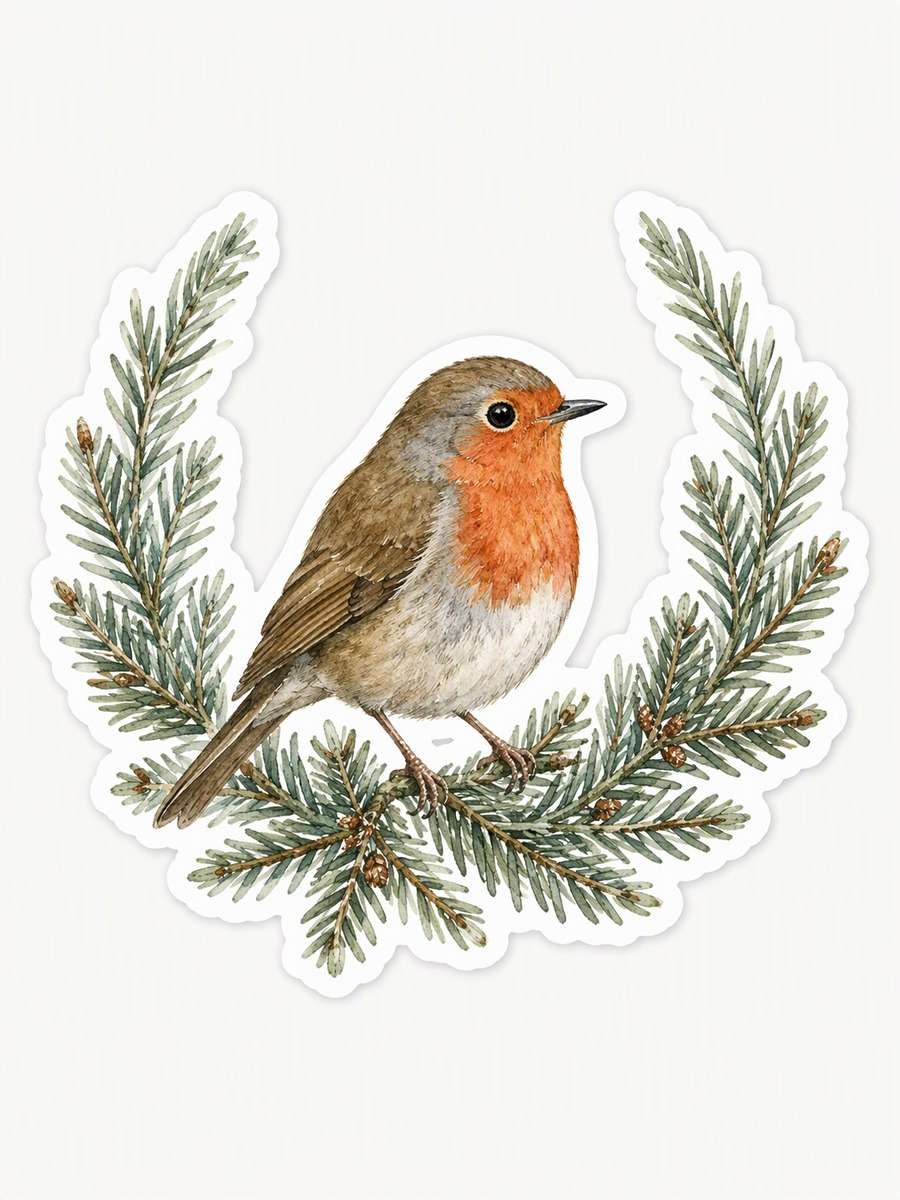
Winter Robin Wreath
Create a watercolor sticker of a small original robin resting within an incomplete wreath of fir needles. Give the bird a muted red breast and simple recognizable profile; curve the greenery around its lower half while leaving a deliberate opening at the top. Use fine botanical needle detail and restrained gray-green washes, keeping the composition readable at small size. Enclose the connected bird-and-wreath arrangement in one tidy white die-cut contour on a plain pale canvas, with no landscape behind it. --ar 3:4
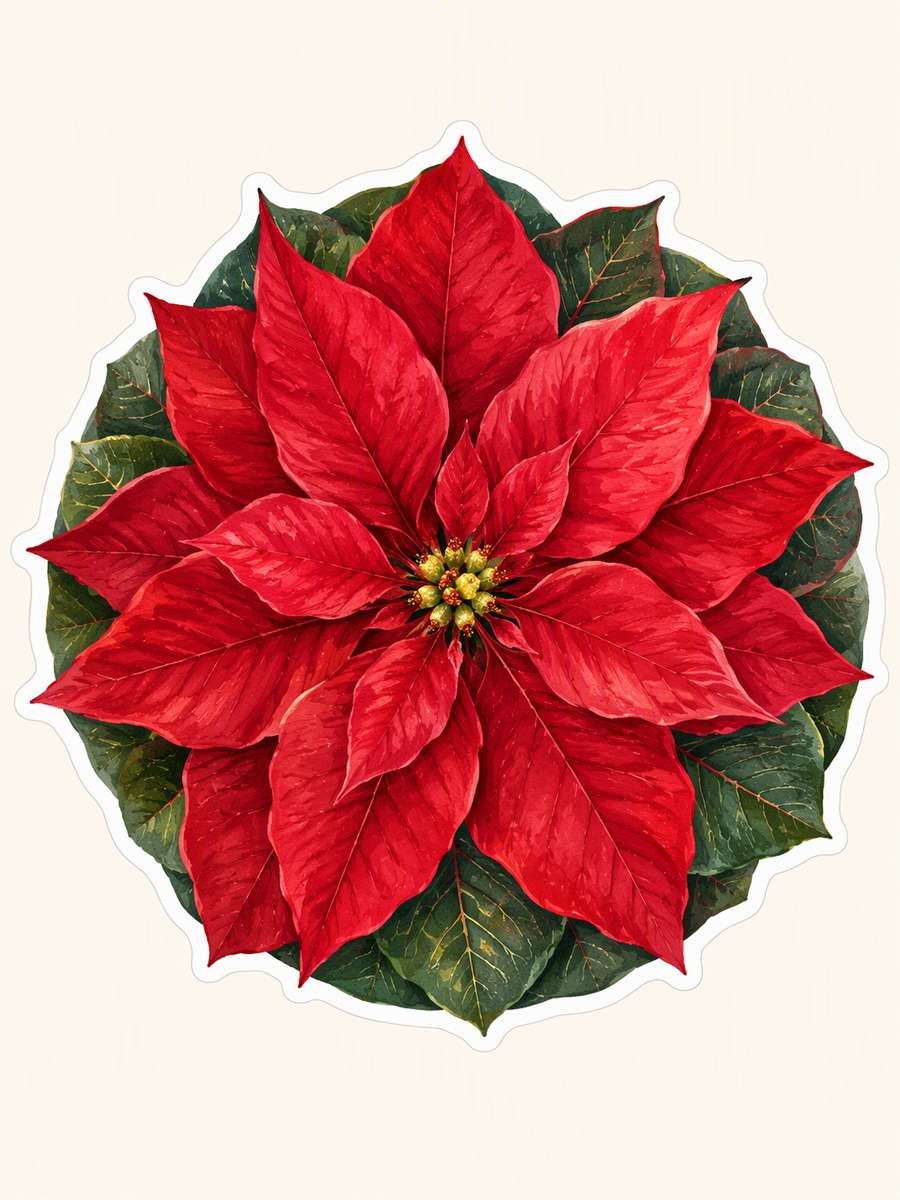
Poinsettia Seal
Illustrate a circular poinsettia sticker with crimson bracts radiating from a small golden center and dark green leaves tucked behind. Use delicate gouache texture, fine painted veins and gentle color variation while maintaining a strong, nearly round outer silhouette. Make the flower itself the seal-like shape; include no postal markings, lettering, stamp perforations or envelope mockup. Finish with one clean white die-cut outline around the complete botanical design and place it on a quiet cream canvas. --ar 3:4
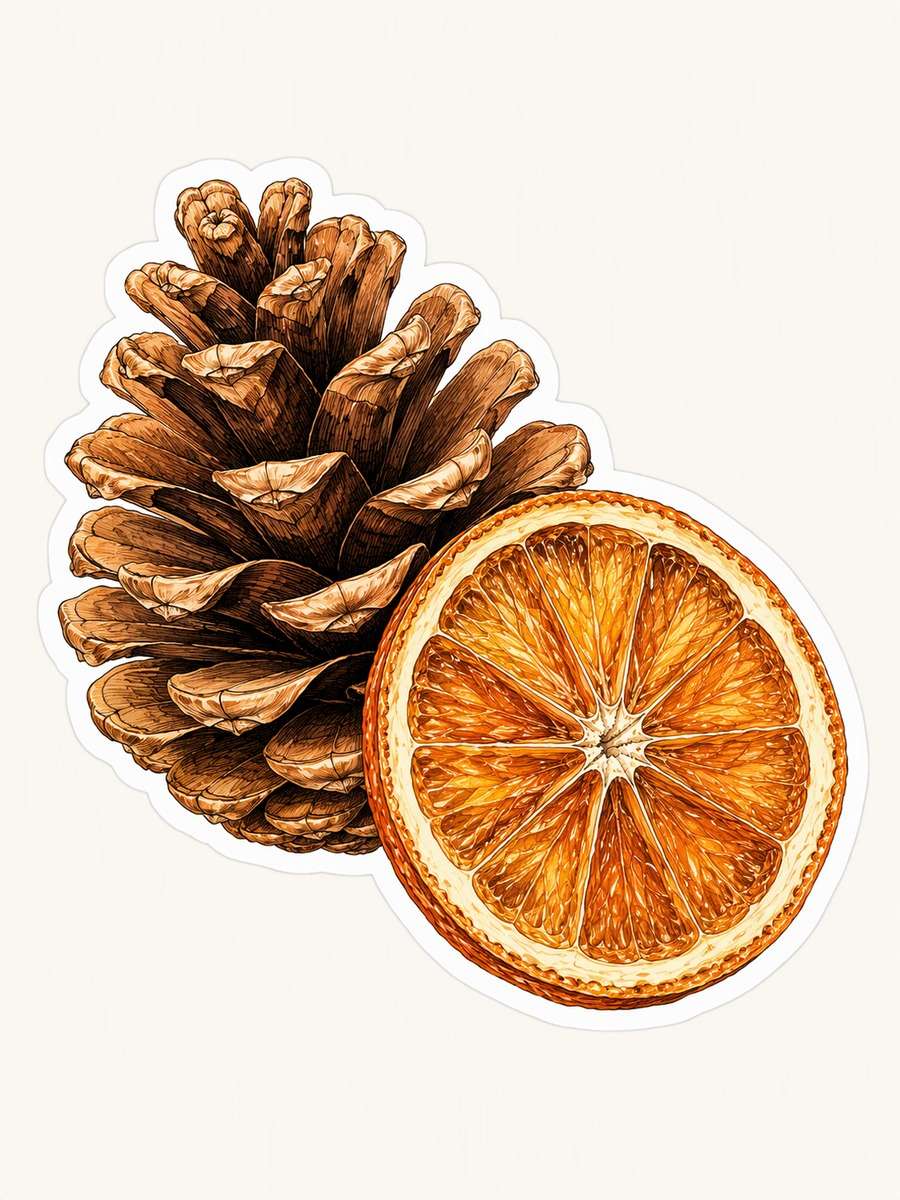
Pinecone and Orange Slice
Compose one diagonal botanical sticker from a detailed pinecone beside a dried orange slice, with their edges gently overlapping. Draw pinecone scales with fine ink-like lines and warm brown watercolor; give the orange translucent amber segments and a slightly irregular rind. Keep both objects substantial enough to read individually, using no tabletop, ribbon or scattered spices. Join them within a single complete white die-cut contour, centered on a plain pale canvas with generous space around the composition. --ar 3:4
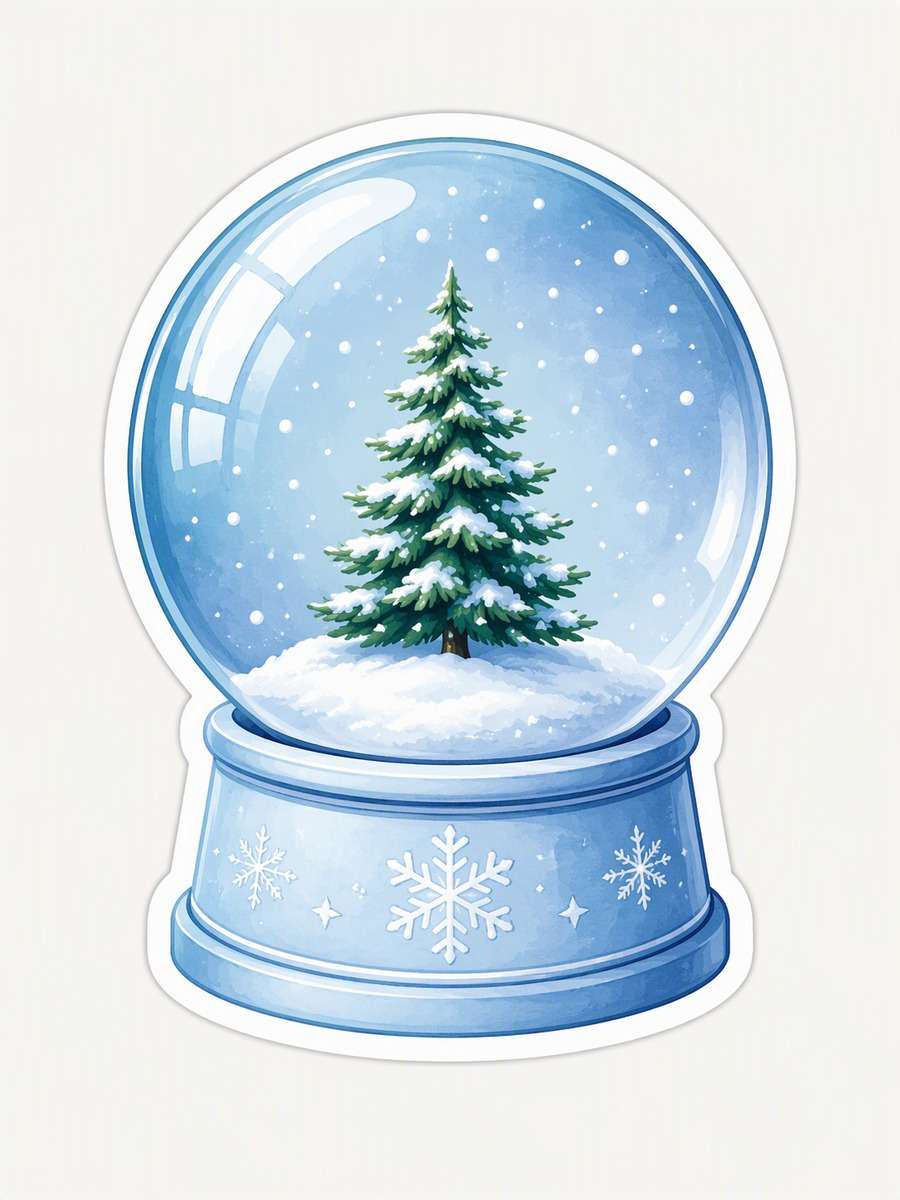
Glass Snow Globe Mini
Create an illustrated miniature snow globe sticker containing exactly one small fir tree on a snowy mound. Draw a complete, unbroken glass sphere above a simple icy-blue base, with gentle stylized reflections that leave the tree visible. Add a few restrained snow dots inside the globe only. Use cool blue, white and evergreen tones, and avoid product photography, hands or a display shelf. Surround the entire globe and base with one clean white die-cut contour on a quiet canvas. --ar 3:4
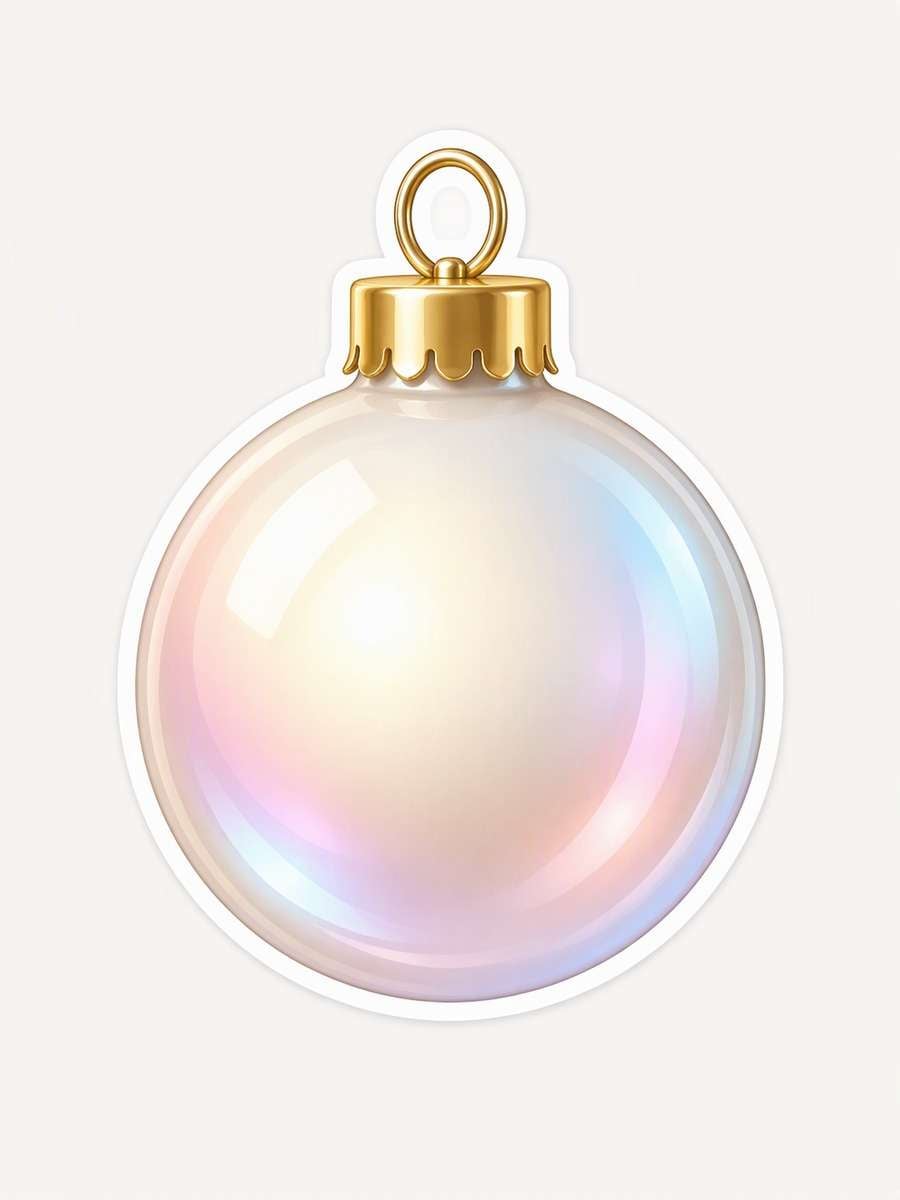
Pearl Christmas Bauble
Illustrate one pearlescent Christmas bauble as a compact glossy 3D-style sticker icon. Give the round ornament a soft ivory base, restrained pink and cool-blue iridescent sheen, a small gold cap and a short attached hanging loop. Use controlled curved highlights to suggest a smooth surface without turning it into a product photograph. Keep the outer circle and cap sharply defined, with one complete white die-cut contour around both. Center it on a plain light neutral canvas. --ar 3:4
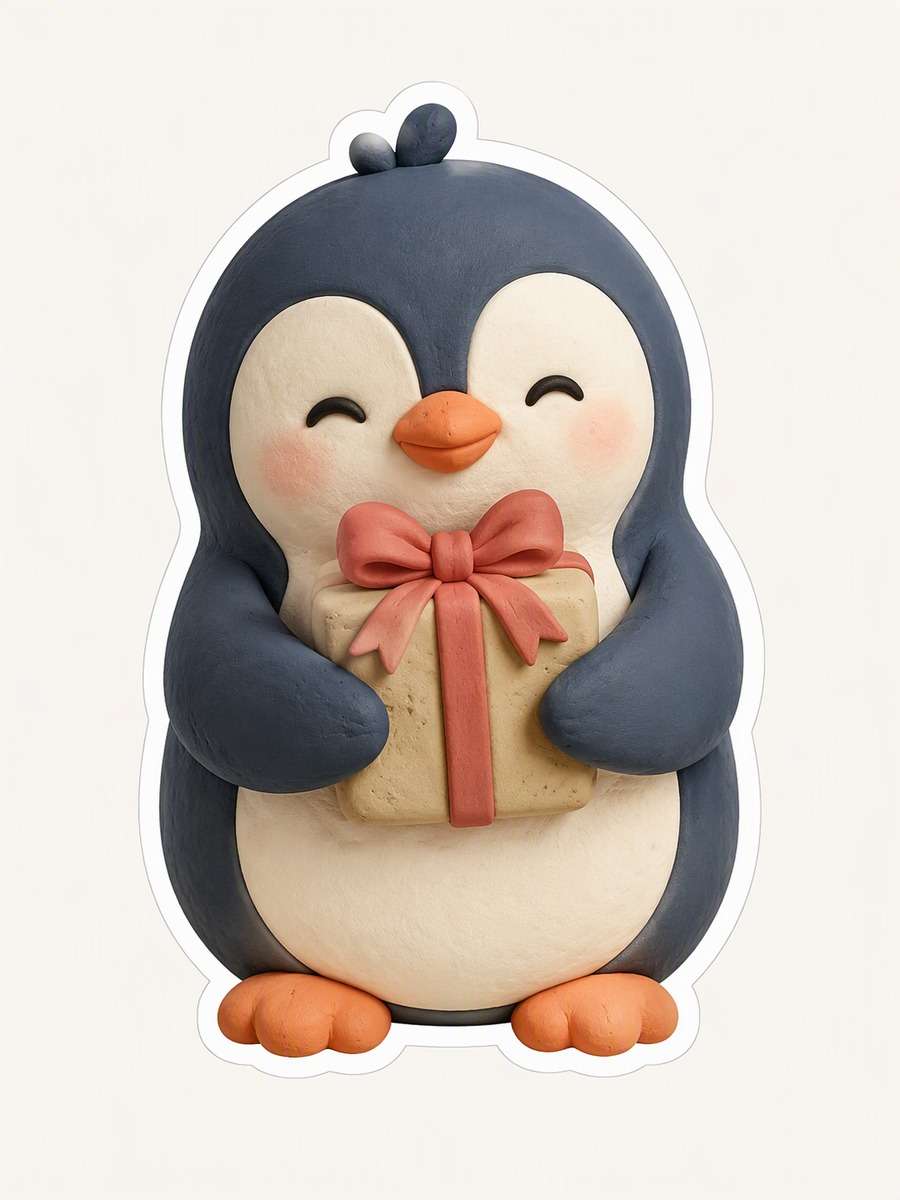
Clay Penguin Gift
Design an original clay-style penguin sticker standing upright and hugging one little wrapped parcel. Model the illustrated form with rounded charcoal-blue body shapes, a cream belly, blush-colored feet and soft dimensional shading. Let the parcel sit against the belly so its ribbon remains visible but the overall silhouette stays compact. Show no tabletop, fingerprints, studio lighting setup or recognizable character design. Add a continuous white die-cut contour around penguin and gift on a plain pale canvas. --ar 3:4
Chrome Ribbon Bow
Illustrate one sculptural silver ribbon bow as an isolated sticker, with two generous loops, a clear center knot and short folded tails. Render chrome-like brightness through controlled light-to-dark bands and a few restrained pink reflections, while keeping its outer silhouette easy to trace. Show dimensional folds as graphic artwork, not a photographed foil sheet or packaging mockup. Keep every tail tip visible and surround the bow with one unbroken white die-cut contour on a plain pale canvas. --ar 3:4
Holly Heart Ornament
Create an original Christmas sticker illustration of one red heart-shaped ornament decorated with a small holly sprig. Give the heart a smooth rounded acrylic-like surface, gentle warm highlights and a tiny gold hanging loop. Place the leaves along one upper edge without hiding the heart outline. Use forest-green leaves and three red berries, keeping the palette warm and restrained. Show the entire ornament inside a complete white die-cut contour on a plain light canvas. No lettering, people, brand marks or staged objects. --ar 3:4
MERRY Ribbon Badge
Create an illustrated ribbon badge sticker bearing exactly MERRY in clear, warm serif capital letters. Set the word across a gently curved cranberry ribbon with enough height for every letter to remain readable. Add two small holly leaves at one end, keeping them attached to the badge silhouette. Use restrained cream highlights and flat illustrated shading rather than tiny script or realistic fabric photography. Surround the complete ribbon and leaves with a continuous white die-cut contour on a quiet pale canvas; no additional text. --ar 3:4
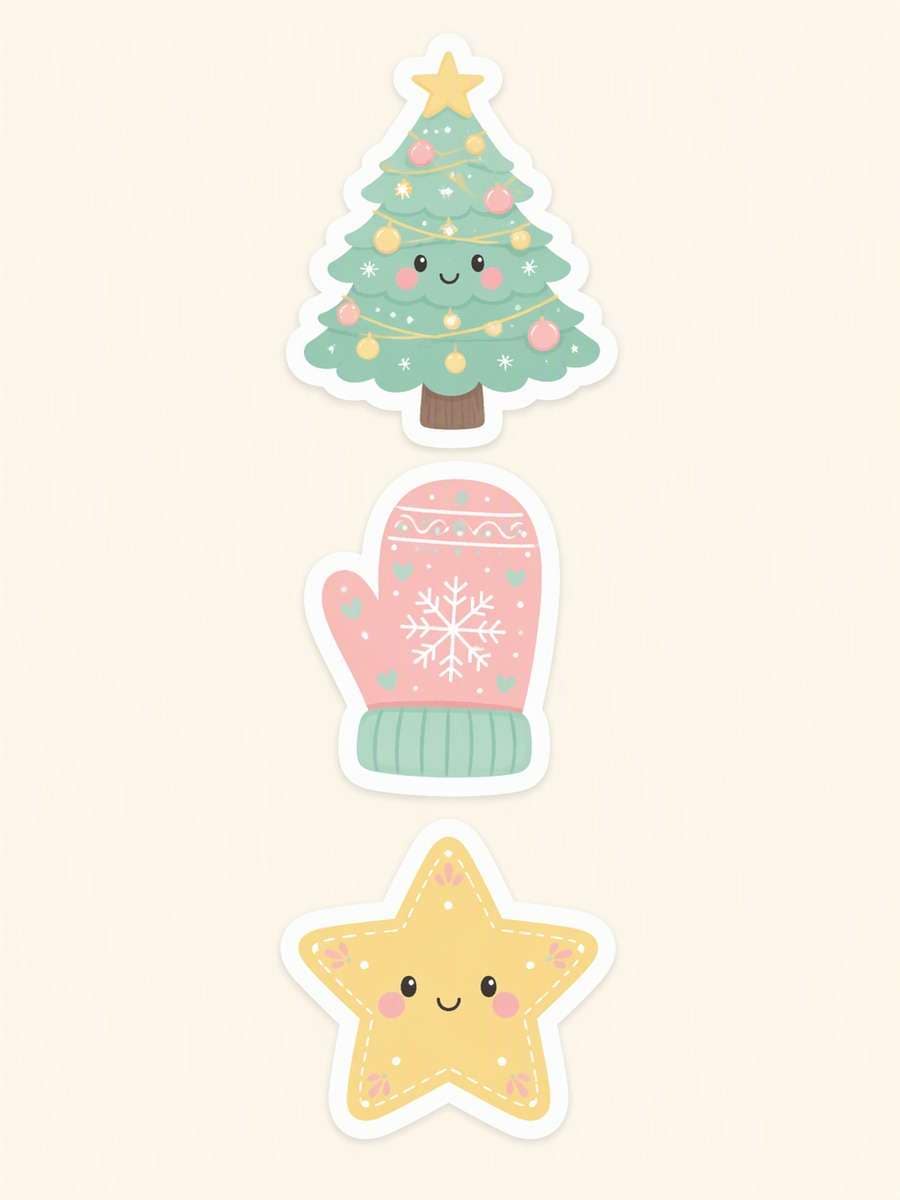
Pastel Holiday Trio
Create a coordinated preview of three independent Christmas stickers: a smiling tree, a single mitten and a five-point star. Arrange them in a neat vertical trio with wide gutters, never touching or forming one scene. Use the same pastel mint, blush and butter-yellow palette, similarly weighted facial or decorative details, and equally broad white die-cut outlines around each separate motif. Keep all three fully visible on one quiet pale canvas; no sheet grid, labels, additional icons or shared outer border. --ar 3:4
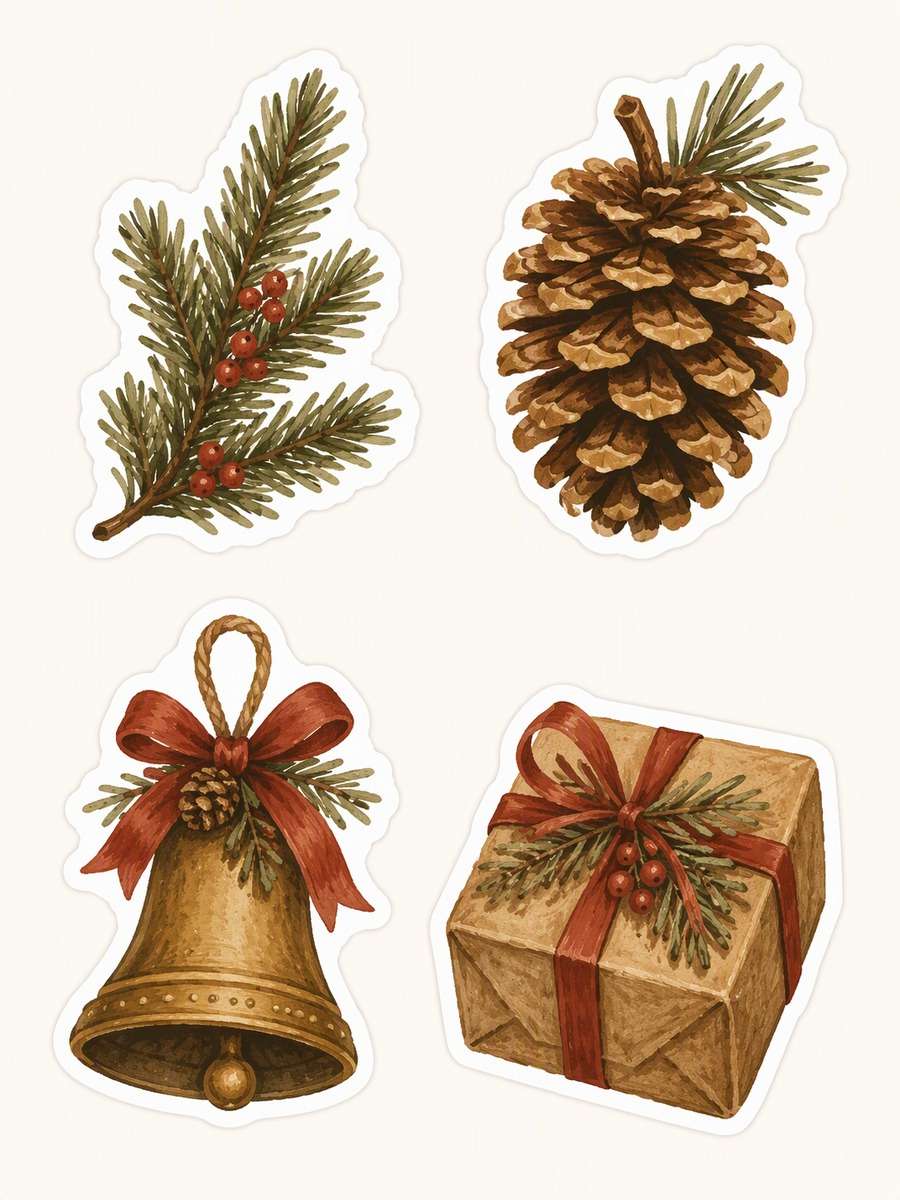
Rustic Gift-Tag Quartet
Illustrate four separate Christmas sticker motifs for a coordinated rustic set: one fir sprig, one pinecone, one bell and one wrapped parcel. Arrange them in a spacious two-by-two layout with clear gutters and a distinct white die-cut contour around each item. Unify the set with earthy olive, ochre and brick-red gouache colors and softly painted edges, while giving each motif its own recognizable silhouette. Show only sticker artwork on a plain pale canvas; no actual gift tags, labels or lettering. --ar 3:4
Candy-Cane Border Strip
Design one long decorative Christmas sticker strip that curves gently across the middle of a portrait preview. Build the connected internal motif from small red-and-cream candy canes and simple gold stars, alternating their sizes to create a lively rhythm. Keep the entire horizontal strip within the frame with visible space at both ends; do not turn it into a full-frame border. Give the connected strip one complete white die-cut contour and use a plain quiet canvas without other decorations. --ar 3:4
A reusable Christmas sticker prompt specifies more than a holiday subject: it tells the image generator what should connect, what should stay separate and how the surface should look.
Christmas Sticker Styles: Flat, Handmade & Glossy
Flat graphics: Bold shapes and limited colors stay legible at small sizes. Compare Checkerboard Gift Parcel or Nordic Star Ornament
Handmade-inspired: Illustrated stitches, fibers and paper layers add tactile character. Compare Felt Stocking Patch or Layered-Paper Village
Watercolor botanical: Soft pigment variation suits greenery and seasonal arrangements. Compare Watercolor Holly Sprig or Pinecone and Orange Slice
Glossy miniature: Controlled reflections give a compact motif dimensional shine. Compare Glass Snow Globe Mini or Pearl Christmas Bauble
Refine the result without losing the design
If a character’s accessory looks detached, move it closer to the body or have the character hold it.
For watercolor, keep pigment variation inside the motif instead of asking for loose splashes.
For short lettering, specify the exact word and inspect the generated spelling.
For packs, request clear gutters and a separate contour around every item.
Christmas Sticker Ideas for Tags, Cards & Chats
Choose a design according to where it will appear, not just the motif you like most.
Character stickers
Santa, the reindeer and the snowman provide expressive focal points for a card or a playful reply.
Decorative accents
Botanical sprigs and the candy-cane strip can sit beside a greeting without becoming the whole layout.
Material-inspired finishes
Felt, crochet, paper and glossy effects change the illustration’s character while remaining sticker concepts.
Small coordinated sets
The trio and quartet show how repeated colors and contours can connect separate holiday motifs.
FAQs About AI Christmas Sticker Prompts
1. Do these Christmas sticker prompts create transparent files?
No transparency is guaranteed. The examples are JPG design previews on light backgrounds; remove the background separately and inspect the resulting edges if you need a transparent cutout.
2. How do I prompt for a sticker pack with separate designs?
Name every motif, request wide gutters and specify a separate complete die-cut contour around each one. Check the result for touching outlines before attempting to separate the designs.
3. Can AI spell short words correctly on Christmas stickers?
Specify the exact word, ask for no other text and check every letter in the result. Short words such as MERRY are easier to inspect, but accurate rendering is not guaranteed.
4. How can I make several Christmas stickers look like one collection?
Reuse a limited palette, rendering technique and outline weight across prompts. Vary the subjects and poses so the set feels coordinated rather than repetitive.
5. Are these sticker previews ready to print?
Not necessarily. Check the image dimensions against your intended physical size and printer requirements, inspect details and edges, and prepare any needed background removal or file conversion before printing.
More Christmas, Sticker & Holiday Design Resources