Home > AI Video Effects > AI Renovation Video

Create Viral AI Renovation Videos with Stunning Before-After Transformations

Turn old, messy, or unfinished spaces into cinematic home makeover videos with AI. Create satisfying before-after renovation transformations for houses, backyards, playgrounds, and outdoor areas — perfect for TikTok, Reels, and Shorts.

Generate Renovation Part 01 Generate Renovation Part 02

⚡ Before → Clean → Luxury · Powered by Kling · Free to start
✓ AI home renovation video ✓ Before-after makeover effect ✓ Backyard & room transformation ✓ Perfect for TikTok & Reels

How to Make an AI Renovation Video

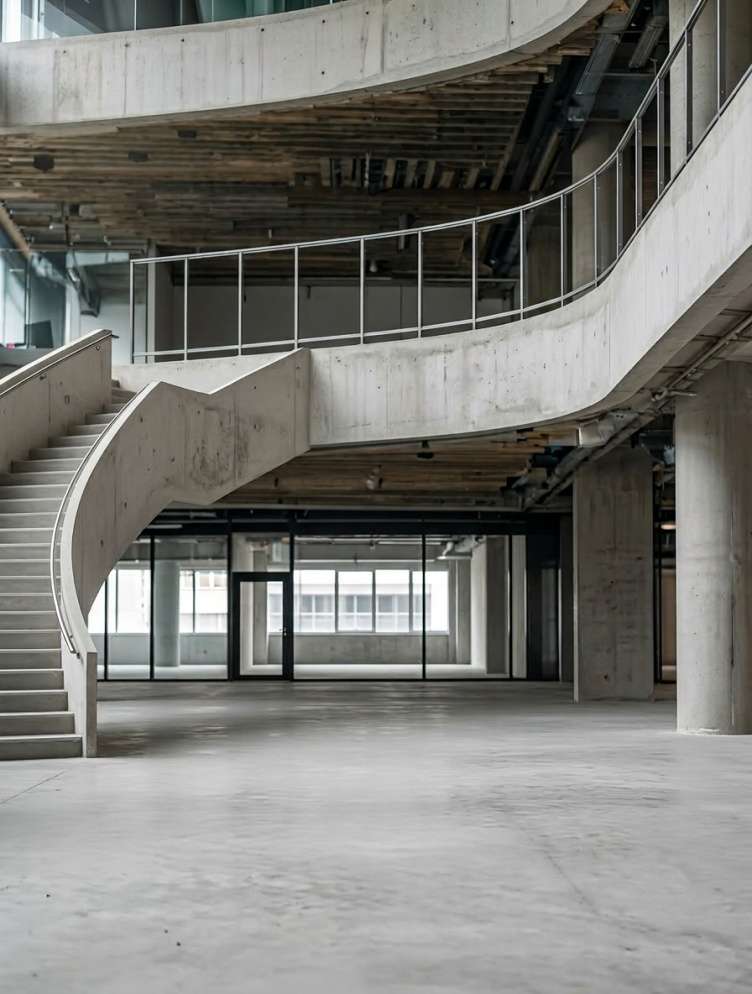
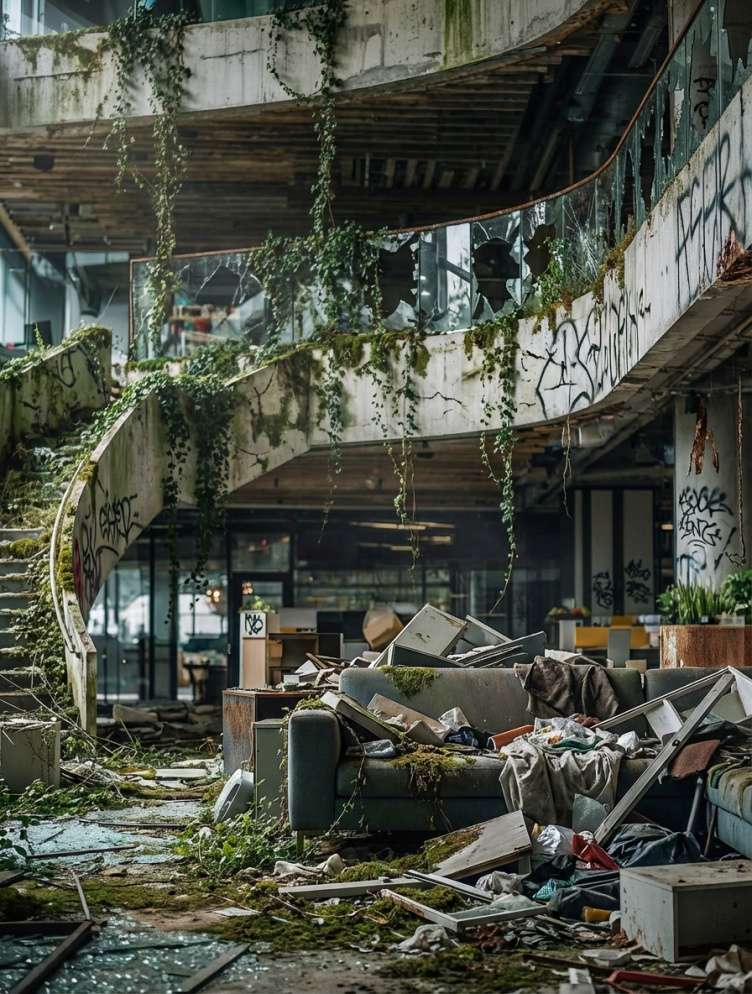
Generate 3 before-and-after renovation photos → animate two first-end-frame clips → combine them into one satisfying AI home transformation video.

Run-down house before AI renovation

Photo 1 · Before

House cleaned and prepared for painting

Photo 2 · Mid-Renovation

Luxury renovated house after AI makeover

Photo 3 · Final Reveal

Step 1

Generate the 3 Renovation Photos

  1. Use ChatGPT to generate three prompts for the before, mid-renovation, and final luxury makeover scenes.
  2. Open Media.io Image to Image to generate the three renovation photos.
  3. Keep the same house angle, lighting, and perspective across all 3 images for a smoother animation later.
  4. Download all three photos before moving to video generation.
Generate Renovation Photos Now 💡 Tip: The closer the 3 images match in framing, the more realistic your renovation video will feel.
Step 2

Animate Part 1: Before → Mid-Renovation

  1. Open Kling 2.5 Turbo or Kling 3.0 First-End Frame .
  2. Upload Photo 1 as the first frame and Photo 2 as the end frame.
  3. Paste the renovation prompt below and generate the first clip.
  4. You can also try the preset template: Renovation Template 1 .
Part 1 Video Prompt
This time-lapse video captures the entire process of a home renovation: multiple workers are seen busily clearing debris, removing overgrown vegetation clinging to the structure, and carrying out a thorough cleaning—ultimately leaving the house fully prepped and ready for the subsequent painting work, as depicted in the final frame. This sped-up construction footage vividly illustrates the remarkable transformation of the house—evolving from its initial raw, unfinished state into a refined, fully completed space—and authentically recreates the step-by-step evolution of the construction site.
Generate Part 1 Now ⚡ Tip: Kling 3.0 First-End Frame usually gives stronger continuity for before-after renovation scenes.
Step 3

Animate Part 2: Mid-Renovation → Final Luxury Reveal

  1. Use the same model workflow in Kling 2.5 Turbo or Kling 3.0 First-End Frame.
  2. Upload Photo 2 as the first frame and Photo 3 as the end frame.
  3. Paste the second renovation prompt below and generate the final makeover clip.
  4. You can also try the preset template: Renovation Template 2 .
Part 2 Video Prompt
This is a time-lapse record of a home renovation project. Multiple workers are seen bustling on-site, engaged in tasks ranging from painting and furniture placement to the arrangement of decorative accents and lighting installation—ultimately achieving a flawless result that perfectly mirrors the original reference visuals. This sped-up footage vividly captures the entire metamorphosis of the space—evolving step by step from its initial state as a bare, unfinished shell into a sophisticated and exquisitely refined outdoor area. The visuals authentically recreate the actual progression of the construction site in lifelike detail.
Generate Part 2 Now 🏡 The final reveal should feel aspirational — luxury, clean, and satisfying enough to stop the scroll.
Step 4

Combine Both Clips Into One Final Renovation Video

  1. Download your Part 1 and Part 2 renovation videos.
  2. Open your editor and place the two clips back to back on the timeline.
  3. Trim them tightly so the progression feels smooth and satisfying from abandoned → cleaned → luxury makeover.
  4. Export the final video and post it to TikTok, Reels, or Shorts.
Create Final Renovation Video 🔥 Before-after home glow-ups are evergreen because people always watch dramatic transformations to the end.

Social Media Showcase

Watch real examples on Instagram: Sky Fall Trend, Walk Transition, and Minecraft Background.

Why Choose Media.io for AI Renovation Videos

Dramatic Before-After Payoff

Turn abandoned, messy, or unfinished spaces into stunning luxury renovation reveals. The strong visual contrast makes AI renovation videos highly satisfying and easy to watch to the end.

Perfect for Rooms, Homes & Backyards

One workflow works across multiple makeover types, including house renovation, backyard transformation, room redesign, curb appeal upgrades, and playground renovation.

Built for Viral Short Videos

AI renovation videos perform well on TikTok, Reels, and Shorts because they combine smooth progression, time-lapse action, and a clear aspirational transformation that instantly hooks viewers.

Easy Photo-to-Video Workflow

Generate three consistent renovation images, animate them with Kling first-end frame, and combine the clips into one polished makeover video — no advanced editing skills required.


bg bg

Frequently Asked Questions About AI Renovation Video

An AI renovation video is a before-after transformation video that shows an old, damaged, empty, or messy space turning into a clean, modern, or luxury design through AI-generated animation. It is popular for home makeovers, backyard redesigns, and exterior glow-ups.
First generate three images showing the same space in different stages: before, mid-renovation, and final makeover. Then use an image-to-video model like Kling first-end frame to animate Photo 1 to Photo 2, and Photo 2 to Photo 3. Finally, combine both clips into one full renovation video.
You can use this format for houses, living rooms, kitchens, bedrooms, backyards, gardens, playgrounds, building exteriors, and real-estate property makeovers. Any space with strong before-after contrast works well.
They combine three high-retention elements: a dramatic before-after contrast, satisfying visual progress, and an aspirational final reveal. Viewers naturally want to keep watching to see how the messy or unfinished space turns into something beautiful.
Kling 2.5 Turbo and Kling 3.0 First-End Frame are both strong choices. Kling 3.0 is especially useful when you want tighter control over the exact starting and ending renovation images.
Yes. AI renovation videos can help real-estate agents, homeowners, and designers visualize renovation potential by showing a dramatic transformed version of a property in a short, easy-to-share format.
No. Once you generate the three photos and the two transition clips, the workflow is simple. You only need to combine the parts into one final video, making it much easier than traditional renovation-style editing.
Short videos usually work best — around 4 to 8 seconds total. That gives enough time to show the cleanup, renovation, and final luxury reveal while keeping the pacing fast enough for TikTok, Reels, and Shorts.
Media.io Online Tools Quality Rating:
vote 4.7 (162,357 Votes)
media.io

AI Video Generator star

Easily generate videos from text or images

Generate