





Home>Comparison>Reverie Movies

Reverie Movies: Direct a Sequence, Not Just One AI Clip

The hardest part of an AI short film may be the cut between two otherwise beautiful scenes. Reverie Movies treats that join as a production decision: filmmakers plan a sequence, manage recurring characters, generate connected clips and edit them on a timeline. Its Kubrick assistant can propose and apply changes inside the actual project. This review weighs that director-style workflow against the cost of many separate renders and the simpler needs of someone making a short multi-scene story.

Core Reverie Movies Features for AI Filmmaking and Continuity

Reverie Movies is a scene-based AI filmmaking platform combining story and scene planning, character reference galleries, linked clip generation, a timeline editor, sound and export tools, and the conversational Kubrick creative director.

Core Feature Overview

Scene Planner Organizes Narrative Structure

Reverie positions Scene Planner as the foundation of a film rather than a prompt notepad. The creator can outline an opening, a reversal and the ending, then associate visuals and clips with those dramatic beats. A musician building a track-led video can match each chorus with a planned location or transition instead of collecting unrelated renders and hoping they fit. A scene plan still needs editing judgment: it tells the generator why a shot is there, but cannot automatically decide whether the audience understands it.

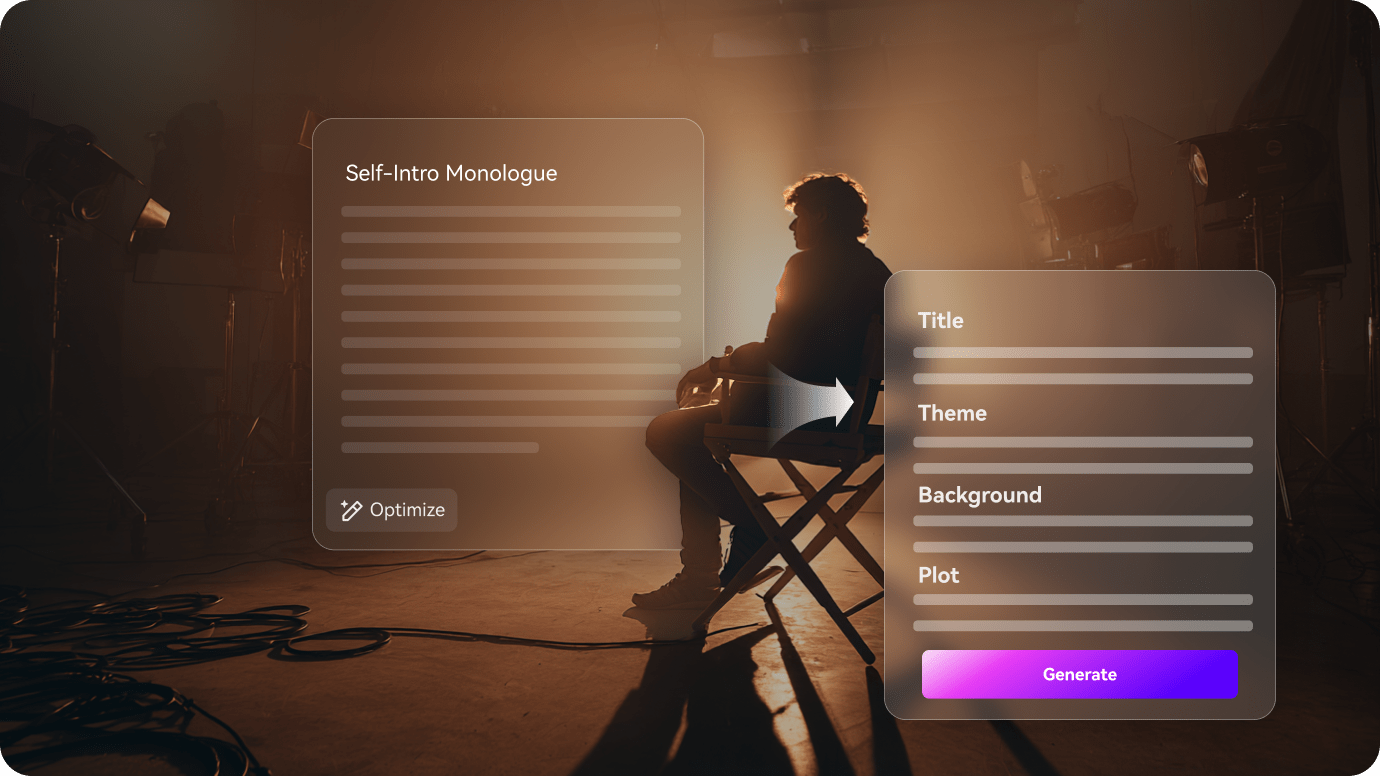
Illustrative Media.io visual, not a Reverie Movies product screenshot

Kubrick Conversational Creative Director

Reverie launched Kubrick as a project-aware assistant in October 2026. According to the official update, a user can ask for storyboard feedback, move or trim clips, add a requested shot, generate it and export the film while seeing the project update. This is distinct from a generic chatbot that gives filmmaking advice but cannot alter an actual timeline. The render credit estimate appears before spending, giving the director a chance to approve costs. Confirm changes on the timeline after the chat operation rather than assuming its explanation matches the final cut.

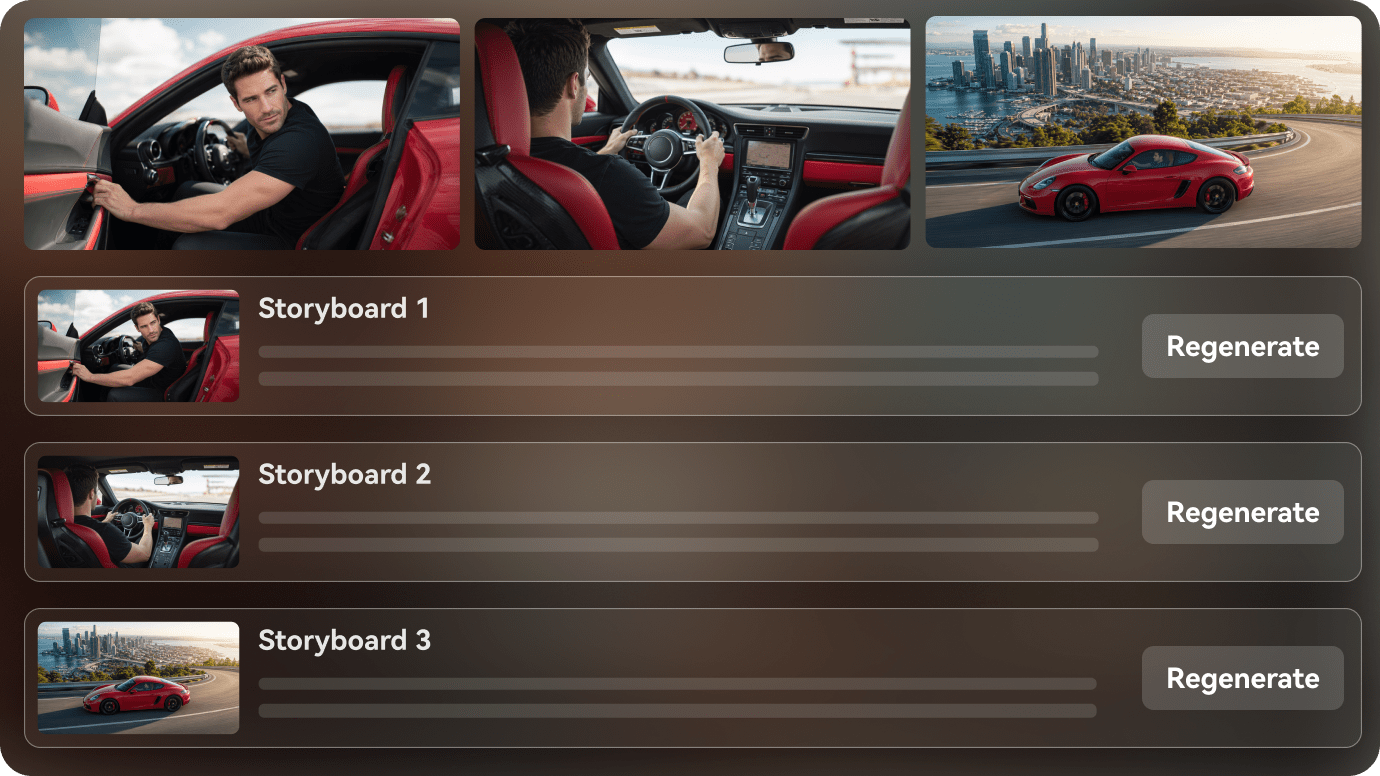
Illustrative Media.io visual, not a Reverie Movies product screenshot

Continuity Clips Link Consecutive Shots

Reverie describes clip types such as Continuation, Hard Cut and Character Intro. The continuation workflow carries forward the last frame of the preceding clip as the next shot's starting point. A chase sequence, for example, needs the same street and car to persist while the camera moves to another perspective. This is a technical continuity aid, not a guarantee that every prop or character remains exactly unchanged. Watch the seam and check that the new motion follows naturally from the prior frame.

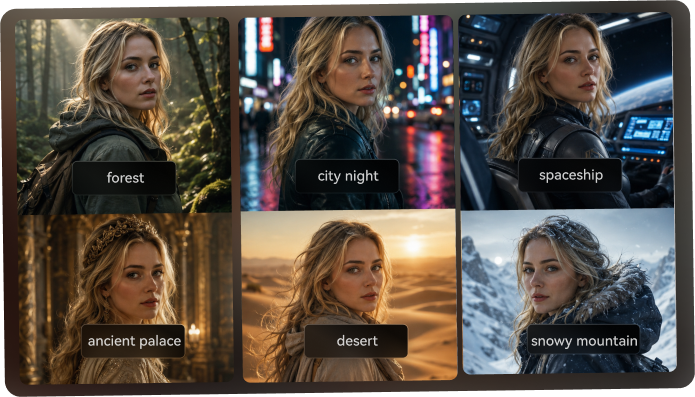
Illustrative Media.io visual, not a Reverie Movies product screenshot

Reference Galleries and Character Assets

The official updates discuss galleries for character portraits and recurring locations inside the Image Studio. A director can prepare a reference before filming and reuse it across later scenes, reducing the cognitive burden of retyping the same look. The benefit is strongest for episodic fiction or a recurring mascot in a music video. References can still be interpreted differently by successive models; use stable lighting and angle cues, and inspect the same person at multiple points in the final edit.

Illustrative Media.io visual, not a Reverie Movies product screenshot

Timeline Assembly and Clip Enhancement

Reverie has published work on timeline sequencing, crossfades, clip trimming and an Enhance Clip flow for sound, restyling and lip-sync-related work. Its design goal is to avoid exporting every render to an unrelated editor before the filmmaker can see the whole story. A small production might carry a project from scene plan to final export in one environment. Assess whether the available controls cover the soundtrack, titles and delivery specifications of your own project, especially when client work requires a specialized finishing pipeline.

Illustrative Media.io visual, not a Reverie Movies product screenshot

One-Time Credit Packs and Free Starting Balance

The official homepage lists 300 free credits and paid one-time packs. A selected 5-second video example costs about 20 credits at the cited rate, though actual models and choices may differ. The absence of recurring billing can be attractive to occasional filmmakers, but a film with thirty shots, several reshoots and extra audio will exhaust a small pack faster than a single polished demo suggests. Budget by total takes and track the quote that Kubrick or the generation control shows before approval.

Illustrative Media.io visual, not a Reverie Movies product screenshot

How to Generate a Multi-Scene Story With Media.io

1
2
3
1
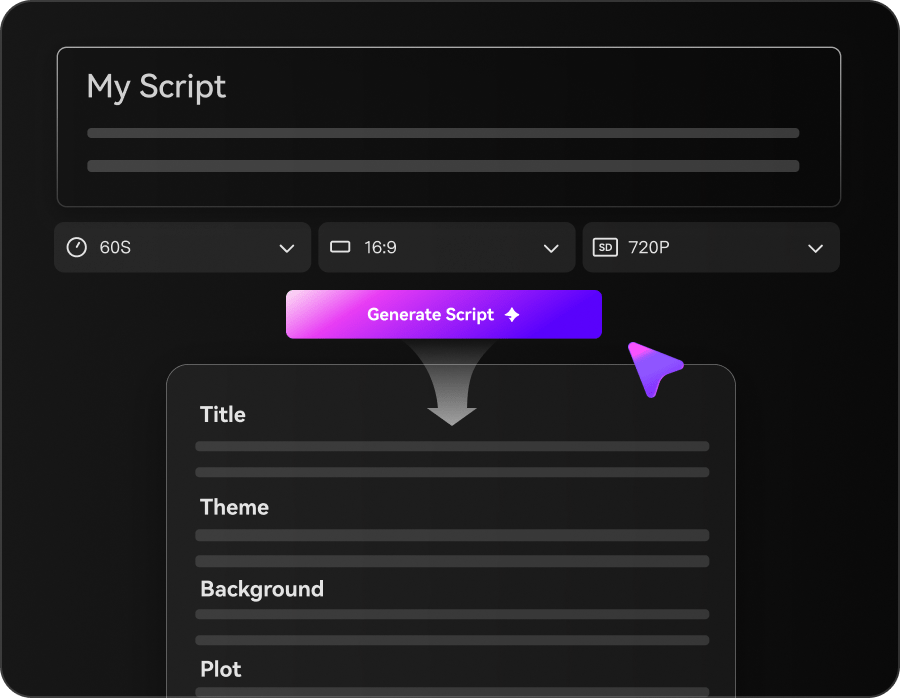
Prepare Your Story Script

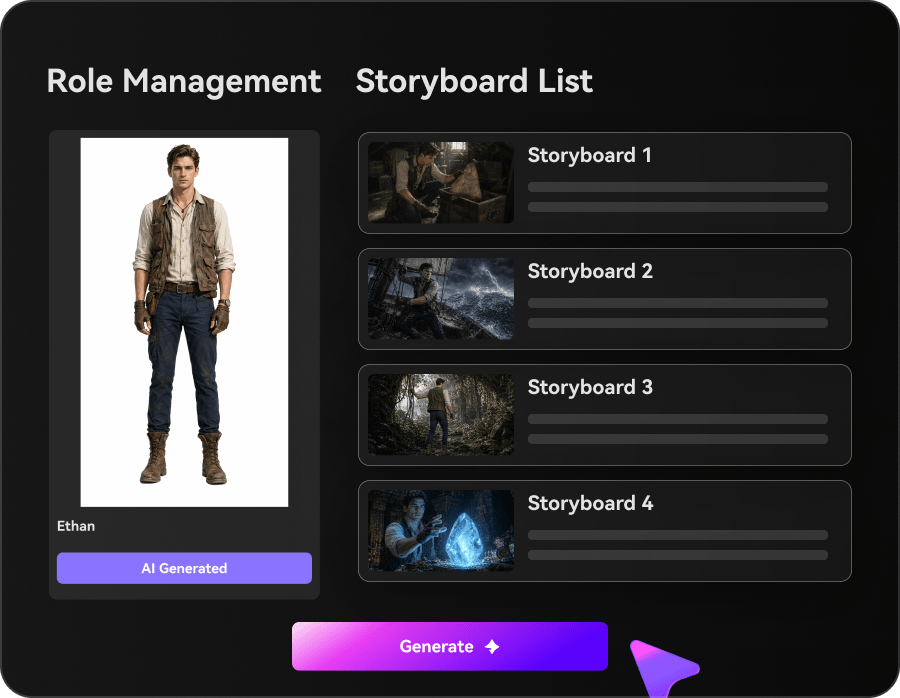
Write a structured story with clear scenes, characters, settings and narration. Review the generated outline and adjust the story details and video settings.

2
Guide the Characters and Scenes

Set character appearances, visual styles and scene directions. Review the generated storyboard images to ensure the story flows naturally from one scene to the next.

3
Generate and Polish Your Story Video

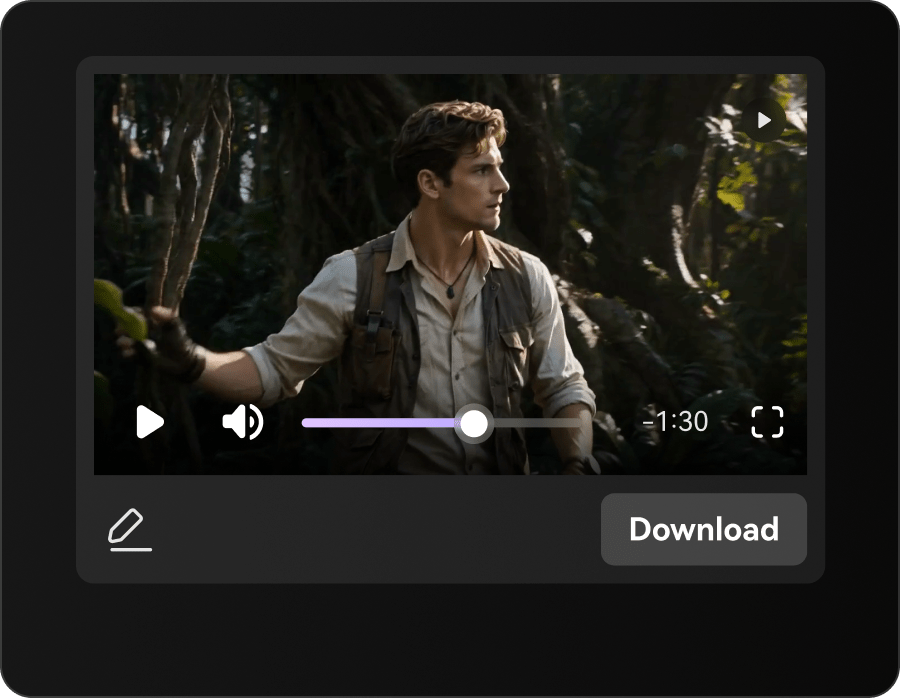
Generate the final video with visuals, voiceover and music. Review scene continuity, refine individual shots if needed, and download your finished story.

Illustrative Media.io creation step, not Reverie Movies interface screenshot

Reverie Movies Use Cases for Film Scenes and Visual Continuity

Reverie is strongest for projects where the relationship between shots matters. These use cases call for explicit story structure rather than collecting isolated model outputs.

Music Video With Recurring Visual Motifs

Map verses and choruses to recurring scenes, preserve one symbolic location and coordinate the transitions with the soundtrack.

Narrative Short With Two Consistent Characters

Prepare portraits for the cast, block the conversation across separate shots and check that camera placement preserves the relationship. For a related Media.io workflow, see AI Film Maker.

Sci-Fi Sequence With Continuation Frames

Use an establishing shot followed by a linked continuation to maintain the spaceship, lighting and spatial direction across the cut.

Animated Pitch Film for Investors

Storyboard a concise concept trailer, iterate the pacing with Kubrick and keep credit spending visible before new renders.

Independent Filmmaker Previsualization

Test a scene order and camera sequence with cheaper provisional visuals before committing to a fully refined cut. For a related Media.io workflow, see AI Story Video Generator.

AI-Generated Trailer Assembly

Generate short narrative moments, arrange them on a timeline, evaluate transition types and export a coherent preview rather than a reel of unrelated clips.

Reverie Movies Pricing and AI Film Production Limitations

A free starting credit balance can help test the workflow, but continuity and creative direction must be judged across finished sequences, not single sample frames.

Connected Scenes Still Need Human Directing

The continuation frame reduces discontinuities, but shot scale, dialogue, wardrobe and motivation still need editorial review.

The Credit Budget Rises With Retakes

Published examples describe credit packs, but a long sequence may require substantially more outputs than finished runtime alone implies.

Kubrick Actions Should Be Inspected

An assistant can move or generate clips inside a live project; check each change, especially when it affects a previously approved sequence.

Early-Access Features May Evolve

Reverie describes an evolving project workflow and weekly feature releases. Check current availability of connectors, enhancement steps and collaboration before planning a team rollout.

Scene References Are Not a Perfect Identity Lock

Persistent galleries give the model stronger visual context but do not mathematically prevent changes to hair, clothing or fine details across clips.

Not the Fastest Path for One Throwaway Clip

A structured project can be more involved than a simple image-to-video effect when no story, characters or continuity are needed.

Reverie Movies vs Media.io: Directed Film or Short Story Video?

Reverie offers director-style planning and a project-aware assistant; Media.io is a practical route when a creator wants a compact multi-scene result from a shorter script without managing a full film project.

Decision Factor Reverie Movies Media.io
Narrative planning Strong Fit Strong fit
Scene Planner organizes beats, sequences and relationships.
Create a concise multi-scene story from an outline.
In-project agent Strong Fit Strong fit
Kubrick can inspect, modify, render and export within the project.
Use dedicated generation and editing workflows for the requested story.
Continuity method Continuation clips can carry forward a preceding last frame. Review scene relationships and regenerate visual inconsistencies.
Character assets Persistent reference galleries for recurring cast and settings. Strong Fit Strong fit
Supply and repeat clear character direction as supported by the chosen workflow.
Editing style Strong Fit Strong fit
Timeline trimming, sequencing and transition decisions.
Focus on a shorter sequence first; finish with available supporting tools.
Credits 300 free starting credits and one-time packs shown publicly. Review current selected generation cost and account allowances.
Best project scaleMulti-shot short films, narrative music videos and iterative edits.Compact stories or scenarios that do not need a fully managed timeline.
Production caution Evaluate continuity and credit estimates for every reshoot. Evaluate model output, character stability and final story coherence.
Best buyer A director making sequential scenes with extensive iteration. Strong Fit Strong fit
A creator who wants a task-focused multi-scene video quickly.
Best for Reverie Movies

Choose Reverie for Scene Continuity and Directing

Choose Reverie when you need to decide how clips connect, keep persistent scene references and direct an editable film project with Kubrick.

  • Plan scenes and beats before rendering costly shots.
  • Use continuation frames when a visual action spans several clips.
  • Ask Kubrick to inspect or restructure an existing project timeline.
  • Keep character reference galleries available to later scenes.
  • Build a finished cut with transitions and reviewed audio.
Visit Reverie Movies
Best for Media.io

Choose Media.io for Compact Multi-Scene Stories

If the immediate goal is a short connected story rather than a project with a dedicated AI co-director and continuity timeline, Media.io Multi-Scene Video Generator is a more task-focused entry point.

  • Start from a concise three-to-five-scene story outline.
  • Describe one recurring character and location clearly.
  • Create a short sequence for social or story concept validation.
  • Inspect each cut before publishing or adding complex post-production.
Create a Multi-Scene Story

Reverie Movies Review: How Much Control Does a Short Film Need?

Our Take

Reverie is one of the more clearly defined attempts to treat AI filmmaking as sequencing rather than clip collecting. Scene Planner, frame continuation, reference galleries and Kubrick each address a distinct part of building a film. Its strongest argument is a coherent workflow for managing changes once a project has more than a few shots.

The tradeoff is directing overhead and the cost of iteration. A production with 20 scenes and multiple takes needs more human judgment and credits than a polished example might imply. Use the starting credits on a two-scene test with a recurring prop, then decide whether the available continuity and timeline controls solve the problem.

Choose Reverie when you want to plan and revise a film as a project, with Kubrick changing a live scene sequence. Choose Media.io when the brief is a relatively short multi-scene story and a guided generator is enough to explore the concept.

Reverie Movies FAQ: Features, Pricing and Media.io Alternatives

What is Reverie Movies?
faq faq

Reverie is an AI filmmaking platform for arranging scenes into connected narrative sequences. Its product includes scene planning, clip generation, continuity tools, reference assets and timeline assembly rather than only one-prompt generation.

Kubrick is a project-aware chat assistant introduced in October 2026. The official launch describes using it to review a storyboard, edit or add clips, generate shots after approving the quoted cost and export the film.

The platform offers reference image galleries and scene-linked generation tools. Continuation clips may pass the prior final frame into the next shot. Creators still need to inspect wardrobe, faces and spatial continuity.

The official homepage lists 300 starting credits and one-time packs, including a $10 starter package at the time of review. Render usage depends on the particular output and model; check the amount shown before approving a generation.

Yes. Music videos are explicitly listed as a core use case. The scene-based editor helps organize a sequence around the song, but timing, rights and sound synchronization require human review.

The company documents a timeline for arranging, trimming and connecting video scenes, plus transitions and enhancements. The exact features available to an account may change as the product evolves.

It adds a narrative layer: scenes and story beats establish why shots belong together, then references and clips implement them. A storyboard focuses more directly on the visual composition of each shot.

Reverie describes a ChatGPT app and assistant connections for launching filmmaking workflows. Check the live integration instructions and current account support before planning a production around them.

If you want to turn a short story outline into several scenes without a dedicated in-project AI director or extensive timeline decisions, a focused Media.io multi-scene video workflow may better fit the task.

What Media.io Creators Say About Their Workflow

Media.io AI video generator user
Sarah L.

Content Creator

star star star star half star

Media.io makes it much easier to test different AI video styles without jumping between several platforms. I can start with a text prompt or image, compare model results, and then resize or polish the clip for social media in the same workspace.

Media.io AI video creator
John D.

Social Media Marketer

star star star star half star

I use Media.io to create quick product clips, ad concepts, and short-form videos from images. The biggest advantage is that generation does not feel like the final step - I can continue with music, captions, enhancement, and format conversion before publishing.

Media.io AI video editing user
Emily T.

Freelance Designer

star star star star half star

The workflow is approachable even when I am experimenting with unfamiliar AI models. I can animate artwork, try different motion prompts, preview the output, and prepare a cleaner final version without needing advanced video-editing experience.

Media.io Online Tools Quality Rating:
vote 4.7 (162,357 Votes)
media.io

AI Video Generator star

Easily generate videos from text or images

Generate