
Create with an AI Nursery Rhyme Story Video Maker for Sing-Along Kids Stories
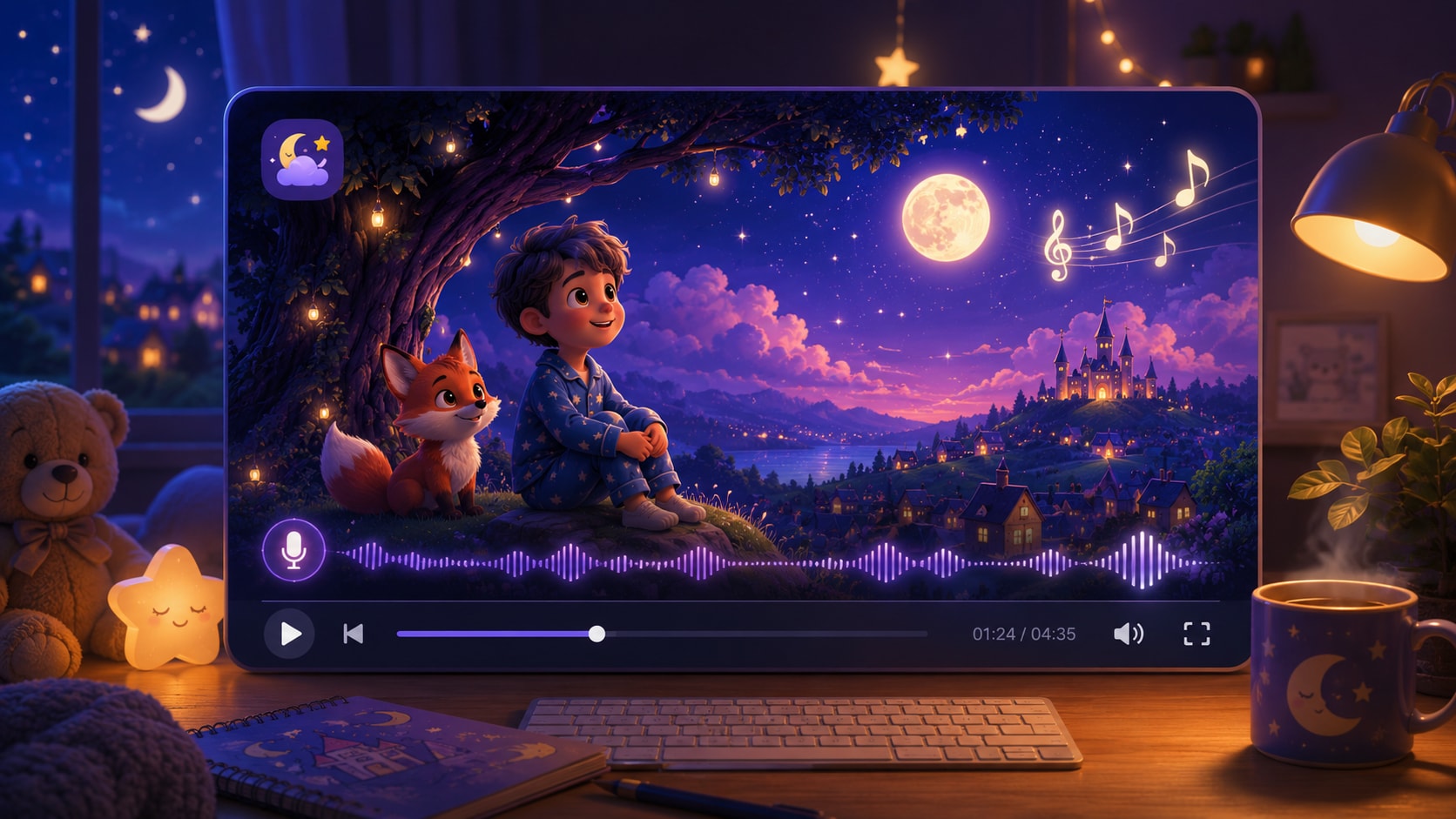
Build gentle rhyme videos for preschool lessons, YouTube kids channels, TikTok clips, or family campaigns from lyrics, narration drafts, and scene notes. Media.io's AI Nursery Rhyme Story Video Maker helps shape your script into an editable outline, friendly character guidance, storyboard images, and a video with voiceover and music based on the story.
Shape Nursery Rhymes into Watchable Story Videos
Plan the verse, characters, visuals, and rhythm before your children's rhyme becomes a finished video.
Turn Repeating Verses into Clear Story Scenes
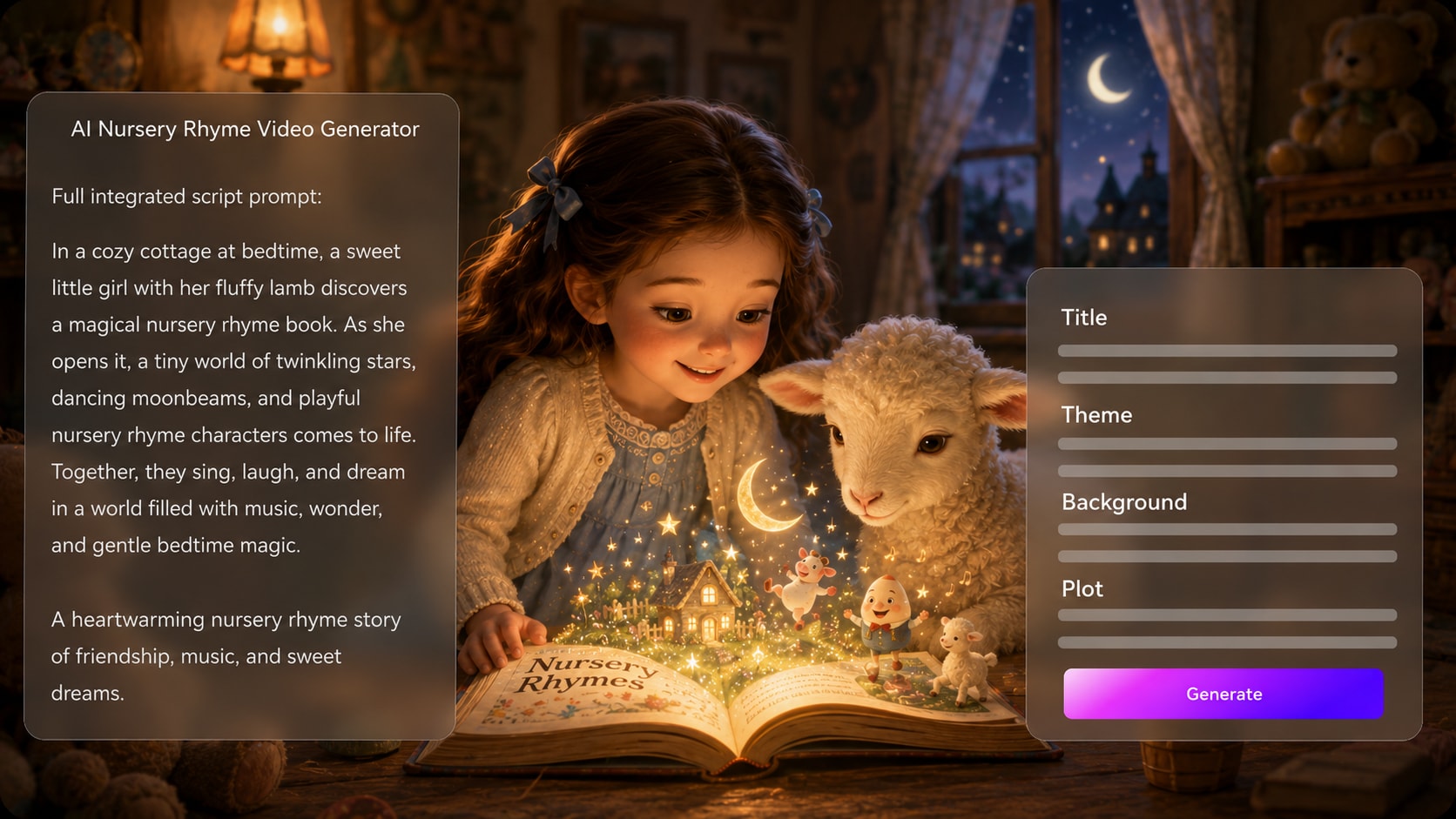
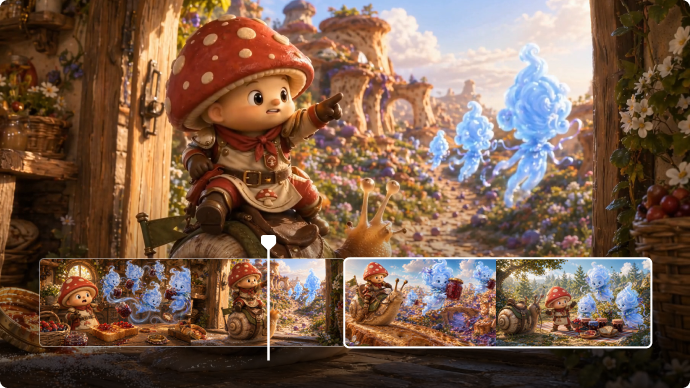
Start with a detailed rhyme script, then let Media.io extract an editable outline with title, theme, setting, plot, and characters. This helps a nursery rhyme story video maker keep each verse visual, simple, and easy for young viewers to follow.
- Script First - Paste lyrics, narration, or structured rhyme scenes
- Editable Outline - Review the title, theme, setting, plot, and cast
- Simple Scene Logic - Keep actions matched to each verse
- Early-Learning Fit - Shape morals, numbers, colors, or routines clearly
Keep Friendly Characters Easy to Recognize
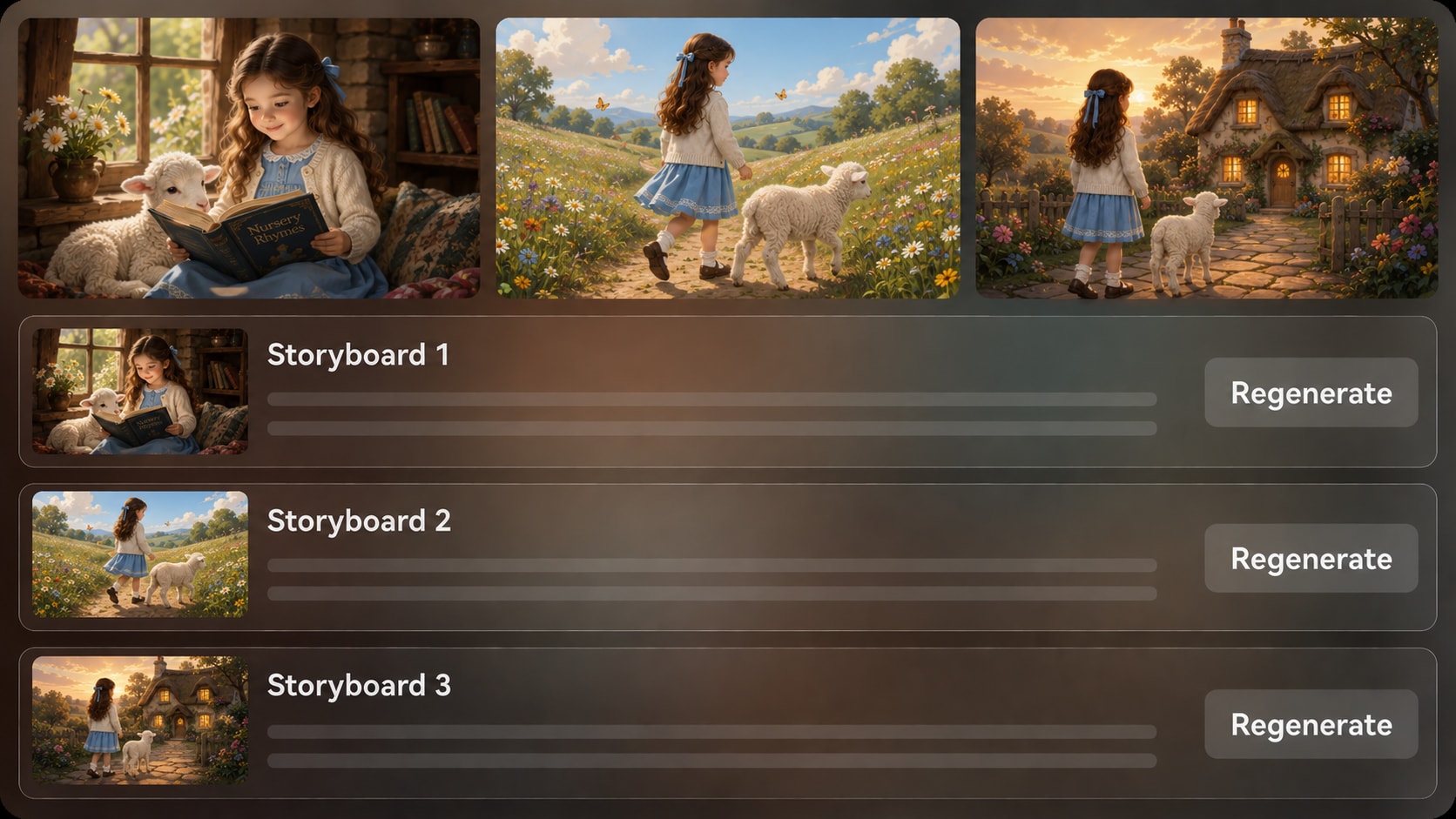
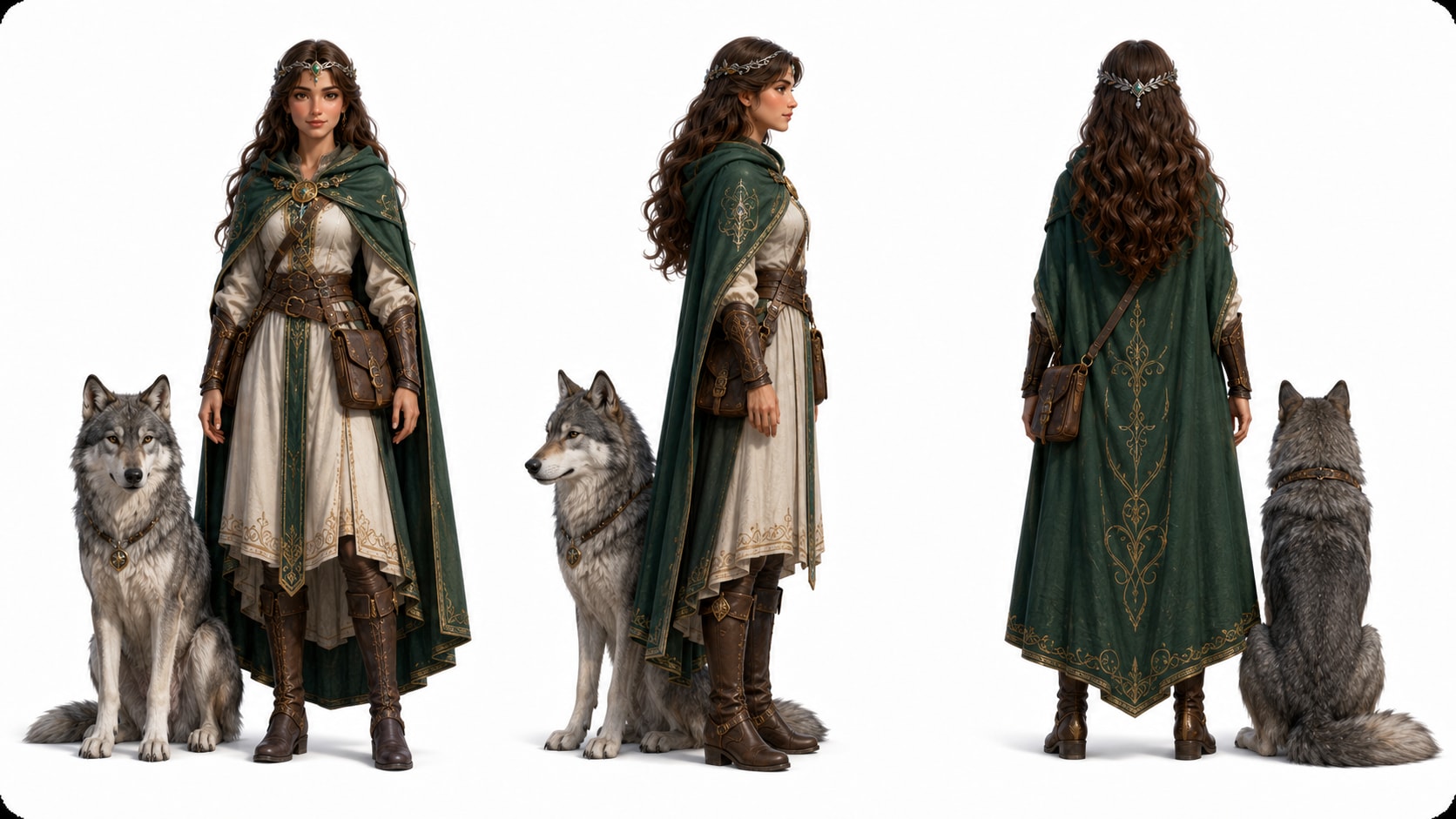
Guide the look of a lamb, moon, teacher, sleepy bear, or singing child with text descriptions, sketches, or real photo references. Media.io can help generate recognizable character direction so repeated chorus moments feel connected instead of visually random.
- Text Characters - Describe clothing, colors, expressions, and props
- Photo Guidance - Use real references when you want a familiar face or mascot feel
- Sketch Support - Turn simple drawings into clearer character ideas
- Recurring Cast - Help verses return to the same visual world
Match Gentle Audio to the Rhyme's Rhythm
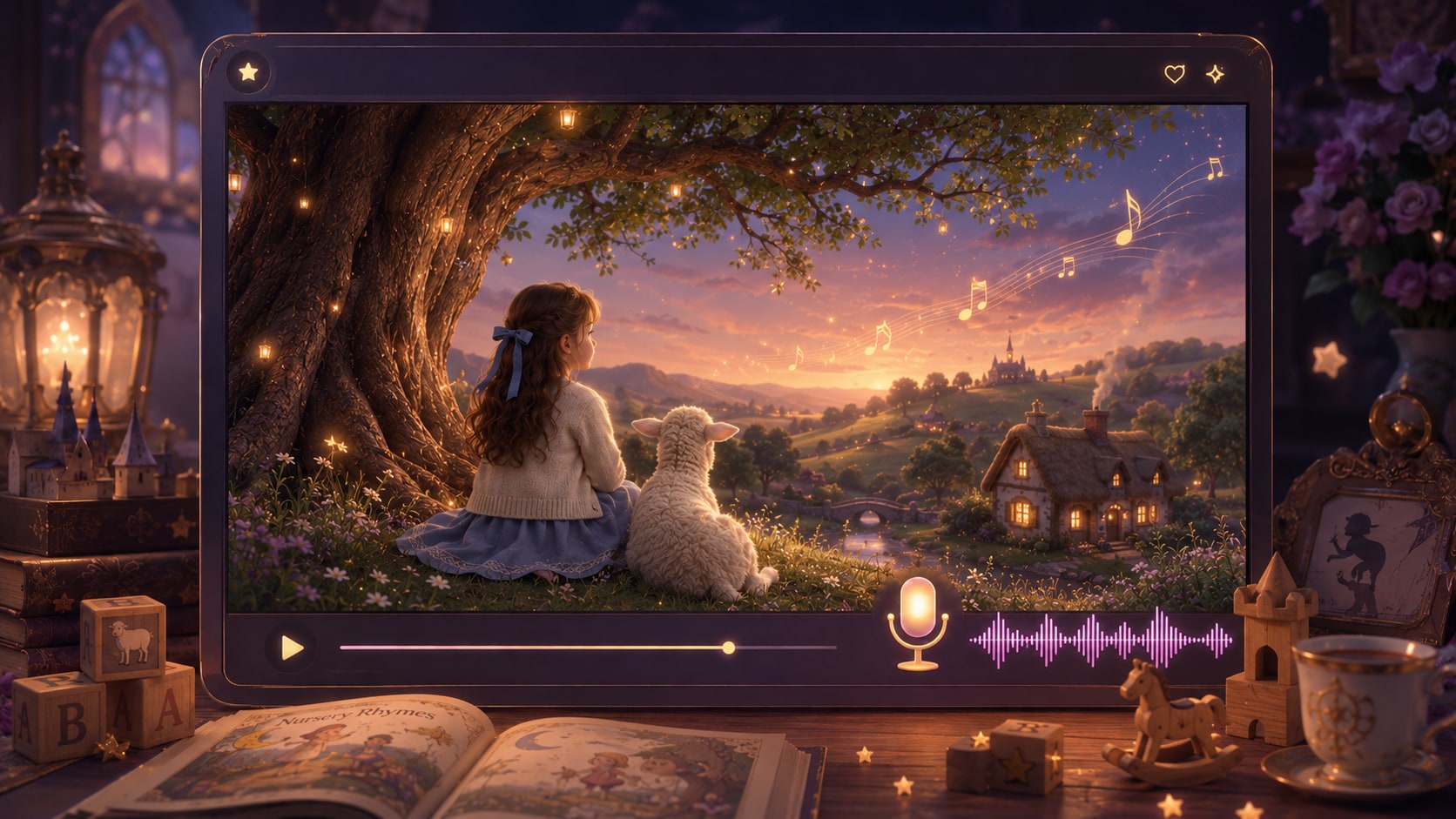
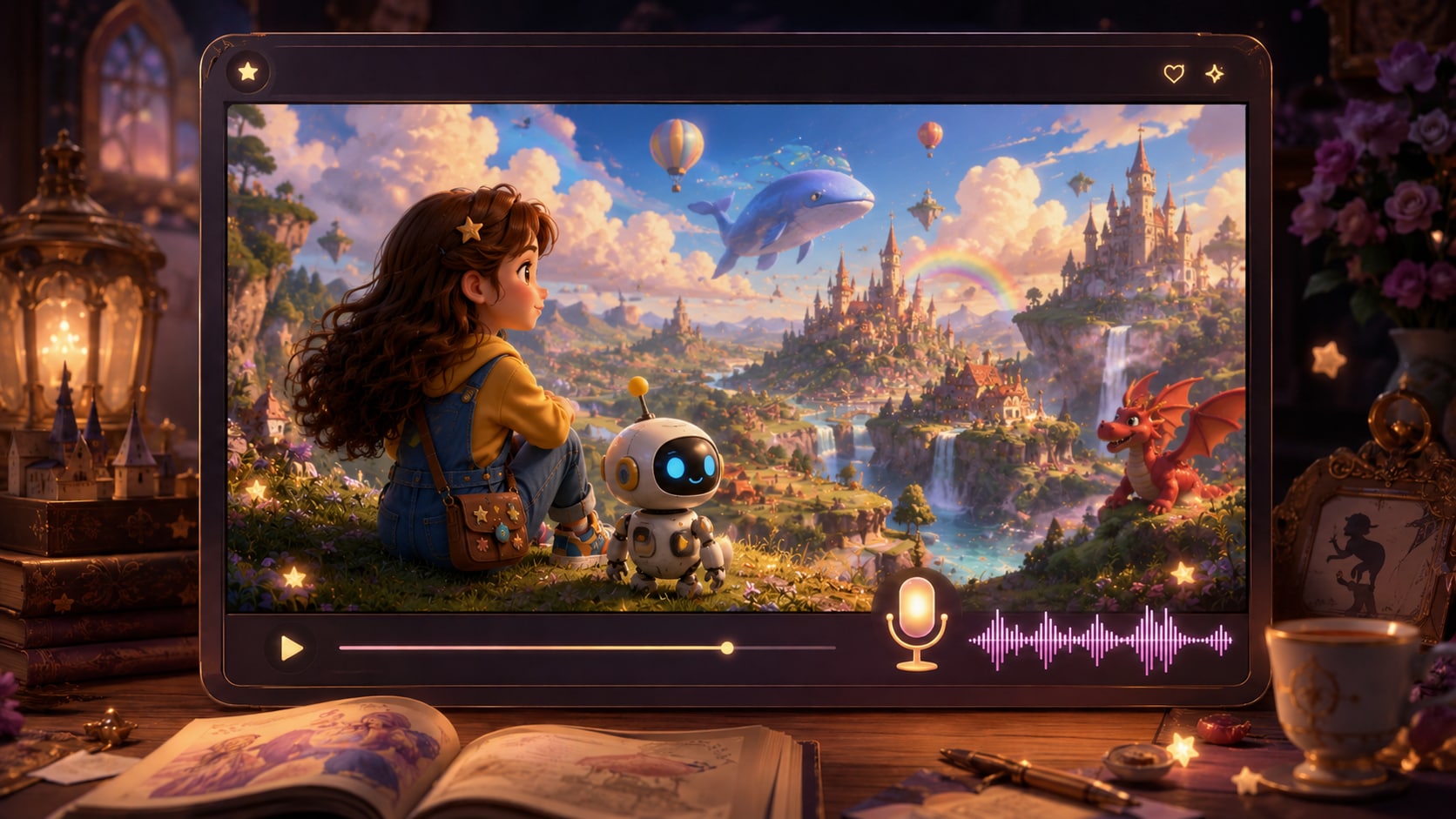
Write narration cues, repeated lines, and mood notes directly into the script so the generated video can include voiceover and music based on that story direction.
- Clear Narration - Use short lines young children can understand
- Soft Music Direction - Add mood notes for calm, playful, or classroom energy
- Chorus Moments - Repeat key lines for memory and participation
- Caption-Friendly Flow - Keep phrasing simple for on-screen reading
Polish Prepare Rhyme Videos for Classrooms and Kids Channels
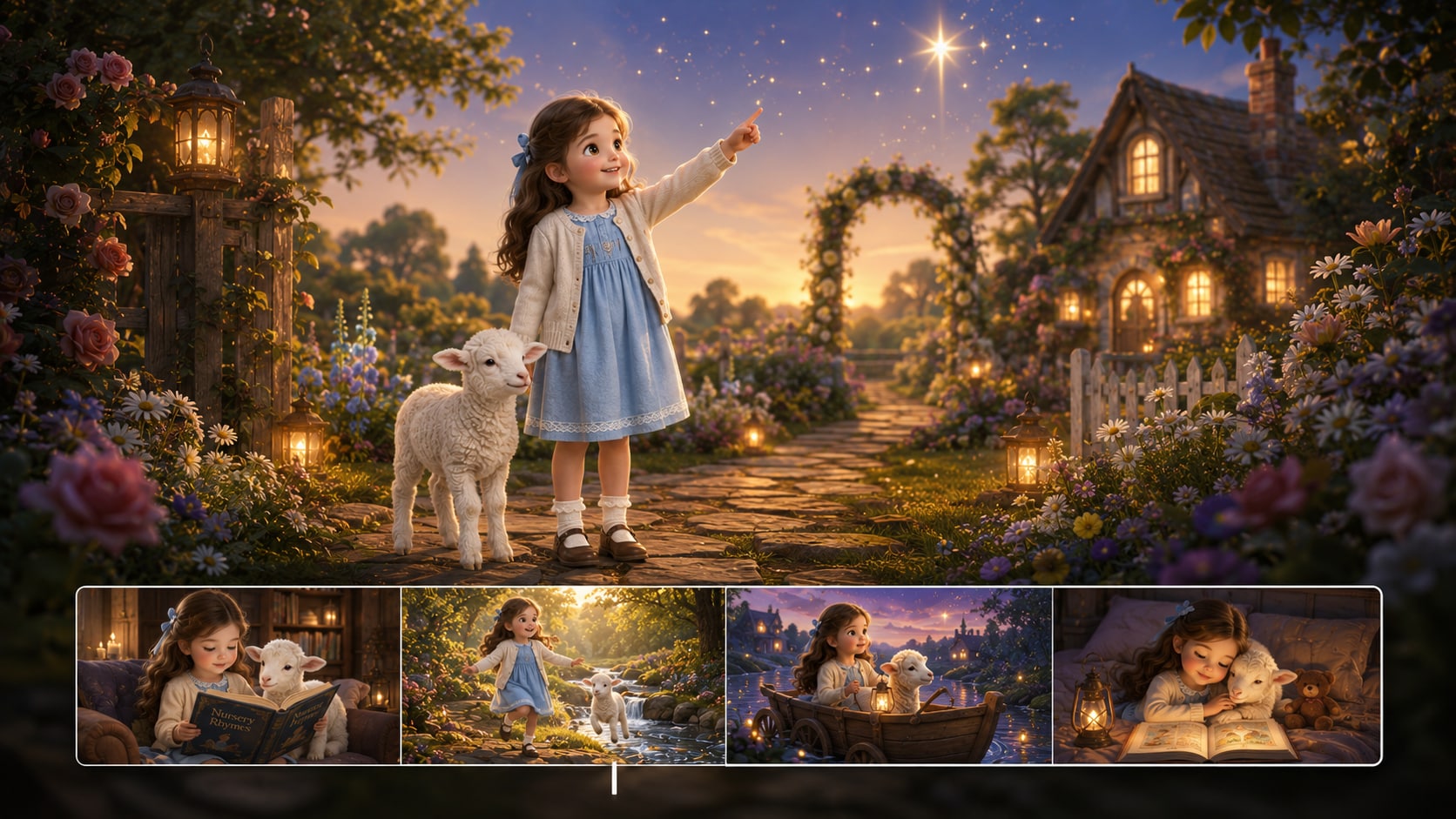
Choose setup directions such as format, visual style, and aspect ratio before generation, then review storyboard images and the final video.
- Platform Fit - Prepare vertical, square, or widescreen viewing needs
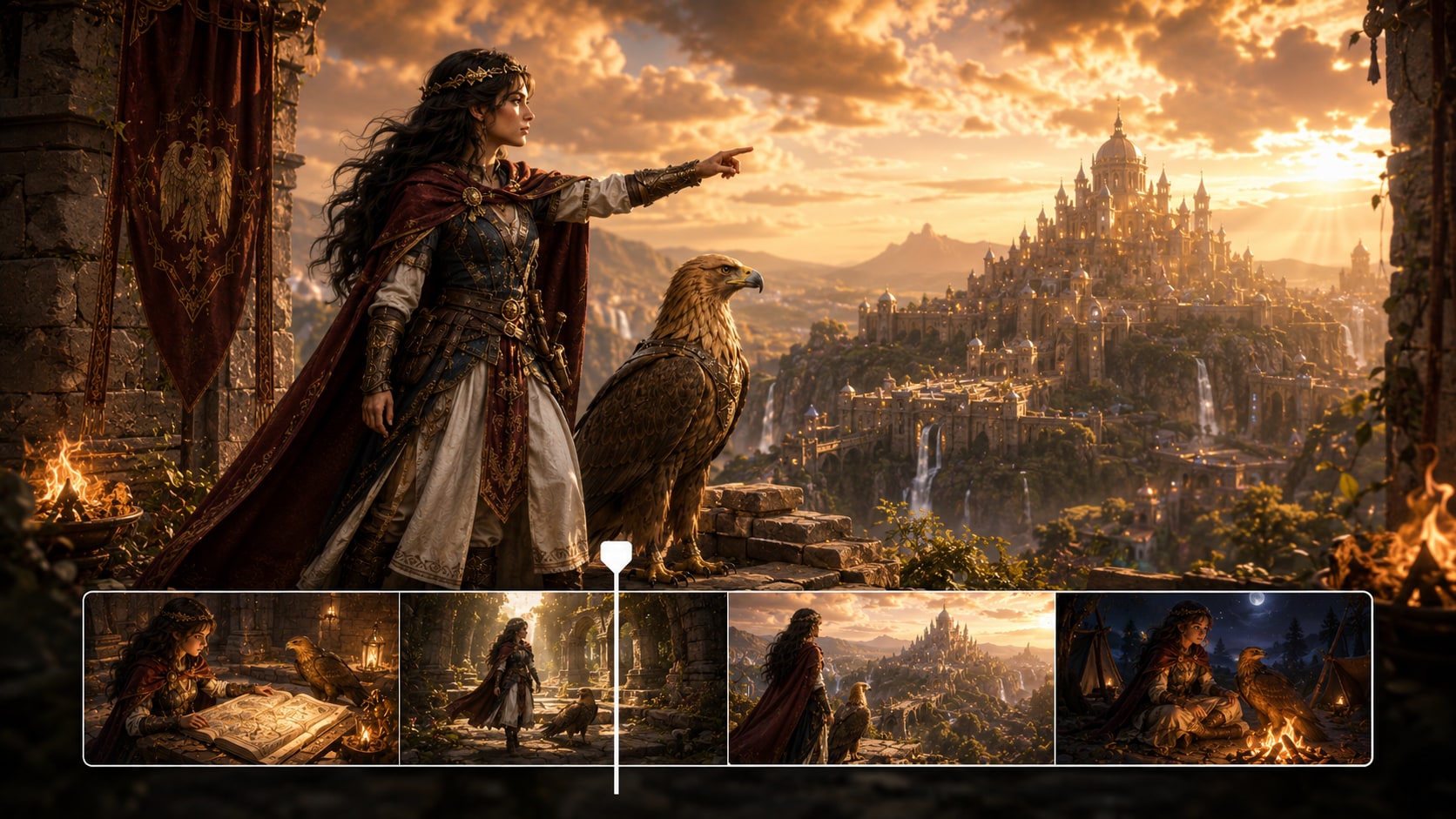
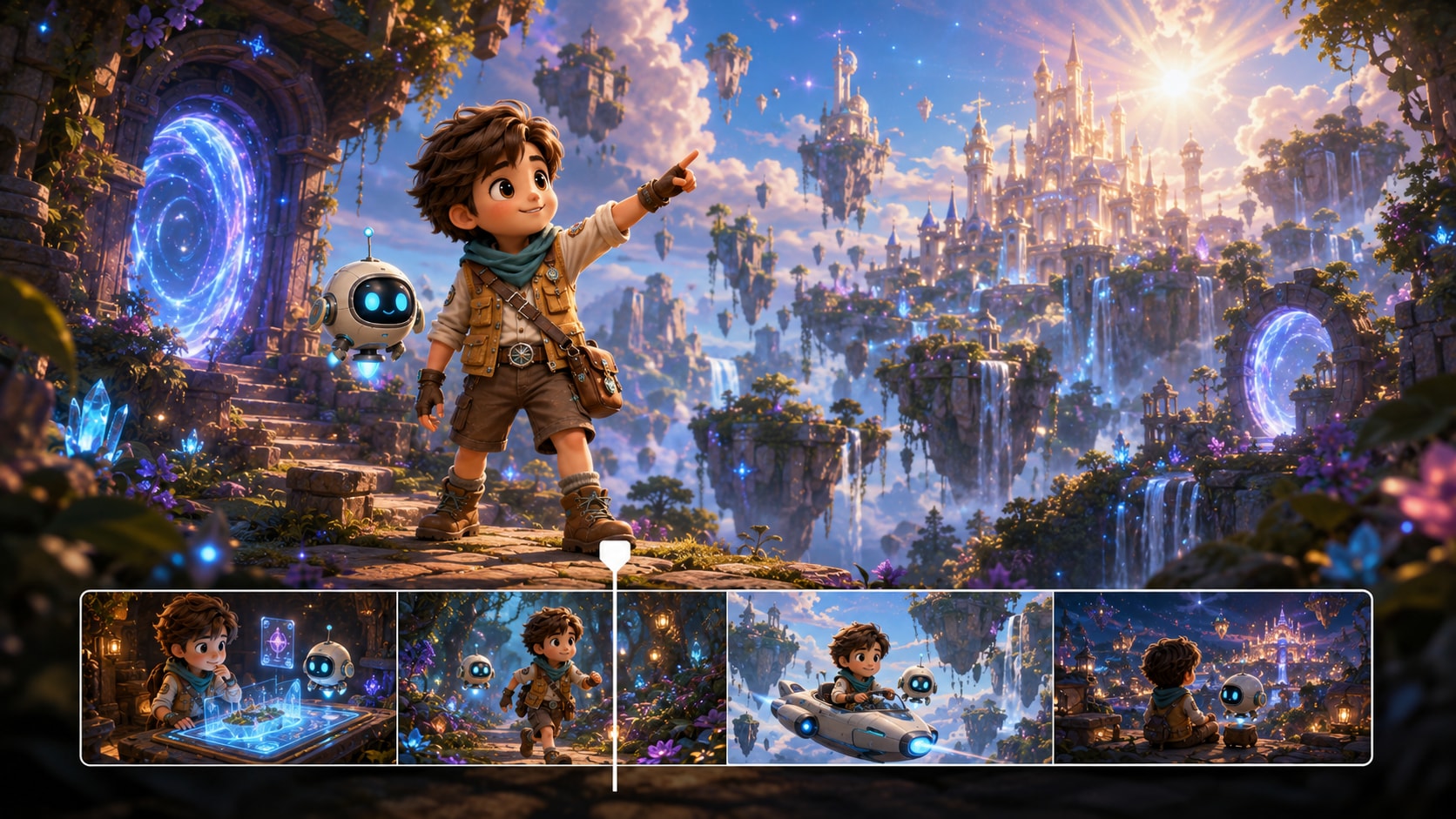
- Storyboard Review - Check the visual flow before the final video
- Shot Regeneration - Create a new version when a specific storyboard image feels off
- Post-Generation Polish - Review and enhance the video before publishing
How to Make a Nursery Rhyme Video from Scripts?
Use a script-based workflow so the rhyme, characters, and visuals stay easy to understand.

Write the Rhyme
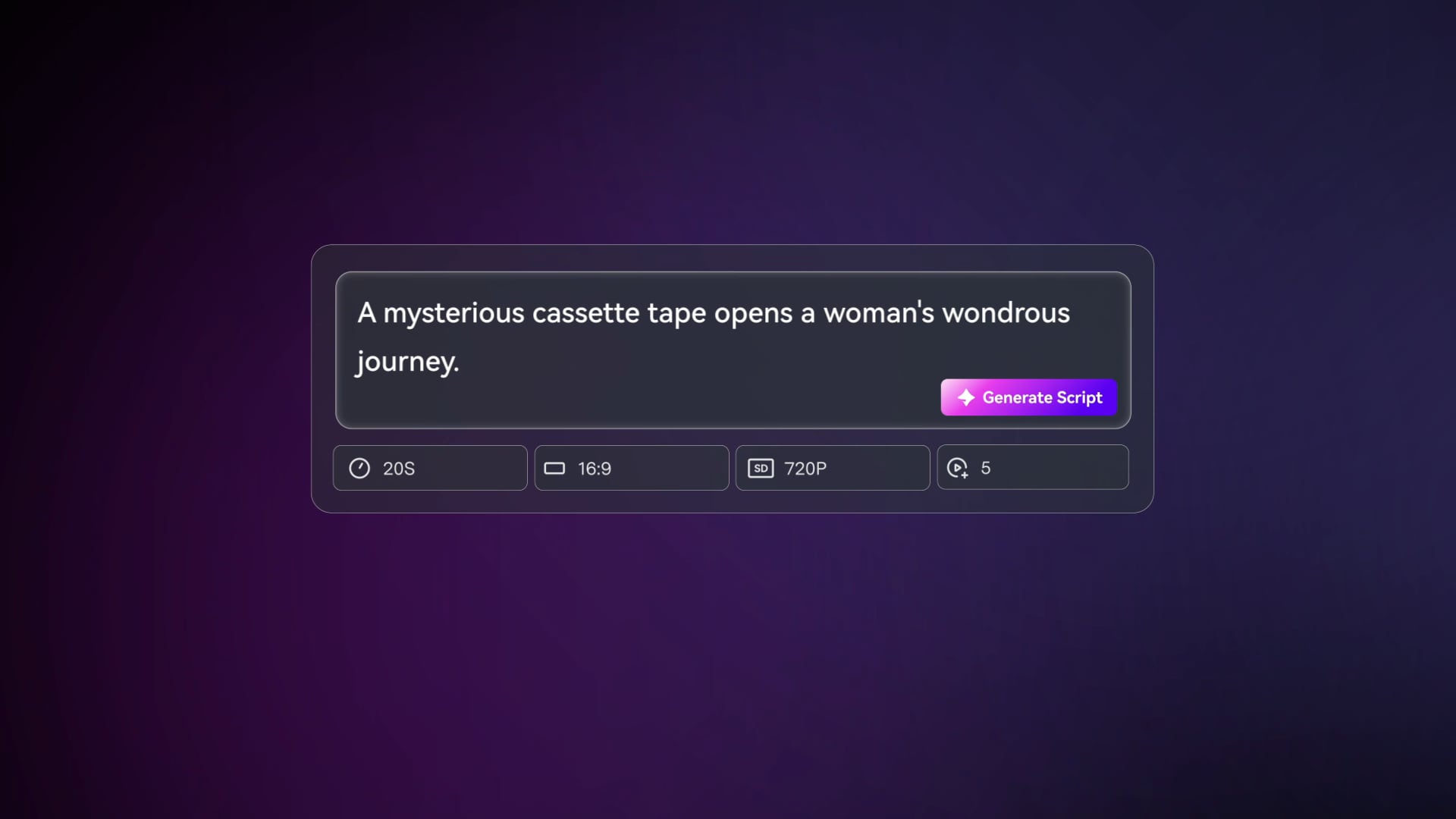
Provide a detailed script or structured story input with lyrics, narration cues, scene notes, and character descriptions. Review and edit the extracted outline fields, including title, theme, setting / background, story plot, and characters, then choose an aspect ratio such as 9:16, 1:1, or 16:9 during setup.

Guide the Scenes
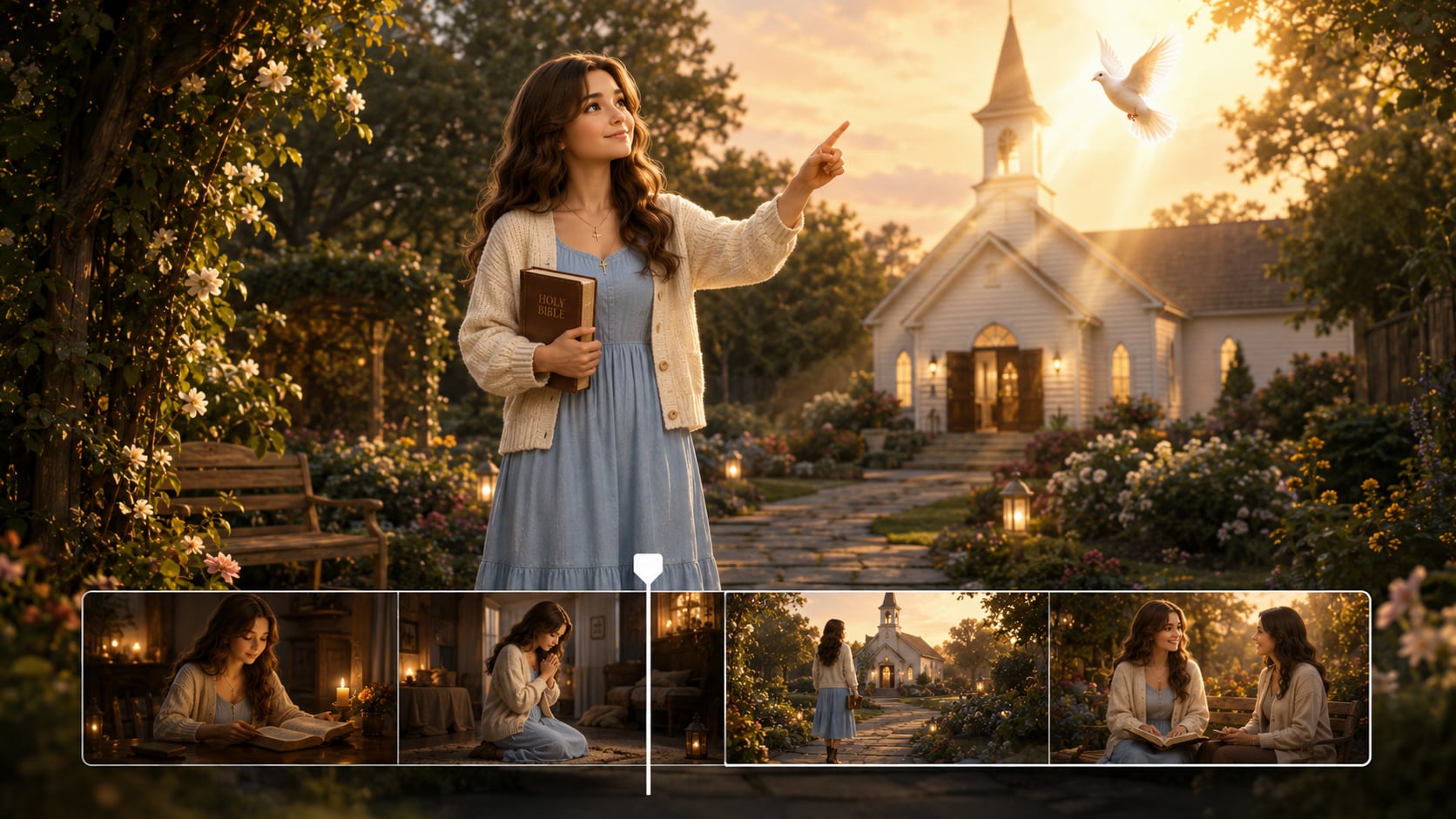
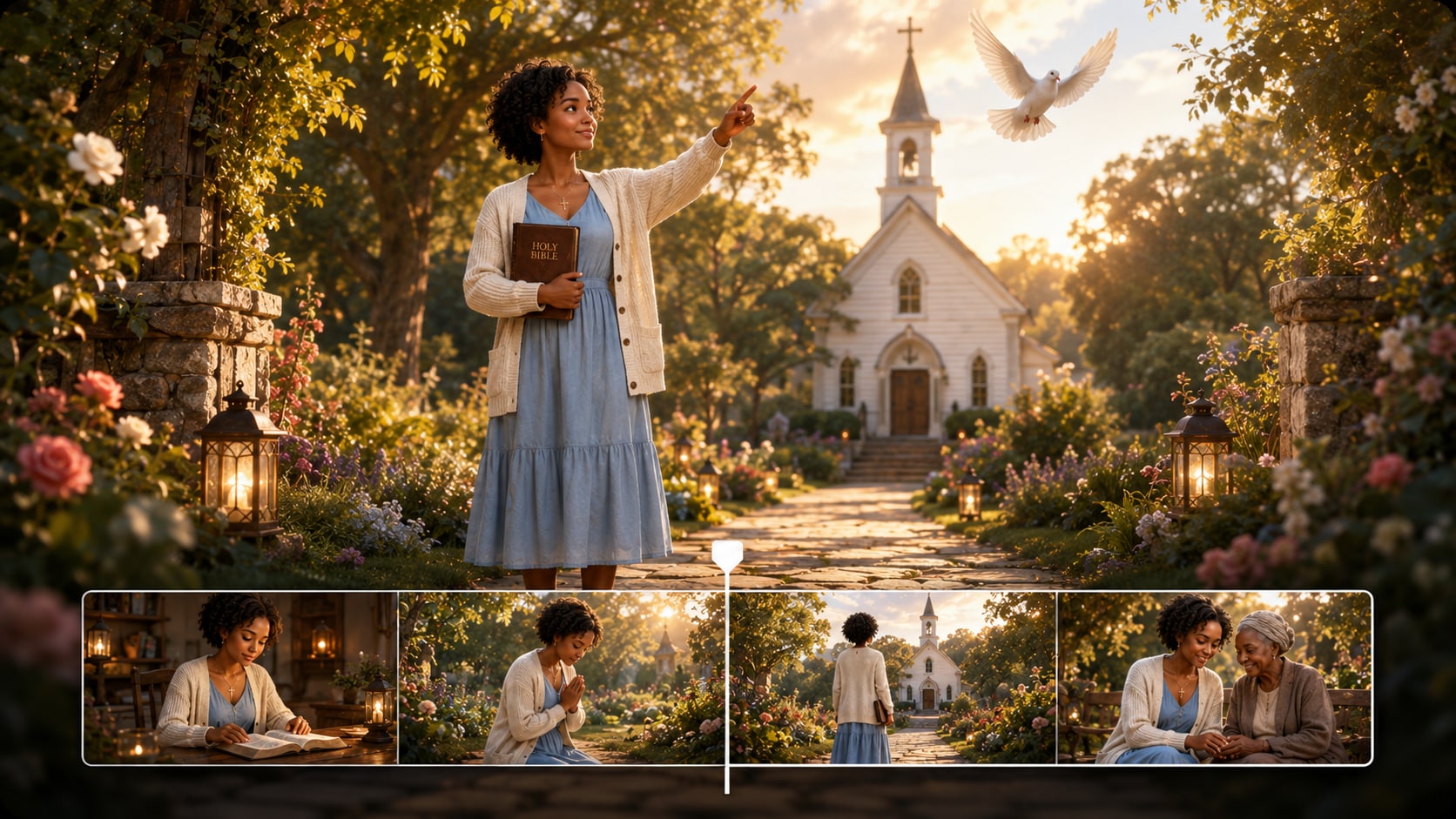
Prepare the video direction with available format, style, and visual choices. Add clear character guidance from text, real photos, or sketches, then review the generated storyboard images to make sure each verse has a simple, friendly visual moment.

Generate and Polish
Generate the final nursery rhyme video with voiceover and music based on the script. If a storyboard image does not fit a key line, click Regenerate for that shot, then review the finished video and use Media.io tools such as Enhance Video Quality when extra polish is needed.
Compare an AI Nursery Rhyme Story Video Maker with Generic Video Tools
Nursery rhyme videos need clear verses, friendly characters, gentle pacing, and script-aware audio, not just attractive cartoon clips.
Create Rhyme Videos for the People Who Teach and Publish Them

YouTube Kids Creators
Build repeatable rhyme episodes with friendly characters, clear scenes, and formats suited to channel publishing.

Preschool Educators
Turn classroom routines, colors, numbers, and simple morals into visual sing-along lessons.

TikTok and Reels Creators
Create short, memorable rhyme clips with simple hooks, vertical framing, and cheerful story moments.

Children's Storytellers
Convert original rhymes and tiny fables into warm storybook videos with guided characters and narration.
See How Scripts Become Different Story Videos
Explore different story formats, then adapt the same script-first workflow for rhyme videos, classroom shorts, and kids-friendly episodes.
Loved by Nursery Rhyme Creators
Creators like having outline, character, storyboard, and audio direction in one practical workflow.


"I can paste a rhyme lesson, check the outline, and make the visuals match the song instead of explaining everything from scratch."

"The storyboard review helps me catch scenes that feel too busy before I generate the final rhyme video."

"I like that I can describe my characters and keep the rhyme world warm, simple, and easy for small children to follow."

"The editable outline is useful for turning numbers, colors, and classroom themes into a real story sequence."

"Vertical rhyme clips are easier to plan when I can set the format first and write the chorus moments into the script."

"The voiceover and music based on the script make the videos feel more like a guided activity than a random animation."
FAQs on AI Nursery Rhyme Story Video Maker
What Is an AI Nursery Rhyme Story Video Maker?
An AI nursery rhyme story video maker helps turn detailed rhyme lyrics, narration drafts, and scene notes into a structured children's story video. Media.io supports an editable outline, guided character creation, storyboard images, and generated video with voiceover and music based on the script.
What Should I Paste into Media.io for a Nursery Rhyme Video?
Paste a detailed rhyme script with verses, repeated lines, scene ideas, character descriptions, setting notes, and the lesson or feeling you want. The more structured the input is, the easier it is to shape a clear outline and kid-friendly visual flow.
Can the Script Guide the Voiceover and Music?
Yes. The final generated video can include voiceover and music based on the script, so narration cues, repeated chorus lines, and mood notes can help guide the audio direction.
How Do I Write a Better Nursery Rhyme Script for Video?
Use short lines, repeated phrases, simple actions, and one clear setting per verse. Add notes for character emotion, movement, colors, props, and the learning goal so the story can be translated into visible scenes.
How Can I Avoid Making a Nursery Rhyme Video Too Busy?
Limit each verse to one main action, use friendly characters, keep backgrounds simple, and avoid sudden tone changes. Review the outline and storyboard images so the video stays calm enough for young viewers.
Can I Create Recognizable Characters for Recurring Rhymes?
Yes. Media.io can use character feature extraction and character generation from real photos, sketches, or text descriptions to provide clear character guidance. This can help recurring children, animals, teachers, or mascots feel more recognizable across the video.
Can I Make Nursery Rhyme Videos for YouTube Shorts, TikTok, or Classrooms?
Yes. During setup, you can choose a format and aspect ratio such as vertical, square, or widescreen depending on where the video will be watched. Review the final video before publishing or presenting it.
Can I review the storyboard If One Rhyme Scene Looks Wrong?
The extracted story outline is editable, but the generated storyboard images are not manually edited like storyboard cards. If a specific storyboard image does not fit the rhyme moment, you can click Regenerate to create that shot again.
Why Use Media.io Instead of a Generic Kids Video Generator?
Media.io is useful for nursery rhyme videos because it starts from detailed script input, extracts an editable story outline, supports character guidance, generates storyboard images for review, and can create voiceover and music based on the script.
Explore More Kids-Friendly Story Video Workflows
Nursery rhymes often connect with bedtime stories, classroom explainers, and short-form scripts. Explore adjacent AI Script to Video generators when you want to adapt the same script-first approach to another story format.




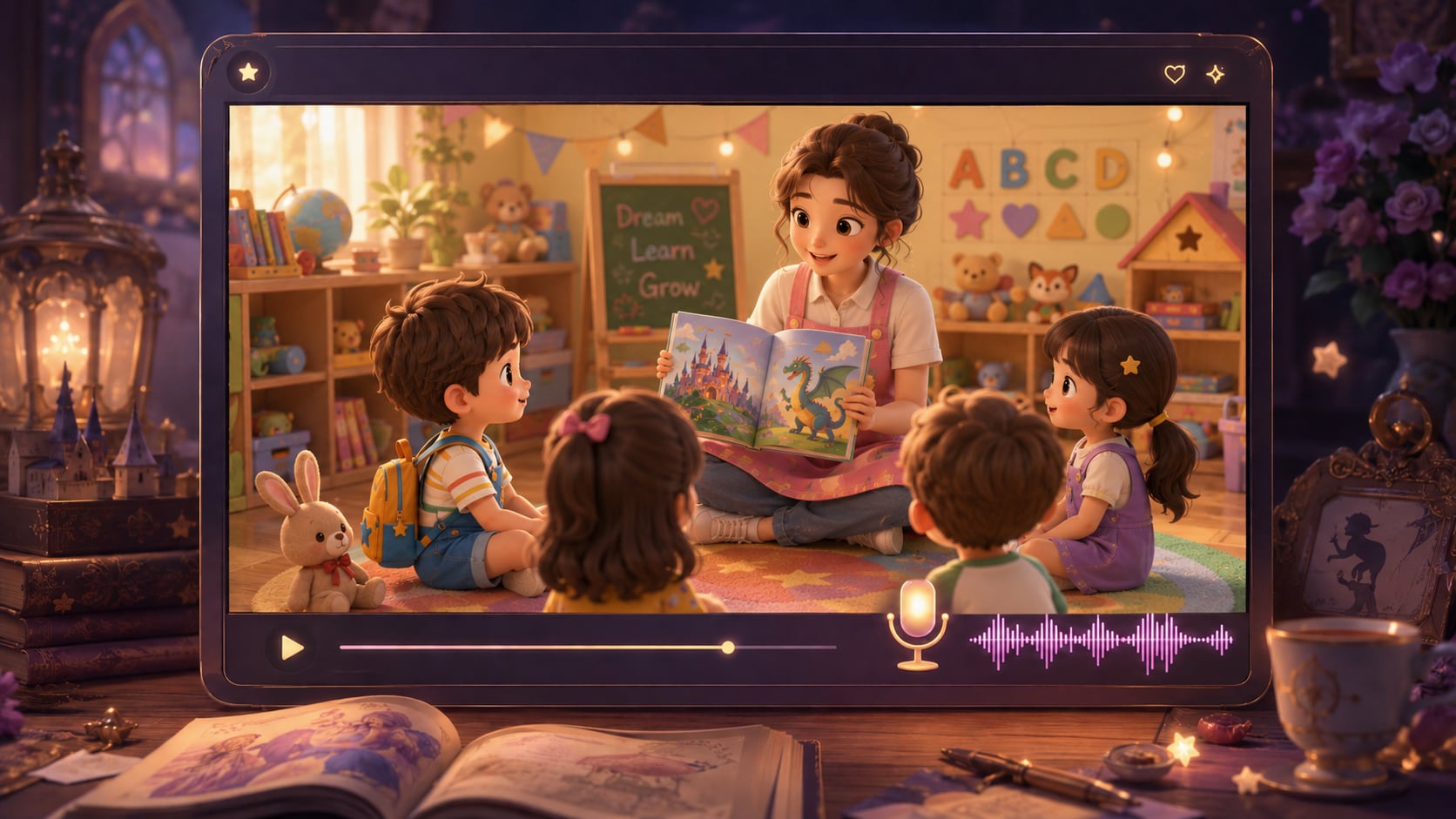
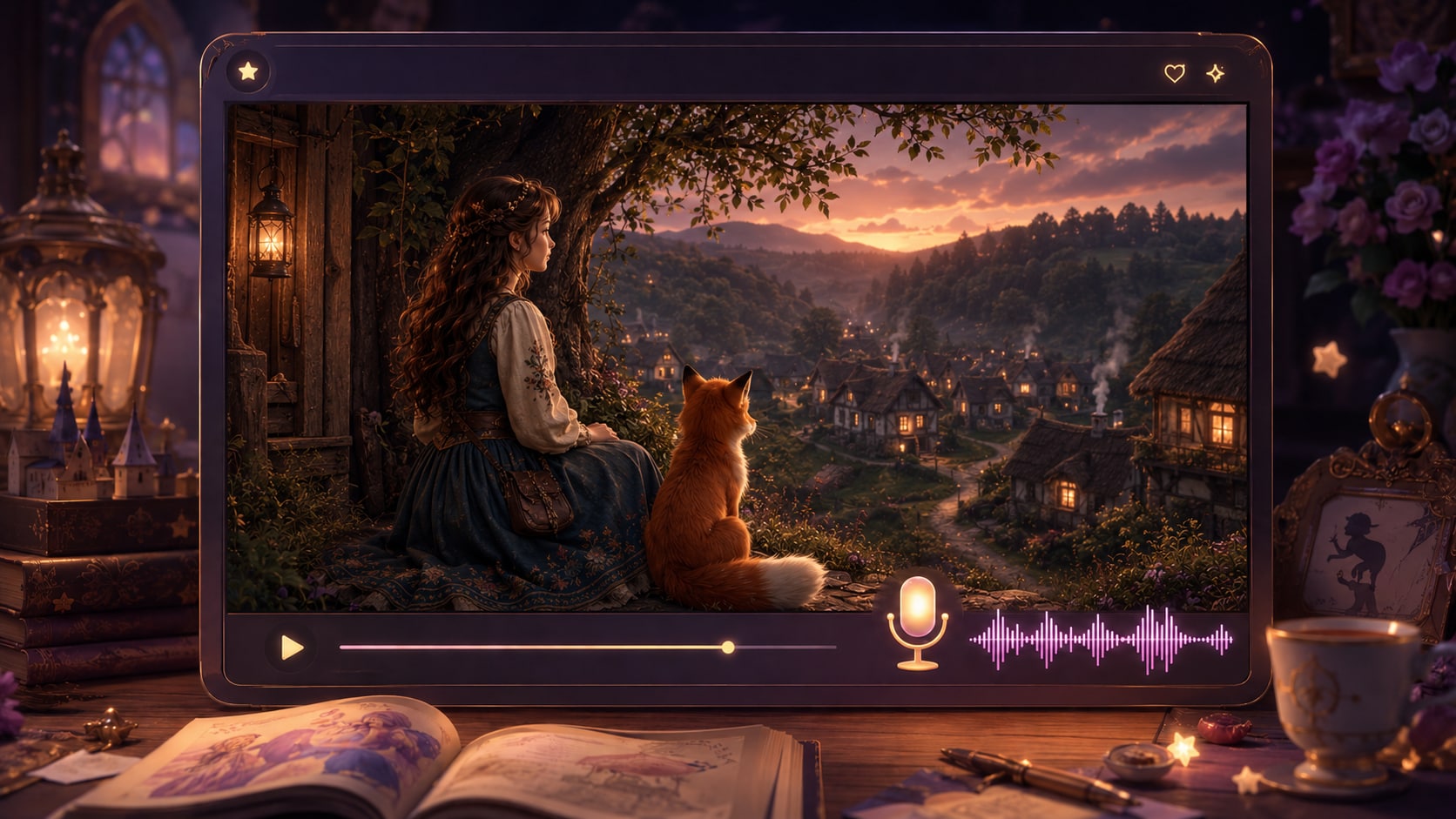
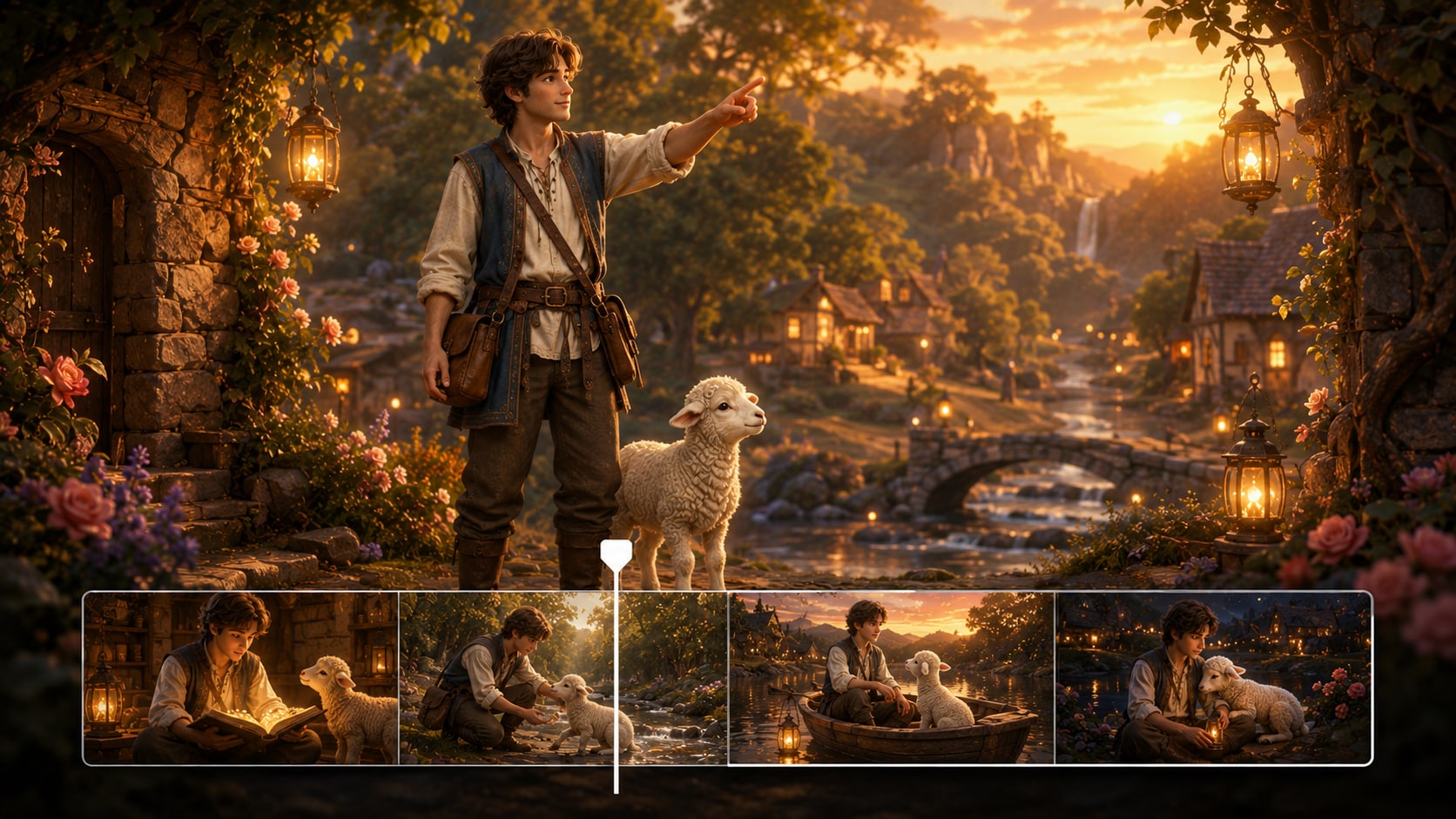
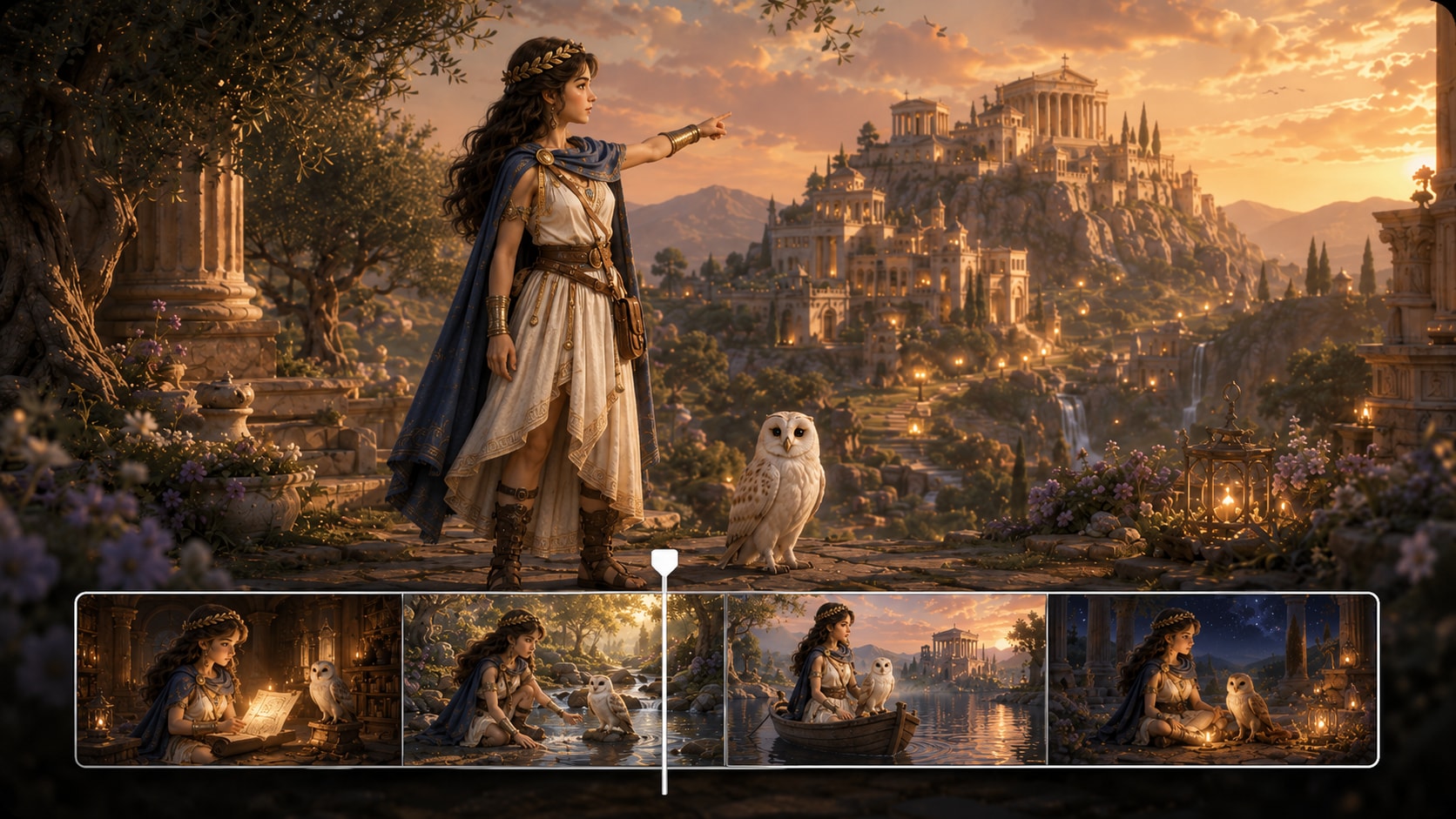









Create a Gentle Rhyme Video
From Your Own Script
Paste a detailed nursery rhyme script, guide the characters and scenes, then generate a story video ready to review, polish, and share.
 4.8 (281 Votes)