
AI Realistic Story Video Generator for Scripts That Need to Feel Filmed
Tired of AI videos that look like random clips with changing faces and broken story flow? Media.io's AI Realistic Story Video Generator helps turn scripts, scenes, and story ideas into film-like AI videos with recognizable characters, realistic visuals, storyboard-style preview, voiceover, background music, and share-ready formats for Shorts, YouTube, lessons, or campaigns.
Create Realistic AI Story Videos from Scripts and Ideas
Build a realistic story video workflow around your script: create film-like scenes, keep characters recognizable, preview story flow, re-roll weak shots, and finish with voiceover, music, and share-ready formats.
Turn Scripts into Realistic Story Videos That Feel Directed
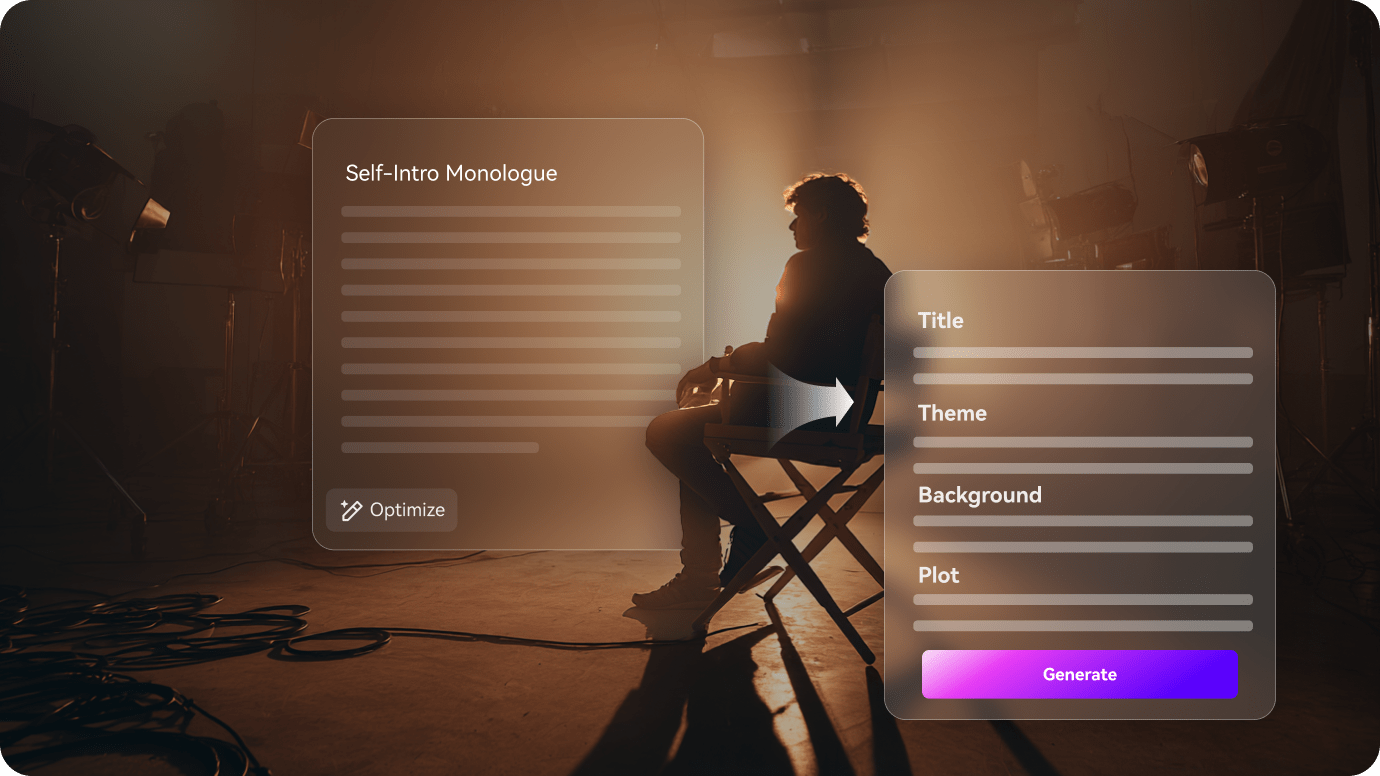
Start with a script, screenplay scene, short drama idea, or brand story, then turn it into a realistic AI video with a clear visual flow. Media.io helps your scenes feel connected, not like random B-roll, so the final story plays more like a short film.
- Script-to-Realistic Video - Turn written scenes, dialogue, and story ideas into film-like visuals
- Directed Story Flow - Build setup, reaction, emotion, and ending into one coherent sequence
- Realistic Scene Mood - Keep locations, lighting, and atmosphere closer to the same world
- Two-Minute Stories - Generate up to 2 minutes for short films, lessons, campaigns, or social clips
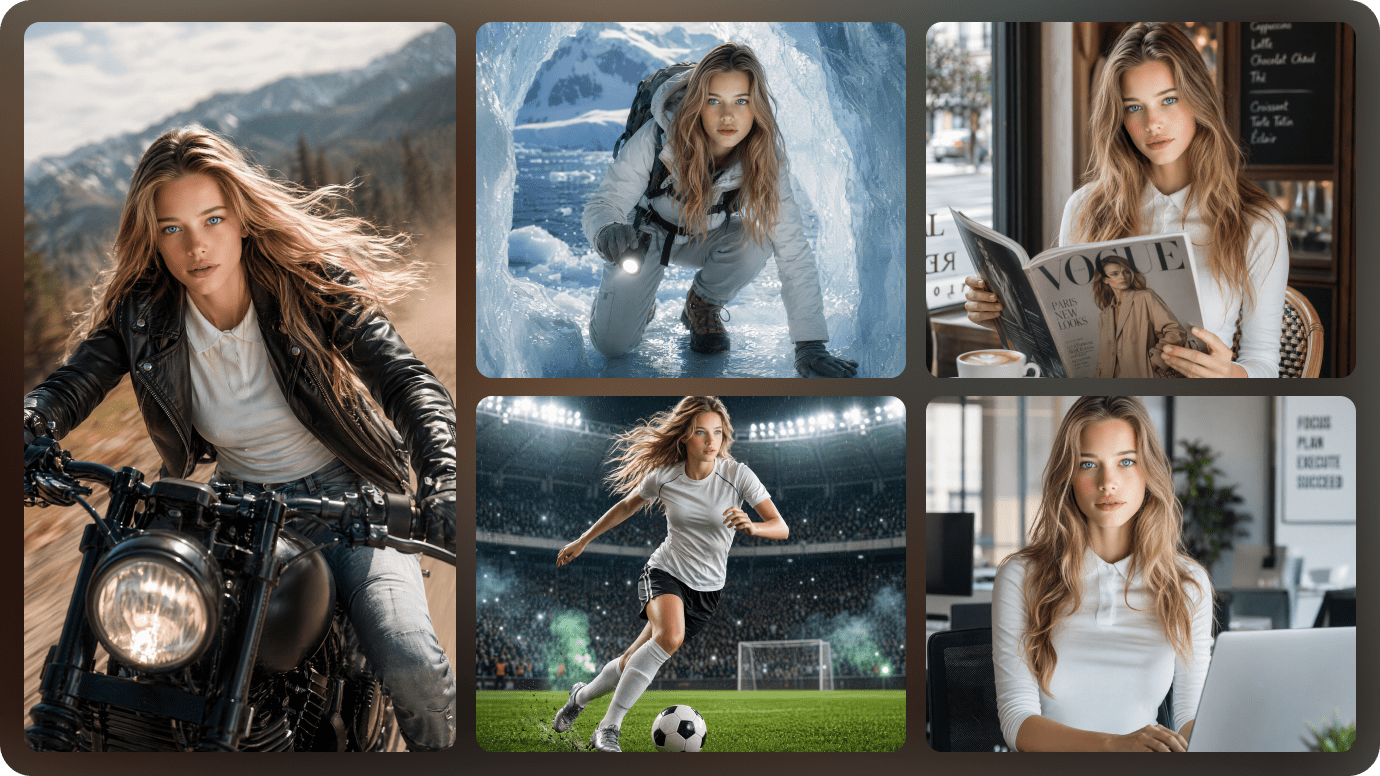
Keep Realistic Characters Recognizable Across Scenes
Changing faces can break a realistic story fast. Create your protagonist, teacher, customer, founder, or fictional cast from a real photo, sketch, or text description, then guide the look of each character as the story moves through new angles and locations.
- Photo / Text / Sketch Setup - Create realistic characters from the reference you already have
- Face and Wardrobe Guidance - Define age, outfit, hairstyle, role, and overall vibe
- Repeatable Cast - Reuse the same character for short dramas, lessons, or story episodes
- Character Continuity - Help your realistic AI video avoid distracting face or style drift
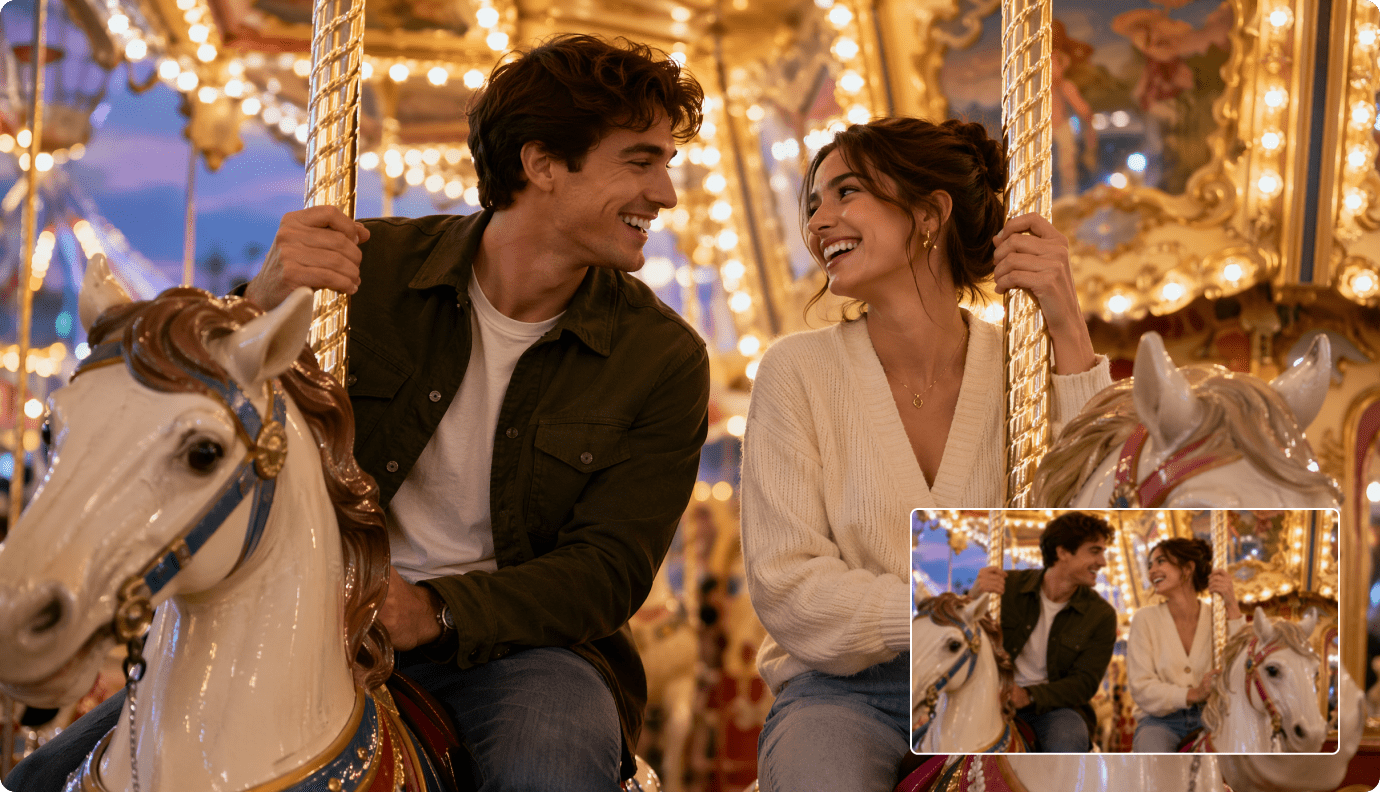
Review the Generated Video and Polish Weak Moments
A realistic story needs continuity: the same character look, believable reactions, and scenes that feel connected. After generation, review the full video, check the pacing and visual mood, then use Media.io polishing tools to improve clarity, extend key moments, or clean up distracting details.
- Generated Video Review - Watch the final result before publishing
- Continuity Check - Review character appearance, scene mood, and pacing
- Quality Enhancement - Improve clarity after generation
- Post-Generation Polish - Extend key beats or remove distracting details when needed
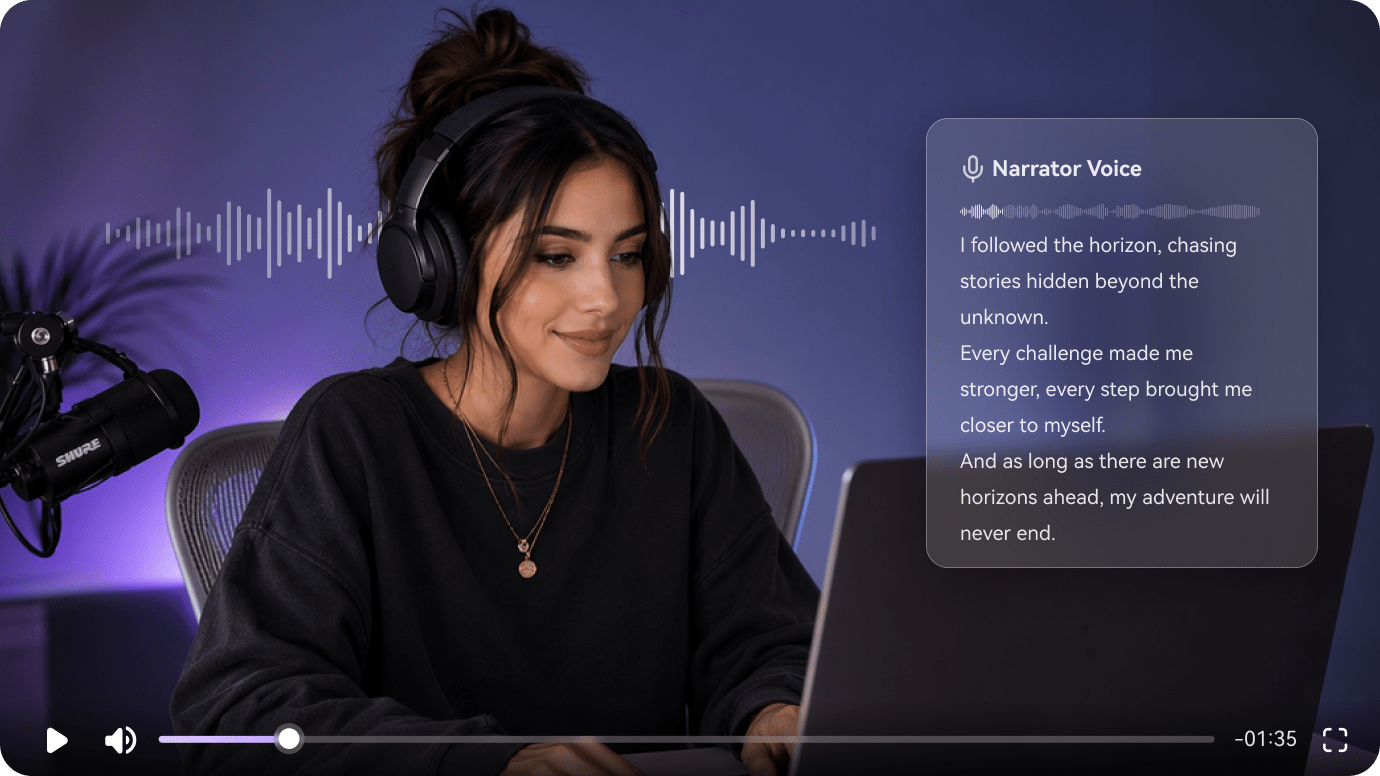
Generate a Complete Realistic Story Video with Voiceover and Music
A realistic story video should feel complete, not like a silent visual draft. Media.io helps turn your script into film-like scenes with narration, background music, and a format ready for Shorts, YouTube, lessons, training scenarios, or campaign previews.
- Realistic Visual Scenes - Turn story moments into believable AI video sequences
- Voiceover Support - Add narration so the story is easier to follow
- Background Music - Build mood for drama, lessons, brand stories, or social clips
- Share-Ready Formats - Create realistic videos for Shorts, TikTok, Reels, YouTube, lessons, or campaigns
Generate a Realistic Story Video in Three Steps
A creator-friendly flow that starts with your script and ends with a publishable cut.

Set the Brief
Paste your script (up to 5000 characters), then in the same setup step choose 1080P, your ratio (9:16 / 1:1 / 16:9), realistic style, and a model like SD2.0 Fast, Kling O3, or Vidu Dramma.

Lock the Cast
Create your main character from a photo, sketch, or text description, generate three-view references, and review the auto-extracted outline and storyboard cards before you commit to the full run.

Generate and Polish
Generate the video, re-roll any single scene that breaks continuity, then run Enhance Video Quality for a cleaner finish. Export and share, or use Video Extend when you need a longer beat for narration.
Compare Media.io with
Basic AI Realistic Story Video Generators
Basic tools often create realistic-looking clips. Media.io helps turn scripts into more coherent story videos with recognizable characters, voiceover, music, and room to re-roll weak shots.
Make Realistic Story Videos for Creators, Lessons, and Campaigns

YouTube Storytellers
Turn scripts, short drama ideas, personal stories, or documentary-style scenes into realistic story videos with clearer pacing, recognizable characters, voiceover, music, and a flow that feels easier to watch beyond the opening hook.

TikTok and Reels Creators
Create vertical realistic story videos for TikTok, Reels, and Shorts from quick scripts or scene ideas. Build a clear hook, fast emotional beats, mobile-friendly framing, and a main character viewers can recognize from shot to shot.

Educators and Trainers
Turn lesson scripts, role-play situations, safety scenarios, history moments, or case studies into realistic scenario videos. Use consistent characters, narration, and simple story flow to make training content easier to understand.

Marketers and Social Teams
Create realistic brand stories, product scenarios, founder-led narratives, and campaign videos from a written brief. Keep the visual style grounded, re-roll weak shots when needed, and prepare story-led content for ads, landing pages, or social feeds.
See How Creators Ship Story Videos
Ship from Script to Publishable Scenes
Browse examples, then build your own realistic sequence with the same storyboard-driven flow.
Loved by Creators Making Realistic Story Videos
See how storytellers, educators, marketers, and faceless channel creators use Media.io to turn scripts into realistic AI videos with recognizable characters, clearer story flow, voiceover, music, and share-ready formats.


"I needed a realistic AI story video generator that could do more than make nice-looking clips. Media.io helped my scenes feel connected, with a clearer beginning, reaction, and ending. It made my YouTube story videos feel easier to follow."

"Character consistency is usually where AI videos fall apart. I used a character reference to build a recurring narrator, and the face, outfit, and overall look stayed much more recognizable across my vertical story clips."

"For training content, I need scenario videos that feel believable, not cartoonish. I can start from a lesson script or workplace situation, generate realistic scenes, then polish the video before adding it to a class or internal course."

"We use Media.io to test realistic brand stories before committing to production. It helps us turn a product scenario or campaign brief into a watchable AI video for 9:16 social posts, landing page tests, and internal review."

"I use it for realistic story video previz and pitch sequences. The storyboard-style preview helps me check whether the scene flow makes sense, and single-shot re-roll is useful when one reaction or camera moment feels off."

"I run a faceless channel and needed a faster script-to-realistic-video workflow. I start from my narration script, generate story scenes with voiceover and music, then use Media.io tools to extend or clean up moments before publishing."
FAQs on AI Realistic Story Video Generator
What Is an AI Realistic Story Video Generator?
An AI realistic story video generator helps turn scripts, scene ideas, short stories, training scenarios, or campaign briefs into realistic AI videos. Media.io helps create film-like visuals, recognizable characters, storyboard-style flow, voiceover, background music, and share-ready formats for social platforms, lessons, or brand stories.
Can I Turn a Script into a Realistic AI Video?
Yes. You can start from a written script, dialogue scene, screenplay-style passage, narration draft, or simple story idea. Media.io helps turn the text into a realistic story video workflow with clearer setup, character moments, emotional beats, and ending flow instead of disconnected AI clips.
How Do I Keep Characters Consistent in a Realistic AI Video?
Character consistency is one of the biggest challenges in realistic AI video generation. Media.io lets you create characters from text, a reference photo, or a sketch, then use character references to guide faces, wardrobe, age, hairstyle, and overall appearance across different scenes and camera angles.
Can I Make a Realistic Short Film with AI?
Yes. Media.io can help create realistic short story videos, short drama scenes, documentary-style moments, lesson scenarios, brand stories, and concept teasers. It is especially useful when you want a film-like AI video from a script without arranging actors, locations, filming, and editing from scratch.
Does the Realistic Story Video Include Voiceover and Music?
Yes. Media.io can help generate a more complete realistic story video with AI-generated visuals, voiceover, and background music. This makes the result feel closer to a finished story video, training scenario, social clip, or campaign video instead of a silent visual draft.
Can I review the realistic story video before publishing?
Yes. After the realistic story video is generated, you can review the final result before publishing. Check whether the characters, scenes, pacing, visual mood, voiceover, and music feel coherent, then use Media.io tools to polish the video if needed.
Can I Create Realistic Story Videos for YouTube Shorts, TikTok, and Reels?
Yes. You can create vertical realistic story videos for YouTube Shorts, TikTok, and Instagram Reels, or wider story videos for YouTube, landing pages, online lessons, and campaign previews. This is useful for creators who need realistic short-form videos from scripts or story ideas.
What Types of Stories Work Best with a Realistic AI Video Generator?
Realistic AI story videos work well for short dramas, faceless narration channels, founder stories, product scenarios, educational role-play, safety training, documentary-style explainers, customer stories, and campaign concepts. Clear scripts with specific characters, locations, and emotional beats usually produce better results.
How Long Can the Generated Realistic Story Video Be?
Media.io can generate realistic story videos up to 2 minutes long. That length works well for short films, YouTube Shorts, TikTok story clips, Reels, training scenarios, campaign videos, concept teasers, and compact educational explainers.
Can I Use My Own Photo, Script, or Brand Materials?
Yes. You can use your own script, story idea, character photo, sketch, or brand reference to guide the video. For commercial publishing, make sure you own or have permission to use any uploaded photos, characters, logos, scripts, music, or other brand assets.
What Makes Media.io Different from a Basic Realistic AI Video Maker?
Basic realistic AI video tools often focus on one prompt or one short clip. Media.io is designed for a fuller story video workflow: script-to-video structure, recognizable character setup, storyboard-style preview, single-shot re-roll, voiceover, background music, and post-generation polishing with Media.io tools.
Discover More AI Video Generators for Every Story Style
Want to create more than realistic story videos? Explore related Media.io AI video generators for anime stories, horror scripts, faceless narration channels, kids stories, general story videos, animation ideas, and other script-to-video workflows built for different creators and storytelling styles.







Direct Your Next Story Like a Short Film
Generate Realistic Scenes, Then Fine-Tune the Cut
Paste your script, lock your cast, and ship a realistic story video with storyboard control and 1080P exports.
 4. 8 (12874 Votes)