
AI Kids Story Video Generator for Bedtime Stories, Lessons, and Adventures
Turn a bedtime story, classroom script, moral tale, or kids adventure idea into a gentle AI-generated video. Media.io's AI Kids Story Video Generator helps structure your story, create recognizable characters, generate warm visuals, add voiceover and background music, and produce a complete storytime video for YouTube, Shorts, classrooms, or family sharing.
Create Kid-Friendly AI Story Videos from Scripts and Ideas
Turn bedtime stories, classroom scripts, moral tales, and kids adventure ideas into gentle AI-generated videos with clear story flow, recognizable characters, voiceover, background music, and share-ready output.
Turn Kids Stories into Gentle AI Videos
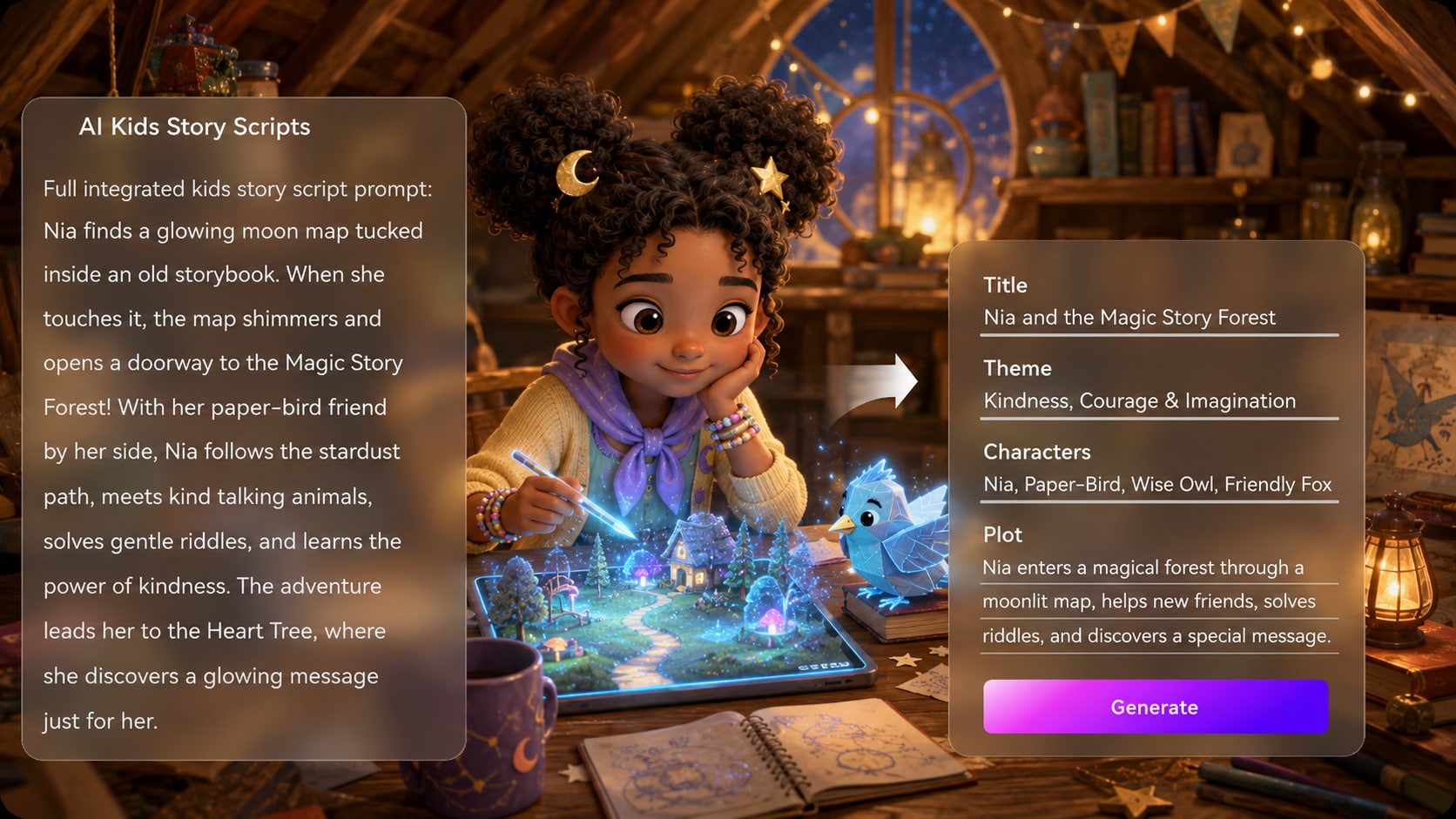
Paste a bedtime story, classroom script, moral tale, or kids adventure idea. Media.io helps organize your story into a simple outline, then turns it into a warm, easy-to-follow AI kids story video with friendly visuals and a clear beginning, middle, and ending.
- Story Outline First - Title, theme, setting, plot, and characters are organized before generation
- Kid-Friendly Visual Style - Create warm, colorful scenes that feel gentle and easy to watch
- Clear Story Flow - Help children follow the setup, problem, and resolution without confusion
- Up To 2 Minutes - Ideal for bedtime stories, classroom clips, and Shorts-style kids videos
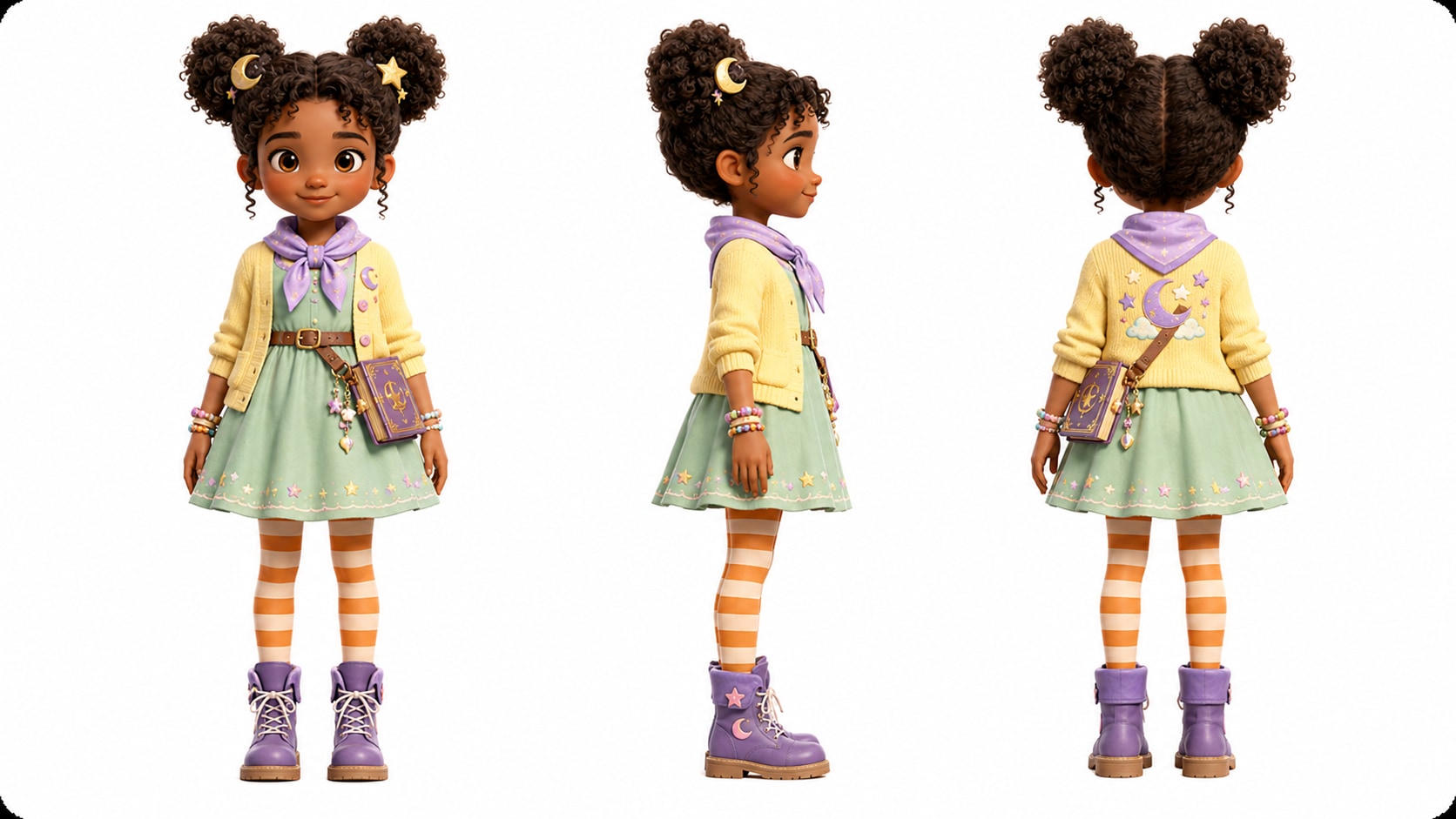
Keep Characters Recognizable from Scene to Scene
Create a lovable hero, animal friend, teacher, or classroom mascot that stays recognizable throughout the story. Start from text, a photo, or a sketch, then use character references to guide faces, outfits, colors, and overall style across your kids story video.
- Text / Photo / Sketch - Create characters from the input you already have
- Character References - Guide the look of your main cast across different story moments
- Series-Ready Cast - Reuse characters for bedtime story series, lessons, or recurring episodes
- Gentle Character Style - Keep expressions, poses, and visual details friendly for kids content
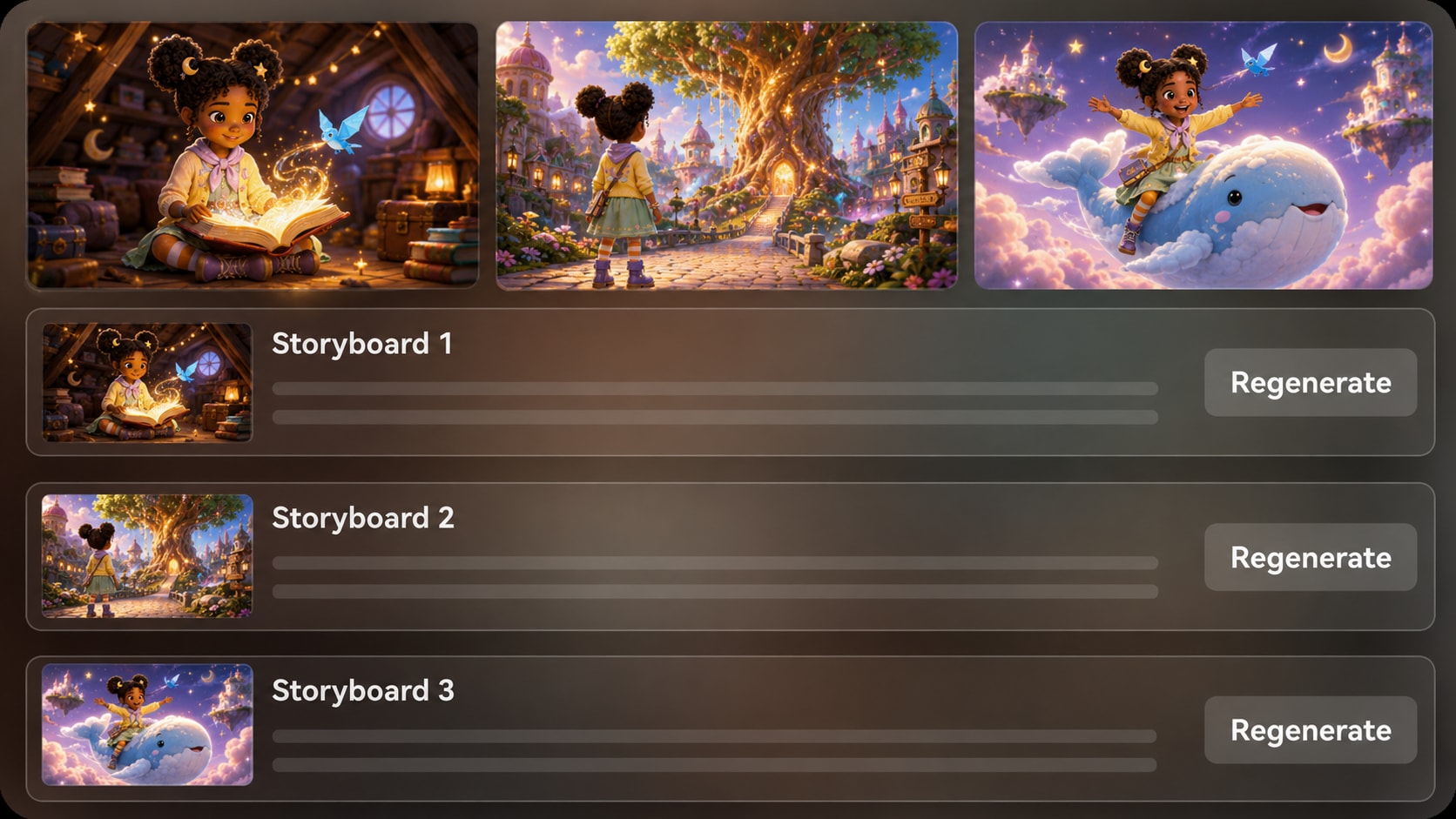
Regenerate One Shot Without Rebuilding the Whole Story
Preview how your kids story flows before the final video is complete. If one generated moment feels unclear, too intense, or off-style, re-roll that single shot while keeping the rest of the story workflow in place.
- Storyboard Preview - See the visual flow before the final kids story video is generated
- Single-Shot Re-Roll - Replace one awkward or off-style moment without starting over
- Clear Story Beats - Keep the setup, problem, and resolution easy for kids to follow
- Smoother Iteration - Improve pacing and clarity when storytime content needs a gentler rhythm
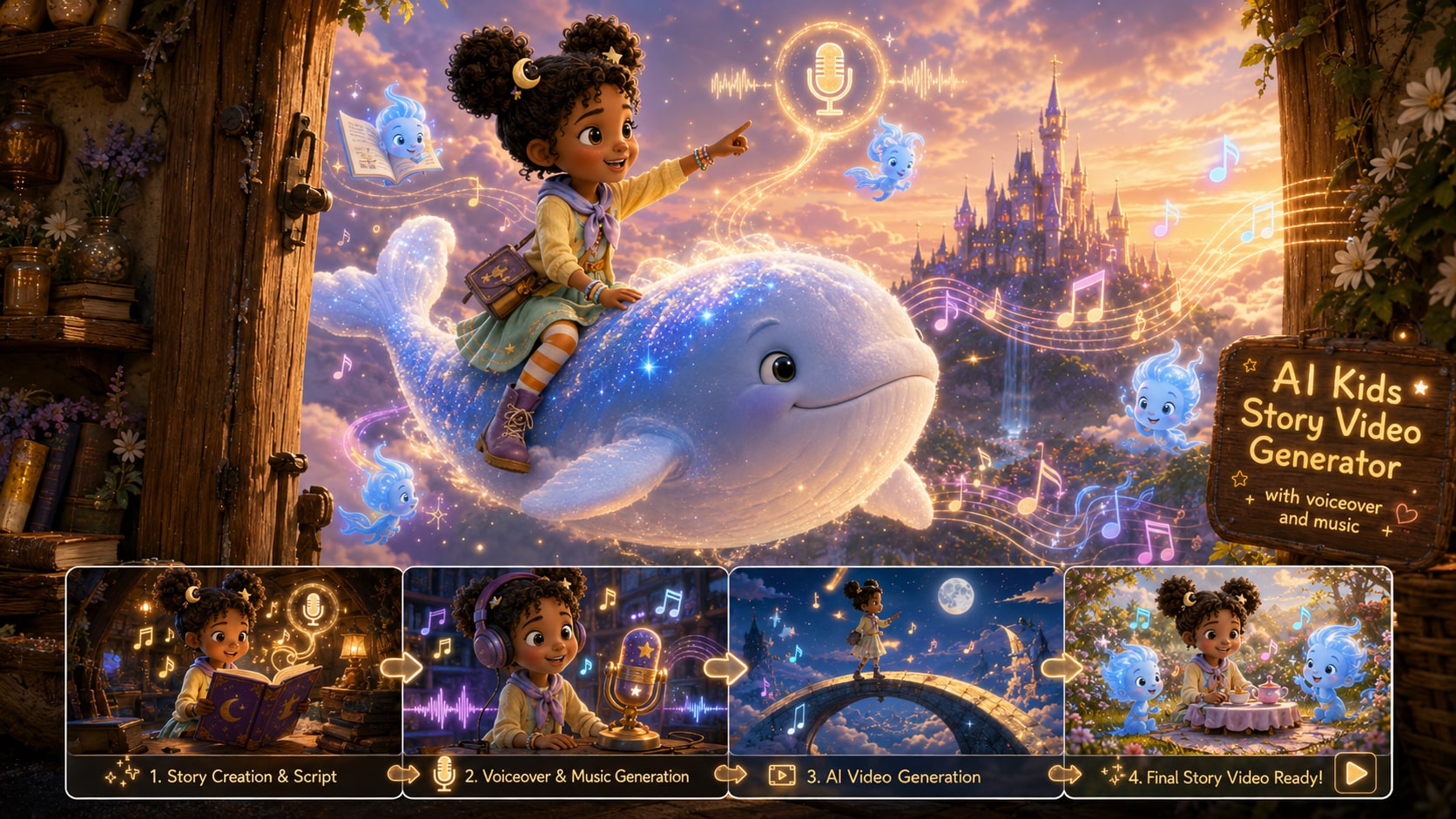
Generate a Complete Kids Story Video with Voiceover and Music
Create more than a silent clip. Media.io helps turn your kids story into a complete AI-generated video with visuals, narration, and background music, then lets you continue polishing the result with tools like Video Enhancer, Video Extend, and Object Remover.
- AI-Generated Visuals - Turn story scenes into colorful, watchable kids videos
- Voiceover & Music - Add narration and matching background music for a complete storytime feel
- Quick Polishing - Improve visual clarity or remove distracting details before sharing
- Extend When Needed - Add a calmer ending beat or continue the story with Video Extend
Make a Kids Story Video in Three Practical Steps
Use a short script, direct the scenes, and export a version that fits your channel or classroom screen.
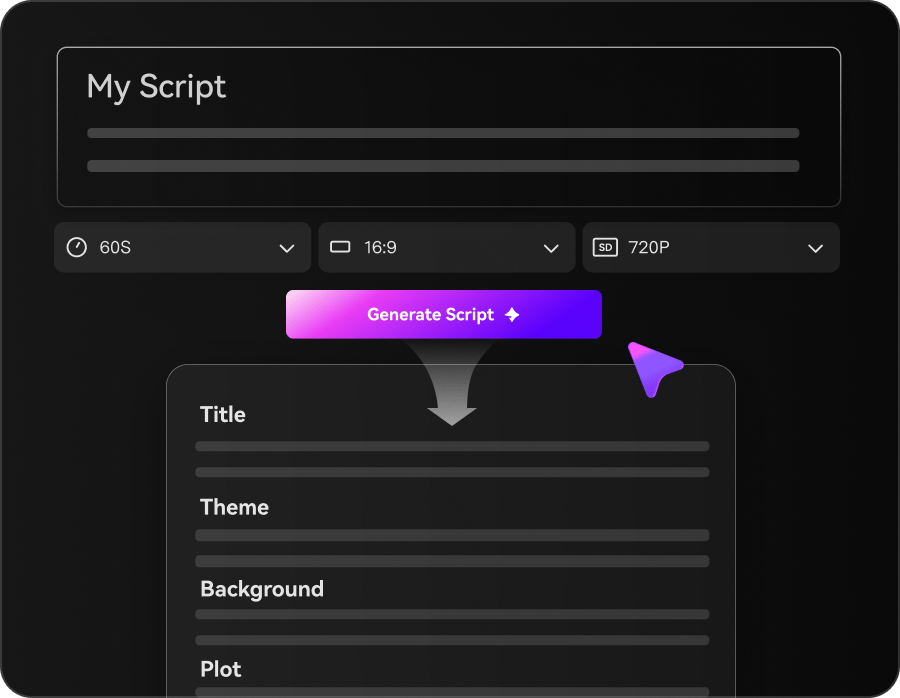
Paste and Preset
Paste your story (up to 5000 characters), then in the same setup step choose 1080P, 9:16 / 1:1 / 16:9, a kid-friendly style (anime or realistic), duration (up to 2 minutes), and a model like SD2.0 Fast, Kling O3, or Vidu Dramma.
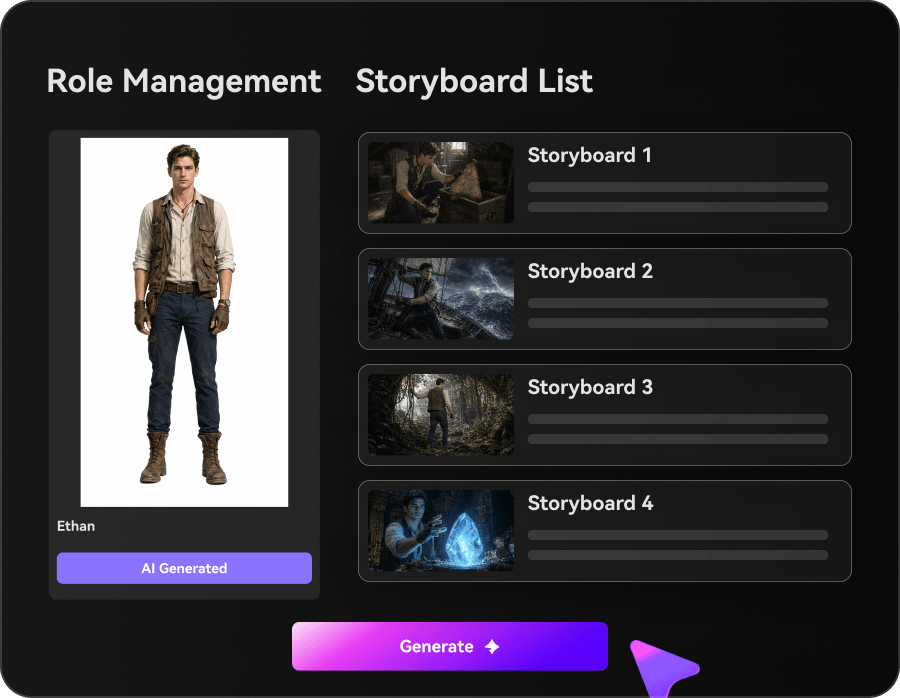
Build Characters
Add your main character and supporting cast from text, a photo, or a sketch. Generate three-view references so the same look carries across scenes, then review the auto-created outline before you storyboard.
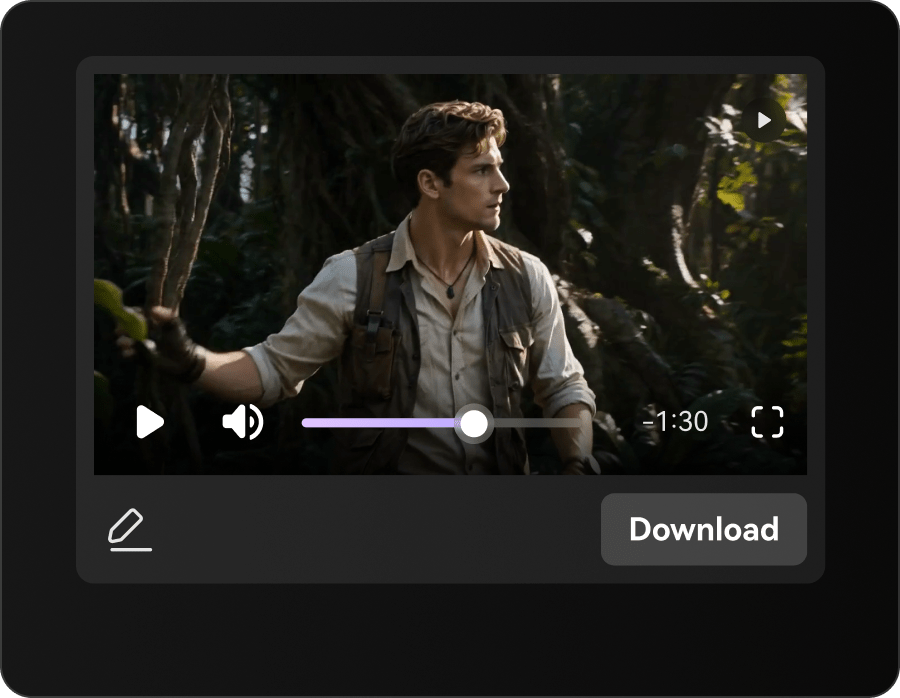
Generate and Polish
Generate the storyboard video, then re-roll any single scene that misses the tone. Finish with Enhance Video Quality, extend the ending with Video Extend if needed, and export for YouTube Kids, Shorts, or classroom playback.
Compare Media.io with
Basic AI Kids Story Video Generators
Basic tools often create short, disconnected clips. Media.io helps turn kids stories into structured videos with recognizable characters, voiceover, music, and room to refine weak shots.
Make Kids Story Videos for Channels, Classrooms, and Bedtime
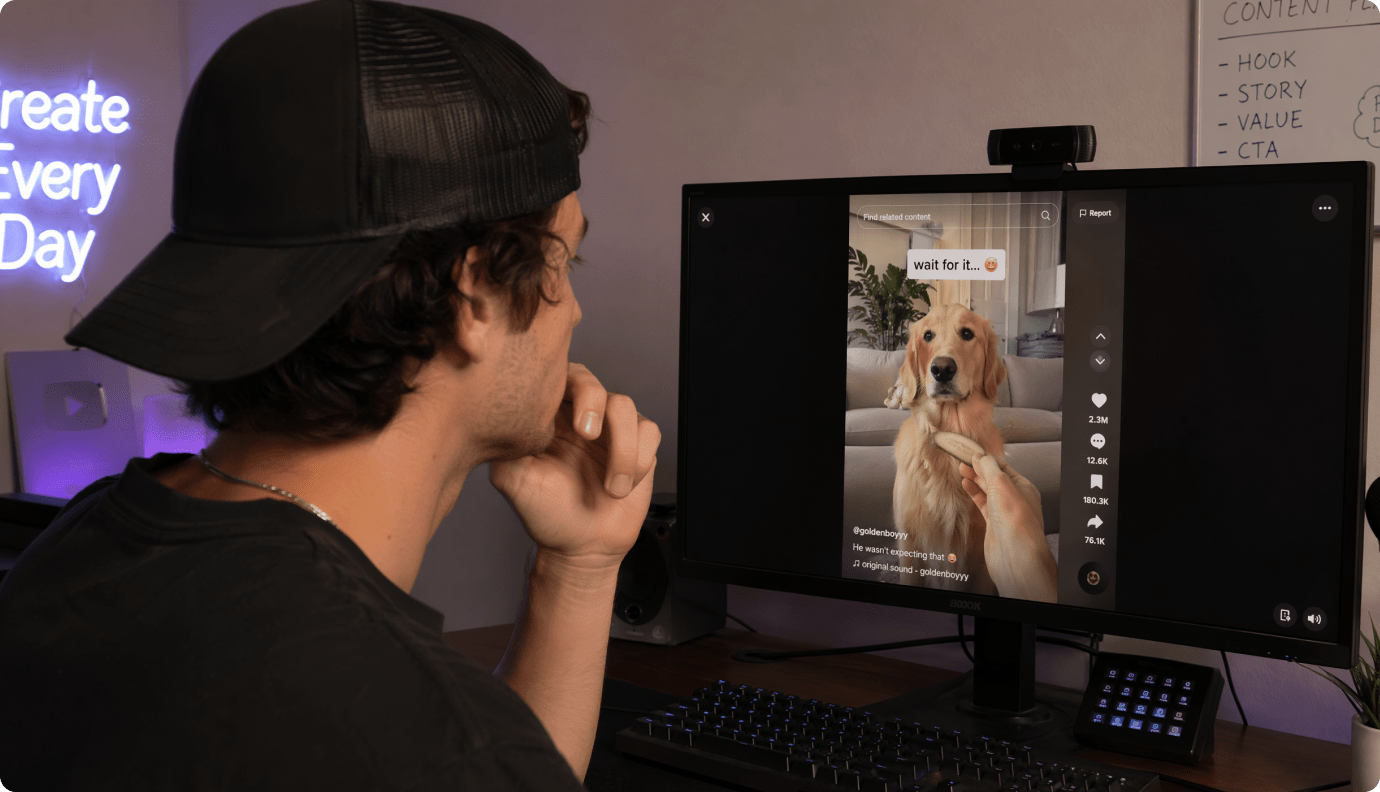
YouTube Kids Story Creators
Turn kids stories, moral tales, and character adventures into repeatable storytime videos with recognizable characters, gentle pacing, voiceover, and background music for your channel.
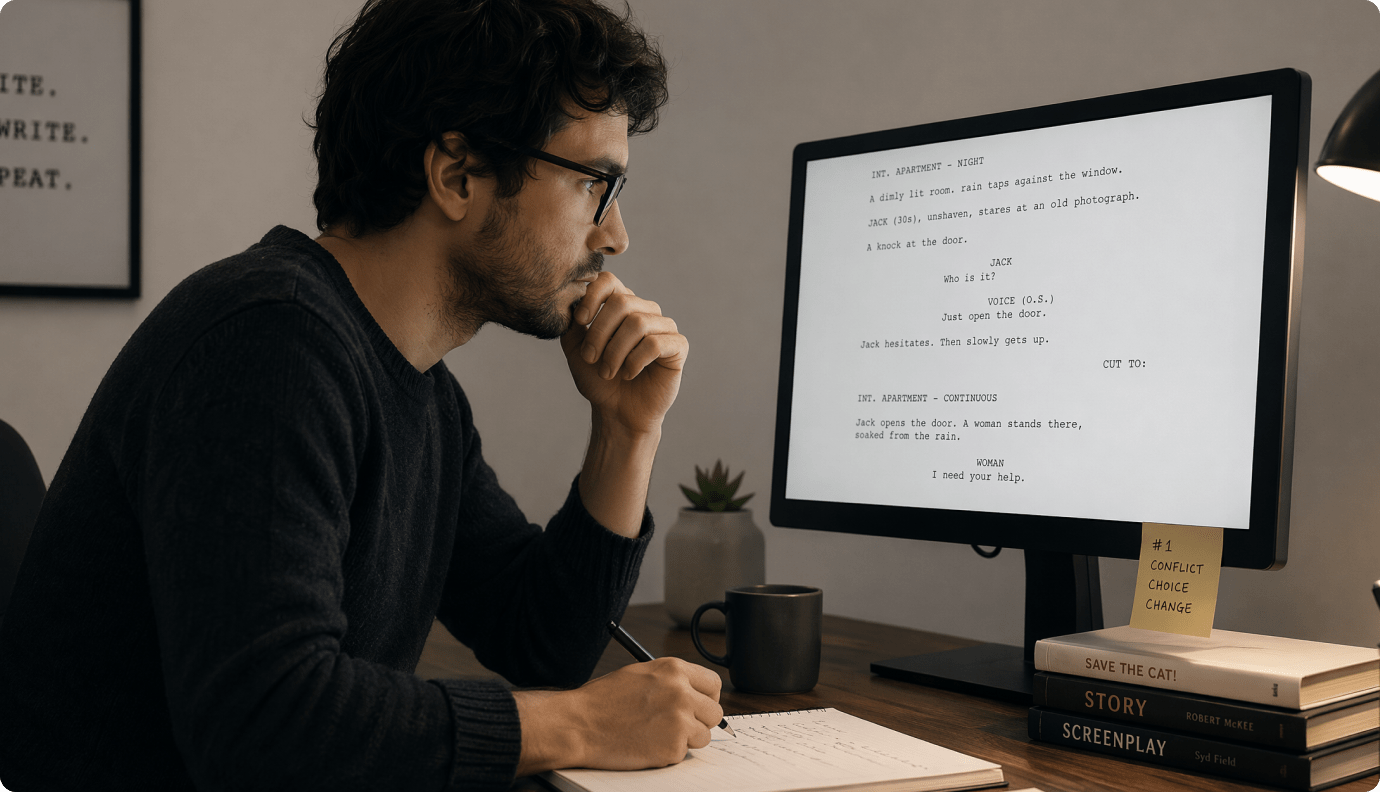
Teachers and Educators
Convert classroom scripts, learning stories, and simple lesson ideas into short educational story videos that explain a concept, reinforce a topic, or make a recap easier to follow.
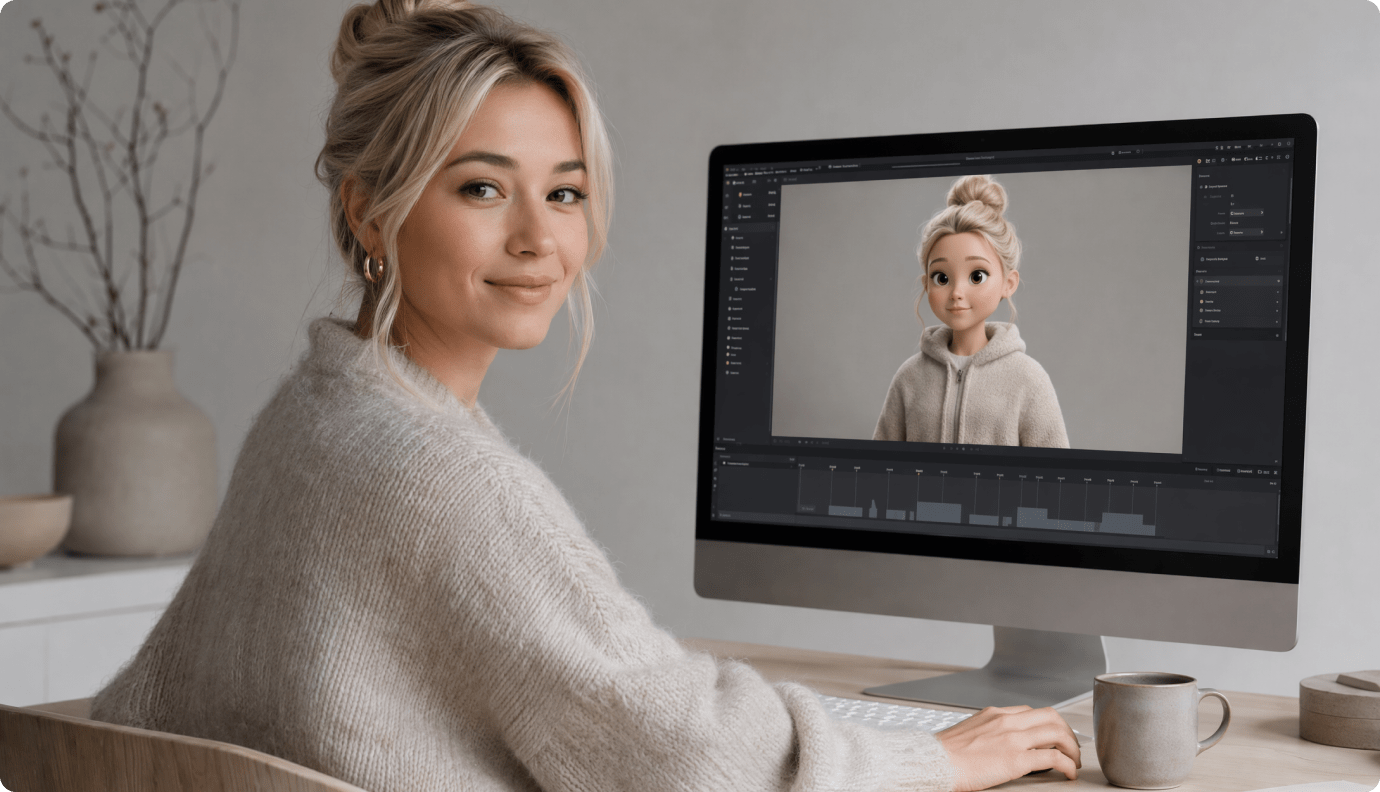
Parents and Bedtime Storytellers
Create cozy bedtime story videos from short scripts, family tales, or gentle adventure ideas. Add warm visuals, clear narration, and soft background music for a calming storytime experience.
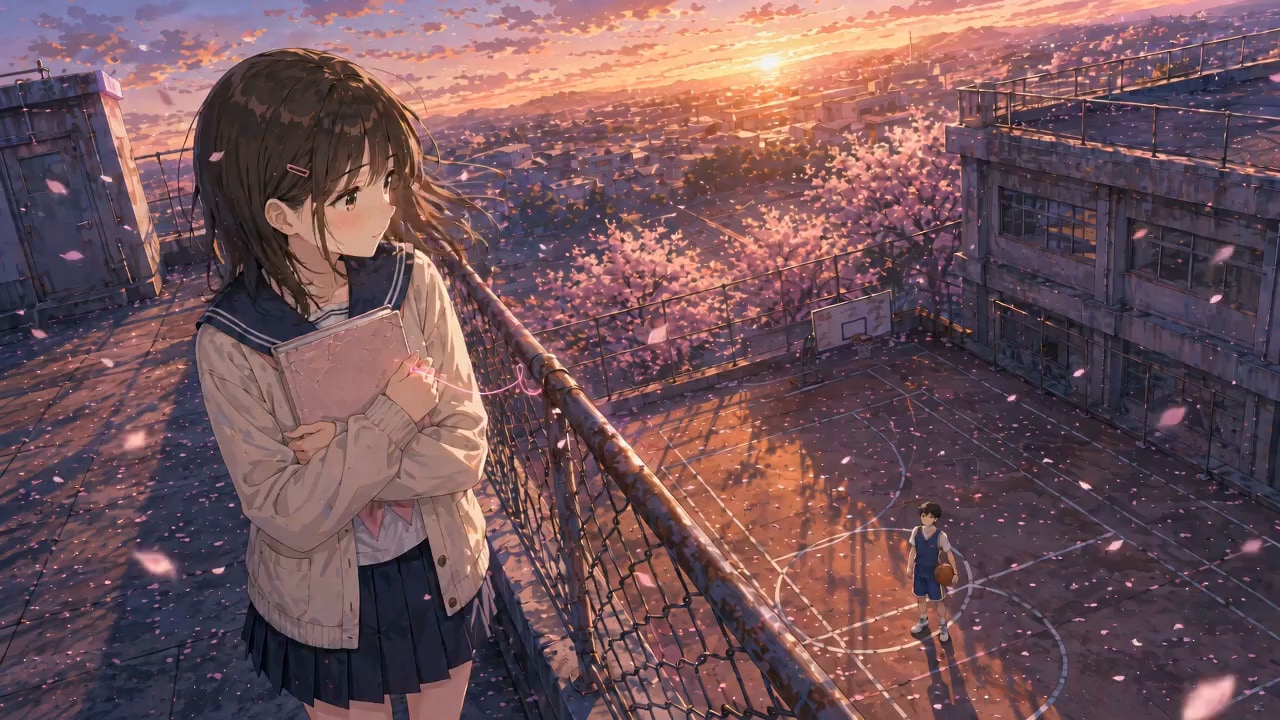
TikTok and Shorts Creators
Generate vertical kids story videos for Shorts, Reels, and TikTok with simple story beats, readable visuals, voiceover, and music designed for quick viewing on phones.
See Kids Story Ideas Become Videos
Across Different Storytime Styles
Explore examples for bedtime stories, educational scripts, moral tales, character adventures, and other kid-friendly video ideas, then use Media.io to turn your own story into a complete AI-generated video.
Loved by Creators Making Kids Story Videos
See how creators, teachers, parents, and brand teams use Media.io to turn kids stories into gentle AI videos with recognizable characters, voiceover, music, and a smoother story workflow.


"I run a small kids story channel, and my biggest issue was keeping the main character recognizable. Media.io helps me build a repeatable workflow from story script to video, with voiceover, music, and visuals that feel easier to follow."

"I used a short SEL story from my lesson plan and turned it into an educational story video for class. The outline-first workflow made the message clear, and the final video worked well as a short recap for students."

"For bedtime, I need calm visuals, simple story beats, and a cozy feeling. Media.io helped me turn a short bedtime story into a gentle video with narration and soft background music that felt easy to watch on a tablet."

"We publish short, vertical kids stories, so clarity matters more than flashy effects. Media.io helps us turn simple scripts into kids Shorts-style videos with readable scenes, voiceover, music, and a clear beginning, middle, and ending."

"I use Media.io to test animated concepts for a family-friendly series. Starting from a script makes it easier to check the story flow, character setup, and overall mood before spending time on a bigger production."

"We needed a simple mascot story for a family brand campaign, not a random montage. Media.io helped turn the script into a character-led story video, then we used extra tools to polish small visual details before sharing."
FAQs on AI Kids Story Video Generator
What Is an AI Kids Story Video Generator?
An AI kids story video generator turns a written children's story, bedtime tale, classroom script, or moral lesson into an AI-generated video. Media.io helps structure the story, create recognizable characters, generate warm visuals, add voiceover and background music, and produce a complete storytime video online.
What Kinds of Kids Stories Can I Turn into Videos?
You can create bedtime story videos, animal adventure stories, moral stories, classroom learning stories, family-friendly character tales, short fairy-tale videos, and educational story clips. Stories with a clear beginning, problem, lesson, and ending usually work best.
What Should I Paste as the Script?
Paste a simple story script with short sentences and clear story beats. A good kids story script usually includes the main character, setting, small problem, action, lesson, and ending. You can also paste a classroom script, bedtime story idea, or moral tale and let Media.io help turn it into a video workflow.
Can I Keep the Same Character Across the Story?
Yes. Media.io lets you create characters from text, photos, or sketches and use character references to guide the look of your cast. This helps keep a child hero, animal friend, teacher, mascot, or recurring character more recognizable across scenes and future episodes.
Does the Kids Story Video Include Voiceover and Background Music?
Yes. Media.io can help generate a complete kids story video with visuals, narration, and matching background music. This makes the result feel more like a finished storytime video instead of a silent AI clip.
Can I Make Bedtime Story Videos with AI?
Yes. You can turn bedtime stories, family tales, gentle animal adventures, or calming moral stories into AI-generated videos. For bedtime content, use a warm visual style, simple story structure, soft pacing, and a clear ending.
Can Teachers Use It for Classroom Story Videos?
Yes. Teachers can turn short lesson scripts, SEL stories, vocabulary stories, safety lessons, or topic recaps into educational story videos. These videos can be used for classroom introductions, lesson reviews, or simple take-home learning content.
Can I Create Kids Story Videos for YouTube Shorts, TikTok, or Reels?
Yes. You can create vertical kids story videos for Shorts, Reels, and TikTok, or widescreen videos for YouTube and classroom screens. Choose the format that fits your channel or teaching setup before generating the final video.
How Long Can the Generated Kids Story Video Be?
Media.io can generate kids story videos up to 2 minutes long. This works well for bedtime story clips, short moral tales, classroom recaps, mini-lessons, and vertical story videos for social platforms.
Can I Preview or Regenerate a Scene If It Looks Wrong?
Yes. Media.io provides a storyboard preview so you can understand the visual flow before the final video is generated. If one scene or shot feels unclear, too intense, or off-style, you can regenerate that single moment without rebuilding the entire story.
Is It Safe to Use for Children's Content?
Media.io is designed to help create gentle, kid-friendly story videos, but creators should always review the final video before publishing or showing it to children. Check the visuals, narration, story message, and any uploaded assets to make sure they fit your audience and platform guidelines.
What Makes Media.io Different from a Basic AI Kids Story Video Generator?
Media.io supports a more complete story-to-video workflow. It helps organize your script, create recognizable characters, generate warm visuals, add voiceover and background music, preview the story flow, re-roll a weak shot, and continue polishing the video with Media.io tools.

Make Storytime Videos Kids Actually Want to Rewatch
Start from a Script, Finish with a Coherent Story
Paste your kids story, shape the characters and scenes, then export a calm, consistent video ready for YouTube Kids or the classroom.
Discover More AI Video Generators for Every Story Style
Want to create more than kids story videos? Explore related Media.io AI video generators for anime stories, horror tales, faceless channels, general story videos, animation ideas, and other script-to-video workflows built for different creators and story formats.
 4. 8 (28416 Votes)