Home>Comparison>DreamFace AI

DreamFace AI Review: What Can a Talking Photo Do?

Turning a portrait into a speaking presenter looks simple until pronunciation, expression and permission matter. DreamFace AI is known for talking photos, avatar videos, image effects and short generative content. The brand name also appears on independently operated domains, so a pricing comparison must identify the product being reviewed rather than merge unrelated checkout pages. Here we focus on the established DreamFace app at dreamfaceapp.com: what its talking-avatar workflow is designed for, what to check in the current subscription, and where Media.io offers a task-focused alternative.

Core Feature Overview: What Makes DreamFace AI Different

The DreamFace app emphasizes speaking photos, virtual presenters and quick visual effects. Identity permission, lip-sync inspection and platform-specific billing are more meaningful than a generic video-model ranking.

Core Feature Overview

Talking Photos from Portraits

DreamFace presents an accessible way to animate a still portrait into a talking video. Select an approved face photo, provide the intended message and inspect mouth movement on a complete sentence. Do not imply the person recorded or endorsed the speech merely because their likeness appears in a realistic output.

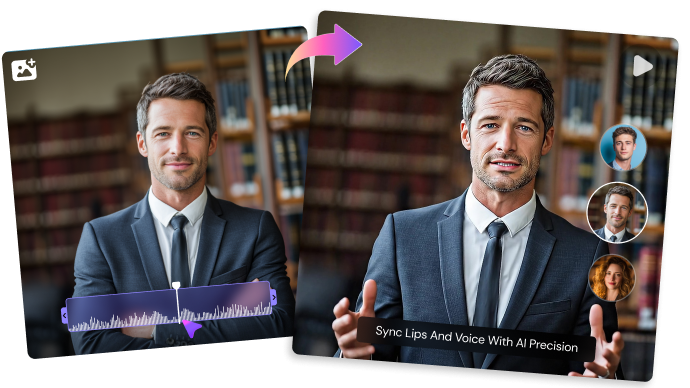
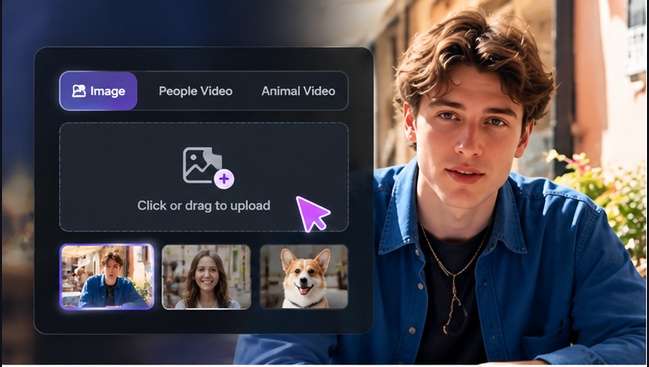
Illustrative Media.io creation workflow graphic, not a DreamFace AI product screenshot

Avatar Videos with Text or Audio

The official DreamFace website describes avatar generation from text or audio with realistic voices. This is most useful for a recurring explainer, business greeting or learning segment when filming is inconvenient. Compare natural expression, eye contact and hand-off to other editors with the delivery style you actually need.

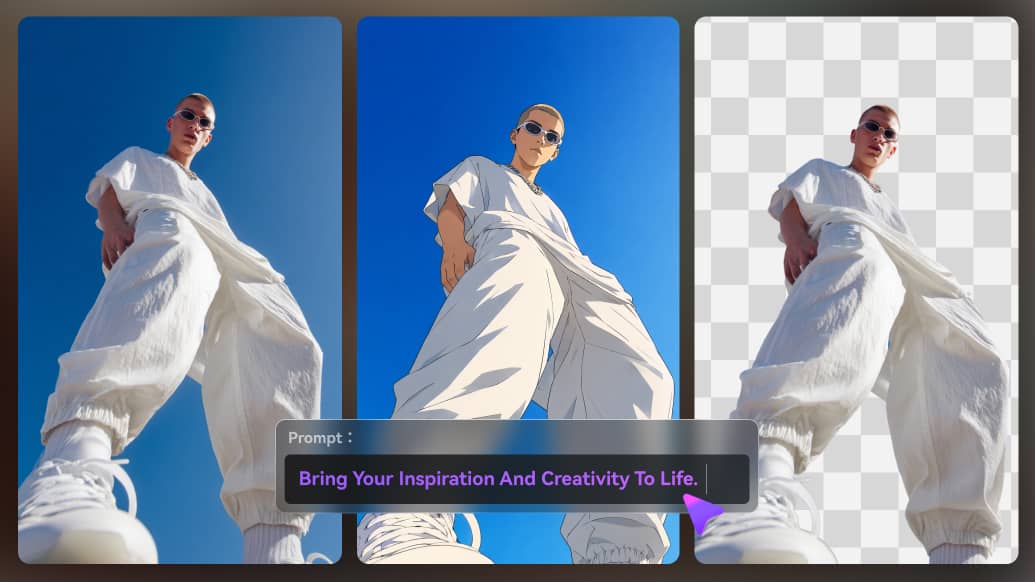
Illustrative Media.io creation workflow graphic, not a DreamFace AI product screenshot

AI Images and Photo Effects

Image generation, artistic filters and photo enhancement appear alongside its avatar tools. A creator can prepare a portrait, improve lighting or create a conceptual image before animation. Keep original source rights and do not treat restoration or stylistic changes as factually accurate reconstruction.

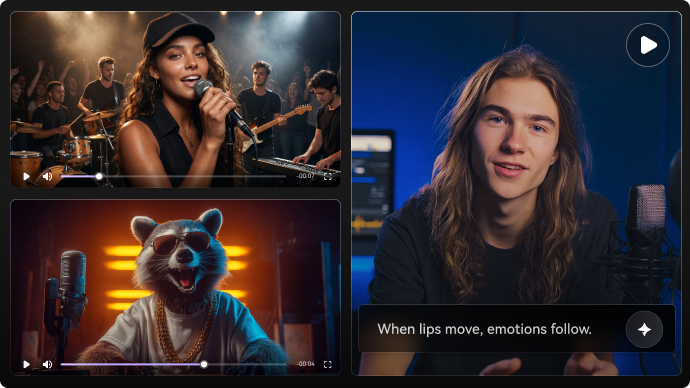
Illustrative Media.io creation workflow graphic, not a DreamFace AI product screenshot

Image and Video Creation Tools

The website also promotes AI video and image creation beyond talking photos. These routes are relevant to general short clips, but they should not be confused with avatar speech generation. Pick the task first, since a motion model and a lip-sync avatar tool have different controls and possible costs.

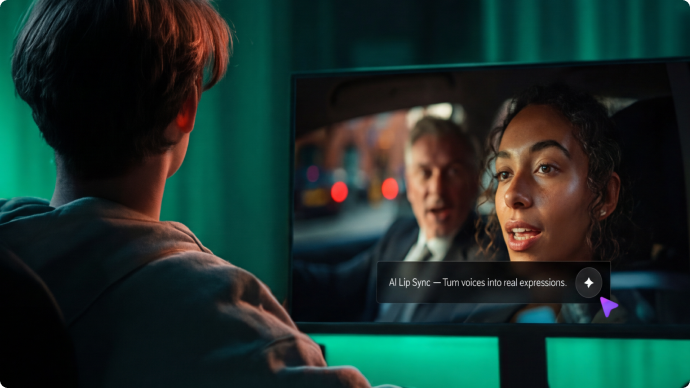
Illustrative Media.io creation workflow graphic, not a DreamFace AI product screenshot

Mobile and Web Access

DreamFace markets usage across iOS, Android and web. App-store subscriptions and purchases can be billed separately from website plans, so the storefront used matters when comparing rates and cancellation. Review the exact product publisher rather than assuming every similarly named app belongs to the same operator.

Illustrative Media.io creation workflow graphic, not a DreamFace AI product screenshot

Subscription, Credit and Privacy Checks

DreamFace's official subscription policy covers subscriptions and one-time credit packs, with separate handling for Apple and Google purchases. The policy states that payments are generally nonrefundable except for specified conditions or legal requirements. Sensitive face uploads should be authorized, and users should read current usage and retention terms before submitting them.
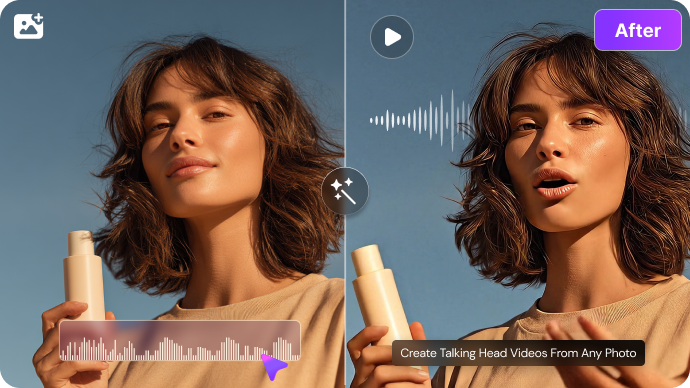
Illustrative Media.io creation workflow graphic, not a DreamFace AI product screenshot

How to Make a Talking Avatar from a Photo on Media.io

1
2
3
1
Step 1: Choose the talking-avatar tool

Open Media.io and prepare a photo you are authorized to animate.

2
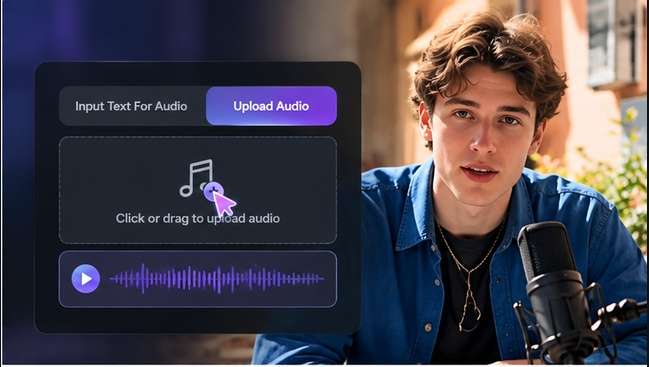
Step 2: Add the message and audio

Supply the script or available voice settings and review names and pronunciation.

3
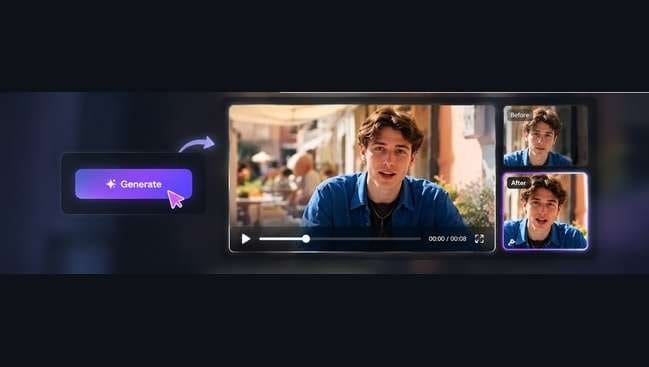
Step 3: Generate and inspect

Check mouth timing, consent and presentation before posting the speaking clip.

Illustrative Media.io creation workflow graphic, not a DreamFace AI product screenshot

Six Practical Uses for DreamFace AI

A talking-portrait workflow changes with the speaker, intended audience and level of disclosure. These scenarios deliberately focus on consented, recognizable use cases.

A Personalized Course Welcome

Animate an instructor-approved portrait with an introduction and review technical pronunciation before students see it.

A Digital Birthday Message

Use a consenting relative's photo for a lighthearted greeting. Label it as AI-generated so viewers do not mistake it for actual footage.

A Talking Product Mascot

Create a fictional presenter that explains one product benefit. Test several lines for consistent mouth movement and voice timing.

A Social Talking-Photo Clip

Convert a short approved message into vertical video and add captions for users who watch without audio.

Portrait Enhancement Before Animation

Clean up an owned photograph before making it speak. Compare the restored photo with the original for identity distortion.

An Avatar for Repeated FAQs

Prepare several short support explanations using an approved presenter. Recheck pronunciation and key facts when the script changes.

What to Check Before Buying DreamFace AI

A talking face carries identity and payment risks that a generic generator review can miss. The following checks address evidence and user permissions.

DreamFace Is an Ambiguous Product Name

Dreamfaceapp.com and dreamface.io are different named websites with separate published company and pricing information. Do not combine their rates or claim they represent one account.

Talking Likenesses Need Consent

A believable speaking photo could be mistaken for authentic recorded speech. Obtain the subject's permission and disclose generated content where appropriate.

Lip Sync Quality Must Be Checked

Mouth movement can appear plausible in a short sample yet slip on longer sentences or unfamiliar words. Listen through the complete export before sharing.

Billing Depends on Purchase Channel

Web subscriptions and mobile app-store purchases can have different cancellation and refund paths. Consult the actual checkout and associated policy.

Refunds Are Not Automatic

DreamFace's official subscription policy says payments are generally nonrefundable, subject to specified exceptions and law. A failed result does not automatically imply a cash refund.

Single-Portrait Videos Are Not Full Productions

A speaking avatar is useful for a message, but a documentary, story or multi-scene ad still requires supporting footage, edits and script direction.

DreamFace AI vs Media.io: Features, Costs and Workflow Fit

These products overlap in talking-avatar creation but not necessarily in every speech or subscription option. Compare approved portrait inputs, editing steps and live billing.

Decision Factor DreamFace AI Media.io
Primary identity Talking photos and avatar presenters AI talking-avatar and related visual tools
Input workflow Text or audio paired with an approved portrait Task-specific audio and avatar workflow
Photo preparation Filters and portrait enhancement Image editing and enhancement tools
Video generation AI video options alongside avatar outputs Separate text-to-video and image-to-video paths
Consent needs Likeness and voice authorization essential Same authorization and disclosure obligations apply
Pricing evidence Subscription and credit policy; check current channel Selected model and workflow show their own charge rules
Platform accessDreamFace promotes mobile and web creationBrowser-based Media.io creative tools
Extended editing Avatar output may need a separate edit Dedicated post-generation video and audio tools
Best buyer fit Quick talking-photo messages and avatar content Teams connecting generated portraits with further editing
Best for DreamFace AI Projects

Choose DreamFace AI If You Need:

Choose DreamFace for rapid talking portraits, greeting clips and approved digital presenters when the current app plan meets your output needs.

  • Talking Avatar and Presenter Clips: DreamFace is associated with speaking portraits and avatar videos.
  • AI Image Studio and Editing: Text-to-image and reference-based edits can generate ad concepts and supporting stills.
  • AI Video Studio from Prompts: Text-to-video and image-to-video allow motion without filmed footage.
  • AI Voice and Text-to-Audio: DreamFace lists voiceover generation through its studio.
  • Plan selection: DreamFace advertises introductory access and paid credit packages; a previously listed Premium Lite example was $12.99/month with 2,400 credits. Verify the present account-specific plan because individual video, avatar and audio jobs consume allowances differently.
Visit DreamFace AI
Best for Connected Creation

Choose Media.io If You Need:

Choose Media.io if a talking avatar is only one part of a broader editing or AI-video task. The alternative still requires permission to animate a real face and careful result review.

  • Compare against task-specific talking-head or video options only when verified available.
  • For image changes, select an applicable image-to-image workflow.
    • Use video generation tools for shots that do not require an animated face.
  • Review audio-related tools for narration and clean-up where appropriate.
  • Final production: when your work centers on a broader chain of creative and post-production tools; neither choice removes the need to approve speech, identity and rights.
Explore Media.io AI Tools

Final Verdict: Who Should Use DreamFace AI?

Our Take

DreamFace is especially recognizable for bringing faces to life using a script, voice or a short speaking-avatar format. That is a different need from producing a cinematic generative scene.

Before paying, identify the exact DreamFace operator, product and checkout. Similarly named sites publish different billing structures; combining their plans would mislead a buyer.

Choose DreamFace for a compact speaking-photo experience. Choose Media.io for a talking avatar with subsequent video and image finishing. Never generate a realistic endorsement from a person without their consent.

DreamFace AI Frequently Asked Questions

What is DreamFace AI best known for?
faq faq

DreamFace is associated with talking photos and AI avatar videos, alongside image effects and generative media tools. Its usefulness depends on the exact task and product domain.

Use an authorized photo, choose a voice or script in the talking-avatar workflow, generate and review the complete speech animation before sharing.

Trial or free options may be offered, but access can vary by channel and model. Verify the currently available account allowance instead of assuming every export is free.

DreamFace offers subscription or credit-based purchases, but the exact amount depends on which branded service and payment channel you are using. Check the actual checkout.

They publish different company and billing details. This review discusses dreamfaceapp.com, and its prices should not be mixed with dreamface.io credit packs.

Its official site describes avatar videos made with text or audio. The creator should check pronunciation, expression and the right to use any real person's likeness.

Review the service privacy and data policies and use only images you are authorized to upload. No online service can be declared risk-free solely from its marketing page.

Cancellation depends on the subscription and payment channel. The official policy has separate provisions for website and app-store purchases; read them before subscribing.

Media.io offers a task-oriented talking-avatar workflow plus photo and video tools. Compare the actual voice, face, clip duration and editing steps you need.

What Media.io Creators Say About Their Workflow

Media.io AI video generator user
Sarah L.

Content Creator

star star star star half star

Media.io makes it much easier to test different AI video styles without jumping between several platforms. I can start with a text prompt or image, compare model results, and then resize or polish the clip for social media in the same workspace.

Media.io AI video creator
John D.

Social Media Marketer

star star star star half star

I use Media.io to create quick product clips, ad concepts, and short-form videos from images. The biggest advantage is that generation does not feel like the final step - I can continue with music, captions, enhancement, and format conversion before publishing.

Media.io AI video editing user
Emily T.

Freelance Designer

star star star star half star

The workflow is approachable even when I am experimenting with unfamiliar AI models. I can animate artwork, try different motion prompts, preview the output, and prepare a cleaner final version without needing advanced video-editing experience.

Media.io Online Tools Quality Rating:
vote 4.7 (162,357 Votes)
media.io

AI Video Generator star

Easily generate videos from text or images

Generate