
Door Bell Sound Prompts for Different Entrances

A mechanical chime rings out differently from an intercom buzzer. Try a gentle double tone, repeated impatient rings or a muffled bell heard from another room.

How to Generate Door Bell Sound Effects with AI

Imagine the building and the visitor before writing your prompt. A warm house chime and a harsh apartment buzzer should not sound like the same device.

1

Open the AI Sound Effects Generator

Visit the Media.io AI Sound Effects Generator to create an original door bell audio cue from a text description.

2

Enter a Sound Effect Prompt

Describe the precise audible source and situation. Example prompt: Classic home door bell pressed once: warm two-tone ding-dong chime ringing gently through an entryway, natural metallic decay, faint hallway ambience, no voices.

3

Choose Duration and Generate

Choose a duration of 5s, 10s, 20s or 40s, then select 1, 2, 3 or 4 sounds to generate. Click Generate to create the selected variations.

4

Preview and Download

Audition the note spacing and tail. An apartment intercom should not produce the same resonant chime as a traditional brass door bell. Preview the generated sounds, then download and save the one that fits your project.

A Visitor Arrives Before the Door Opens

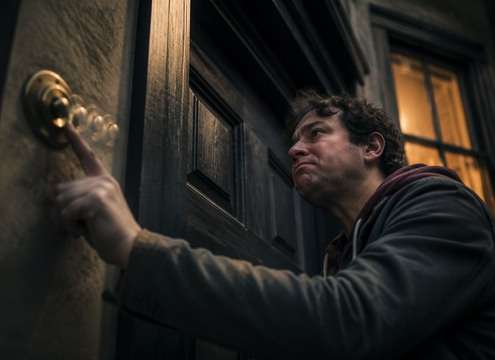
The ring can announce a guest, interrupt a conversation or introduce suspense before a door ever opens.

Family home delivery sound scene

Family home delivery

Two familiar notes interrupt a kitchen conversation before the door opens.

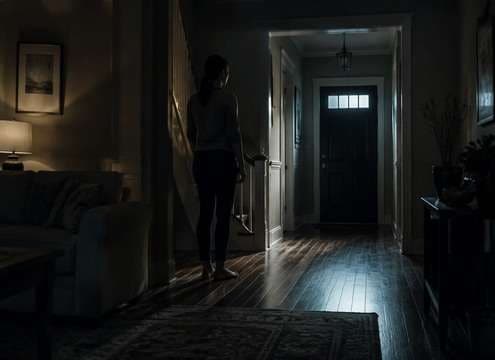
Suspenseful midnight visitor sound scene

Suspenseful midnight visitor

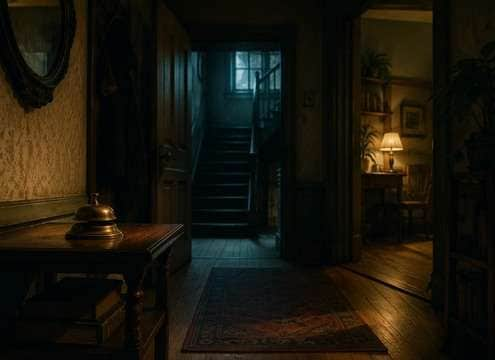
One distant door chime in an empty house leaves a long uncomfortable pause.

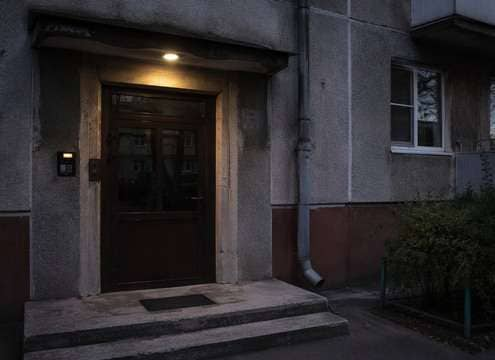
Apartment entrance sound scene

Apartment entrance

A harsh electrical buzzer marks a shared-building entrance rather than a detached house.

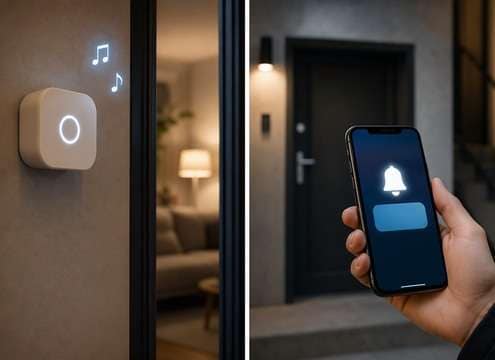
Smart-home product video sound scene

Smart-home product video

A soft digital chime pairs with an app alert without imitating a branded ringtone.

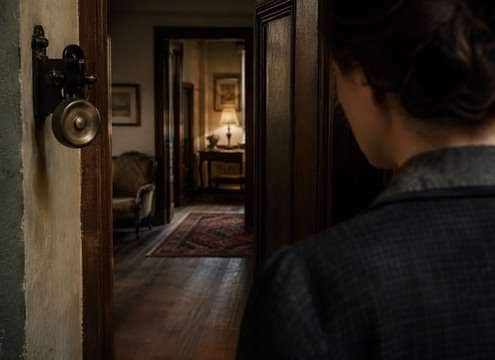
Period-drama doorway sound scene

Period-drama doorway

A mechanical bell with a slight rattle places the home in an older era.

Comedy impatient guest sound scene

Comedy impatient guest

Three quick repeated rings make the visitor's impatience immediately obvious.

Escape-room game sound scene

Escape-room game

A peculiar single bell tone draws the player toward an unseen entrance.

Real-estate walkthrough sound scene

Real-estate walkthrough

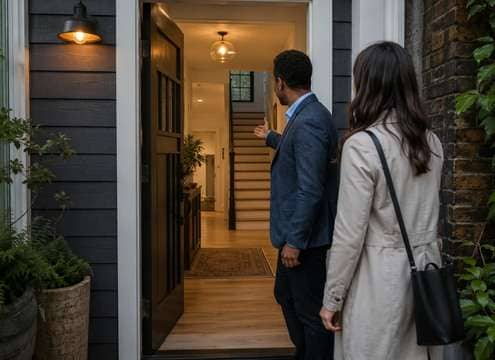
A discreet pleasant chime transitions the tour into the front-door scene.

Chimes That Match the Building

Get the hardware, number of presses and room sound right to make a doorbell cue feel like it belongs in your scene.

A bell reveals the type of building concept icon

A bell reveals the type of building

A mechanical chime, an intercom buzzer and a smart notification each imply different architecture.

Two notes are not always equal concept icon

Two notes are not always equal

The interval, loudness and decay of the second note determine the familiar ding-dong character.

A pressed button changes rhythm concept icon

A pressed button changes rhythm

Repeated button pushes produce interrupted or overlapping rings, not a perfectly spaced melody.

Distance changes perceived warmth concept icon

Distance changes perceived warmth

Behind a wall, high harmonics soften and the room absorbs some of the bright ring.

Avoid protected notification melodies concept icon

Avoid protected notification melodies

For smart doorbells, request an original short digital chime rather than a known product sound.

Leave room for the character to react concept icon

Leave room for the character to react

A long sustained ring can occupy dialogue space; shorten it when the actor answers immediately.

Mechanical Chime, Apartment Buzzer or Smart Doorbell?

For a classic home entrance, try two warm resonant notes with a short tail. An apartment intercom has a flatter, electric buzz. A smart doorbell may use bright synthesized notes. These device differences help the viewer understand where the scene takes place.

Choose the hardware before the mood

The number of presses tells a story too. One relaxed ring suggests a visitor waiting patiently. Three uneven presses can convey urgency, frustration or a playful prank. Keep small pauses between rings so listeners can follow the pattern.

  • Cavern Call - A single adult voice calling "Hello" into a huge limestone cavern; dry onset, one delayed low-volume return followed by irregular long natural reflections, no music.
  • Tiled Tunnel Footsteps - Three measured boot steps on tile; each step repeats quickly along a narrow underground passage, hard-wall reflections and quiet decay, no crowd.
  • Canyon Whistle - One clear human whistle projected over a rocky canyon, separated echo returning twice at decreasing levels, open-air background nearly silent.
  • Stairwell Key Clink - Small brass key falls on concrete, bright metal ping and three tight hard-wall stairwell repeats with natural decay, isolated.
  • Distant Voice Fade - Single wordless distant human call that grows more diffuse in an outdoor valley with gradual high-frequency loss and long delayed reflection.

Use repetition to tell the visitor story

Think about where the camera is. A bell recorded near the front door is bright and present; one heard from upstairs needs softer high frequencies and more room sound. Let the tail finish before dialogue begins, especially in a quiet scene.

  • Cave dialogue - A lost explorer calls into a cavern and hears one delayed reply, establishing enormous distance.
  • Subway passage - Footsteps repeat along tile while the platform stays empty, making a quiet scene uncomfortable.
  • Mountain rescue - A faraway shout returns from a cliff face before the camera finds its source.
  • Stone stairwell - A dropped key produces hard short reflections that reveal narrow concrete walls.
  • Dream transition - An everyday phrase decays into a long airy echo as a character enters a memory.
  • Haunted corridor - A gentle metallic tap develops a hollow echo rather than an obvious monster cue.
  • Sci-fi hangar - A coded beep ricochets through a cavernous metal interior and anchors scale.
  • Podcast flashback - A short spoken line shifts into a spacious acoustic perspective between scenes.

Door Bell Sound Effects: Questions Answered

Choose the right ding-dong, buzzer or smart alert and adjust its ringing pattern and distance for a convincing entrance.

What is the difference between ding dong and a door buzzer?

A ding-dong is typically a resonant two-note chime; a buzzer is a flatter, harsher electrical signal.

Can I generate a vintage mechanical door bell?

Describe a bell hammer striking metal, an audible spring mechanism and a natural hallway tail.

How do I create an impatient repeated ring?

Ask for three uneven button presses with overlapping short chimes and distinct gaps.

Which doorbell works in a modern apartment scene?

A brief intercom buzzer or restrained electronic notification is often more suitable than a large house chime.

Can I create a smart-doorbell alert without copying a brand?

Yes. Ask for an original friendly two- or three-note digital chime with a short tail.

Should the ring be muffled when heard from another room?

Yes. Use lower high-frequency energy and gentle wall filtering, with room perspective matching the camera.

Does a doorbell sound need dialogue?

No. Keep the ring isolated and place a separate door-opening or voice track afterward if the scene requires it.

More Household Alerts and Entrance Cues

Browse door opening, home ambience and notification sounds to complete the moment after the bell rings.

sound

Door Knock Sound Effect

Explore related sounds
sound

School Bell Sound Effect

Explore related sounds
sound

Door Opening Sound Effects

Explore related sounds
sound

Boxing Bell Sound Effects

Explore related sounds
sound

Door Slam Sound Effects

Explore related sounds
sound

AI Door Shut Sound Effects

Explore related sounds
sound

Ting Bell Sound Effects

Explore related sounds
sound

Classroom Bell Sound Effects

Explore related sounds
sound

Arcade Explosion Sound Effects

Explore related sounds
sound

Ha Sound Effects

Explore related sounds
sound

Err Sound Effects

Explore related sounds
sound

Vine Boom Sound Effects

Explore related sounds
sound

Diarrhea Sound Effects

Explore related sounds
sound

Oh My God Sound Effects

Explore related sounds
sound

Wake Up Sound Effects

Explore related sounds
sound

All Sound Effects

Browse all sounds
media.io

AI Video Generator star

Easily generate videos from text or images

Generate