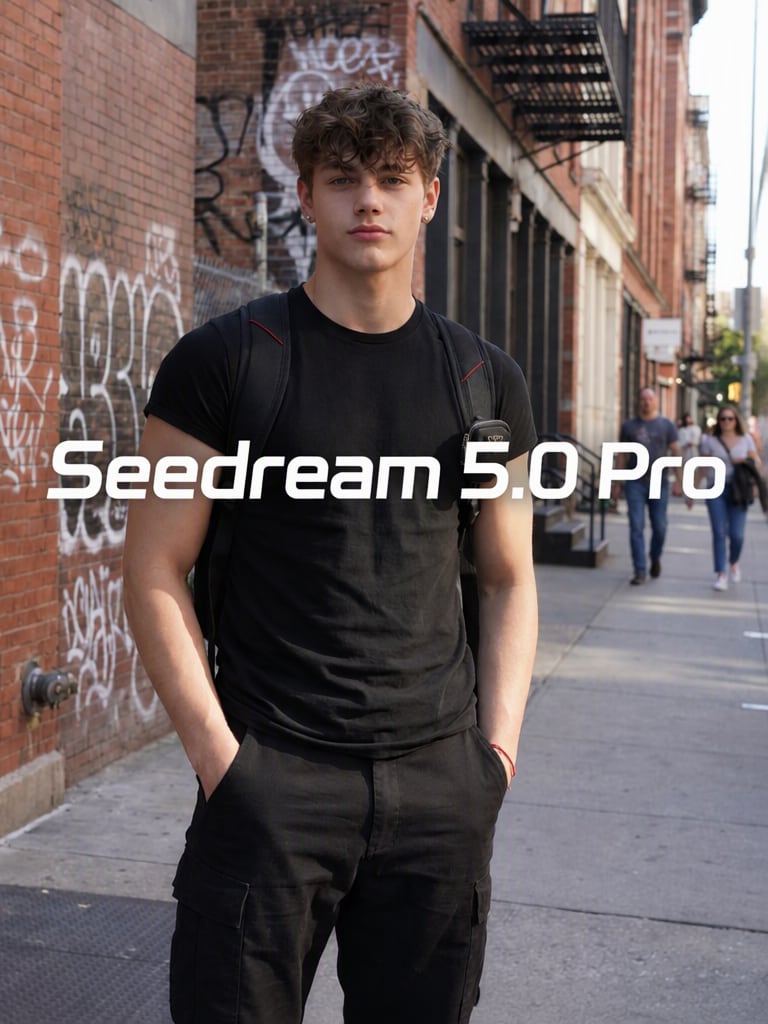

Remove Visible Seedream Watermarks
Brush over visible Seedream or Dreamina logos and let AI clean the selected area without requiring manual cloning, cropping, or complex photo editing.
Remove visible watermarks from Seedream and Dreamina-generated images online. Upload your authorized image to Media.io's Seedream Watermark Remover , brush over the visible logo, and let AI reconstruct the marked area while preserving the surrounding details.
Free credits on signup.
For images you own or are authorized to edit. This tool removes visible pixels only and does not remove C2PA provenance metadata or invisible AI signals.







Brush over visible Seedream or Dreamina logos and let AI clean the selected area without requiring manual cloning, cropping, or complex photo editing.
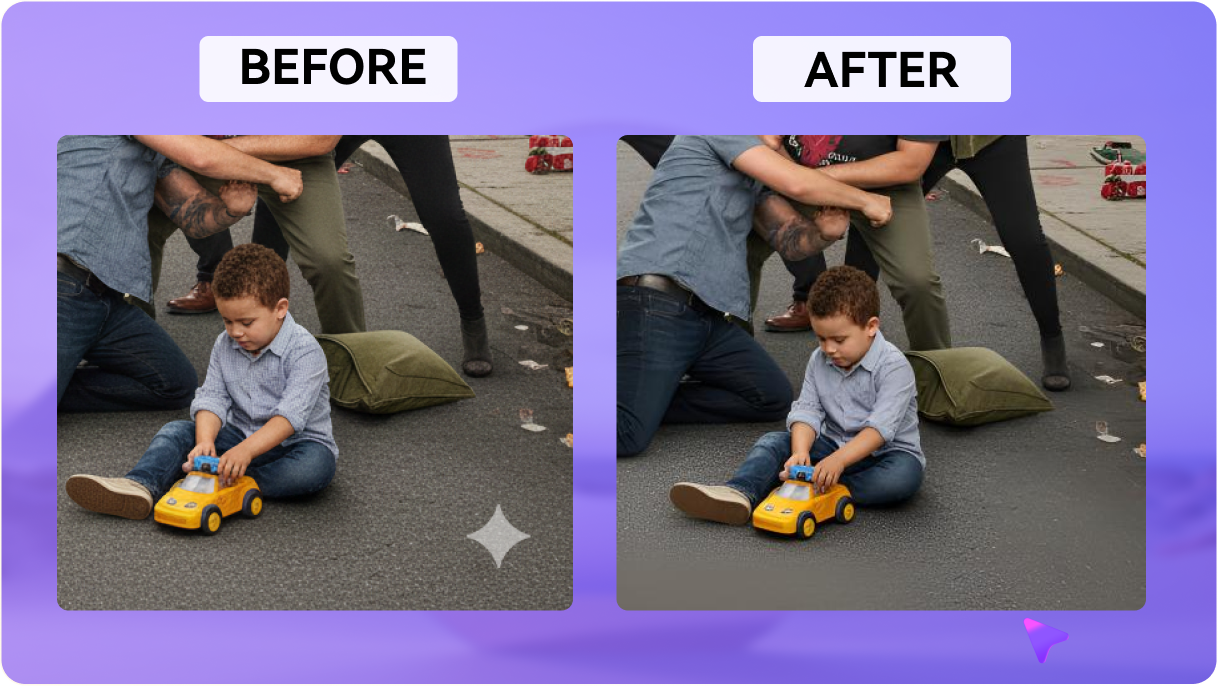
AI analyzes neighboring pixels to rebuild the selected area, helping preserve textures and details in portraits, product photos, illustrations, and social graphics.
Clean visible overlays from images created through Seedream and Dreamina workflows, including AI portraits, posters, landscapes, product shots, and other generated artwork.
Check the reconstructed watermark area before saving your image. If the background is complex, refine the brush selection and generate again for a cleaner result.
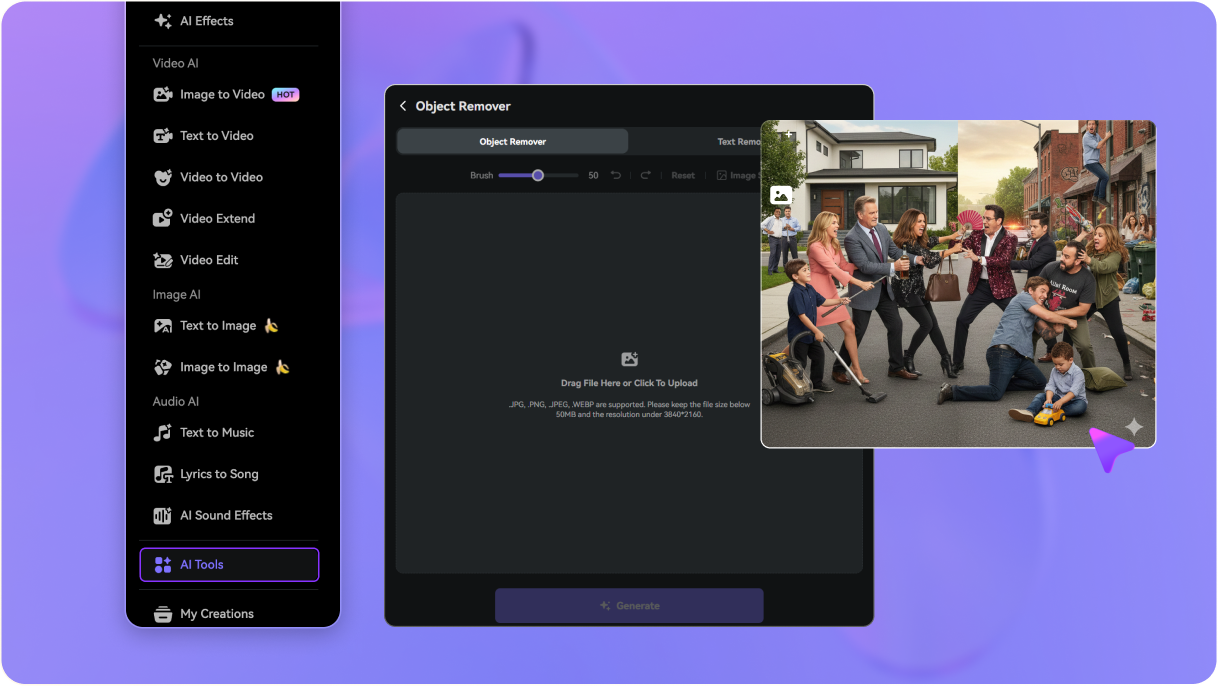
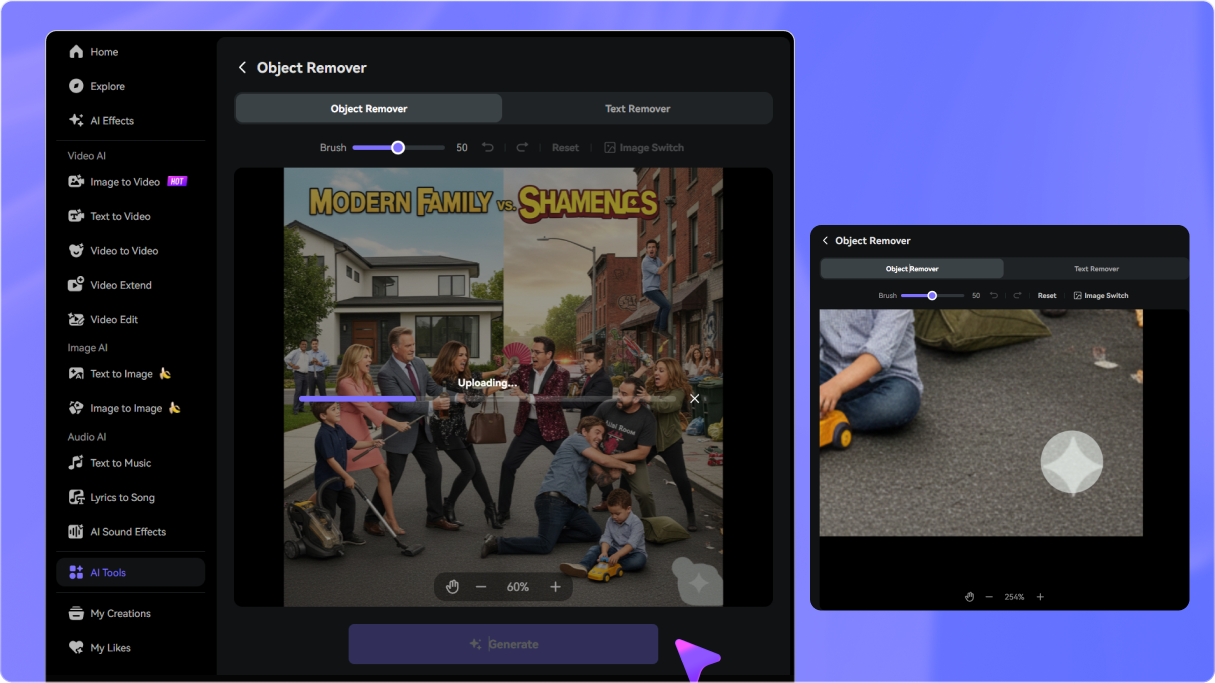
Open Media.io Object Remover and upload the Seedream or Dreamina-generated image you own or are authorized to edit.
Adjust the brush size and cover the visible Seedream watermark or logo as closely as possible without selecting unnecessary surrounding details.
Generate the cleanup and inspect the reconstructed region. Refine your selection if needed, then download the cleaned AI image when the result looks right.

Digital Artist

“The cleanup kept the artwork intact.” I had a Seedream portrait with a visible corner mark and wanted to keep the exact image. Brushing only the logo area let me clean it without changing the composition.

E-commerce Marketer
“Useful for cleaning product visuals.” Some of my generated product images had a visible mark near the edge. I could remove only that part and preview the reconstructed background before using the image in a mockup.

Social Media Manager
“The browser workflow is very straightforward.” I upload the image, brush over the visible Dreamina watermark, generate the cleanup, and inspect the result before downloading. No desktop editor required.

AI Art Enthusiast
“Previewing helps with detailed backgrounds.” My artwork had a lot of texture around the watermark, so I used a smaller brush and previewed the cleanup before downloading the final version.


 4.7 (162,357 Votes)






