

Clean Dreamina & Seedance Videos
Remove visible logos, corner marks, and overlays from Dreamina Cast and Seedance video exports while keeping the original video composition intact.
Remove visible Dreamina watermarks from AI-generated videos and images online. Clean Dreamina Cast and Seedance clips with Video Eraser , or remove visible marks from Seedream images with Object Remover . Keep the original composition while AI reconstructs the selected watermark area.
Free credits on signup.
For media you own or are authorized to edit. These tools remove visible pixels and overlays only.







Remove visible logos, corner marks, and overlays from Dreamina Cast and Seedance video exports while keeping the original video composition intact.
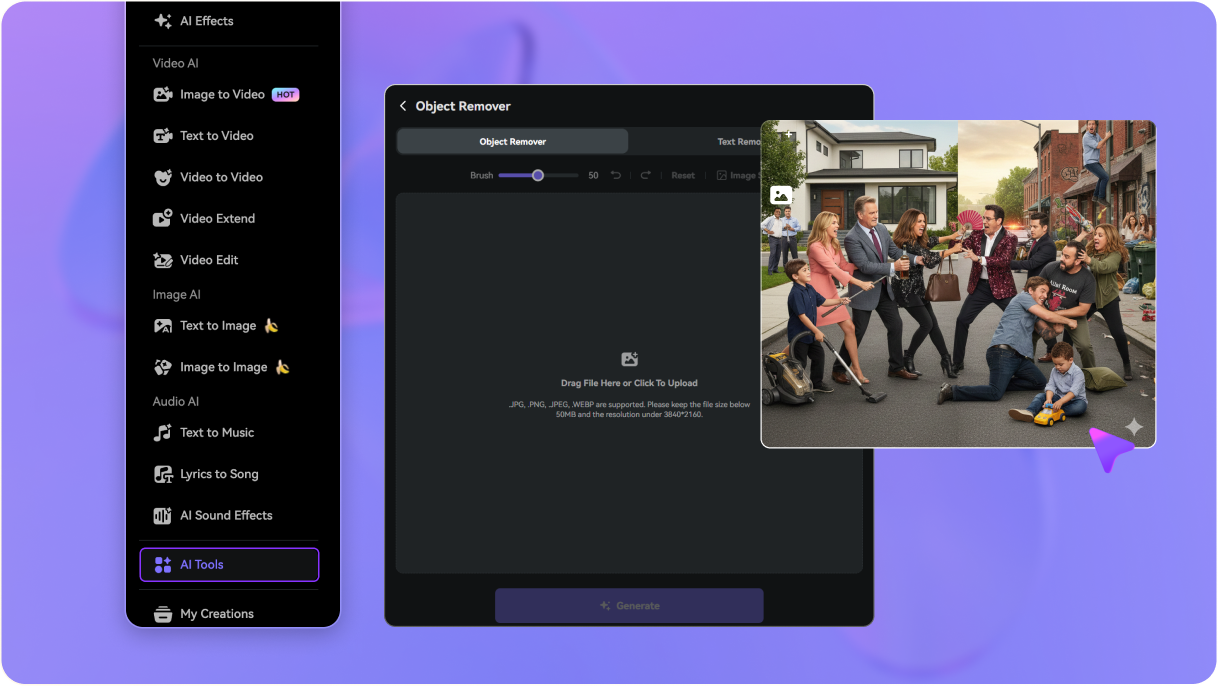
Switch to the image workflow for Seedream-generated graphics. Brush over visible logos, text stamps, or overlays and let AI rebuild the selected image area.
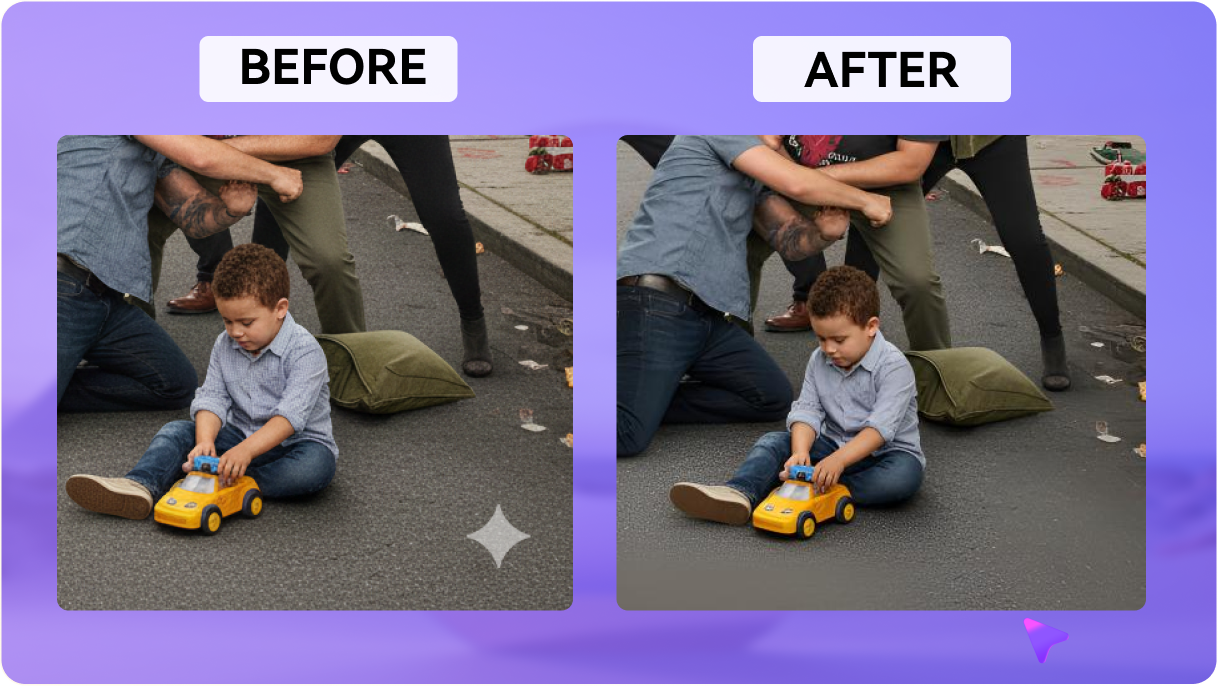
Media.io reconstructs the selected watermark region rather than forcing you to crop the frame or cover the mark with a basic blur.
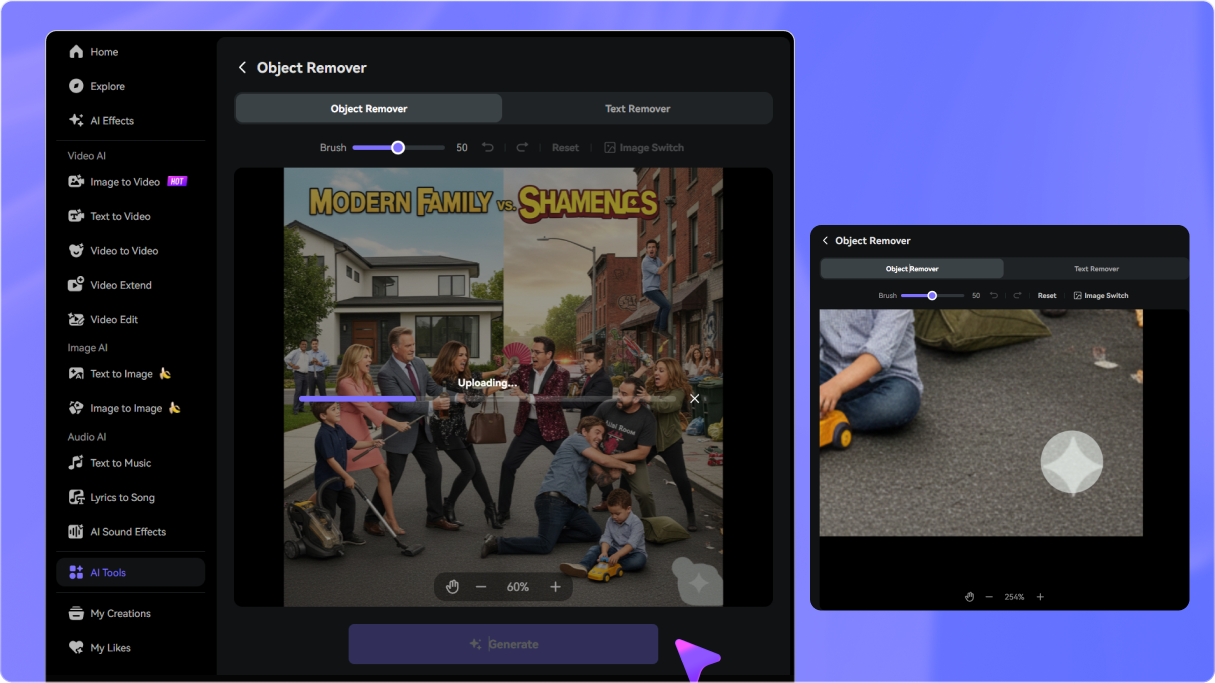
Upload your existing Dreamina video or Seedream image directly from the browser, clean the visible watermark, preview the result, and download the finished asset.
Use Video Eraser for Dreamina Cast or Seedance clips, or open Object Remover for Seedream images. Upload the exported file you want to clean.
Use the brush or selection tool to cover the visible Dreamina logo, stamp, or watermark. For videos, set the timeline to cover the frames where the mark appears.
Generate the cleanup and inspect the reconstructed area. Refine the selection if needed, then download the cleaned Dreamina video or Seedream image.

AI Motion Designer

“Useful for Dreamina video exports.” I had a Dreamina clip with a visible corner mark and wanted to keep the exact generation. Media.io let me clean only the selected area instead of cropping the frame.

Creative Director
“Having video and image workflows is convenient.” I work with Seedance clips and Seedream concept art, so being able to move between video and image cleanup tools made the workflow much simpler.

Social Media Strategist
“The browser workflow is straightforward.” I upload the exported Dreamina video, select the visible mark, generate the cleanup, and preview the result before downloading.

Digital Concept Artist
“Works well for Seedream artwork too.” I used the image remover on detailed Seedream artwork. A smaller brush let me isolate the visible logo and preview the reconstructed background before saving.


 4.7 (162,357 Votes)






