Home>AI Prompts>Make Your Team Look Consistent With 25 ChatGPT Headshot Prompts
Make Your Team Look Consistent With 25 ChatGPT Headshot Prompts
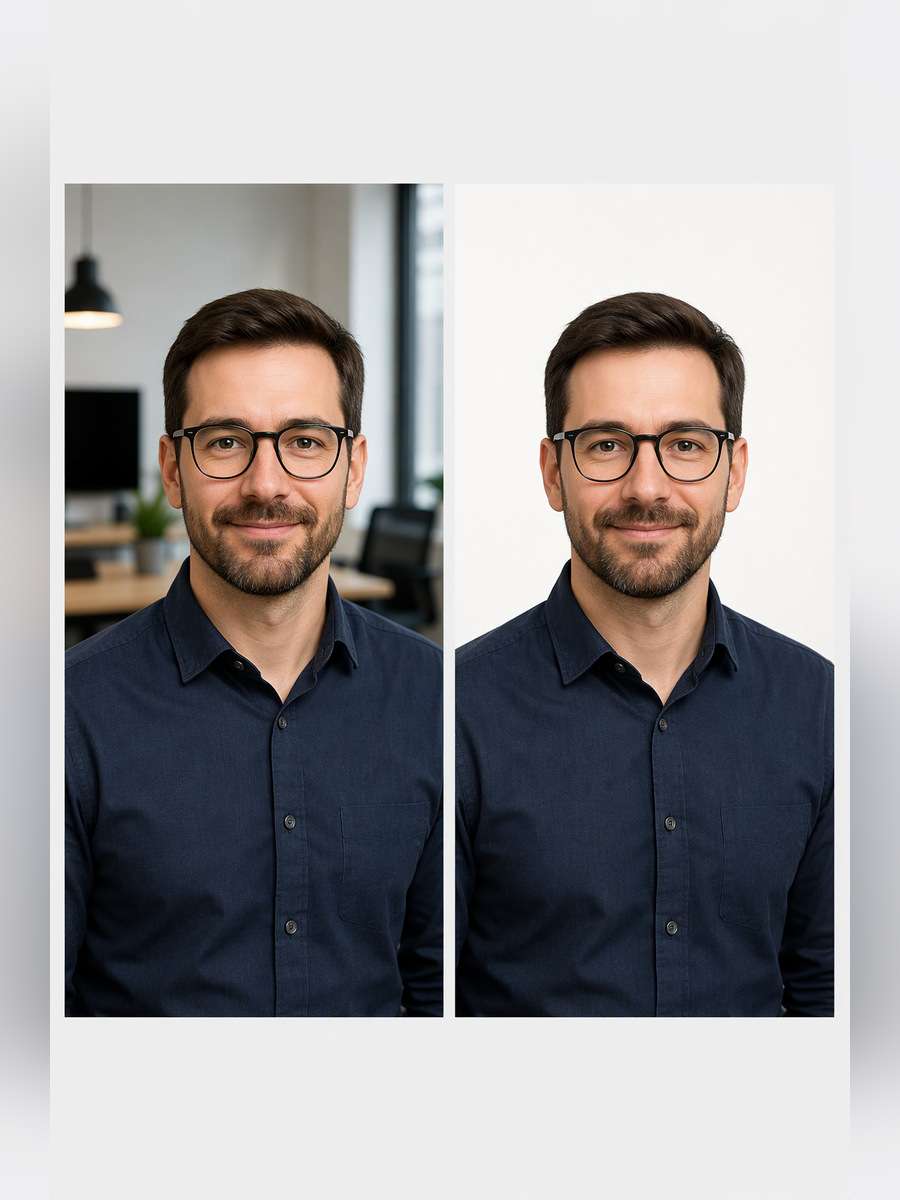
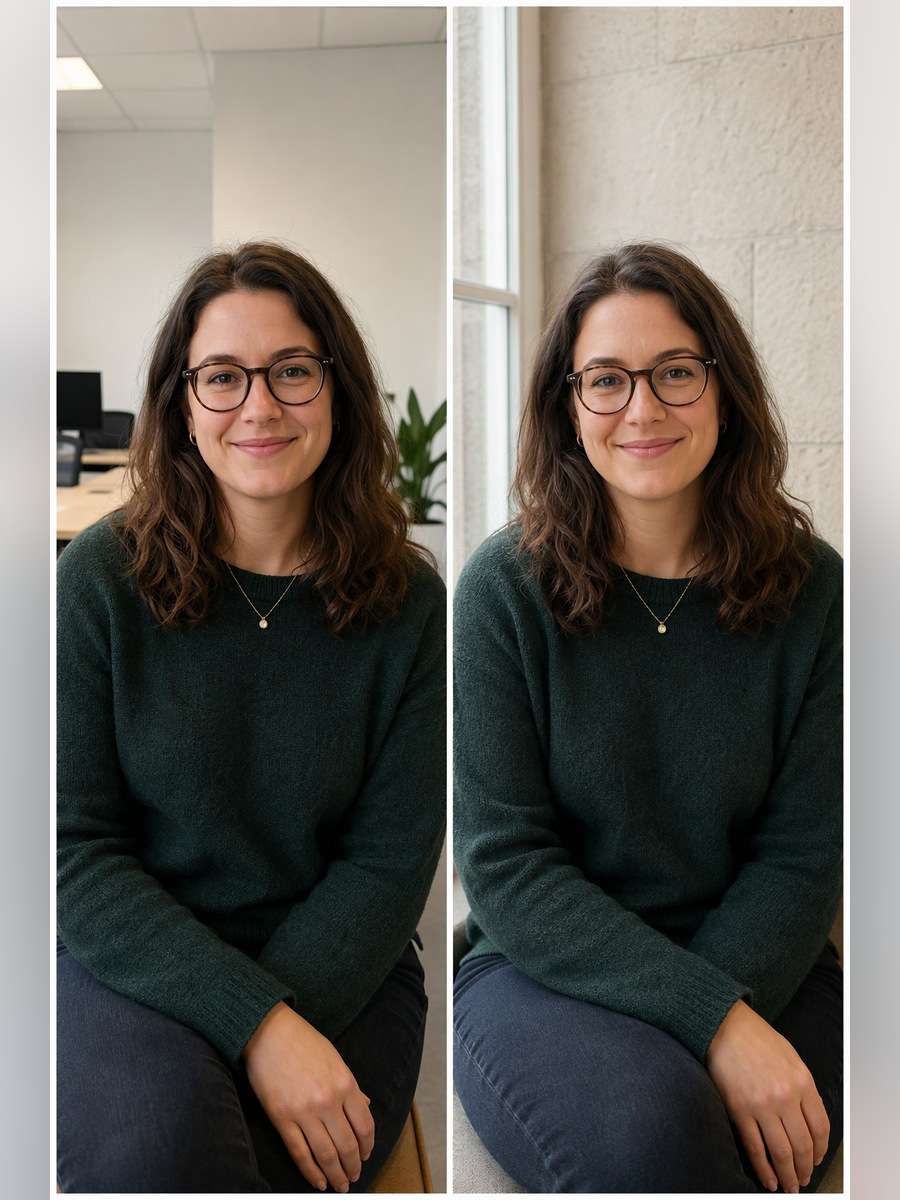
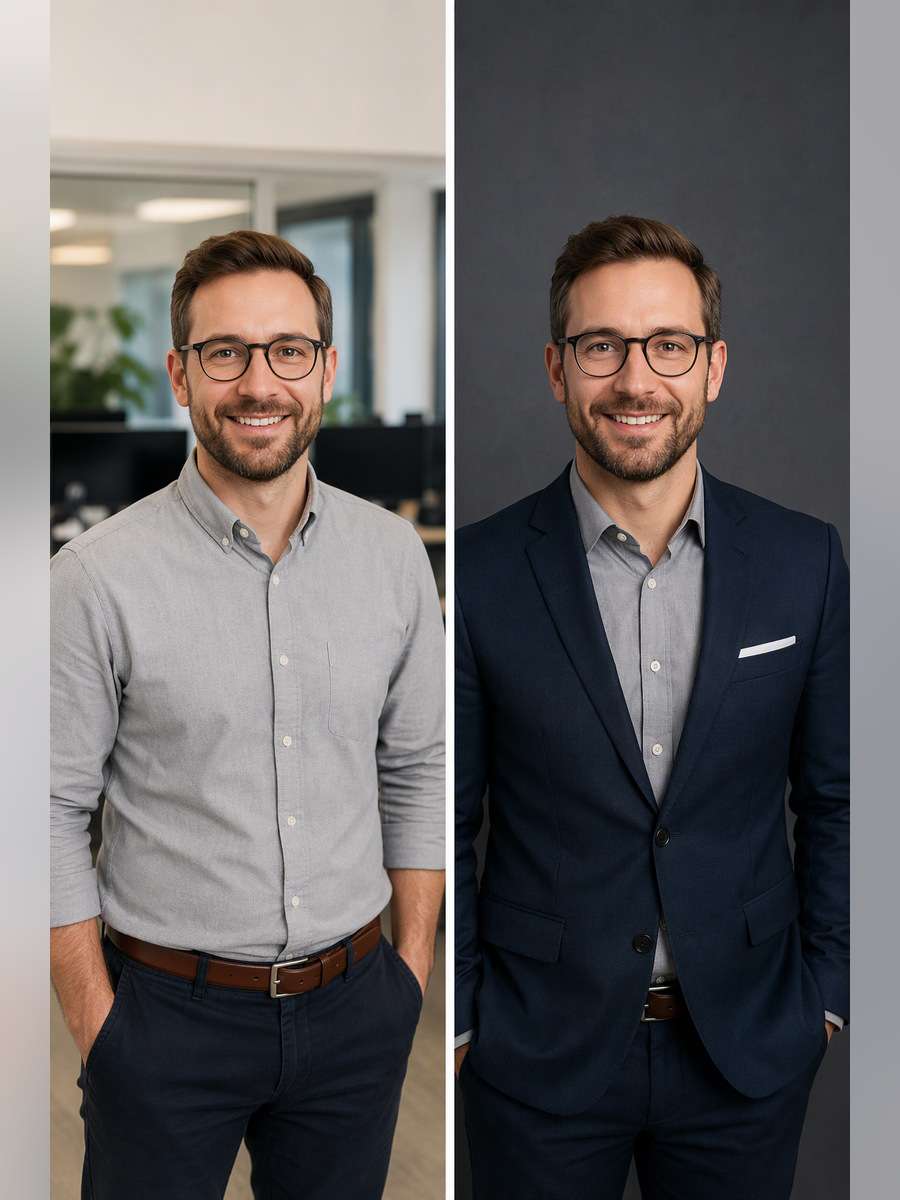
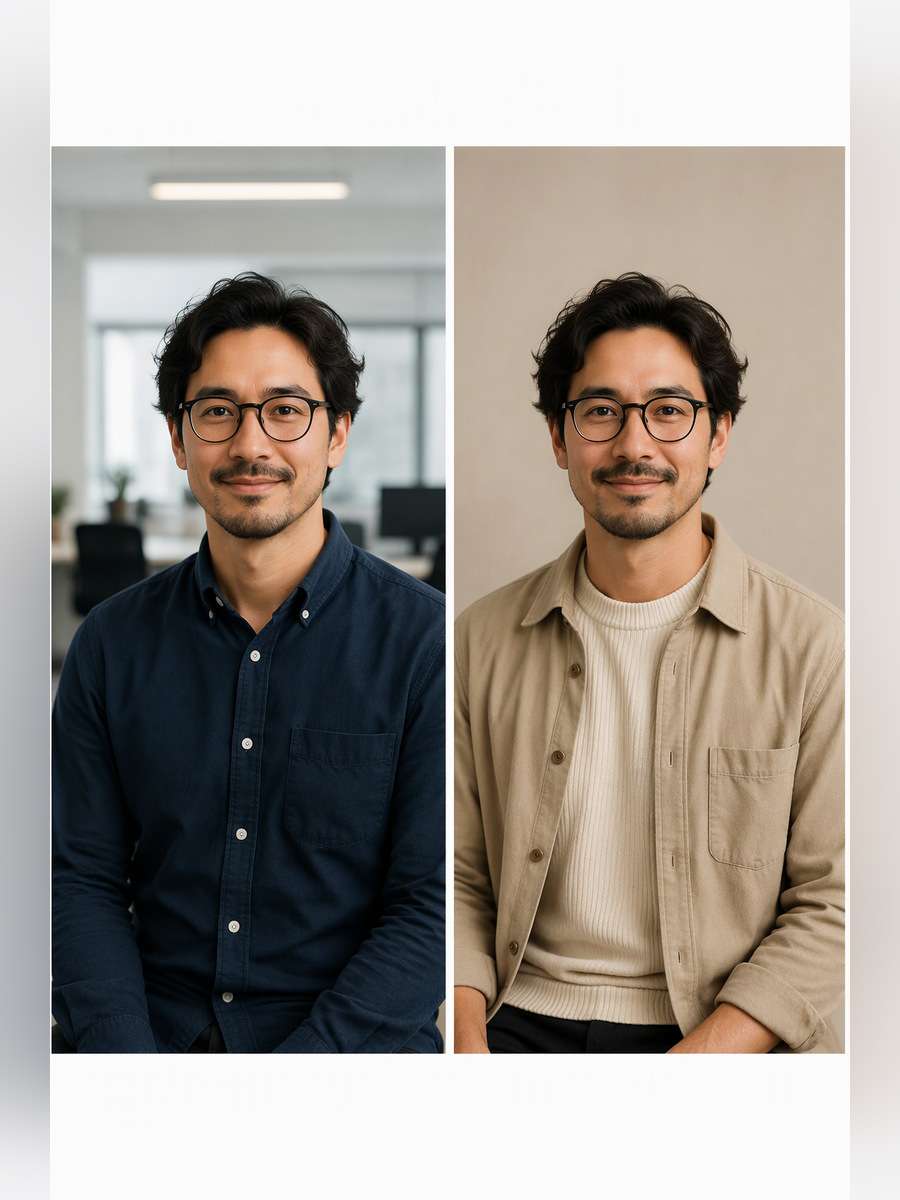
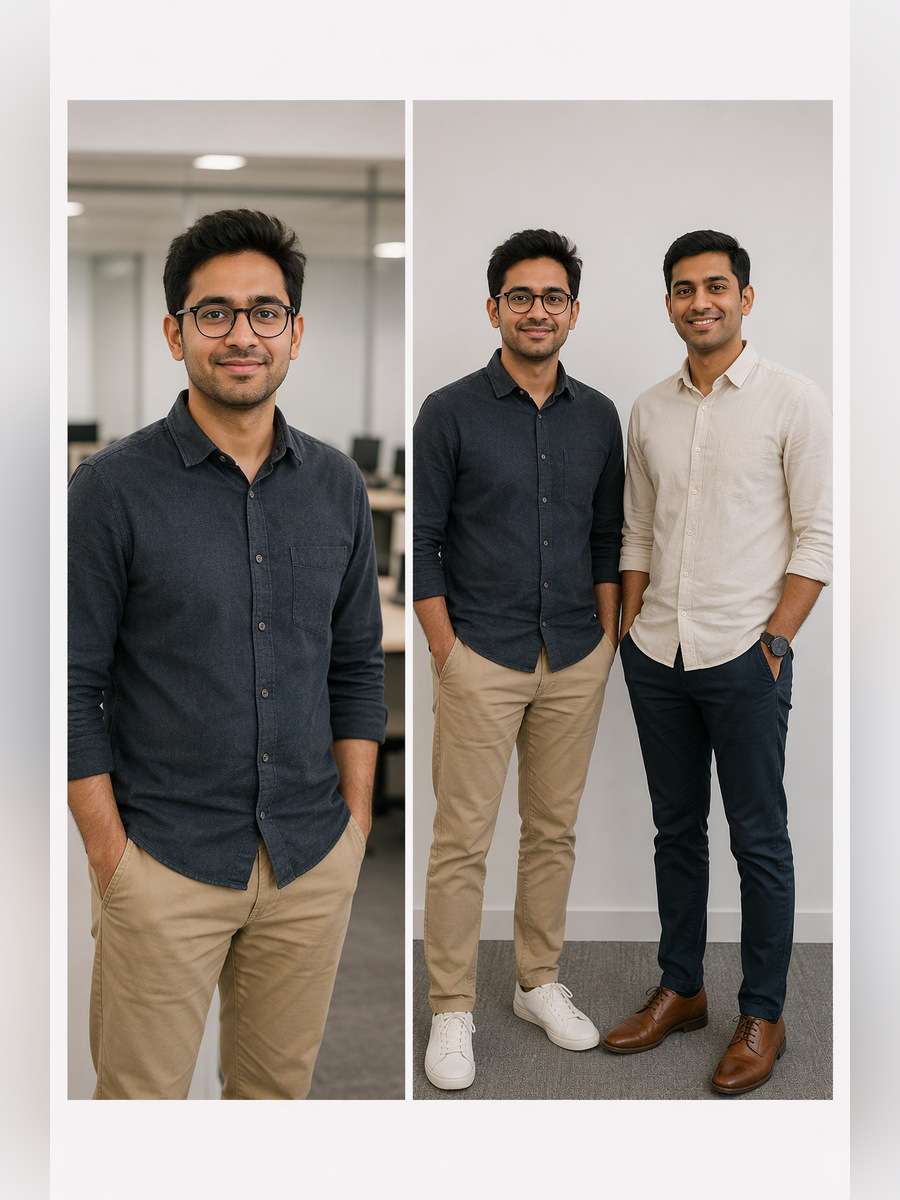
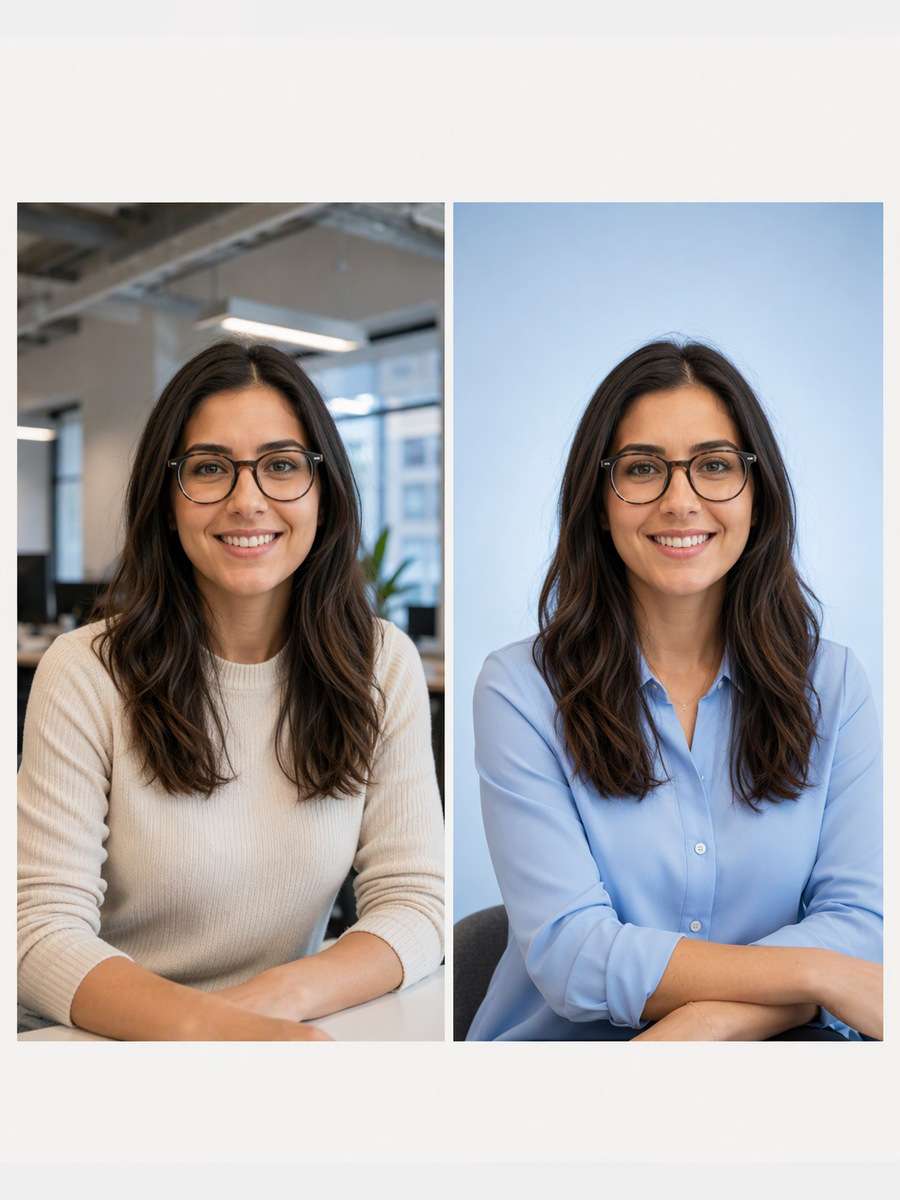
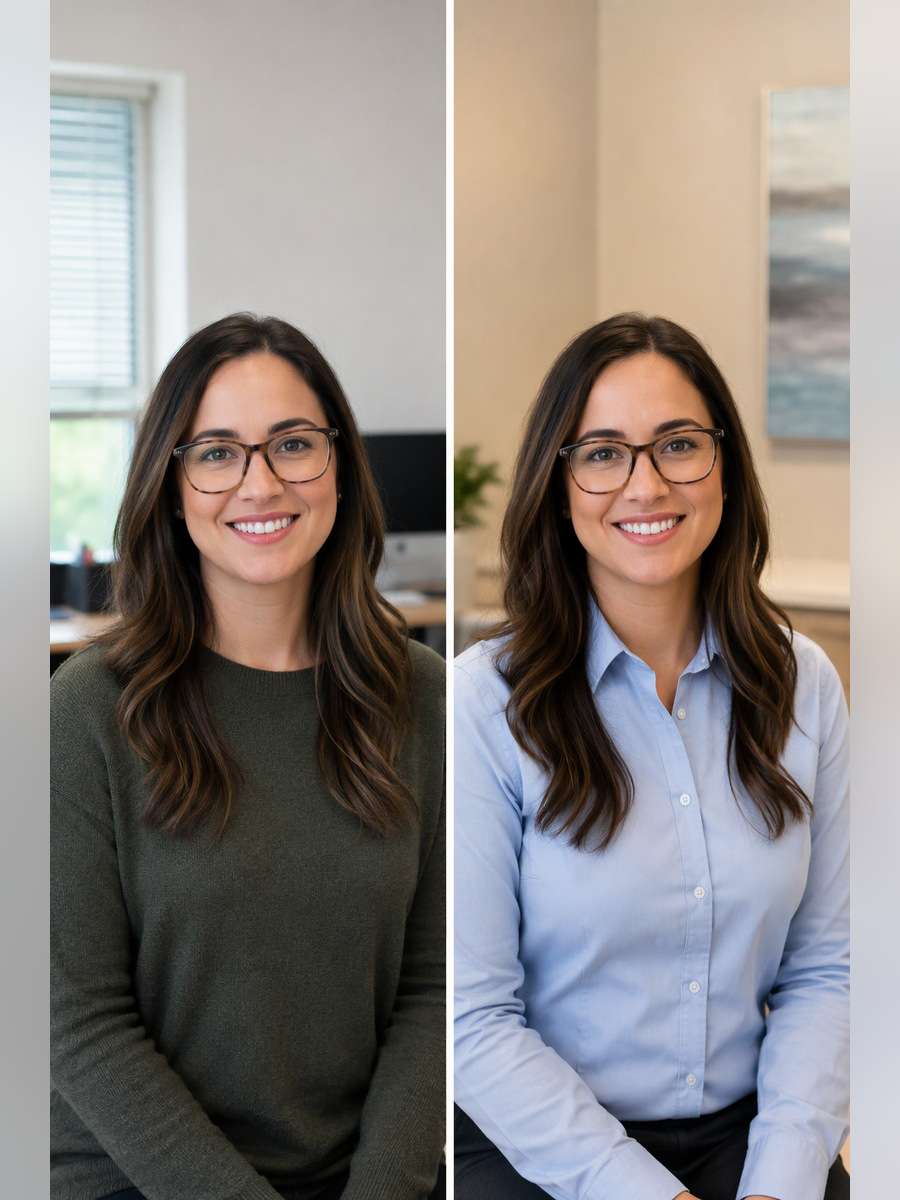
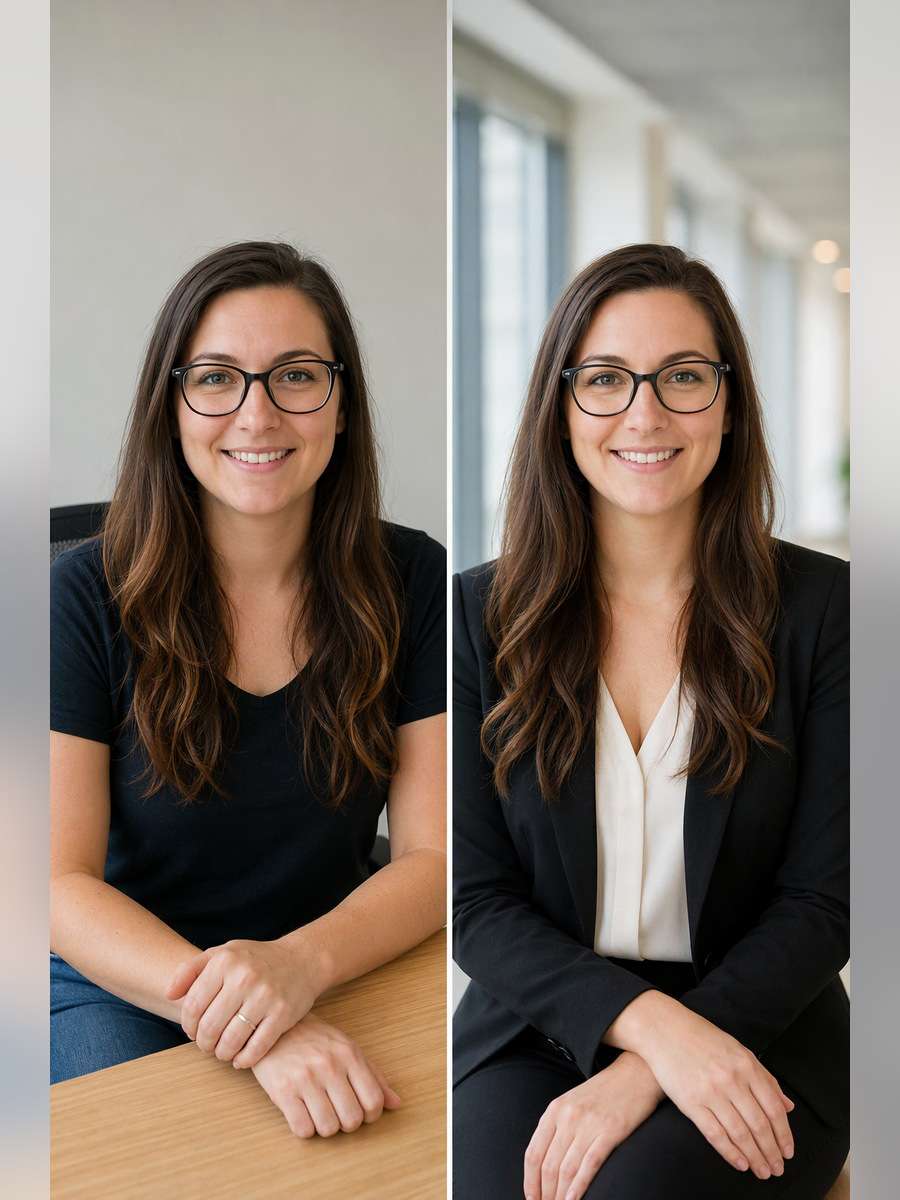
A company directory can look disjointed when one employee has a selfie, another a dark studio portrait and a third a cropped event photo. These ChatGPT Corporate Team Headshot Prompts help turn separate pictures into a cohesive set by controlling head size, camera angle, background tone and light direction while keeping each colleague recognizable. Use one shared baseline for the entire roster, then select a role-specific variation when needed.
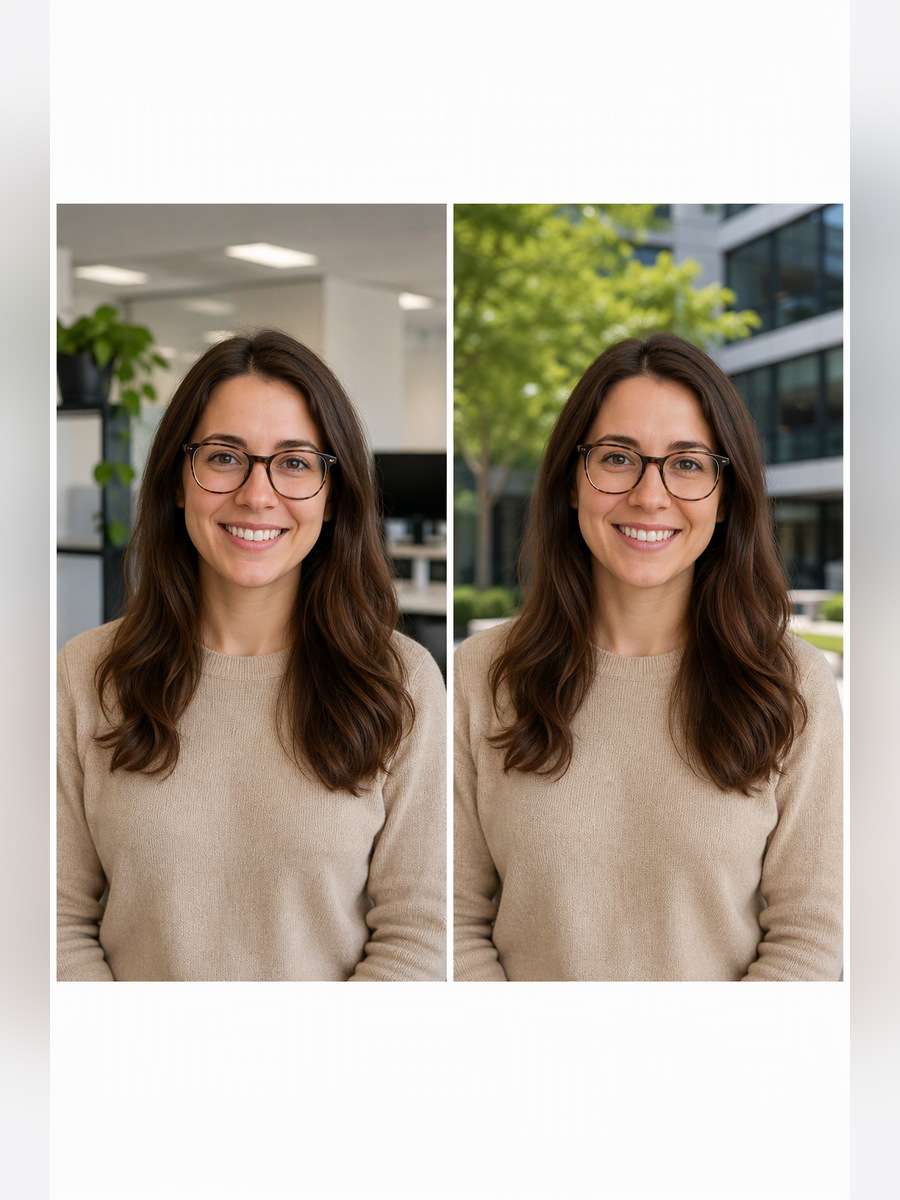
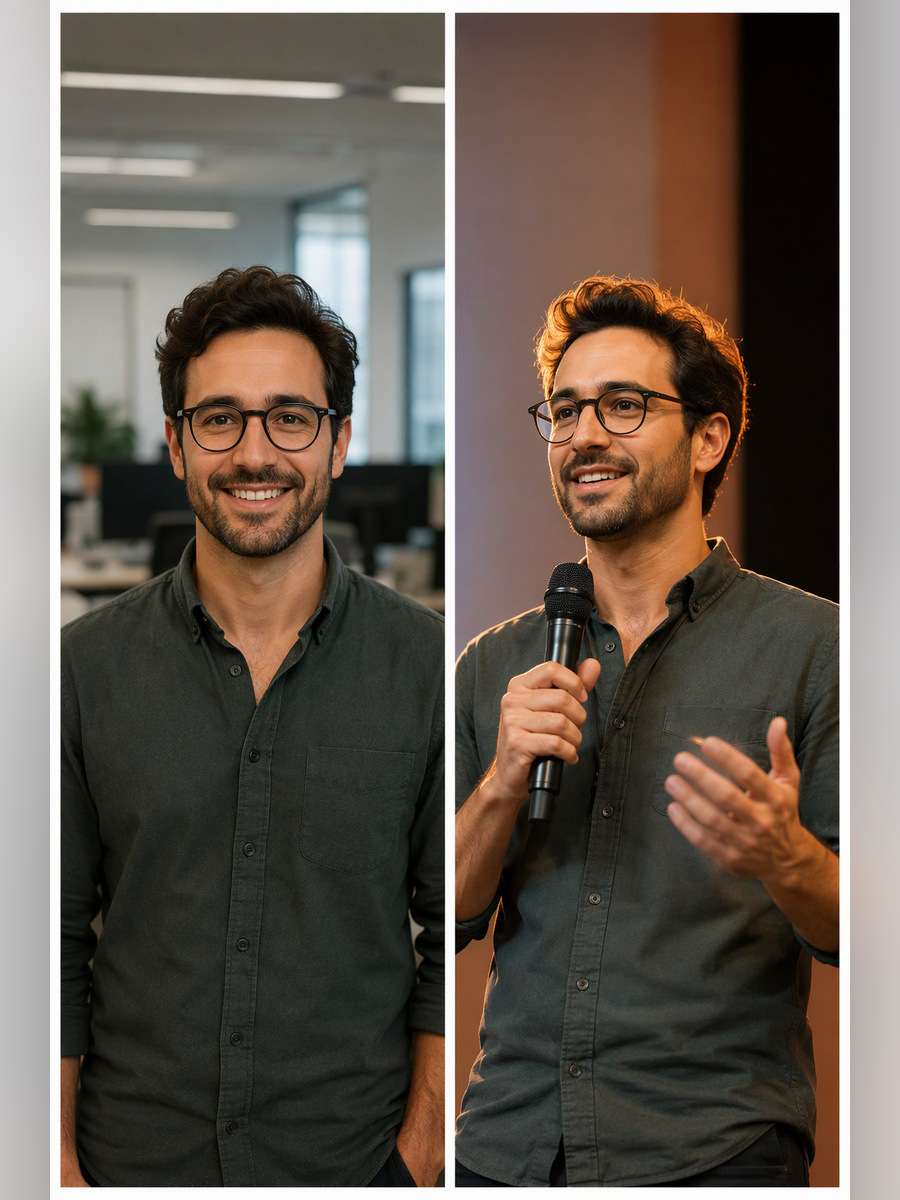
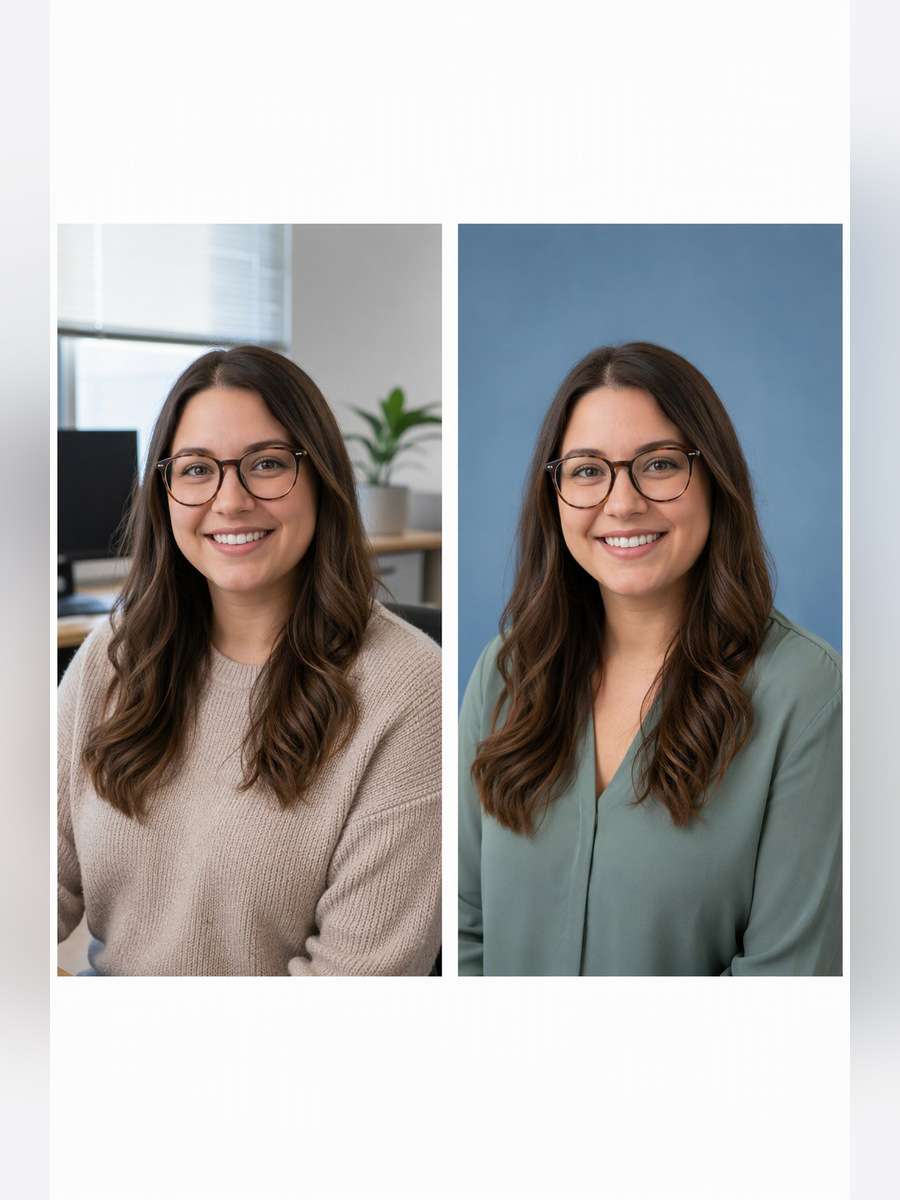
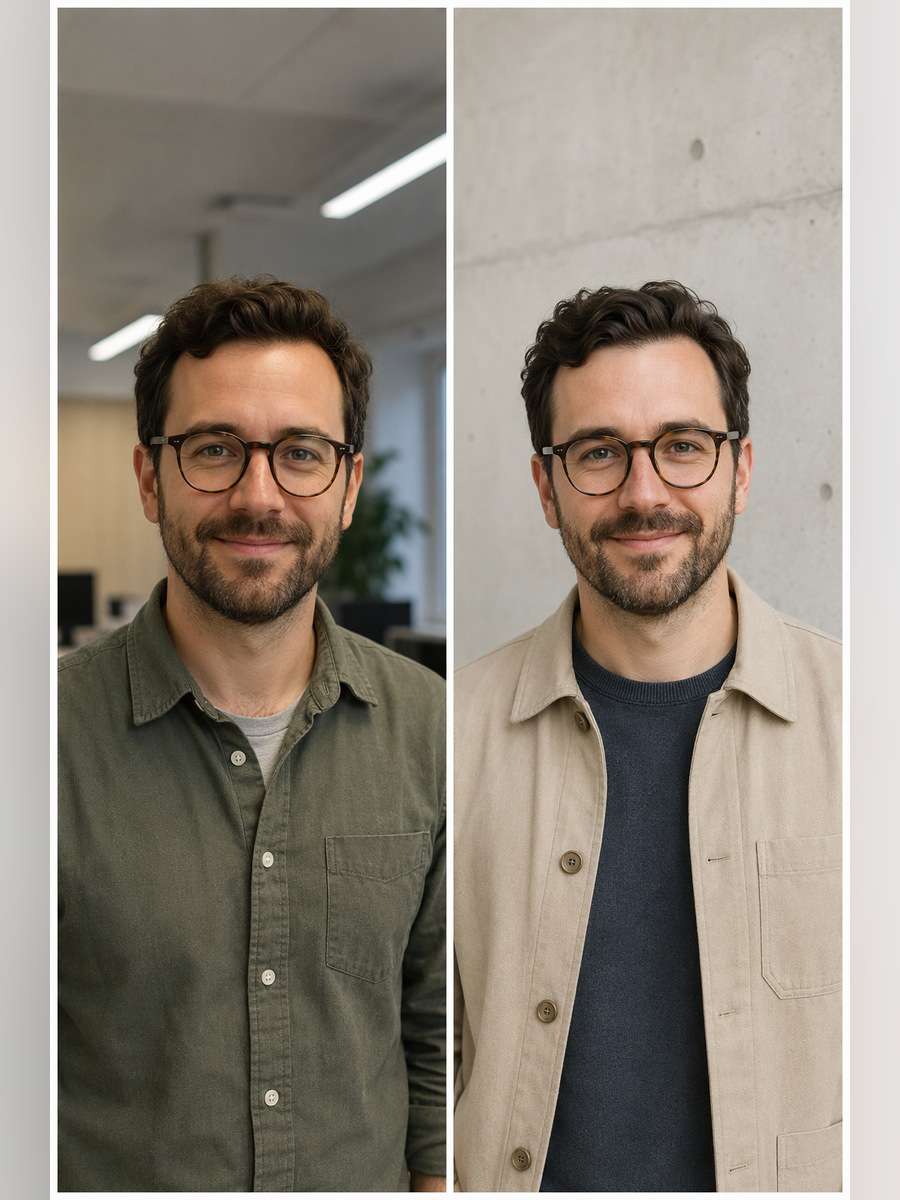
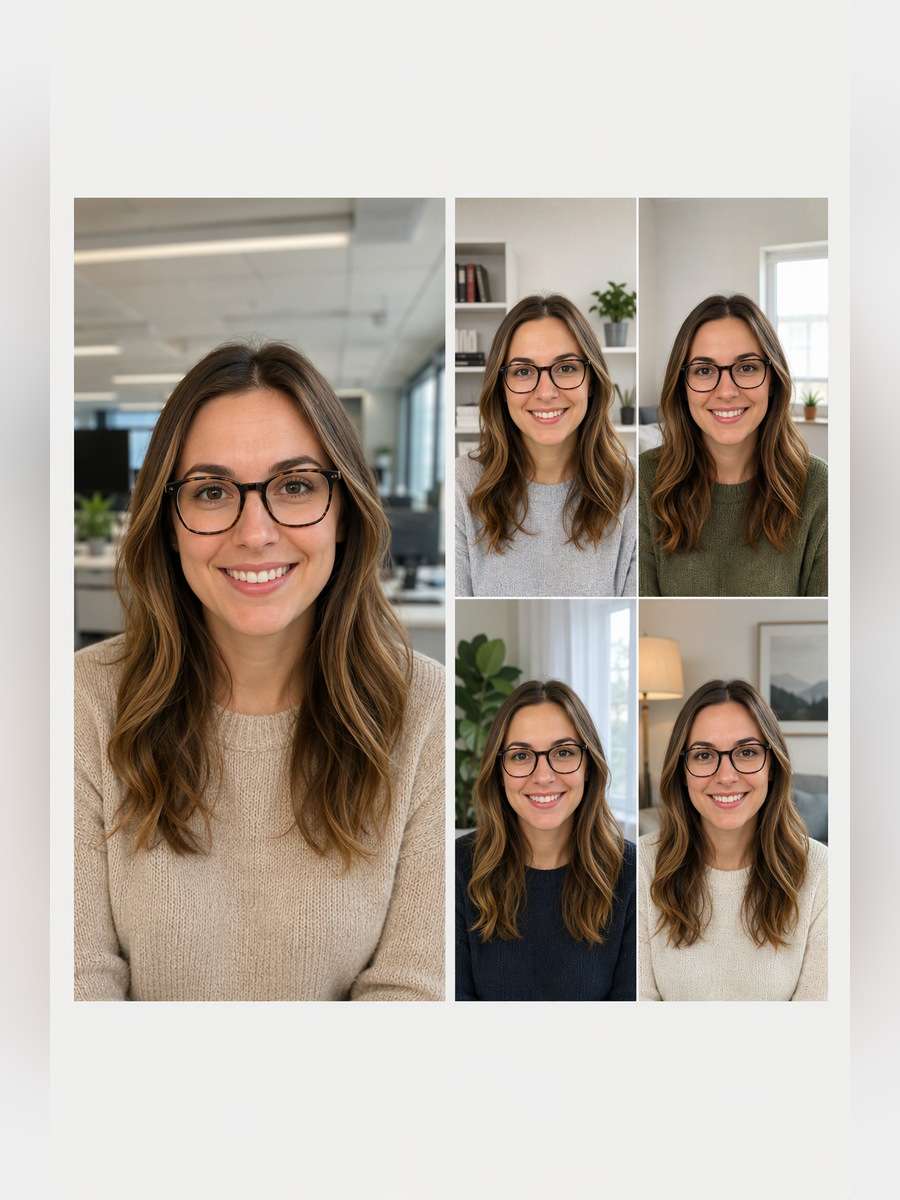
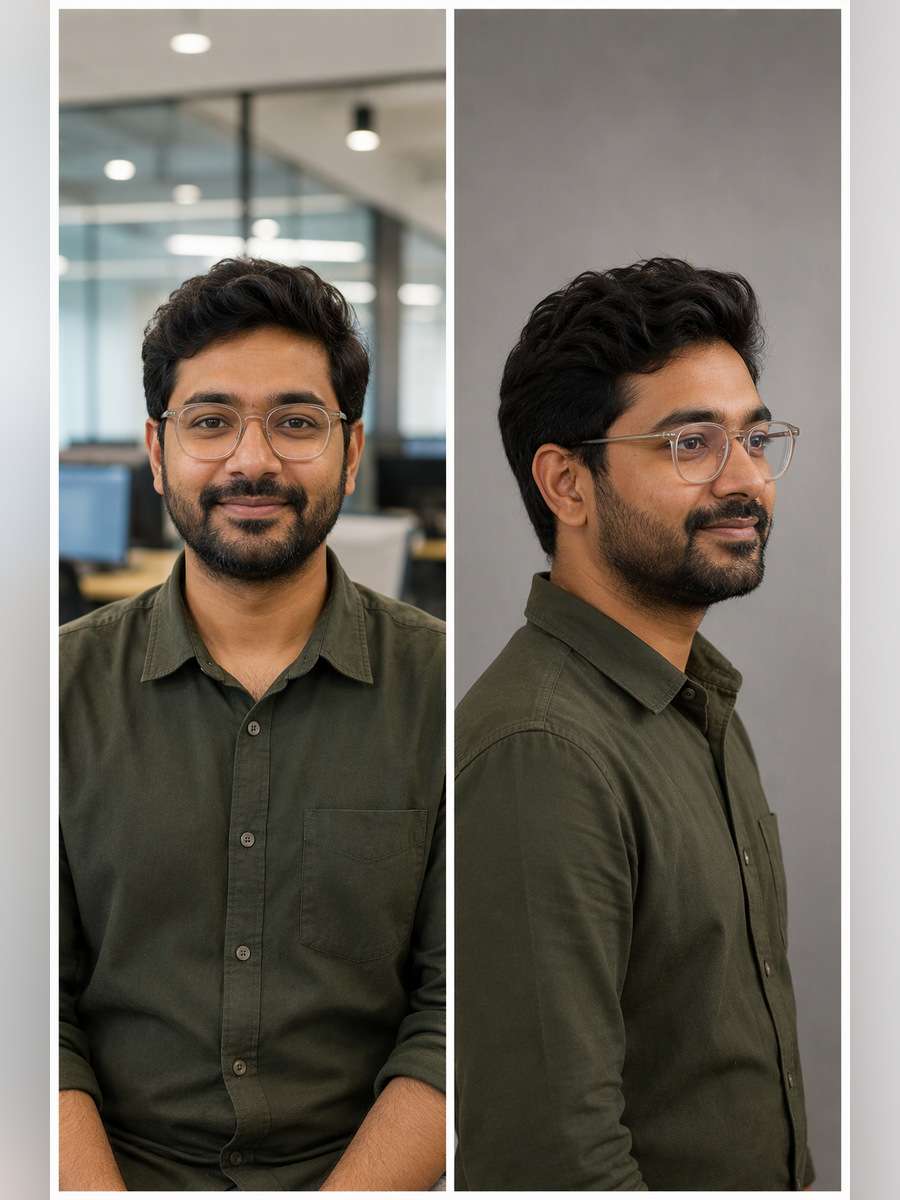
Matching corporate headshots and natural employee portraits, designed from individual photos with Media.io - powered by ChatGPT.
How to Create Matching Corporate Team Headshots From Photos
Choose a portrait standard once, then give every employee the same lighting, backdrop and crop instructions.
1
Collect Approved Employee Photos
Use one clear front or three-quarter photo per person, with permission. For a group montage, provide each person as a separate labeled reference.
2
Lock the Directory Style
Select one backdrop, eye level, soft key-light direction and head-to-frame scale. Apply the same base prompt across the team.
3
Review Every Face and Crop
Compare the generated result against each original. Check facial identity, eyeglasses, hairline, name-to-person mapping and consistent shoulder spacing.
25 ChatGPT Team Headshot Prompts for Directory and Group Photos
Warm Gray Employee Directory
Restyle the consented team source photo as follows: Render an eye-level mid-chest portrait against matte warm-gray paper, with a softbox at camera left and identical shoulder margins for a directory grid. For each source person, preserve their identifiable face, natural skin tone, real age, hairline and eyeglasses. Keep head scale, light direction and the chosen directory crop consistent. Do not invent job titles, employee names or logos.
White Background Staff Cards
For a company-directory portrait, edit the uploaded image: Replace the distracting background with even ivory-white studio light, crisp collar edges and a square shoulders-up crop suited to employee cards. For each source person, preserve their identifiable face, natural skin tone, real age, hairline and eyeglasses. Keep head scale, light direction and the chosen directory crop consistent. Do not invent job titles, employee names or logos.
Natural Window-Light Team Set
Match the existing staff headshot system while changing this setup: Move the subject beside a north-facing office window with gentle cheek light and a pale stone wall; keep eyes at the same horizontal position. For each source person, preserve their identifiable face, natural skin tone, real age, hairline and eyeglasses. Keep head scale, light direction and the chosen directory crop consistent. Do not invent job titles, employee names or logos.
Navy and Slate Executive Row
Use the original employee photo as the facial reference and stage this shot: Dress the original colleague in a tailored navy jacket on a slate backdrop, with restrained fill light and a confident but unforced posture. For each source person, preserve their identifiable face, natural skin tone, real age, hairline and eyeglasses. Keep head scale, light direction and the chosen directory crop consistent. Do not invent job titles, employee names or logos.
Startup Smart-Casual Grid
Restyle the consented team source photo as follows: Style a founder in a knitted crewneck and relaxed overshirt, preserving individuality while matching a neutral beige team-photo template. For each source person, preserve their identifiable face, natural skin tone, real age, hairline and eyeglasses. Keep head scale, light direction and the chosen directory crop consistent. Do not invent job titles, employee names or logos.
Outdoor Campus Employee Portrait
For a company-directory portrait, edit the uploaded image: Place the subject near a modern office courtyard with architectural blur, using the same chest-up framing and eye-level composition as indoor portraits. For each source person, preserve their identifiable face, natural skin tone, real age, hairline and eyeglasses. Keep head scale, light direction and the chosen directory crop consistent. Do not invent job titles, employee names or logos.
Conference Speaker Biography
Match the existing staff headshot system while changing this setup: Create a half-body conference speaker portrait with a softly blurred stage edge, amber rim light and clear facial expression, without inventing credentials. For each source person, preserve their identifiable face, natural skin tone, real age, hairline and eyeglasses. Keep head scale, light direction and the chosen directory crop consistent. Do not invent job titles, employee names or logos.
Customer Support Team Profiles
Use the original employee photo as the facial reference and stage this shot: Use approachable soft light, a muted blue background and tidy shoulder framing appropriate for a friendly support directory. For each source person, preserve their identifiable face, natural skin tone, real age, hairline and eyeglasses. Keep head scale, light direction and the chosen directory crop consistent. Do not invent job titles, employee names or logos.
Engineering Team Industrial Neutral
Restyle the consented team source photo as follows: Set the individual before a pale concrete wall with clean neutral daylight and minimal office equipment safely out of focus. For each source person, preserve their identifiable face, natural skin tone, real age, hairline and eyeglasses. Keep head scale, light direction and the chosen directory crop consistent. Do not invent job titles, employee names or logos.
Creative Studio Employee Portrait
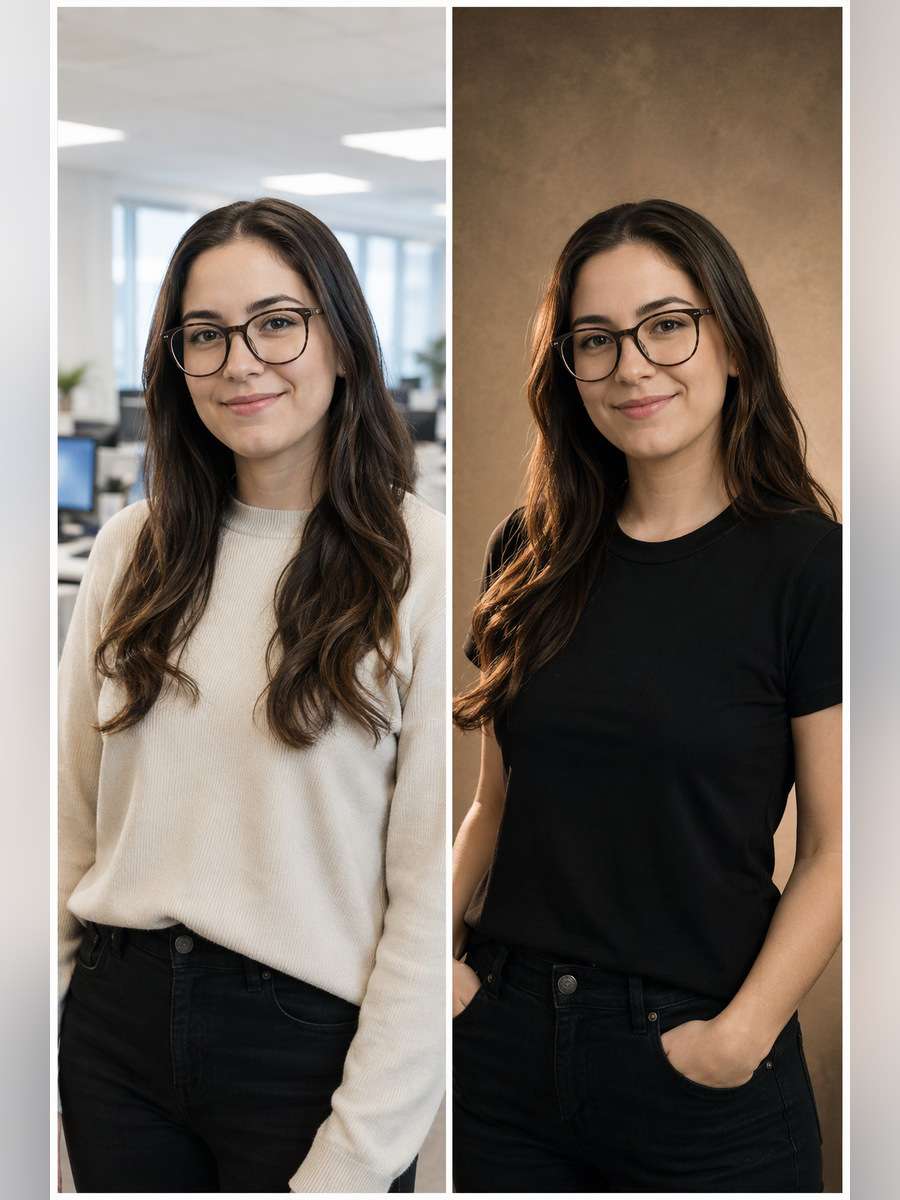
For a company-directory portrait, edit the uploaded image: Use a lightly textured warm backdrop, casual black top and subtle directional light, keeping skin and hairstyle realistic rather than fashion-retouched. For each source person, preserve their identifiable face, natural skin tone, real age, hairline and eyeglasses. Keep head scale, light direction and the chosen directory crop consistent. Do not invent job titles, employee names or logos.
Remote Team Composite of Four
Match the existing staff headshot system while changing this setup: Using four distinct authorized reference photos, build a tidy two-by-two composite of each person with matching head size and spacing; never blend identities. For each source person, preserve their identifiable face, natural skin tone, real age, hairline and eyeglasses. Keep head scale, light direction and the chosen directory crop consistent. Do not invent job titles, employee names or logos.
Leadership Board Portrait
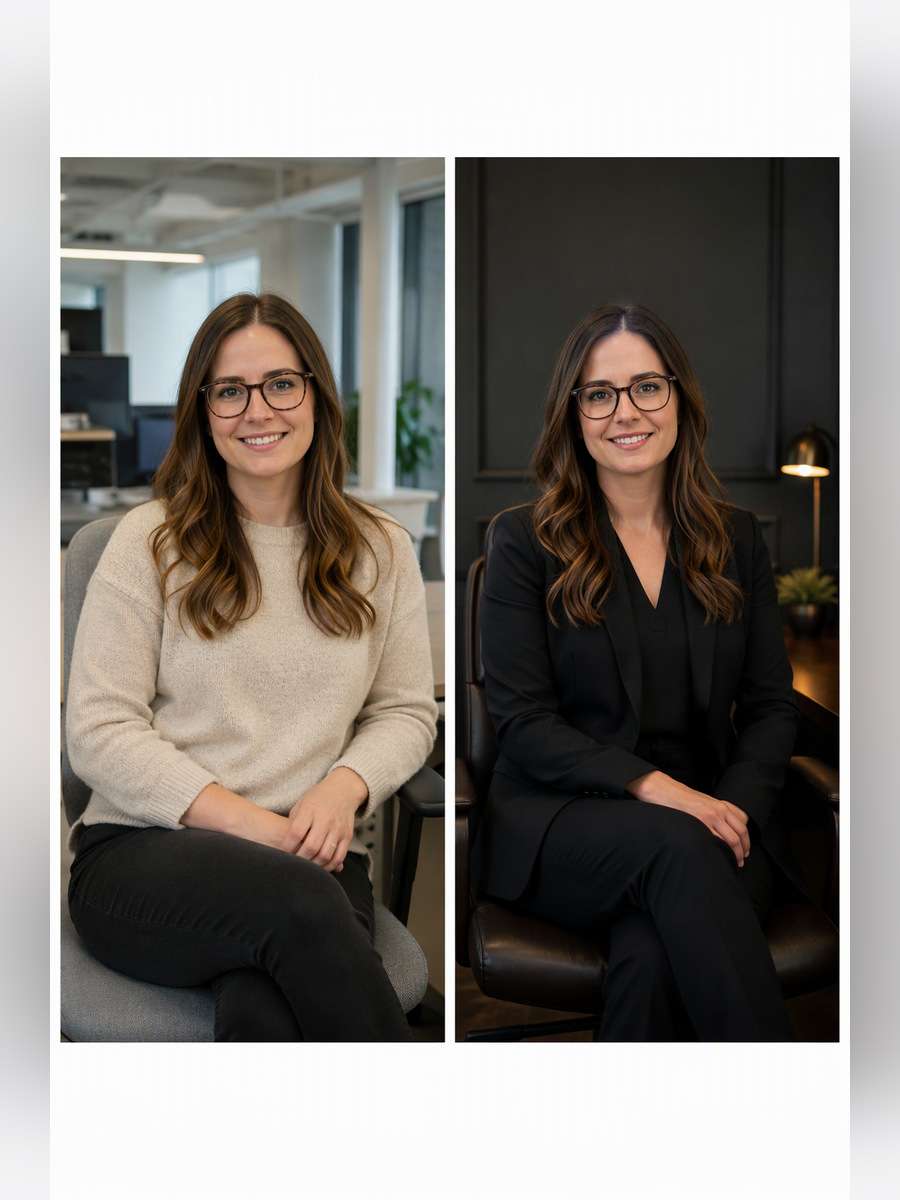
Use the original employee photo as the facial reference and stage this shot: Position the same executive seated slightly angled toward camera in a dark charcoal office, with crisp eye catchlights and discreet formal styling. For each source person, preserve their identifiable face, natural skin tone, real age, hairline and eyeglasses. Keep head scale, light direction and the chosen directory crop consistent. Do not invent job titles, employee names or logos.
New Hire Matching Template
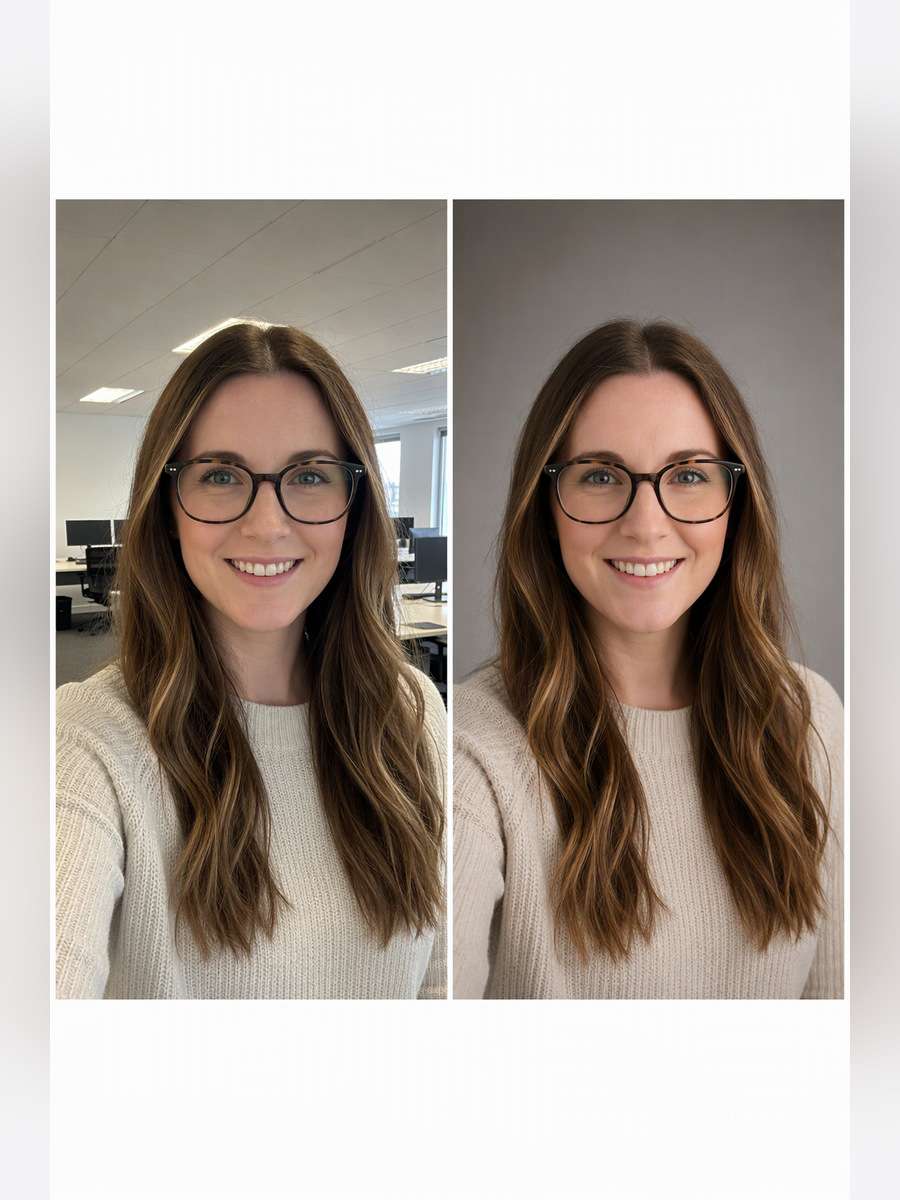
Restyle the consented team source photo as follows: Convert a fresh phone selfie to the existing team standard: warm gray seamless backdrop, shoulder crop, soft upper-left key light and even skin tone. For each source person, preserve their identifiable face, natural skin tone, real age, hairline and eyeglasses. Keep head scale, light direction and the chosen directory crop consistent. Do not invent job titles, employee names or logos.
Founder Pair Side by Side
For a company-directory portrait, edit the uploaded image: Using two authorized source photos, stage an equal-height founder duo before a neutral office backdrop, with comfortable distance and individually preserved expressions. For each source person, preserve their identifiable face, natural skin tone, real age, hairline and eyeglasses. Keep head scale, light direction and the chosen directory crop consistent. Do not invent job titles, employee names or logos.
Recruiter Profile with Soft Blue
Match the existing staff headshot system while changing this setup: Place one recruiter against a pale-blue graduated background, using open posture, simple contemporary workwear and a consistent 4:5 directory crop. For each source person, preserve their identifiable face, natural skin tone, real age, hairline and eyeglasses. Keep head scale, light direction and the chosen directory crop consistent. Do not invent job titles, employee names or logos.
Architect Office Portrait
Use the original employee photo as the facial reference and stage this shot: Move the subject beside scale models and a drafting table, preserving professional realism and keeping the workspace below shoulder level. For each source person, preserve their identifiable face, natural skin tone, real age, hairline and eyeglasses. Keep head scale, light direction and the chosen directory crop consistent. Do not invent job titles, employee names or logos.
Healthcare Administration Headshot
Restyle the consented team source photo as follows: Set an administrative professional in a neat collared shirt before a warm clinical-office wall, with natural features and no invented medical uniform. For each source person, preserve their identifiable face, natural skin tone, real age, hairline and eyeglasses. Keep head scale, light direction and the chosen directory crop consistent. Do not invent job titles, employee names or logos.
Sales Team Editorial Headshot
For a company-directory portrait, edit the uploaded image: Use bright but soft window illumination and a very faint office corridor behind a natural smile; hold framing consistent with the team roster. For each source person, preserve their identifiable face, natural skin tone, real age, hairline and eyeglasses. Keep head scale, light direction and the chosen directory crop consistent. Do not invent job titles, employee names or logos.
Company Website Three-Person Strip
Match the existing staff headshot system while changing this setup: Assemble three separately supplied employees in a horizontal editorial strip with equal lighting and no overlap, one person appearing exactly once. For each source person, preserve their identifiable face, natural skin tone, real age, hairline and eyeglasses. Keep head scale, light direction and the chosen directory crop consistent. Do not invent job titles, employee names or logos.
Minimal Black Jacket Portrait
Use the original employee photo as the facial reference and stage this shot: Use a black blazer against light taupe paper with flattering side light and realistic fabric seams for a modern executive profile. For each source person, preserve their identifiable face, natural skin tone, real age, hairline and eyeglasses. Keep head scale, light direction and the chosen directory crop consistent. Do not invent job titles, employee names or logos.
Design Team Color Accent
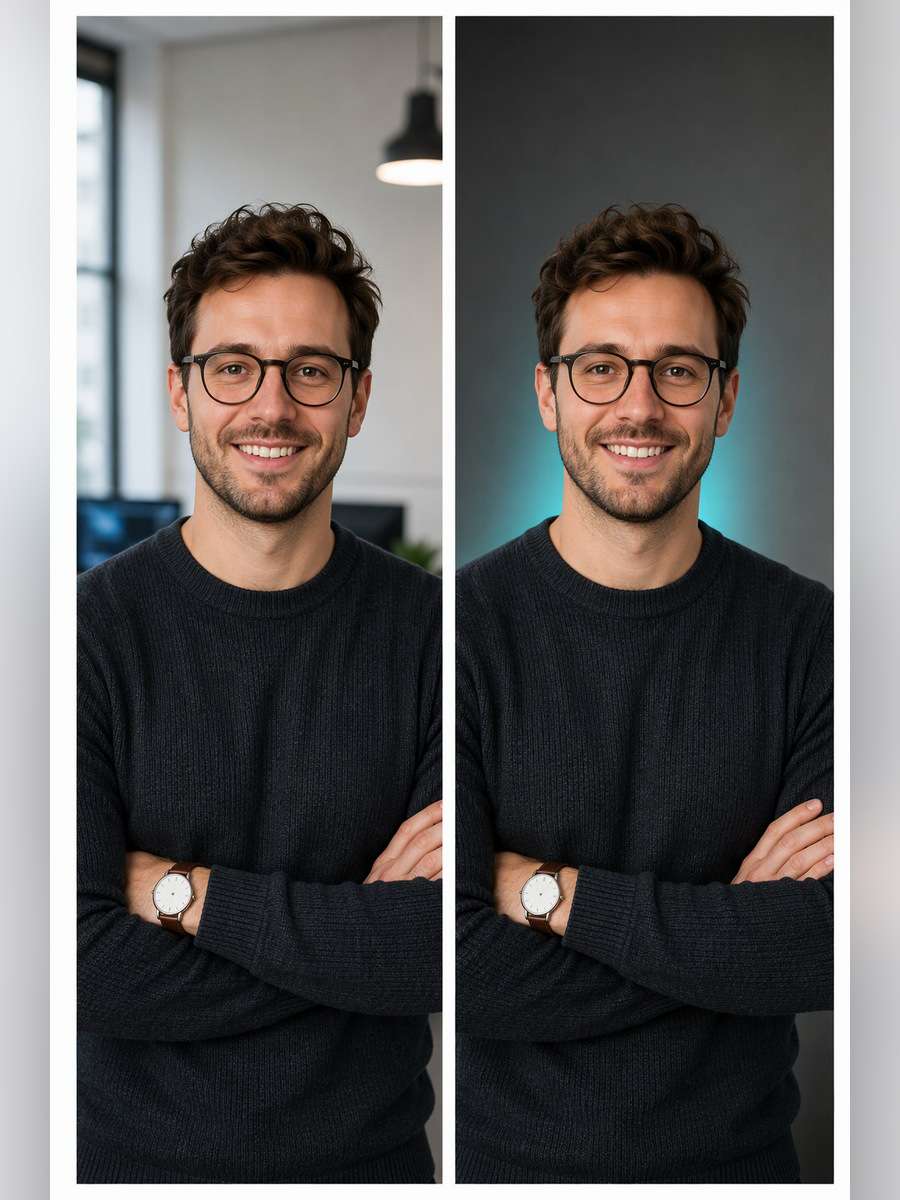
Restyle the consented team source photo as follows: Keep a neutral portrait backdrop but add a narrow muted teal light accent far behind the subject, without recoloring their skin or clothing. For each source person, preserve their identifiable face, natural skin tone, real age, hairline and eyeglasses. Keep head scale, light direction and the chosen directory crop consistent. Do not invent job titles, employee names or logos.
Candid Office Laugh Portrait
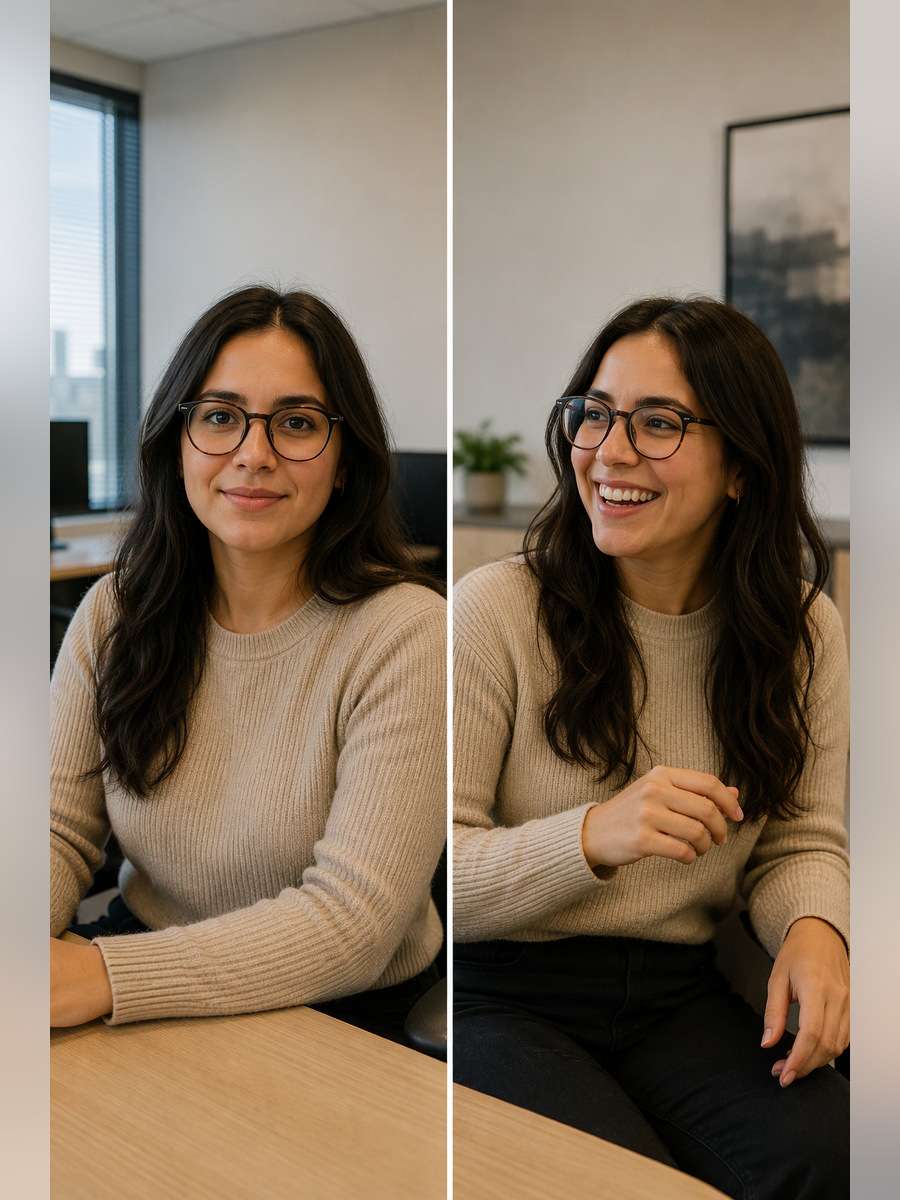
For a company-directory portrait, edit the uploaded image: Capture the recognizable colleague mid-conversation with a small natural laugh, neutral surroundings and an uncluttered half-body crop. For each source person, preserve their identifiable face, natural skin tone, real age, hairline and eyeglasses. Keep head scale, light direction and the chosen directory crop consistent. Do not invent job titles, employee names or logos.
Department Team Row of Six
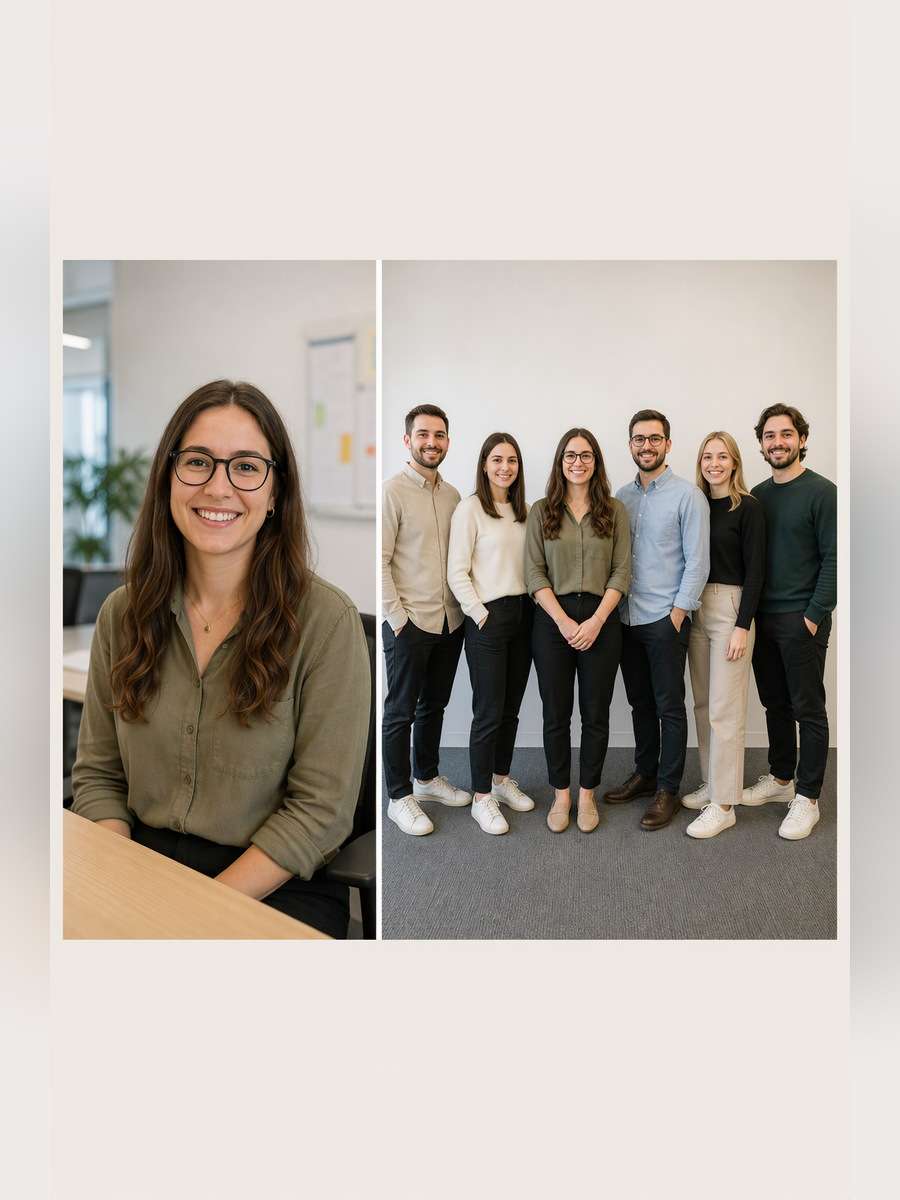
Match the existing staff headshot system while changing this setup: Compose six labeled source portraits as an evenly spaced row, with matching eye height and background; preserve each distinct person and correct count. For each source person, preserve their identifiable face, natural skin tone, real age, hairline and eyeglasses. Keep head scale, light direction and the chosen directory crop consistent. Do not invent job titles, employee names or logos.
Monochrome Leadership Series
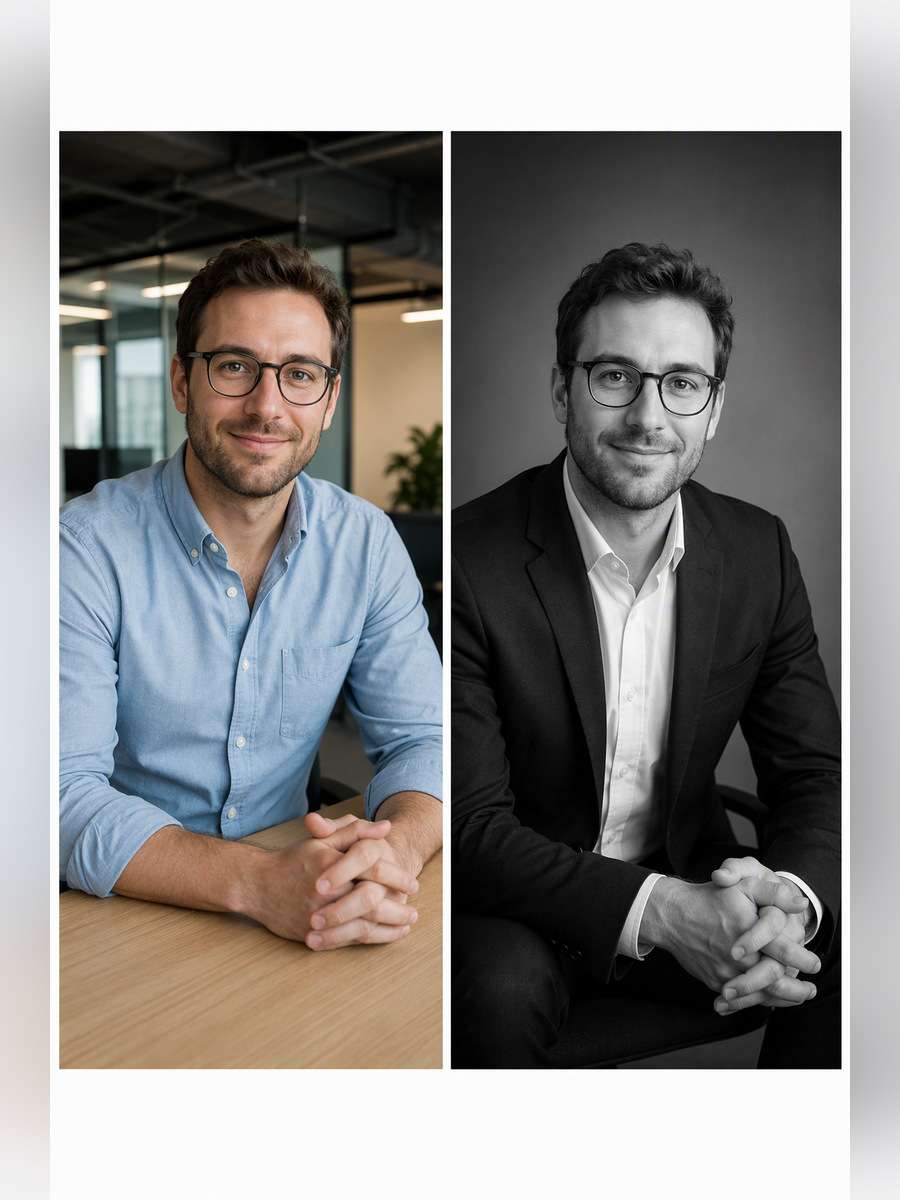
Use the original employee photo as the facial reference and stage this shot: Create a restrained black-and-white executive portrait with continuous-toned highlights and the same shadow direction across an entire leadership set. For each source person, preserve their identifiable face, natural skin tone, real age, hairline and eyeglasses. Keep head scale, light direction and the chosen directory crop consistent. Do not invent job titles, employee names or logos.
Press Kit Side Profile
Restyle the consented team source photo as follows: Turn a three-quarter source into a modest side-angle press portrait before soft gray, keeping nose profile, spectacles and hairstyle accurately recognizable. For each source person, preserve their identifiable face, natural skin tone, real age, hairline and eyeglasses. Keep head scale, light direction and the chosen directory crop consistent. Do not invent job titles, employee names or logos.
Keep a Whole Team Consistent Without Making Everyone Look Identical
Matching visual treatment should never mean replacing individuality. Standardize camera decisions, not people.
Lock the shared settings
Use the same eye height and shoulder crop for an entire company-directory grid.
Fix one light direction and background color before generating role variations.
Keep skin tone, age, hair texture and distinctive accessories true to the source.
For separate employee inputs, retain one-to-one identity mapping and do not merge faces.
Check publication readiness
Use consented photos and avoid adding unearned job titles or branded company logos.
Inspect eyeglasses, hairline, hands, jacket seams and other high-visibility details.
Export matching aspect ratios so one portrait does not dominate the team page.
If the model changes a face, ask to correct that one person rather than rerolling everyone.
Where Matching AI Team Photos Are Most Useful
A consistent portrait set can support internal and external company communication without forcing everyone into the same outfit.
Team and About Pages
Give team directories a recognizable visual rhythm with consistent head size and neutral backdrops.
New Hire Profiles
Match a new colleague to an existing photo style without organizing another studio day.
Leadership and Speaker Bios
Keep executives visually aligned with staff portraits while allowing a more formal composition.
Remote Team Collages
Assemble a consensual multi-person grid using separate photographs, with every employee represented once.
FAQs About ChatGPT Corporate Team Headshot Prompts
1. Can I generate a corporate team photo from separate selfies?
Yes. Supply clear, consented source images, describe the intended group arrangement and identify each person distinctly. Verify the model has not merged or replaced any face.
2. What makes team headshots look consistent?
Use the same camera height, head scale, crop, background color and light direction. Consistency in these details is more reliable than forcing everyone into identical clothes.
3. Will ChatGPT preserve each employee exactly?
A prompt can request facial consistency, but it cannot guarantee pixel-perfect identity. Compare every image with its source before company publication.
4. Should every colleague wear the same outfit?
Not necessarily. Use a shared dress-code range, such as neutral smart-casual tones, while keeping role-appropriate personal style.
5. How do I fix a mismatch in a team portrait grid?
Re-edit only the mismatched person using their original photo, the shared lighting instructions and a precise request for corrected crop or features.
What if someone else starred in your video? Swap any on-screen character with your favorite character using AI and bring a whole new twist to your scenes!
Swap Characters Now
Bikini Looks, Made with AI
Upload a photo and let AI transform the outfits. No editing skills needed!
Create Now
Today's Hottest AI Trends
All the hottest AI video trends in one place. Find your favorite and make it yours.