Old Photo Restoration Prompt Gemini
Best AI Prompts to Restore Old Photos Naturally
Discover the best old photo restoration prompt Gemini workflows to fix scratches, fading, blur,
and damaged details with natural-looking results. Use ChatGPT old photo restoration prompt ideas,
Reddit-style realistic restoration guidance, and ready-to-use prompts in Media.io to restore
family portraits, black-and-white photos, and historical memories in seconds.
Restore faded memories in minutes with Media.io AI image tool. Upload an old image, apply a tested
old photo restoration prompt Gemini or old photo restoration prompt ChatGPT, and generate
a clean, natural-looking result without advanced editing skills.
1
Upload Your Old Photo
Add a faded portrait, damaged family photo, or black-and-white image to
Media.io AI image tool.
2
Copy a Prompt
Choose a restoration style below, then copy the prompt in one click and paste it directly into the tool.
3
Generate & Compare
Preview the restored result, compare before and after, and download a cleaner photo with natural details preserved.
Old Photo Restoration Prompt Gemini Before & After Templates
Explore clear restoration examples with a simple workflow:
Before → After → Copy Prompt.
These templates are designed for realistic restoration, portrait repair, colorization, and studio-quality enhancement.
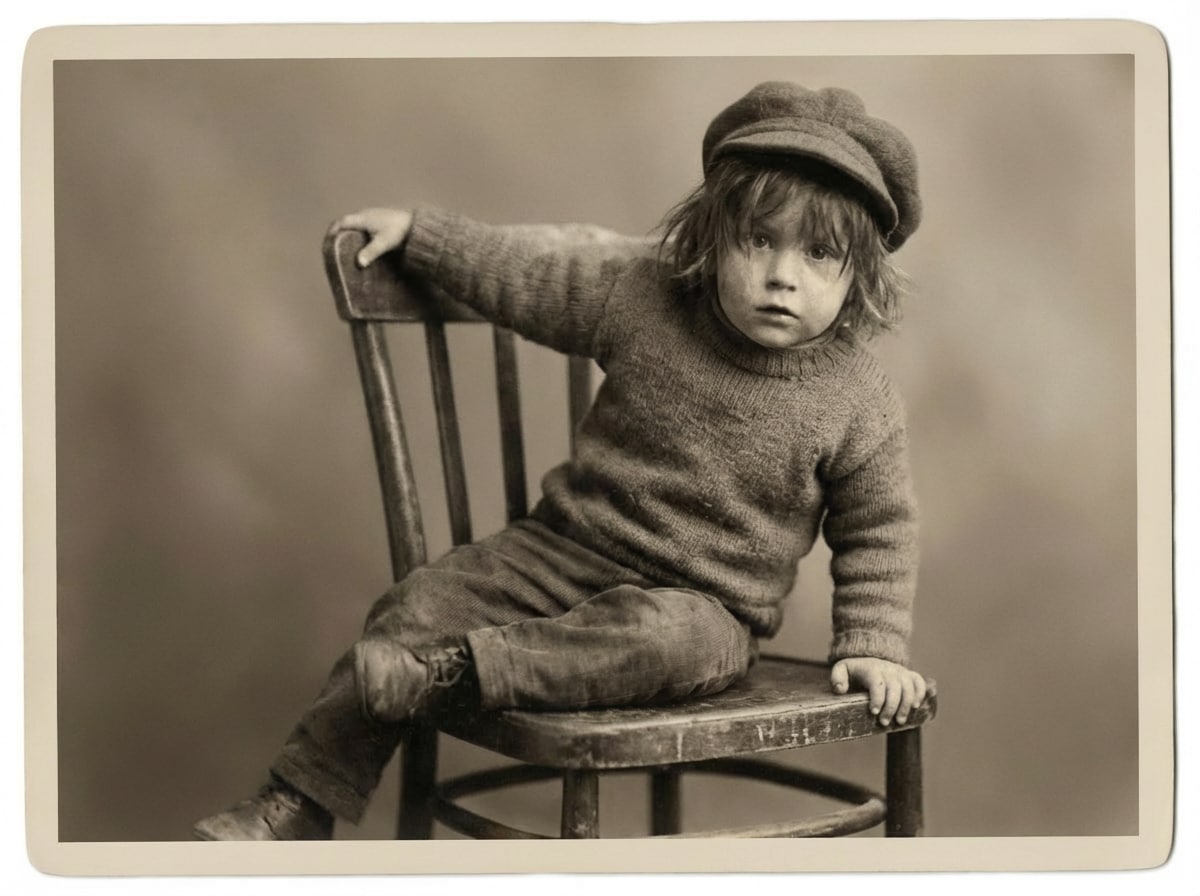
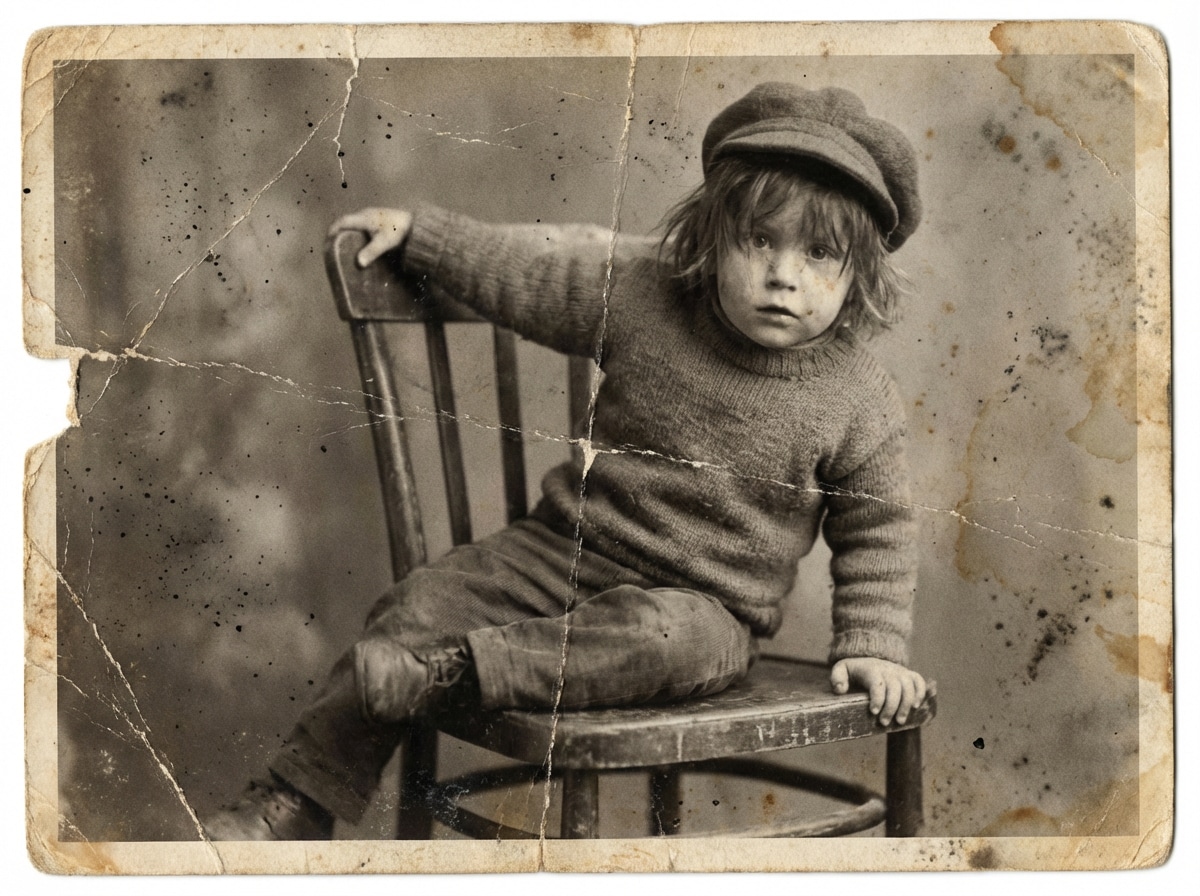
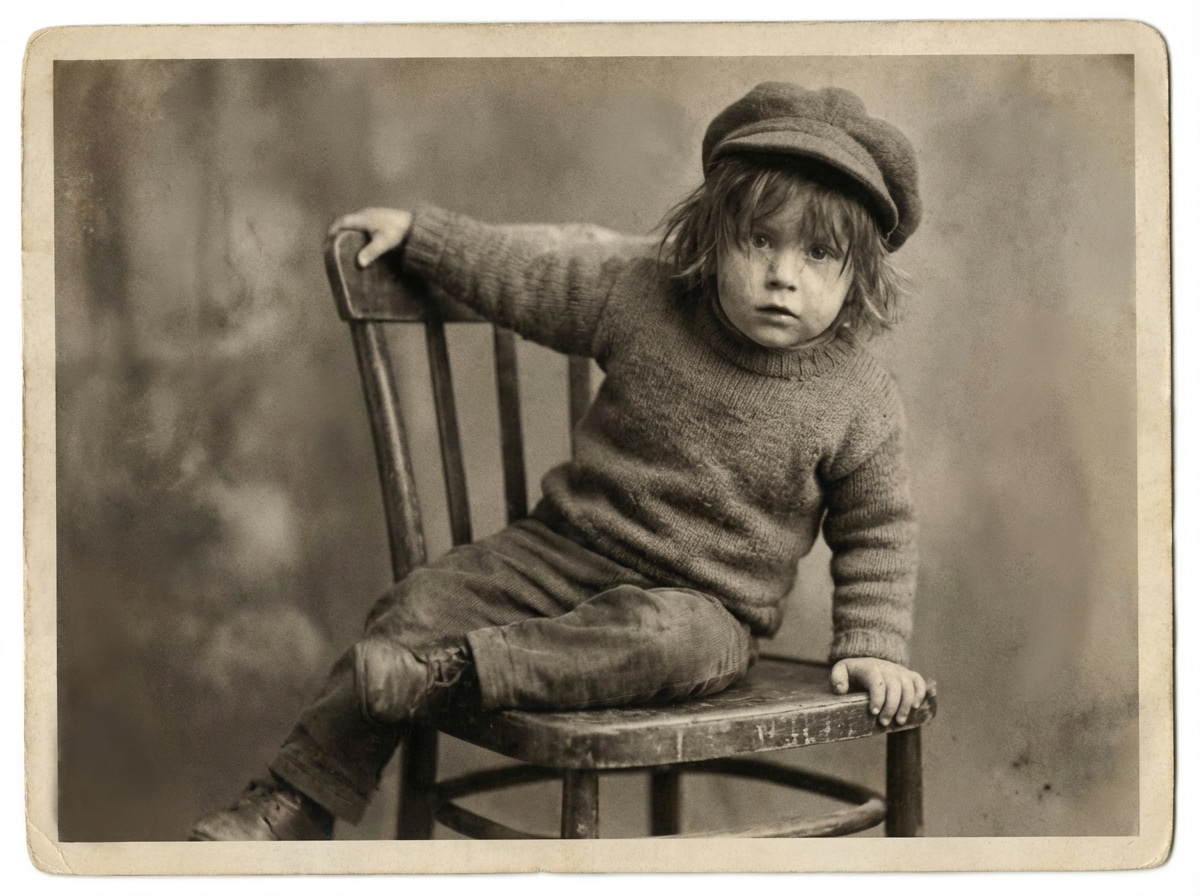
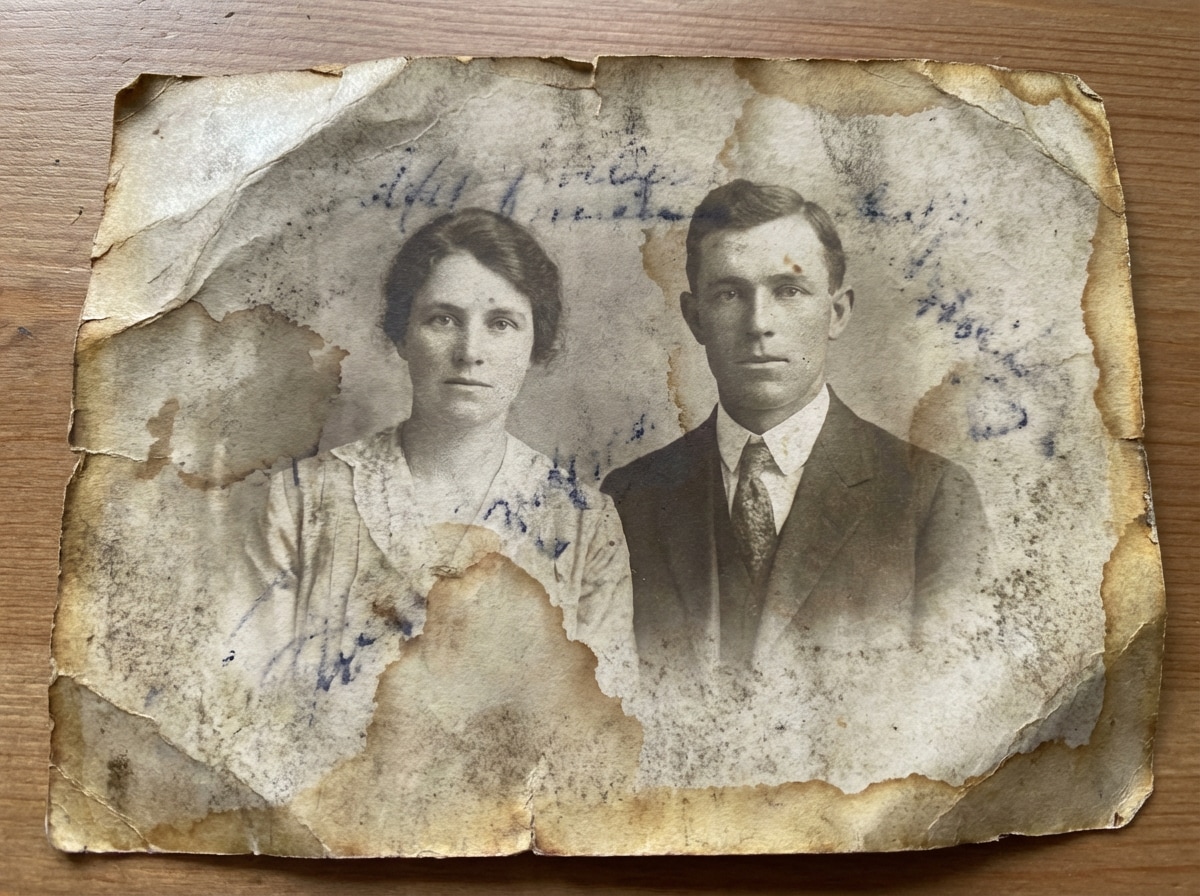
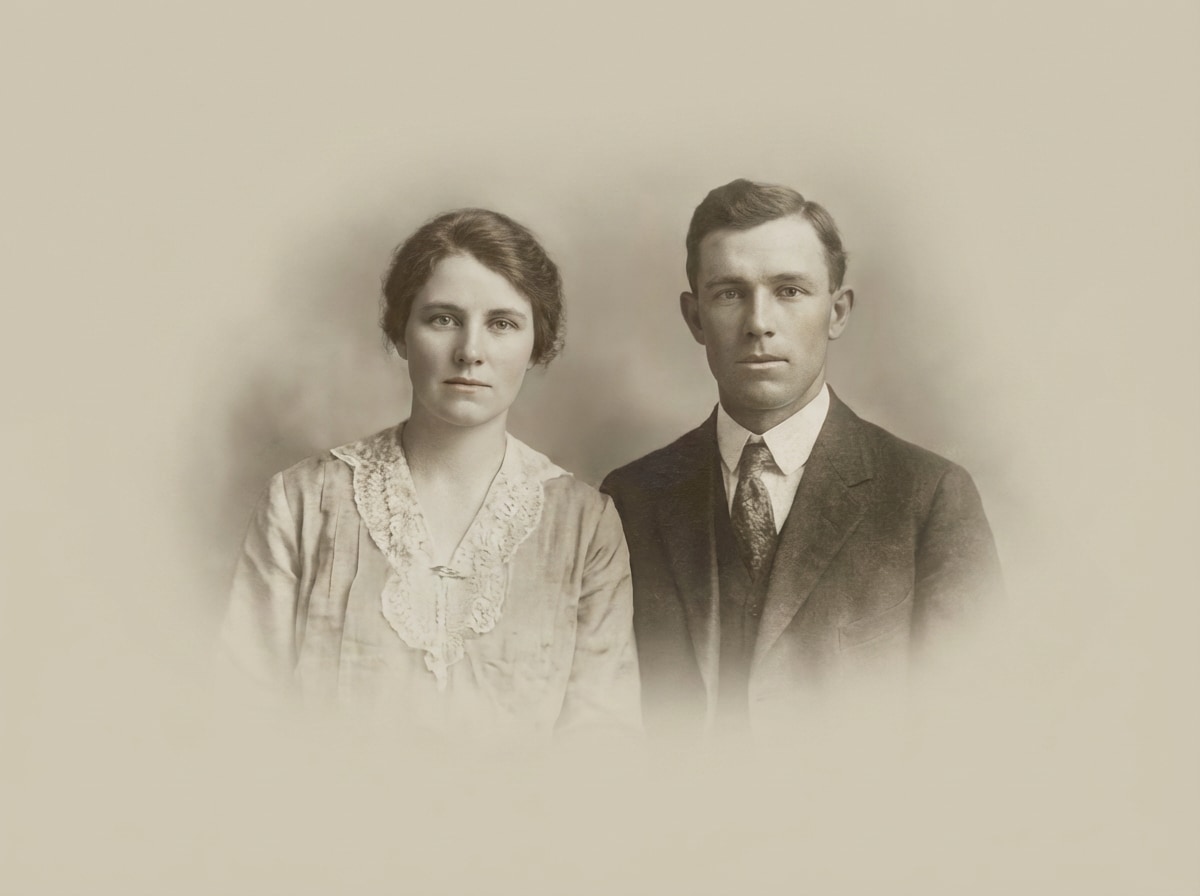
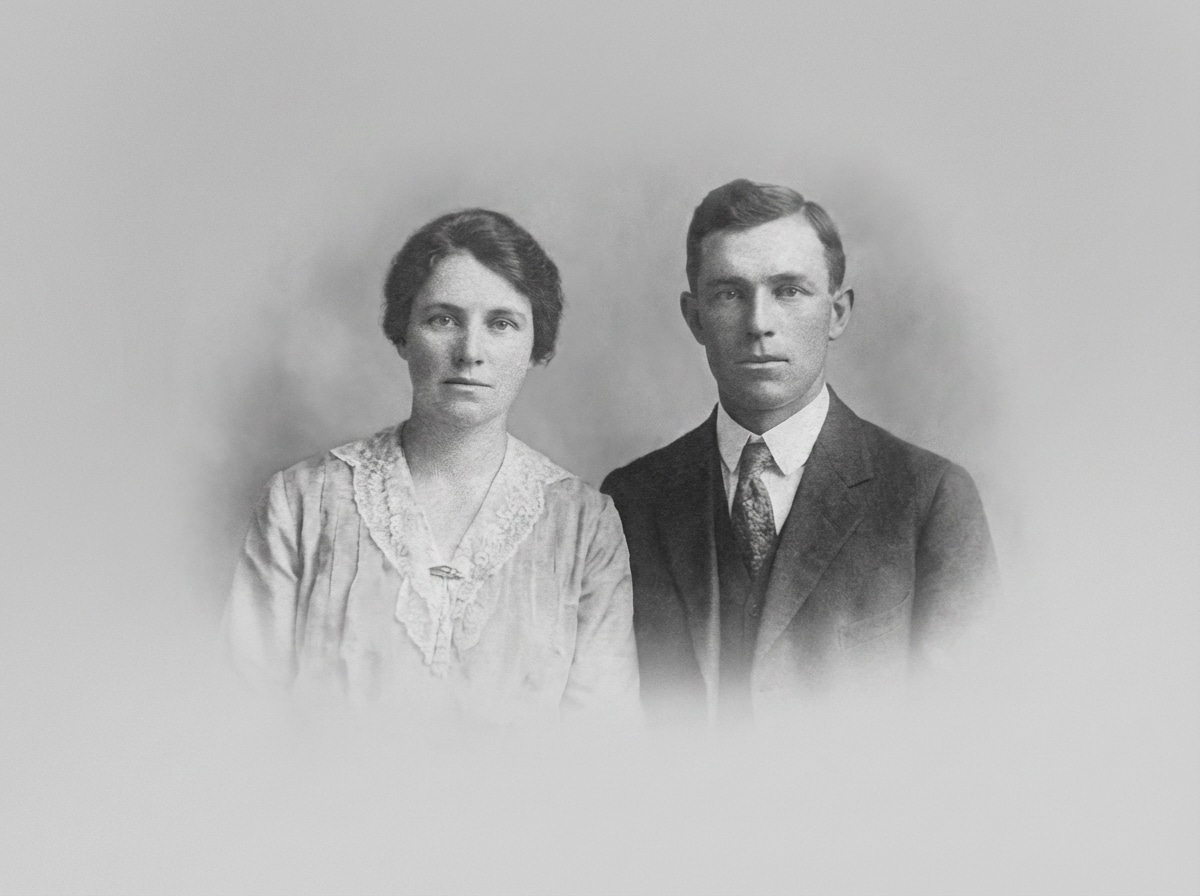
BeforeAfter
High Fidelity
High Fidelity Restoration 1
Best for repairing scratches, dust, stains, and damage while keeping the original identity and realistic details.
Prompt
Restore this old photograph with high fidelity. Remove scratches, dust, stains, and noise while preserving original facial features and identity. Enhance sharpness and clarity naturally without over-smoothing. Reconstruct missing details realistically. Maintain original lighting and historical authenticity. Output in high resolution, photorealistic style.
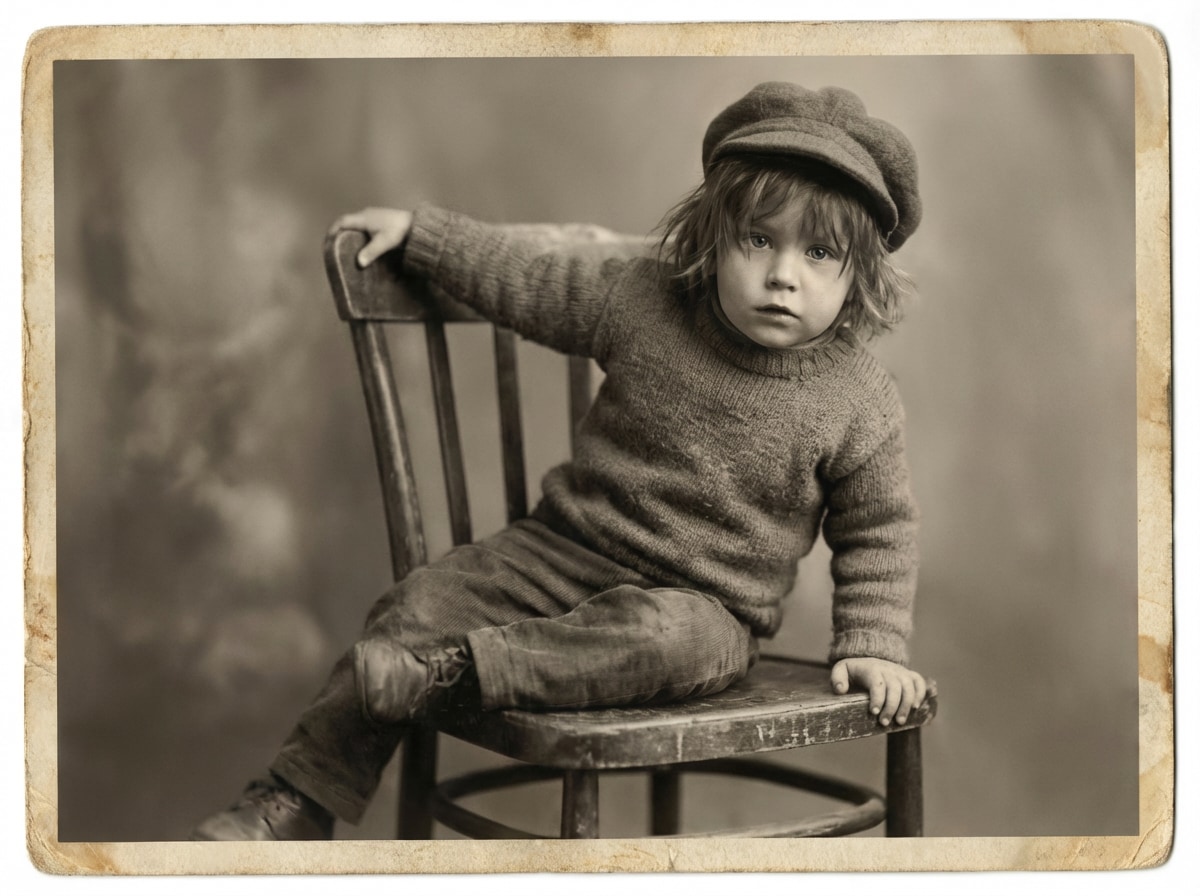
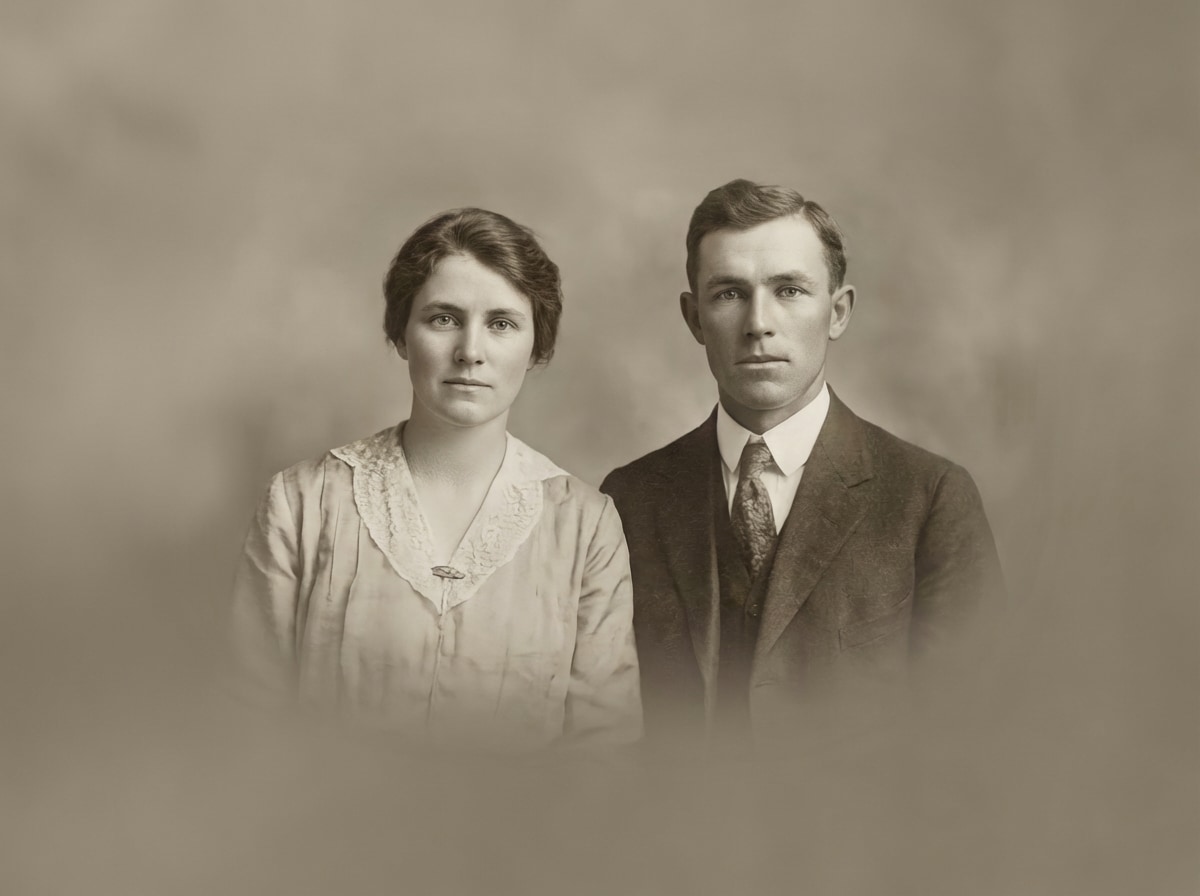
Best for users who want a clean restored result without over-processing, plastic skin, or aggressive sharpening.
Prompt
Carefully restore this old photo. Fix damage such as tears, fading, grain, and blur while keeping the image natural and not over-processed. Preserve skin texture, original expressions, and historical accuracy. Avoid artificial sharpening or plastic look. Make it look like a clean, well-preserved original photo.
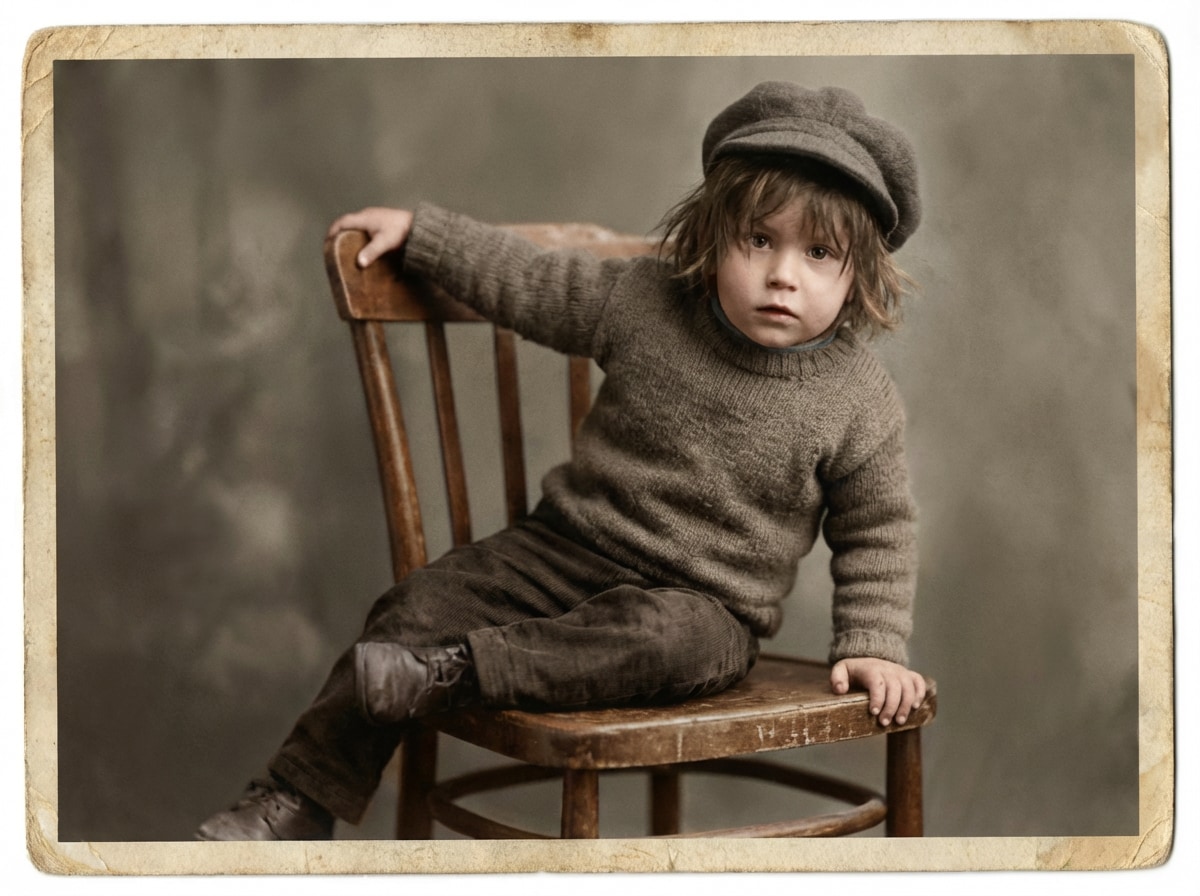
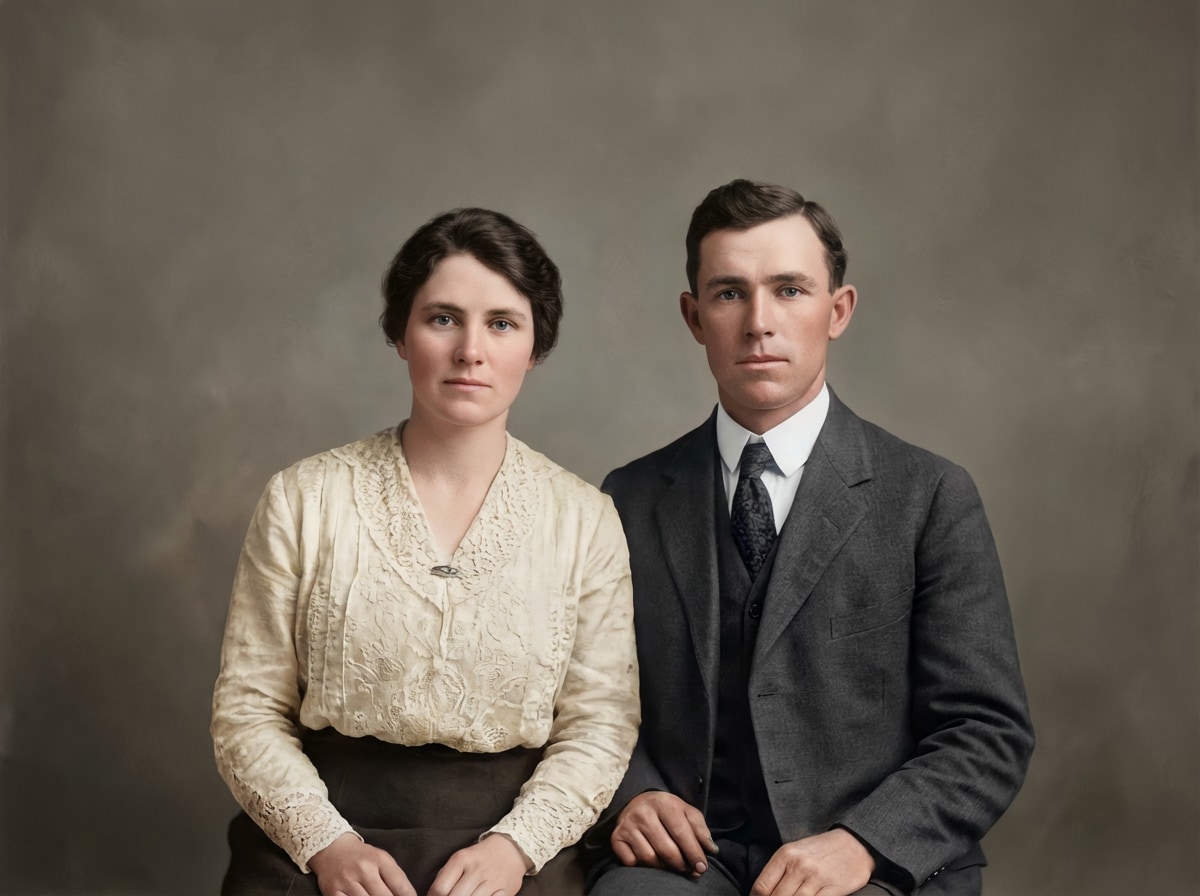
Ideal for black-and-white images that need both restoration and historically natural colorization.
Prompt
Restore and colorize this old black and white photograph. Repair scratches, enhance clarity, and reconstruct missing areas. Apply realistic colorization based on natural skin tones, clothing, and environment. Keep colors subtle and historically accurate, not overly saturated.
Focused on face clarity, eye detail, skin texture, and natural contrast while preserving identity.
Prompt
Restore this vintage portrait photo. Focus on enhancing the face, eyes, and skin details while preserving identity. Remove noise, scratches, and blur. Improve lighting and contrast naturally. Keep the background consistent and realistic.
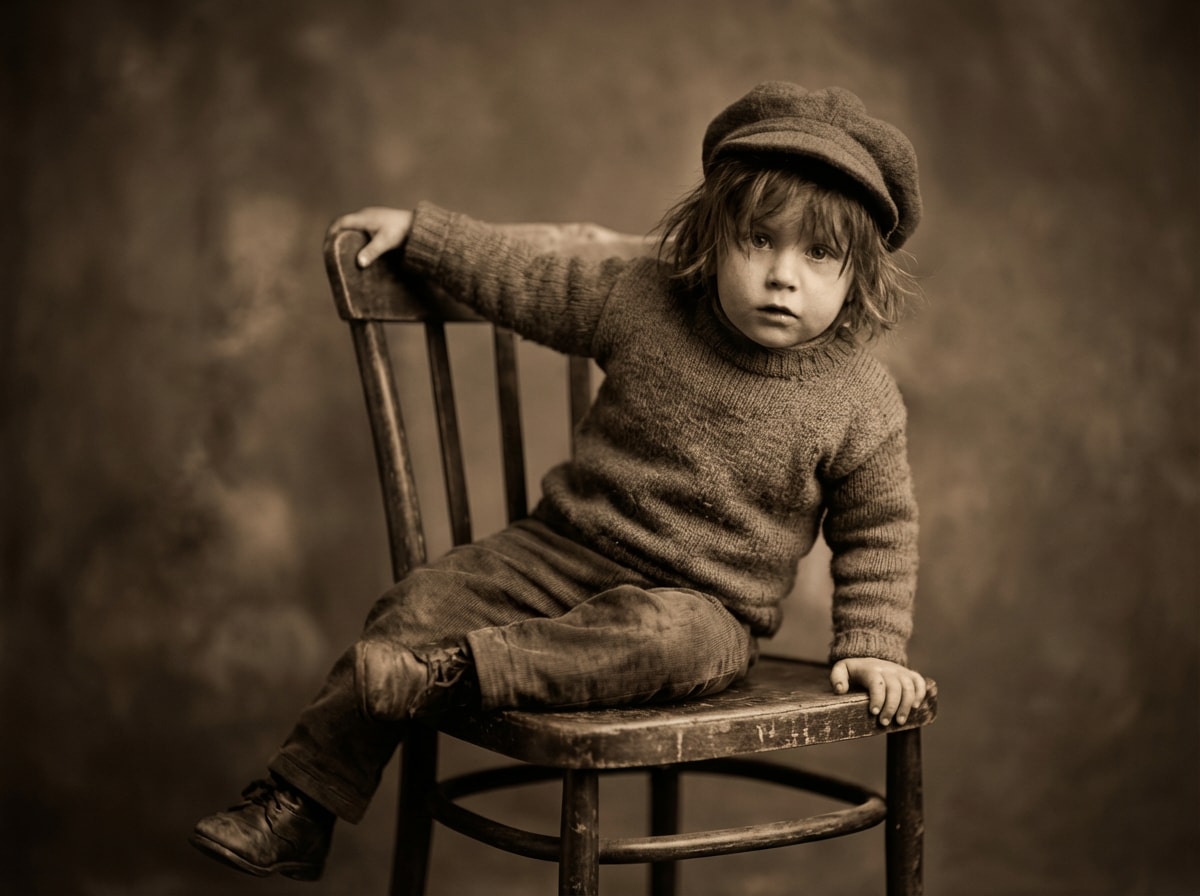
Best for premium enhancement, upscaling, realistic texture recovery, and polished studio-style output.
Prompt
Professionally restore this old photograph to studio-quality. Remove all visible damage, enhance fine details, and upscale resolution. Reconstruct missing textures realistically. Apply cinematic lighting balance and natural contrast. Ensure the result looks like a modern high-quality photograph while preserving its historical essence.
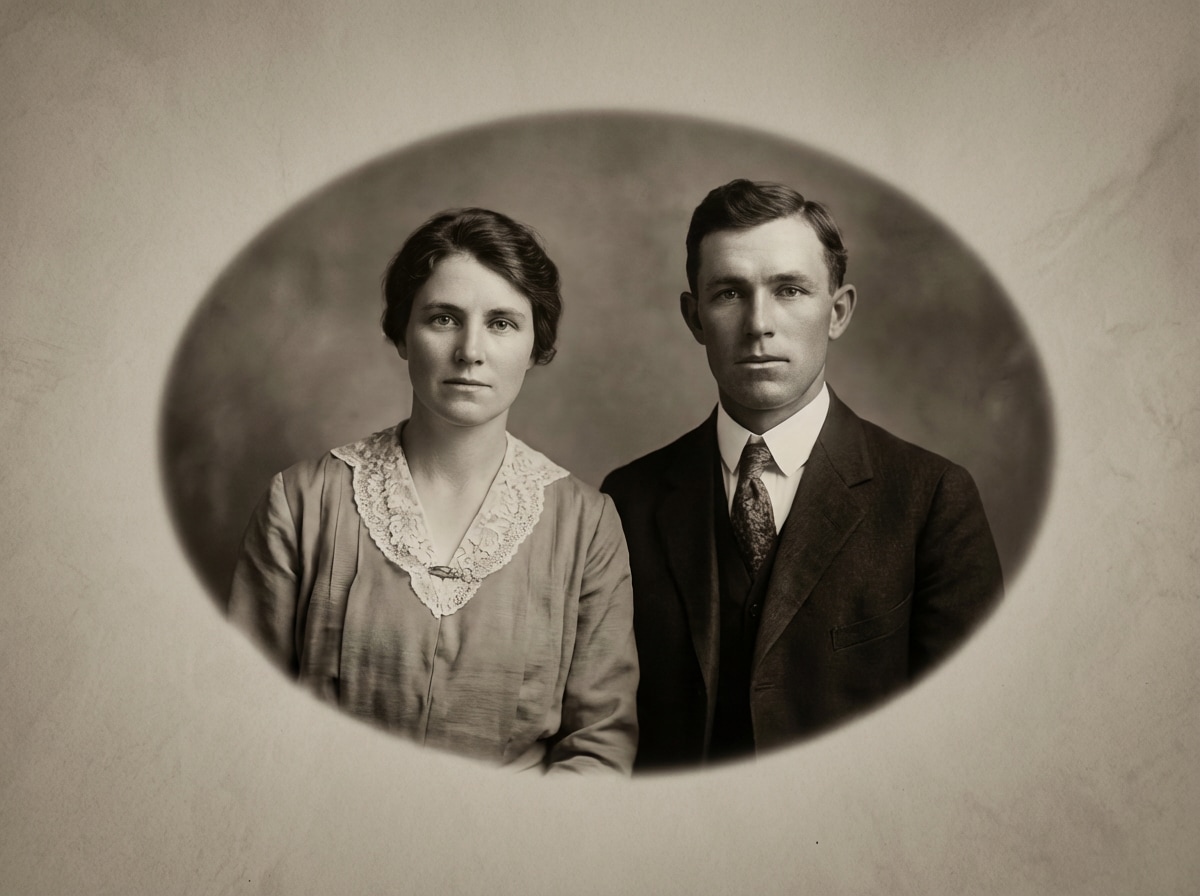
Another realistic restoration example for damaged portraits and archival photos with preserved identity.
Prompt
Restore this old photograph with high fidelity. Remove scratches, dust, stains, and noise while preserving original facial features and identity. Enhance sharpness and clarity naturally without over-smoothing. Reconstruct missing details realistically. Maintain original lighting and historical authenticity. Output in high resolution, photorealistic style.
Good for old family photos where users want authenticity over over-editing.
Prompt
Carefully restore this old photo. Fix damage such as tears, fading, grain, and blur while keeping the image natural and not over-processed. Preserve skin texture, original expressions, and historical accuracy. Avoid artificial sharpening or plastic look. Make it look like a clean, well-preserved original photo.
Great for adding subtle, believable colors to black-and-white historical portraits.
Prompt
Restore and colorize this old black and white photograph. Repair scratches, enhance clarity, and reconstruct missing areas. Apply realistic colorization based on natural skin tones, clothing, and environment. Keep colors subtle and historically accurate, not overly saturated.
Designed for faces, expressions, and identity preservation in old portrait recovery.
Prompt
Restore this vintage portrait photo. Focus on enhancing the face, eyes, and skin details while preserving identity. Remove noise, scratches, and blur. Improve lighting and contrast naturally. Keep the background consistent and realistic.
Suitable for premium outputs with sharper details, upscale quality, and polished restoration.
Prompt
Professionally restore this old photograph to studio-quality. Remove all visible damage, enhance fine details, and upscale resolution. Reconstruct missing textures realistically. Apply cinematic lighting balance and natural contrast. Ensure the result looks like a modern high-quality photograph while preserving its historical essence.
Why Media.io Is Great for Old Photo Restoration Prompt Gemini Workflows
Media.io helps users turn damaged memories into clean, natural-looking images with prompt-based restoration,
realistic enhancement, and one-click processing for portraits, faded prints, and black-and-white photos.
One-Click AI Restoration
Ideal for users who want to fix scratches, stains, blur, and faded details fast without learning complex photo editing tools.
Realistic, Reddit-Style Results
Great for users who prefer natural restoration over over-sharpened AI images, with preserved identity, skin texture, and historical character.
Works for Multiple Scenarios
Restore family portraits, damaged printed photos, black-and-white scans, and archive-style images with prompt-driven control and fast previews.
Prompt + Tool Integration
Combine a strong ai prompt to restore old photos with Media.io’s interface for easier testing, better output control, and faster downloads.
Common Questions
About Old Photo Restoration Prompt Gemini
1. What is the best prompt for old photo restoration in Gemini?
The best old photo restoration prompt Gemini usually asks for realistic damage removal, preserved identity,
natural sharpness, and authentic lighting. Prompt 1 and Prompt 2 on this page work especially well for portraits and family photos.
2. Can I use a chatgpt old photo restoration prompt free with Media.io?
Yes. You can copy a chatgpt old photo restoration prompt free from this page, paste it into Media.io,
and generate a restored image right away. This is a fast way to test different restoration styles without writing prompts yourself.
3. Why do old photo restoration prompt Gemini Reddit discussions prefer natural results?
Users on Reddit often prefer restoration that looks believable instead of overly processed. That means avoiding plastic skin,
harsh sharpening, or fake facial reconstruction. A good old photo restoration prompt gemini reddit setup focuses on realism first.
4. Can AI prompt to restore old photos also colorize black-and-white images?
Yes. A strong ai prompt to restore old photos can combine restoration and colorization in one workflow.
Use prompt language like "restore and colorize," "realistic skin tones," and "historically accurate colors" for more natural output.
5. What is prompt to restore old photos nano banana and should I use it?
Prompt to restore old photos nano banana usually refers to very short or simplified prompts. They may work for quick tests,
but detailed prompts generally perform better because they clearly define damage repair, realism, face preservation, and output quality.
Unlock Trending Gemini AI Prompts for Creative Content