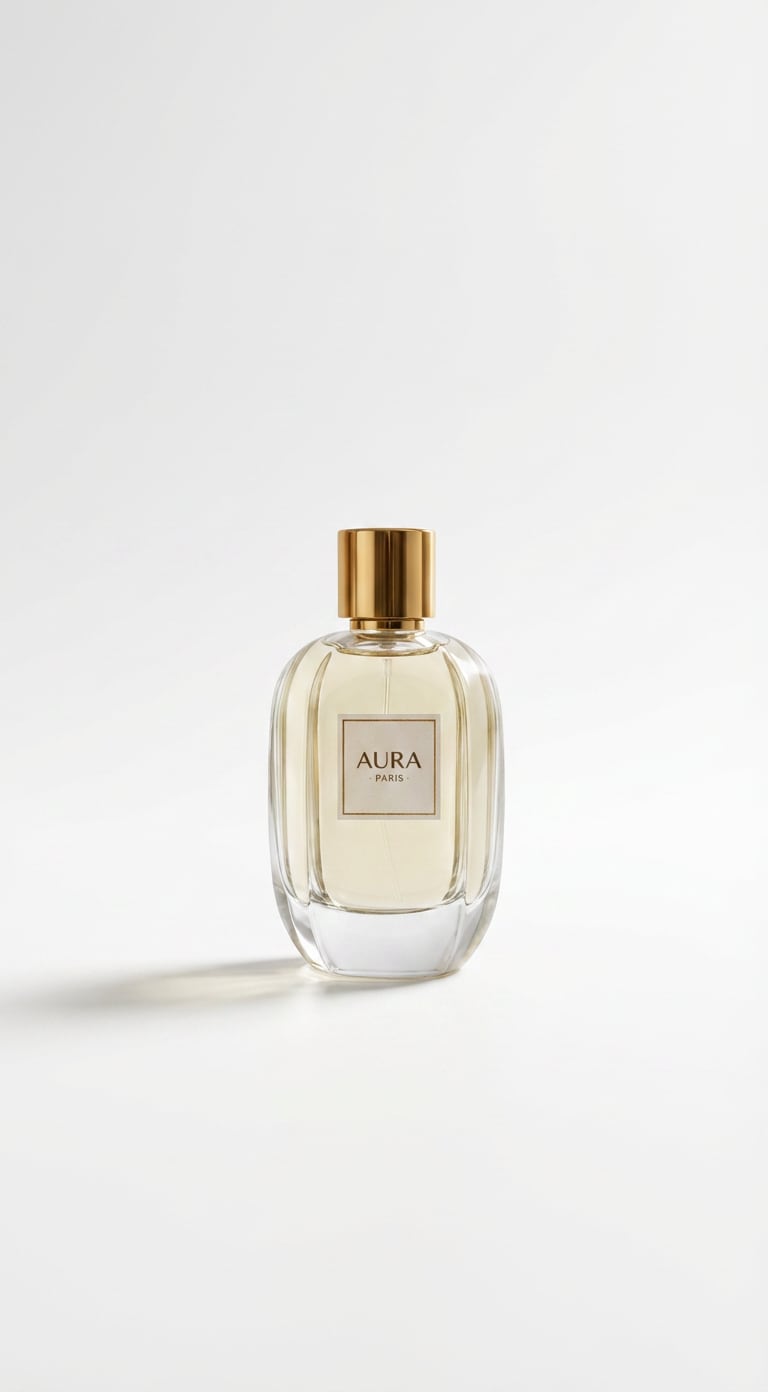
Add White Background to Photo
Make Any Image Look Clean and Professional with AI
Easily add white background to photo with AI for product images, profile pictures, marketing assets,
and clean eCommerce visuals. Use Media.io to remove distractions, refine subject edges, and generate
polished white background images in seconds without manual editing.
Create clean white background images in minutes with Media.io AI image tool. Upload your image, paste a tested
add white background to photo prompt, and generate a polished result for eCommerce, portraits, or business visuals
without complicated editing software.
Pick a style below, copy the prompt, and paste it directly into the AI box for fast, clean white background generation.
3
Generate & Download
Preview the result, compare before and after, and download a sharp image with a professional white background.
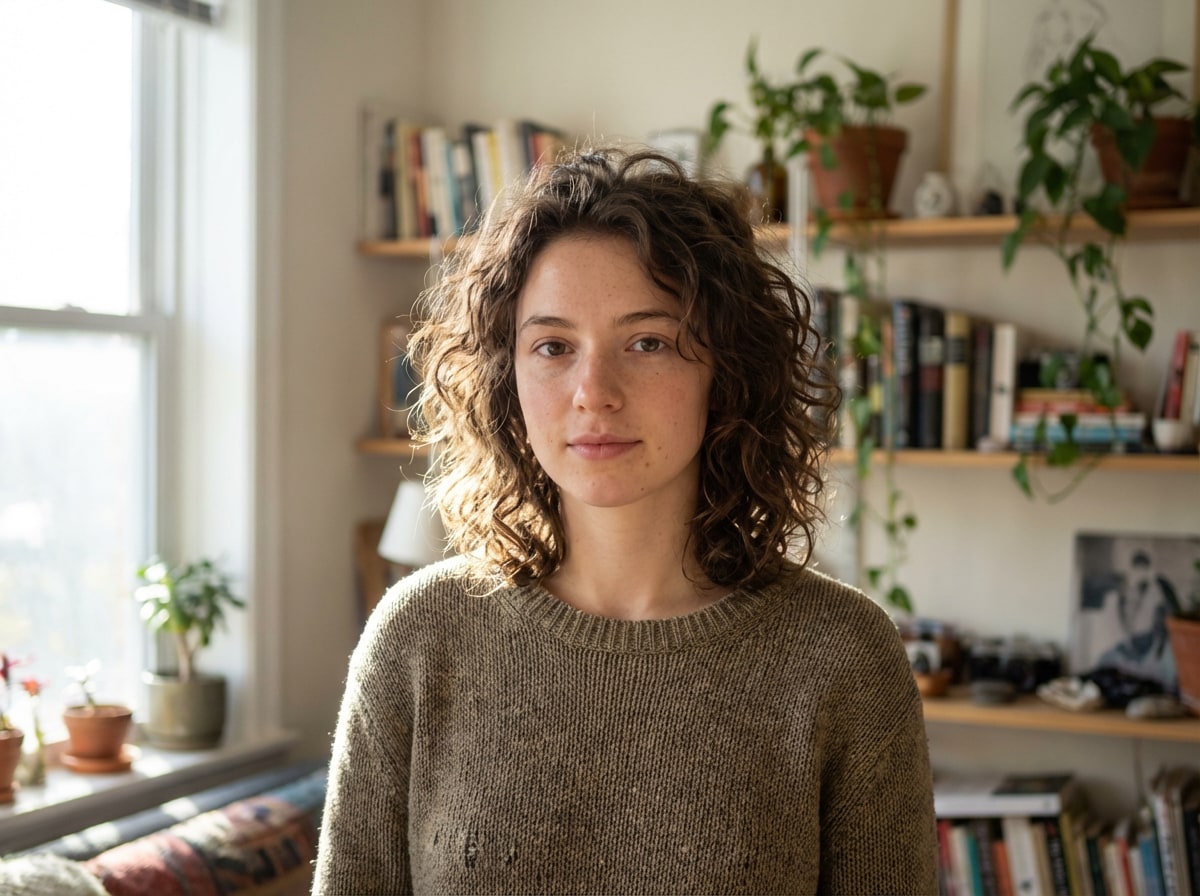
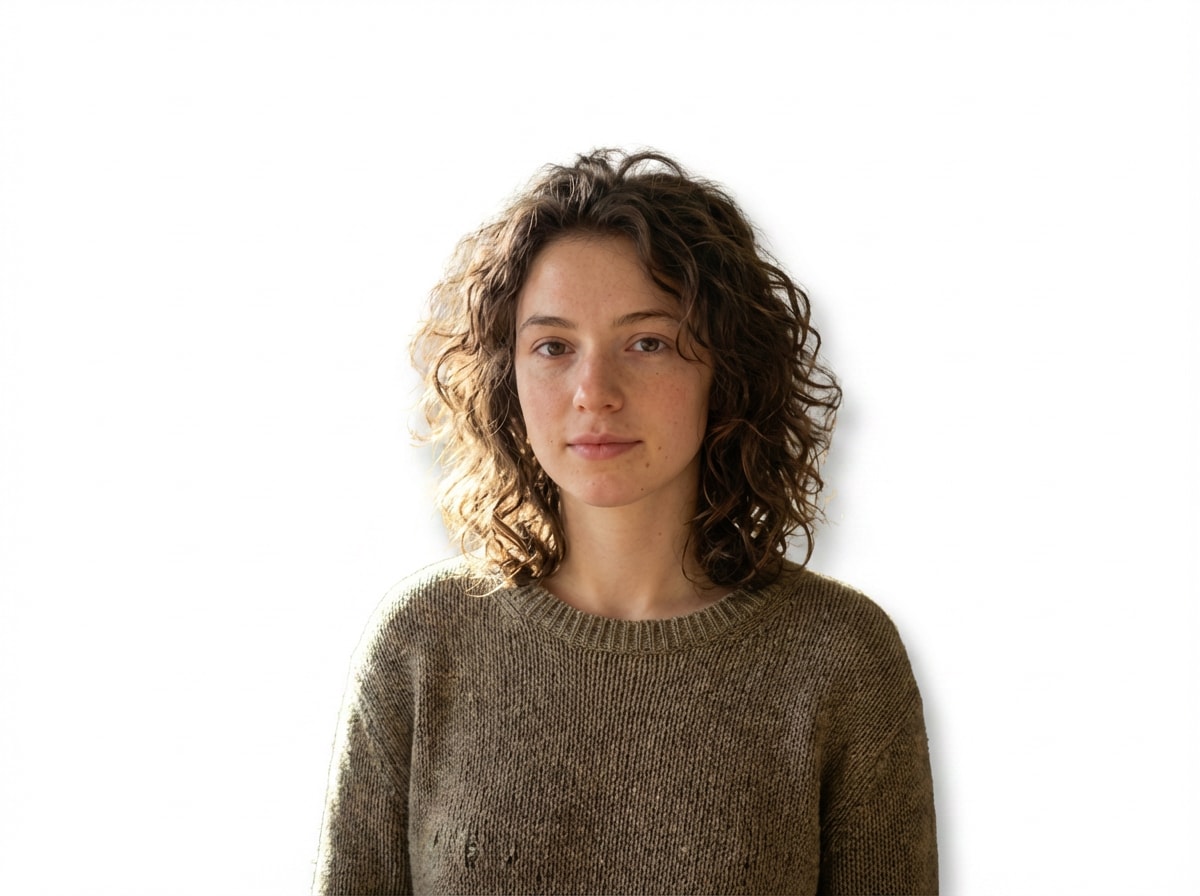
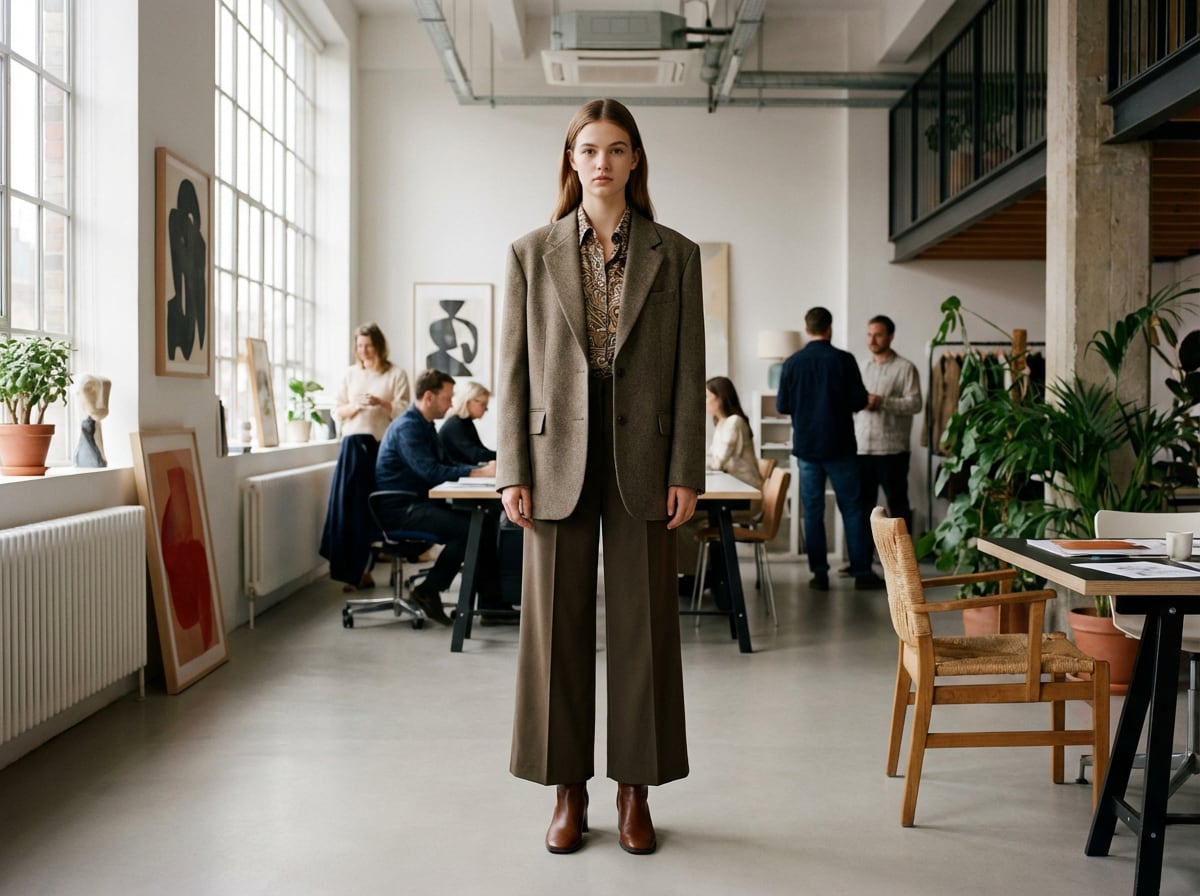
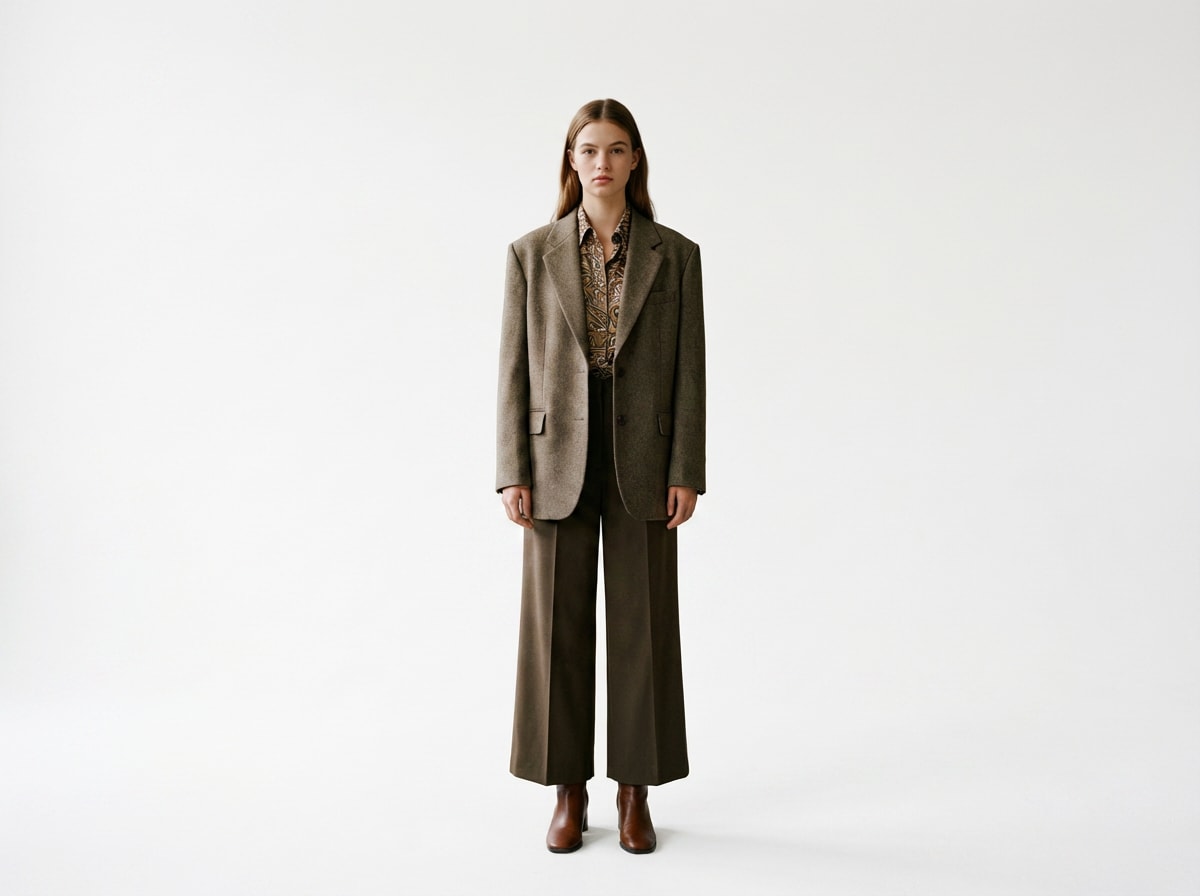
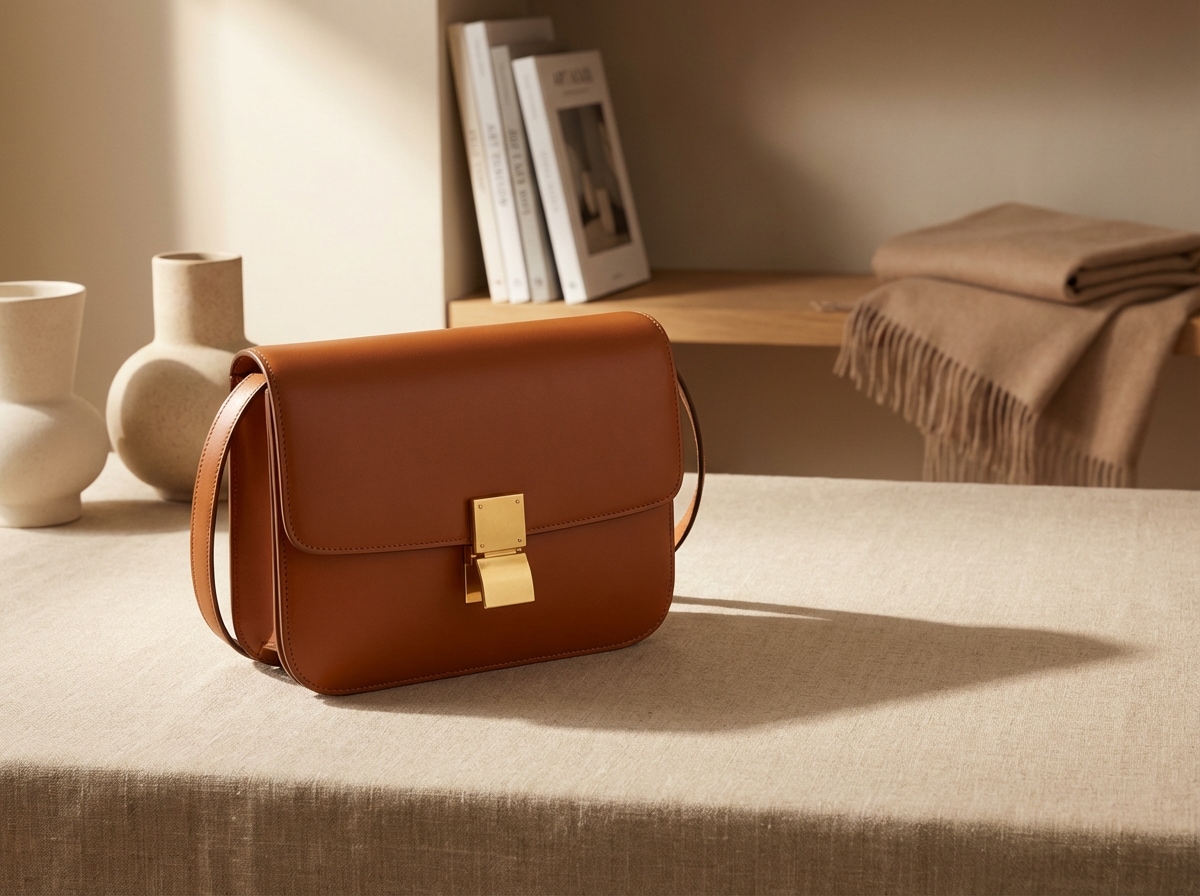
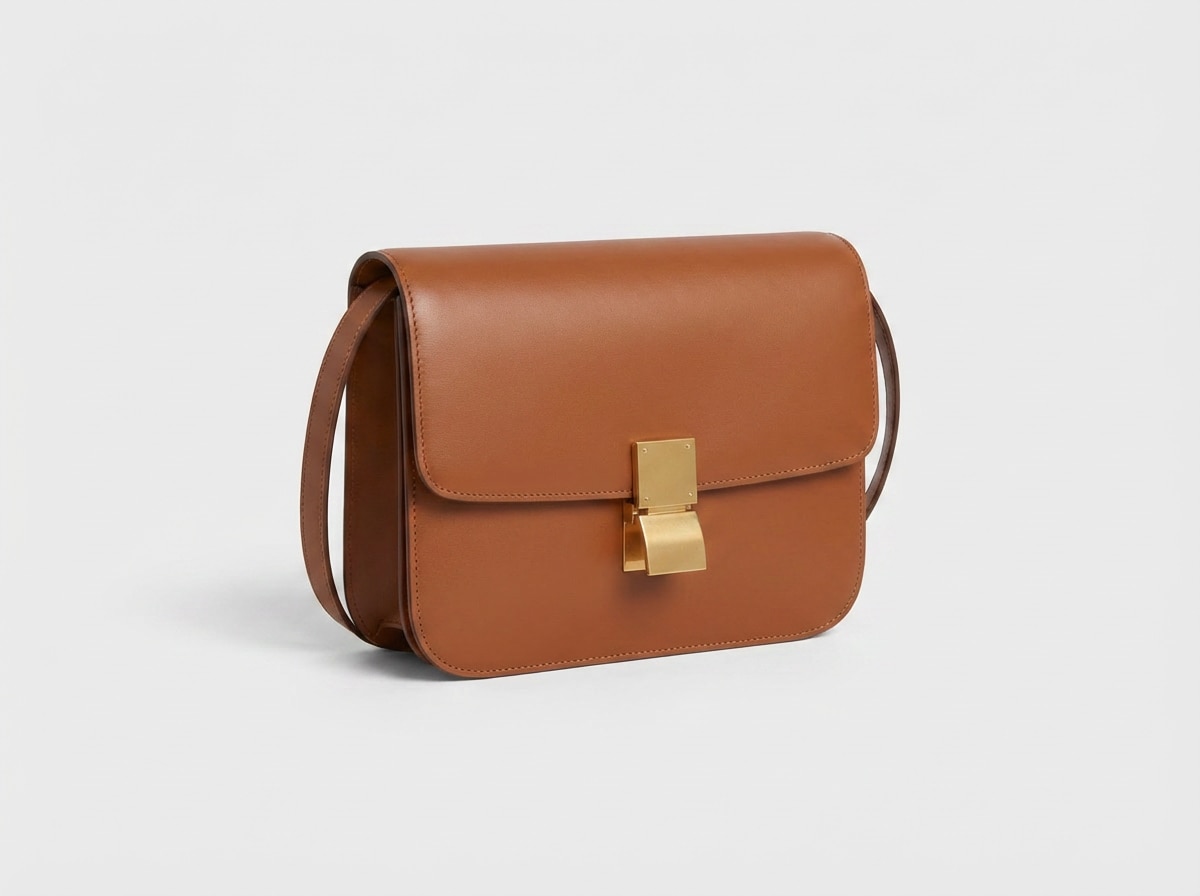
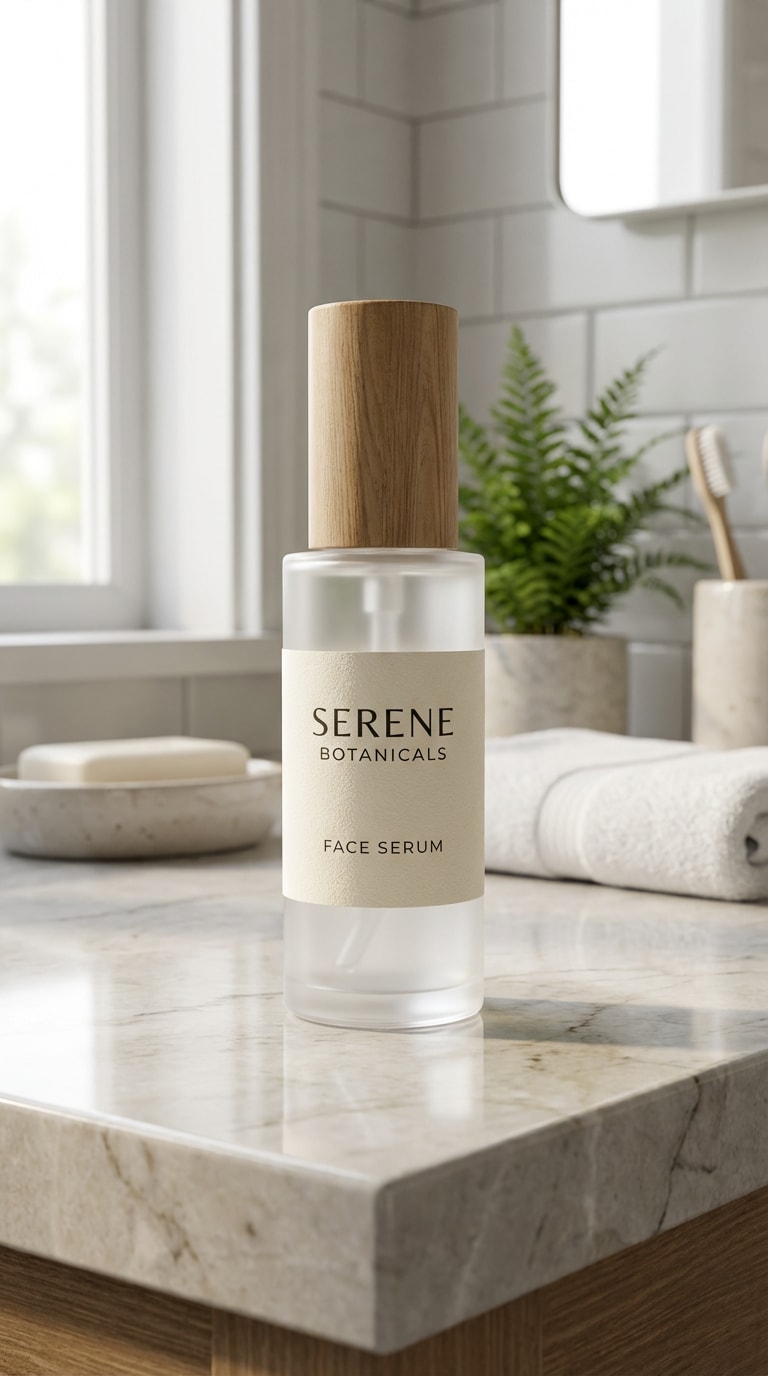
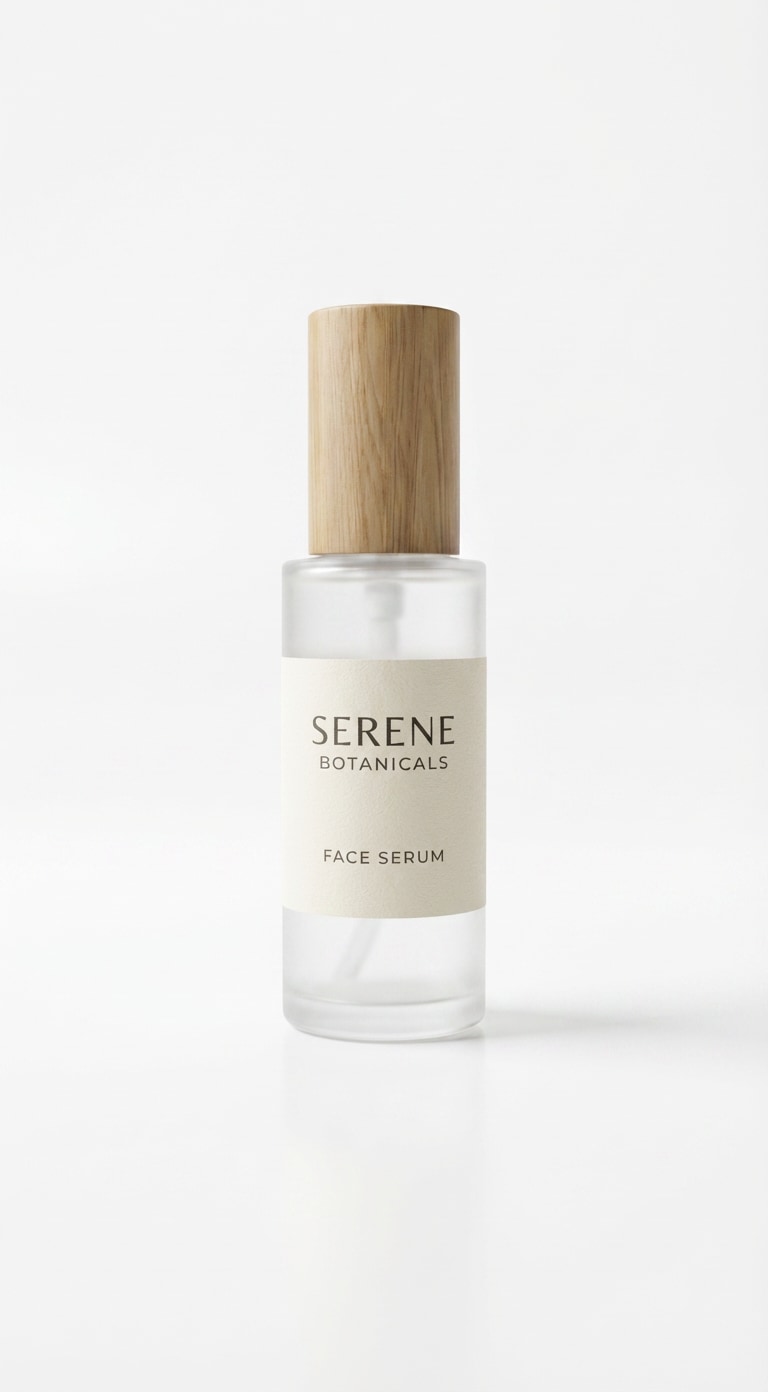
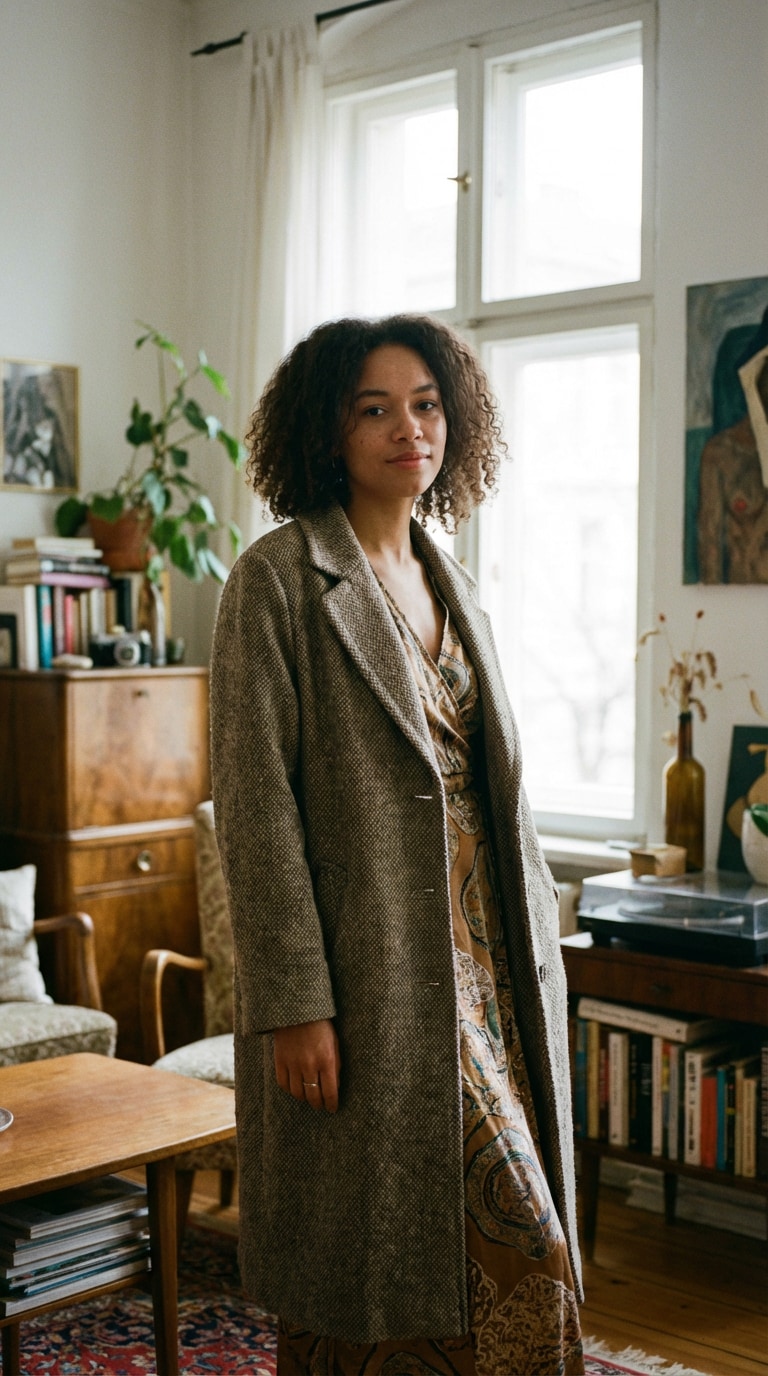
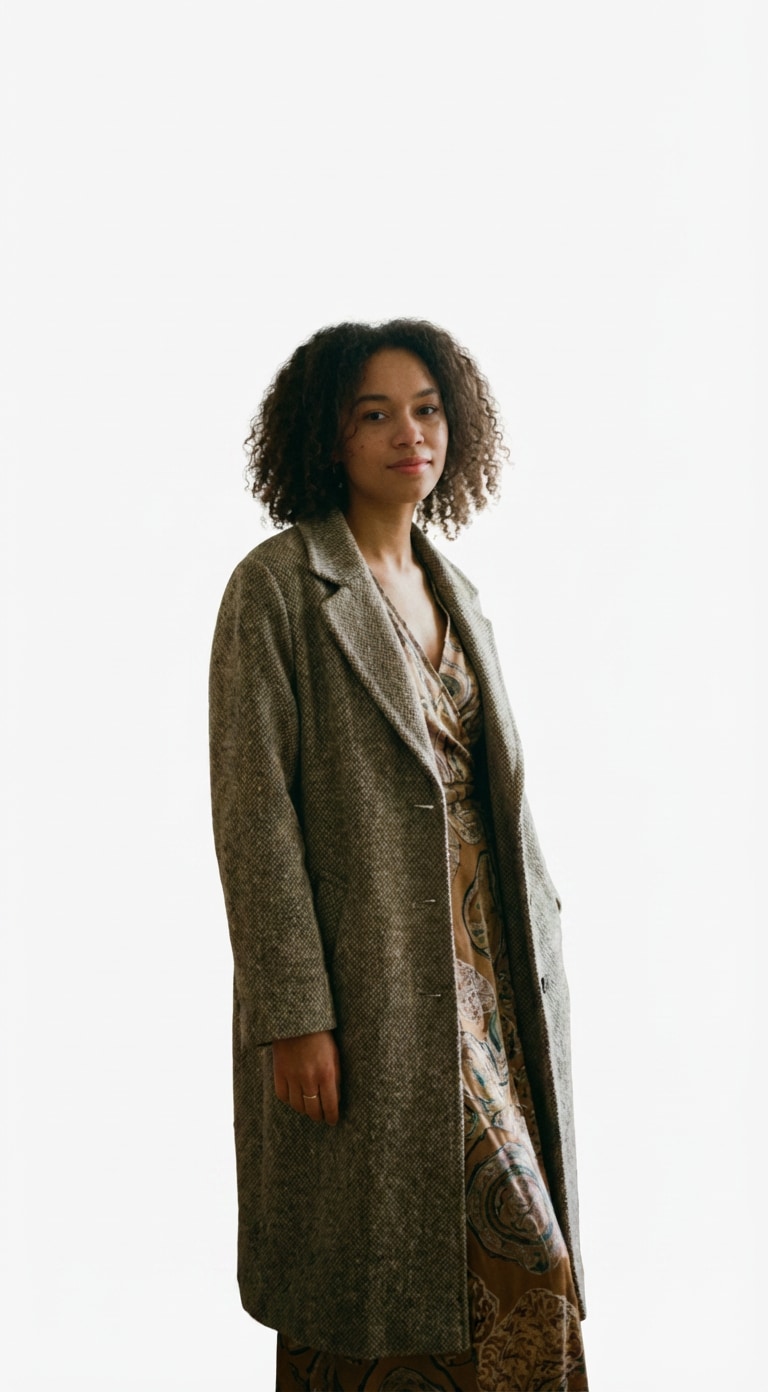
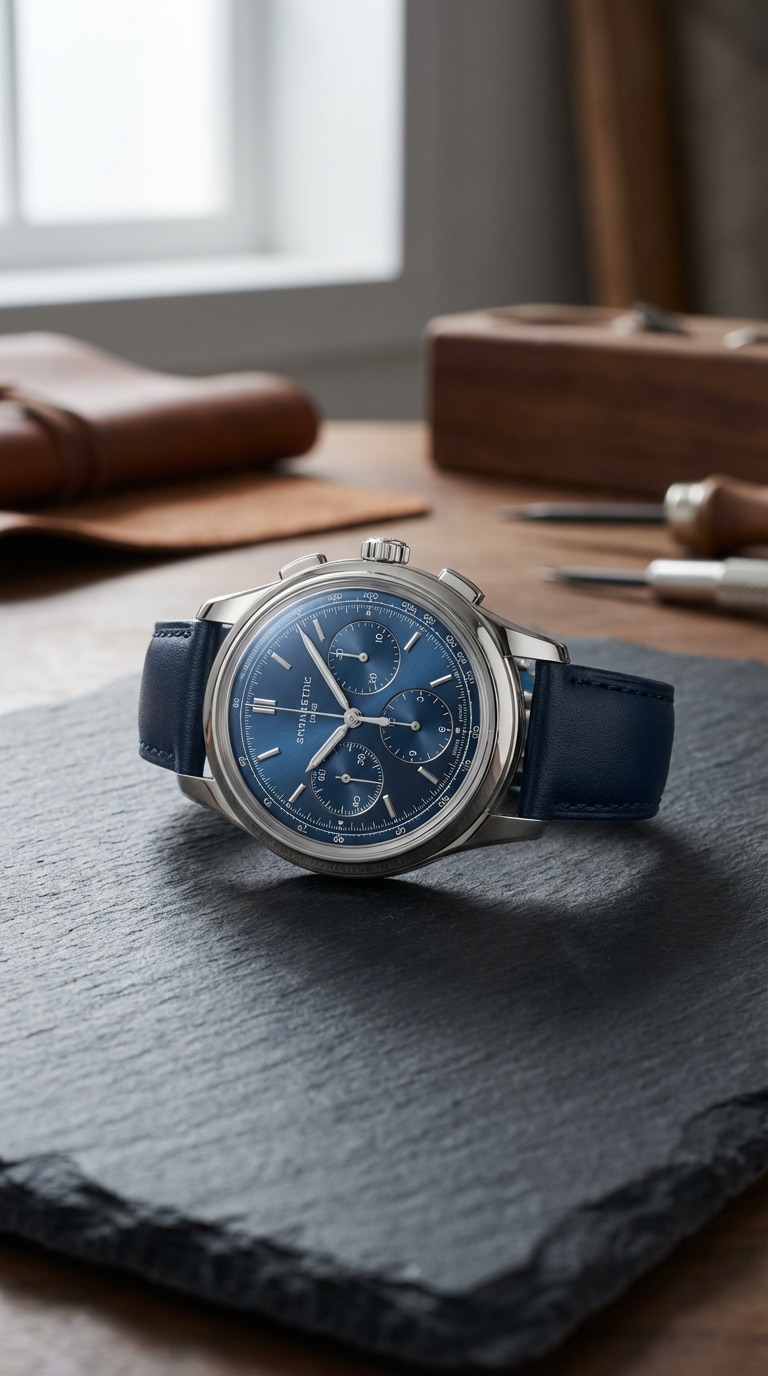
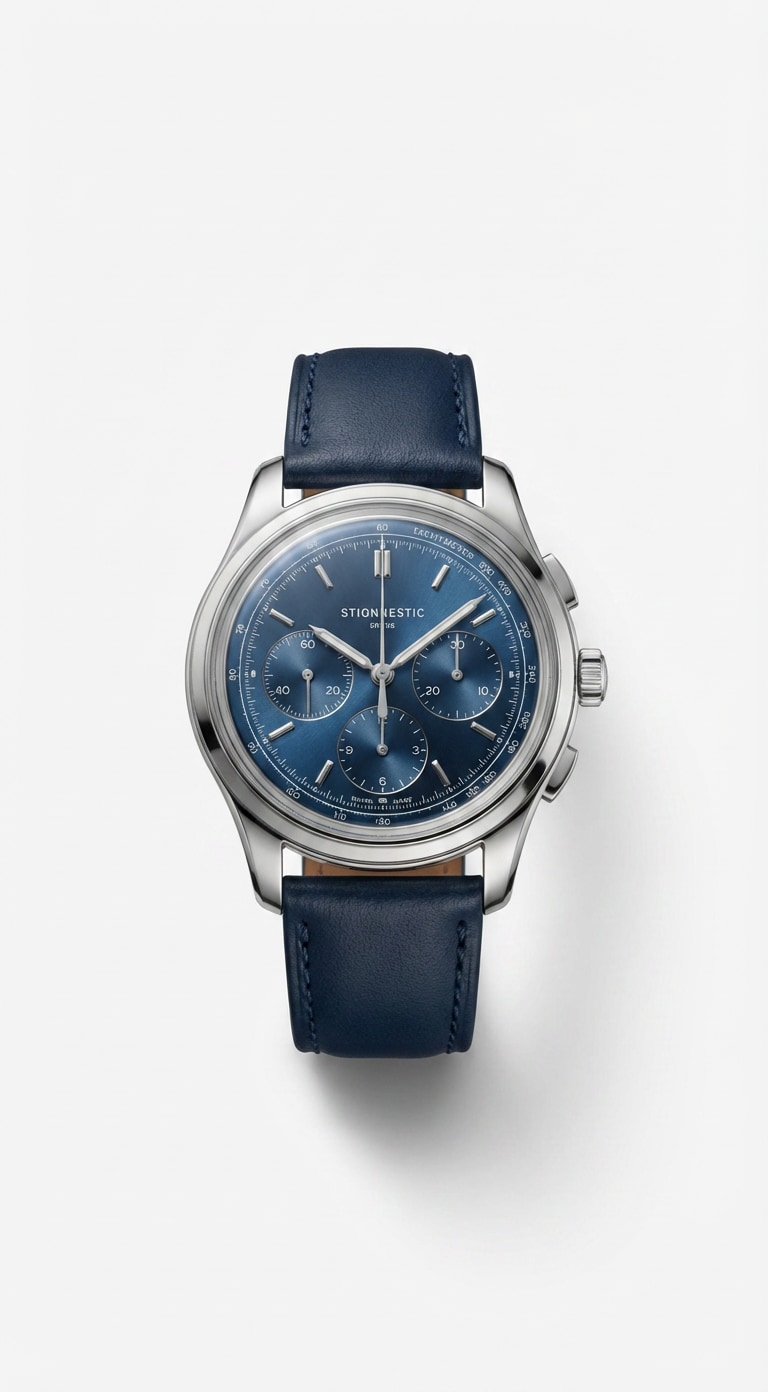
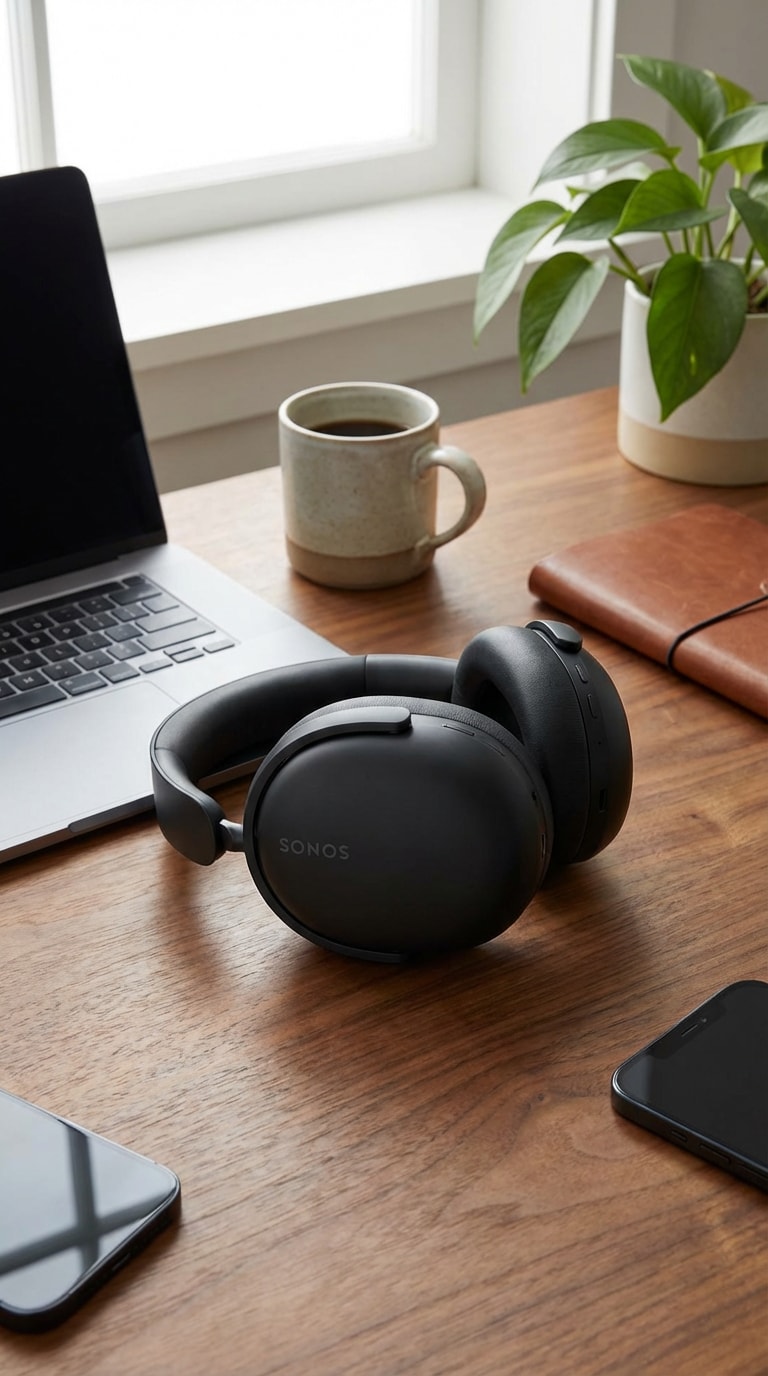
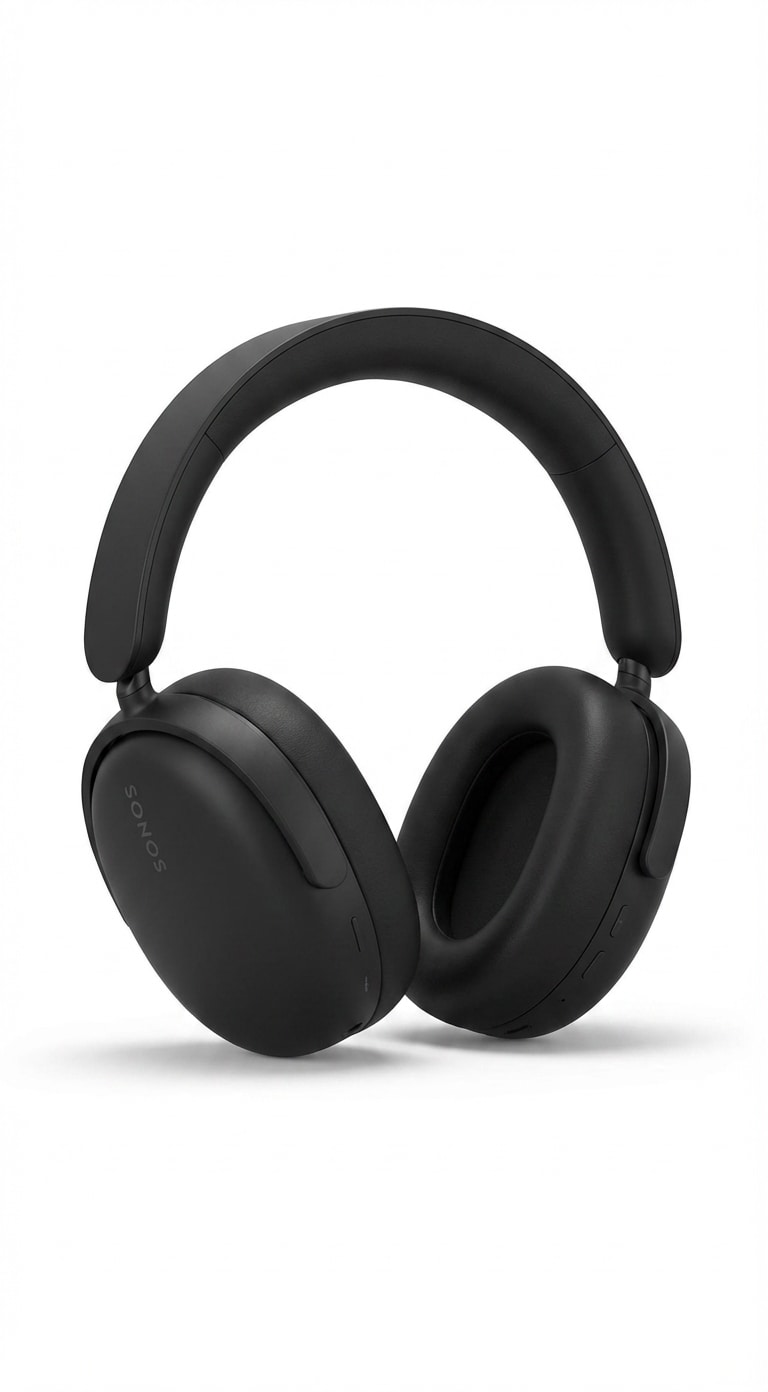
Add White Background to Photo Before & After Templates
Explore practical white background examples with a simple workflow:
Before → After → Copy Prompt.
These templates are designed for clean product photos, portrait cutouts, profile images, and professional marketing assets.
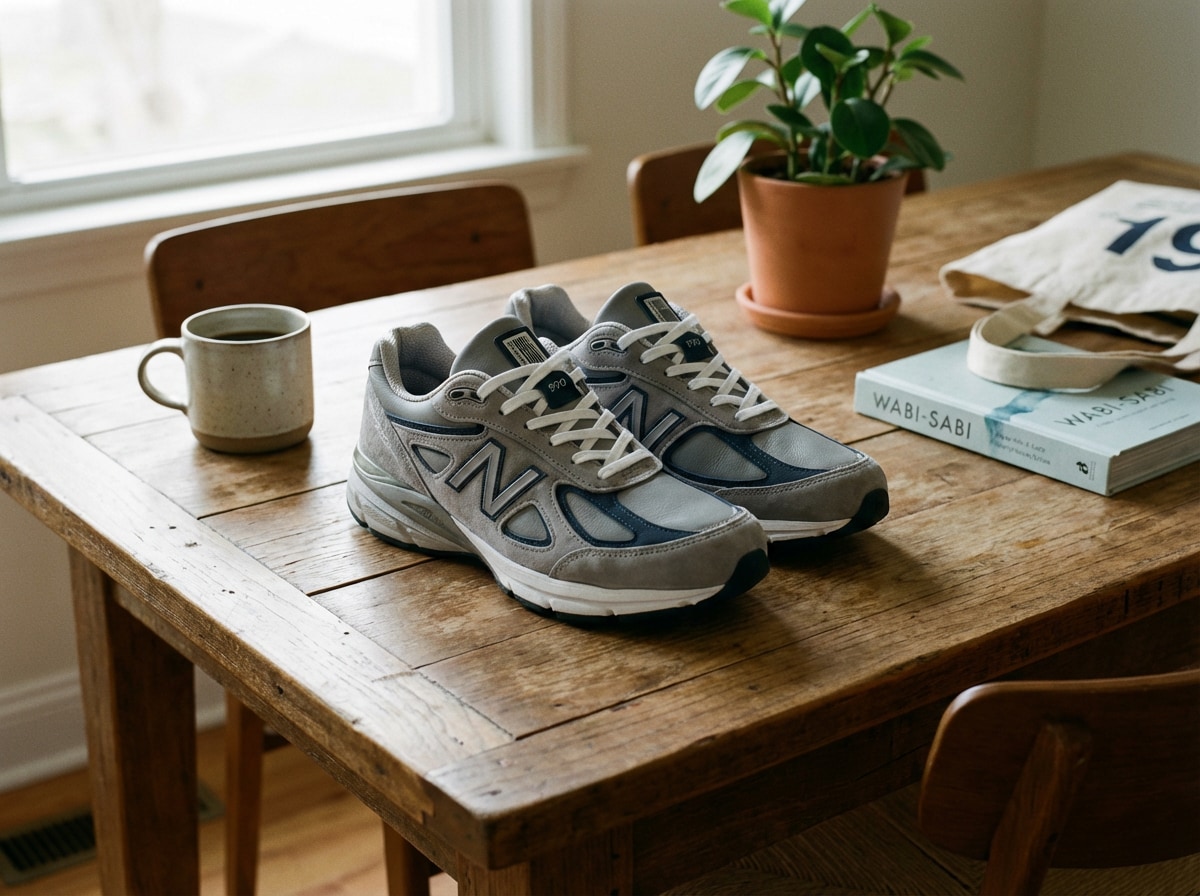
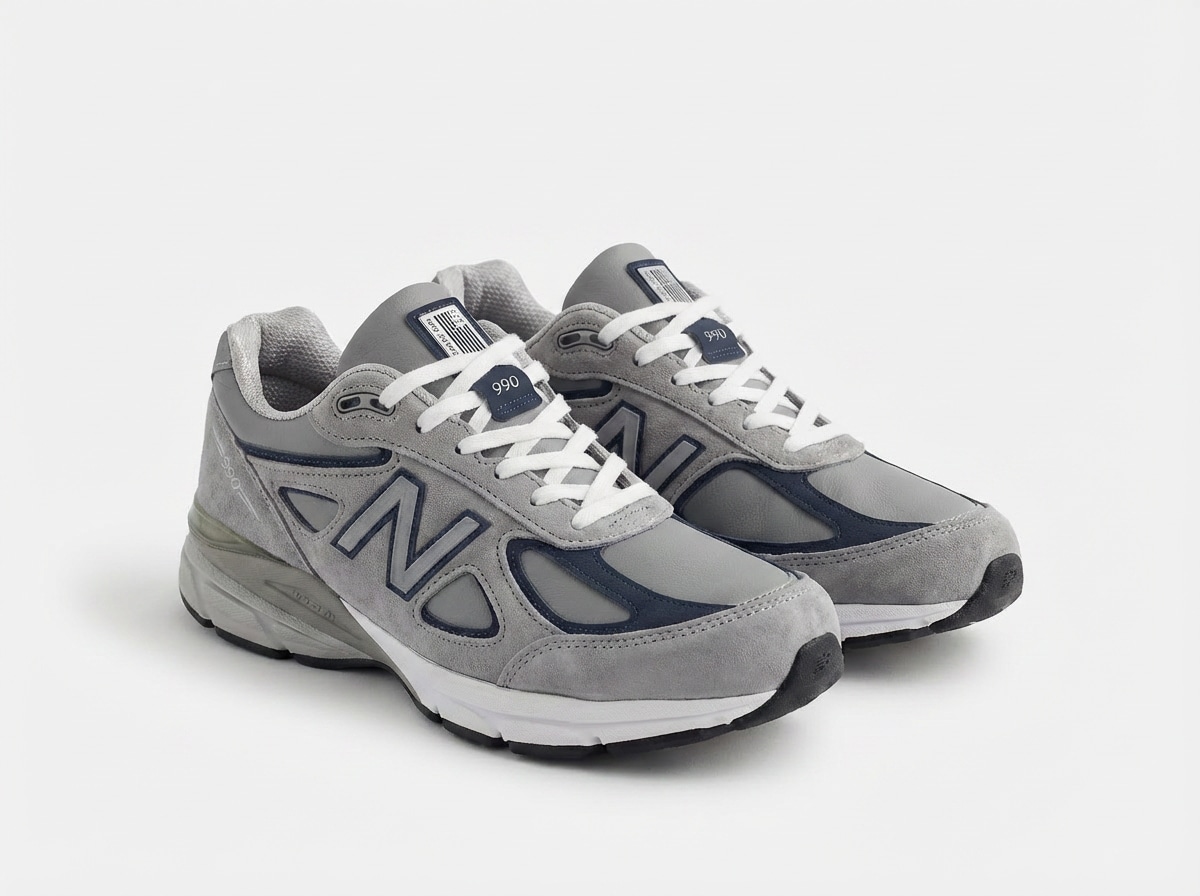
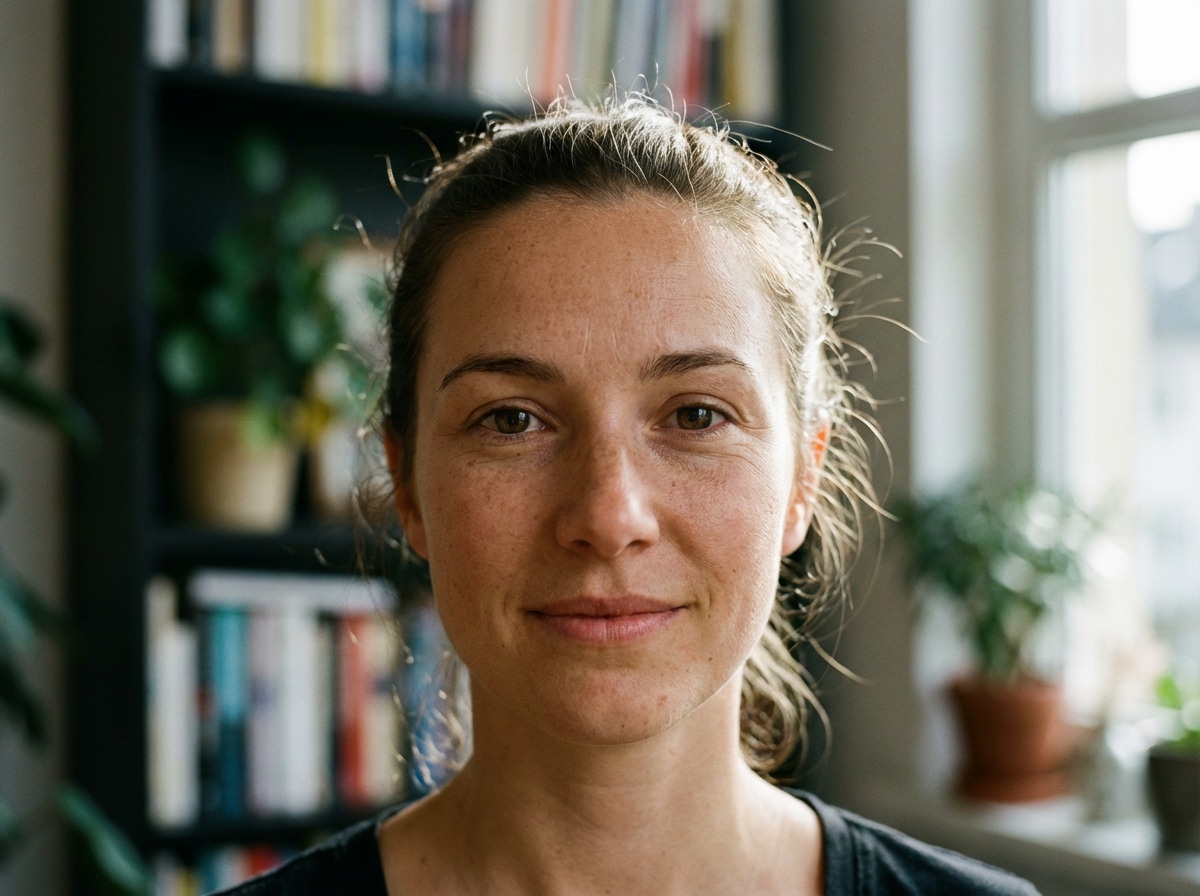
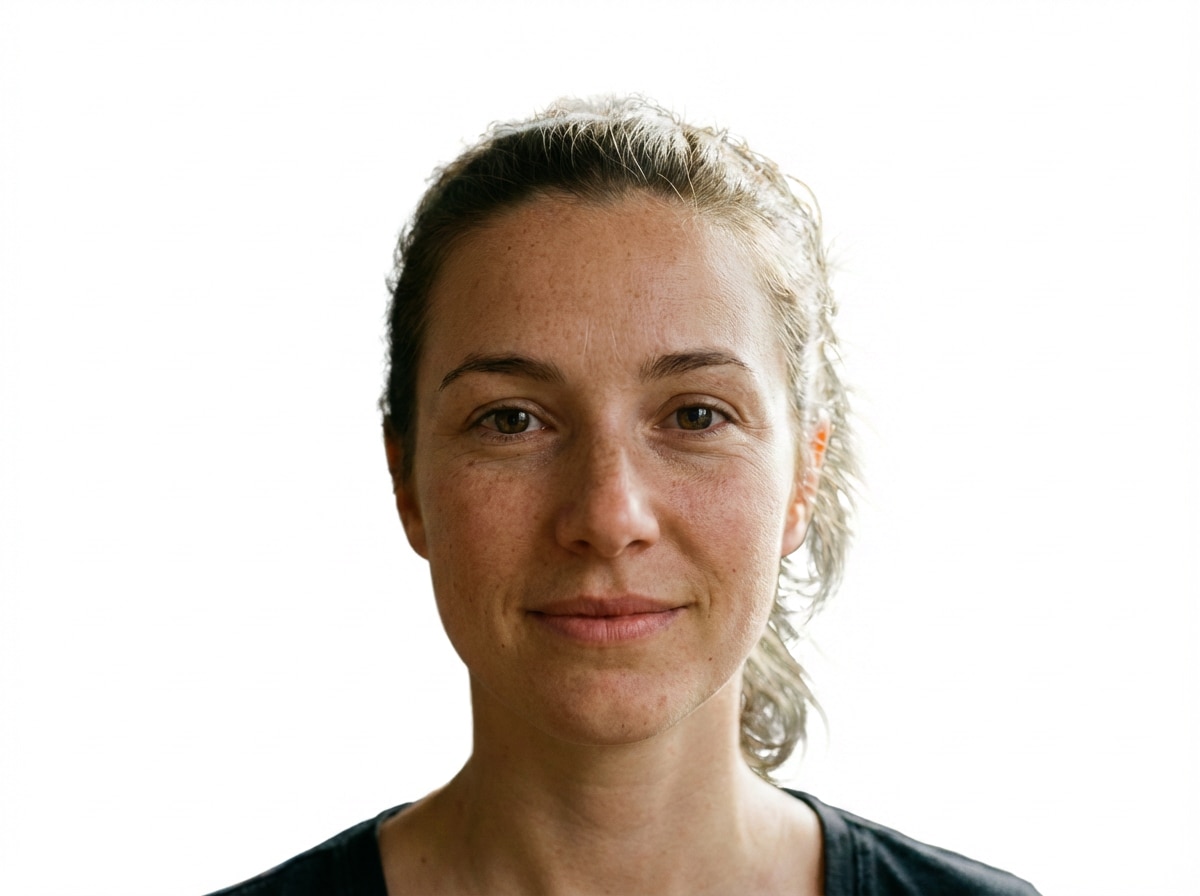
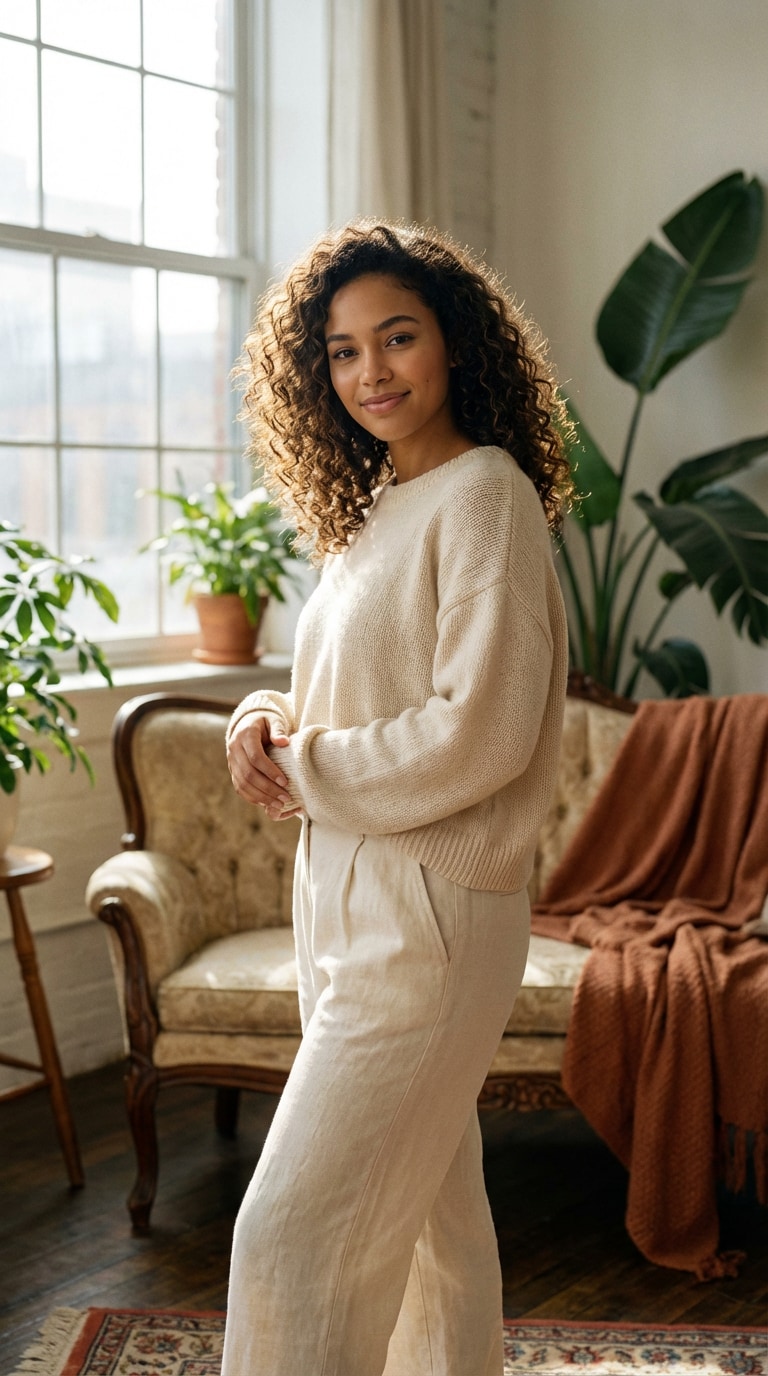
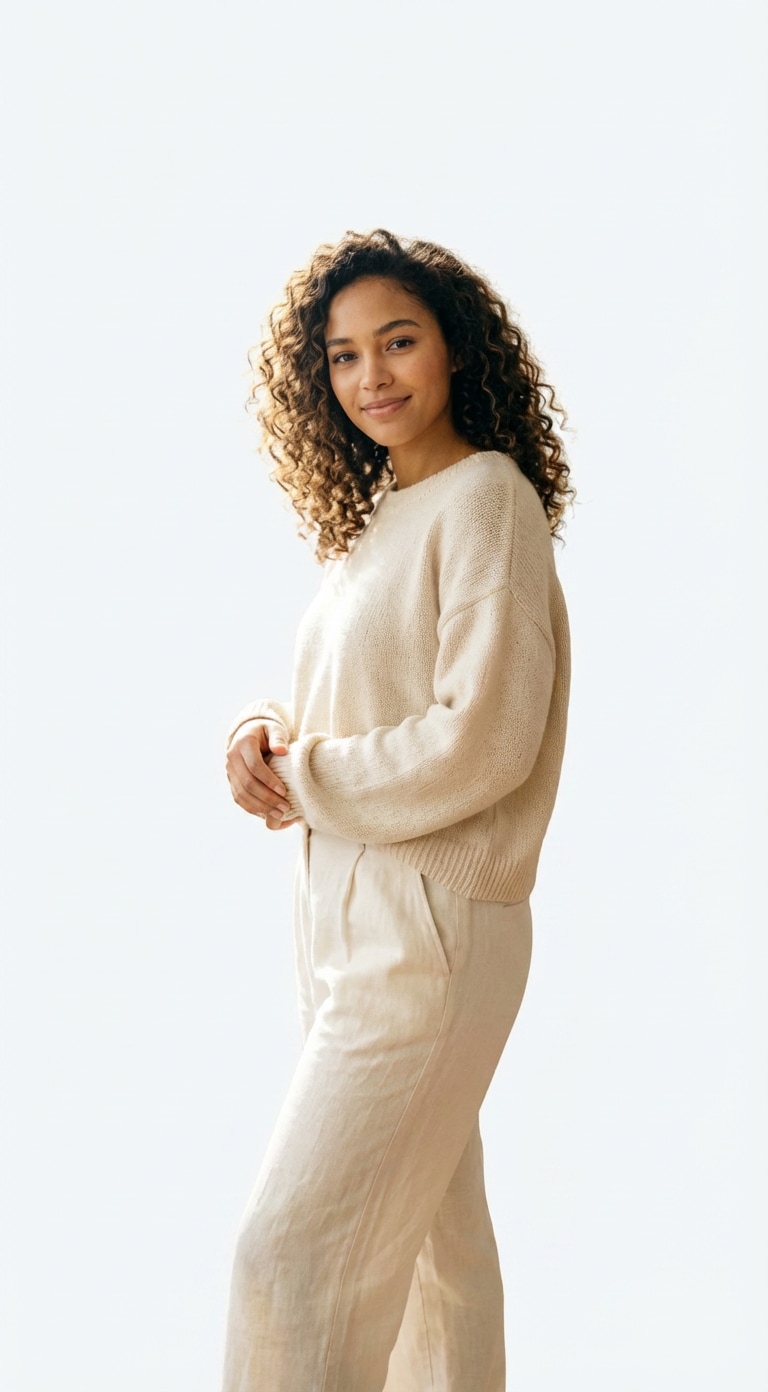
BeforeAfter
Clean White
Pure White Background
Best for removing distractions and placing the subject on a bright, clean white background with natural-looking edges.
Prompt
Remove the original background and replace it with a clean pure white background. Preserve the subject naturally, keep edges crisp and realistic, maintain original lighting, refine hair and fine details, add soft natural shadow if appropriate, and output a professional high-resolution image.
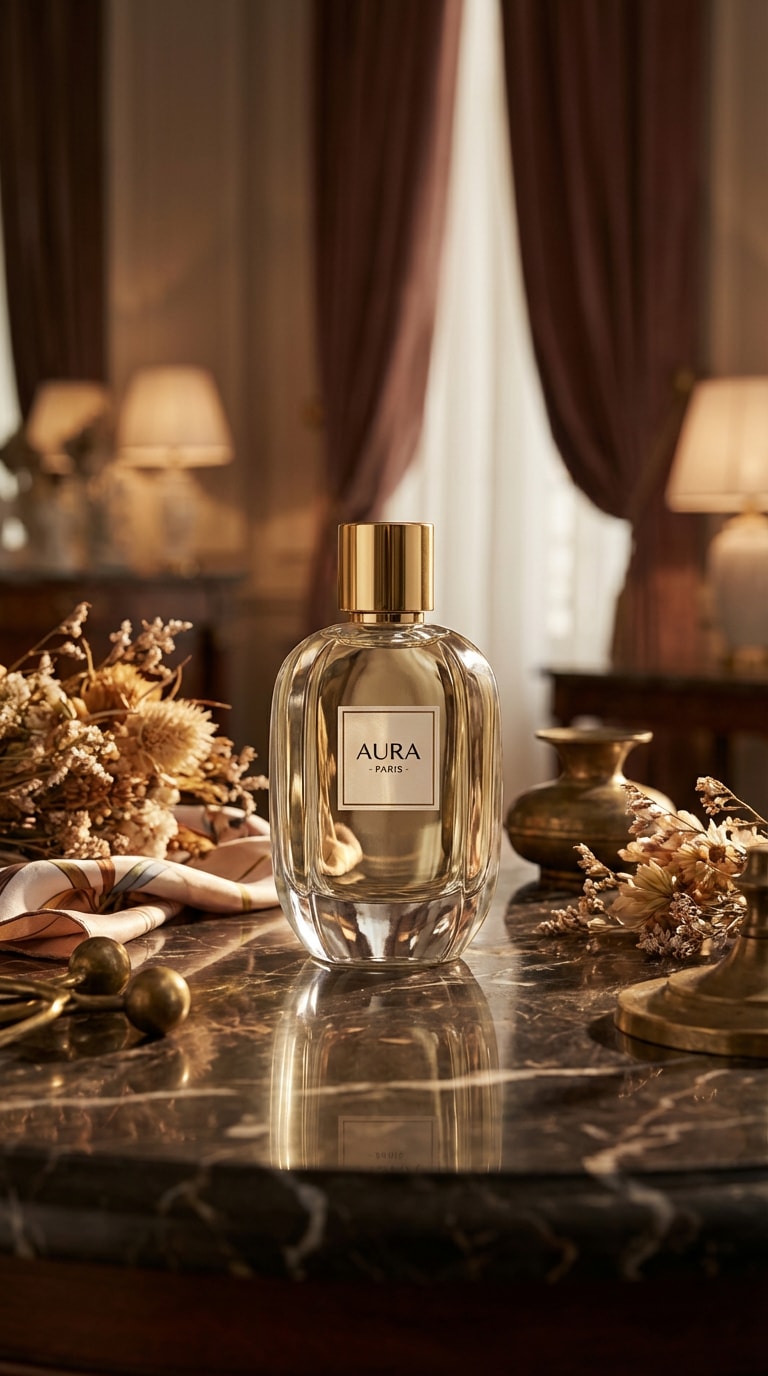
Great for eCommerce images that need a clean product cutout, white backdrop, and realistic shadow balance.
Prompt
Remove the cluttered background and replace it with a pure white eCommerce background. Preserve product shape and edges accurately, improve subject clarity, keep realistic shadows, and output a clean commercial-style image.
Ideal for portraits and branding photos that need a polished studio-style white background with even lighting.
Prompt
Isolate the subject and place it on a bright seamless white studio background. Keep edges soft but precise, preserve fine hair details, balance the light naturally, and create a clean product-ready result.
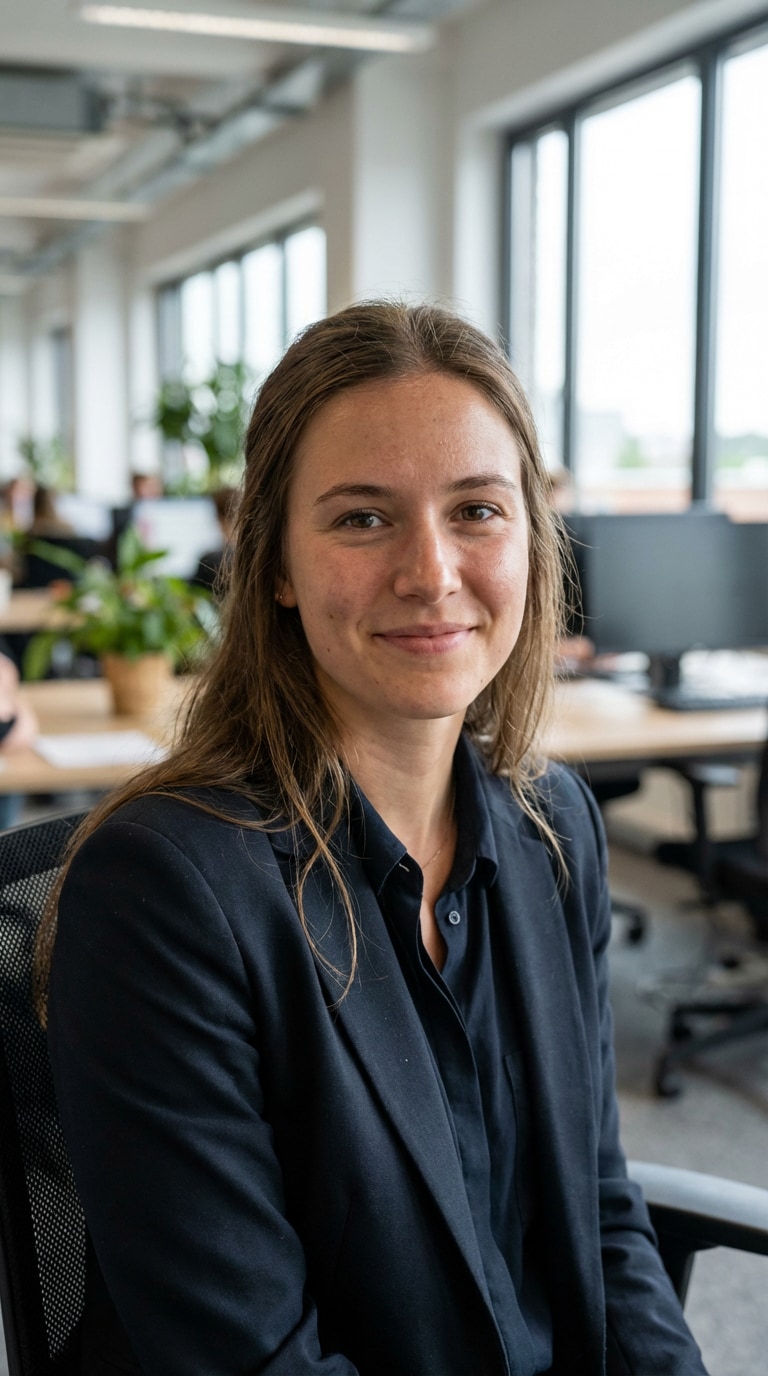
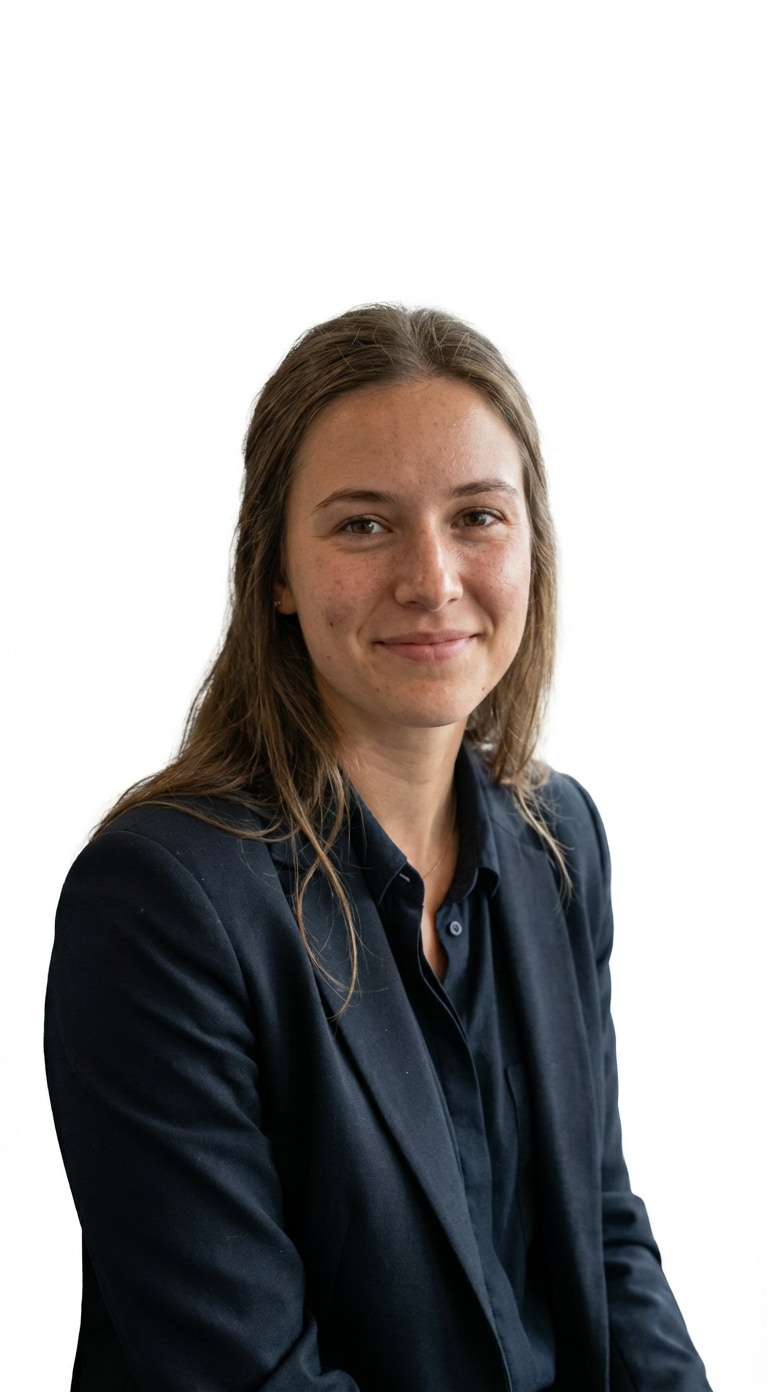
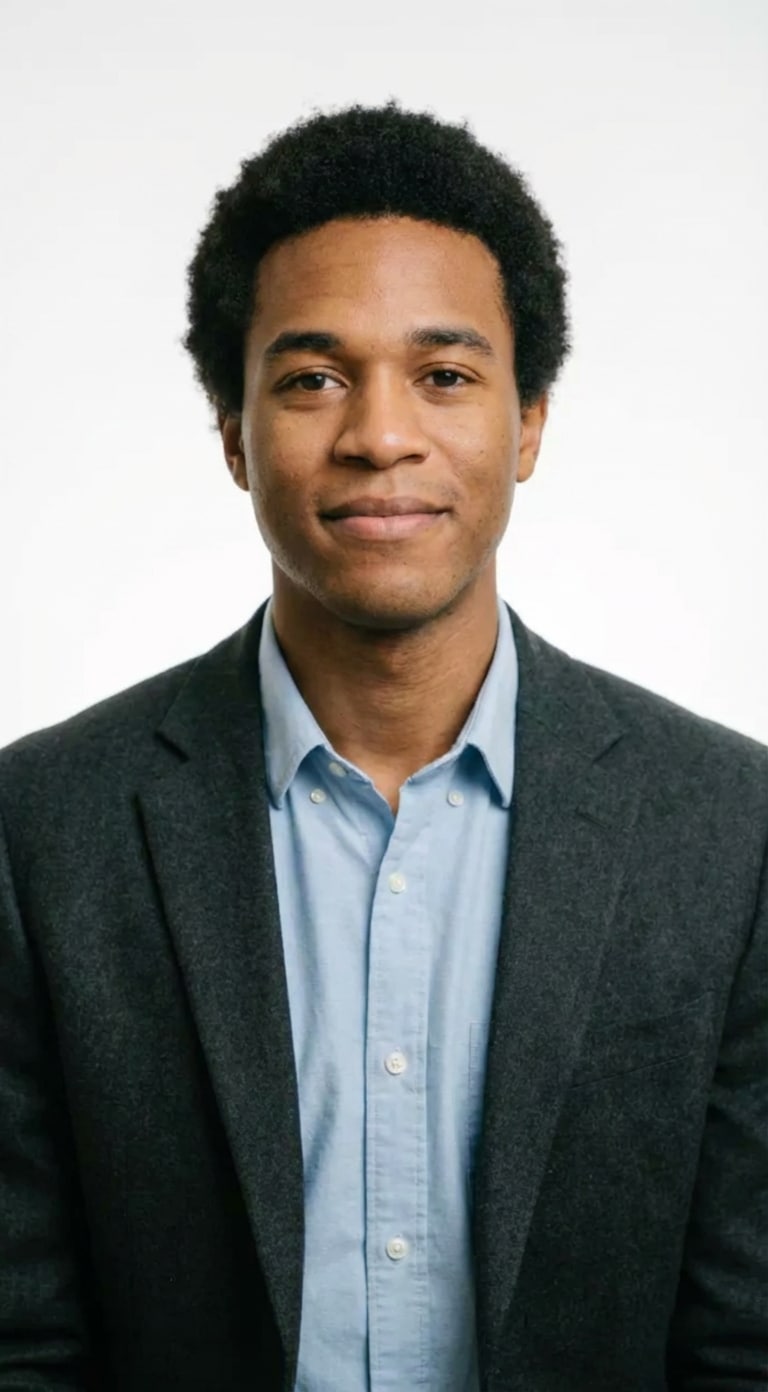
Perfect for profile photos, resumes, and headshots where facial identity and natural skin tones matter most.
Prompt
Replace the background with a pure white backdrop while preserving skin tones, facial identity, and soft natural contour. Refine flyaway hairs, maintain balanced lighting, and create a polished portrait-ready image.
Best when you want a white background that still feels premium, realistic, and slightly dimensional.
Prompt
Extract the subject cleanly and place it on a minimal white background with soft realistic shadow. Preserve textures, avoid harsh cutout edges, maintain original proportions, and output a premium professional image.
Designed for clean visual presentations where the subject should stand out clearly against white.
Prompt
Remove all background distractions and convert the image into a bright minimal white backdrop. Keep the subject crisp, preserve realistic edges, balance exposure, and produce a neat high-resolution output.
Great for product listings that need a compliant white background and stronger visual clarity.
Prompt
Create an eCommerce-ready white background for this product photo. Remove the old background completely, preserve true shape and proportions, refine fine edges, maintain subtle natural shadow, and output a clean catalog-quality image.
Best for polished studio-style outputs with bright white balance and a premium commercial feel.
Prompt
Convert the background into a high-key pure white studio setting. Keep the subject natural, refine hair and small edges, brighten the overall image cleanly, and preserve realistic details without overexposure.
Useful for business headshots, ID-style visuals, and profile images that require a neat white backdrop.
Prompt
Replace the background with a clean white headshot backdrop. Keep skin texture and face details natural, preserve identity, soften harsh shadows, refine hair edges, and create a professional portrait result.
A polished white background look for ads, presentations, and premium storefront visuals.
Prompt
Remove the existing background and place the subject on a premium clean white canvas with soft realistic shadow. Preserve texture and depth, refine subject contours, balance the lighting carefully, and generate a modern professional finish.
Why Media.io Is Great for Adding White Background to Photo
Media.io helps users remove distracting backgrounds and generate clean white background images with AI,
making it easy to create polished visuals for product pages, profile photos, ads, and business content.
One-Click White Background
Perfect for users who want a clean white background without using complex selection tools or manual masking.
Natural Edge Refinement
Great for portraits, hair details, and product cutouts where sharp but believable edges matter.
Works Across Scenarios
Use it for product images, profile photos, resumes, online stores, and clean marketing visuals.
Prompt + Tool Flexibility
Combine AI prompts with Media.io’s image-to-image workflow for more control than a basic background remover.
Common Questions
About Adding White Background to Photo
1. How can I add white background to photo online?
You can upload your image to Media.io, paste a white background prompt, and let AI remove the original background automatically.
This is one of the easiest ways to add white background to photo without manual editing.
2. Can I make product photos white background for eCommerce?
Yes. Media.io works well for product images that need a clean white background for stores, catalogs, and marketplace listings.
Prompts focused on edge accuracy and realistic shadows usually give the best eCommerce-ready results.
3. Will AI keep hair and fine edges natural on a white background?
In many cases, yes. A good prompt can help AI preserve hair strands, soft edges, and natural contours while still giving you a clean white background result.
This is especially useful for portraits and headshots.
4. Can I replace a messy background with white for profile or resume photos?
Absolutely. Media.io is useful for profile photos, resume headshots, and business portraits where you want a cleaner and more professional white background.
You can also keep the subject natural by using portrait-focused prompts.
5. What prompt should I use to change background to white naturally?
The best prompt usually asks AI to remove the original background, replace it with pure white, preserve the subject naturally,
refine small details like hair or product edges, and keep realistic light balance.
The prompt templates on this page are built for exactly that workflow.